Staples Scanners
Staples Scanner solutions make it easy to digitize documents, photos, and more with efficiency and convenience. Whether outfitting a home office or upgrading your workspace, these scanners offer reliable performance for a variety of scanning needs. Explore options designed to streamline your workflow and help keep important files organized. Discover the right Staples Scanner to support your productivity and document management goals.
Sort

The right scanner starts with your paperwork
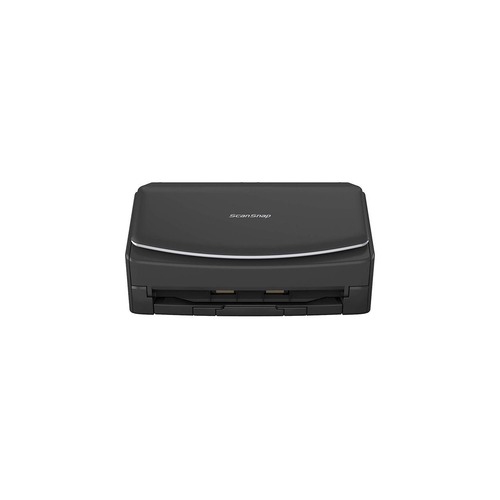
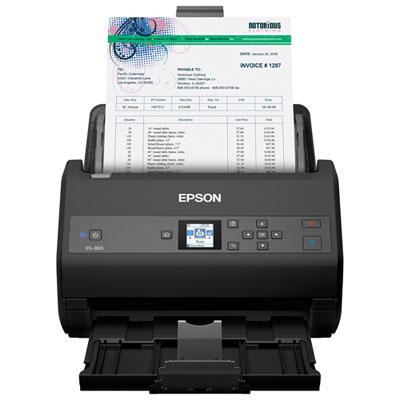
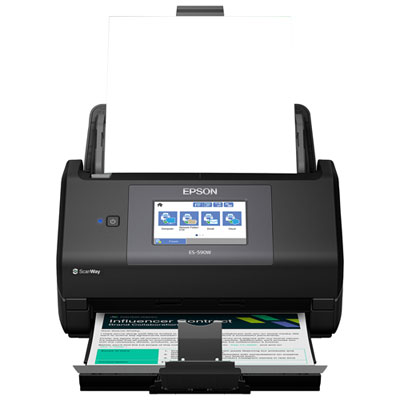
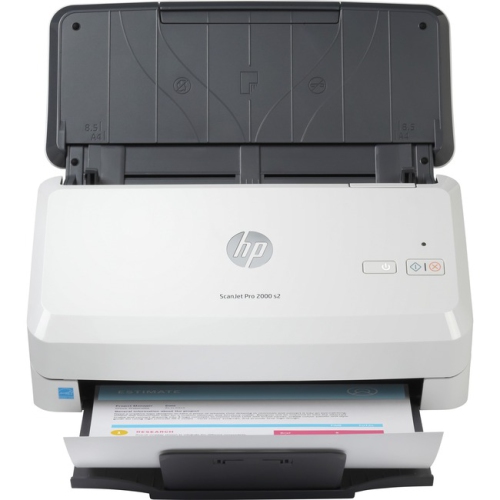
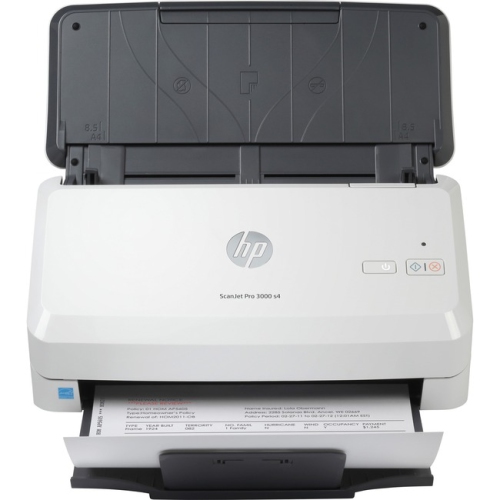
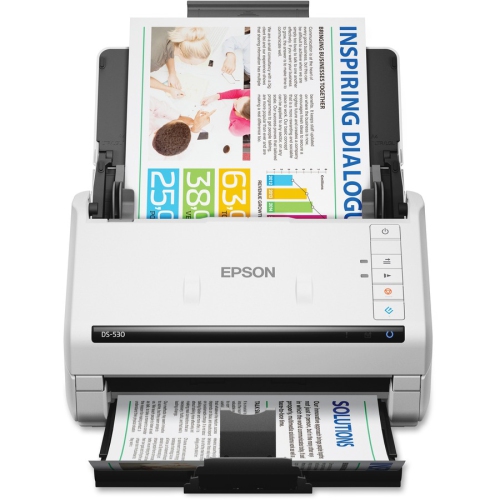
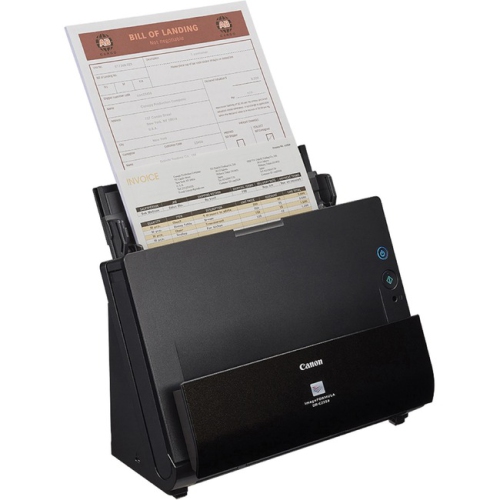
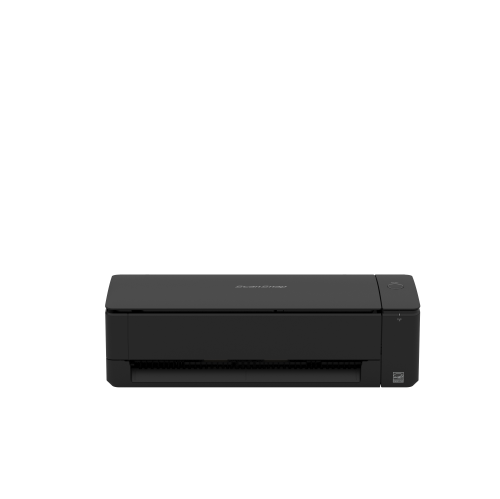
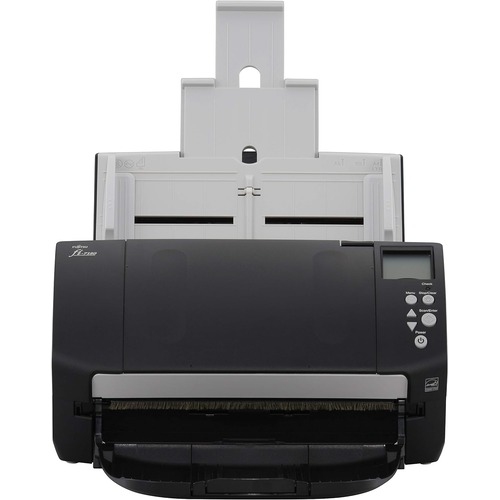
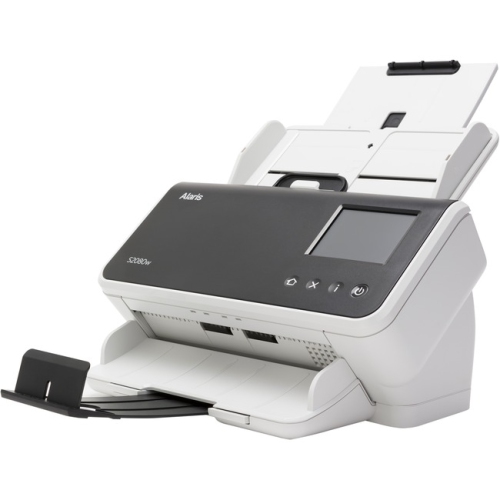
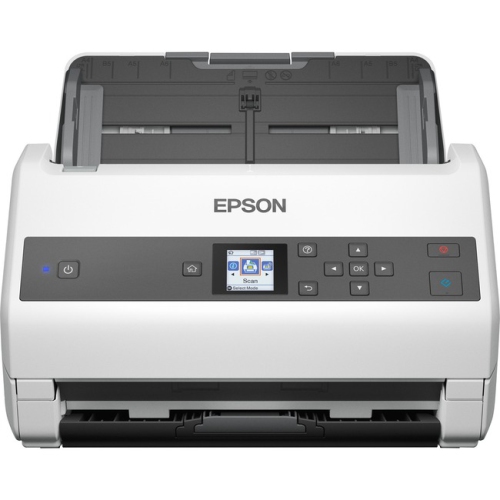
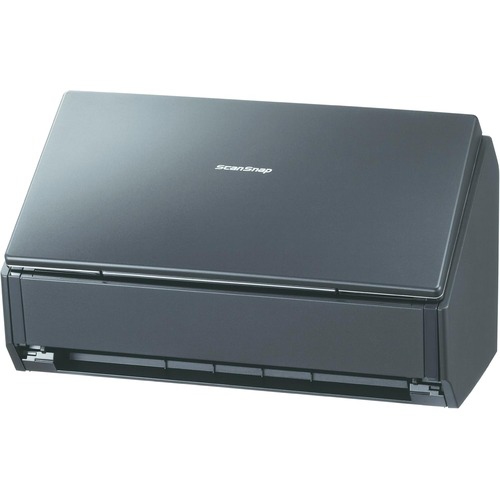
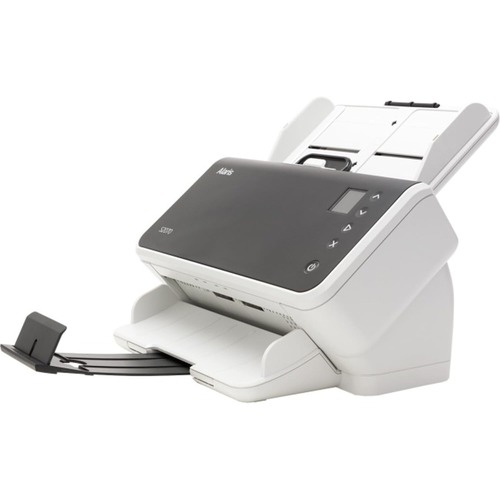
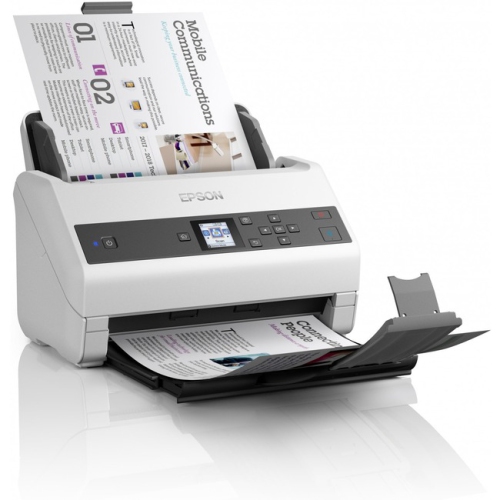
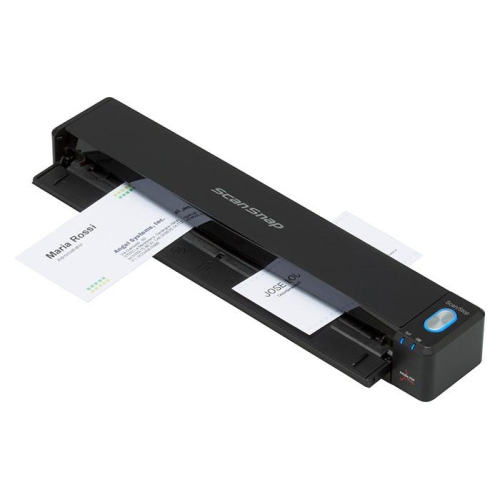
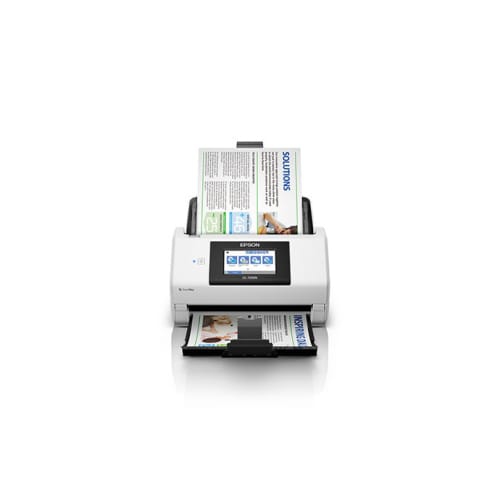
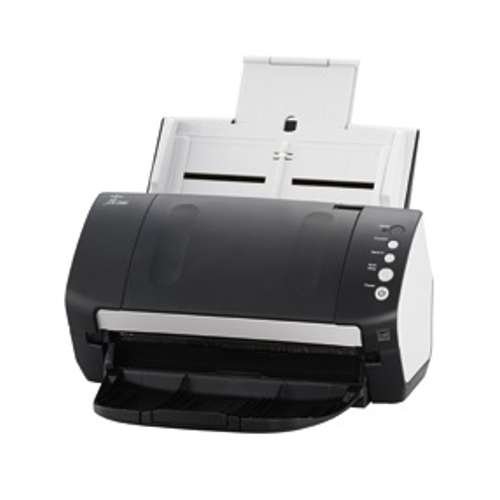
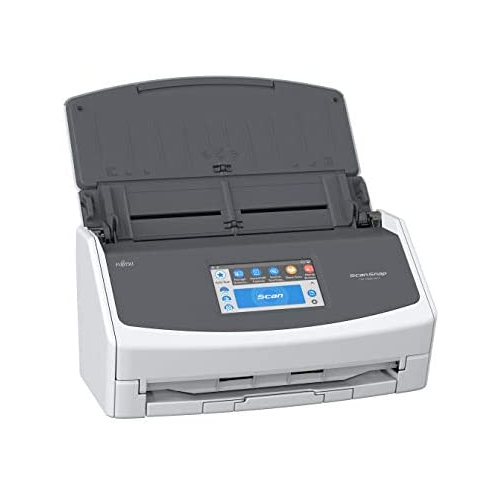
Document scanners turn paper documents, photographs, and receipts into digital files that are easier to store, search, and share. For a home office, that might mean turning a folder of signed forms into PDFs; for a busy workplace, it could mean processing invoices and client paperwork in regular batches. The main scanner formats suit different tasks: flatbed scanners hold originals on a glass surface, sheet-fed scanners draw loose pages through a paper path, and portable scanners offer a compact option for occasional use away from a desk. A flatbed is useful for photographs, delicate papers, and bound material that fits within the device’s size and lid limits. A sheet-fed design is generally better suited to stacks of standard documents, especially when it includes an automatic document feeder. Duplex scanning captures both sides of a sheet, reducing the handling involved with double-sided contracts, statements, or classroom handouts. Portable designs can suit students, travelling professionals, and people working between locations, although feeding pages individually can take longer than using a desktop feeder. The most useful format depends less on the number of papers in a drawer than on their condition, dimensions, and frequency of use. A handful of receipts each week presents a different task from a thick bundle of letter-size forms every morning. Scanner specifications commonly include supported paper sizes, feeder capacity, scanning speed, and daily volume recommendations. Those details help distinguish a device suited to occasional household paperwork from one designed for repeated office use. Speed figures also need context: pages per minute and images per minute are different measures, since a double-sided sheet contains two page images. Published speeds may depend on resolution, colour settings, connection type, and the computer receiving the files. For everyday use, a smooth process from loading paper to saving a clearly named file often matters as much as the fastest stated scan rate. Controls that are easy to reach and a readable preview can make routine tasks less fiddly, particularly when several people share the same scanner.
Image quality and software features shape what happens after the paper passes through the scanner. Optical resolution describes the detail the hardware can capture, while an interpolated resolution uses software to add pixels rather than capture additional original detail. Around 300 dpi is a common starting point for readable office documents, while small print, photographs, and work intended for enlargement may benefit from higher settings. Increasing resolution also creates larger files and can slow processing, so maximum settings are not necessary for every receipt or permission slip. Colour scanning preserves details such as highlighted text, coloured annotations, and faded ink; greyscale can work well for many text-heavy pages. Optical character recognition, often called OCR, can make scanned text searchable and, with suitable software, editable. Its accuracy depends on the clarity of the original, the language settings, and the page layout, and handwritten notes may need separate support. A searchable PDF is practical for finding a name or invoice number later, while JPEG and TIFF formats serve different photo storage and editing needs. Automatic cropping, page rotation, blank-page removal, and double-feed detection can reduce repetitive adjustments, but support varies by device and software package. Connection options also affect fit. USB provides a direct link to a compatible computer, while Wi-Fi or wired networking can support shared workflows on equipped scanners. Mobile scanning, cloud destinations, and scanning without a computer are separate capabilities rather than automatic benefits of a wireless connection. Operating system compatibility, driver support, included software, and any account or subscription requirements deserve attention before a scanner becomes part of a daily routine. In a workspace that also produces printed copies, Staples Laser Printers offers a related category for completing the paper-to-digital workflow. A dedicated scanner handles digitization, while a separate printer handles output; keeping those roles distinct can be useful when scanning demands differ from printing needs. Sensitive documents also call for careful file handling, with appropriate access settings and a deliberate choice of local, network, or cloud storage.
Physical fit, construction, and regular care make a noticeable difference over time. Desktop scanners need space not just for the housing but also for extended input and output trays, connected cables, and access to clear a paper jam. Flatbeds need enough clearance to raise the lid, which can rule out a tight shelf even when the base dimensions appear suitable. Portable models are easier to carry, but they still need a stable surface and room for pages to enter and exit without bending. Housings commonly use moulded plastic, while flatbeds add a glass scanning surface and sheet-fed designs rely on rollers and separation components to move paper consistently. Durability depends on the whole assembly, including tray hinges, guides, feed parts, and access for maintenance, rather than on the outer casing alone. Where supported, replaceable rollers and separation pads can help maintain dependable feeding as those parts wear. Paper preparation is equally important: staples and paper clips should be removed, folded corners flattened, and adhesive notes checked before loose sheets enter a feeder. Torn originals, very thin receipts, embossed cards, and unusually thick paper may require a supported carrier sheet, a dedicated feed setting, or a flatbed instead. Older family photographs deserve particular care because curled edges and fragile surfaces may not tolerate a roller path. Dust or adhesive residue on a narrow scanning strip can create a long line through every page image, even when the original looks clean. Manufacturer-approved cleaning methods, a soft lint-free cloth, and suitable supplies help protect glass and feed components; liquid should not be sprayed directly into the device. For households, a scanner can make school forms, warranties, and family documents easier to organize. For small businesses and community groups, it can simplify sharing signed paperwork and maintaining searchable files. A compact scanner may also be a thoughtful practical gift for someone setting up a study space or managing frequent paperwork, provided it suits their computer and documents. Consistent file names, sensible folders, and a separate backup help preserve the value of that work, while important originals should be kept whenever legal, financial, or personal needs require them.
Image quality and software features shape what happens after the paper passes through the scanner. Optical resolution describes the detail the hardware can capture, while an interpolated resolution uses software to add pixels rather than capture additional original detail. Around 300 dpi is a common starting point for readable office documents, while small print, photographs, and work intended for enlargement may benefit from higher settings. Increasing resolution also creates larger files and can slow processing, so maximum settings are not necessary for every receipt or permission slip. Colour scanning preserves details such as highlighted text, coloured annotations, and faded ink; greyscale can work well for many text-heavy pages. Optical character recognition, often called OCR, can make scanned text searchable and, with suitable software, editable. Its accuracy depends on the clarity of the original, the language settings, and the page layout, and handwritten notes may need separate support. A searchable PDF is practical for finding a name or invoice number later, while JPEG and TIFF formats serve different photo storage and editing needs. Automatic cropping, page rotation, blank-page removal, and double-feed detection can reduce repetitive adjustments, but support varies by device and software package. Connection options also affect fit. USB provides a direct link to a compatible computer, while Wi-Fi or wired networking can support shared workflows on equipped scanners. Mobile scanning, cloud destinations, and scanning without a computer are separate capabilities rather than automatic benefits of a wireless connection. Operating system compatibility, driver support, included software, and any account or subscription requirements deserve attention before a scanner becomes part of a daily routine. In a workspace that also produces printed copies, Staples Laser Printers offers a related category for completing the paper-to-digital workflow. A dedicated scanner handles digitization, while a separate printer handles output; keeping those roles distinct can be useful when scanning demands differ from printing needs. Sensitive documents also call for careful file handling, with appropriate access settings and a deliberate choice of local, network, or cloud storage.
Physical fit, construction, and regular care make a noticeable difference over time. Desktop scanners need space not just for the housing but also for extended input and output trays, connected cables, and access to clear a paper jam. Flatbeds need enough clearance to raise the lid, which can rule out a tight shelf even when the base dimensions appear suitable. Portable models are easier to carry, but they still need a stable surface and room for pages to enter and exit without bending. Housings commonly use moulded plastic, while flatbeds add a glass scanning surface and sheet-fed designs rely on rollers and separation components to move paper consistently. Durability depends on the whole assembly, including tray hinges, guides, feed parts, and access for maintenance, rather than on the outer casing alone. Where supported, replaceable rollers and separation pads can help maintain dependable feeding as those parts wear. Paper preparation is equally important: staples and paper clips should be removed, folded corners flattened, and adhesive notes checked before loose sheets enter a feeder. Torn originals, very thin receipts, embossed cards, and unusually thick paper may require a supported carrier sheet, a dedicated feed setting, or a flatbed instead. Older family photographs deserve particular care because curled edges and fragile surfaces may not tolerate a roller path. Dust or adhesive residue on a narrow scanning strip can create a long line through every page image, even when the original looks clean. Manufacturer-approved cleaning methods, a soft lint-free cloth, and suitable supplies help protect glass and feed components; liquid should not be sprayed directly into the device. For households, a scanner can make school forms, warranties, and family documents easier to organize. For small businesses and community groups, it can simplify sharing signed paperwork and maintaining searchable files. A compact scanner may also be a thoughtful practical gift for someone setting up a study space or managing frequent paperwork, provided it suits their computer and documents. Consistent file names, sensible folders, and a separate backup help preserve the value of that work, while important originals should be kept whenever legal, financial, or personal needs require them.
Top selling and popular products
-
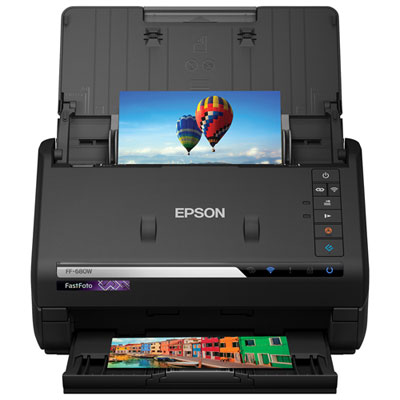 Your price for this item is $849.99
 -
 Your price for this item is $107.99
 -
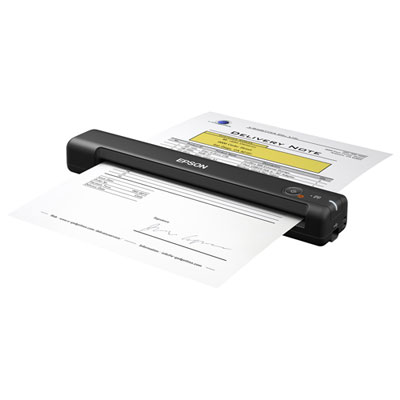 Your price for this item is $149.99
 -
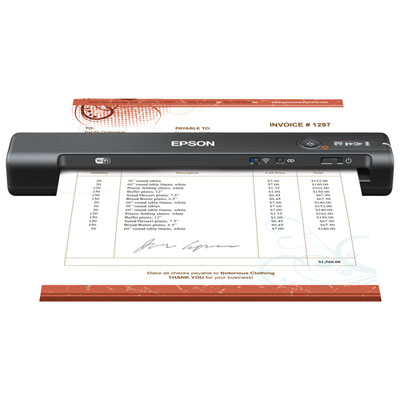 Your price for this item is $239.99
 -
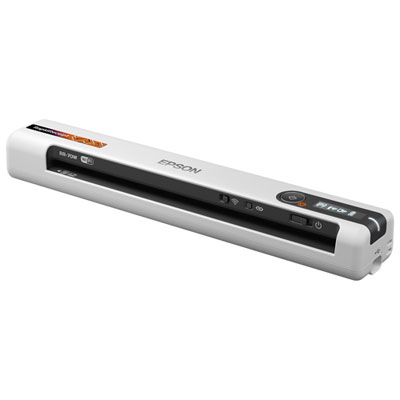 Your price for this item is $369.99
 -
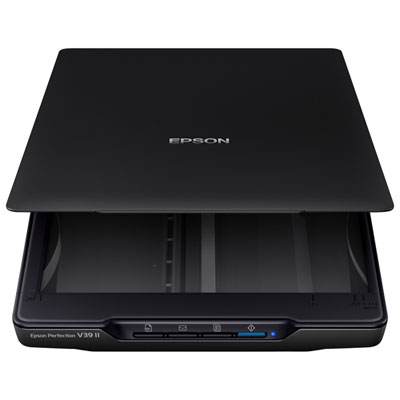 Your price for this item is $129.99
 -
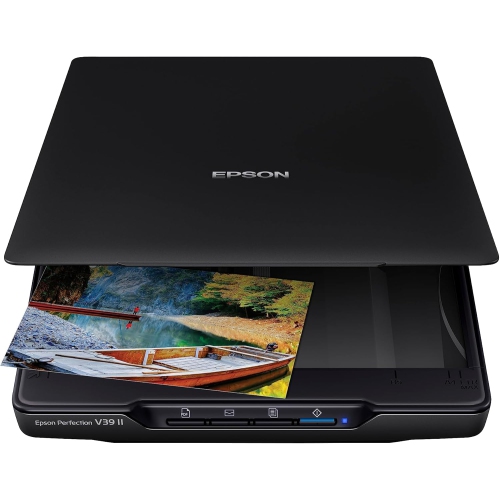 Your price for this item is $228.99
 -
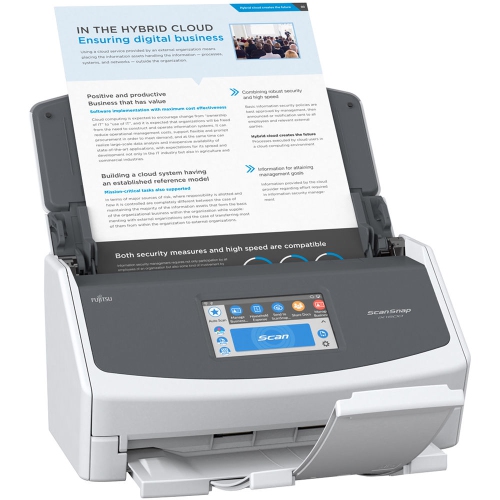 Your price for this item is $804
Discover more categories related to Staples Scanners
Top Collections:
Pokemon Centers, Kindle Devices, Best Budget Office Chairs, Apple iPhones 16, Best Laptops for Writers, iPhone 15 Apple, Canon G7X Cameras, Refurbished Apple Laptops, Alarm Clock, Motorola Razr Phones
Some products may be subject to Environmental Handling Fees
(EHF) depending on your province.
Learn more about EHFs.