Staples Brother Printers
Staples Brother Printer options offer reliable solutions for all your printing needs, whether for home, office, or classroom use. Explore a wide selection designed to handle everyday tasks with ease and efficiency. Find the perfect Staples Brother Printer to match your workflow and enjoy smooth, consistent performance for documents, photos, and more. Shop now to discover models that fit every budget and workspace.
Sort
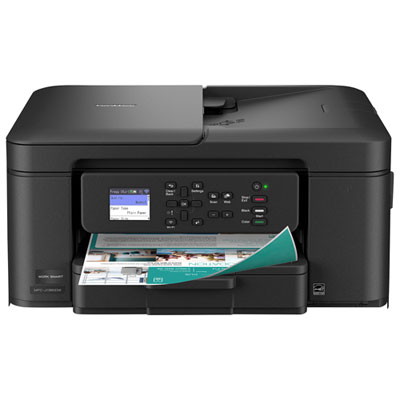
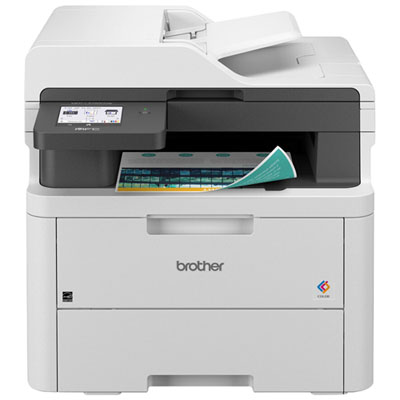
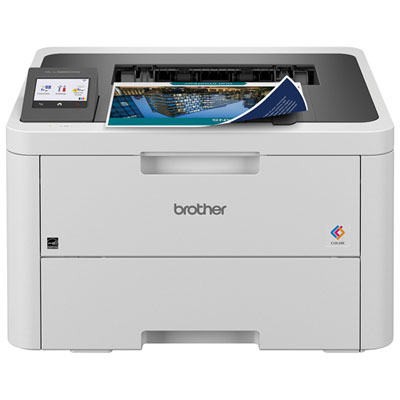
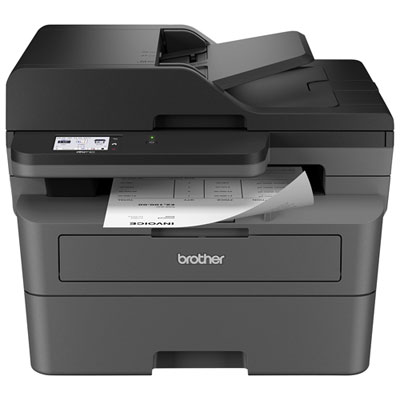
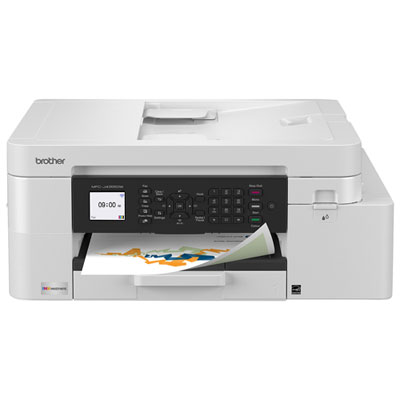
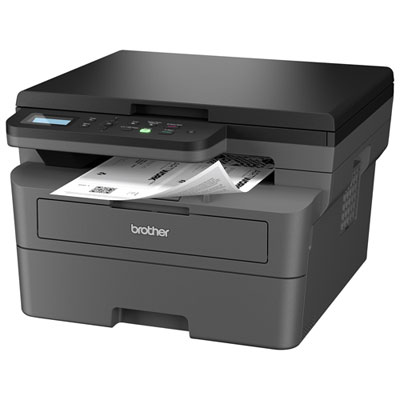
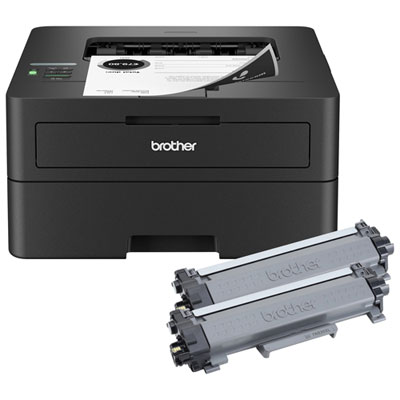
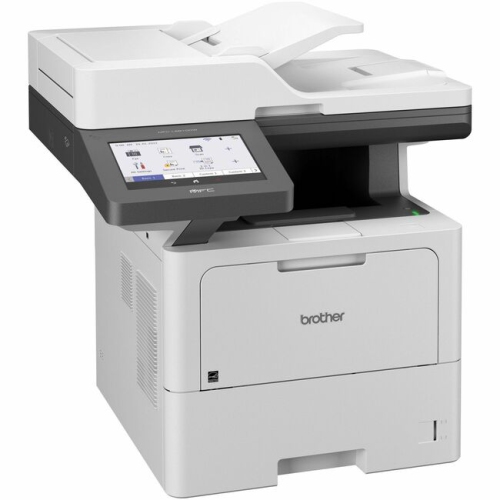
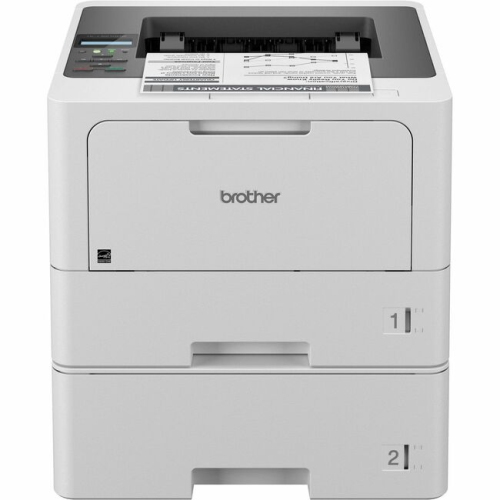
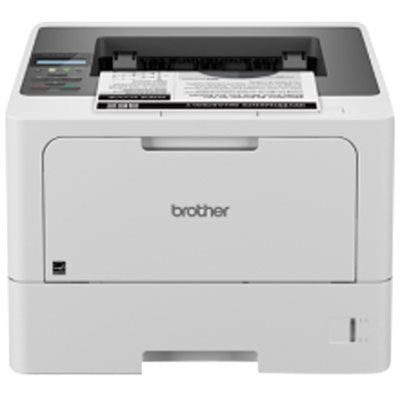
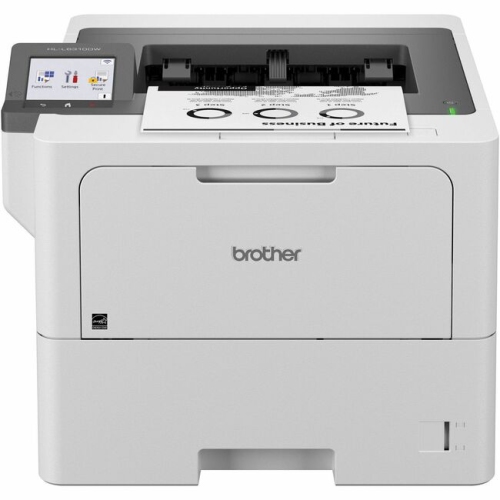
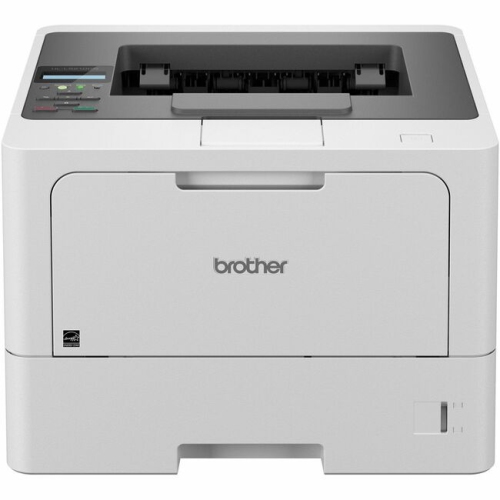
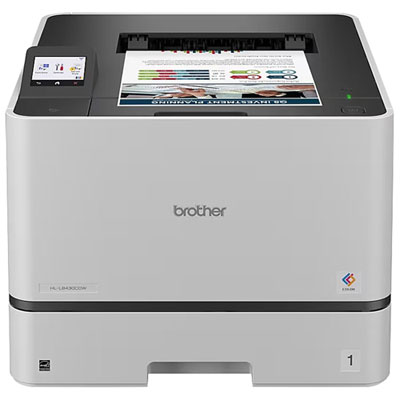
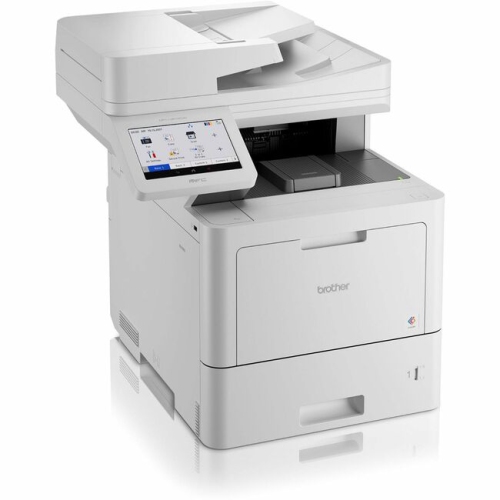
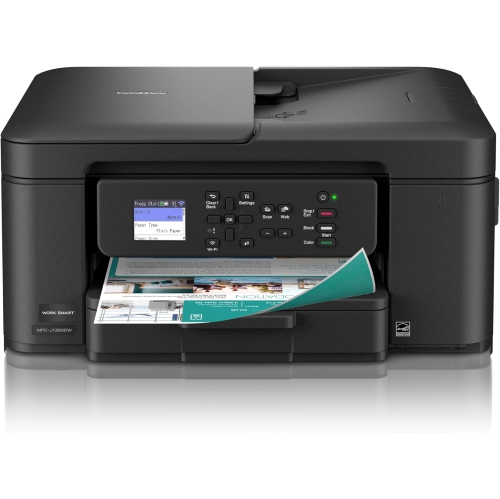
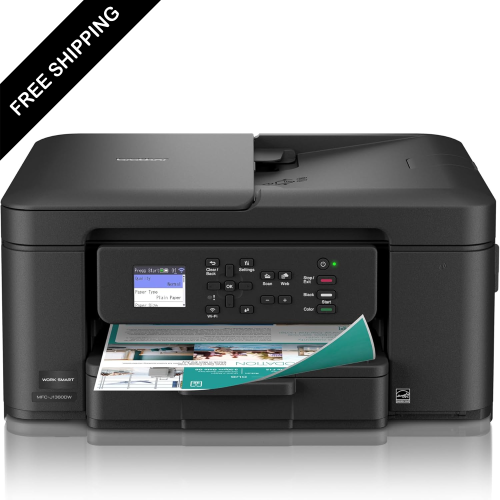
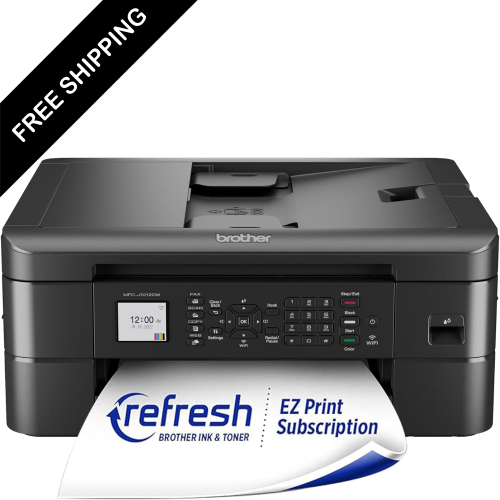
The right printer starts with your everyday paperwork
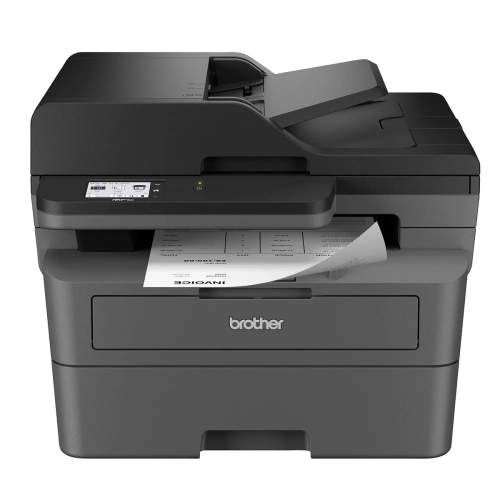
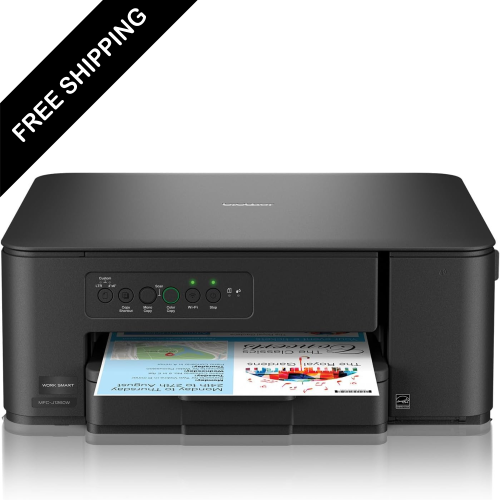
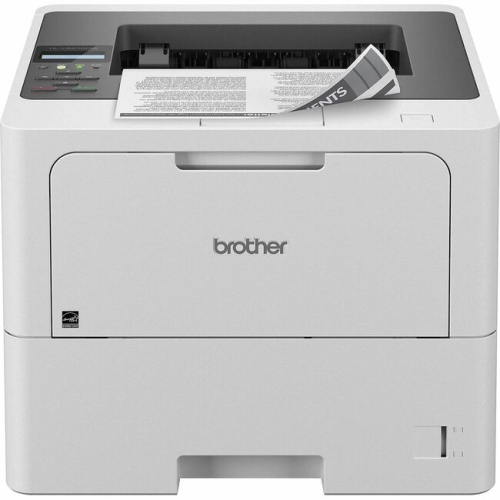
Printers bring everyday documents off the screen and into a form that is easy to sign, share, file, or pin beside a desk. In a home office, that might mean a neatly printed contract before a client meeting; in a busy household, it could be a permission form, a return label, or a set of study notes with room for handwritten comments. Different printing technologies suit different routines. Laser printers use toner and heat to produce text and graphics, making them a practical fit for document-heavy tasks such as correspondence, invoices, and course readings. Inkjet printers use liquid ink and can suit a mixture of text, colour illustrations, and photographs, with results depending on the paper and print settings. Monochrome printing keeps the focus on crisp black text, while colour adds meaning to charts, presentation handouts, and classroom materials. For households or workspaces centred on text documents, Staples Laser Printers offers a related category to browse. Print-only designs keep the hardware focused on one task, while multifunction printers combine printing with scanning and copying; some also include fax capabilities for offices that still use them. These distinctions matter more than a long feature list when the printer has a clear role in the room. A student working through annotated readings has different needs from a small business preparing several sets of meeting documents each morning. Likewise, a family printing a few forms at a time may value straightforward operation more than a large paper tray. Printed output also has a tactile side: ordinary office paper suits most daily documents, heavier compatible sheets give presentations a more substantial feel, and the right specialty media can make labels or images look more finished. Paper weight, coating, and size must match the printer’s supported specifications, particularly when heat is part of the printing process. The result is a category shaped by the documents people actually handle, not simply by how many features fit onto a control panel.
Physical fit and paper handling help determine how comfortably a printer becomes part of a workspace. A compact body can sit neatly beside a monitor, but the working footprint includes more than the outer dimensions. Input trays, rear paper feeds, open scanner lids, and access panels may need clearance beyond the space the printer occupies when closed. A shelf that looks roomy enough for the housing may feel cramped when someone needs to load legal-size paper or remove a finished stack. Stable furniture, accessible controls, and room around ventilation openings all contribute to practical placement. Many printers combine moulded plastic exterior panels with internal metal components, rollers, and moving assemblies; durability depends on construction, appropriate use, and routine upkeep rather than appearance alone. In a shared office, tray strength and easy access to frequently handled parts can be especially relevant. Paper capacity affects how often a tray needs refilling, while an output area that holds a tidy stack helps keep longer jobs manageable. Automatic two-sided printing is useful for reports, reference materials, and course packs that would otherwise become bulky. A manual feed slot or multipurpose tray can accommodate occasional envelopes or other supported media without disturbing the main paper supply. Scanning deserves its own consideration on multifunction designs. A flatbed provides a level surface for individual pages, photographs, or a book spread, within the scanner’s size limits. An automatic document feeder handles a stack of loose sheets, which can make routine paperwork less hands-on. Two-sided scanning is a separate capability from two-sided printing, so the distinction matters for anyone digitizing double-sided records. Speed is similarly tied to the task: the wait for a first page can be noticeable with one-page forms, whereas sustained output matters more for larger batches. Published speeds may vary with colour use, resolution, duplex settings, and document complexity. Noise can also shape placement, especially beside a study area or in a room used for calls. A printer that suits its surroundings leaves space for both the equipment and the person using it.
Connectivity and ongoing care round out the day-to-day experience. A USB connection can suit a printer used mainly with one nearby computer, while Ethernet provides a wired network option for compatible office setups. Wi-Fi allows more flexibility in placement and can let several household members or colleagues share the same printer without moving cables between devices. Mobile printing support varies, so compatibility with the phones, tablets, computers, and operating systems used in the space is an important part of the fit. Some printers offer direct wireless connections, though those functions are distinct from joining a home or office network. A clear display and accessible menus can make common tasks feel less fiddly, particularly when several people use the machine. In a workplace handling personal or business documents, supported access controls, secure print release, and suitable network settings may also be relevant. The everyday routine continues after setup: toner or ink must match the printer, paper should stay dry and flat, and trays work best when their guides sit correctly against the loaded sheets. Overfilled trays, curled pages, and unsuitable media can interrupt an otherwise straightforward job. Inkjet designs may need periodic use and maintenance cycles to keep printheads functioning properly, while laser designs can have drums or other components with replacement schedules separate from the toner cartridge. Those arrangements vary by model. Following the manufacturer’s cleaning directions helps protect rollers, scanner glass, and exterior surfaces without introducing unsuitable liquids or abrasive materials. A clean scanning surface is particularly noticeable when copying signed forms or saving records, since dust and marks can appear in the finished image. For small businesses, students, remote workers, and families, these practical details shape whether printing feels like a simple part of the day or an extra task to manage. A well-matched printer supports the pace of the space, from a quiet evening spent preparing study materials to a morning of invoices, shipping paperwork, and signed documents ready to leave the desk.
Physical fit and paper handling help determine how comfortably a printer becomes part of a workspace. A compact body can sit neatly beside a monitor, but the working footprint includes more than the outer dimensions. Input trays, rear paper feeds, open scanner lids, and access panels may need clearance beyond the space the printer occupies when closed. A shelf that looks roomy enough for the housing may feel cramped when someone needs to load legal-size paper or remove a finished stack. Stable furniture, accessible controls, and room around ventilation openings all contribute to practical placement. Many printers combine moulded plastic exterior panels with internal metal components, rollers, and moving assemblies; durability depends on construction, appropriate use, and routine upkeep rather than appearance alone. In a shared office, tray strength and easy access to frequently handled parts can be especially relevant. Paper capacity affects how often a tray needs refilling, while an output area that holds a tidy stack helps keep longer jobs manageable. Automatic two-sided printing is useful for reports, reference materials, and course packs that would otherwise become bulky. A manual feed slot or multipurpose tray can accommodate occasional envelopes or other supported media without disturbing the main paper supply. Scanning deserves its own consideration on multifunction designs. A flatbed provides a level surface for individual pages, photographs, or a book spread, within the scanner’s size limits. An automatic document feeder handles a stack of loose sheets, which can make routine paperwork less hands-on. Two-sided scanning is a separate capability from two-sided printing, so the distinction matters for anyone digitizing double-sided records. Speed is similarly tied to the task: the wait for a first page can be noticeable with one-page forms, whereas sustained output matters more for larger batches. Published speeds may vary with colour use, resolution, duplex settings, and document complexity. Noise can also shape placement, especially beside a study area or in a room used for calls. A printer that suits its surroundings leaves space for both the equipment and the person using it.
Connectivity and ongoing care round out the day-to-day experience. A USB connection can suit a printer used mainly with one nearby computer, while Ethernet provides a wired network option for compatible office setups. Wi-Fi allows more flexibility in placement and can let several household members or colleagues share the same printer without moving cables between devices. Mobile printing support varies, so compatibility with the phones, tablets, computers, and operating systems used in the space is an important part of the fit. Some printers offer direct wireless connections, though those functions are distinct from joining a home or office network. A clear display and accessible menus can make common tasks feel less fiddly, particularly when several people use the machine. In a workplace handling personal or business documents, supported access controls, secure print release, and suitable network settings may also be relevant. The everyday routine continues after setup: toner or ink must match the printer, paper should stay dry and flat, and trays work best when their guides sit correctly against the loaded sheets. Overfilled trays, curled pages, and unsuitable media can interrupt an otherwise straightforward job. Inkjet designs may need periodic use and maintenance cycles to keep printheads functioning properly, while laser designs can have drums or other components with replacement schedules separate from the toner cartridge. Those arrangements vary by model. Following the manufacturer’s cleaning directions helps protect rollers, scanner glass, and exterior surfaces without introducing unsuitable liquids or abrasive materials. A clean scanning surface is particularly noticeable when copying signed forms or saving records, since dust and marks can appear in the finished image. For small businesses, students, remote workers, and families, these practical details shape whether printing feels like a simple part of the day or an extra task to manage. A well-matched printer supports the pace of the space, from a quiet evening spent preparing study materials to a morning of invoices, shipping paperwork, and signed documents ready to leave the desk.
Top selling and popular products
-
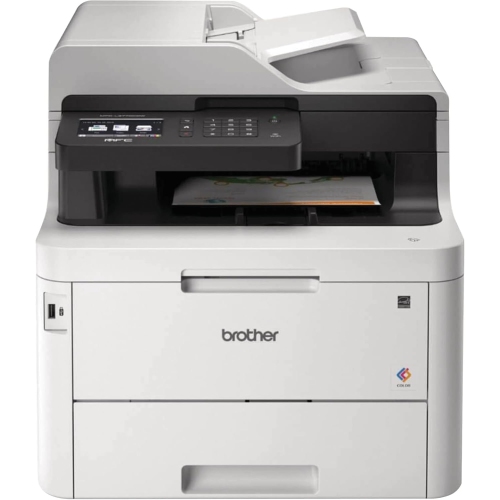 Your price for this item is $799
 -
 Your price for this item is $929.89
 -
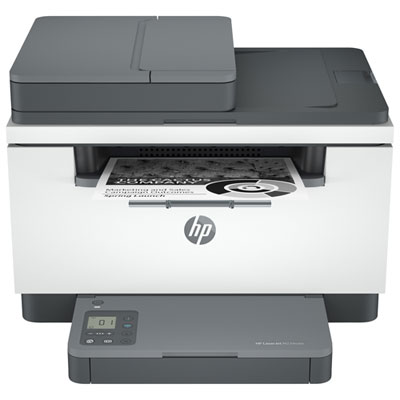 Your price for this item is $199.99
 -
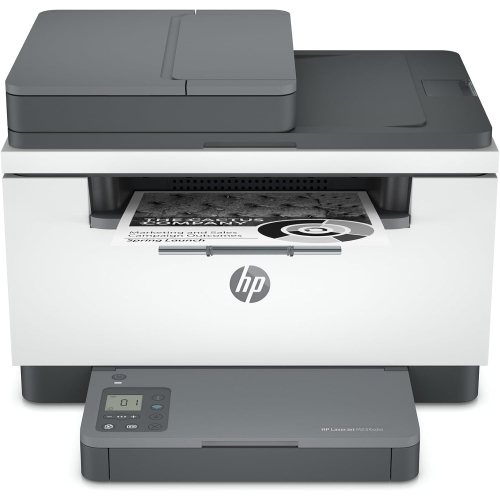 Your price for this item is $371.83
 -
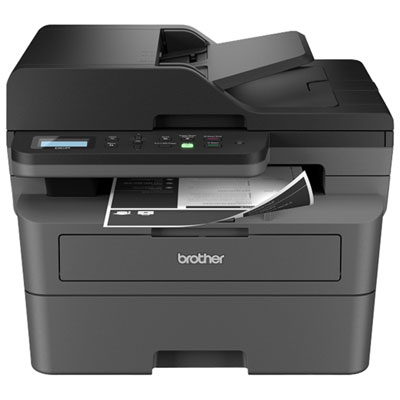 Your price for this item is $319.99
 -
 Your price for this item is $477.68
 -
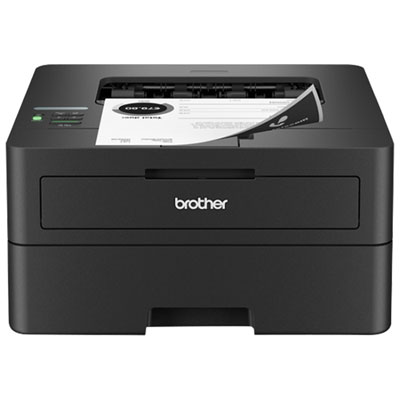 Your price for this item is $249.99
 -
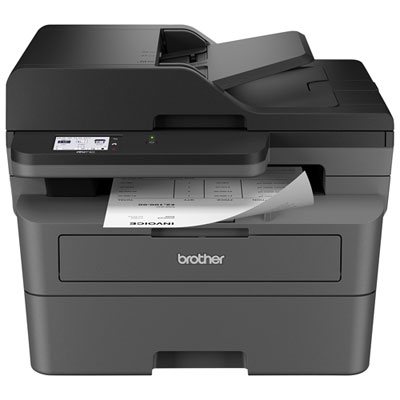 Your price for this item is $299.99
Discover more categories related to Staples Brother Printers


Top Collections:
Pokemon Centers, Kindle Devices, Best Budget Office Chairs, Apple iPhones 16, Best Laptops for Writers, iPhone 15 Apple, Canon G7X Cameras, Refurbished Apple Laptops, Alarm Clock, Motorola Razr Phones
Some products may be subject to Environmental Handling Fees
(EHF) depending on your province.
Learn more about EHFs.