Stylus With Palm Rejection
Experience seamless precision and effortless creativity with these stylus pens featuring palm rejection technology. Whether you're an artist, student, or professional, these stylus pens are designed to enhance your digital experience by allowing you to write, draw, and navigate with ease on your touchscreen devices. Say goodbye to accidental marks and smudges caused by unwanted palm contact, and say hello to a world of uninterrupted inspiration.
Sort
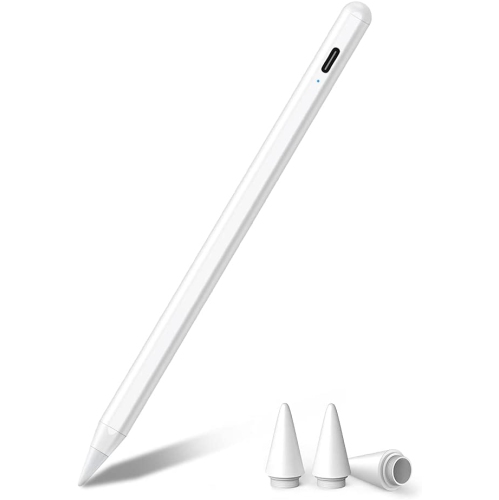
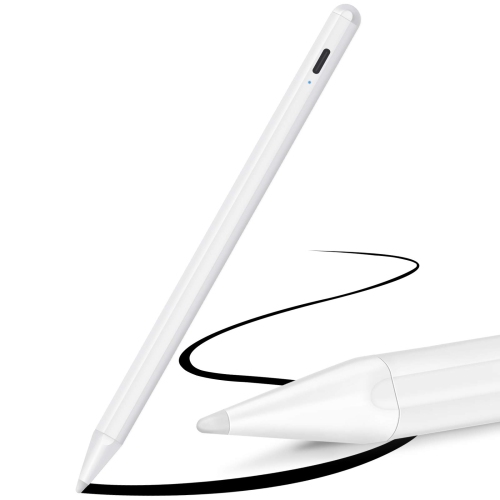
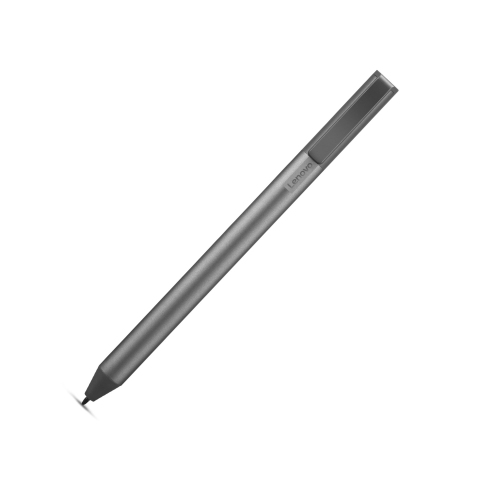
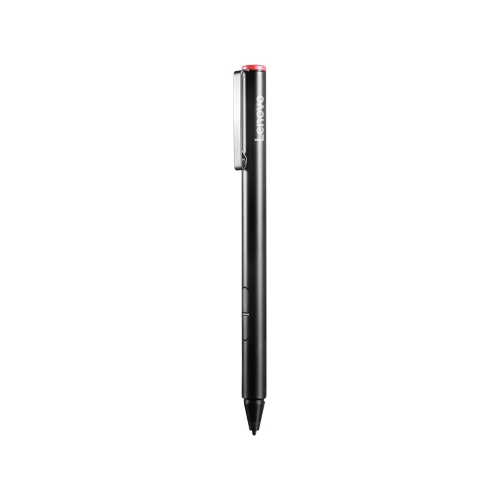
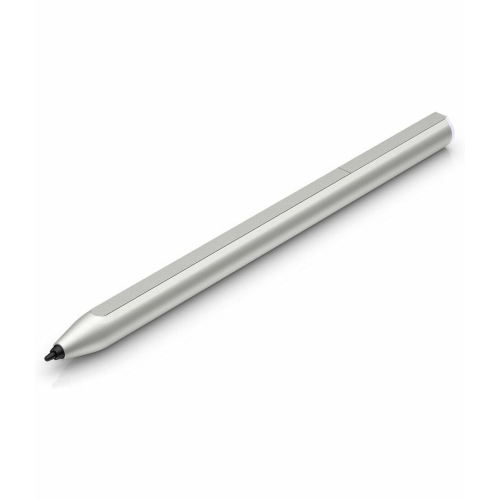
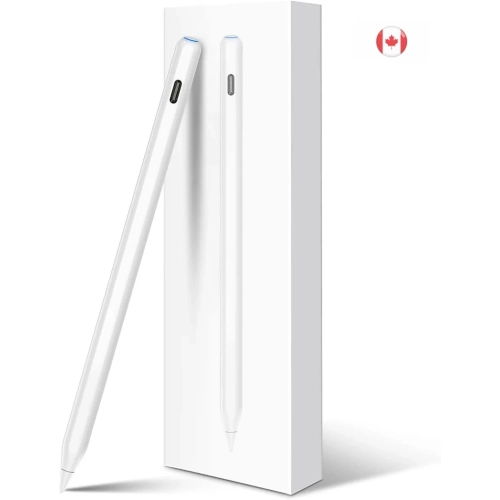
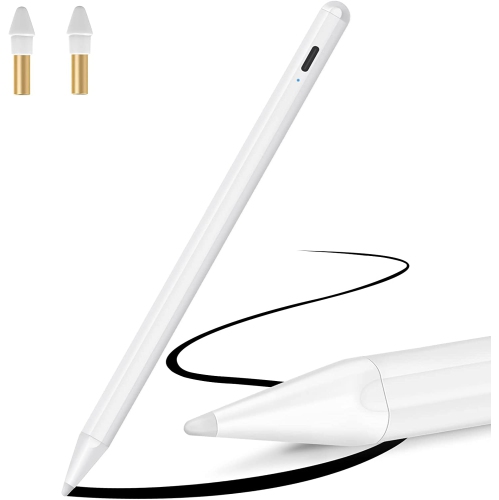
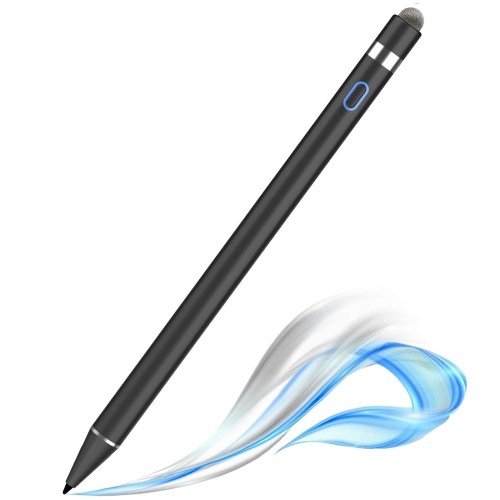
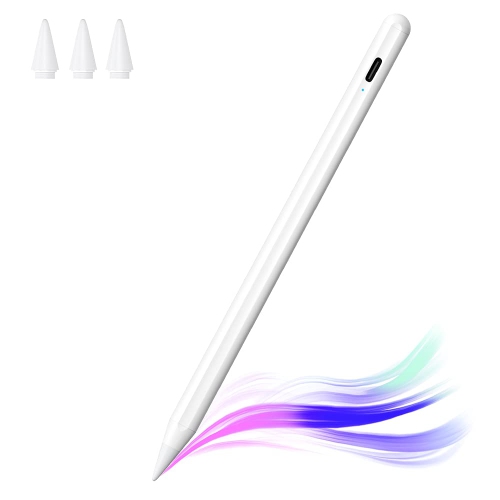
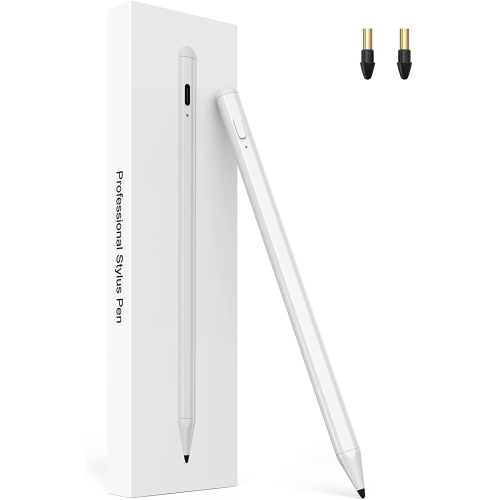
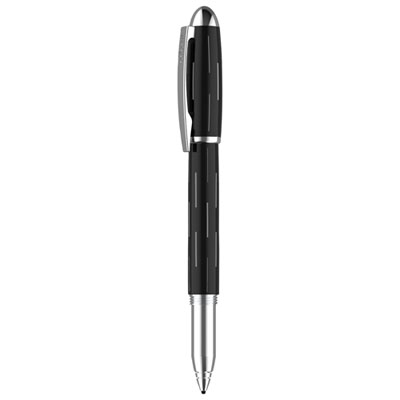
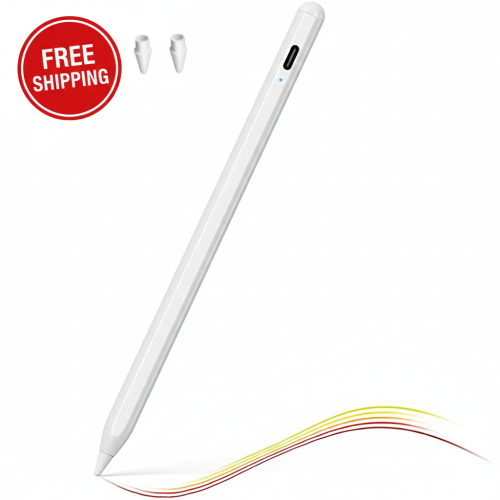
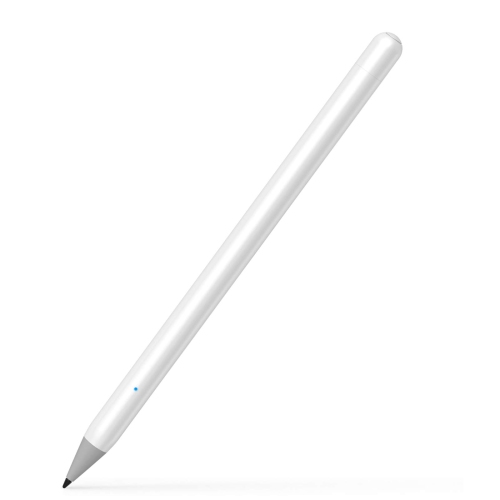

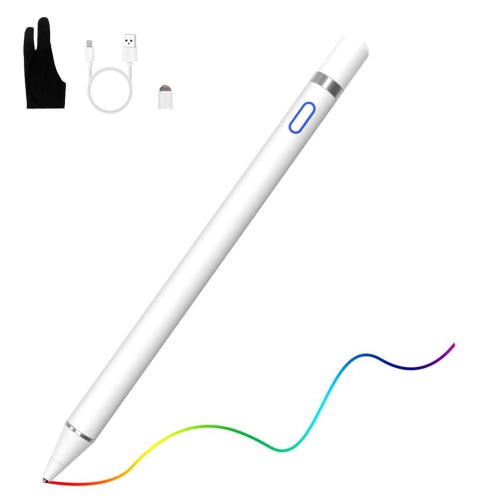
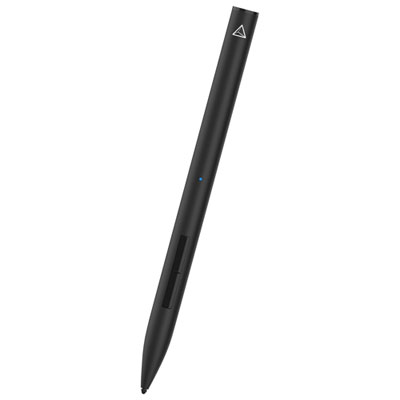
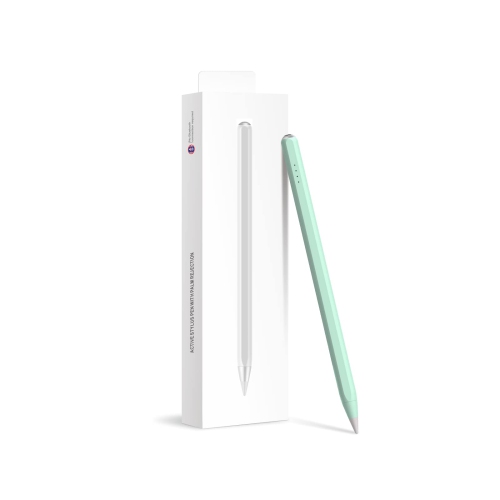
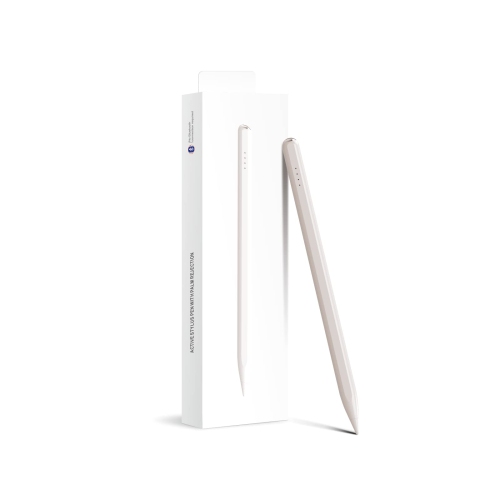
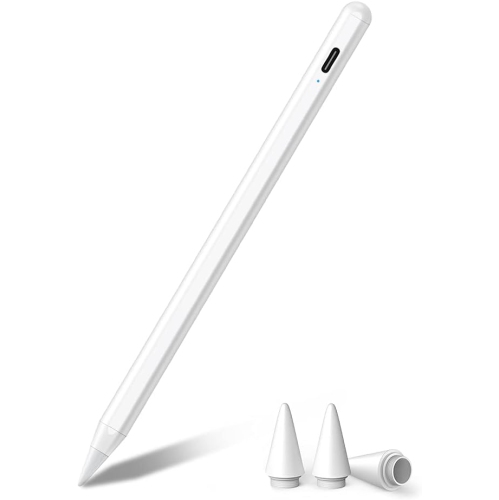
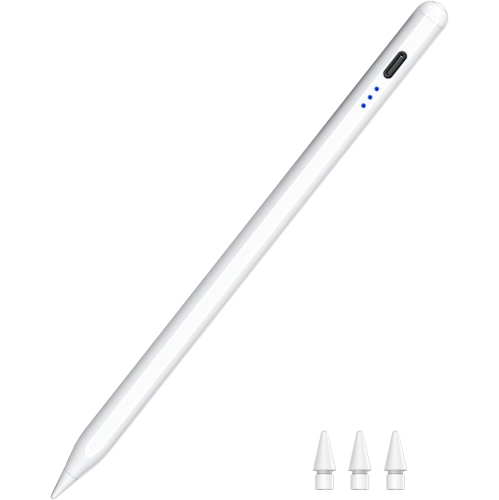
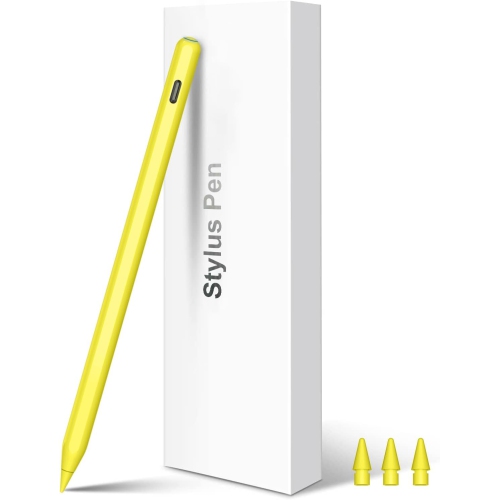
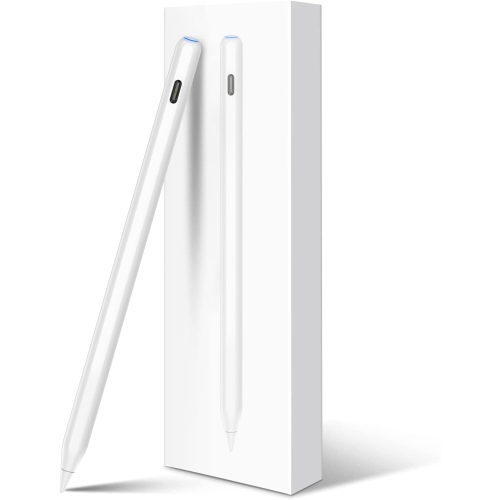
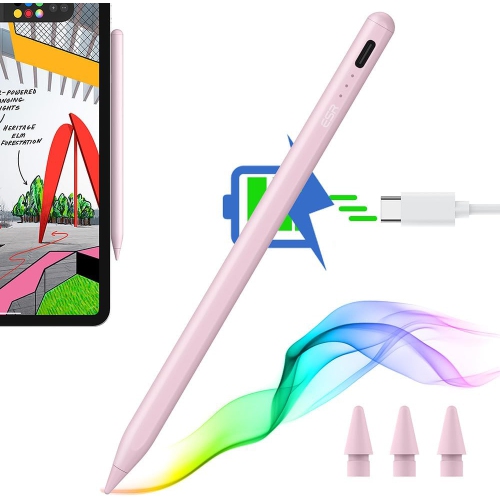
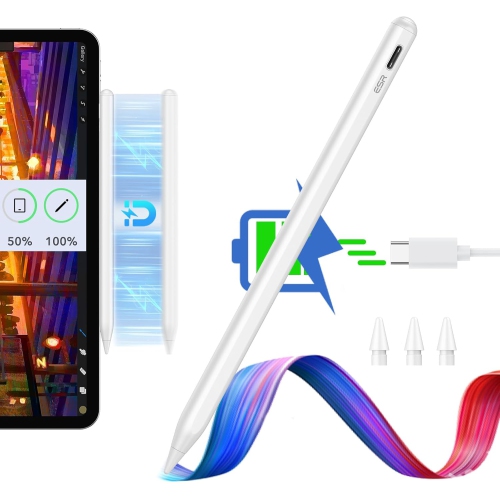
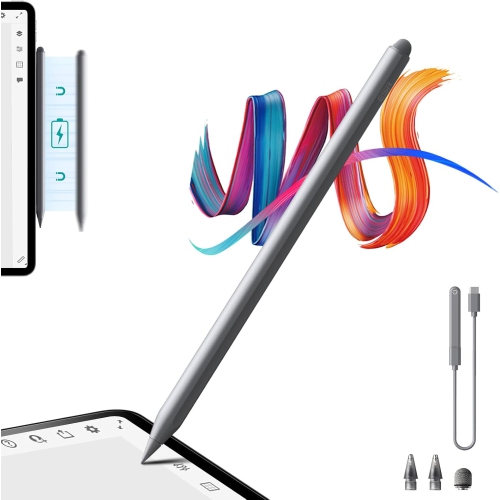
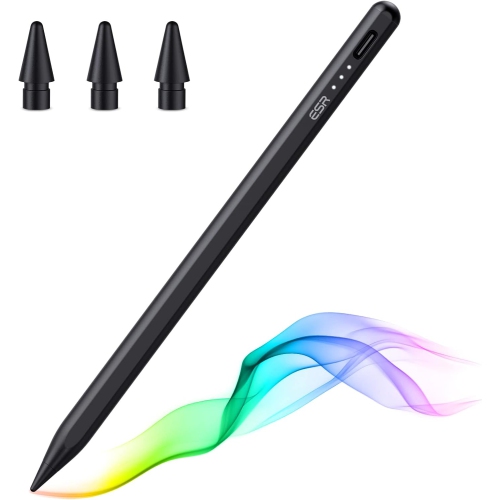
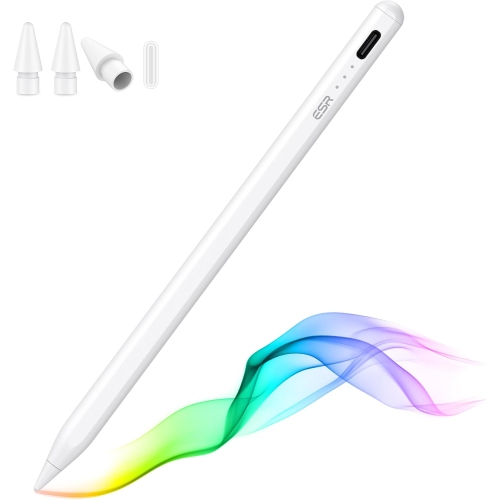
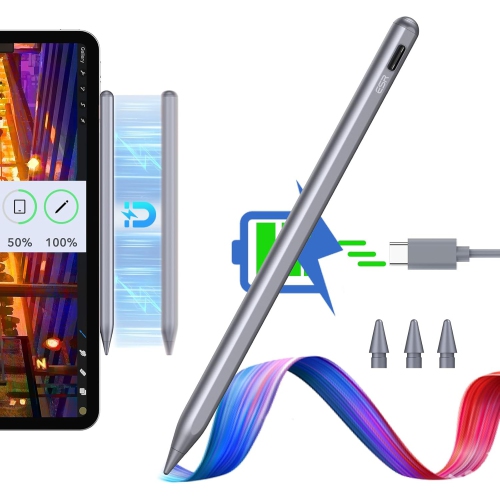
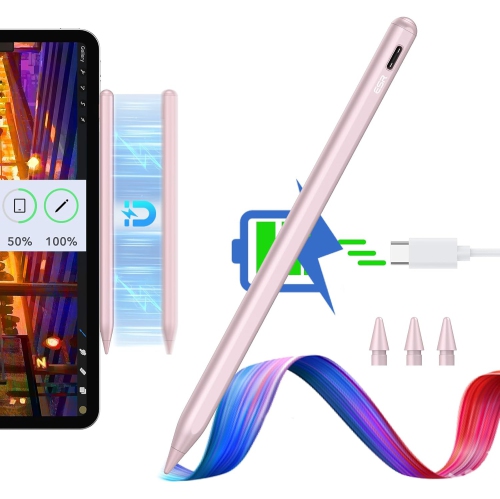
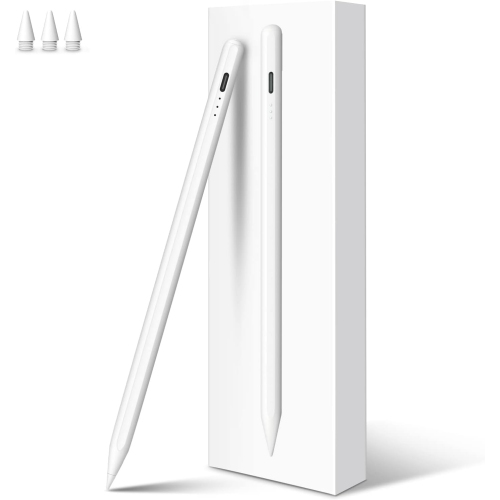
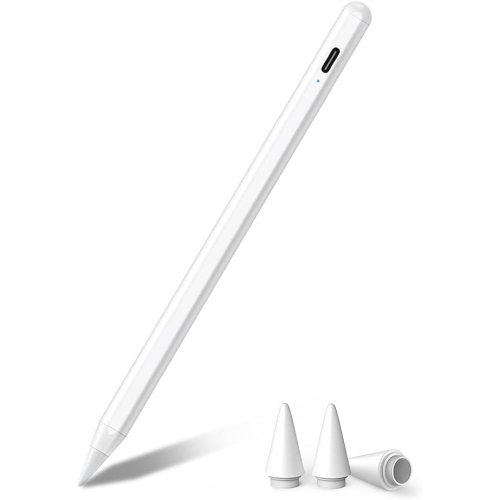
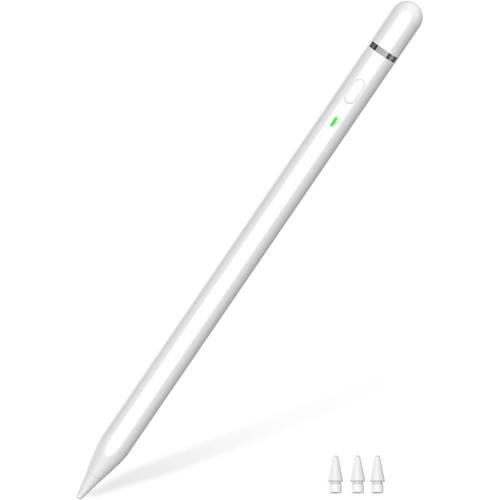
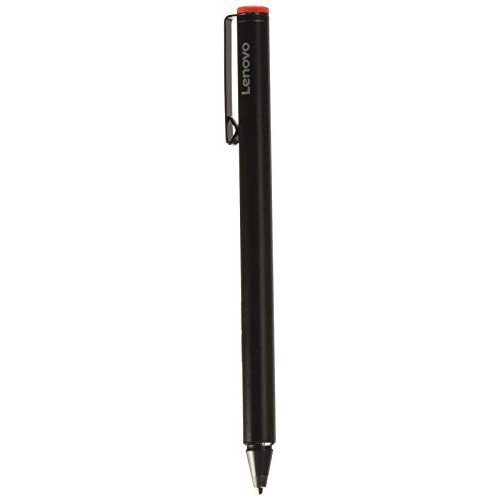
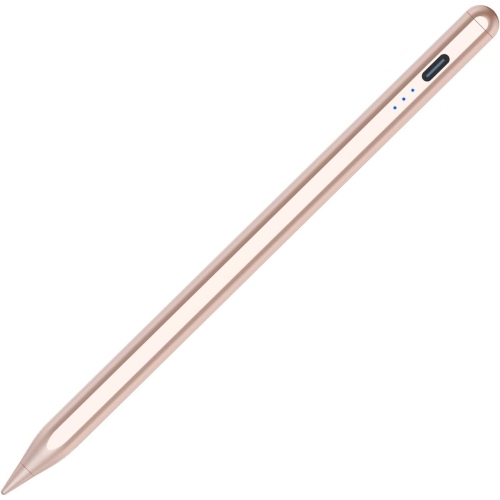
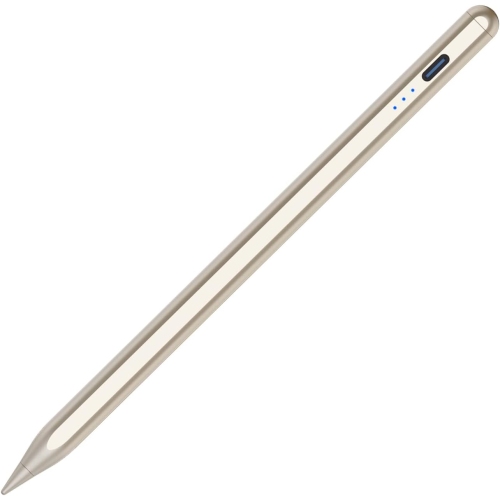
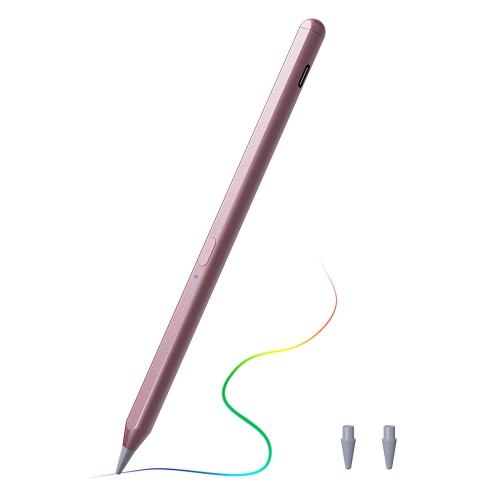
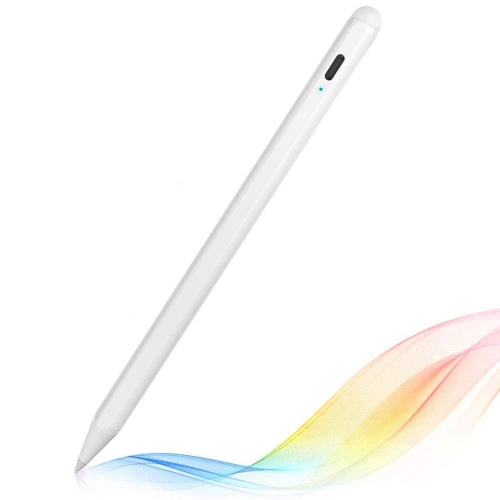
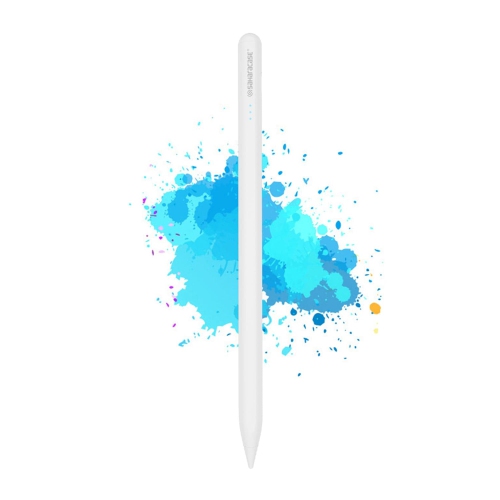
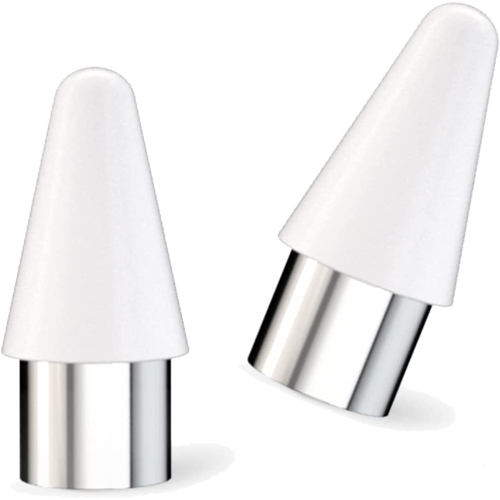

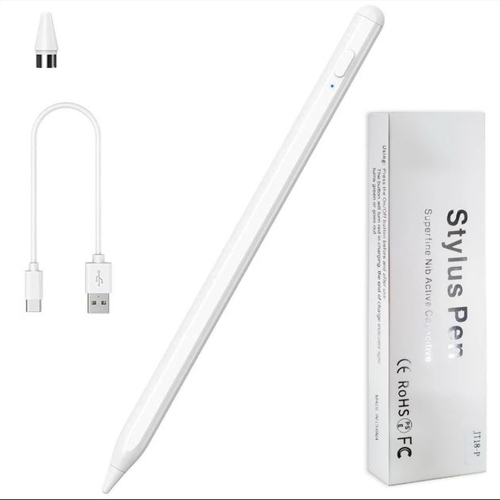
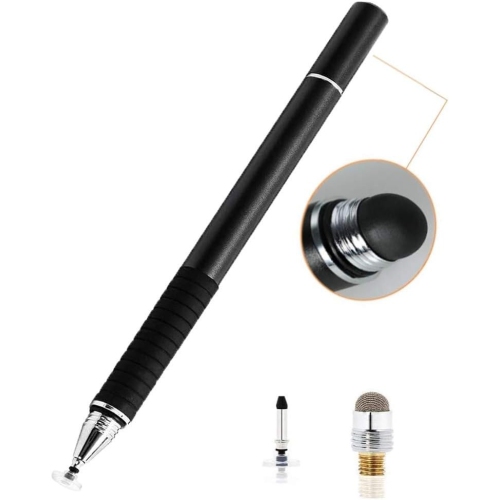
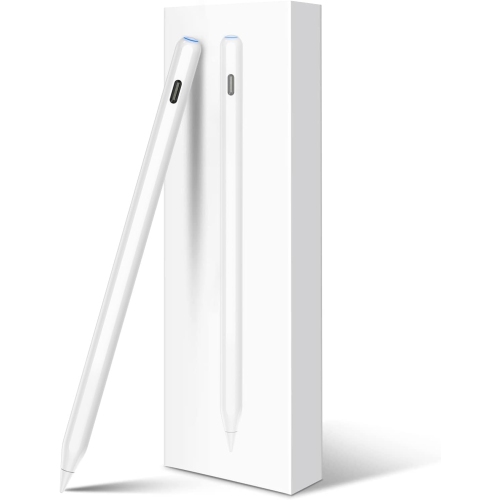
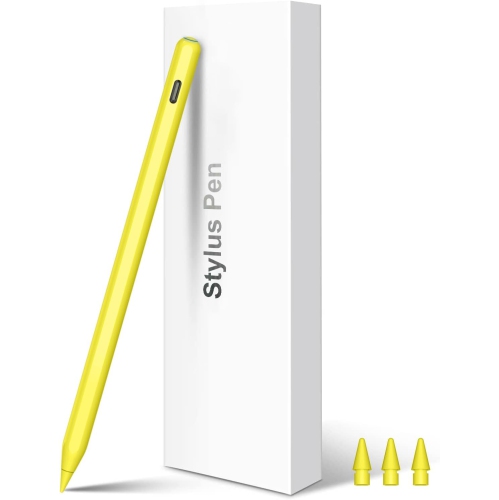
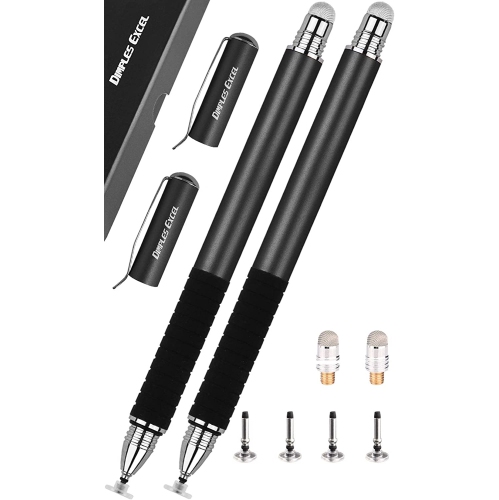
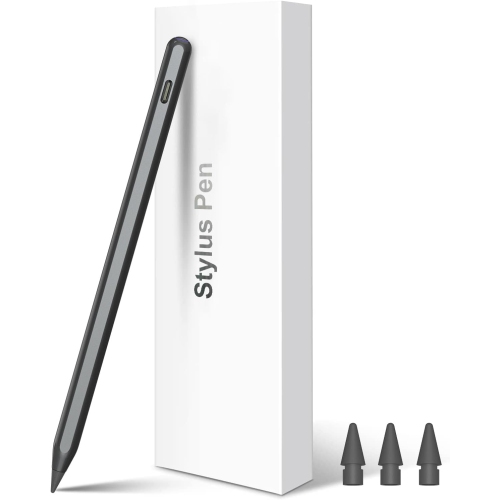
Natural writing and drawing without unwanted screen touches
A palm rejection stylus is designed to deliver a seamless, natural writing or drawing experience on digital screens, making it a favourite tool for students, artists, professionals, and anyone who enjoys note-taking or sketching on a tablet. The core benefit of a palm rejection stylus is its ability to distinguish between intentional input from the stylus tip and accidental touches from your hand or palm. This feature lets you rest your hand comfortably on the screen—just as you would with paper—without worrying about stray marks or unintentional gestures interrupting your workflow. Whether you’re sketching outdoors as the weather warms, capturing lecture notes during back-to-school season, or working on creative projects in the comfort of your home as the evenings grow cooler, a stylus with palm rejection enhances productivity and comfort. These styluses are especially popular among digital artists who rely on precise lines and pressure variation, as well as students and professionals who need to annotate documents, jot down ideas, or create detailed diagrams with accuracy.
When considering what is palm rejection stylus technology, it’s important to look at compatibility and features that suit your device and intended use. Many users seek a palm rejection stylus for iPad, as recent iPad models support advanced stylus features such as tilt detection, pressure sensitivity, and ultra-fine tips for detailed work. However, there are also universal stylus pen with palm rejection options available for Android tablets and other touchscreen devices, making it easy to find a solution regardless of your platform. Connectivity varies: some styluses connect via Bluetooth to unlock advanced features, while others offer touch-activated operation with a simple power button, providing convenience without the need for pairing. For those who prioritize creative flexibility, features like pressure and tilt sensitivity are invaluable, allowing for nuanced shading and dynamic line work—if this is important to you, you may also want to explore the range of Stylus With Pressure Sensitivity available.
A palm rejection stylus makes a thoughtful gift for students heading back to class, aspiring artists, or anyone upgrading their tech toolkit for the new season. The fine tip and responsive touch of these styluses are ideal for precise handwriting, digital painting, or editing documents, making them versatile tools for both creative and practical tasks. Professionals who work remotely or travel frequently will appreciate the ability to mark up PDFs, sign contracts, or brainstorm visually on their tablets without distraction. For families, a palm rejection stylus can help keep kids engaged with educational apps or drawing activities during summer breaks or rainy autumn weekends. When choosing a stylus, consider your device’s compatibility, the desired features—such as battery life, tip precision, and ease of use—and your primary activities, whether it’s sketching, note-taking, or document editing. With the right palm rejection stylus, you can unlock a natural, intuitive way to interact with your digital world, transforming any tablet into a powerful tool for creativity, learning, and productivity.
When considering what is palm rejection stylus technology, it’s important to look at compatibility and features that suit your device and intended use. Many users seek a palm rejection stylus for iPad, as recent iPad models support advanced stylus features such as tilt detection, pressure sensitivity, and ultra-fine tips for detailed work. However, there are also universal stylus pen with palm rejection options available for Android tablets and other touchscreen devices, making it easy to find a solution regardless of your platform. Connectivity varies: some styluses connect via Bluetooth to unlock advanced features, while others offer touch-activated operation with a simple power button, providing convenience without the need for pairing. For those who prioritize creative flexibility, features like pressure and tilt sensitivity are invaluable, allowing for nuanced shading and dynamic line work—if this is important to you, you may also want to explore the range of Stylus With Pressure Sensitivity available.
A palm rejection stylus makes a thoughtful gift for students heading back to class, aspiring artists, or anyone upgrading their tech toolkit for the new season. The fine tip and responsive touch of these styluses are ideal for precise handwriting, digital painting, or editing documents, making them versatile tools for both creative and practical tasks. Professionals who work remotely or travel frequently will appreciate the ability to mark up PDFs, sign contracts, or brainstorm visually on their tablets without distraction. For families, a palm rejection stylus can help keep kids engaged with educational apps or drawing activities during summer breaks or rainy autumn weekends. When choosing a stylus, consider your device’s compatibility, the desired features—such as battery life, tip precision, and ease of use—and your primary activities, whether it’s sketching, note-taking, or document editing. With the right palm rejection stylus, you can unlock a natural, intuitive way to interact with your digital world, transforming any tablet into a powerful tool for creativity, learning, and productivity.
Top selling and popular products
-
 Your price for this item is $168.68
 -
 Your price for this item is $148.98
 -
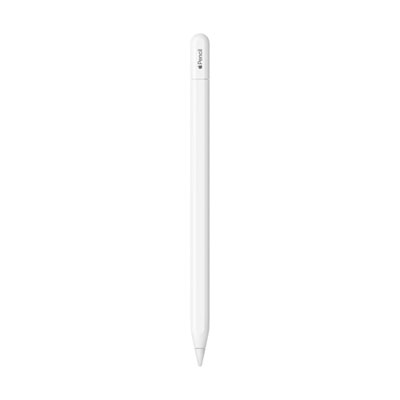 Your price for this item is $93.98
 -
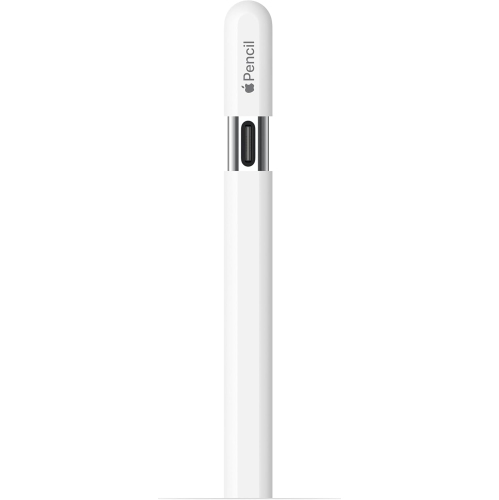 Your price for this item is $94.99
 -
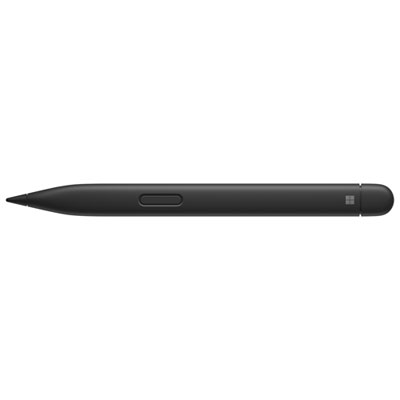 Your price for this item is $189.99
 -
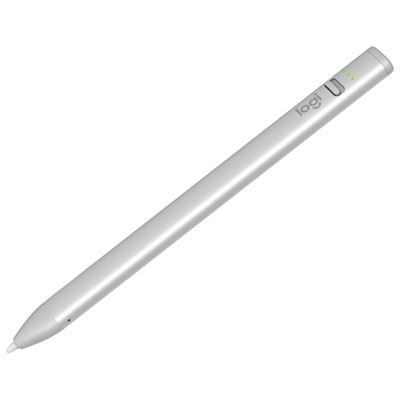 Your price for this item is $88.97
 -
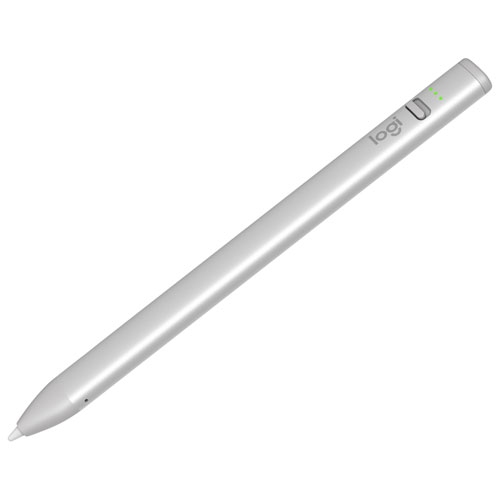 Your price for this item is $118.51
 -
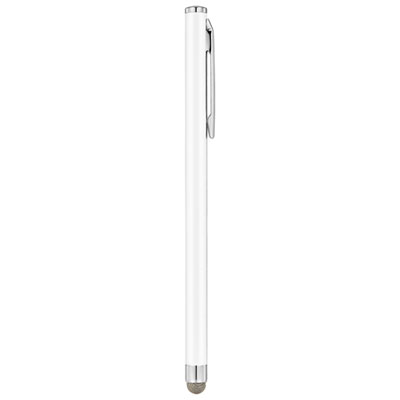 Your price for this item is $9.99
Discover more categories related to Stylus With Palm Rejection
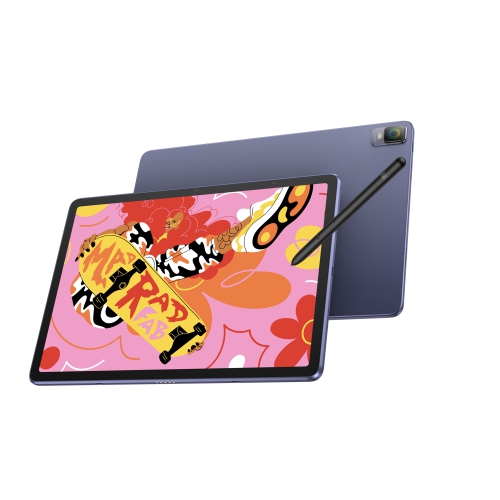
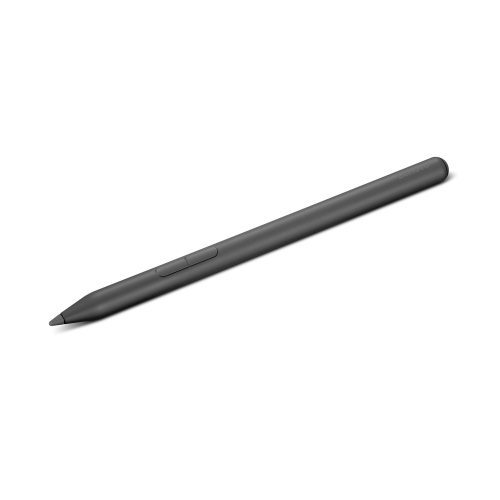
Top Collections:
Pokemon Centers, Kindle Devices, Best Budget Office Chairs, Apple iPhones 16, Best Laptops for Writers, iPhone 15 Apple, Canon G7X Cameras, Refurbished Apple Laptops, Alarm Clock, Motorola Razr Phones
Some products may be subject to Environmental Handling Fees
(EHF) depending on your province.
Learn more about EHFs.