Stylus With Pressure Sensitivity
A stylus is one of the most useful tools you can have for your device. It allows you to interact with your phone or tablet in a way that's more natural and intuitive. The best styluses for Android are those that offer pressure sensitivity, so you can write with more accuracy and precision. Here are some of our favorites.
Sort
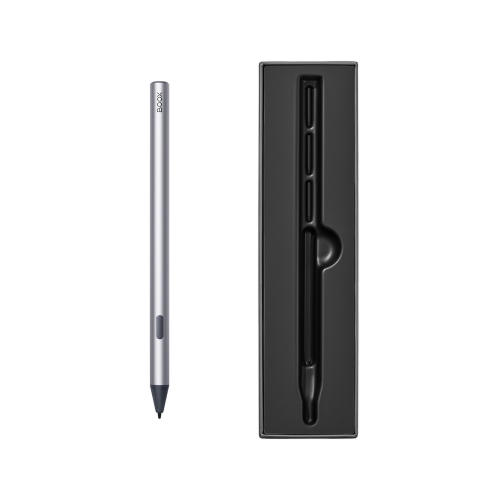
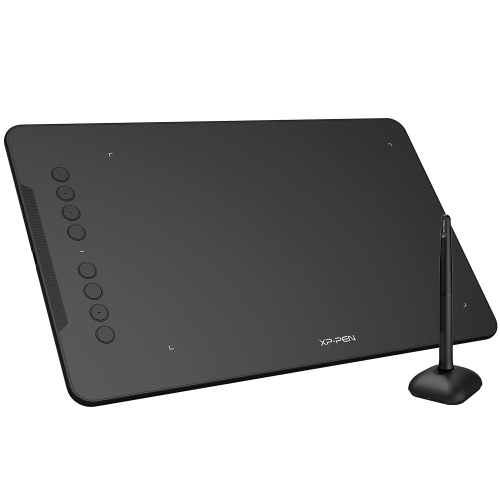
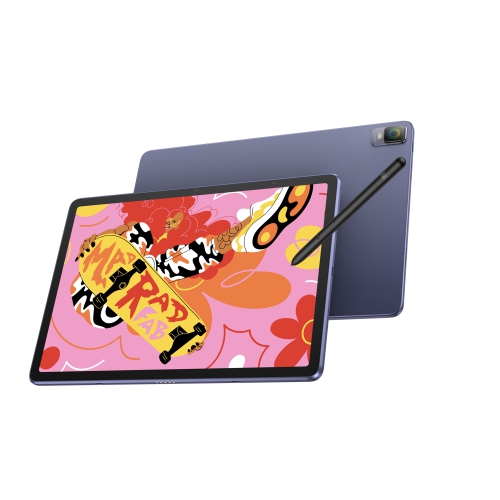
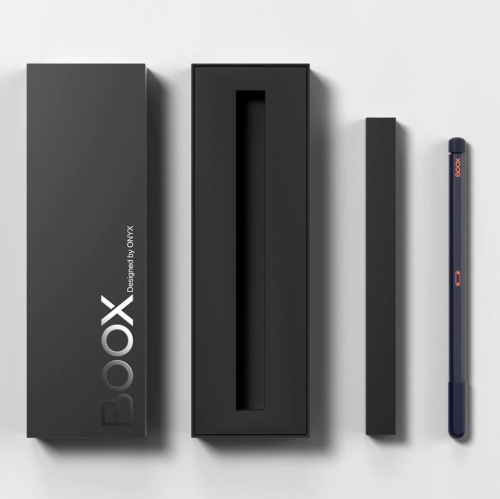
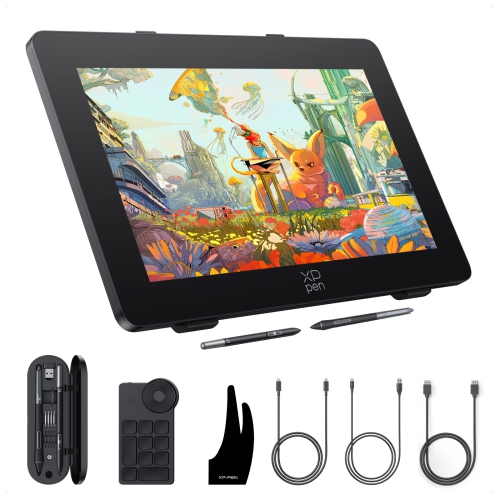
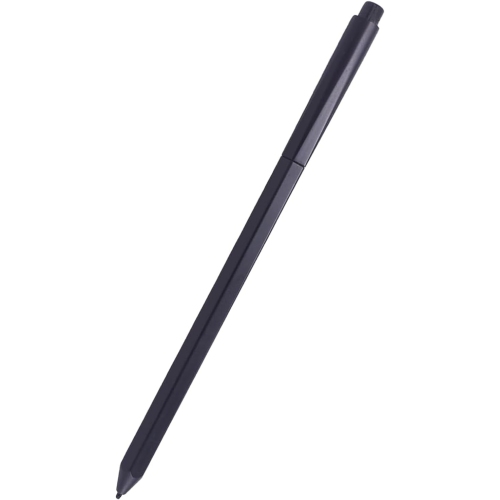
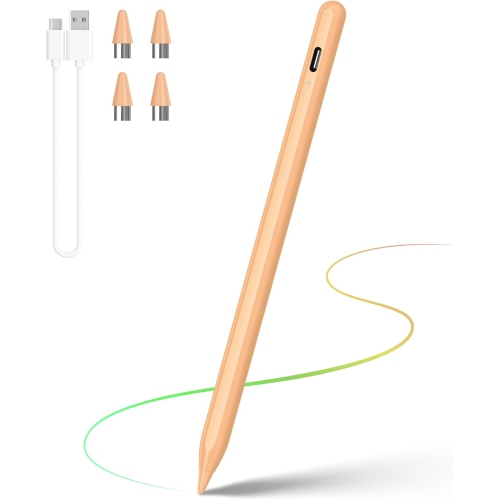
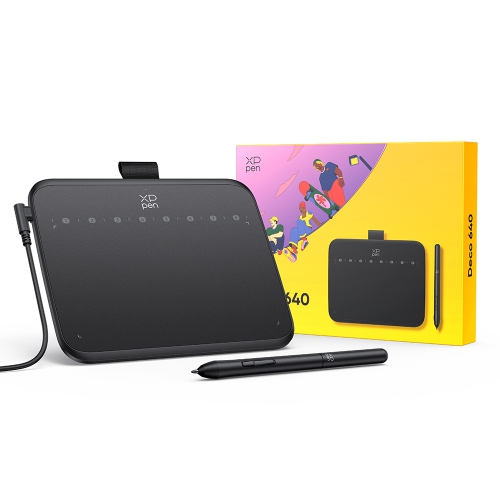
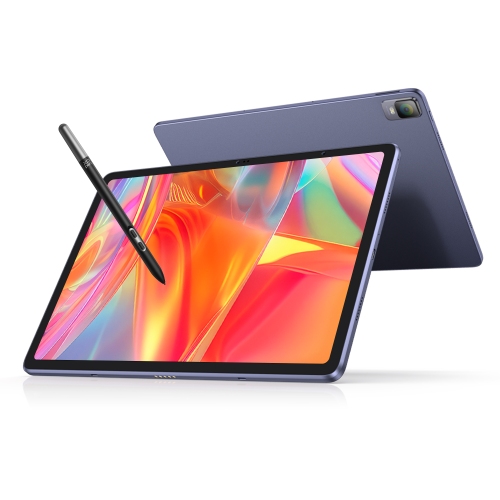
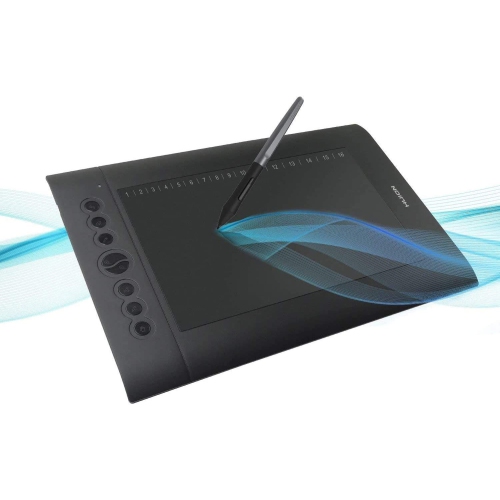
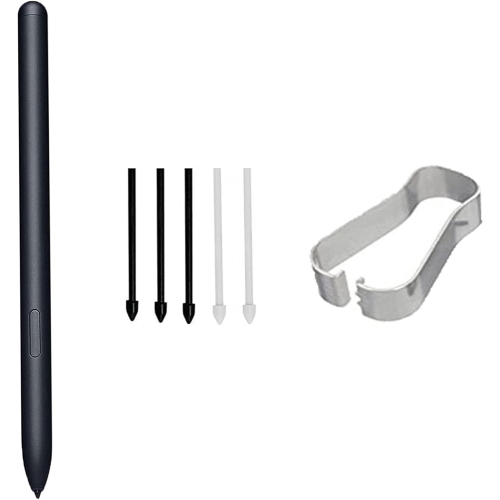
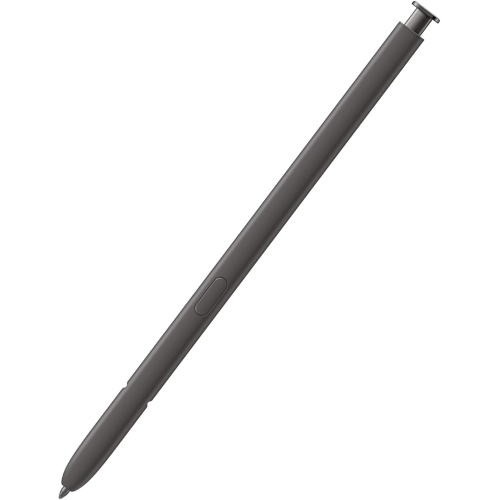
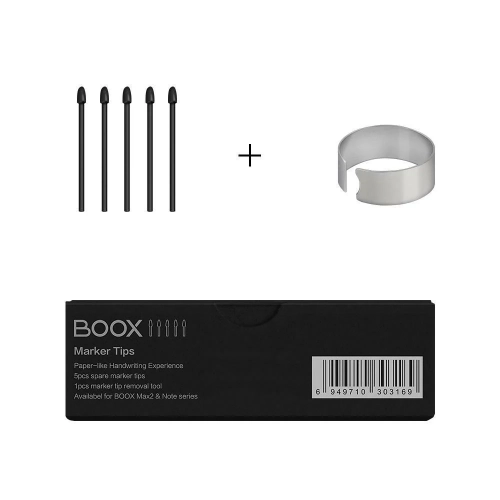
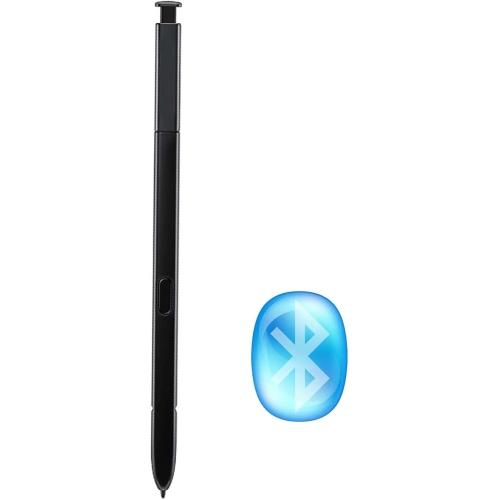
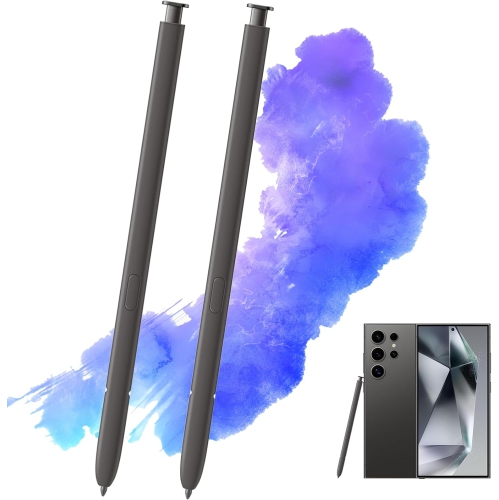
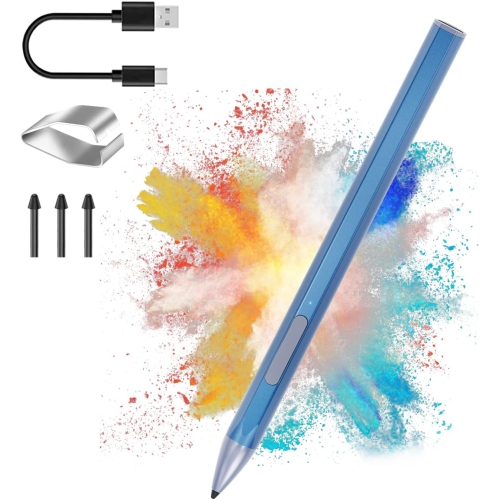
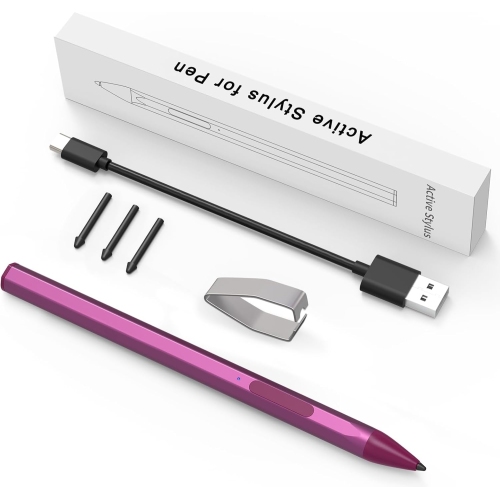
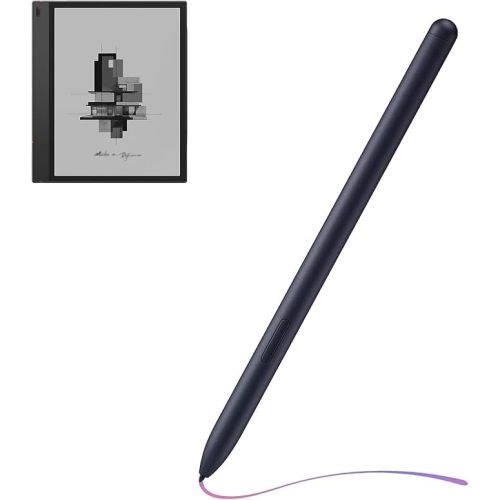
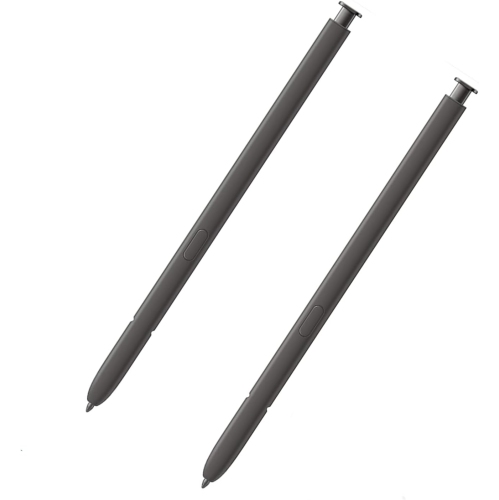
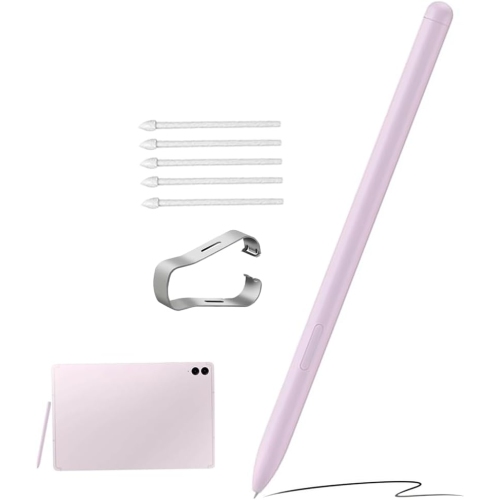
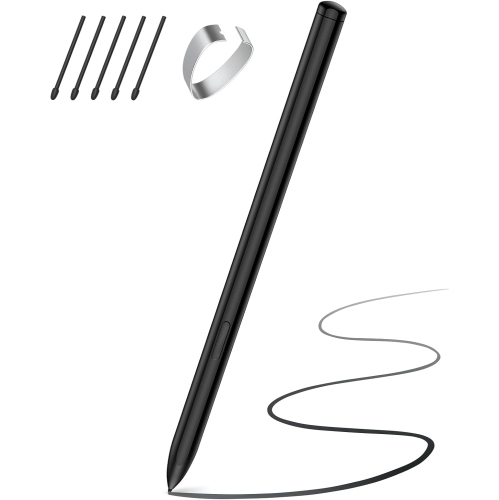
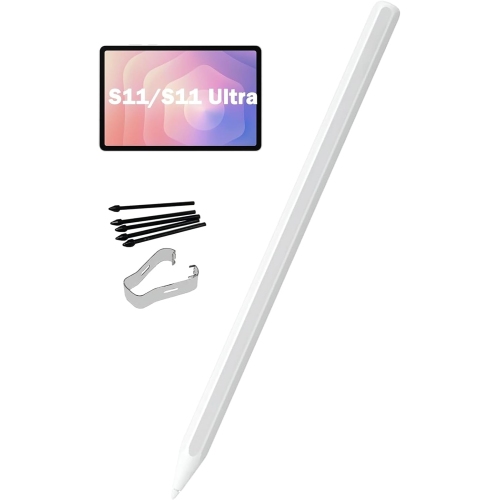
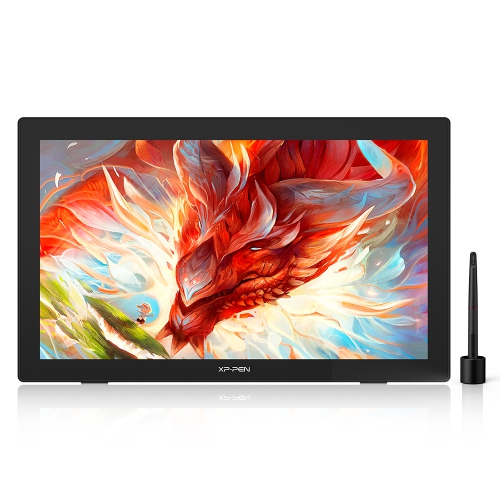
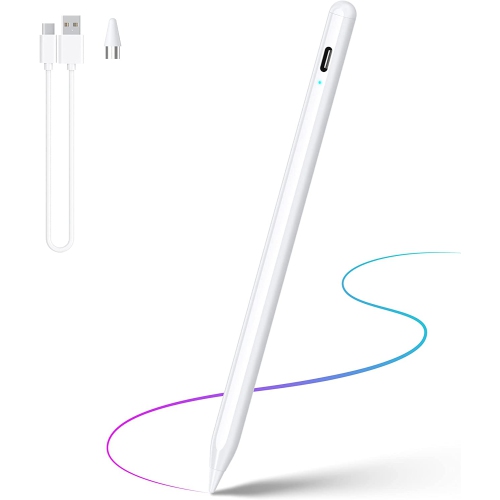
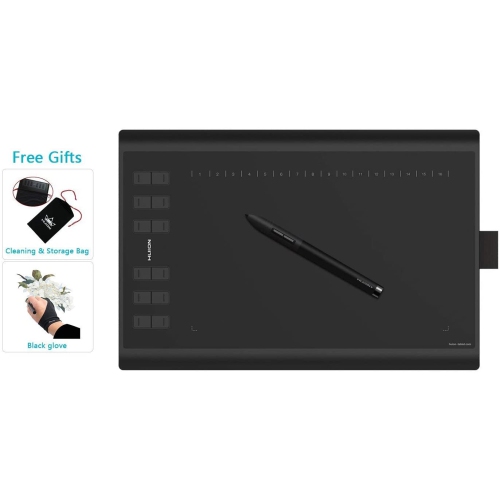
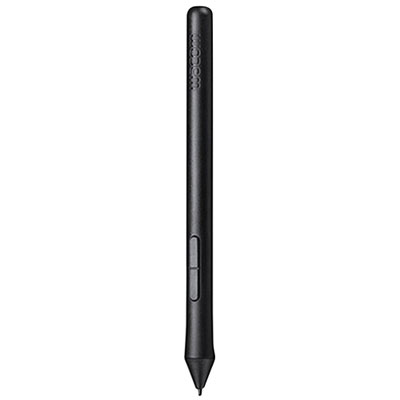
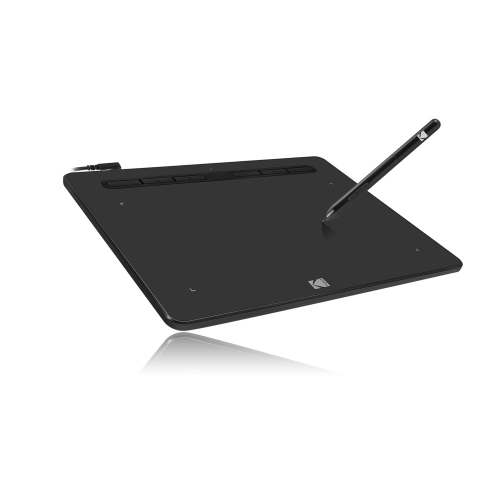
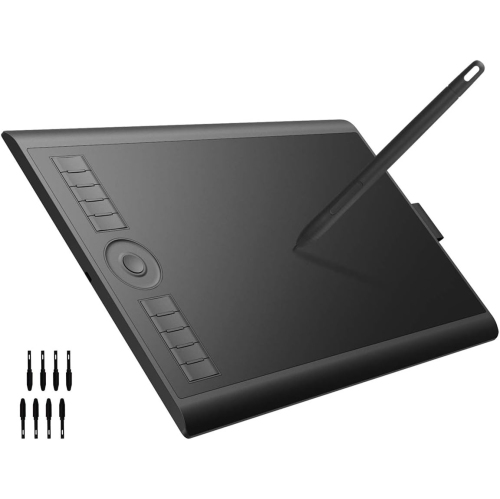
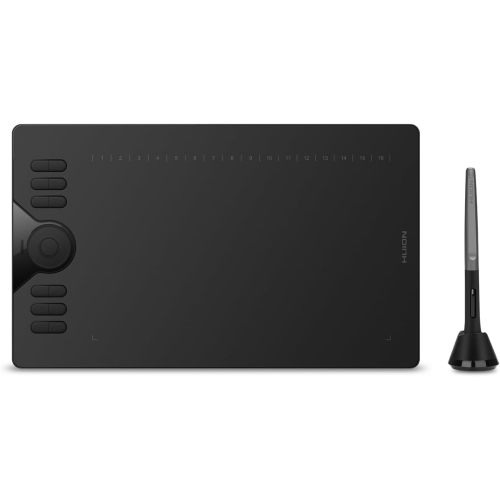
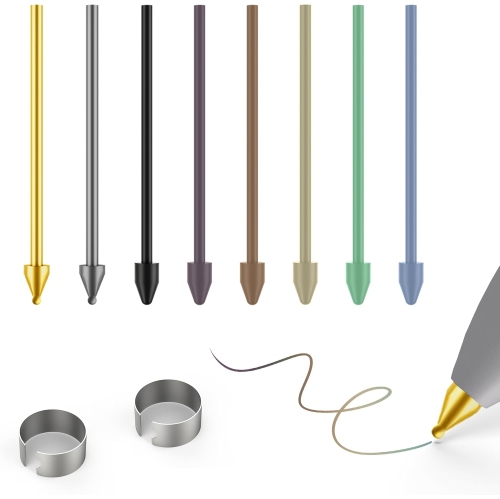
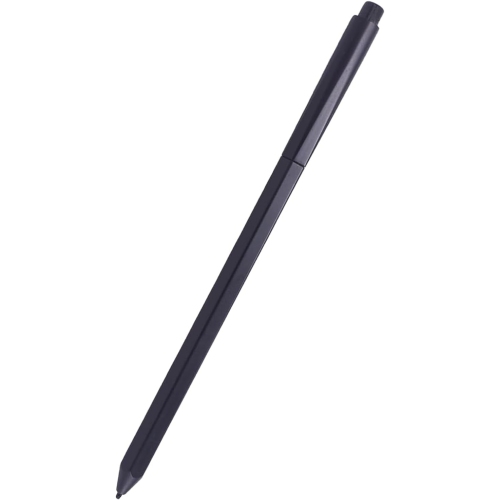
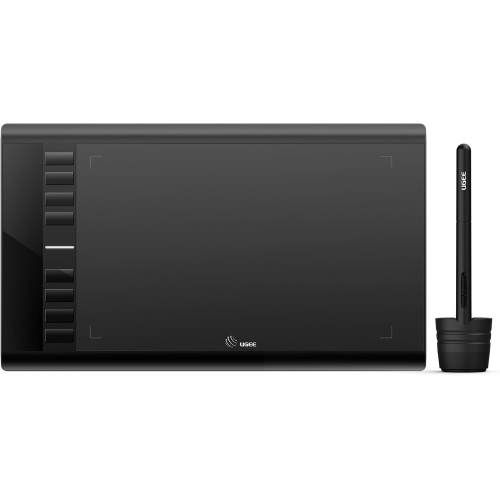
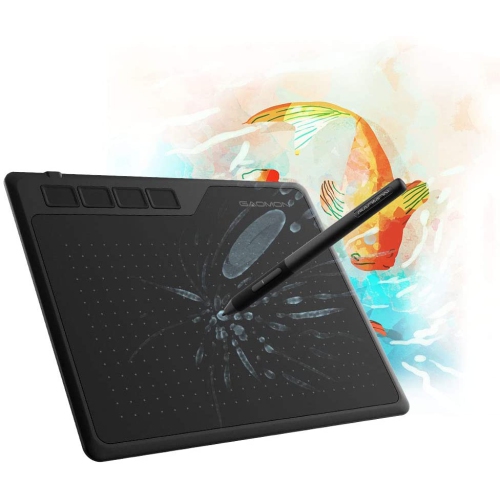
Expressive control for drawing, writing, and digital creation
A stylus with pressure sensitivity gives you more expressive control than a basic capacitive pen or fingertip. Instead of producing the same mark every time, it responds to the amount of force applied to the display: a light touch can create a fine, pale line, while firmer pressure can produce a darker, wider stroke. In a drawing app, this can make a digital pencil feel closer to its traditional counterpart, with subtle shading, varied line weight, and more natural-looking sketches. Brush-based software can use pressure to control opacity, texture, blend strength, or the size of a stroke, depending on the tools available. This makes pressure-sensitive styluses useful for illustrators, graphic designers, students, hobby artists, architects, note-takers, and anyone who prefers writing or drawing directly on a tablet. They can also be helpful for marking up documents, signing forms, editing photos, creating diagrams, or making handwritten notes during a class or meeting. When comparing options, look beyond the stylus alone and confirm that it is compatible with your tablet, operating system, and preferred apps. A pen may fit physically on a device while still lacking support for pressure data, shortcut buttons, tilt recognition, or other features. Compatibility details can vary between device generations, so checking the tablet model and supported software before purchasing is an important step.
Pressure sensitivity is often described in levels of force, with figures commonly ranging from 2,048 to 8,192 or more. A higher number can allow for finer changes between a delicate touch and a stronger stroke, although the overall experience also depends on the screen, the stylus technology, the app, and the artist’s technique. For everyday writing, a comfortable grip and accurate tip may matter more than the maximum pressure rating. For detailed digital painting or line work, smooth transitions and reliable tracking can be especially valuable. Tilt support is another feature worth considering because it can let you angle the stylus to broaden a pencil or shading stroke, much as you would rotate a real drawing tool. Low latency helps the line appear close to the tip as you move, which makes handwriting and sketching feel more immediate. Palm rejection can prevent accidental marks when you rest your hand on the screen; explore Stylus With Palm Rejection if that function is an important part of your setup. Other practical details include whether the stylus uses a replaceable or rechargeable battery, how it charges, whether it includes spare nibs, and whether its buttons can be assigned to common actions such as undo, erase, or switching tools. A stylus that feels balanced and has a tip that glides comfortably across the screen can make a noticeable difference during long drawing sessions, even if its technical specifications look similar to other options.
The right choice depends on how and where the stylus will be used. Someone building a digital art portfolio may prioritize precise pressure control, tilt recognition, a responsive tip, and broad compatibility with illustration or photo-editing software. A student may look for dependable handwriting, quick access to erasing, and a shape that is easy to carry between home, class, and the library. For reading and annotation, a pressure-sensitive pen can make it easier to underline passages, circle details in diagrams, and add quick comments without switching between a keyboard and the touchscreen. It can also be a thoughtful gift for a creative family member, a design student, or someone beginning to explore digital drawing; pairing it with a compatible tablet and a familiar drawing app can create a convenient workspace without the clutter of loose paper and pencils. Before placing an order, check whether the intended device supports active stylus input and whether the apps recognize pressure variations. Some programs may treat a compatible stylus as a simple pointer unless pressure settings are enabled, while others may offer custom controls for brush size, opacity, and smoothing. Nib material and screen feel are personal preferences as well: a harder tip may move quickly across glass, while a softer or textured tip can provide a little more resistance for handwriting and careful sketching. As the weather warms or during the cooler months, a portable tablet-and-stylus setup can be useful at a kitchen table, in a study area, or while travelling, allowing ideas to be captured wherever inspiration appears. With the right combination of device support, app compatibility, pressure range, comfort, and convenient features, a pressure-sensitive stylus can turn a tablet into a more responsive tool for creating, communicating, and staying organized.
Pressure sensitivity is often described in levels of force, with figures commonly ranging from 2,048 to 8,192 or more. A higher number can allow for finer changes between a delicate touch and a stronger stroke, although the overall experience also depends on the screen, the stylus technology, the app, and the artist’s technique. For everyday writing, a comfortable grip and accurate tip may matter more than the maximum pressure rating. For detailed digital painting or line work, smooth transitions and reliable tracking can be especially valuable. Tilt support is another feature worth considering because it can let you angle the stylus to broaden a pencil or shading stroke, much as you would rotate a real drawing tool. Low latency helps the line appear close to the tip as you move, which makes handwriting and sketching feel more immediate. Palm rejection can prevent accidental marks when you rest your hand on the screen; explore Stylus With Palm Rejection if that function is an important part of your setup. Other practical details include whether the stylus uses a replaceable or rechargeable battery, how it charges, whether it includes spare nibs, and whether its buttons can be assigned to common actions such as undo, erase, or switching tools. A stylus that feels balanced and has a tip that glides comfortably across the screen can make a noticeable difference during long drawing sessions, even if its technical specifications look similar to other options.
The right choice depends on how and where the stylus will be used. Someone building a digital art portfolio may prioritize precise pressure control, tilt recognition, a responsive tip, and broad compatibility with illustration or photo-editing software. A student may look for dependable handwriting, quick access to erasing, and a shape that is easy to carry between home, class, and the library. For reading and annotation, a pressure-sensitive pen can make it easier to underline passages, circle details in diagrams, and add quick comments without switching between a keyboard and the touchscreen. It can also be a thoughtful gift for a creative family member, a design student, or someone beginning to explore digital drawing; pairing it with a compatible tablet and a familiar drawing app can create a convenient workspace without the clutter of loose paper and pencils. Before placing an order, check whether the intended device supports active stylus input and whether the apps recognize pressure variations. Some programs may treat a compatible stylus as a simple pointer unless pressure settings are enabled, while others may offer custom controls for brush size, opacity, and smoothing. Nib material and screen feel are personal preferences as well: a harder tip may move quickly across glass, while a softer or textured tip can provide a little more resistance for handwriting and careful sketching. As the weather warms or during the cooler months, a portable tablet-and-stylus setup can be useful at a kitchen table, in a study area, or while travelling, allowing ideas to be captured wherever inspiration appears. With the right combination of device support, app compatibility, pressure range, comfort, and convenient features, a pressure-sensitive stylus can turn a tablet into a more responsive tool for creating, communicating, and staying organized.
Top selling and popular products
-
 Your price for this item is $49.99
 -
 Your price for this item is $139.99
 -
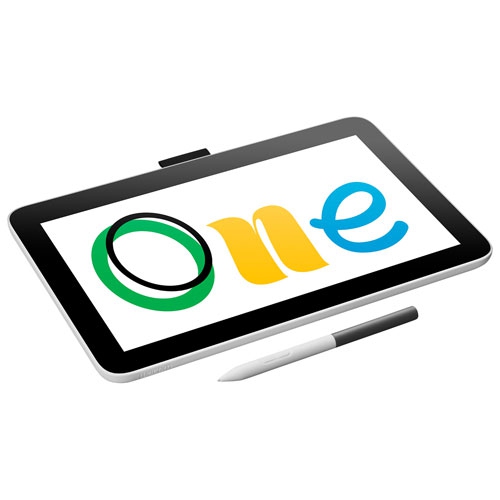 Your price for this item is $409.99
 -
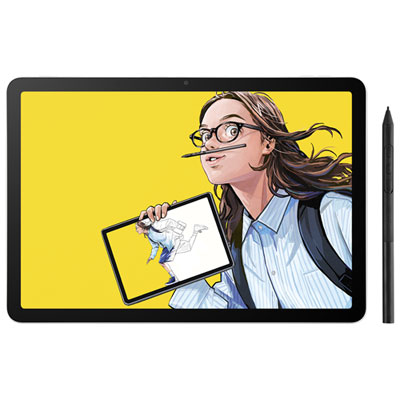 Your price for this item is $699.99
 -
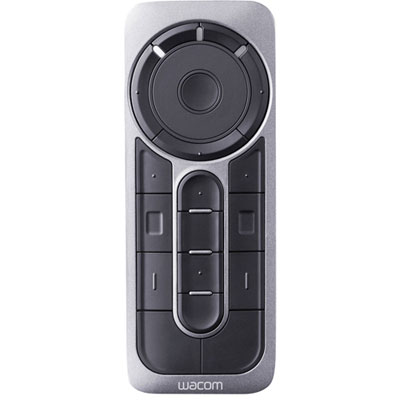 Your price for this item is $139.99
 -
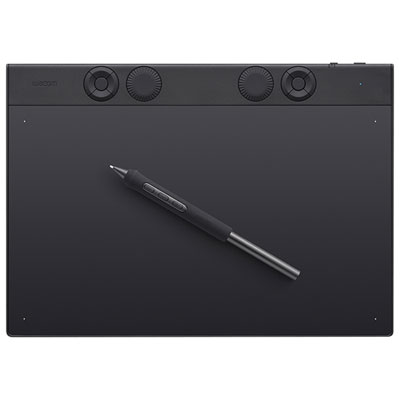 Your price for this item is $439.99
 -
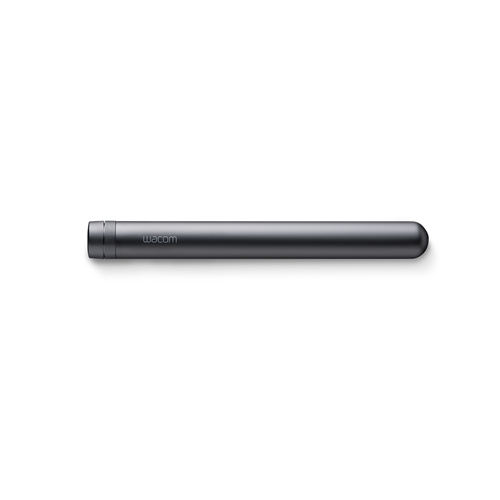 Your price for this item is $120
 -
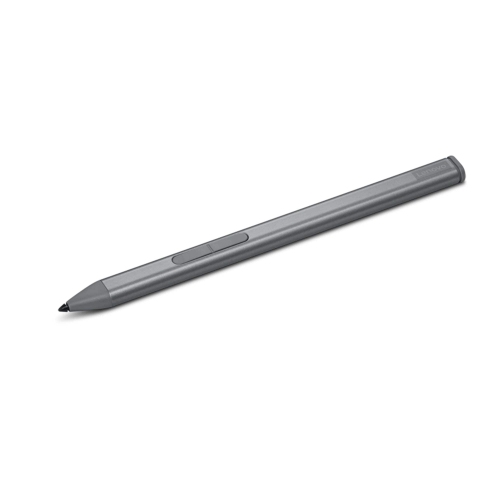 Your price for this item is $64.99
Discover more categories related to Stylus With Pressure Sensitivity
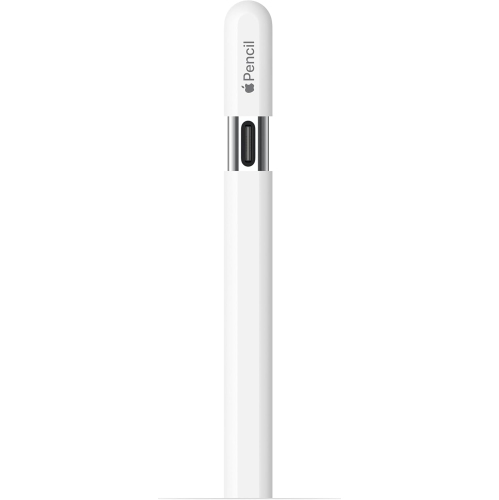
Top Collections:
Pokemon Centers, Kindle Devices, Best Budget Office Chairs, Apple iPhones 16, Best Laptops for Writers, iPhone 15 Apple, Canon G7X Cameras, Refurbished Apple Laptops, Alarm Clock, Motorola Razr Phones
Some products may be subject to Environmental Handling Fees
(EHF) depending on your province.
Learn more about EHFs.