Surface Accessories
Enhance your surface experience with a wide range of accessories that are designed to take your productivity and creativity to new heights. Whether you're looking for a sleek keyboard, a stylish pen, or a powerful docking station, there's something for every surface user. They are designed to seamlessly integrate with your surface device, allowing you to get the most out of your device. These accessories can help you stay organized, increase your productivity, and make your surface experience more enjoyable.
Sort















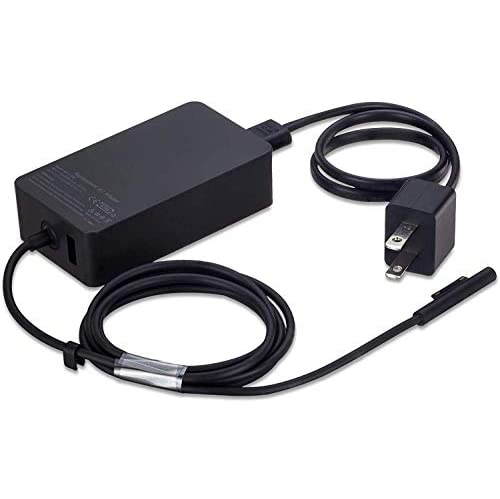
![DOLAER Surface Pro Charger 65W [2022 Upgraded Version] for Microsoft Surface Pro 3/4/5/6/7/ Surface Book Laptop/tablet Power Supply Adapter, Works w](https://multimedia.bbycastatic.ca/multimedia/products/500x500/165/16535/16535659.jpeg)


Compatibility and comfort shape a more capable Surface setup
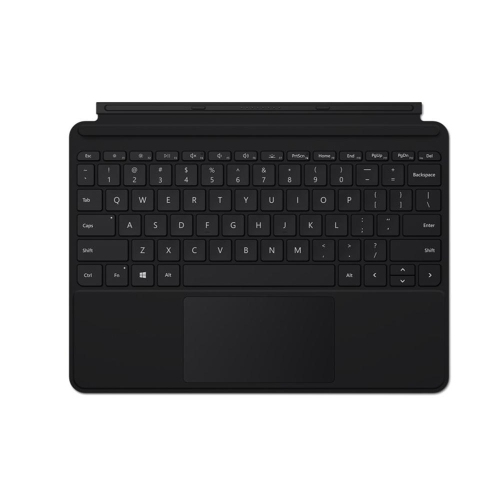
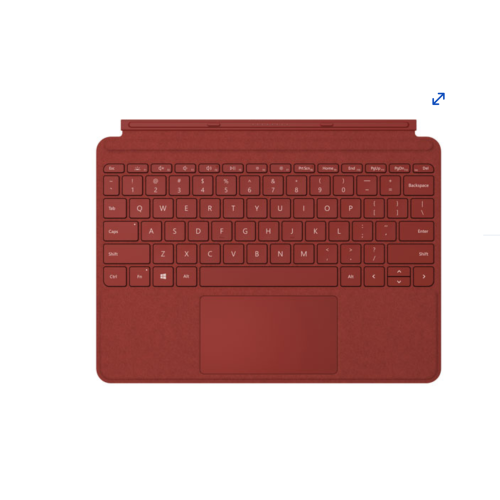
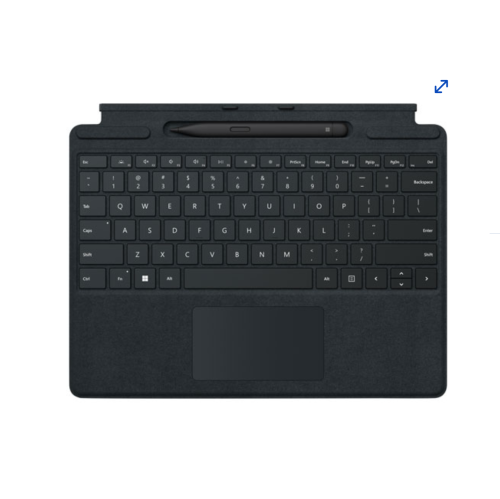
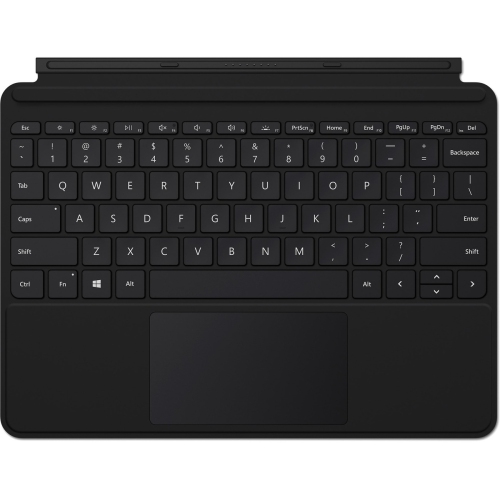
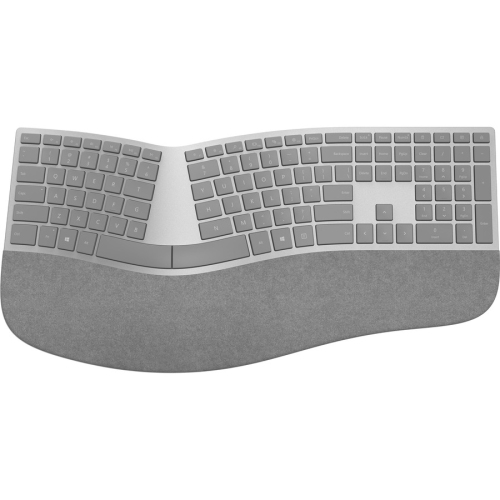
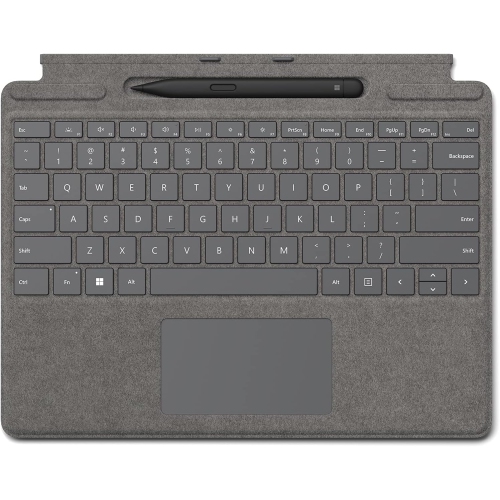
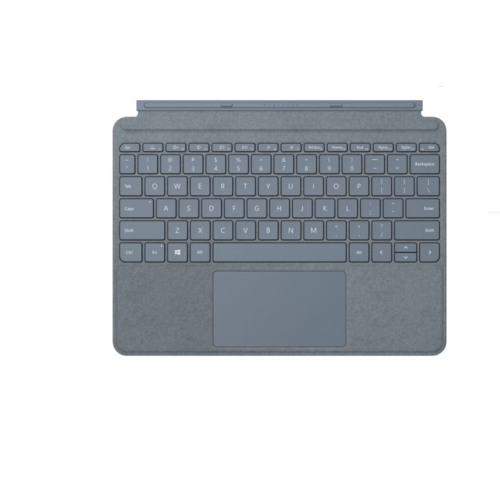
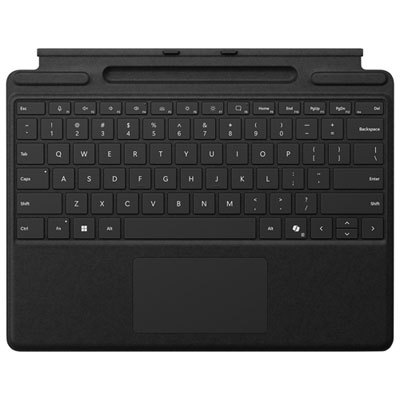
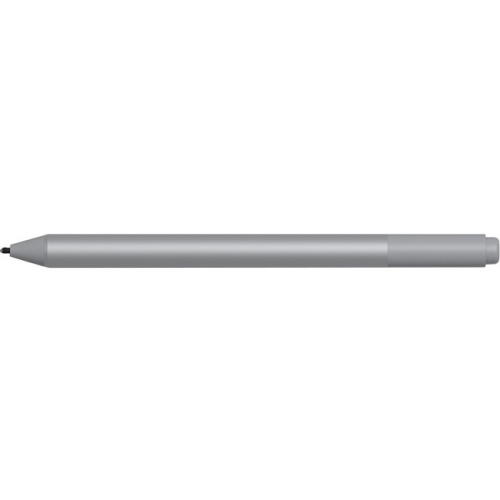
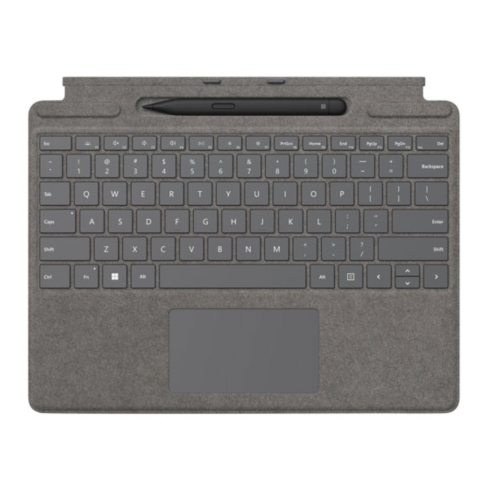
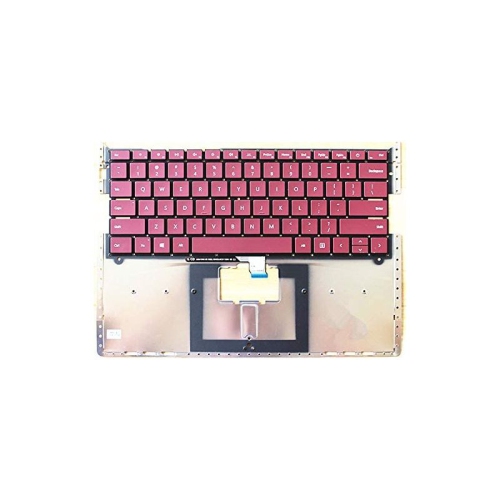
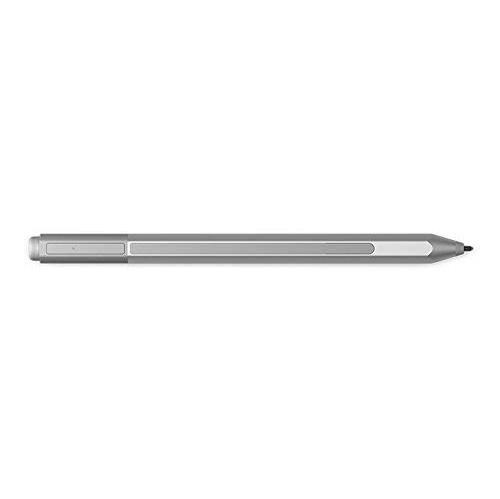
Surface accessories can help turn a compatible tablet or laptop into a more comfortable, capable setup for work, study, travel and everyday entertainment. The right addition depends on how the device is used, where it is used and which functions need to feel faster or easier. A detachable keyboard can make typing emails, reports and assignments feel more natural, while a keyboard with an integrated pen storage or charging area can keep two frequently used tools together instead of letting one disappear into a desk drawer or backpack. Some keyboard designs remain attached for a traditional laptop-style experience, while others can be removed when a lighter tablet setup is more convenient. Look for a layout that suits your habits, including a responsive trackpad, comfortable key spacing, a stable typing angle and shortcut keys that help with common tasks. A digital pen is useful for handwritten notes, quick sketches, marking up documents, signing forms and navigating creative applications with more precision than a fingertip. Features such as a fine tip, pressure sensitivity, low-latency ink response, rechargeable power and a secure storage option can make a noticeable difference during a busy school day or a long afternoon of planning. Before choosing any accessory, confirm the exact Surface model and generation, since connector placement, keyboard dimensions, charging support and software compatibility can vary. Checking the device specifications first helps avoid an accessory that looks suitable but does not attach, charge or communicate as expected.
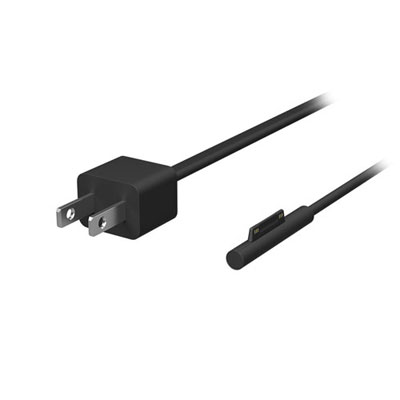
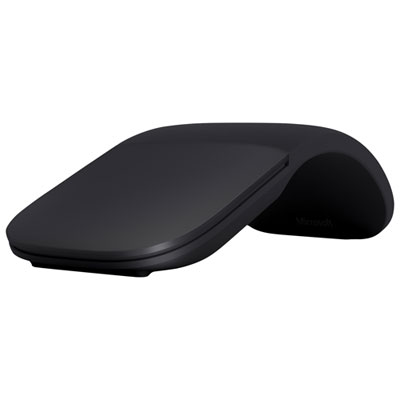
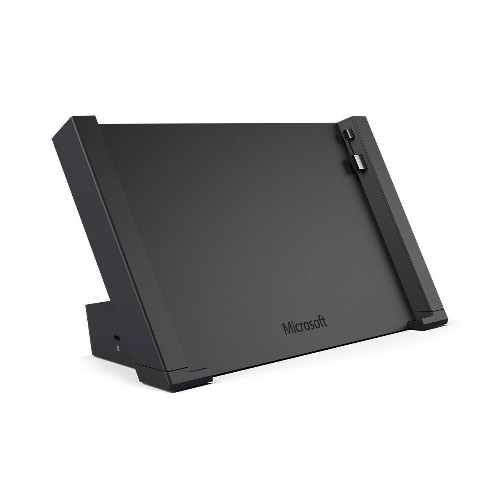
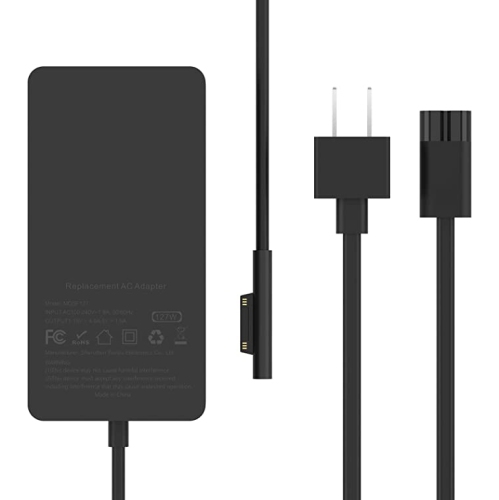
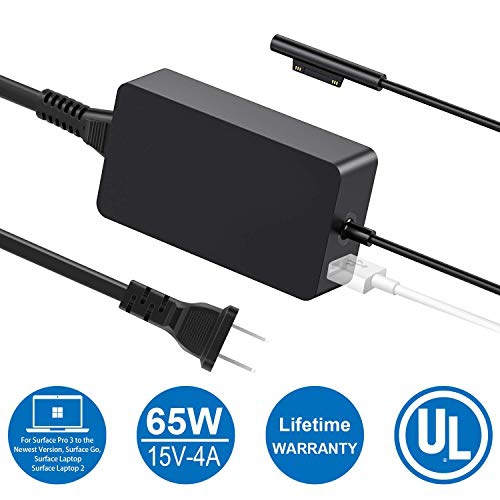
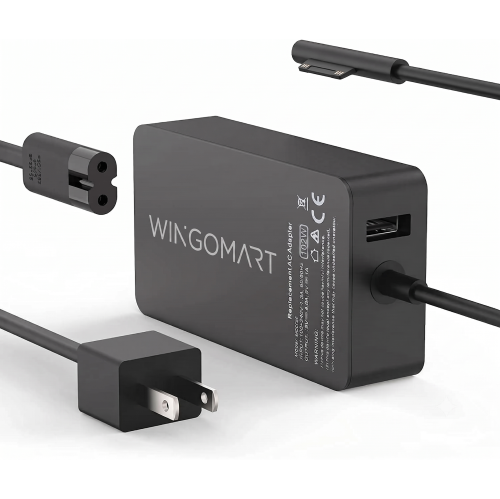
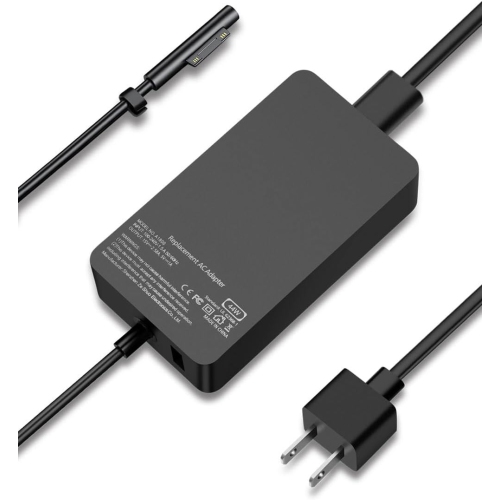
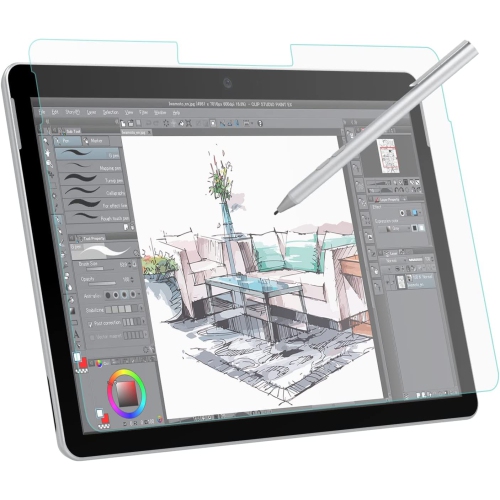
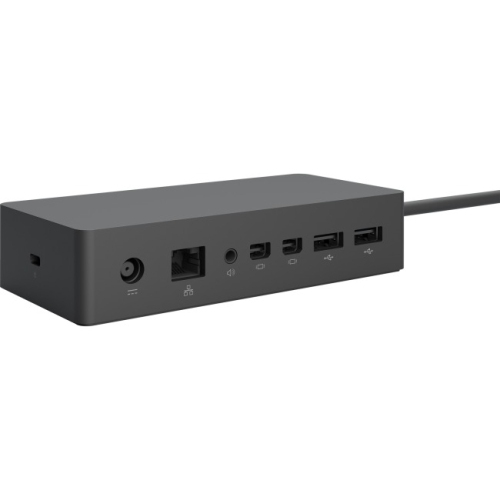
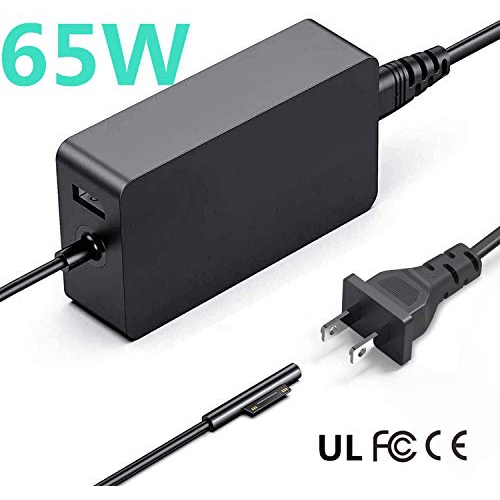
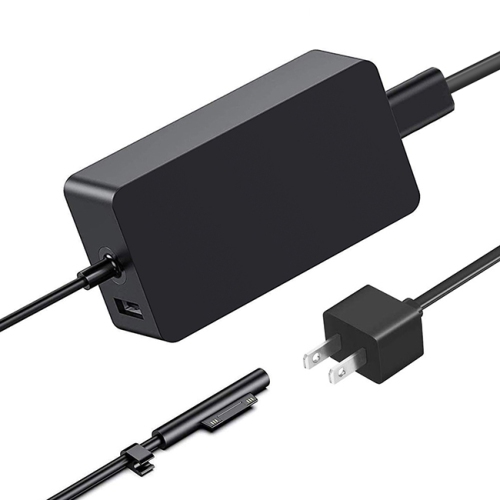
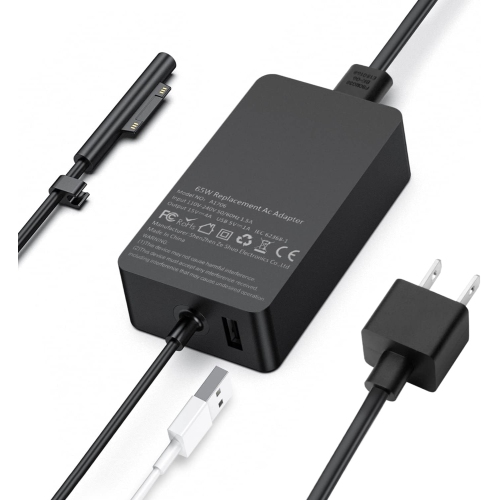
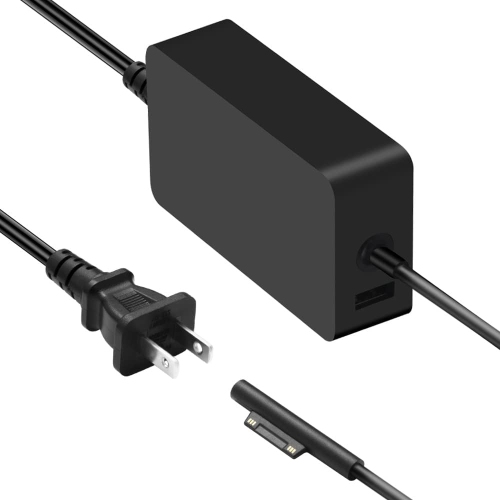
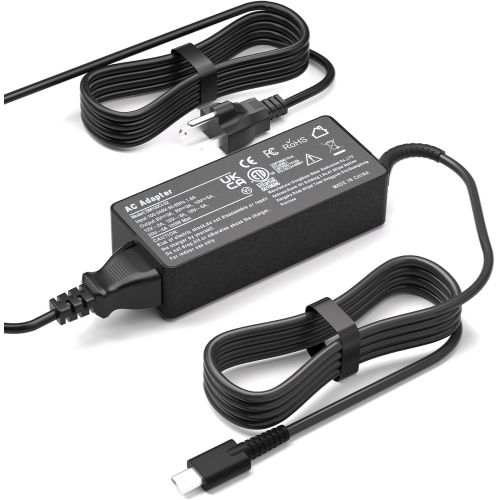
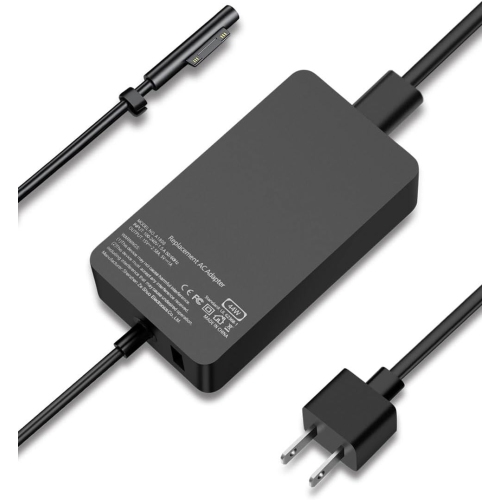
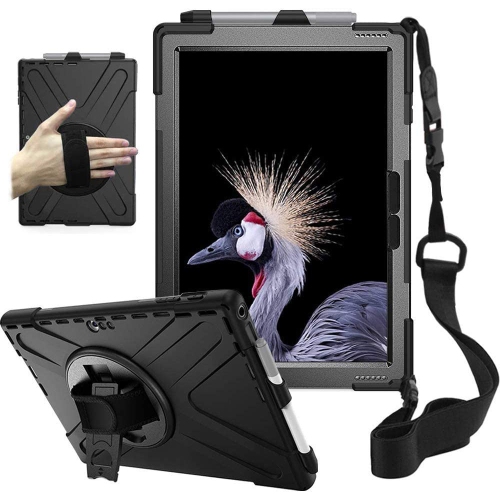
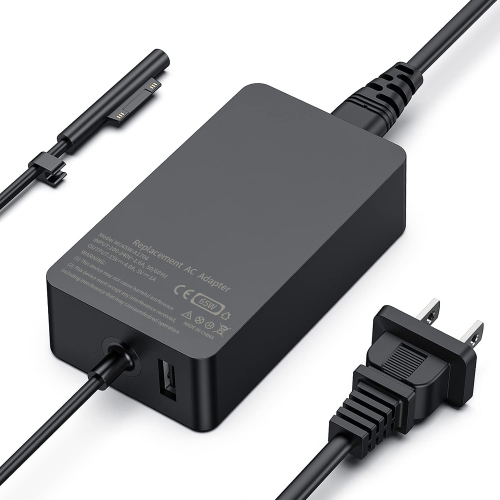
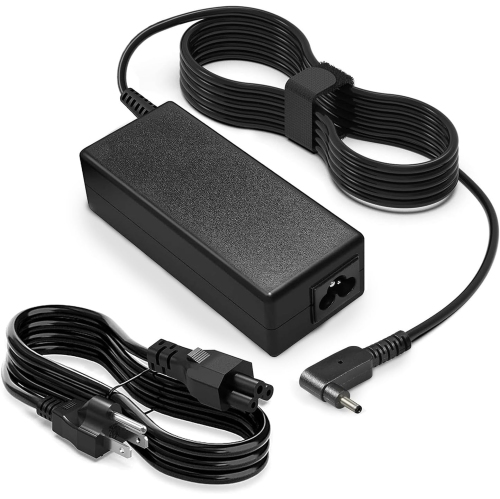
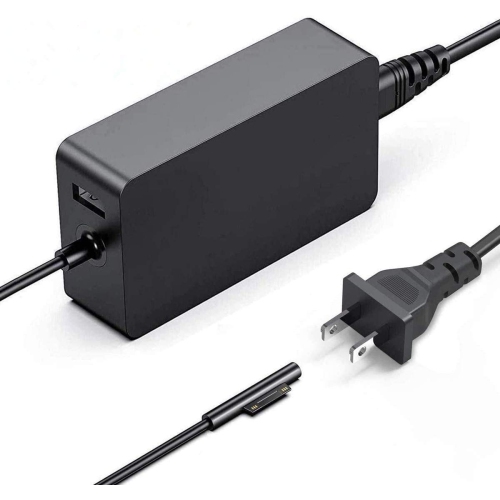
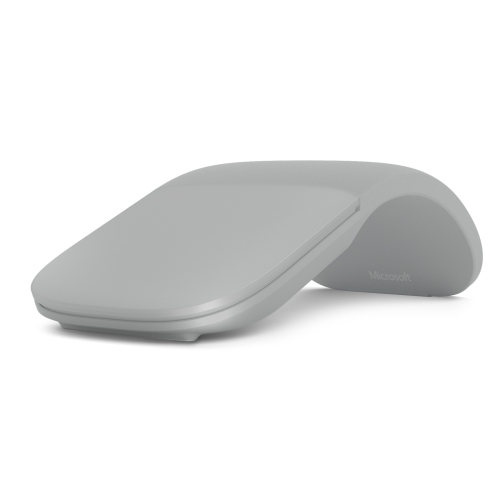
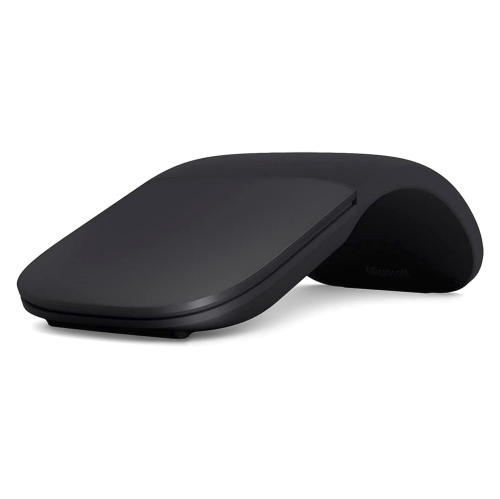
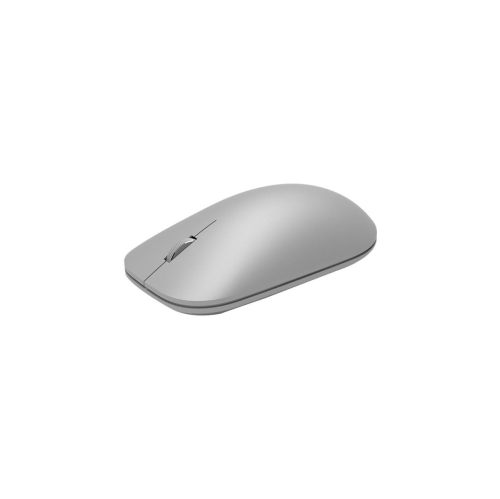
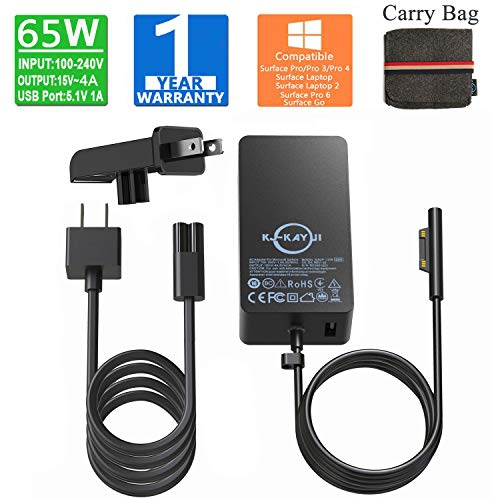
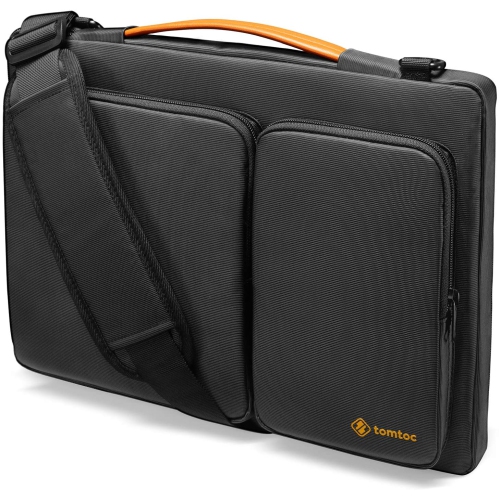
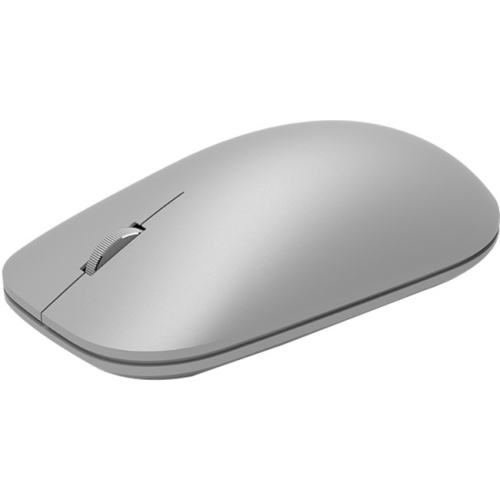
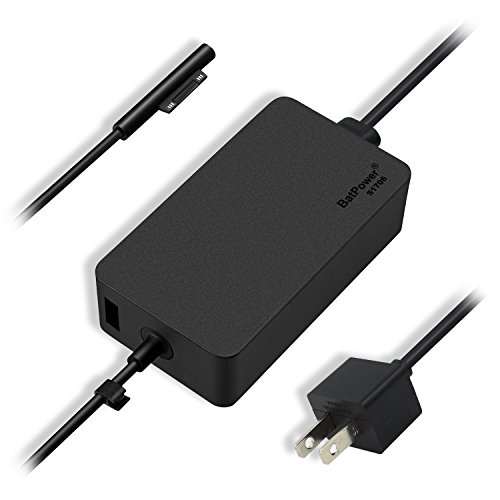
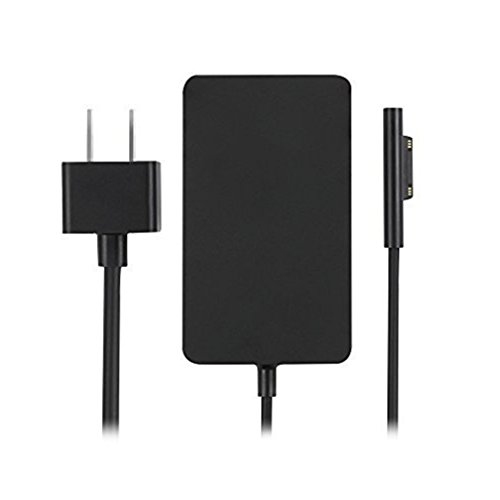
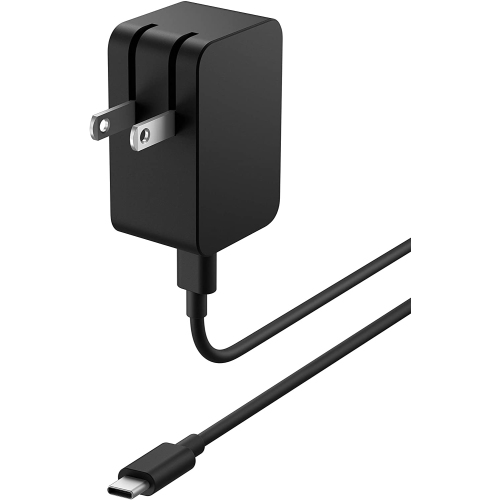
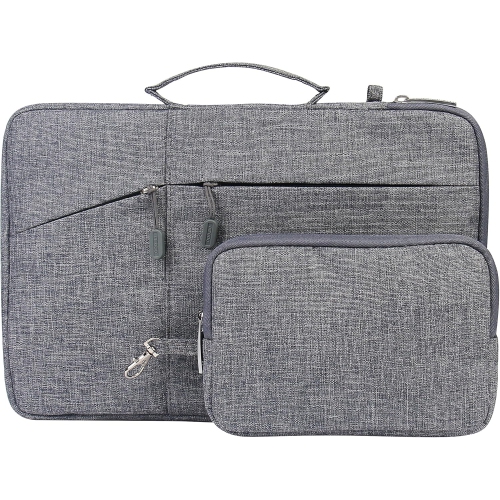
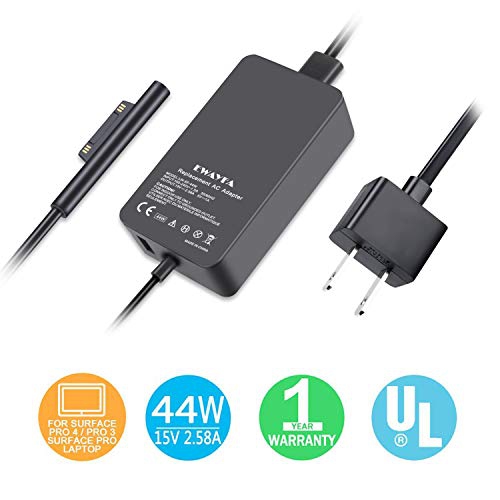
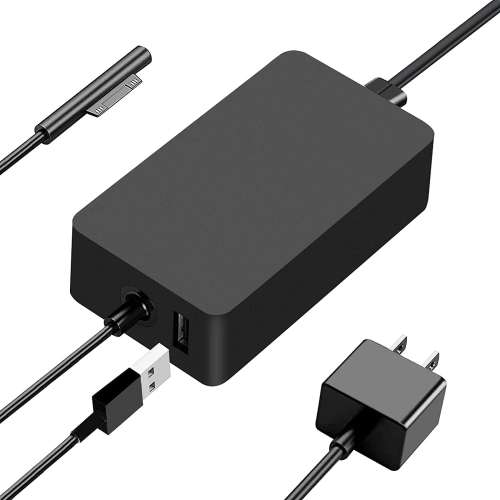
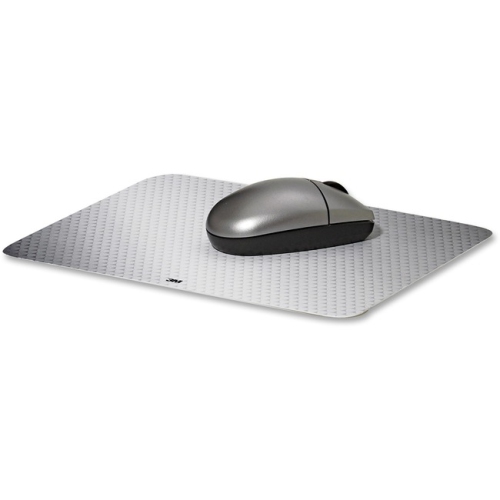
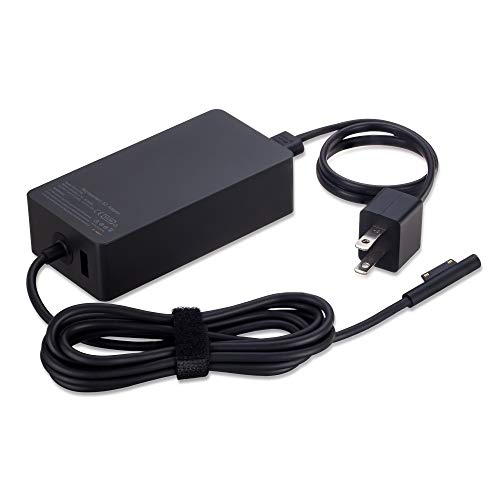
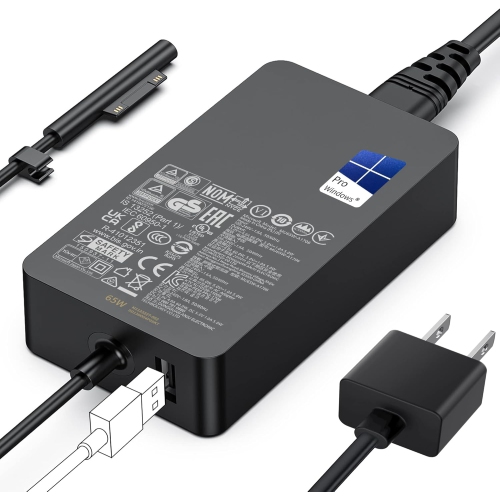
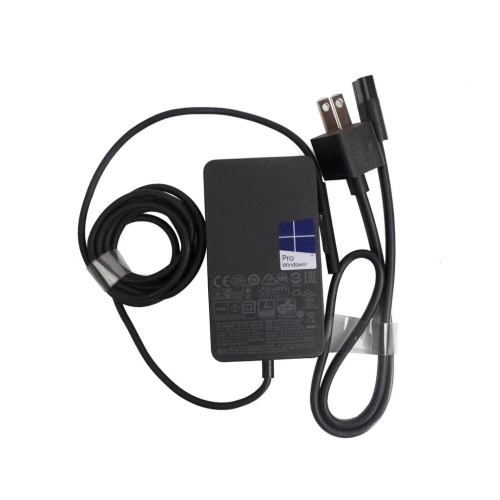
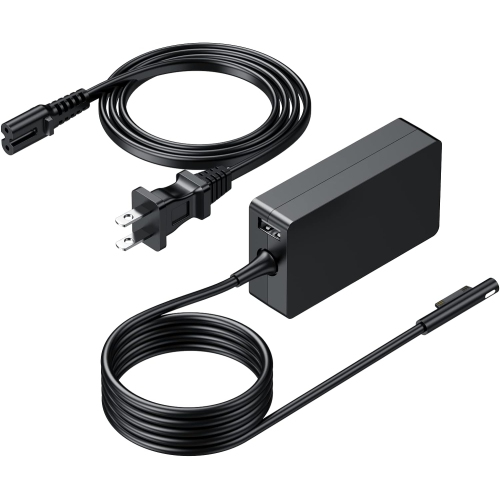
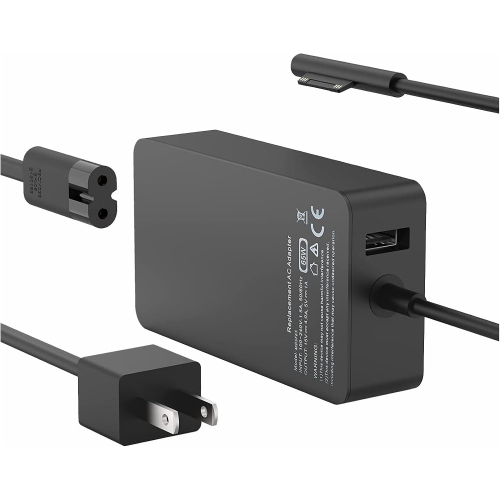
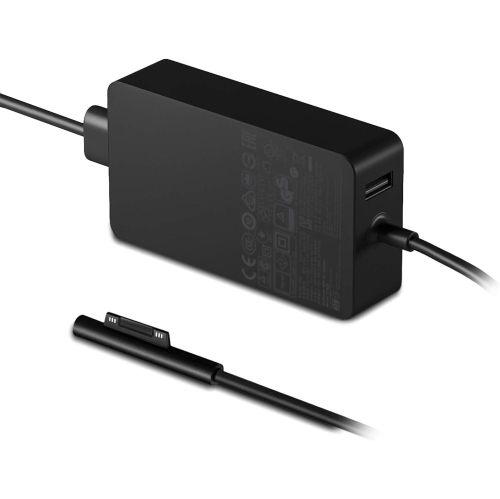
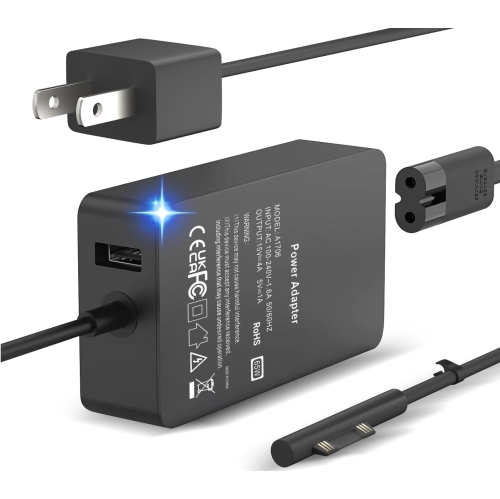
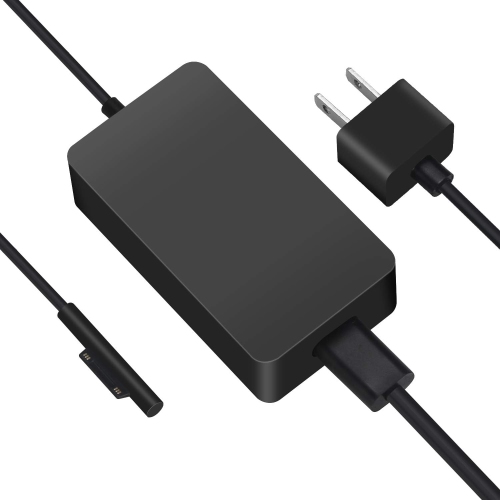
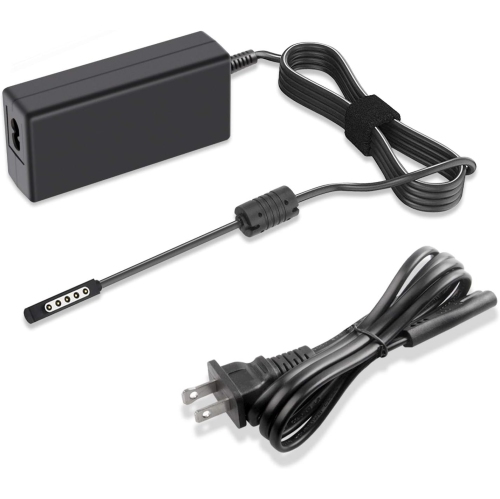
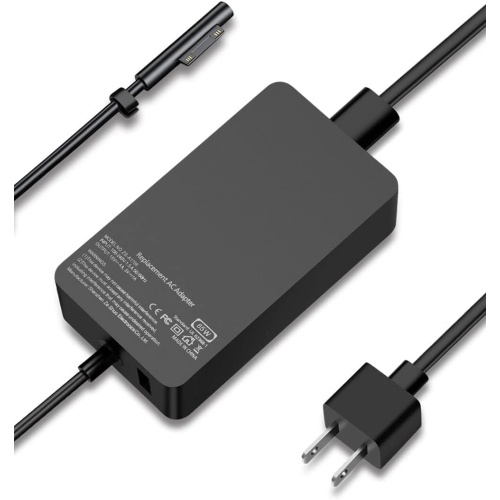
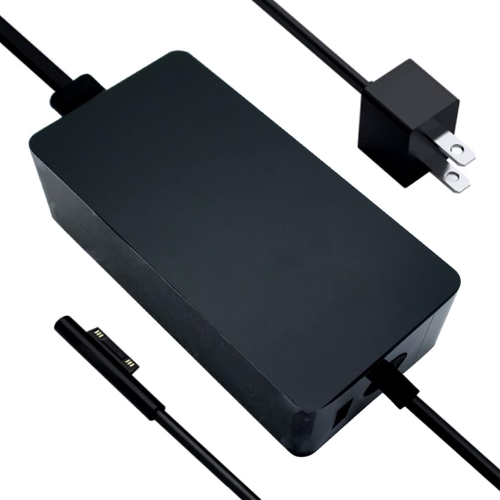
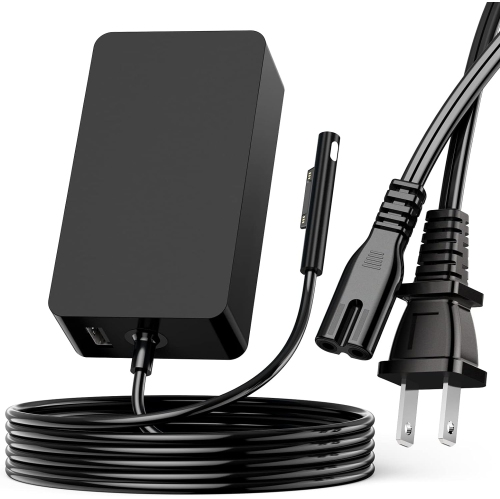
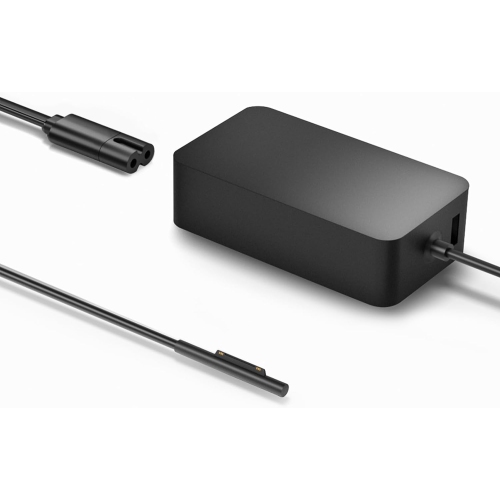
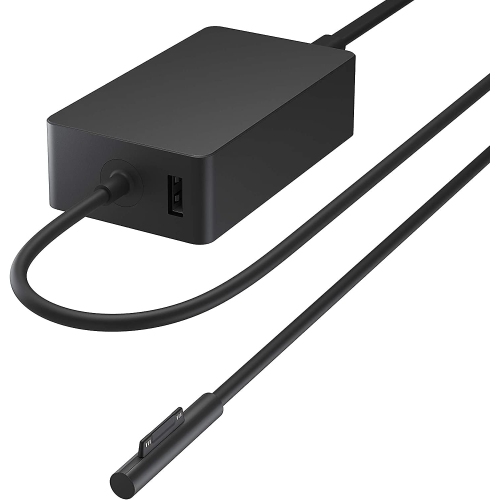
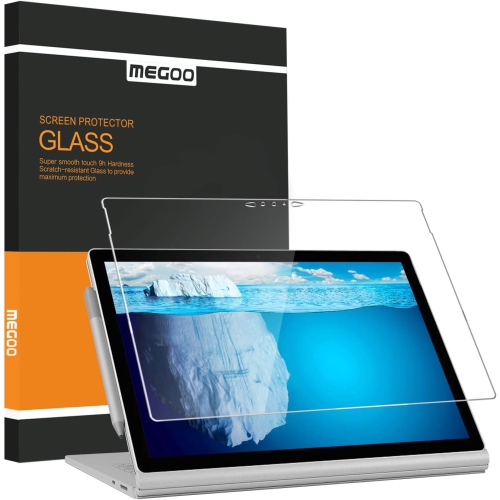
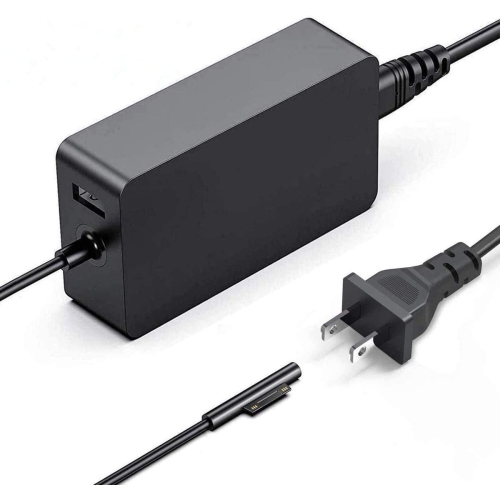
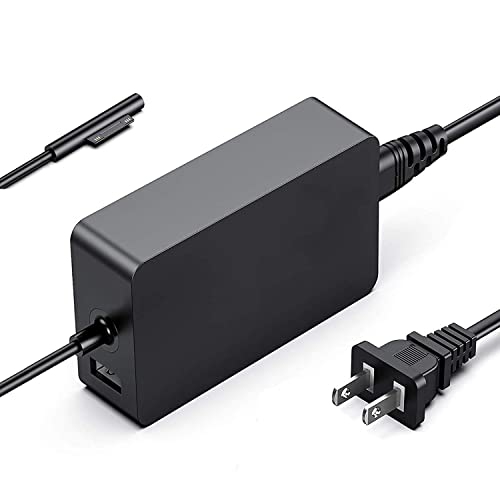
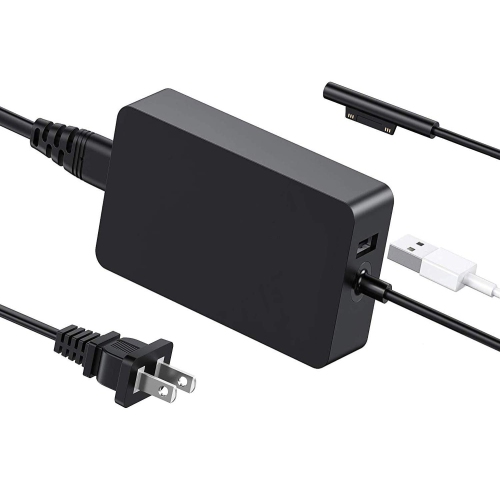
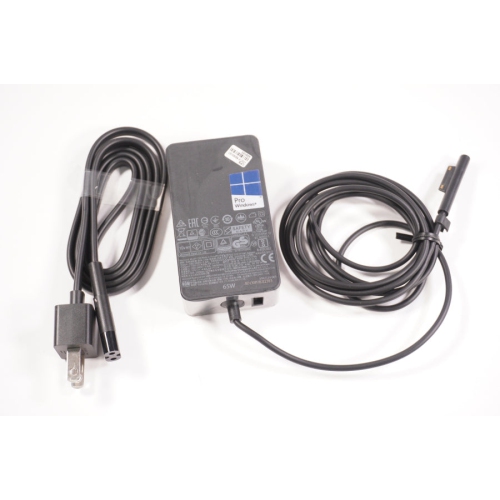
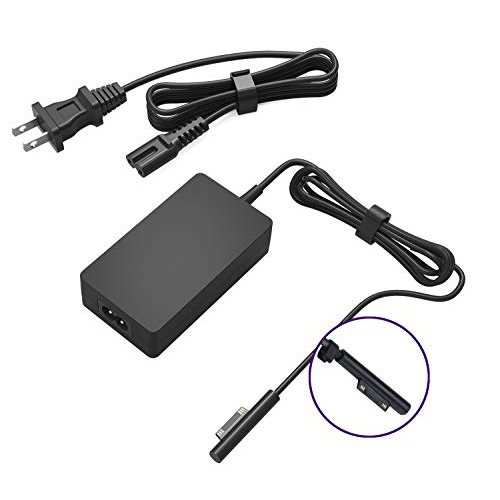
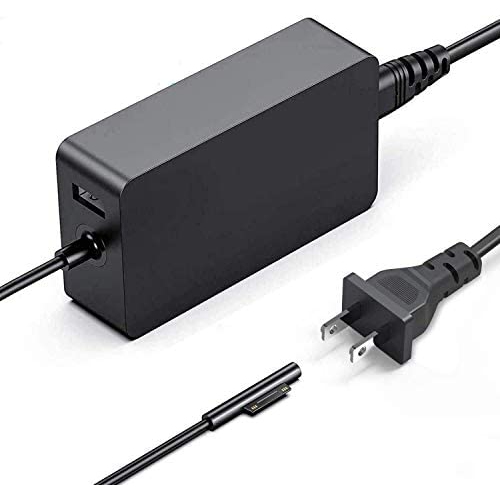
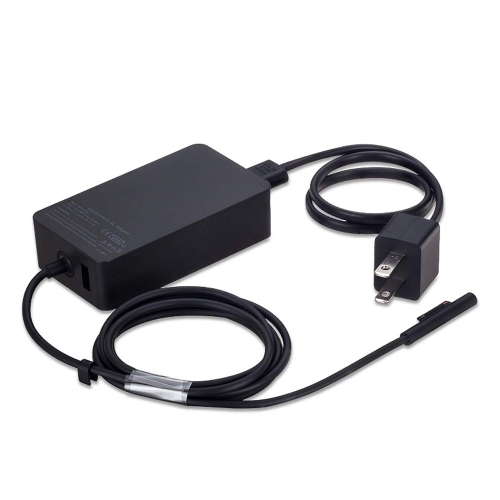
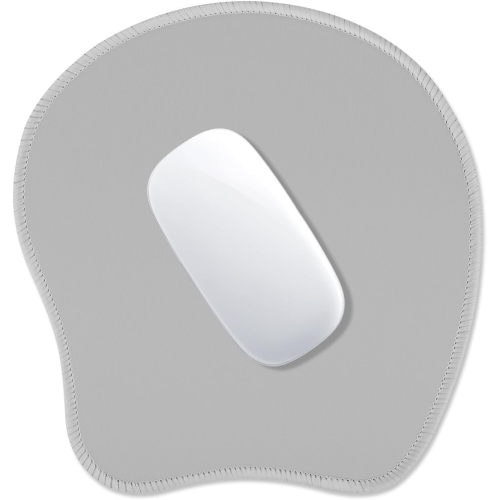
For people who move between rooms, offices and classrooms, a compact wireless mouse can offer a more familiar pointer experience than a trackpad while taking up very little space. A slim design that folds or lies flat is especially practical for commuters, students and travellers who want to keep a tidy bag without sacrificing comfortable navigation. Consider Bluetooth compatibility, button placement, scroll-wheel feel, hand size and battery arrangements, particularly if the mouse will be used for several hours at a time. A protective sleeve or case can help guard against everyday scuffs when a Surface device is carried between meetings, lectures, cafés and home workspaces, while a screen protector can add another layer of defence against fingerprints and minor marks. For a desk setup, a USB-C hub or docking station can expand the number of available connections and reduce the daily shuffle of cables. Depending on the model, a dock may provide access to USB devices, wired Ethernet, external displays, audio equipment, memory cards and power through a single connection. Multi-monitor support can be useful for comparing documents, keeping a video call visible while taking notes or arranging a larger project across separate screens. When selecting a dock, check the supported data-transfer standard, display resolution and refresh rate, the number and type of ports, power delivery limits and compatibility with the connected monitor or charger. A suitable power adapter is equally important for home, office and travel use. A compact adapter with the appropriate wattage can make it easier to maintain battery power during a full day of work, while an additional charger can stay in a permanent workspace so the primary charger remains ready for travel. Cable length and connector orientation are small details, but they often determine whether a setup feels neat and convenient or awkward and crowded.
Surface accessories can also make thoughtful gifts for students, remote workers, artists, frequent travellers and anyone who enjoys refining a personal technology setup. A pen may suit someone who fills notebooks with diagrams and ideas, a keyboard can help a new student prepare essays and presentations, and a mouse or compact hub can improve the comfort of a home office without requiring a major equipment change. During the cooler months, when more time may be spent working or studying indoors, a well-organized desk can make a room feel calmer and help separate focused tasks from household distractions. For a flexible workspace, consider how each accessory will be stored when it is not in use: magnetic attachment, built-in pen holders, protective covers and compact shapes can make daily routines smoother. People who work outside the home may value low weight and wireless operation, while those who use a fixed desk may prefer generous connectivity, external display support and a full-size keyboard. Those who enjoy working outdoors during milder weather may also appreciate a portable setup that can be packed away quickly; home and outdoor organization ideas can be complemented with Deck Accessories for a more comfortable surrounding space. Across every use case, the best match balances compatibility, comfort and convenience rather than simply adding the greatest number of features. Reviewing the device model, intended workspace, connection requirements and carrying habits before purchasing helps ensure each accessory has a clear purpose and works naturally as part of the overall Surface setup.
For people who move between rooms, offices and classrooms, a compact wireless mouse can offer a more familiar pointer experience than a trackpad while taking up very little space. A slim design that folds or lies flat is especially practical for commuters, students and travellers who want to keep a tidy bag without sacrificing comfortable navigation. Consider Bluetooth compatibility, button placement, scroll-wheel feel, hand size and battery arrangements, particularly if the mouse will be used for several hours at a time. A protective sleeve or case can help guard against everyday scuffs when a Surface device is carried between meetings, lectures, cafés and home workspaces, while a screen protector can add another layer of defence against fingerprints and minor marks. For a desk setup, a USB-C hub or docking station can expand the number of available connections and reduce the daily shuffle of cables. Depending on the model, a dock may provide access to USB devices, wired Ethernet, external displays, audio equipment, memory cards and power through a single connection. Multi-monitor support can be useful for comparing documents, keeping a video call visible while taking notes or arranging a larger project across separate screens. When selecting a dock, check the supported data-transfer standard, display resolution and refresh rate, the number and type of ports, power delivery limits and compatibility with the connected monitor or charger. A suitable power adapter is equally important for home, office and travel use. A compact adapter with the appropriate wattage can make it easier to maintain battery power during a full day of work, while an additional charger can stay in a permanent workspace so the primary charger remains ready for travel. Cable length and connector orientation are small details, but they often determine whether a setup feels neat and convenient or awkward and crowded.
Surface accessories can also make thoughtful gifts for students, remote workers, artists, frequent travellers and anyone who enjoys refining a personal technology setup. A pen may suit someone who fills notebooks with diagrams and ideas, a keyboard can help a new student prepare essays and presentations, and a mouse or compact hub can improve the comfort of a home office without requiring a major equipment change. During the cooler months, when more time may be spent working or studying indoors, a well-organized desk can make a room feel calmer and help separate focused tasks from household distractions. For a flexible workspace, consider how each accessory will be stored when it is not in use: magnetic attachment, built-in pen holders, protective covers and compact shapes can make daily routines smoother. People who work outside the home may value low weight and wireless operation, while those who use a fixed desk may prefer generous connectivity, external display support and a full-size keyboard. Those who enjoy working outdoors during milder weather may also appreciate a portable setup that can be packed away quickly; home and outdoor organization ideas can be complemented with Deck Accessories for a more comfortable surrounding space. Across every use case, the best match balances compatibility, comfort and convenience rather than simply adding the greatest number of features. Reviewing the device model, intended workspace, connection requirements and carrying habits before purchasing helps ensure each accessory has a clear purpose and works naturally as part of the overall Surface setup.
Top selling and popular products
-
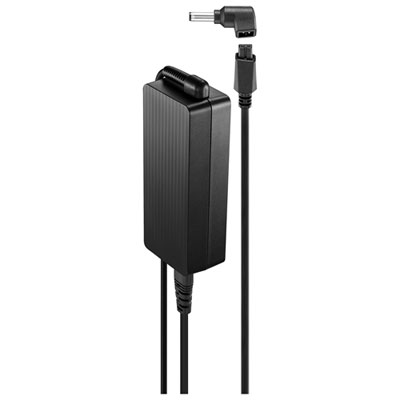 Your price for this item is $69.99
 -
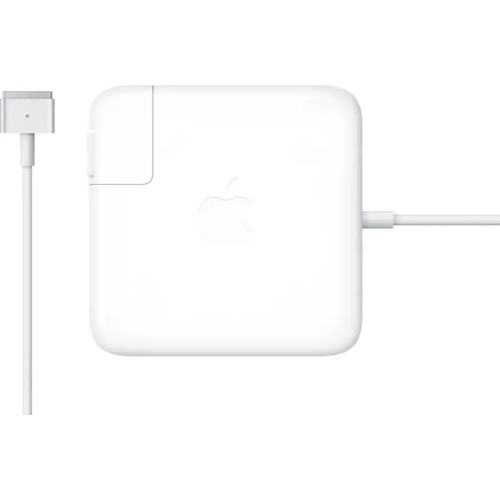 Your price for this item is $135.39
 -
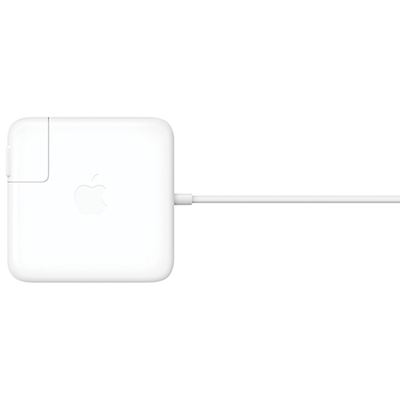 Your price for this item is $95
 -
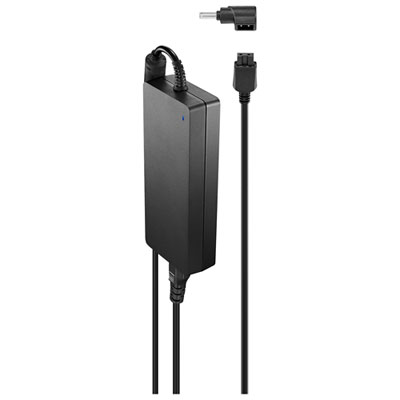 Your price for this item is $109.99
 -
 Your price for this item is $49.99
 -
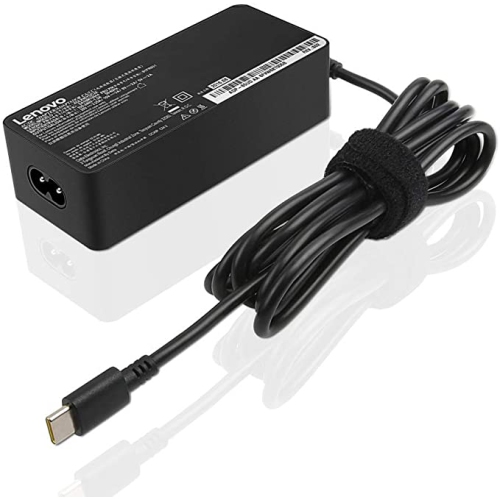 Your price for this item is $67
 -
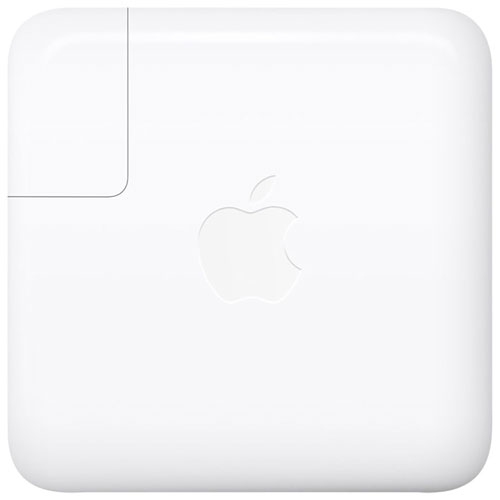 Your price for this item is $71
 -
 Your price for this item is $51.99
Discover more categories related to Surface Accessories


Top Collections:
Pokemon Centers, Kindle Devices, Best Budget Office Chairs, Apple iPhones 16, Canon G7X Cameras, iPhone 15 Apple, Alarm Clock, Refurbished Apple Laptops, Flip Phones, Best Laptops for Writers
Some products may be subject to Environmental Handling Fees
(EHF) depending on your province.
Learn more about EHFs.