Surface Pen Tips
Surface Pen Tips are essential accessories for anyone looking to keep their digital writing and drawing experience smooth and precise. Whether you need replacements for worn tips or want to customize your stylus feel, a variety of options are available to match your creative style and workflow. Explore Surface Pen Tips to find the perfect fit for your device and enjoy seamless interaction with your touchscreen.
Sort

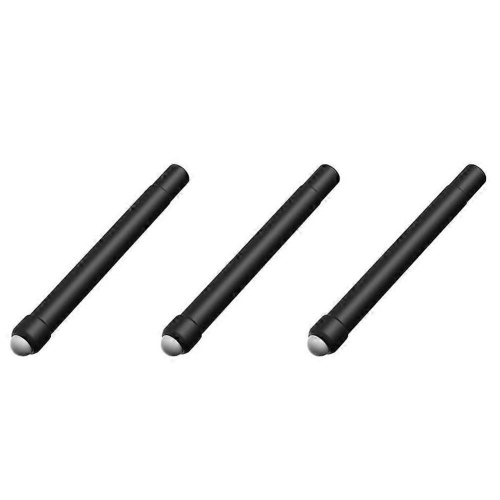
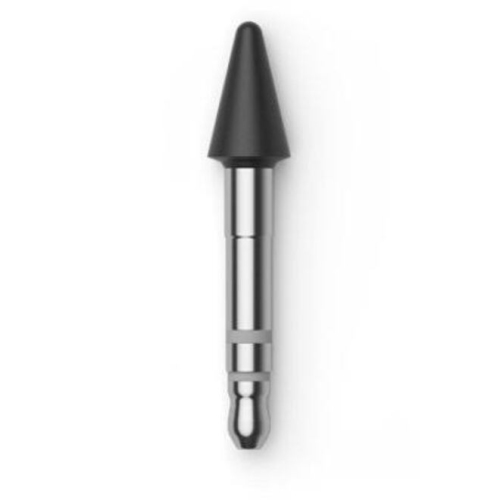
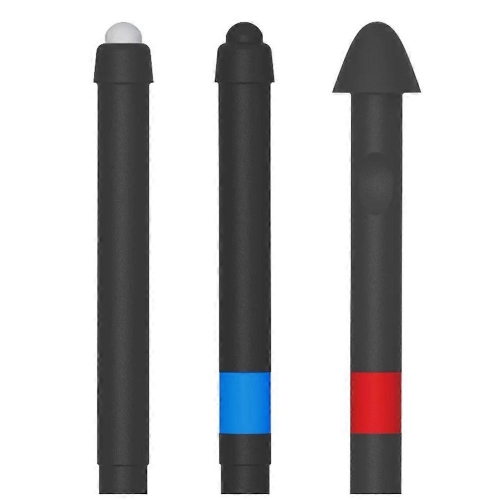
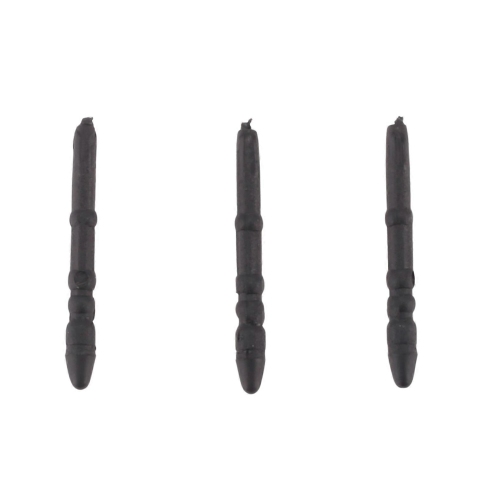
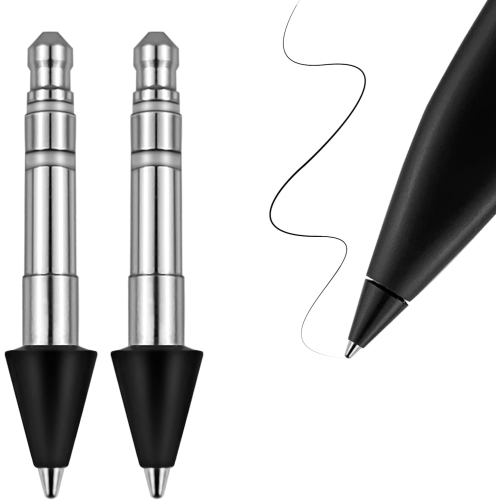
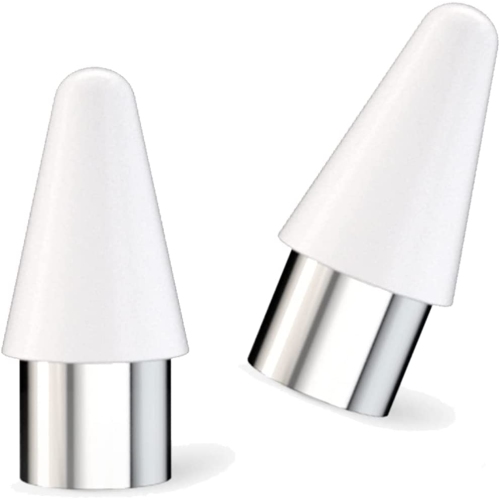



How replacement nibs change the feel of writing
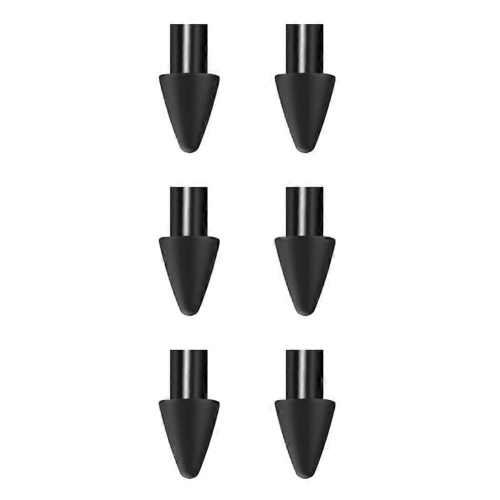
Surface Pen tips are replacement nibs that form the contact point between a compatible digital pen and a touchscreen. They are small components, but their shape, condition and firmness can noticeably affect how handwriting, sketching and everyday navigation feel. A fresh tip can replace a nib that has become worn, damaged or uncomfortable to use, while a different compatible tip may offer a firmer glide or a little more resistance against the glass. Compatibility is the starting point: replacement tips need to match the pen model, not simply the tablet or computer being used. Different pen generations and designs can have different tip dimensions and attachment systems, even when the pens look similar or work with related devices. A shared appearance does not establish that two nibs are interchangeable. The pen’s model information and the replacement tip’s stated compatibility provide a more dependable match than colour, overall shape or the device’s screen size. Product descriptions may also distinguish between replacements with a consistent feel and packs containing several tip options. Where firmness markings are provided, their meaning depends on the manufacturer’s own description; they should not be treated as a universal scale across unrelated accessories. For someone replacing a broken nib, matching the original feel may be the priority. For someone who writes several pages of notes or draws for extended periods, the amount of drag against the screen may matter more. A replacement nib is not a complete pen, and it does not add features that the pen and device do not already support. Pressure sensitivity, tilt recognition and button functions remain dependent on the compatible hardware and software. Understanding that distinction helps keep the focus on what these accessories actually do: renew the physical writing point and, where compatible options allow, adjust the feel of contact with the screen. Fit, intended use and the desired writing sensation are therefore more useful comparisons than appearance alone.
The material and construction of a stylus tip help determine its balance of smoothness, grip and wear resistance. Replacement nibs may use polymers or composite constructions, with different designs intended to create a softer, more cushioned contact or a firmer, more direct feel. Material alone does not tell the whole story, since the shape of the writing point and the finish of the screen also influence the experience. A tip that glides easily across bare glass may feel noticeably different on a textured screen protector. Firmer options can appeal to people who prefer light, quick strokes when annotating documents or moving between handwritten notes and on-screen controls. Tips with more resistance may suit those who like a more deliberate feel when forming letters, shading an illustration or tracing a curve. Neither sensation is automatically better, and a replacement tip cannot make a glass display behave exactly like paper. The practical difference often becomes clearer during familiar tasks: fitting a short note into the margin of a document, drawing a clean outline around a diagram or signing a form without an awkward change in grip. Students taking lecture notes, professionals marking up plans and artists moving between rough sketches and detailed work may each value a different feel. Tip choice can support those preferences, but it does not increase a screen’s resolution or guarantee more accurate handwriting. Wear also varies with writing pressure, frequency of use and the surface being written on. A textured protector may wear some nibs more quickly than smooth glass, while heavy pressure can place extra stress on the point. A flattened edge, visible splitting, unusual roughness or a tip that no longer sits securely can indicate that replacement is worth considering. Continued use of a visibly damaged nib can make writing less predictable and may put the screen surface at risk. No tip material should be treated as a guarantee against scratches, especially when grit or other debris is present.
Everyday care helps preserve both the writing feel and the condition of the screen. Dust or grit trapped around the contact point can turn an otherwise smooth stroke into an unpleasant scrape, so a clean writing surface matters as much as the nib itself. Cleaning methods should follow the pen and device manufacturers’ directions, without soaking the pen or using chemicals that could affect its finish or internal components. Storage matters too: a pen carried loose alongside keys or other hard objects can be knocked against its tip, while a suitable holder or case can help protect that small contact point. Spare nibs are easiest to keep track of in their original container or another secure compartment rather than loose in a bag. When a tip needs changing, the appropriate removal method and any required tool depend on the pen design; forcing an incompatible nib into place can damage the tip or pen. Pack size is another practical consideration. Someone who uses a digital pen occasionally for signatures may have different replacement needs from a student filling notebooks or an illustrator working through repeated drafts. Several matching spares can be useful for frequent use, while a pack with different compatible firmness options may appeal to someone exploring writing preferences. Replacement tips can also make a thoughtful addition to a gift for a digital note-taker or artist, provided the recipient’s exact pen model is known. For households or workspaces with more than one stylus type, keeping replacements clearly separated helps prevent mix-ups. Those comparing accessories for a different stylus family can also explore Ultra S Pen Replacement, with compatibility assessed separately rather than assumed across pen systems. The most useful replacement is one that fits securely, feels comfortable during the tasks performed most often and can be cared for without complicating an established writing routine.
The material and construction of a stylus tip help determine its balance of smoothness, grip and wear resistance. Replacement nibs may use polymers or composite constructions, with different designs intended to create a softer, more cushioned contact or a firmer, more direct feel. Material alone does not tell the whole story, since the shape of the writing point and the finish of the screen also influence the experience. A tip that glides easily across bare glass may feel noticeably different on a textured screen protector. Firmer options can appeal to people who prefer light, quick strokes when annotating documents or moving between handwritten notes and on-screen controls. Tips with more resistance may suit those who like a more deliberate feel when forming letters, shading an illustration or tracing a curve. Neither sensation is automatically better, and a replacement tip cannot make a glass display behave exactly like paper. The practical difference often becomes clearer during familiar tasks: fitting a short note into the margin of a document, drawing a clean outline around a diagram or signing a form without an awkward change in grip. Students taking lecture notes, professionals marking up plans and artists moving between rough sketches and detailed work may each value a different feel. Tip choice can support those preferences, but it does not increase a screen’s resolution or guarantee more accurate handwriting. Wear also varies with writing pressure, frequency of use and the surface being written on. A textured protector may wear some nibs more quickly than smooth glass, while heavy pressure can place extra stress on the point. A flattened edge, visible splitting, unusual roughness or a tip that no longer sits securely can indicate that replacement is worth considering. Continued use of a visibly damaged nib can make writing less predictable and may put the screen surface at risk. No tip material should be treated as a guarantee against scratches, especially when grit or other debris is present.
Everyday care helps preserve both the writing feel and the condition of the screen. Dust or grit trapped around the contact point can turn an otherwise smooth stroke into an unpleasant scrape, so a clean writing surface matters as much as the nib itself. Cleaning methods should follow the pen and device manufacturers’ directions, without soaking the pen or using chemicals that could affect its finish or internal components. Storage matters too: a pen carried loose alongside keys or other hard objects can be knocked against its tip, while a suitable holder or case can help protect that small contact point. Spare nibs are easiest to keep track of in their original container or another secure compartment rather than loose in a bag. When a tip needs changing, the appropriate removal method and any required tool depend on the pen design; forcing an incompatible nib into place can damage the tip or pen. Pack size is another practical consideration. Someone who uses a digital pen occasionally for signatures may have different replacement needs from a student filling notebooks or an illustrator working through repeated drafts. Several matching spares can be useful for frequent use, while a pack with different compatible firmness options may appeal to someone exploring writing preferences. Replacement tips can also make a thoughtful addition to a gift for a digital note-taker or artist, provided the recipient’s exact pen model is known. For households or workspaces with more than one stylus type, keeping replacements clearly separated helps prevent mix-ups. Those comparing accessories for a different stylus family can also explore Ultra S Pen Replacement, with compatibility assessed separately rather than assumed across pen systems. The most useful replacement is one that fits securely, feels comfortable during the tasks performed most often and can be cared for without complicating an established writing routine.
Top selling and popular products
-
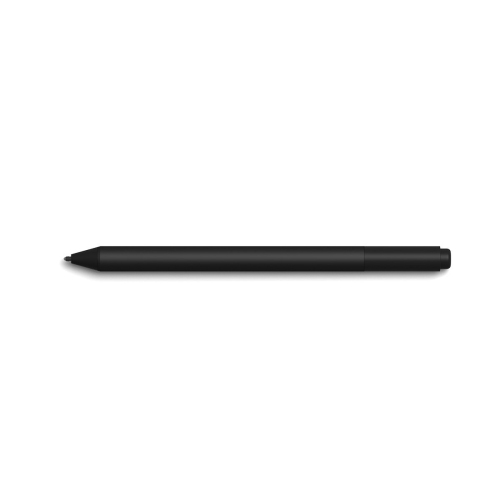 Your price for this item is $175.68
-
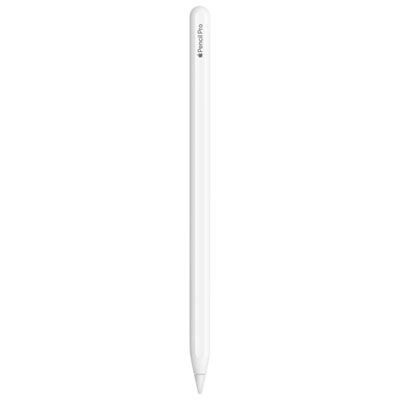 Your price for this item is $169
-
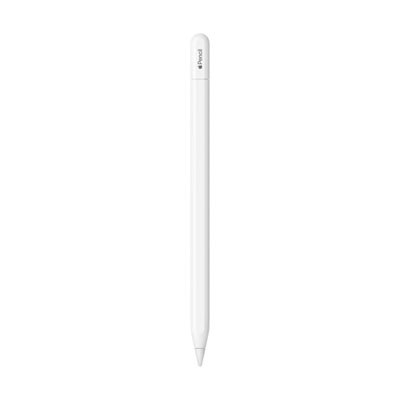 Your price for this item is $109
-
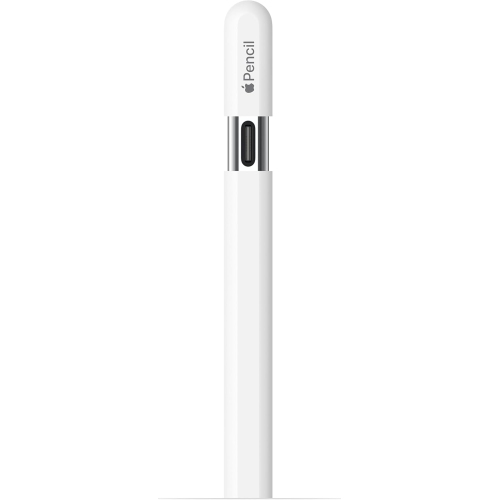 Your price for this item is $96.9
-
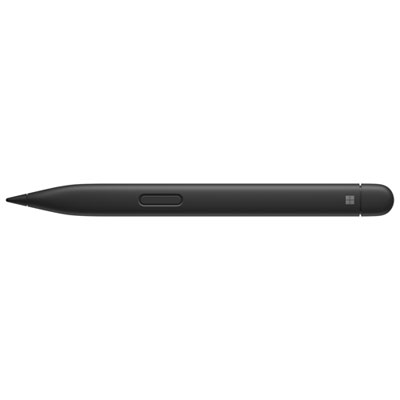 Your price for this item is $189.99
-
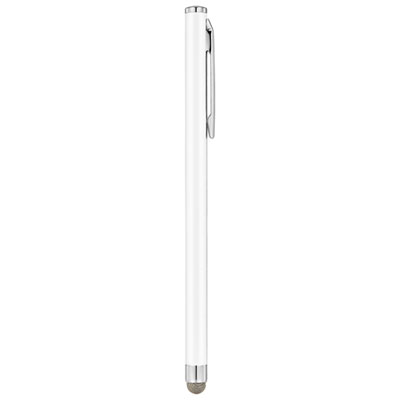 Your price for this item is $9.99
-
 Your price for this item is $71.99
-
 Your price for this item is $21.99
Discover more categories related to Surface Pen Tips


Top Collections:
Pokemon Centers, Kindle Devices, Best Cameras for Sports Photography, Pokémon 30th Celebration Cards, Apple iPhones 16, Canon G7X Cameras, iPhone 15 Apple, Flip Phones, Samsung Galaxy Phones, Alarm Clock
Some products may be subject to Environmental Handling Fees
(EHF) depending on your province.
Learn more about EHFs.