Surface Slim Pen
Enhance your digital creativity and productivity with the Surface Slim Pen. Designed for seamless compatibility with a range of devices, the Surface Slim Pen offers a natural and intuitive writing experience for note-taking, sketching, editing, and more. Whether you're working on professional projects or personal tasks, explore options that deliver precision and comfort. Discover the ideal Surface Slim Pen to suit your workflow and elevate your everyday interactions with your device.
Sort

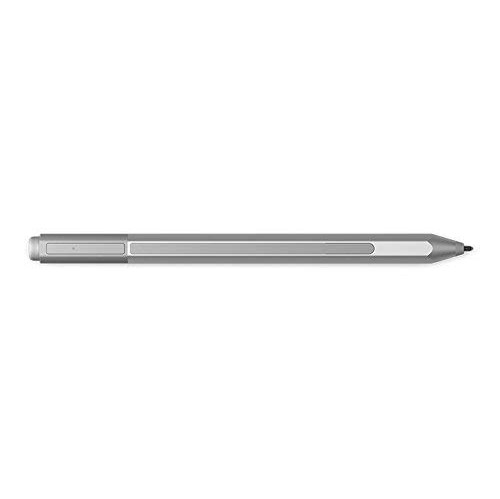
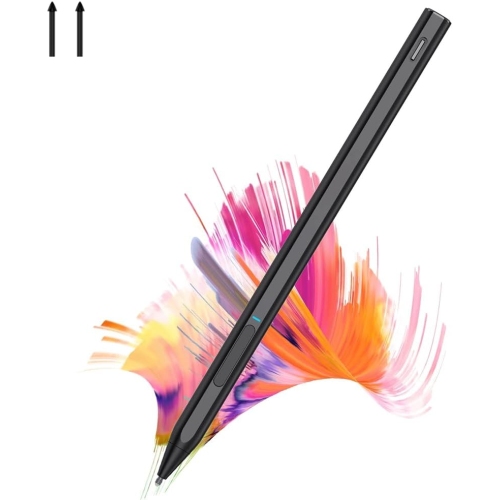
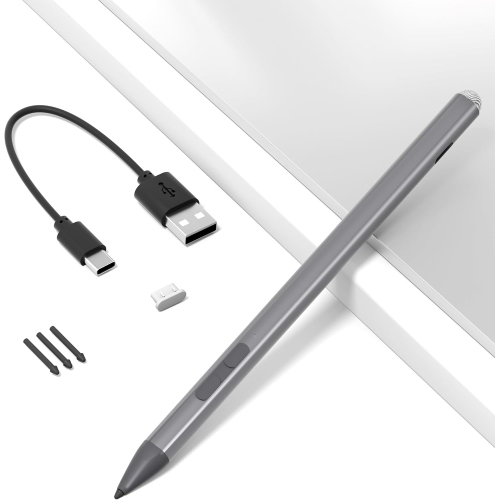
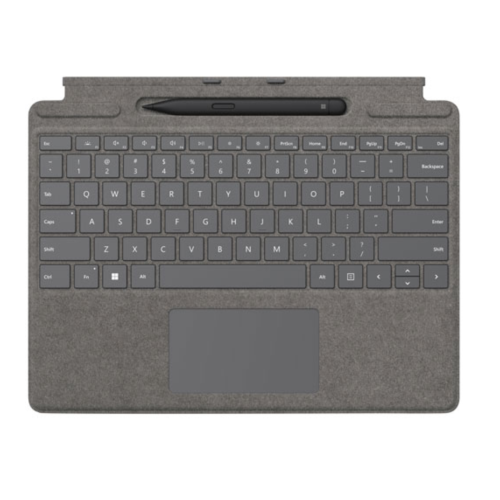

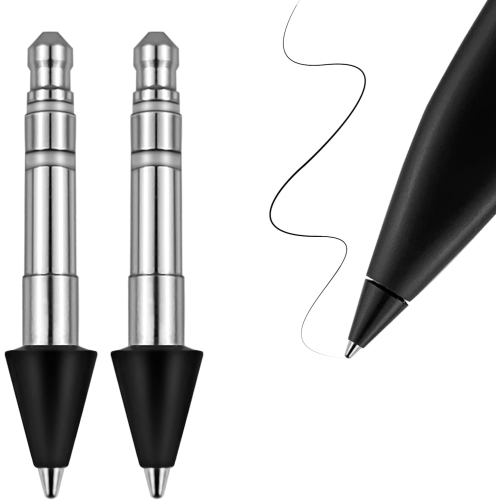
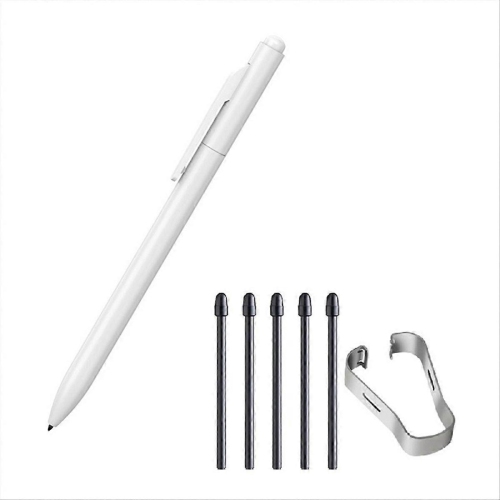
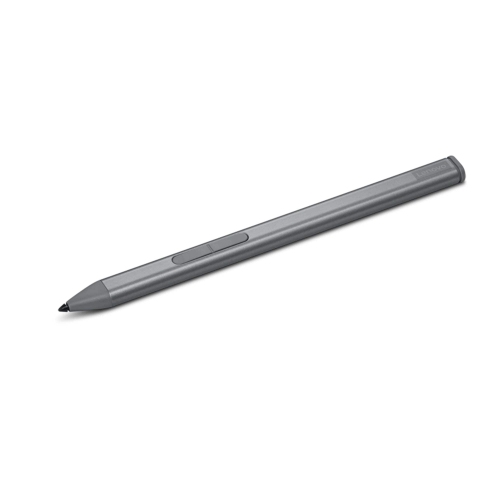
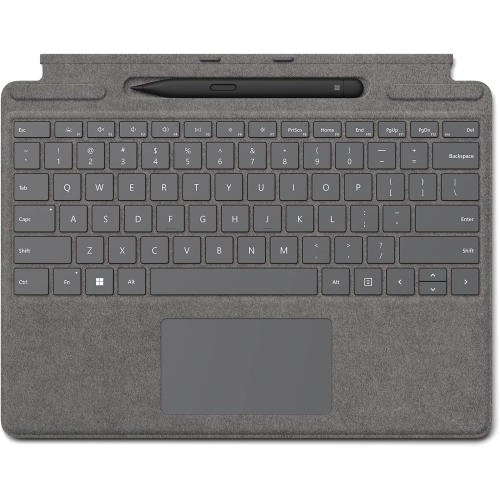
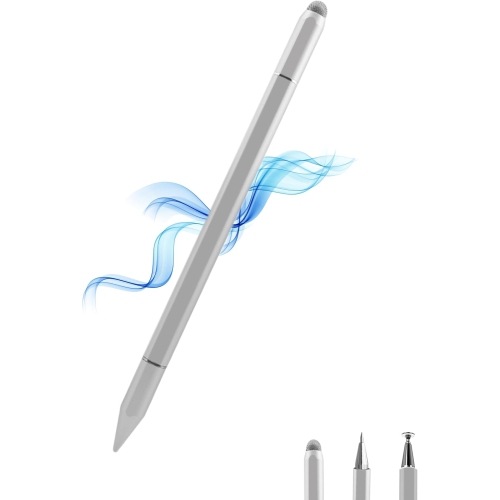
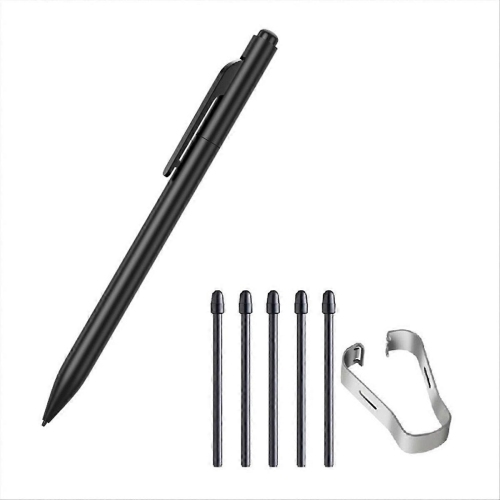
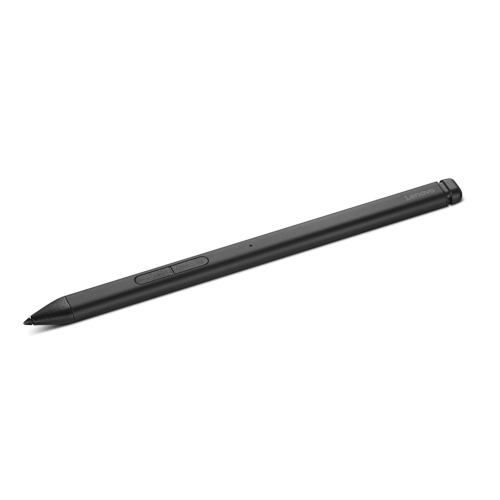
Precise digital handwriting starts with a compatible setup
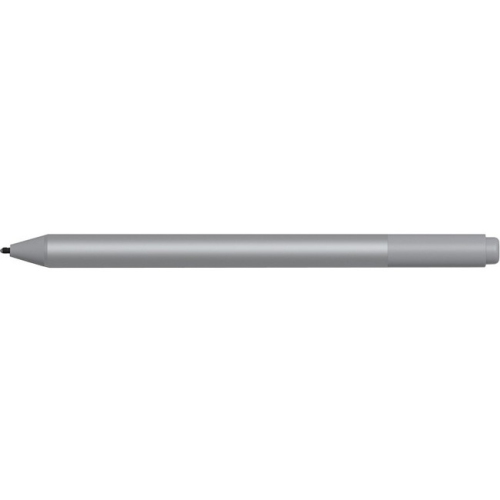
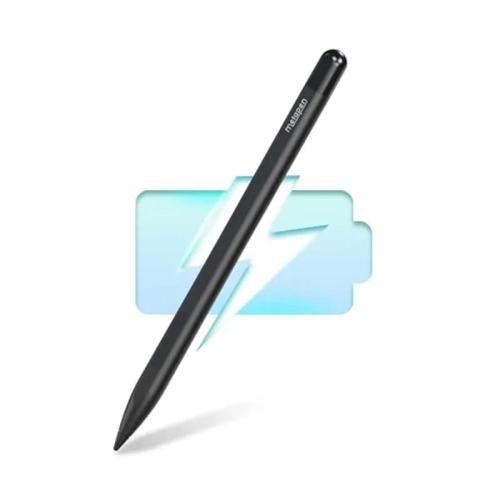
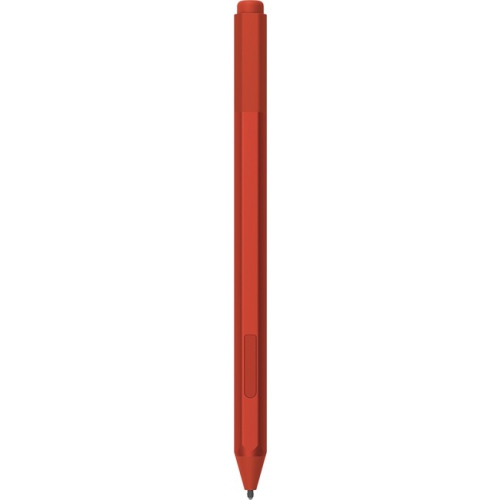
Slim active pens are digital styluses designed for handwriting, sketching, annotation, and precise input on compatible touchscreens. Unlike a basic capacitive stylus that largely acts as a fingertip, an active pen communicates with supported hardware to provide features such as pressure sensitivity, tilt detection, and configurable controls. A flattened, carpenter-pencil-style body gives this type of pen its distinctive profile, offering a different grip from a round barrel and helping reduce rolling when it is placed on a desk. The narrow tip makes it easier to see where a line begins, whether the task is adding a small note beside a paragraph or tracing the edge of a drawing. Pressure sensitivity can translate a lighter touch into a finer stroke and firmer pressure into a heavier mark, while tilt support can produce broader shading with suitable brushes. These effects depend on both the pen and the application, so the same gesture may look different in a note-taking app and an illustration program. Some combinations also support tactile feedback, adding subtle vibrations that make writing or drawing feel more responsive. That feature is not universal and requires compatible hardware and software. For students, a slim digital pen can bring handwritten equations, diagrams, and lecture notes into the same workspace as course documents. Professionals may use one to mark up a floor plan, sign a document, or circle a detail during a presentation. Artists and hobbyists gain a compact tool for rough concepts, colour studies, and more deliberate line work. The appeal is not limited to drawing skill: a quick arrow, a handwritten reminder, or a few corrections on a draft can be faster and clearer than typing an explanation. A comfortable pen also leaves the keyboard free for longer passages, allowing handwriting and typed text to serve different parts of the same task.
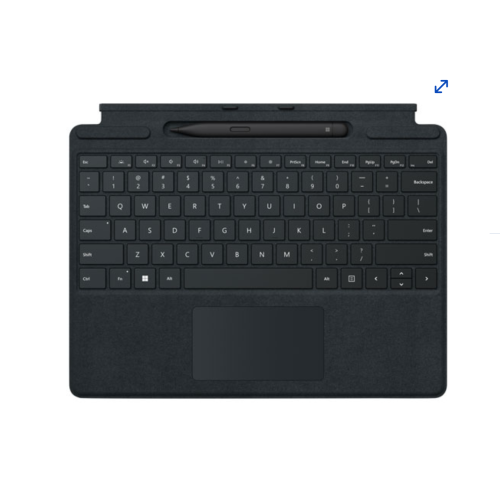
Compatibility is the most important distinction among slim active pens and their accessories. A touchscreen alone does not establish pen support, and a device that accepts one active-pen technology may not accept another. The exact computer or tablet model, its supported pen protocol, and the pen generation all matter. Even when basic inking works, advanced functions such as tilt, shortcut buttons, tactile feedback, or particular charging arrangements may have separate requirements. Magnetic attachment is another detail worth separating from charging: a pen can attach securely to a device without receiving power there. Likewise, a keyboard storage recess is only a charging location when that keyboard and pen are designed to work together. Depending on the design, rechargeable pens may use a dedicated cradle, a compatible keyboard tray, or another specified charging accessory. A matching storage and charging arrangement can make the pen easier to keep within reach between tasks, especially when a tablet moves frequently from a desk to a bag. Battery-life claims are best understood alongside the stated test conditions, since settings, usage patterns, and supported feedback features can affect the time between charges. Wireless pairing may also serve a different purpose from writing support; on some designs, it enables button shortcuts rather than the pen strokes themselves. Software contributes just as much to the experience. Handwriting conversion, shape correction, searchable notes, and annotation tools are application features, not capabilities that every pen supplies on its own. Palm rejection depends on the supported setup as well, allowing a hand to rest on the screen while the pen is in use. Someone who writes dense meeting notes may value dependable fine-line control and easy erasing, while a person sketching furniture layouts may care more about tilt response and a comfortable grip. A small amount of input delay is especially noticeable when handwriting quickly, making responsiveness an important part of the overall pen-and-device combination. The strongest fit comes from matching the complete setup to the work, rather than judging a stylus by its appearance or a single specification.
Materials, balance, and everyday handling shape how a slim pen feels after more than a few quick strokes. Plastic and metal housings can offer different textures and weights, while seams, edges, and button placement influence where the fingers naturally settle. A flatter body may feel secure to someone who tends to rotate a round pen, although personal grip and hand size remain important. People who write for extended periods often notice whether the barrel feels slippery, whether a button sits beneath a resting finger, and whether the pen feels balanced near the tip. Tip condition also affects the experience: a worn or damaged nib may feel rougher or produce less consistent contact, and replacement options depend on the design. Compatible replacement tips and model-specific charging accessories can help support continued use without assuming that parts are interchangeable. For routine care, the manufacturer's cleaning directions remain the right reference, particularly around charging contacts, buttons, and the tip opening. A soft, lint-free cloth is generally useful for removing surface marks, while liquids should stay out of openings. A protective sleeve, fitted storage slot, or suitable case can help keep the pen from scraping against keys and other loose objects in a bag. Avoiding heavy pressure on the tip during transport is just as important as protecting the body from drops. The broader Smart Pens category provides context for different handwriting tools, but direct-to-screen use still calls for a stylus matched to the receiving device. As a gift, a slim active pen can suit a student who annotates readings, a designer who sketches ideas, or a family member who prefers handwritten lists to typed notes. Knowing the recipient's exact device and existing charging accessories makes the gift more useful. For everyday use, the lasting value is practical: clear marks where they are needed, a comfortable hold, and a dependable place to store and recharge the pen between tasks.
Compatibility is the most important distinction among slim active pens and their accessories. A touchscreen alone does not establish pen support, and a device that accepts one active-pen technology may not accept another. The exact computer or tablet model, its supported pen protocol, and the pen generation all matter. Even when basic inking works, advanced functions such as tilt, shortcut buttons, tactile feedback, or particular charging arrangements may have separate requirements. Magnetic attachment is another detail worth separating from charging: a pen can attach securely to a device without receiving power there. Likewise, a keyboard storage recess is only a charging location when that keyboard and pen are designed to work together. Depending on the design, rechargeable pens may use a dedicated cradle, a compatible keyboard tray, or another specified charging accessory. A matching storage and charging arrangement can make the pen easier to keep within reach between tasks, especially when a tablet moves frequently from a desk to a bag. Battery-life claims are best understood alongside the stated test conditions, since settings, usage patterns, and supported feedback features can affect the time between charges. Wireless pairing may also serve a different purpose from writing support; on some designs, it enables button shortcuts rather than the pen strokes themselves. Software contributes just as much to the experience. Handwriting conversion, shape correction, searchable notes, and annotation tools are application features, not capabilities that every pen supplies on its own. Palm rejection depends on the supported setup as well, allowing a hand to rest on the screen while the pen is in use. Someone who writes dense meeting notes may value dependable fine-line control and easy erasing, while a person sketching furniture layouts may care more about tilt response and a comfortable grip. A small amount of input delay is especially noticeable when handwriting quickly, making responsiveness an important part of the overall pen-and-device combination. The strongest fit comes from matching the complete setup to the work, rather than judging a stylus by its appearance or a single specification.
Materials, balance, and everyday handling shape how a slim pen feels after more than a few quick strokes. Plastic and metal housings can offer different textures and weights, while seams, edges, and button placement influence where the fingers naturally settle. A flatter body may feel secure to someone who tends to rotate a round pen, although personal grip and hand size remain important. People who write for extended periods often notice whether the barrel feels slippery, whether a button sits beneath a resting finger, and whether the pen feels balanced near the tip. Tip condition also affects the experience: a worn or damaged nib may feel rougher or produce less consistent contact, and replacement options depend on the design. Compatible replacement tips and model-specific charging accessories can help support continued use without assuming that parts are interchangeable. For routine care, the manufacturer's cleaning directions remain the right reference, particularly around charging contacts, buttons, and the tip opening. A soft, lint-free cloth is generally useful for removing surface marks, while liquids should stay out of openings. A protective sleeve, fitted storage slot, or suitable case can help keep the pen from scraping against keys and other loose objects in a bag. Avoiding heavy pressure on the tip during transport is just as important as protecting the body from drops. The broader Smart Pens category provides context for different handwriting tools, but direct-to-screen use still calls for a stylus matched to the receiving device. As a gift, a slim active pen can suit a student who annotates readings, a designer who sketches ideas, or a family member who prefers handwritten lists to typed notes. Knowing the recipient's exact device and existing charging accessories makes the gift more useful. For everyday use, the lasting value is practical: clear marks where they are needed, a comfortable hold, and a dependable place to store and recharge the pen between tasks.
Top selling and popular products
-
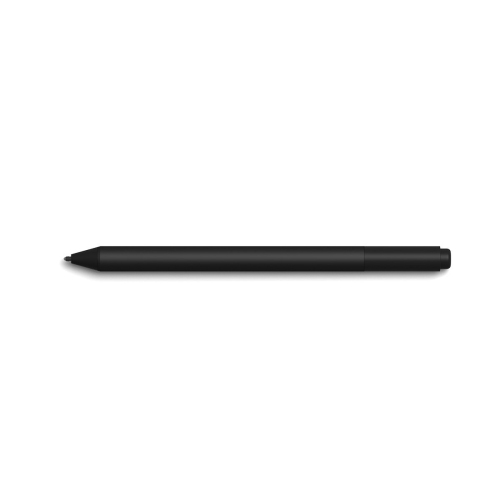 Your price for this item is $175.68
-
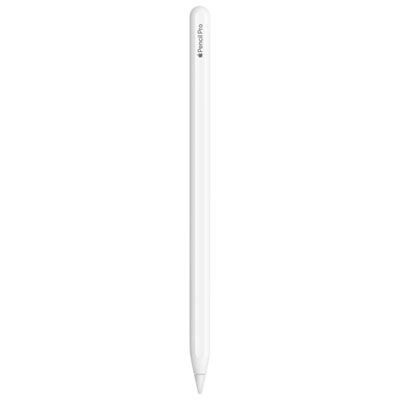 Your price for this item is $169
-
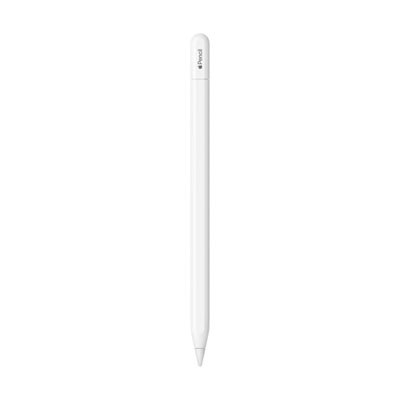 Your price for this item is $109
-
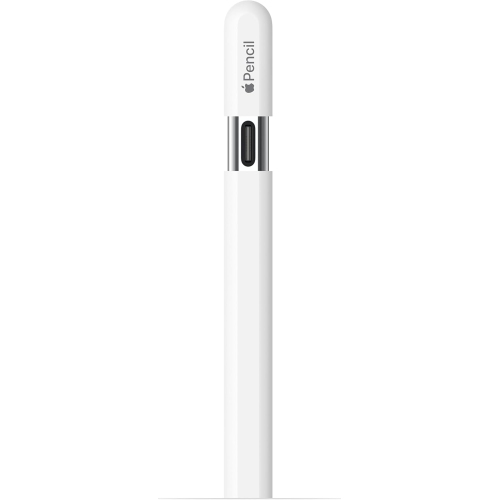 Your price for this item is $96.9
-
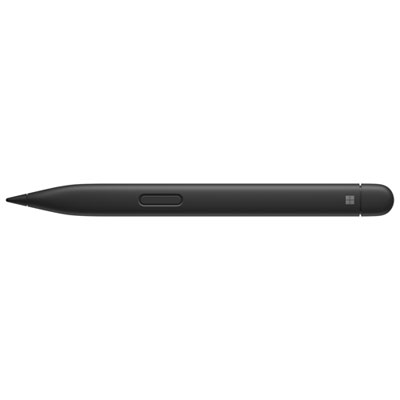 Your price for this item is $189.99
-
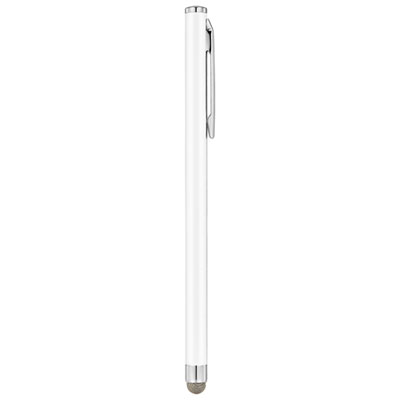 Your price for this item is $9.99
-
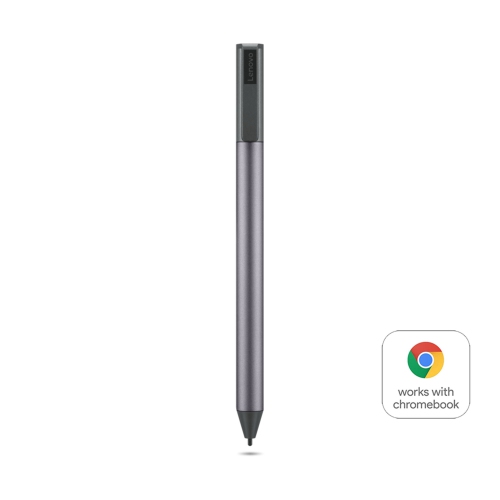 Your price for this item is $71.99
-
 Your price for this item is $21.99
Discover more categories related to Surface Slim Pen

Top Collections:
Pokemon Centers, Kindle Devices, Best Cameras for Sports Photography, Pokémon 30th Celebration Cards, Apple iPhones 16, Canon G7X Cameras, iPhone 15 Apple, Flip Phones, Samsung Galaxy Phones, Alarm Clock
Some products may be subject to Environmental Handling Fees
(EHF) depending on your province.
Learn more about EHFs.