Surface Pro 9 Accessories
Enhance your Surface Pro 9 experience with a curated selection of accessories designed to optimize functionality and style. Elevate your productivity, protect your device, and personalize your setup with a range of must-have add-ons. From sleek cases and durable screen protectors to versatile docking stations and high-speed chargers, these accessories are carefully chosen to complement the power and versatility of your Surface Pro 9. Browse through our collection to find the perfect additions to enhance your daily workflow and make the most out of your device.
Sort




















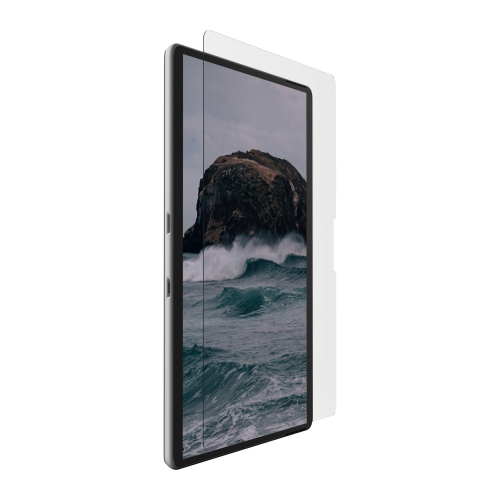
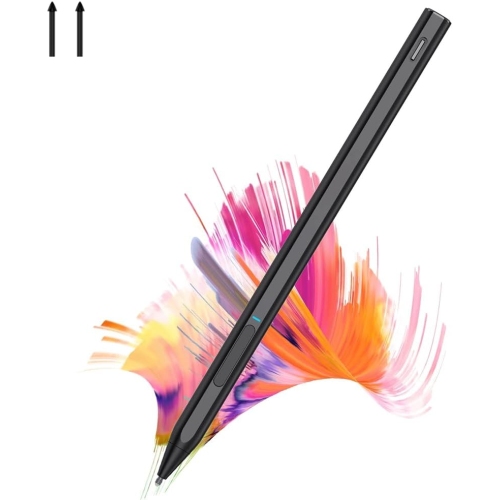


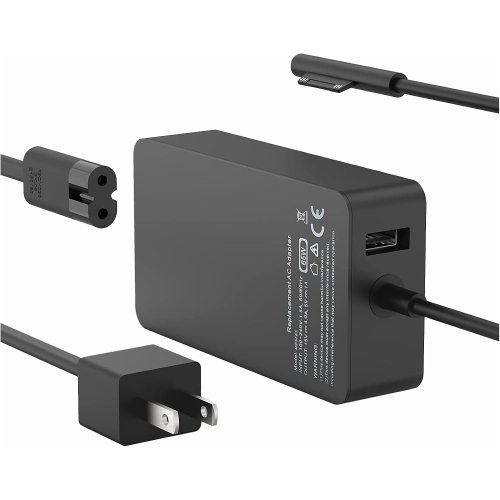

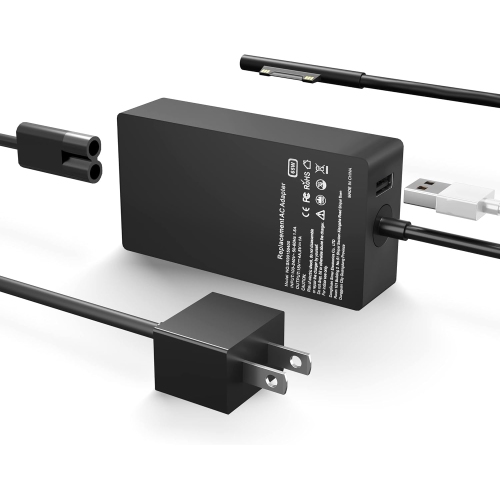


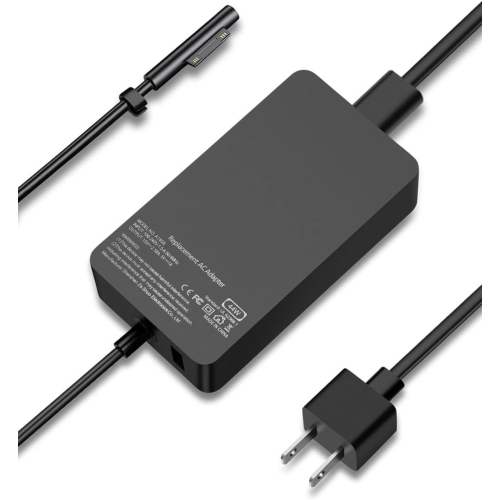


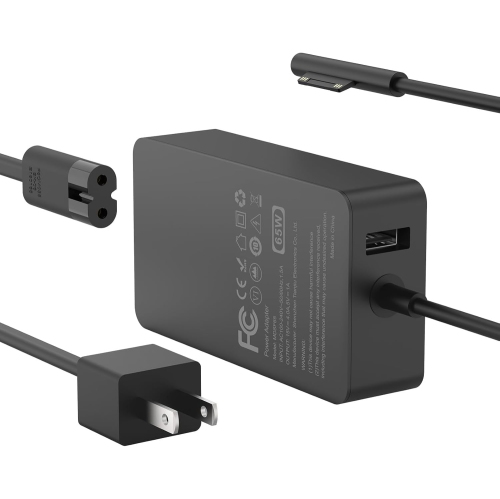


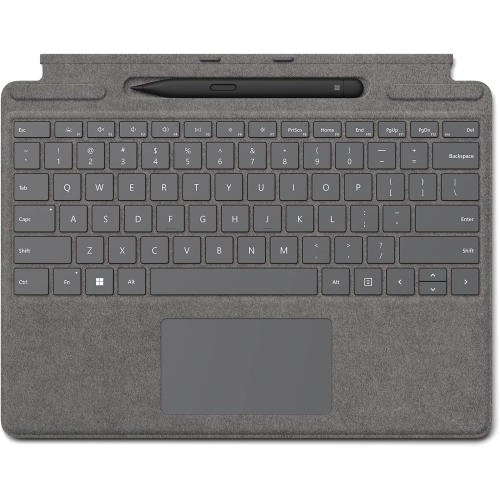


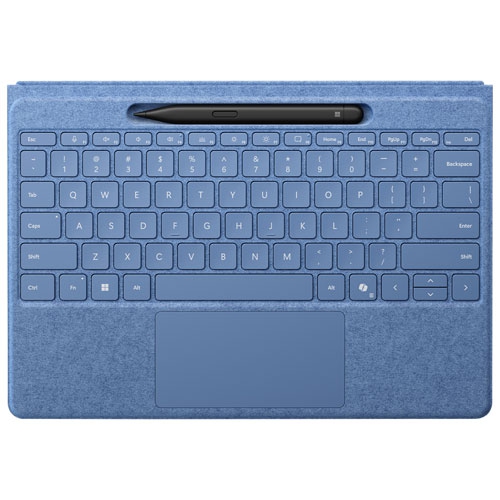
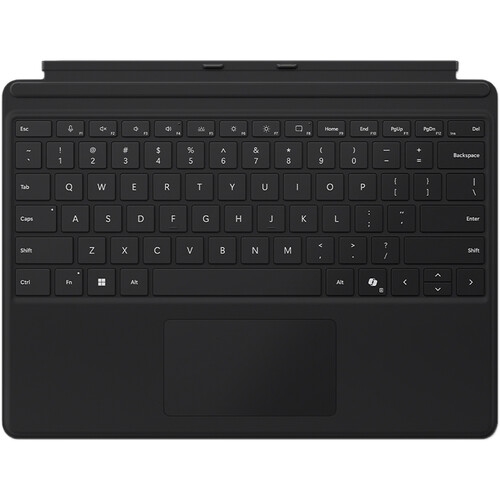

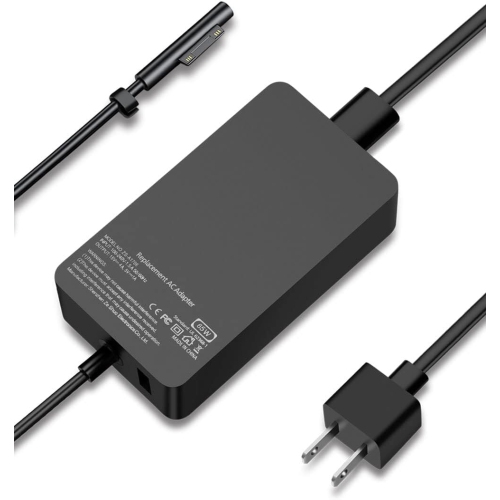


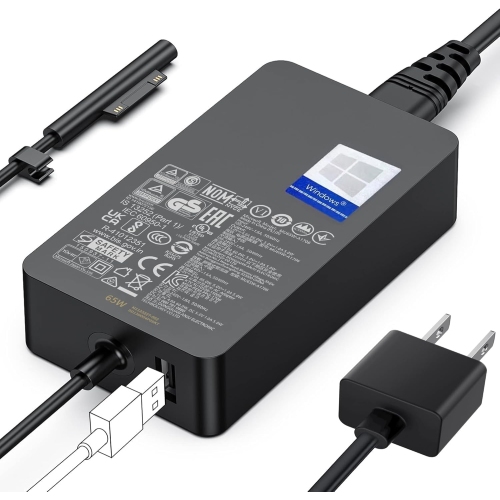
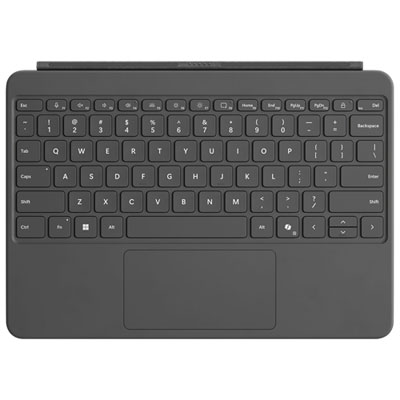


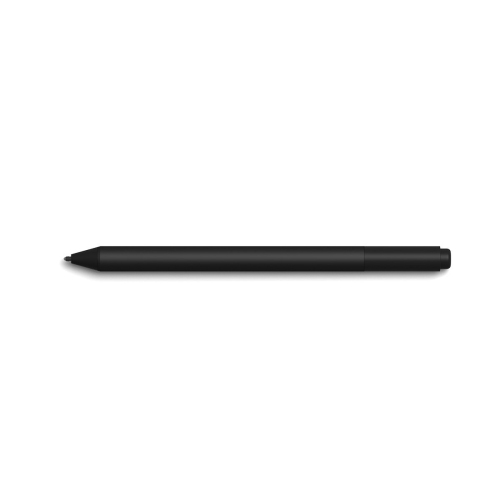
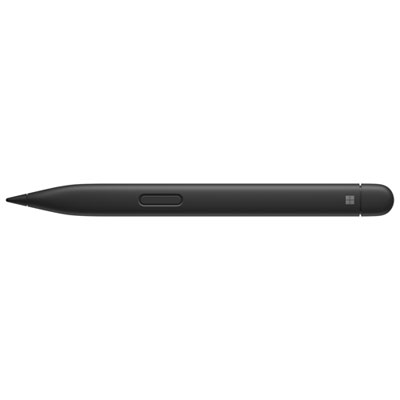
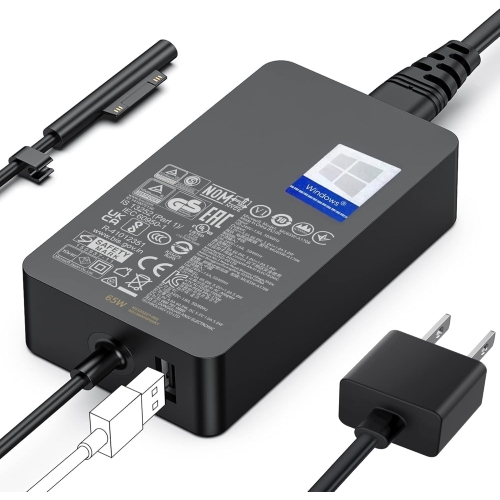
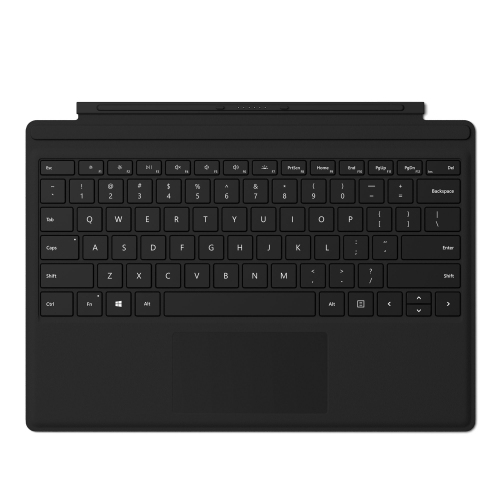
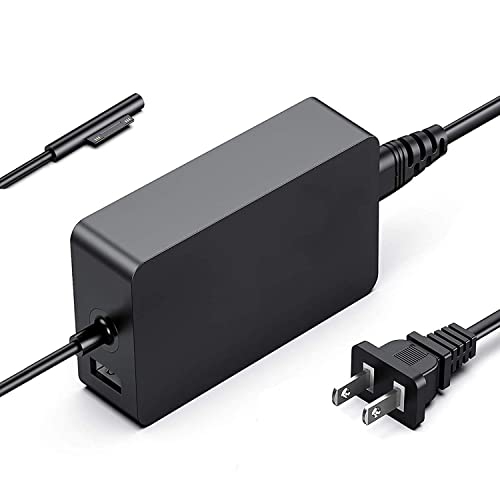
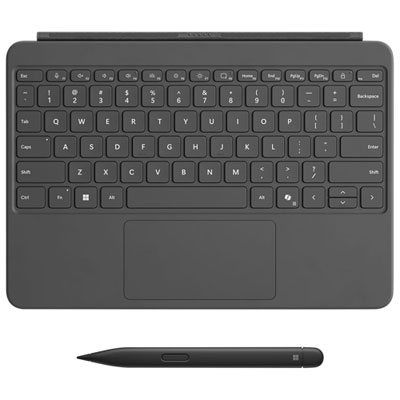

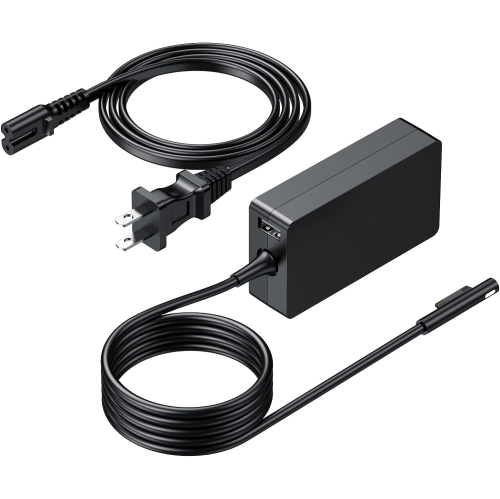
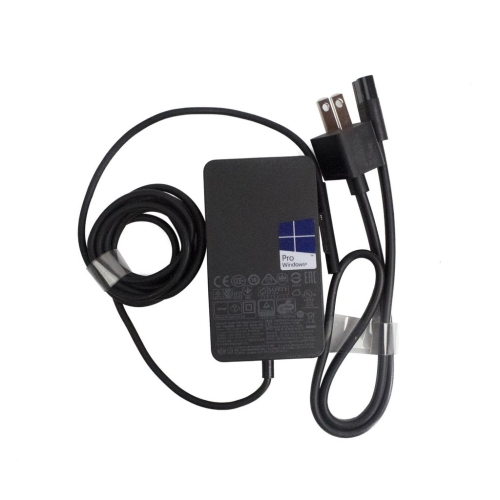
From handwritten notes to a fully connected desk
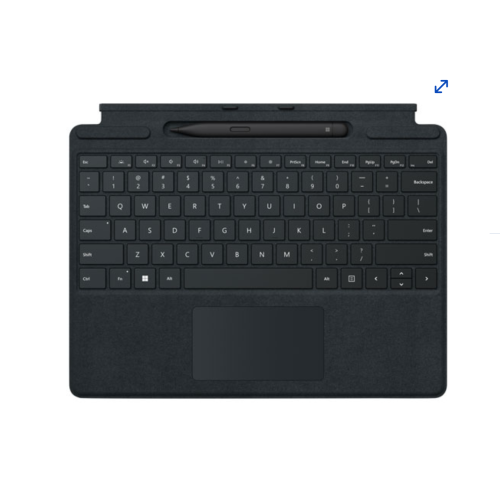
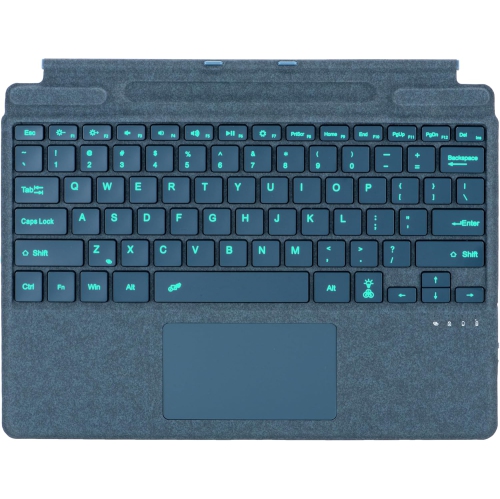
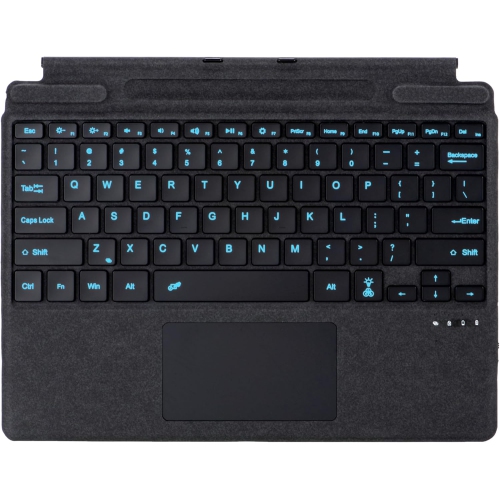
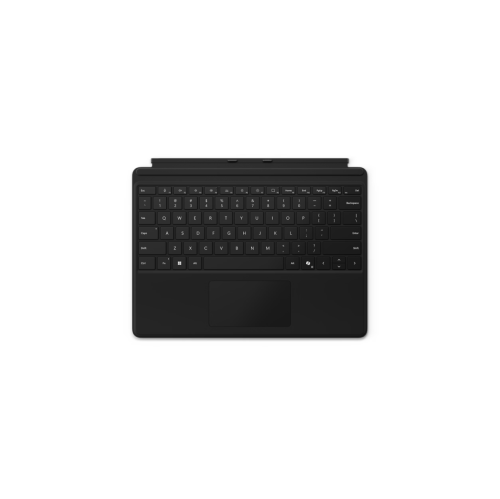
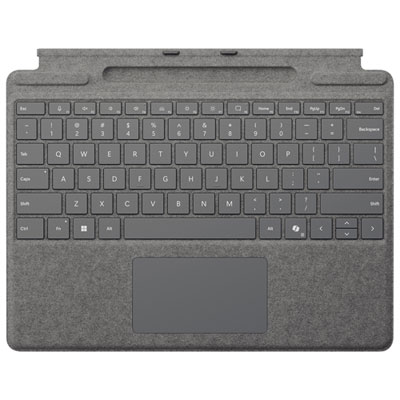
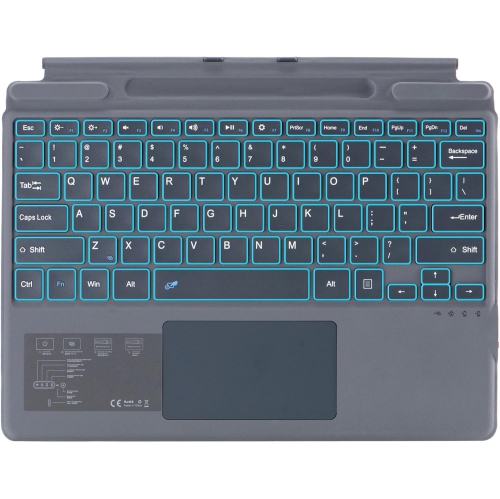
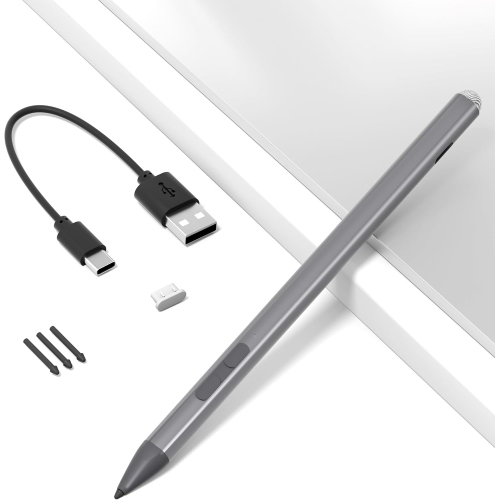
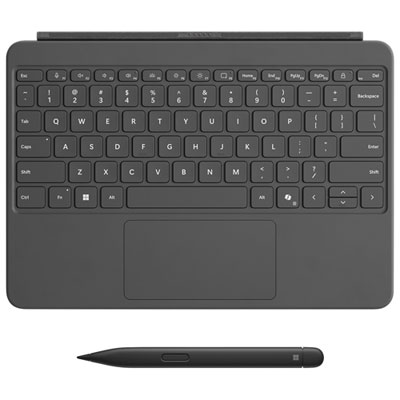
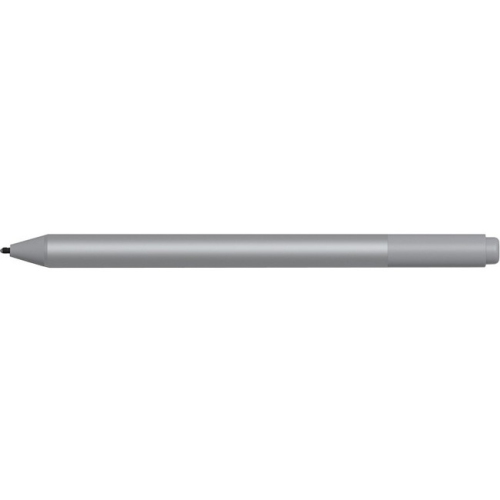
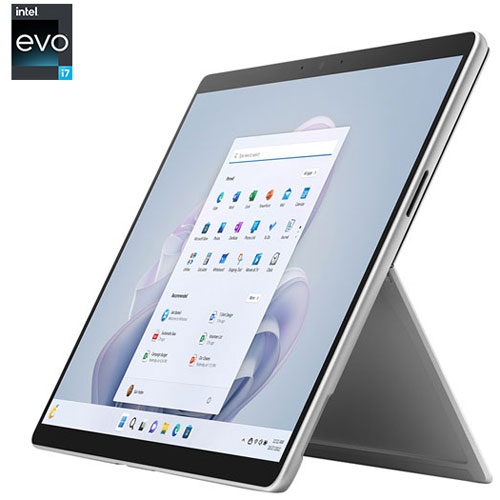
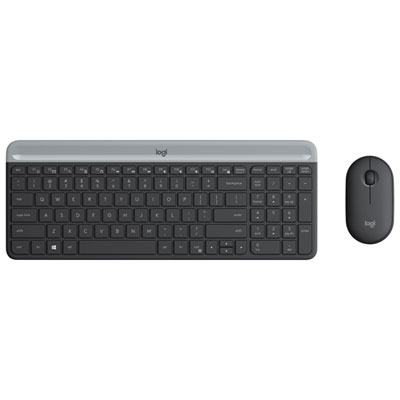
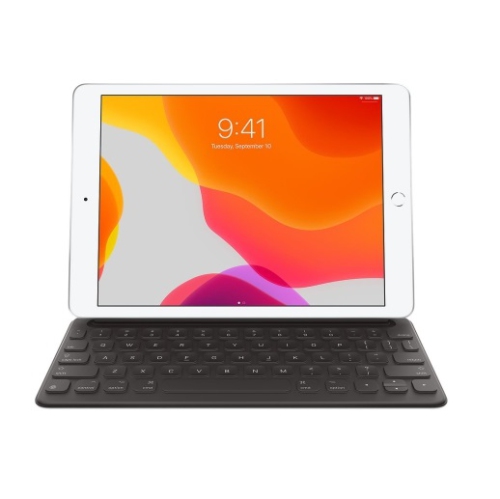
Surface Pro 9 accessories support the different ways a detachable computer moves through the day, from typing a report at a desk to marking up a document on the sofa or taking handwritten notes in a meeting. Keyboard covers, digital pens, protective cases, chargers and docking accessories each serve a different purpose, with compatibility and everyday comfort shaping how well they work together. A device-specific keyboard cover can provide physical keys and a touchpad without adding the bulk of a separate keyboard, while backlit keys can make letters easier to distinguish in dimly lit rooms. Key spacing, travel and the firmness of the typing surface matter during longer writing sessions, particularly when the device rests on a lap rather than a solid table. A fabric-covered palm rest has a different feel from a smooth synthetic finish, and both benefit from care suited to the material. Magnetic attachment should align securely with the correct keyboard connector; a similar appearance does not guarantee that a cover designed for another generation will fit. For handwriting, sketching and document annotation, an active pen offers a more precise contact point than a fingertip. Pressure sensitivity, palm rejection and shortcut controls depend on the pen, device and application working together, while haptic feedback requires compatible hardware and software. Pen storage and charging also vary: a keyboard with a pen recess does not necessarily provide charging, and some pens need a separate charging accessory. These distinctions matter for a student moving between lectures, a designer making quick revisions or someone who prefers handwritten reminders beside an open document. Replaceable pen tips and a secure storage location are practical details for frequent use. A pen that stays with the keyboard or case is easier to keep track of in a busy bag, while a comfortable grip and balanced weight can make extended note-taking feel more natural. Together, input accessories can preserve the flexibility of a tablet while adding familiar controls for work that calls for more than touch alone.
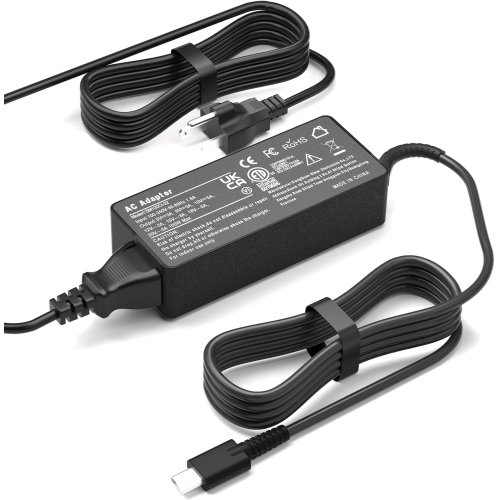
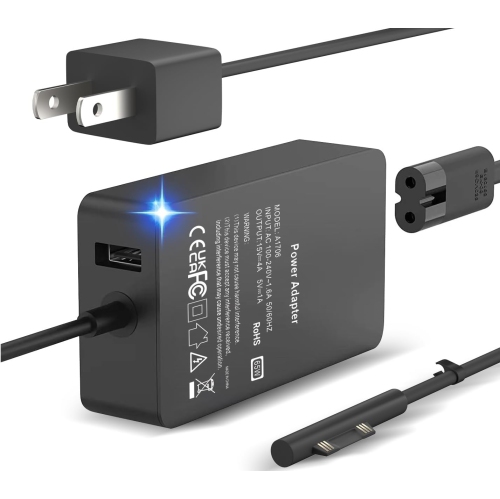
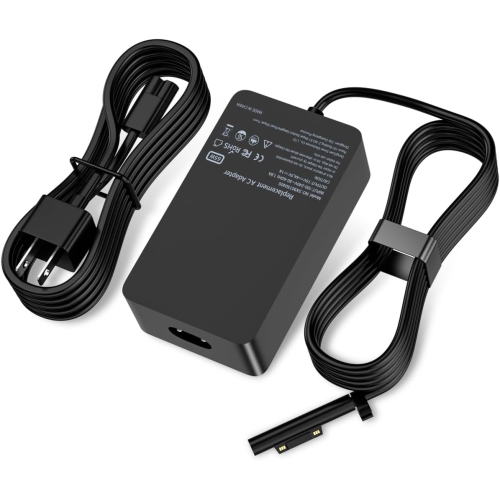
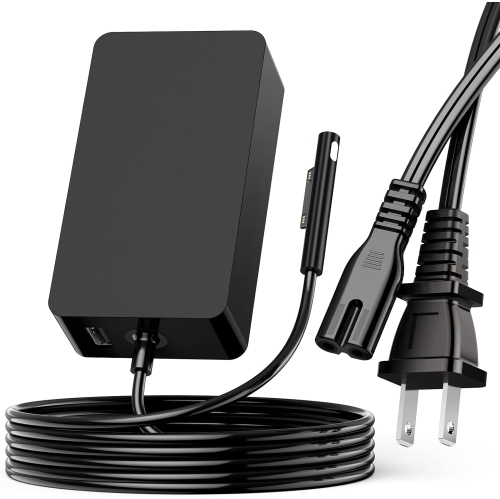
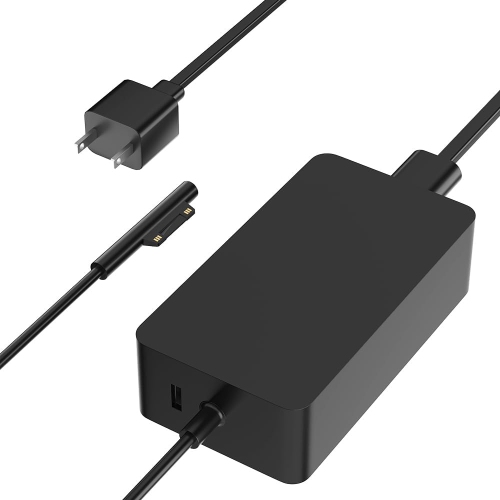
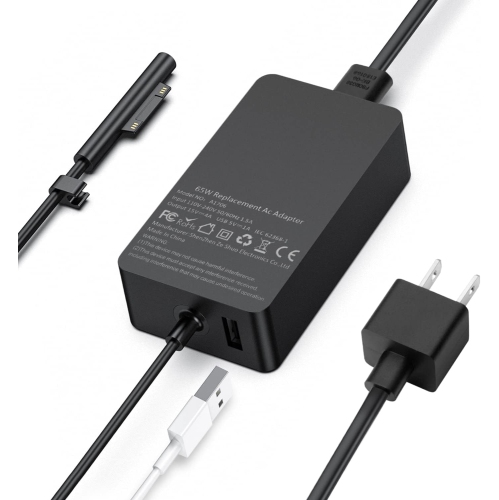
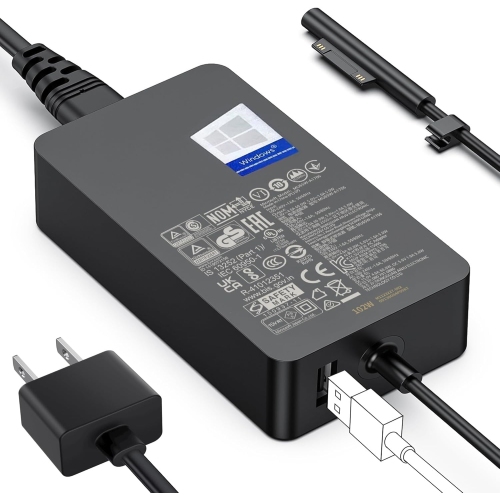
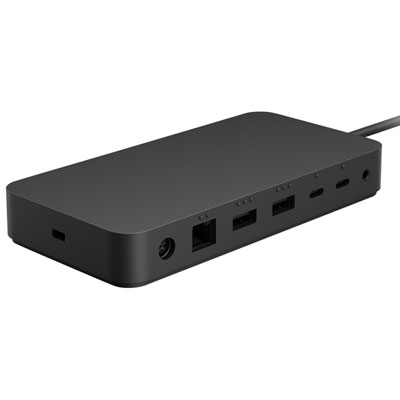
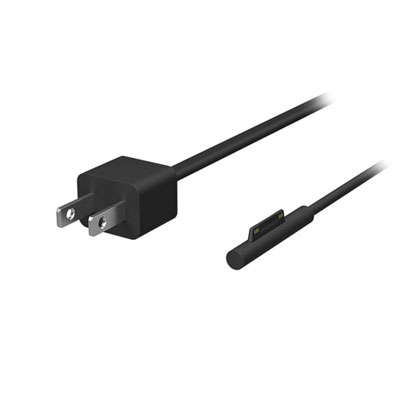
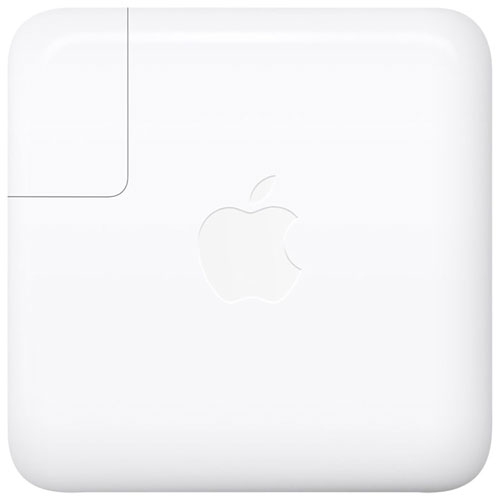
Connectivity accessories extend that flexibility at a desk, where a larger display, full-size keyboard, mouse and wired network connection may be part of the daily routine. A compact USB-C hub suits occasional connections, such as attaching a presentation display or reading a camera memory card, while a docking station can provide a more permanent connection point for several peripherals. Port selection matters more than the number of sockets alone: HDMI or DisplayPort serves an external display, USB-A accommodates many existing accessories, card readers support particular memory card formats, and Ethernet provides a wired network connection. USB-C describes the connector shape, not a guarantee that every port or cable supports the same charging, video output or transfer speeds. Thunderbolt 4 support depends on the device configuration, and a dock’s full capabilities require matching support from the computer and connecting cable. External display resolution, refresh rate and the number of supported screens can also vary with the complete setup. For a workstation used for spreadsheets, video calls and reference documents, those details determine whether several screens behave as expected. Power delivery deserves the same attention. A hub that accepts charging input may reserve some power for its own operation, leaving less for the computer, so the charger, hub and cable need compatible power ratings. A charger with enough output for the intended setup helps support use while charging, whereas a lower-powered option may charge slowly under a heavier workload. Compact chargers are convenient for a work bag, and a spare charger at a regular desk can reduce daily packing. Cable length, connector clearance and strain relief influence how neatly everything fits, especially when the kickstand is open. A separate mouse offers familiar pointer control for detailed spreadsheet work, while a headset can keep calls more private in a shared room. An adjustable stand can raise the display for use with an external keyboard, provided its support points leave vents and connections unobstructed and hold the device securely at the intended angle.
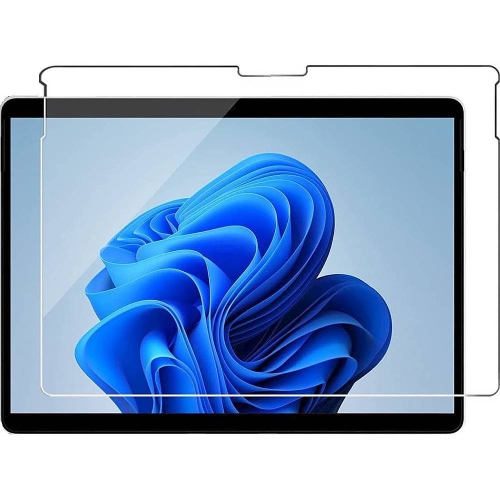
Protection and carrying accessories address a different set of everyday demands: crowded backpacks, shared tables, frequent commuting and the small knocks that happen when a device travels between rooms. A fitted case should match the device’s dimensions, camera openings, buttons and ports while allowing the kickstand to move through its intended range. Compatibility with a keyboard cover is equally important, since added material around the lower edge can interfere with attachment or closing. Flexible TPU can cushion edges and make a case easier to fit, while a rigid polycarbonate shell can add structure; the overall design, corner coverage and fastening points matter as much as the material name. Reinforced corners and raised edges may offer added protection, but no case makes a device immune to damage. A sleeve provides cushioning during transport rather than protection while the screen is in use. Its internal measurements need to accommodate any fitted case or attached keyboard without pressing tightly against the device, and a soft lining helps separate the screen and casing from rougher bag contents. Separate accessory pockets keep plugs and pen clips from rubbing directly against the display. Screen protectors introduce another choice: a clear finish preserves the screen’s appearance, while a matte texture changes its feel and can reduce reflections, sometimes with a trade-off in image clarity. Fit around cameras and sensors, touch responsiveness and compatibility with pen input all deserve attention. Regular care is straightforward: a soft, lint-free cloth removes fingerprints, while cleaning methods should follow the accessory and device manufacturers’ directions. Liquid should not be sprayed directly into ports or seams, and sleeves should be dry before the device goes inside. Across the broader range of Microsoft Surface Accessories, fit remains especially important for gifts: knowing the recipient’s device generation and existing keyboard or case helps avoid an accessory that cannot work with their setup. A commuter may value a protective sleeve and compact charger, while someone working mainly at a desk may get more use from a dock or stand. The most useful combination reflects how the device is carried, connected, handled and used each day.
Connectivity accessories extend that flexibility at a desk, where a larger display, full-size keyboard, mouse and wired network connection may be part of the daily routine. A compact USB-C hub suits occasional connections, such as attaching a presentation display or reading a camera memory card, while a docking station can provide a more permanent connection point for several peripherals. Port selection matters more than the number of sockets alone: HDMI or DisplayPort serves an external display, USB-A accommodates many existing accessories, card readers support particular memory card formats, and Ethernet provides a wired network connection. USB-C describes the connector shape, not a guarantee that every port or cable supports the same charging, video output or transfer speeds. Thunderbolt 4 support depends on the device configuration, and a dock’s full capabilities require matching support from the computer and connecting cable. External display resolution, refresh rate and the number of supported screens can also vary with the complete setup. For a workstation used for spreadsheets, video calls and reference documents, those details determine whether several screens behave as expected. Power delivery deserves the same attention. A hub that accepts charging input may reserve some power for its own operation, leaving less for the computer, so the charger, hub and cable need compatible power ratings. A charger with enough output for the intended setup helps support use while charging, whereas a lower-powered option may charge slowly under a heavier workload. Compact chargers are convenient for a work bag, and a spare charger at a regular desk can reduce daily packing. Cable length, connector clearance and strain relief influence how neatly everything fits, especially when the kickstand is open. A separate mouse offers familiar pointer control for detailed spreadsheet work, while a headset can keep calls more private in a shared room. An adjustable stand can raise the display for use with an external keyboard, provided its support points leave vents and connections unobstructed and hold the device securely at the intended angle.
Protection and carrying accessories address a different set of everyday demands: crowded backpacks, shared tables, frequent commuting and the small knocks that happen when a device travels between rooms. A fitted case should match the device’s dimensions, camera openings, buttons and ports while allowing the kickstand to move through its intended range. Compatibility with a keyboard cover is equally important, since added material around the lower edge can interfere with attachment or closing. Flexible TPU can cushion edges and make a case easier to fit, while a rigid polycarbonate shell can add structure; the overall design, corner coverage and fastening points matter as much as the material name. Reinforced corners and raised edges may offer added protection, but no case makes a device immune to damage. A sleeve provides cushioning during transport rather than protection while the screen is in use. Its internal measurements need to accommodate any fitted case or attached keyboard without pressing tightly against the device, and a soft lining helps separate the screen and casing from rougher bag contents. Separate accessory pockets keep plugs and pen clips from rubbing directly against the display. Screen protectors introduce another choice: a clear finish preserves the screen’s appearance, while a matte texture changes its feel and can reduce reflections, sometimes with a trade-off in image clarity. Fit around cameras and sensors, touch responsiveness and compatibility with pen input all deserve attention. Regular care is straightforward: a soft, lint-free cloth removes fingerprints, while cleaning methods should follow the accessory and device manufacturers’ directions. Liquid should not be sprayed directly into ports or seams, and sleeves should be dry before the device goes inside. Across the broader range of Microsoft Surface Accessories, fit remains especially important for gifts: knowing the recipient’s device generation and existing keyboard or case helps avoid an accessory that cannot work with their setup. A commuter may value a protective sleeve and compact charger, while someone working mainly at a desk may get more use from a dock or stand. The most useful combination reflects how the device is carried, connected, handled and used each day.
Top selling and popular products
-
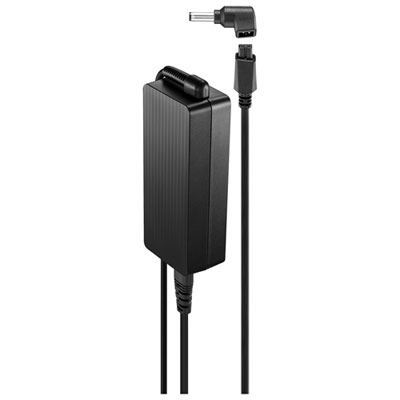 Your price for this item is $69.99
-
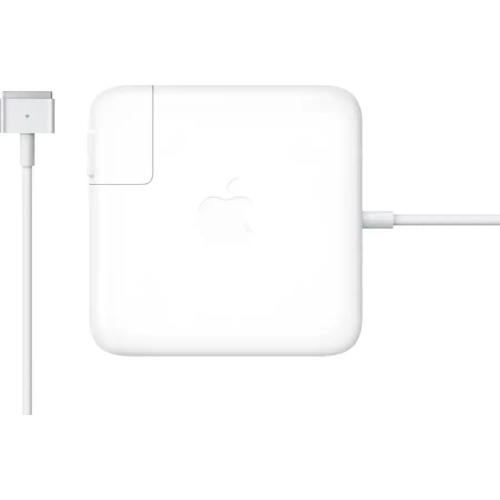 Your price for this item is $127.37
-
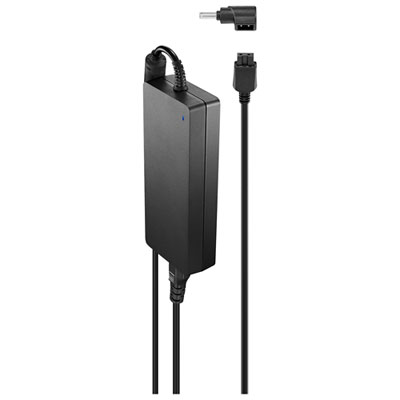 Your price for this item is $109.99
-
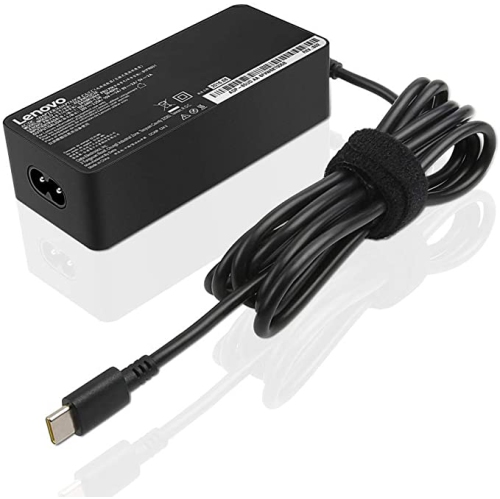 Your price for this item is $67
-
 Your price for this item is $71.99
-
 Your price for this item is $71
-
 Your price for this item is $51.99
-
 Your price for this item is $48
Discover more categories related to Surface Pro 9 Accessories
Top Collections:
Best Black Friday Deals This Year, Best Black Friday Deals On Electronics, Kindle Devices, Pokemon Centers, Best Black Friday Deals On Apple Products, Best Cameras for Sports Photography, Dyson Airwrap, Pokémon 30th Celebration Cards, Apple iPhone 17 Pro, Canon G7X Cameras
Some products may be subject to Environmental Handling Fees
(EHF) depending on your province.
Learn more about EHFs.