iPad 9th Generation Accessories
Elevate your iPad 9th generation experience with a range of essential accessories designed to enhance functionality and style. Whether you're looking to protect your device, boost productivity, or simply add a personal touch, the right iPad 9th generation accessories can make all the difference. From sleek cases and screen protectors to versatile stands and chargers, discover options that cater to your lifestyle needs. Transform how you use your iPad with accessories that offer convenience, protection, and a touch of flair.
Sort






Why fit matters for your everyday iPad setup
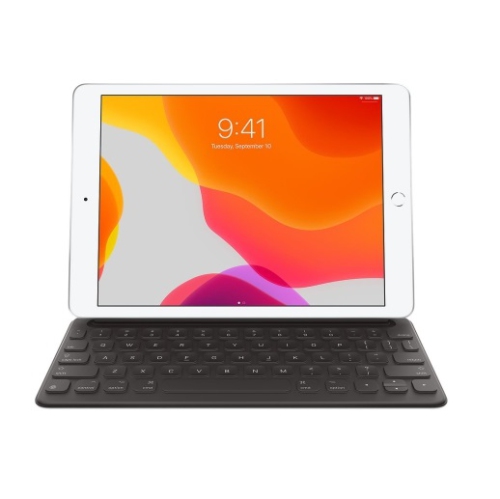
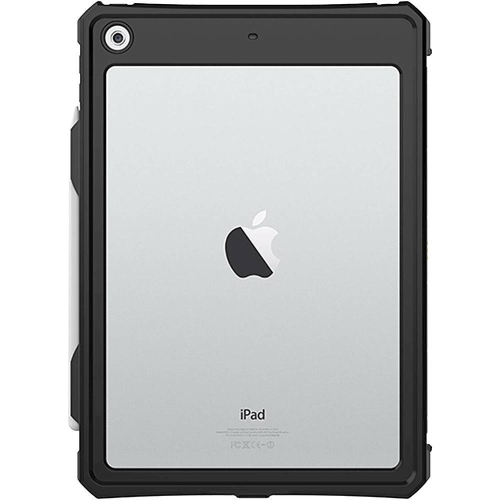
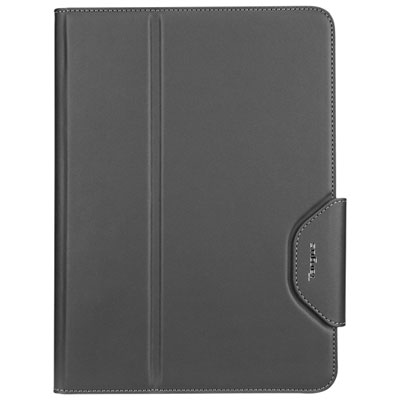
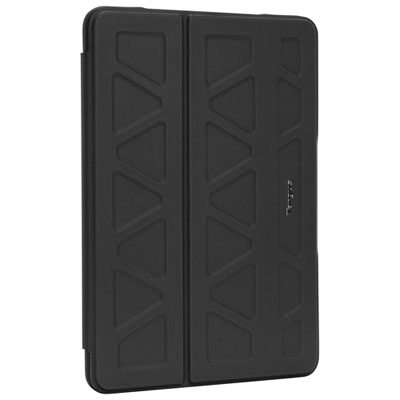
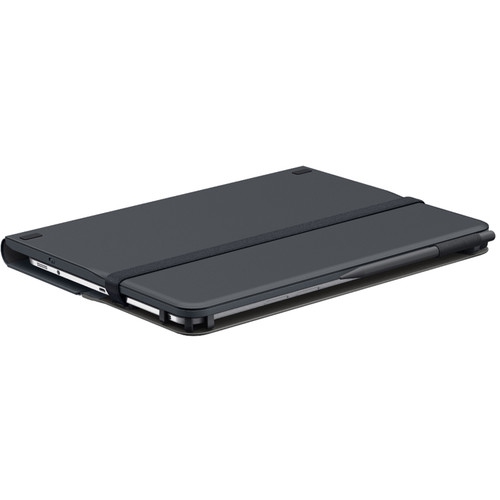
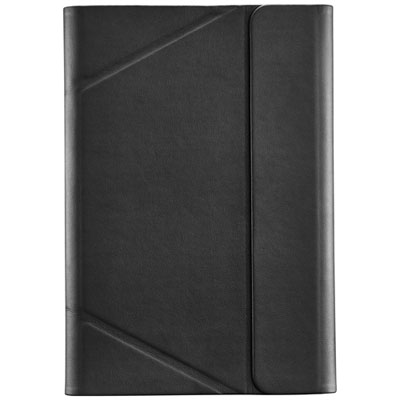
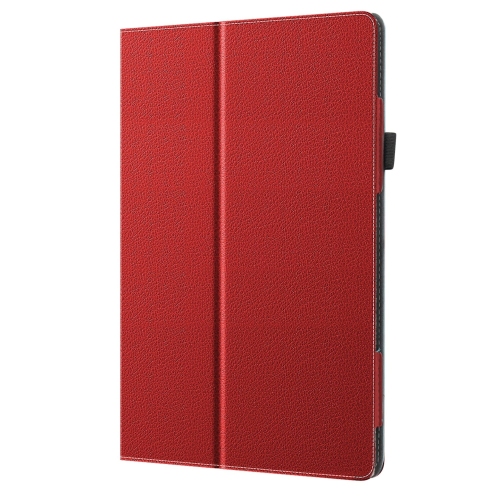
iPad 9th generation accessories bring practical touches to a tablet used for reading, schoolwork, video calls and entertainment. A fitted case, a comfortable typing setup or a sleeve with room for a charging cable can make a difference when the tablet moves between a kitchen countertop, a classroom desk and a bag. Fit matters because this generation has a 10.2-inch display, a Home button and its own arrangement of buttons, cameras and ports. A case should leave these features accessible without forcing a connector into a narrow opening or covering part of the camera. Flexible shells can be easier to fit and remove, while rigid backs help a case hold its shape. Silicone and textured finishes offer different levels of grip; fabric, leather and leather-look covers add other choices in feel, weight and appearance. Reinforced corners and raised edges can provide a buffer against everyday bumps, although no case makes a tablet immune to damage. Folio covers protect the screen when closed and often fold into a support for watching videos or reading recipes. Their usefulness depends on how firmly the folded cover holds its position and whether the available angles suit the task. A low position can feel more natural for handwriting, while a more upright position works well for calls. Sleep and wake functions also depend on the cover’s design and compatibility. For travel between home, work and school, a padded sleeve adds cushioning inside a larger bag, but its internal dimensions need to accommodate any case already fitted to the tablet. Smooth zips, covered seams and a soft lining help keep hard edges away from the screen. Care depends on the material: a lightly dampened cloth may suit some surfaces, while leather and fabric may need different treatment. Following the care directions helps preserve the finish, and removing grit from the inside of a case reduces the chance of trapped particles rubbing against the tablet.
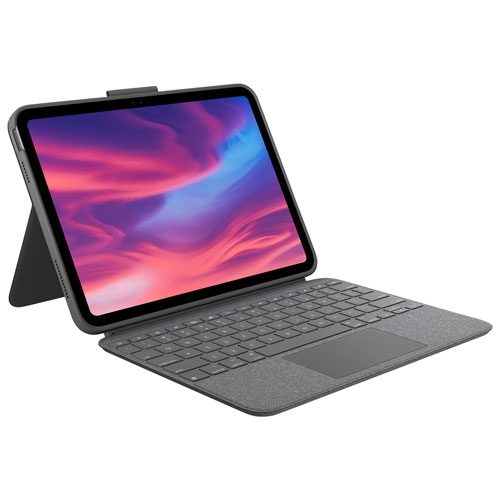
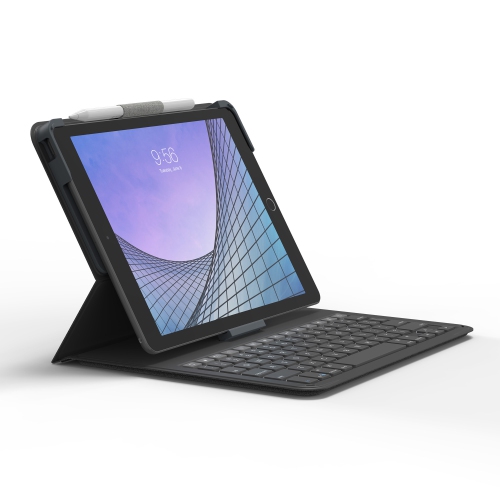
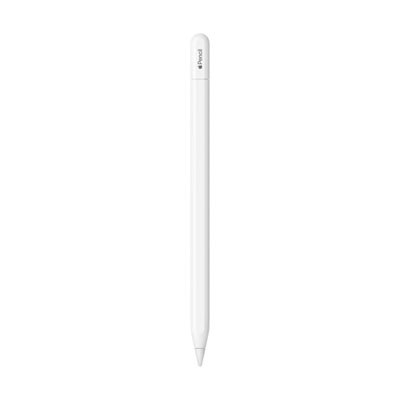
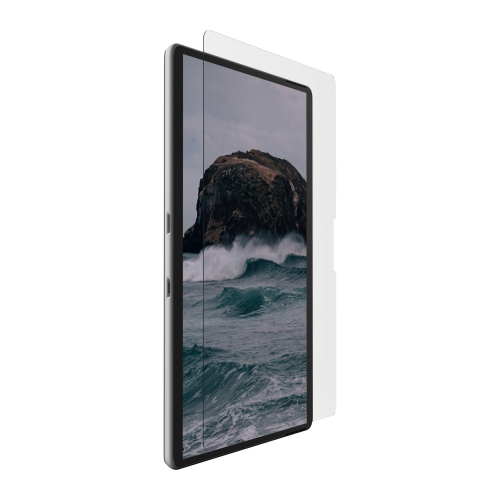
Screen protectors, styluses and keyboards support different ways of using the display, from annotating course notes to writing longer messages. A screen protector needs to match the display shape and leave the Home button and front camera unobstructed. Tempered glass generally offers a smooth surface, while thin films add less thickness; matte finishes can reduce visible reflections but may also change how crisp images appear. The feel under a fingertip or stylus varies, so the finish is worth considering alongside scratch protection. Careful installation on a clean surface helps prevent dust specks and lifted edges, and compatibility with a case matters because a tight case lip can press against the protector. For handwritten notes, sketches and marking up documents, stylus compatibility goes beyond whether the tip works on a touchscreen. Basic touch styluses and compatible active styluses offer different capabilities, and features such as palm rejection, tilt response and pressure sensitivity depend on the stylus, tablet and app working together. A secure holder keeps a stylus from disappearing into the bottom of a backpack, while a replaceable tip can be useful for frequent writing. Keyboards suit students drafting assignments, people answering emails and anyone who prefers physical keys for longer passages. Key spacing, key travel and the stability of the tablet support all affect comfort. A compact layout saves space in a bag, but a larger layout may feel less cramped during a long typing session. Keyboard cases combine protection and typing in one piece, while separate wireless keyboards allow more freedom to position the screen. Connection method, language layout and charging requirements deserve attention, particularly when switching between French and English text. A stand that raises the screen closer to eye level can make a desktop setup more comfortable, with the keyboard placed independently below it. On a shared table, a stable base also helps keep the display steady during taps, calls and short stretches of work.
Charging, audio and carrying accessories round out a setup according to where and how the tablet is used. The iPad 9th generation uses a Lightning connection for charging, so the device end of a cable must match that port, while the other end needs to suit the power adapter or charging source. Cable length has practical consequences: a shorter lead keeps a desktop tidy, while a longer one offers more reach when an outlet is farther from a reading chair. A longer cable still needs a safe route that does not create a tripping hazard or pull on the charging port. Reinforced connector housings can help at frequent bending points, though careful handling remains important. Holding the connector rather than tugging the cable, avoiding tight bends and keeping liquids away from connections are simple habits that support everyday durability. For listening, the built-in 3.5 mm headphone jack provides a wired option, while compatible wireless headphones offer more freedom of movement. Comfort, controls and microphone placement matter for lessons, calls and shared living spaces, not just music. Tablet stands and holders also vary by setting: a weighted base can suit a work surface, while a compact folding stand is easier to carry. Any clamp or cradle should accommodate the tablet’s dimensions and case thickness without pressing buttons or blocking essential connections. For gifts, useful details include the recipient’s tablet generation, preferred colour, existing case and usual activities. A reader may appreciate a lighter cover, while someone taking frequent handwritten notes may value a secure stylus holder and a stable writing angle. Accessories for another tablet require separate consideration; the Ipad Pro 9.7 Accessories collection relates to a different model, and its fitted cases should not be treated as interchangeable. Keeping fit, daily habits and ease of care in mind helps create a setup whose parts work comfortably together, without adding unnecessary bulk or complexity.
Screen protectors, styluses and keyboards support different ways of using the display, from annotating course notes to writing longer messages. A screen protector needs to match the display shape and leave the Home button and front camera unobstructed. Tempered glass generally offers a smooth surface, while thin films add less thickness; matte finishes can reduce visible reflections but may also change how crisp images appear. The feel under a fingertip or stylus varies, so the finish is worth considering alongside scratch protection. Careful installation on a clean surface helps prevent dust specks and lifted edges, and compatibility with a case matters because a tight case lip can press against the protector. For handwritten notes, sketches and marking up documents, stylus compatibility goes beyond whether the tip works on a touchscreen. Basic touch styluses and compatible active styluses offer different capabilities, and features such as palm rejection, tilt response and pressure sensitivity depend on the stylus, tablet and app working together. A secure holder keeps a stylus from disappearing into the bottom of a backpack, while a replaceable tip can be useful for frequent writing. Keyboards suit students drafting assignments, people answering emails and anyone who prefers physical keys for longer passages. Key spacing, key travel and the stability of the tablet support all affect comfort. A compact layout saves space in a bag, but a larger layout may feel less cramped during a long typing session. Keyboard cases combine protection and typing in one piece, while separate wireless keyboards allow more freedom to position the screen. Connection method, language layout and charging requirements deserve attention, particularly when switching between French and English text. A stand that raises the screen closer to eye level can make a desktop setup more comfortable, with the keyboard placed independently below it. On a shared table, a stable base also helps keep the display steady during taps, calls and short stretches of work.
Charging, audio and carrying accessories round out a setup according to where and how the tablet is used. The iPad 9th generation uses a Lightning connection for charging, so the device end of a cable must match that port, while the other end needs to suit the power adapter or charging source. Cable length has practical consequences: a shorter lead keeps a desktop tidy, while a longer one offers more reach when an outlet is farther from a reading chair. A longer cable still needs a safe route that does not create a tripping hazard or pull on the charging port. Reinforced connector housings can help at frequent bending points, though careful handling remains important. Holding the connector rather than tugging the cable, avoiding tight bends and keeping liquids away from connections are simple habits that support everyday durability. For listening, the built-in 3.5 mm headphone jack provides a wired option, while compatible wireless headphones offer more freedom of movement. Comfort, controls and microphone placement matter for lessons, calls and shared living spaces, not just music. Tablet stands and holders also vary by setting: a weighted base can suit a work surface, while a compact folding stand is easier to carry. Any clamp or cradle should accommodate the tablet’s dimensions and case thickness without pressing buttons or blocking essential connections. For gifts, useful details include the recipient’s tablet generation, preferred colour, existing case and usual activities. A reader may appreciate a lighter cover, while someone taking frequent handwritten notes may value a secure stylus holder and a stable writing angle. Accessories for another tablet require separate consideration; the Ipad Pro 9.7 Accessories collection relates to a different model, and its fitted cases should not be treated as interchangeable. Keeping fit, daily habits and ease of care in mind helps create a setup whose parts work comfortably together, without adding unnecessary bulk or complexity.
Top selling and popular products
-
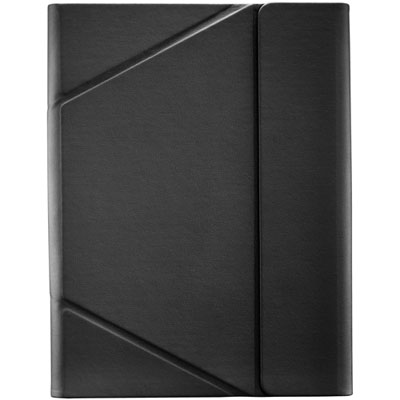 Your price for this item is $44.99
-
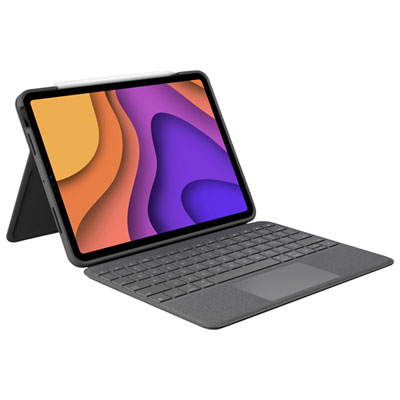 Your price for this item is $229.99
-
 Your price for this item is $62.99
-
 Your price for this item is $179.99
-
 Your price for this item is $41.98
-
 Your price for this item is $115.68
-
 Your price for this item is $69.99
-
 Your price for this item is $39.99
Discover more categories related to iPad 9th Generation Accessories
Top Collections:
Best Black Friday Deals This Year, Best Black Friday Deals On Electronics, Kindle Devices, Pokemon Centers, Best Black Friday Deals On Apple Products, Best Cameras for Sports Photography, Dyson Airwrap, Pokémon 30th Celebration Cards, Apple iPhone 17 Pro, Canon G7X Cameras
Some products may be subject to Environmental Handling Fees
(EHF) depending on your province.
Learn more about EHFs.