Switches for MAC
Switch for MAC offers a seamless way to enhance your computing experience, making it easier to connect and control your devices. Whether you're looking to streamline your workflow or improve connectivity, you'll find a range of reliable options designed specifically for Mac compatibility. Discover user-friendly solutions that help you get the most out of your setup with Switch for MAC. Explore a variety of choices to suit your needs and enjoy effortless integration with your Mac devices.
Sort
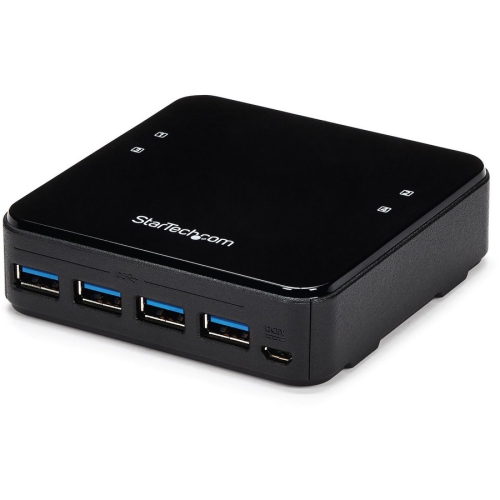
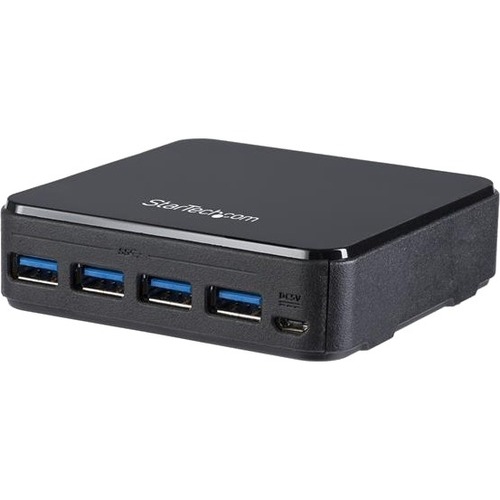
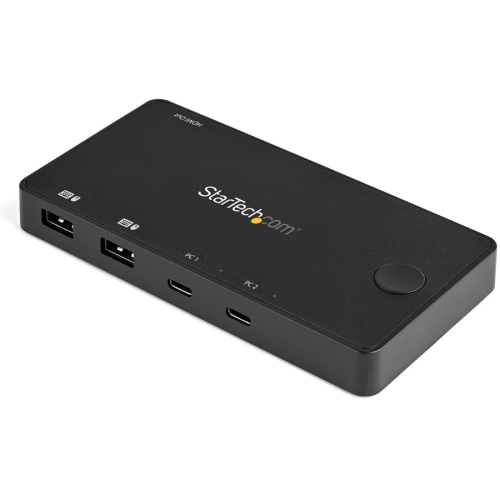

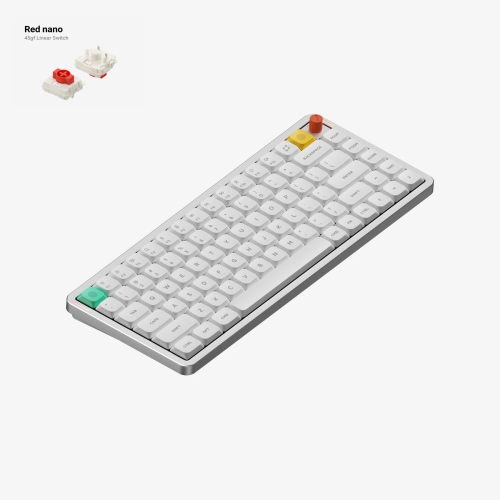

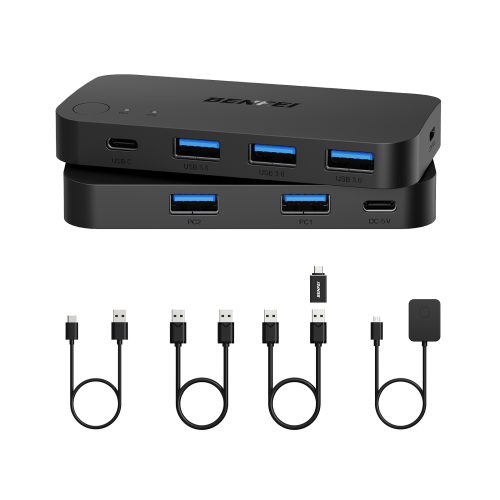

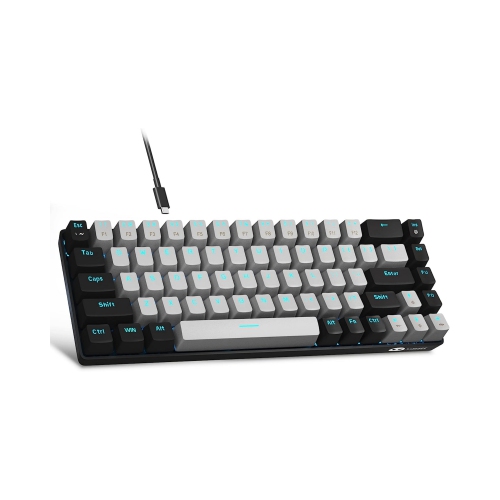
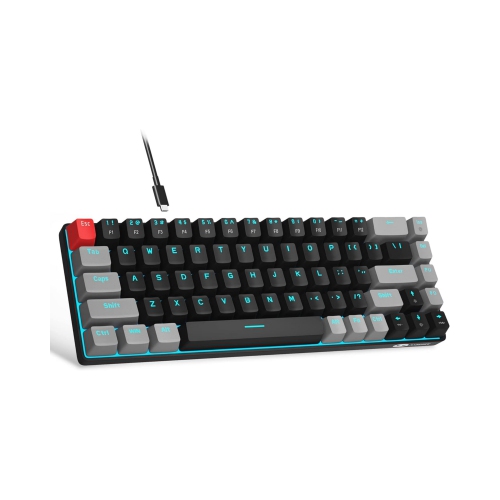
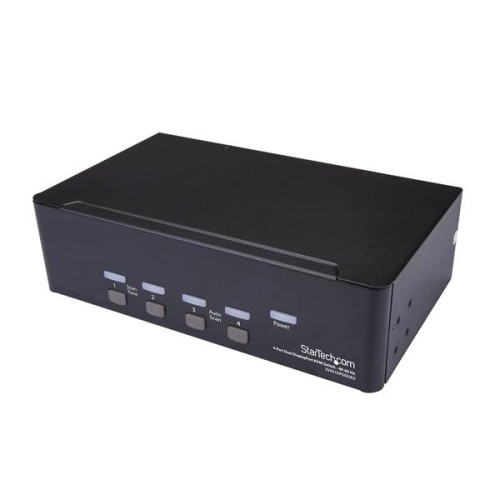
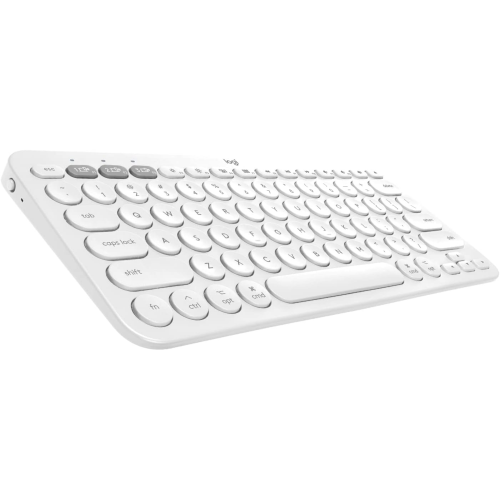
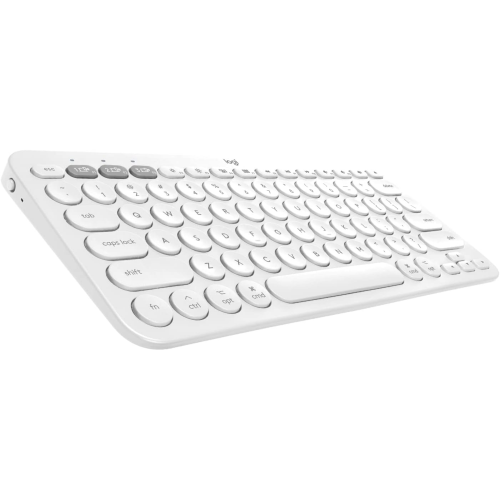
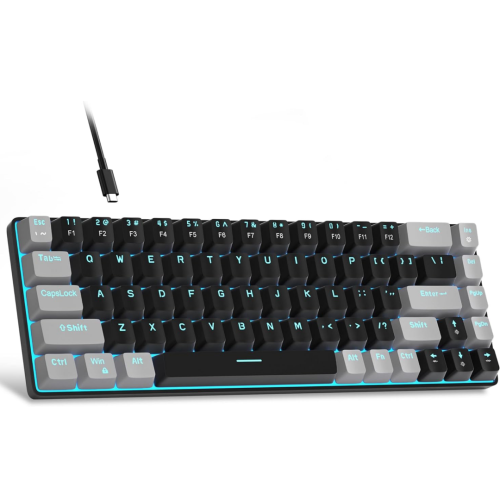
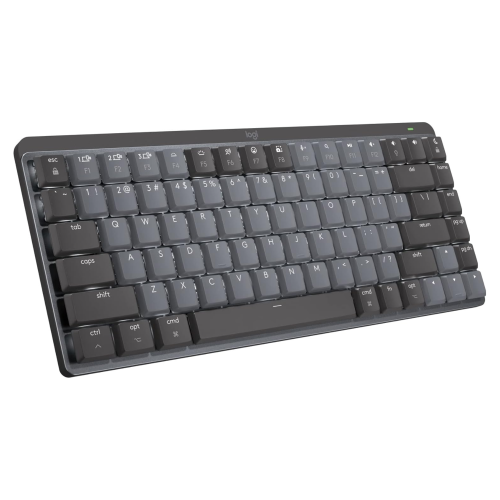
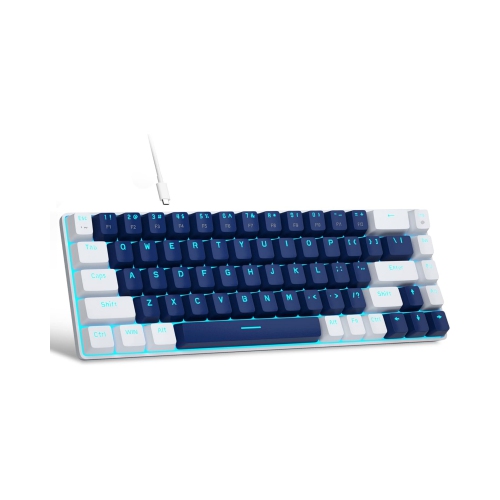
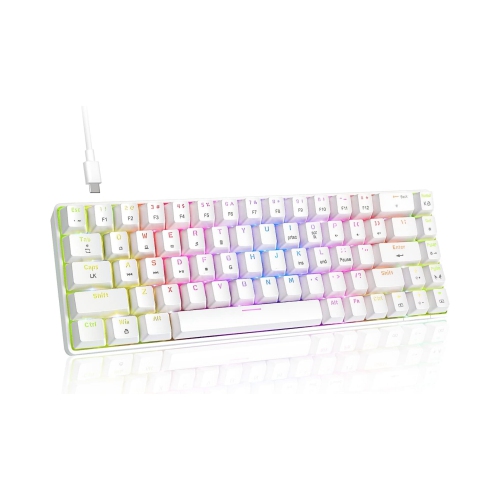
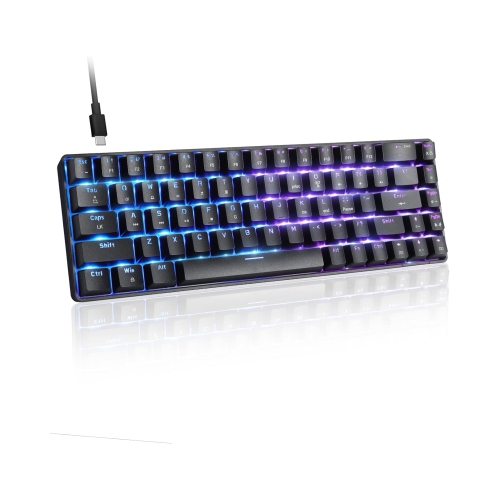
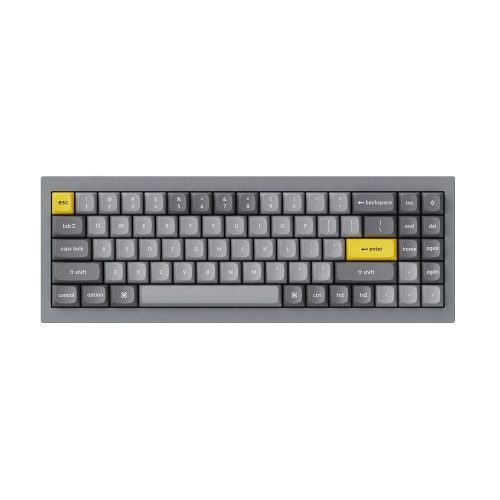
One setup for Macs, PCs, displays, and gaming
When setting up a Mac workstation—whether for work, creative pursuits, or entertainment—switches designed for Mac users offer a seamless way to manage multiple devices and streamline your digital environment. These switches can take several forms, from KVM (keyboard, video, mouse) switches that allow you to control multiple computers with a single set of peripherals, to USB-C and Thunderbolt switches that enable quick toggling between workstations or sharing high-resolution monitors. They’re especially practical for professionals who need to switch between a MacBook and a desktop Mac, or between a Mac and a PC, without the hassle of constantly unplugging and reconnecting cables. As the weather warms and routines shift, many people take advantage of more flexible workspaces, moving between home offices, studios, and shared environments. Switches for Mac make these transitions smoother by letting you adapt your setup on the fly—whether you’re editing video, managing a design project, or simply keeping your workspace organized.
For families, students, and anyone who enjoys both productivity and play, these switches can also bridge the gap between work and leisure. For example, if you want to use your Mac’s display for both your computer and a game console like the Nintendo Switch, certain models paired with a compatible capture card make it easy to toggle between tasks and entertainment. This is particularly handy during summer breaks or long weekends when the home office doubles as a gaming zone or media centre. As the days grow longer and gatherings become more frequent, having a streamlined setup means you can quickly shift from video calls or creative projects to sharing a gaming session with friends or family. These devices are also a thoughtful gift for students heading off to university, remote workers upgrading their home office, or tech enthusiasts who appreciate a tidy, efficient workspace. The intuitive switching mechanisms—often with simple buttons or remote controls—make them accessible for users of all experience levels, and features like high refresh rate support and multiple USB ports ensure compatibility with the latest Mac hardware and peripherals.
When choosing a switch for your Mac setup, it’s important to consider your specific workflow and the types of devices you’ll be connecting. Look for options that support the resolutions and refresh rates you need, especially if you’re working with 4K or 8K displays, or if you require fast data transfer for creative applications. Compatibility with Thunderbolt or USB-C is a must for recent Mac models, while those with legacy equipment may need switches with HDMI or traditional USB ports. For the best experience, ensure your switch supports the full range of peripherals you plan to use, from external drives and webcams to specialized input devices. If you’re interested in expanding your network setup or integrating more devices, you might also find value in browsing the selection of Switches for Home Network, which are designed for broader connectivity needs throughout your home or office. By selecting the right switch for your Mac, you can create a flexible, efficient workspace that adapts to your needs all year round, whether you’re powering through a busy workday, collaborating on creative projects, or enjoying downtime with your favourite games and media.
For families, students, and anyone who enjoys both productivity and play, these switches can also bridge the gap between work and leisure. For example, if you want to use your Mac’s display for both your computer and a game console like the Nintendo Switch, certain models paired with a compatible capture card make it easy to toggle between tasks and entertainment. This is particularly handy during summer breaks or long weekends when the home office doubles as a gaming zone or media centre. As the days grow longer and gatherings become more frequent, having a streamlined setup means you can quickly shift from video calls or creative projects to sharing a gaming session with friends or family. These devices are also a thoughtful gift for students heading off to university, remote workers upgrading their home office, or tech enthusiasts who appreciate a tidy, efficient workspace. The intuitive switching mechanisms—often with simple buttons or remote controls—make them accessible for users of all experience levels, and features like high refresh rate support and multiple USB ports ensure compatibility with the latest Mac hardware and peripherals.
When choosing a switch for your Mac setup, it’s important to consider your specific workflow and the types of devices you’ll be connecting. Look for options that support the resolutions and refresh rates you need, especially if you’re working with 4K or 8K displays, or if you require fast data transfer for creative applications. Compatibility with Thunderbolt or USB-C is a must for recent Mac models, while those with legacy equipment may need switches with HDMI or traditional USB ports. For the best experience, ensure your switch supports the full range of peripherals you plan to use, from external drives and webcams to specialized input devices. If you’re interested in expanding your network setup or integrating more devices, you might also find value in browsing the selection of Switches for Home Network, which are designed for broader connectivity needs throughout your home or office. By selecting the right switch for your Mac, you can create a flexible, efficient workspace that adapts to your needs all year round, whether you’re powering through a busy workday, collaborating on creative projects, or enjoying downtime with your favourite games and media.
Top selling and popular products
-
 Your price for this item is $39.99
 -
 Your price for this item is $76.98
 -
 Your price for this item is $94.99
 -
 Your price for this item is $319.99
 -
 Your price for this item is $364.99
 -
 Your price for this item is $119.99
 -
 Your price for this item is $124
 -
 Your price for this item is $94.99
Discover more categories related to Switches for MAC
Top Collections:
Pokemon Centers, Budget 4K TVs, Kindle Devices, Canon G7X Cameras, Apple iPhones 16, iPhone 15 Apple, Laptops for Business Work, Flip Phones, Xiaomi Phones, Refurbished Apple Laptops
Some products may be subject to Environmental Handling Fees
(EHF) depending on your province.
Learn more about EHFs.