Managed Switches
Looking to upgrade your network infrastructure? Look no further than our wide selection of managed switches. These powerful devices are designed to provide enhanced control and flexibility for your network, allowing you to optimize performance and ensure smooth data transmission. Whether you need to expand your network or improve its efficiency, our collection of managed switches has you covered.
Sort
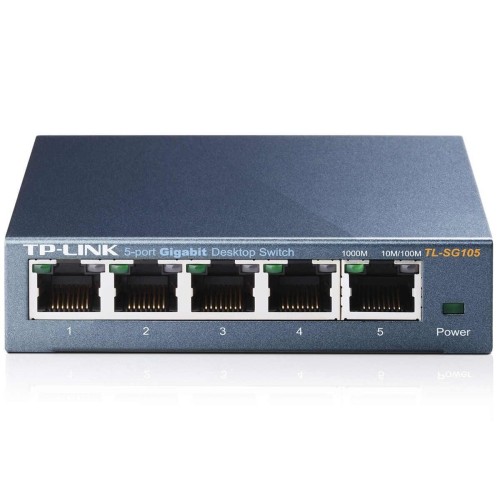
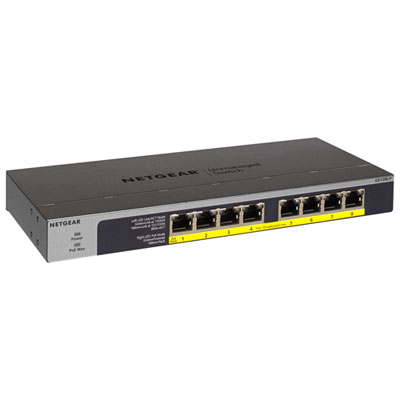
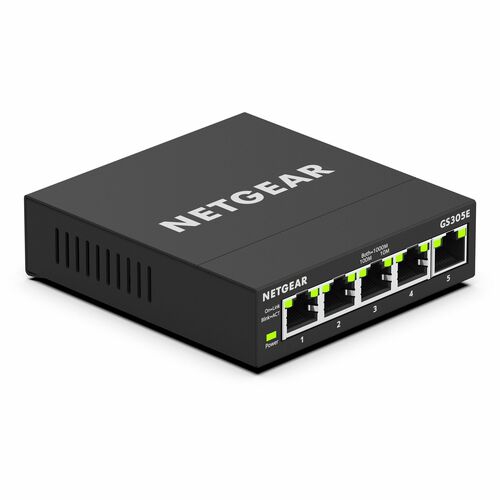
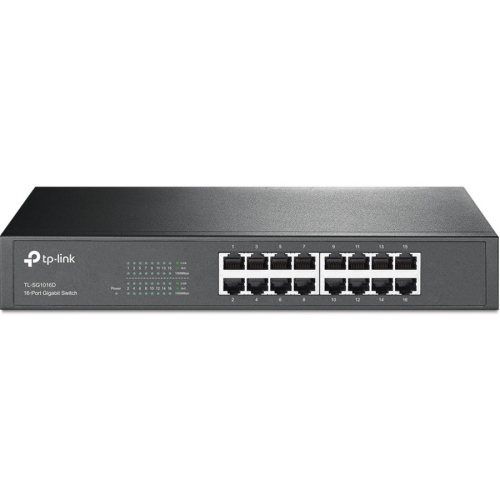
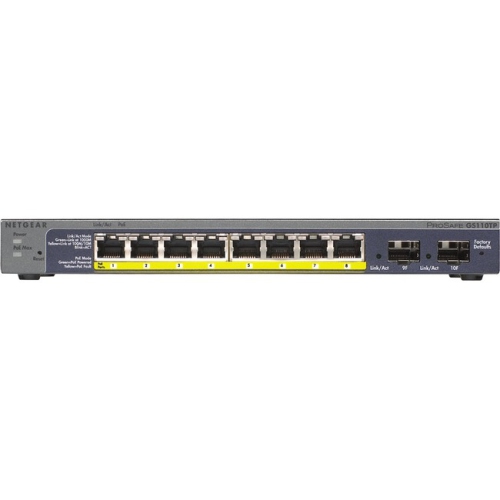
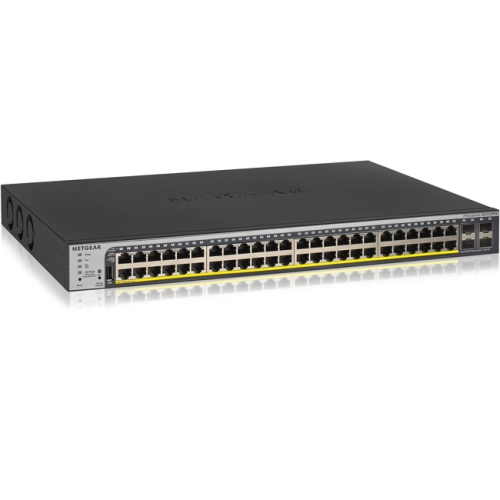
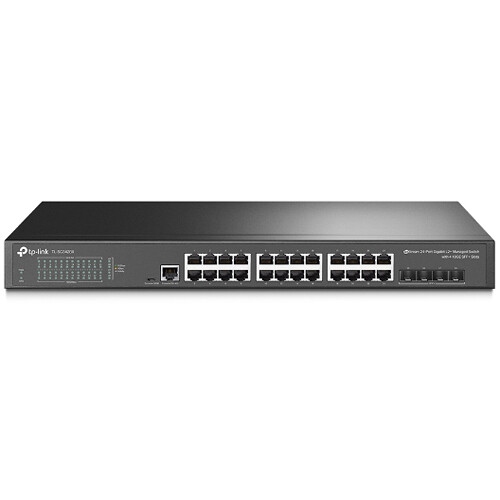
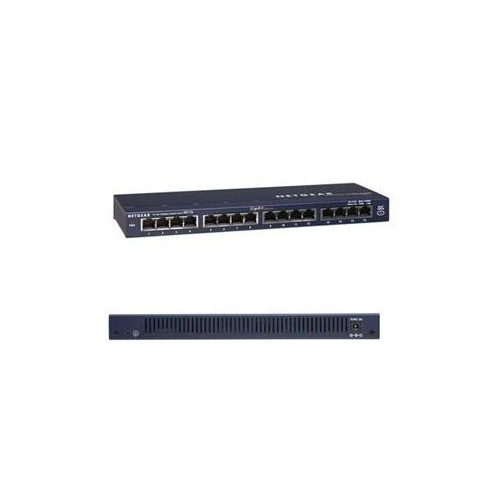
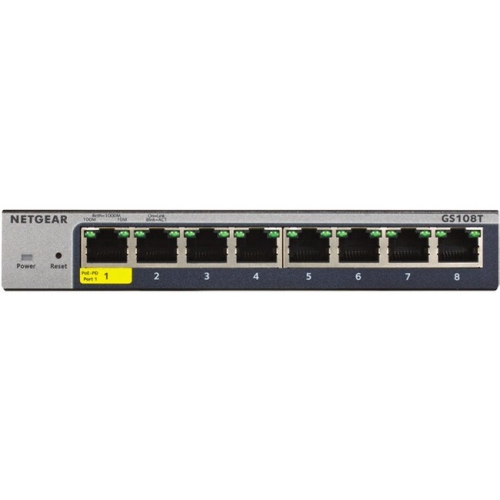
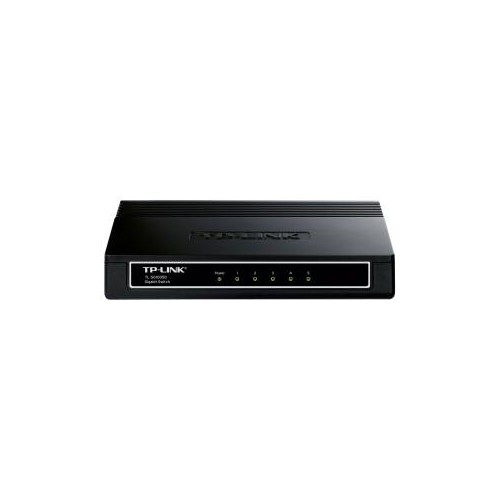
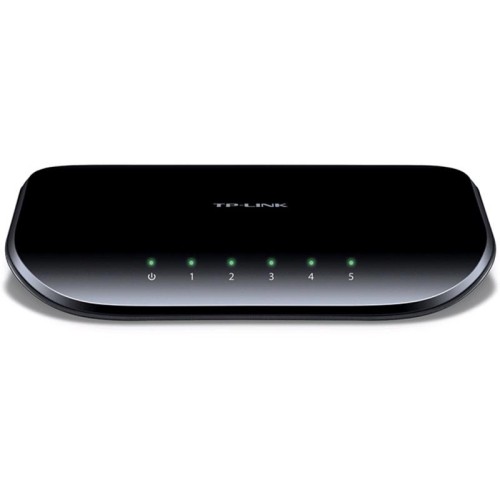
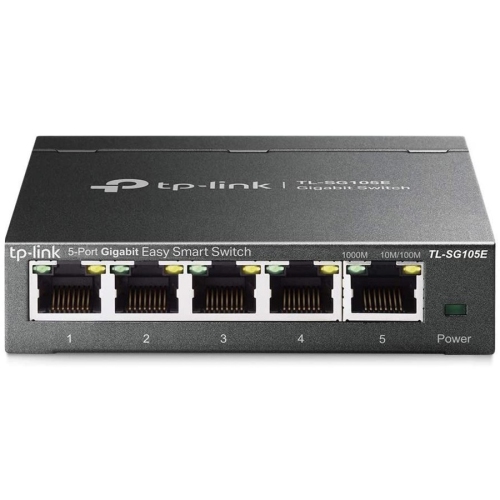
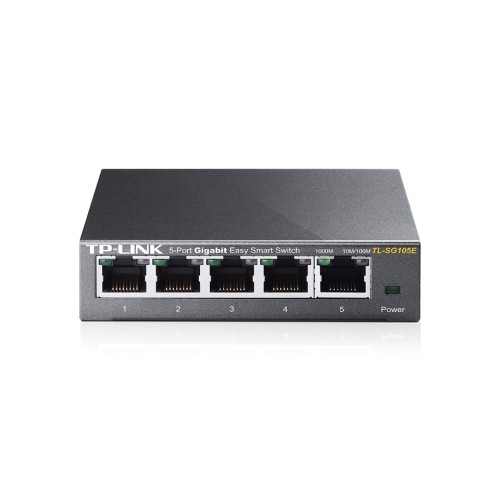
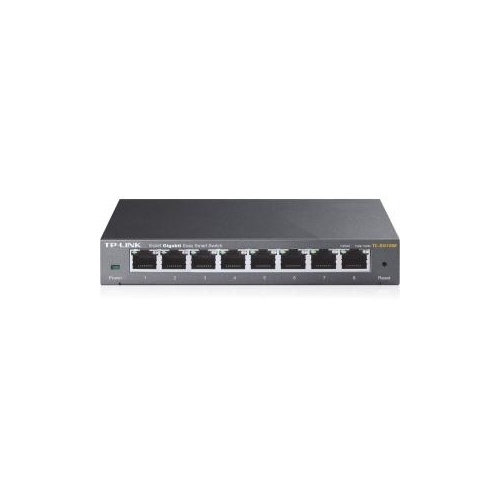
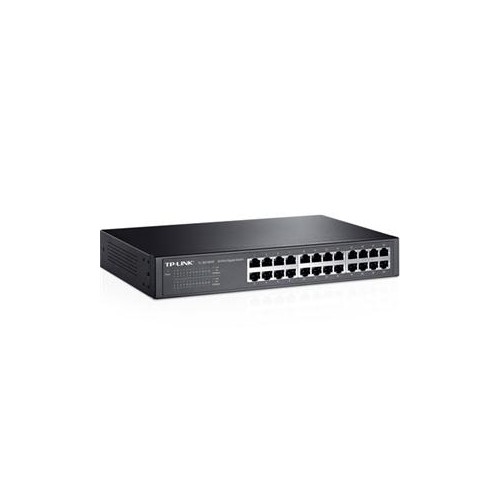
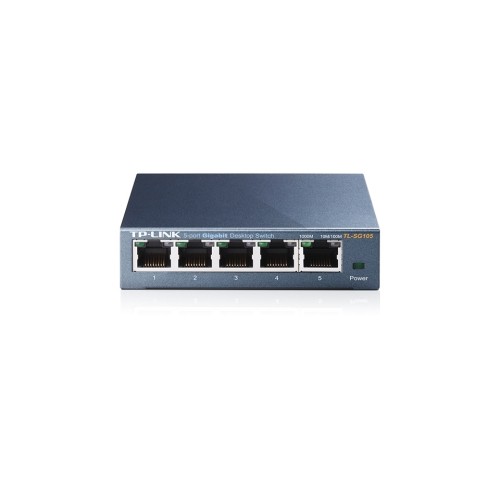
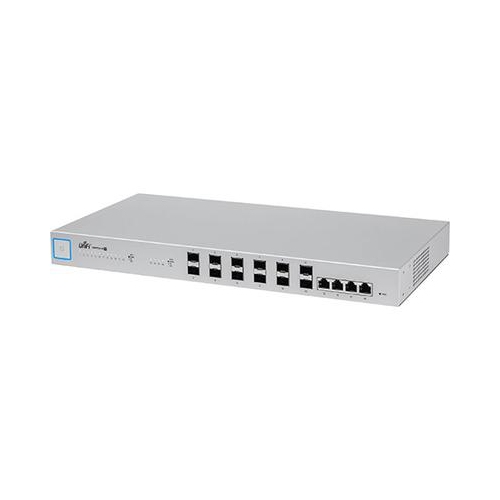
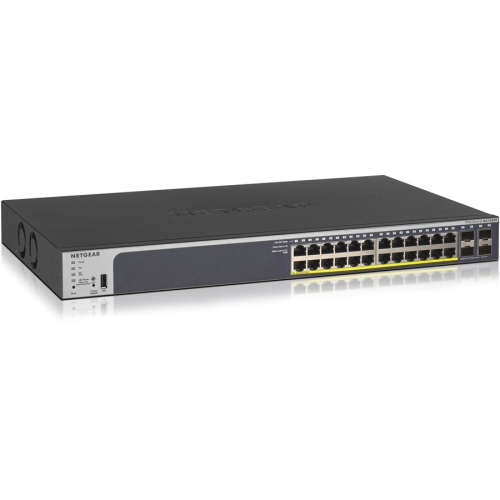
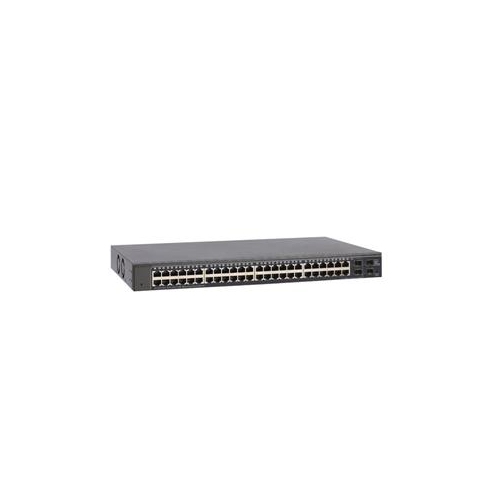
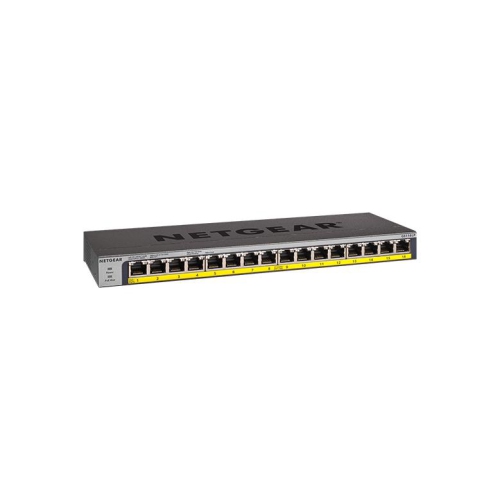
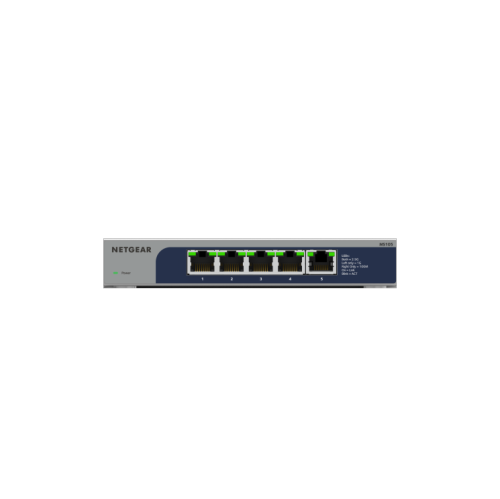
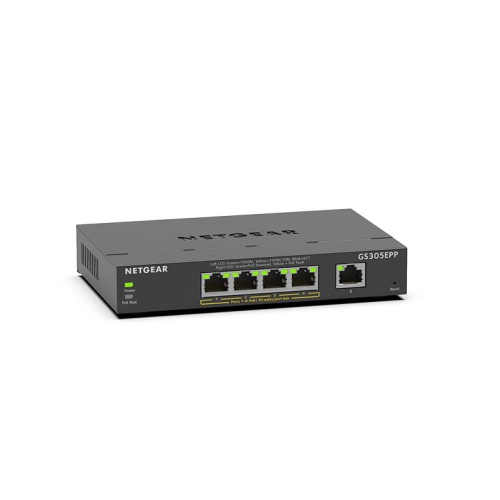
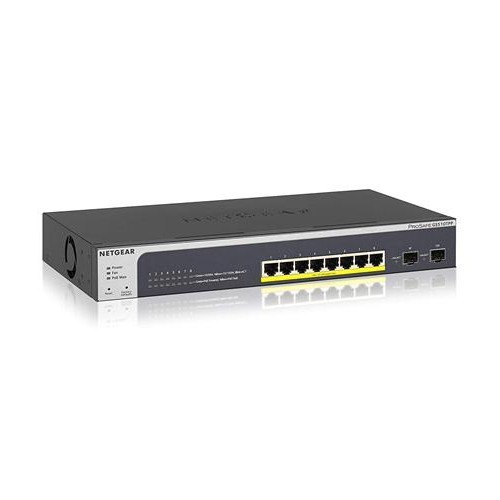
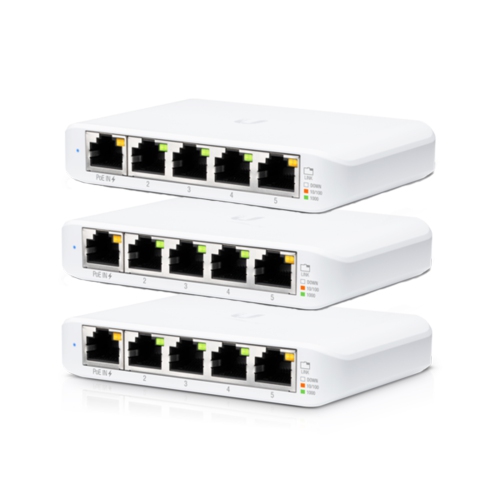
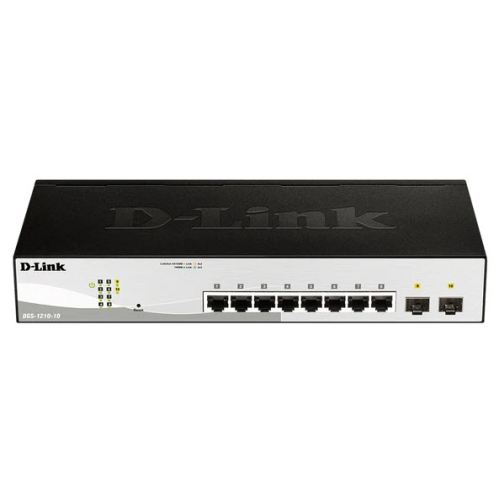
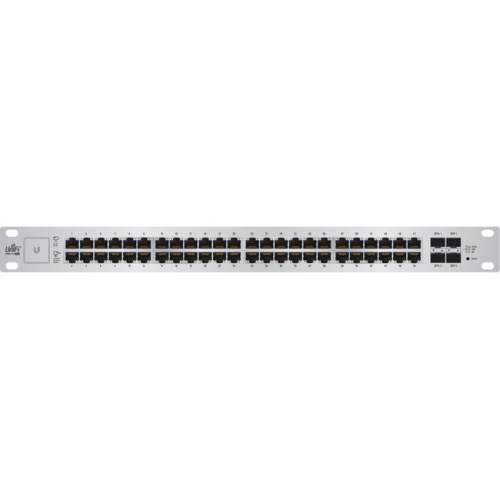
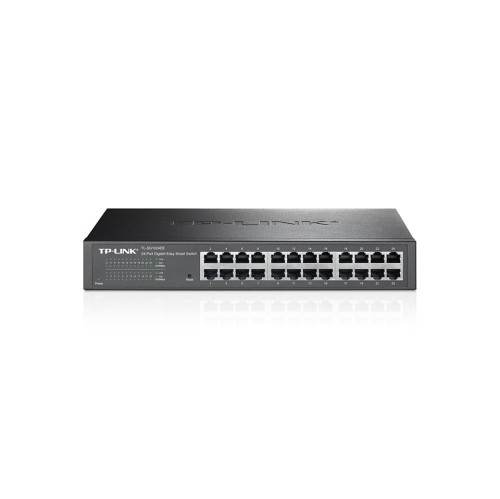
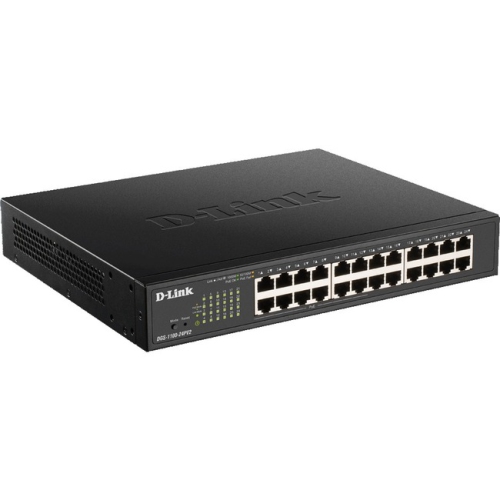
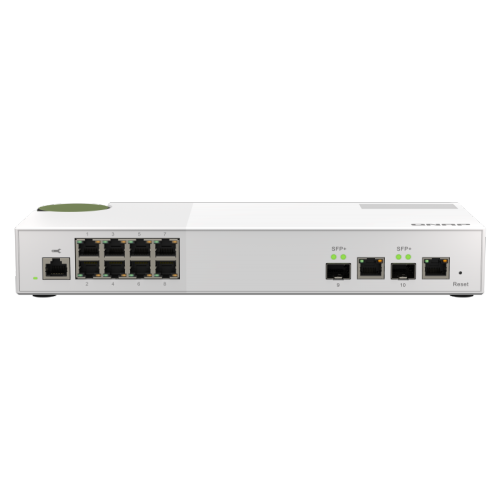
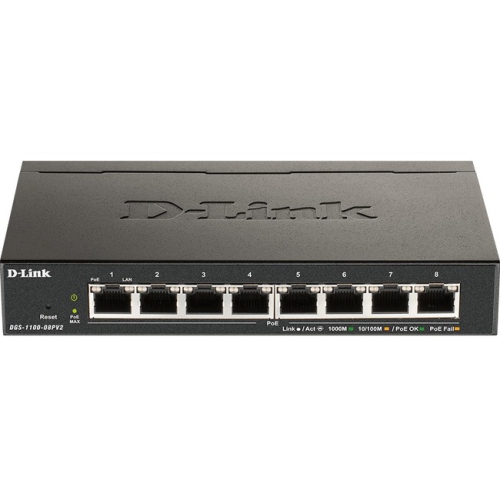
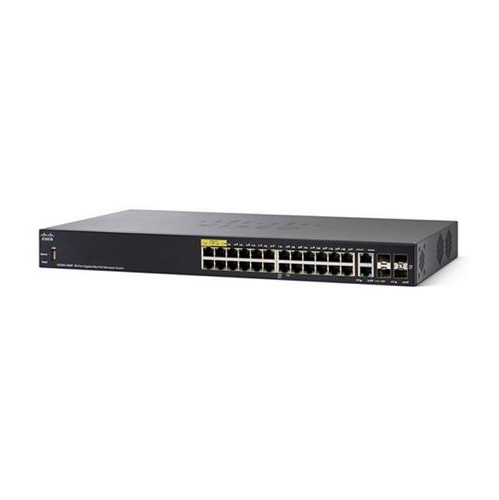
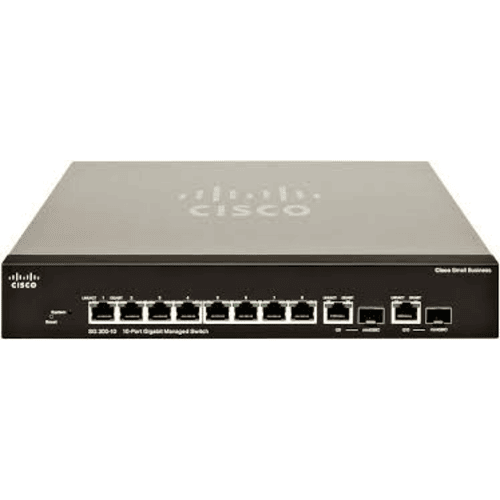
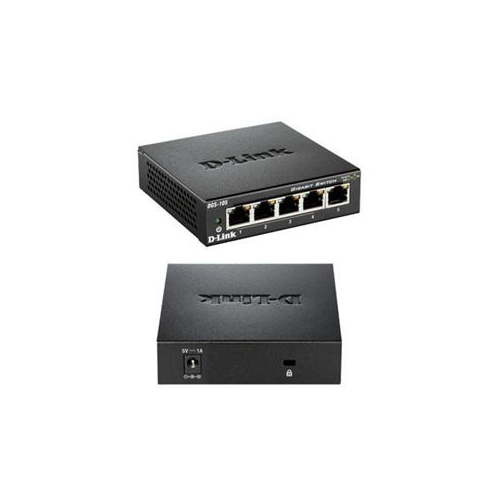
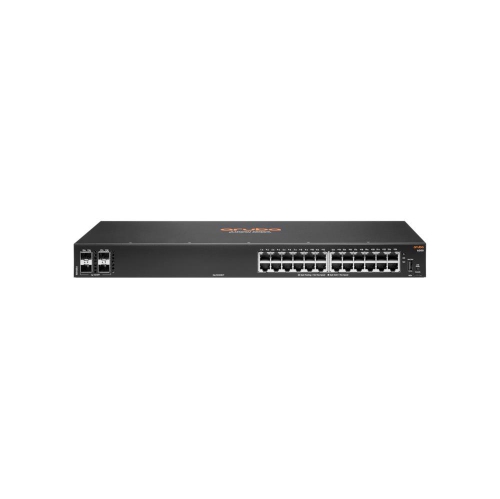
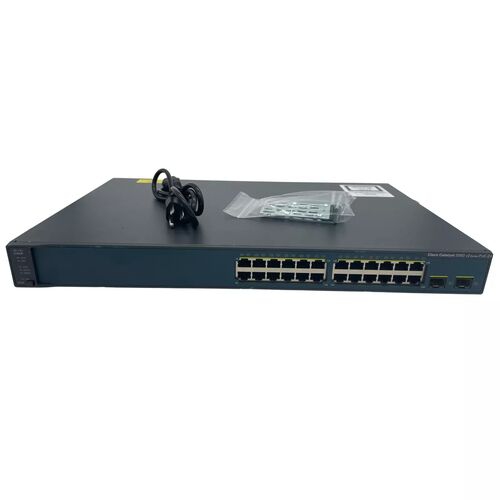
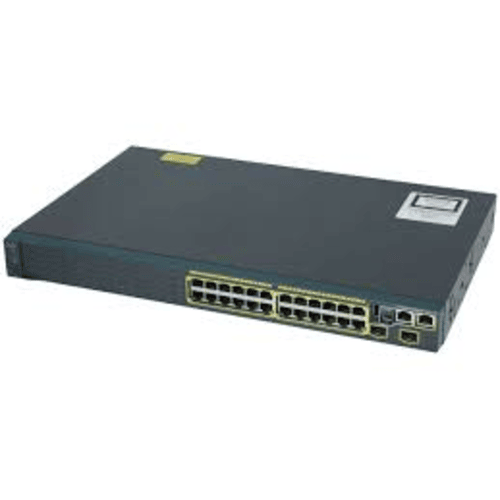
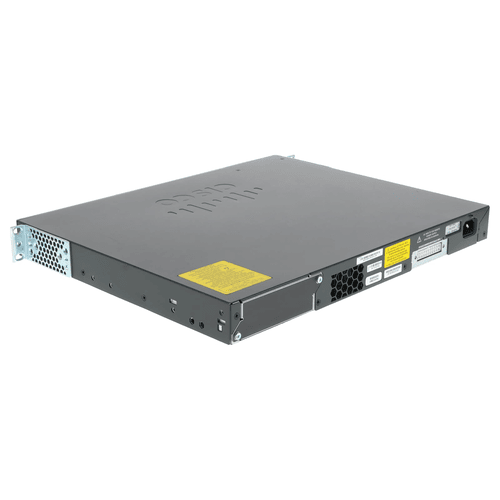
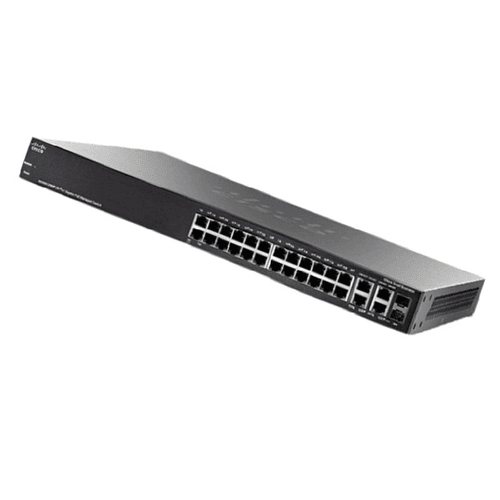
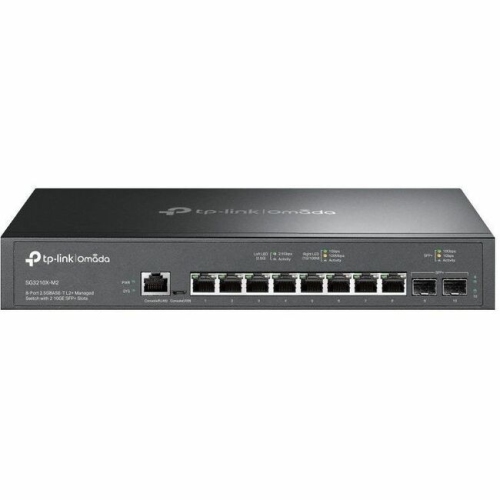
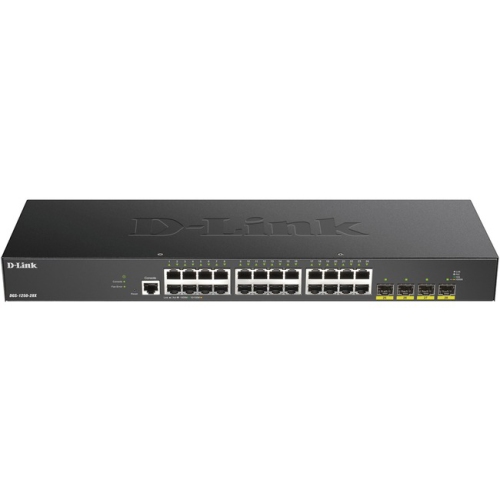
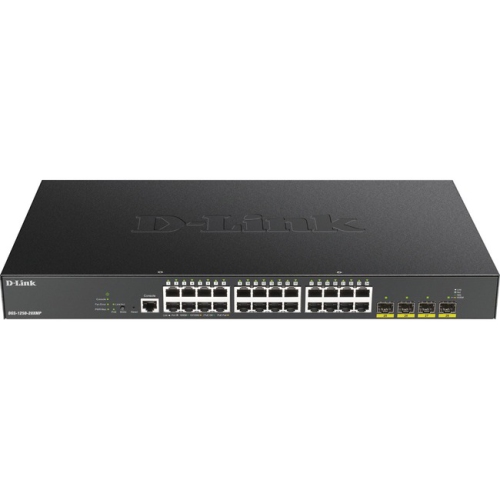
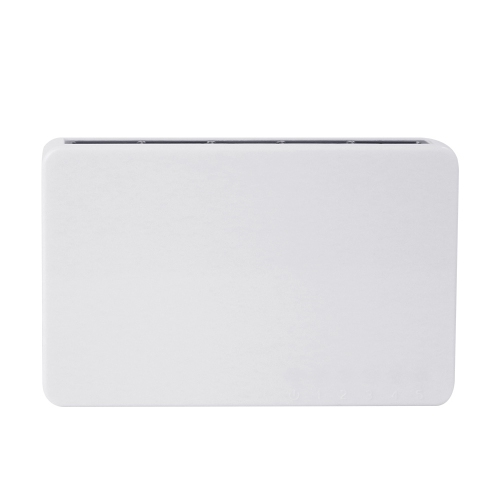
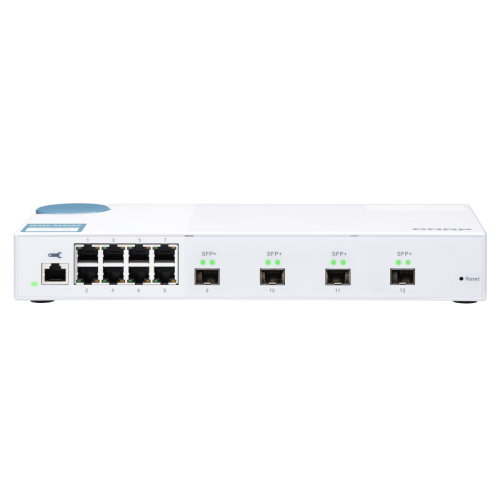
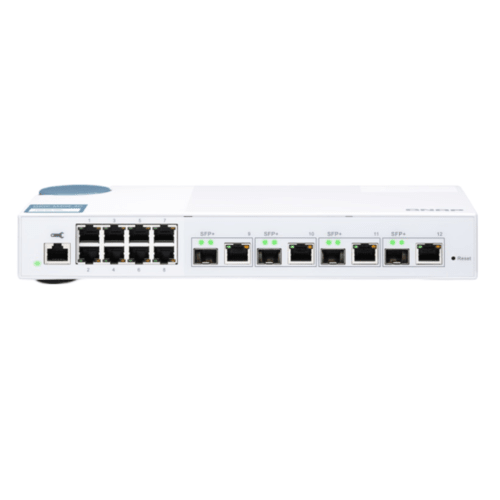

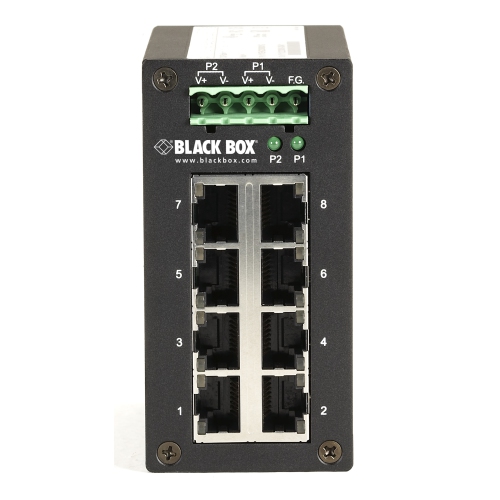
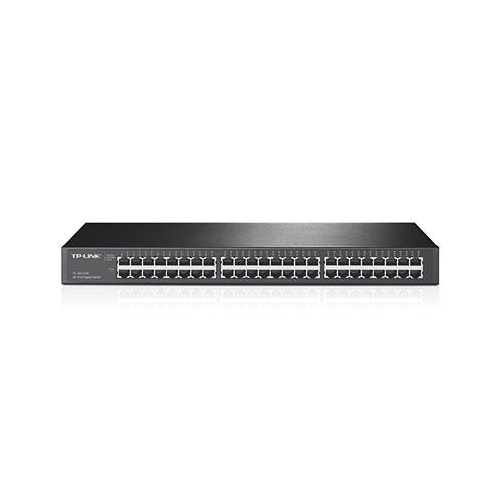
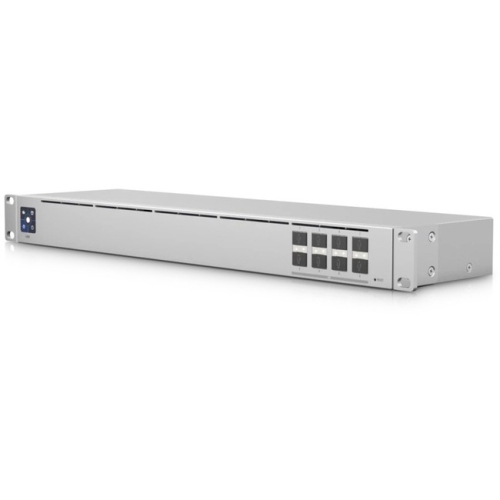
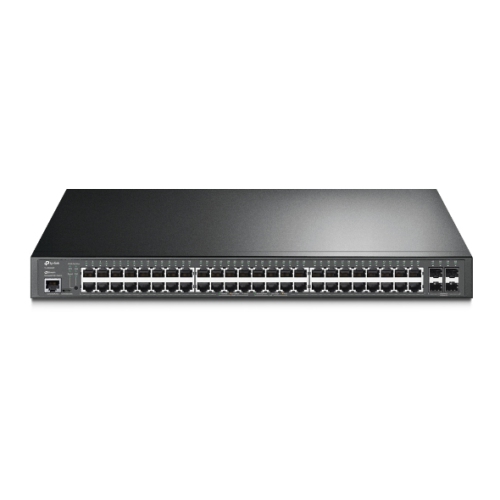
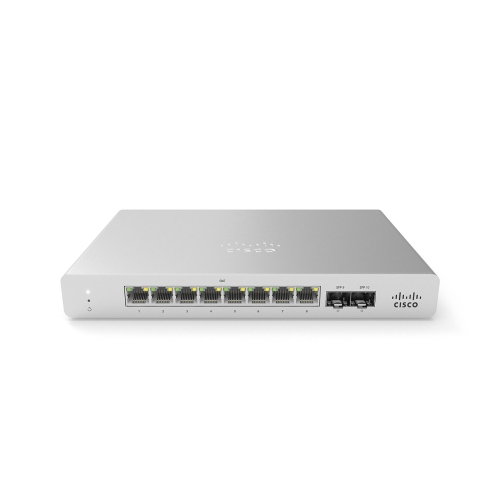
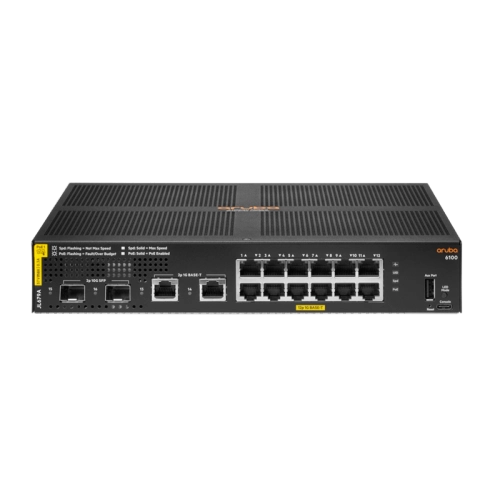
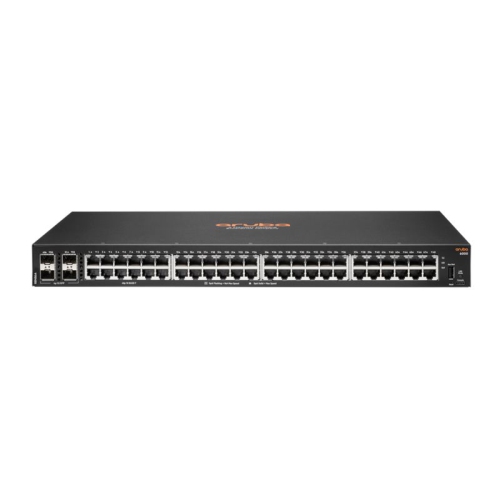
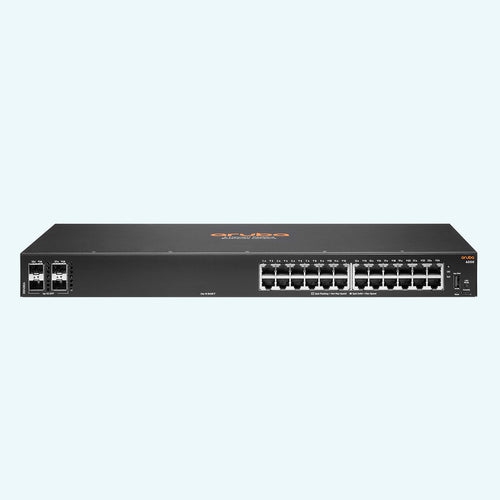
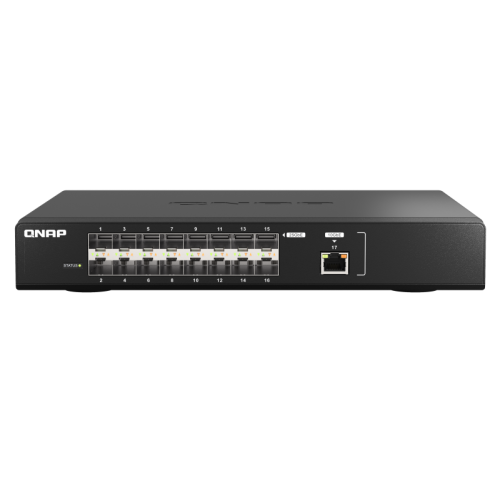
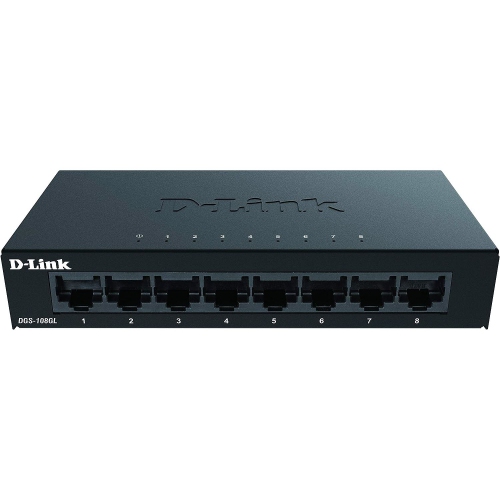
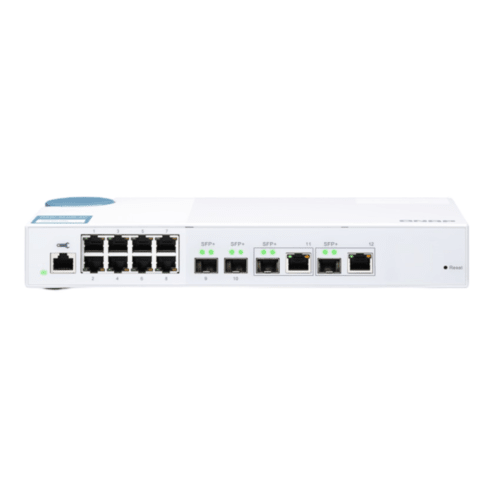
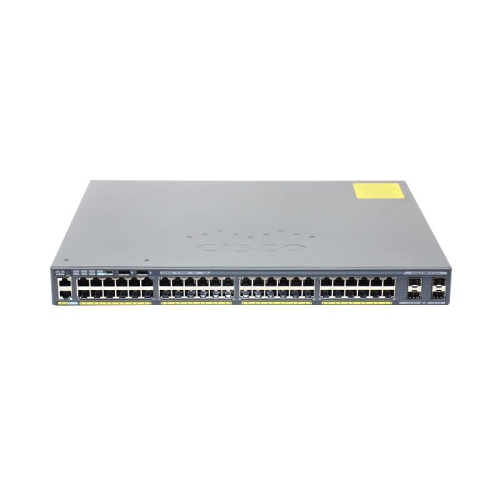

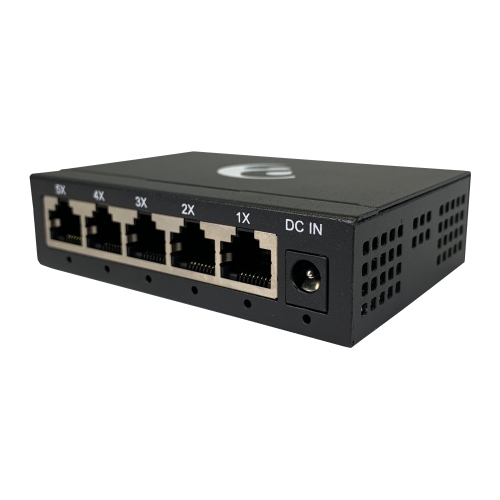
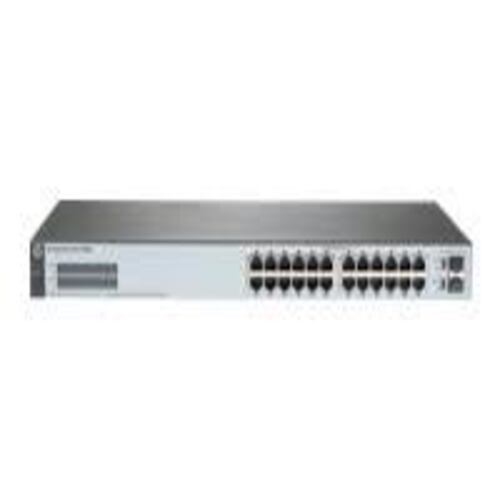
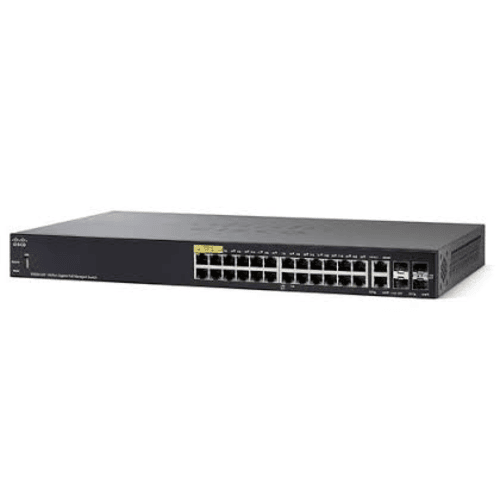
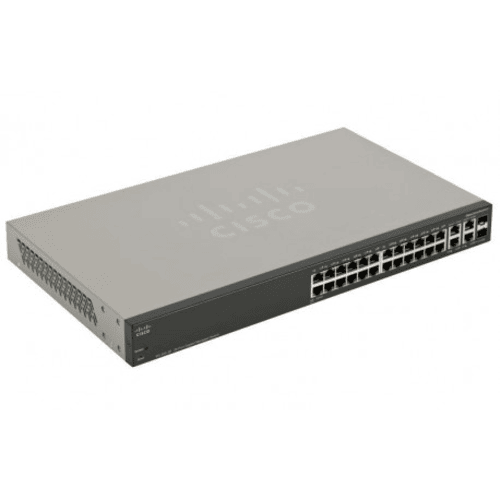
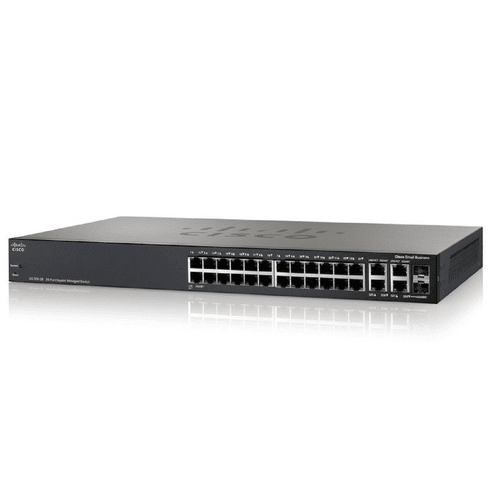
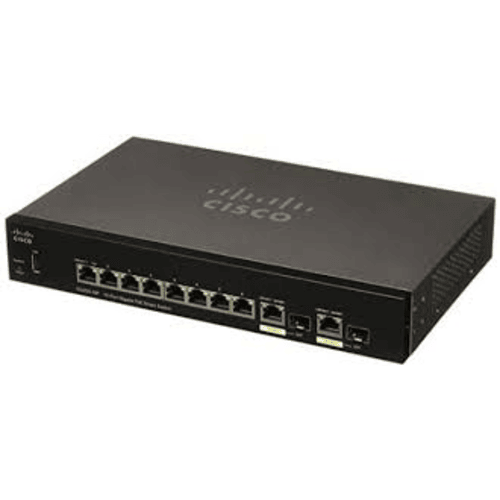
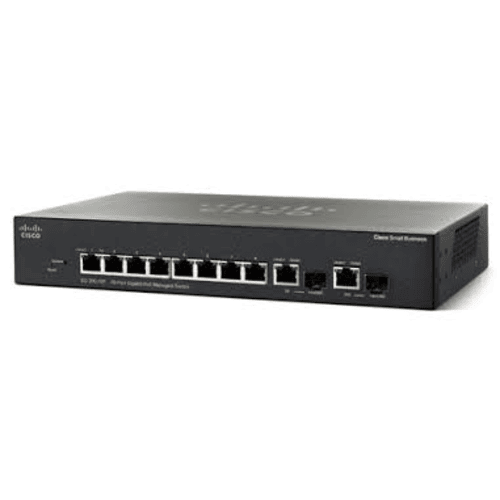
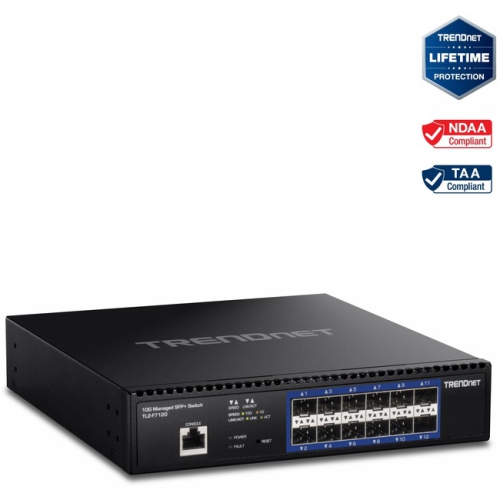

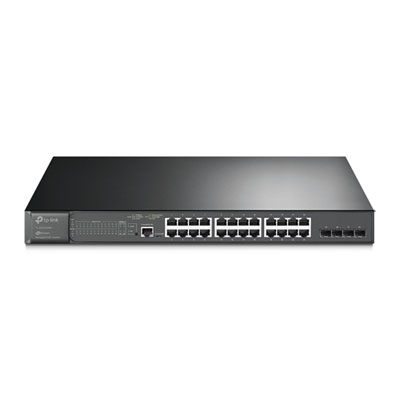
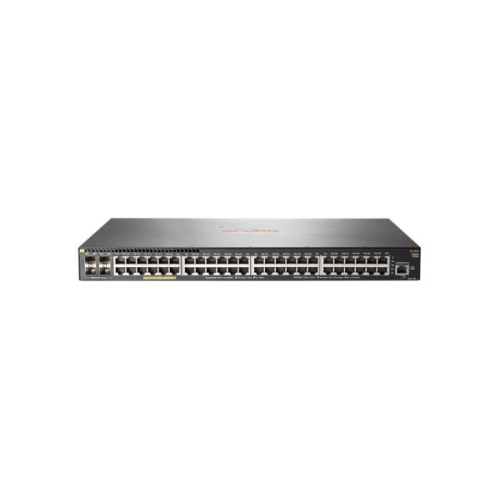
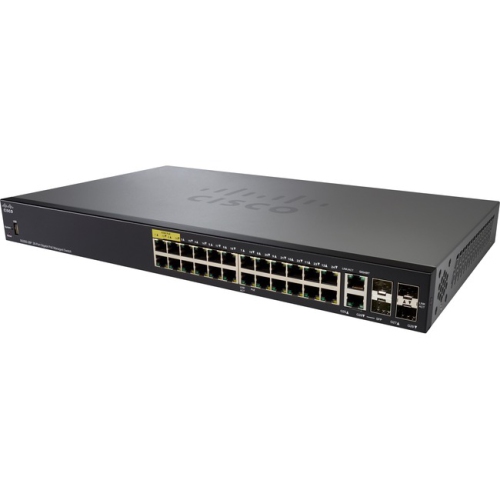
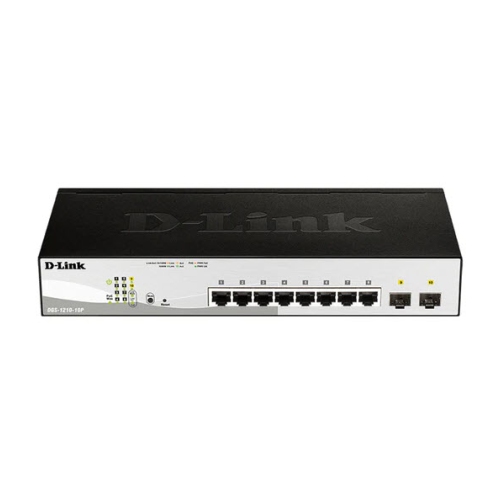

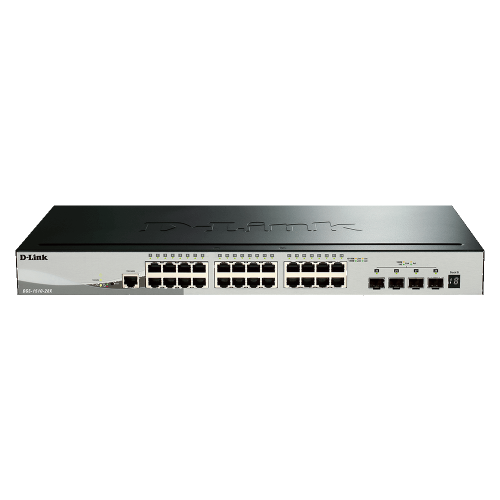
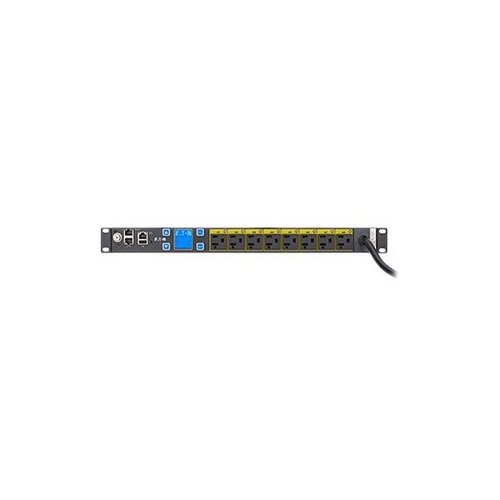
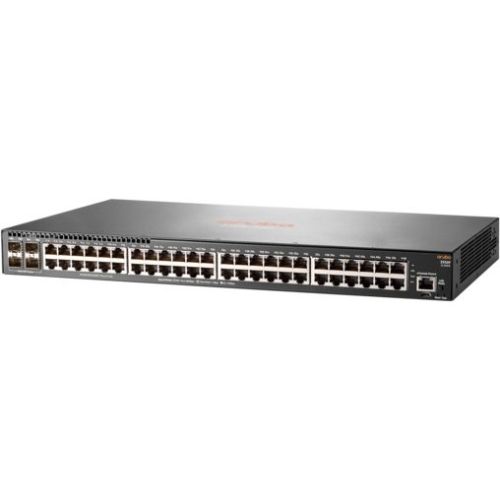
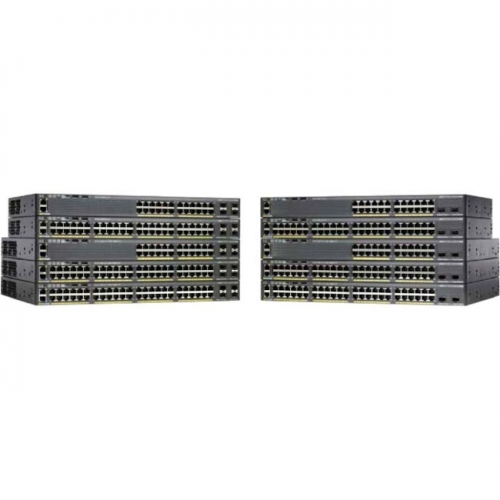
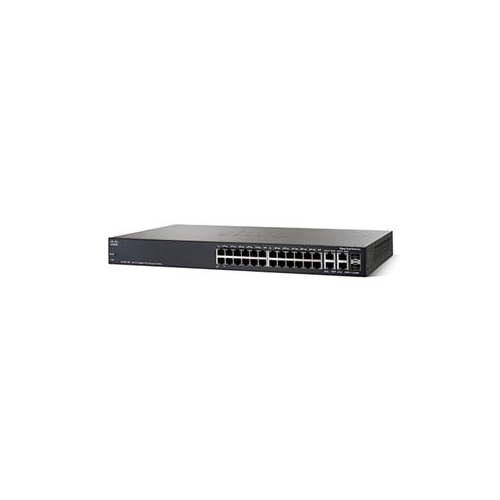
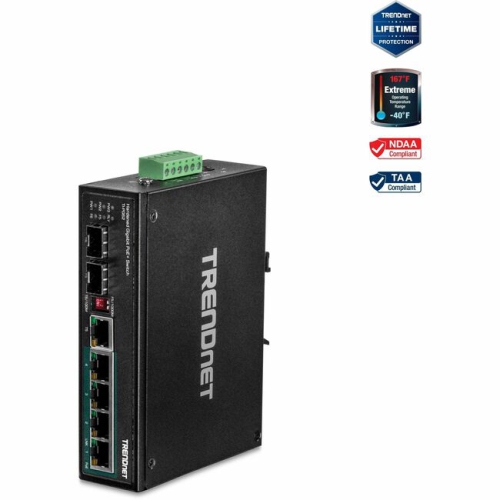
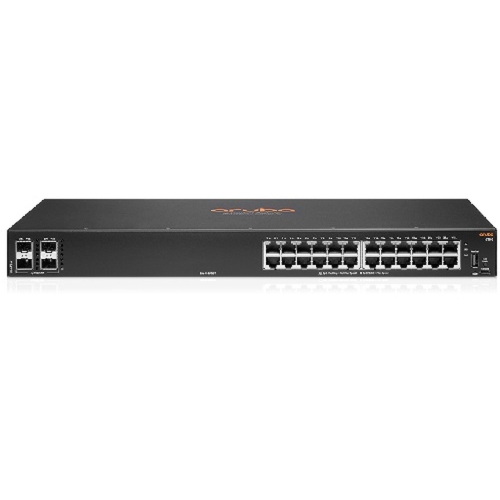
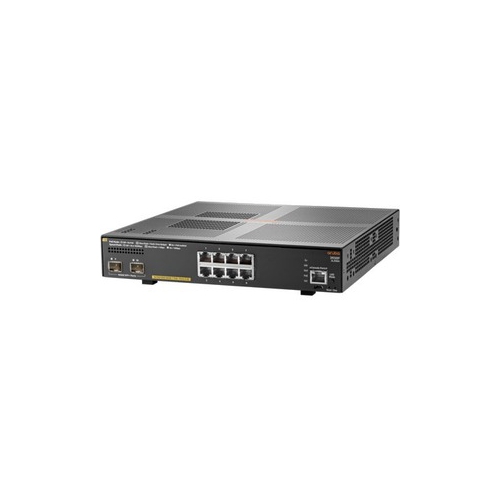
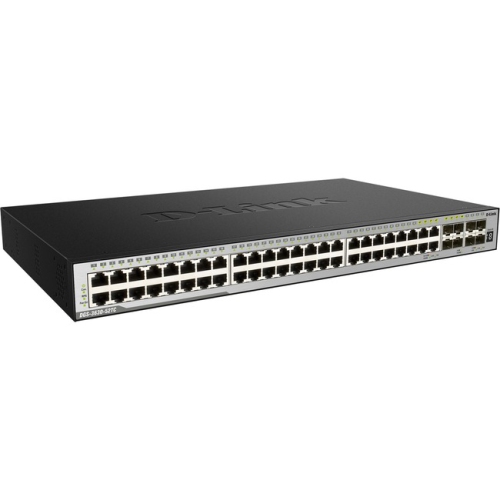
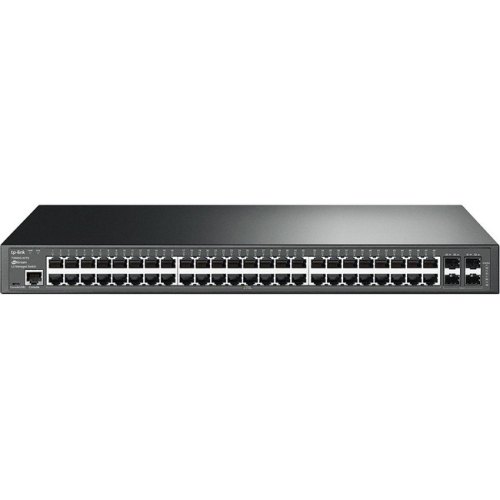
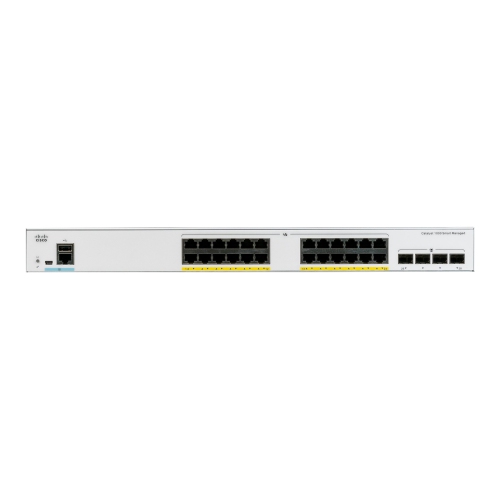
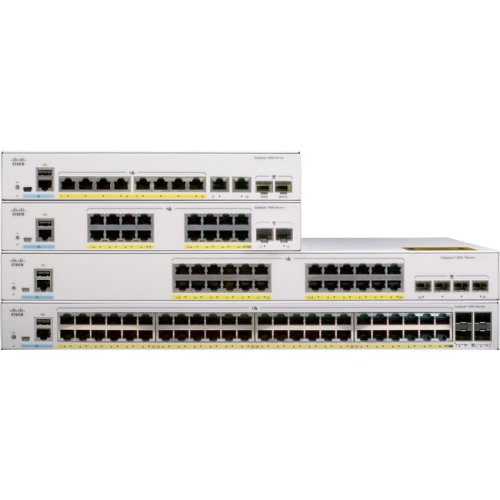
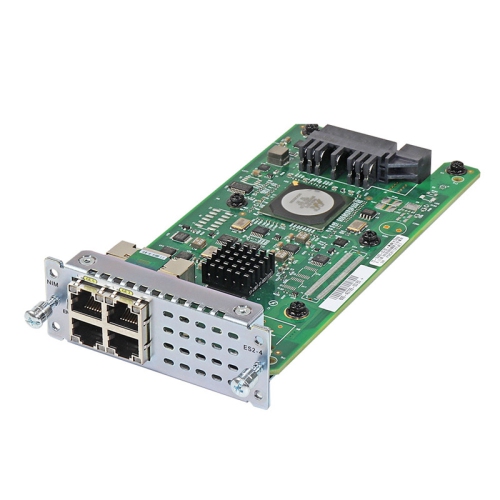
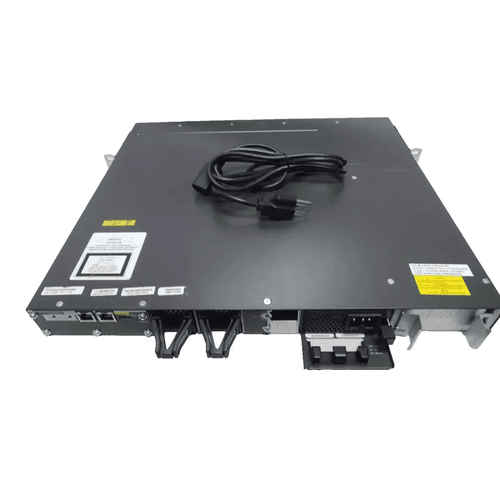
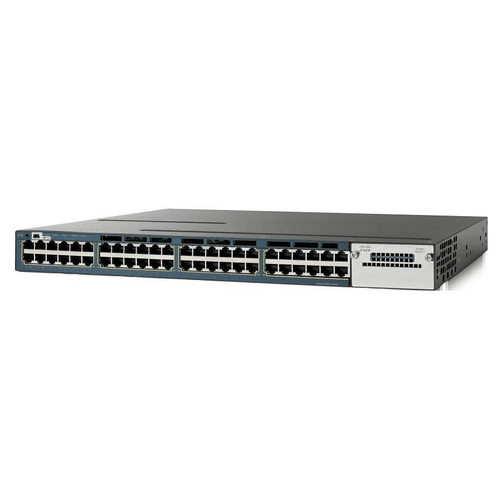
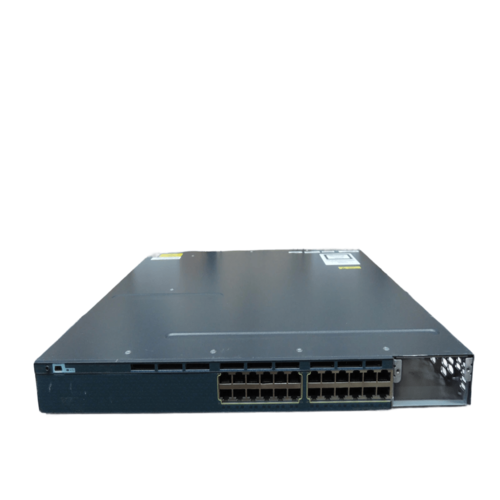
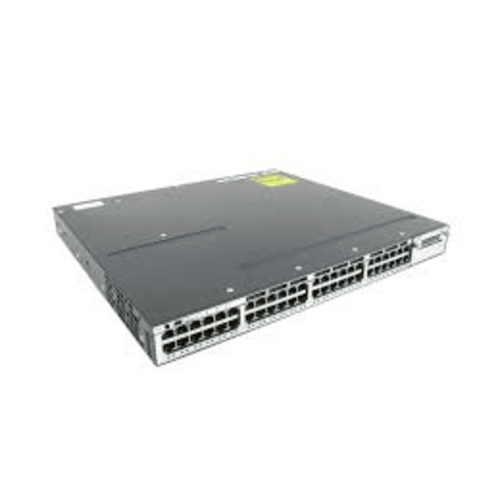
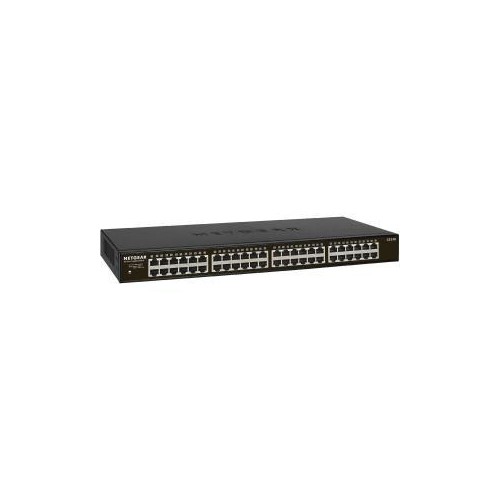
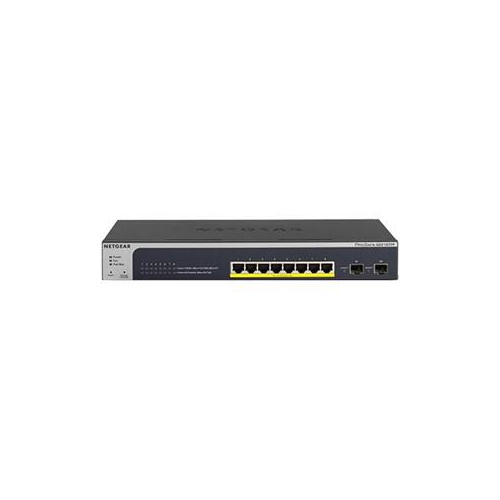
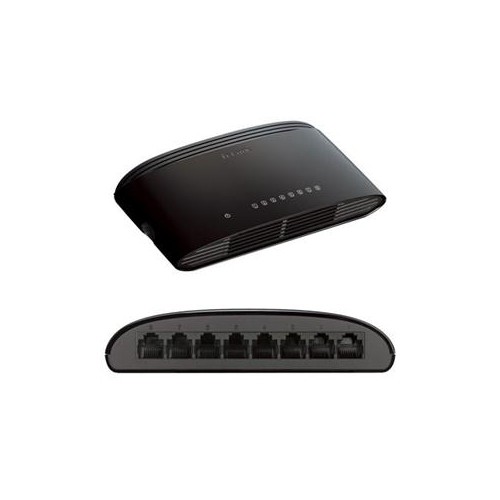
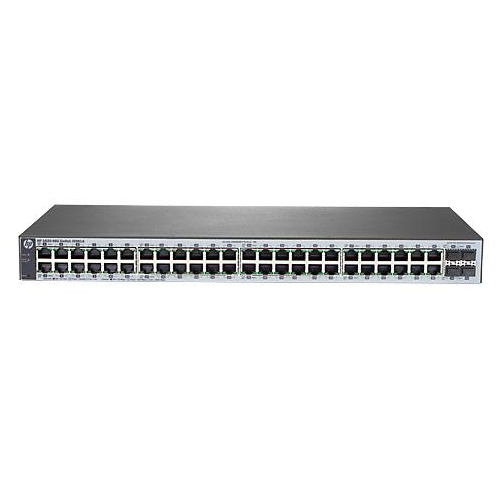
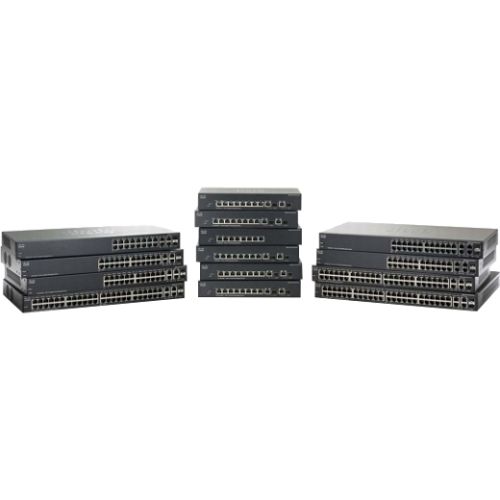
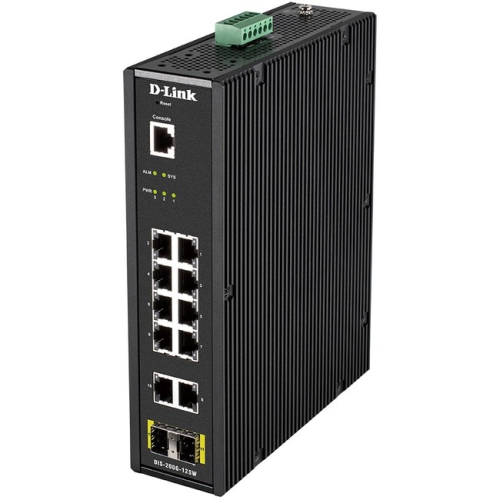
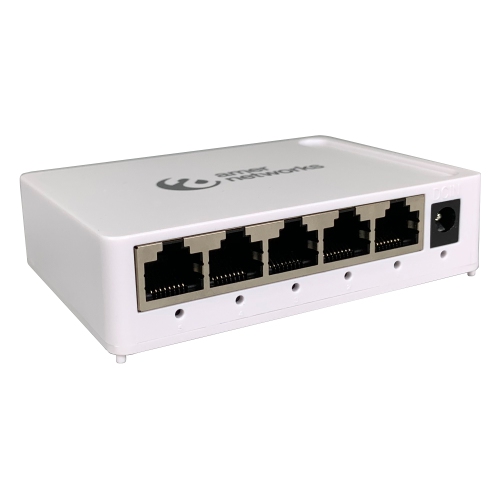
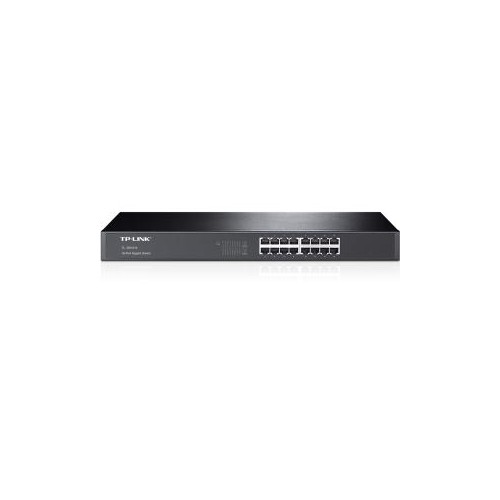
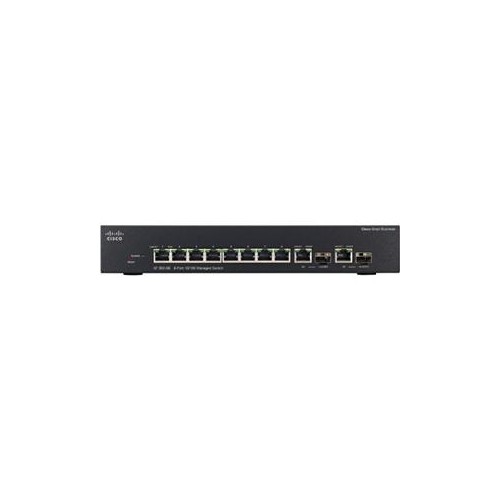
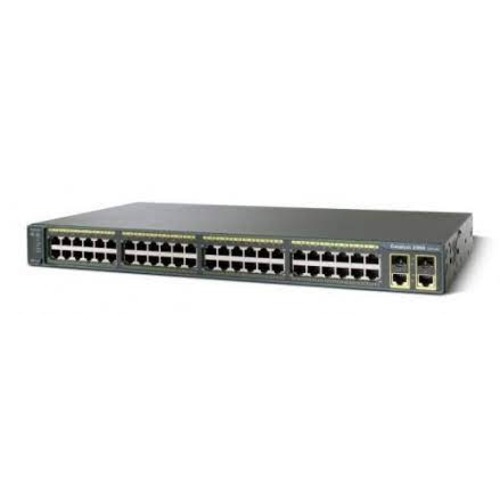
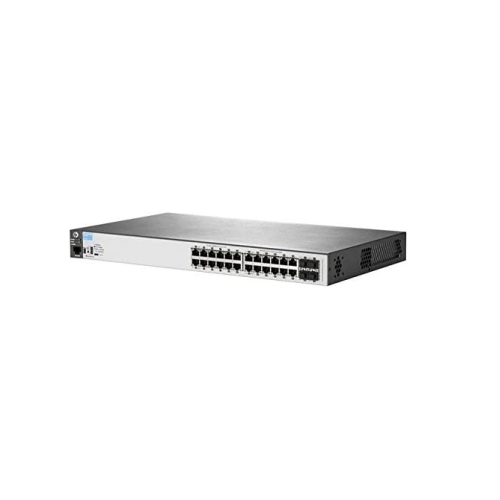

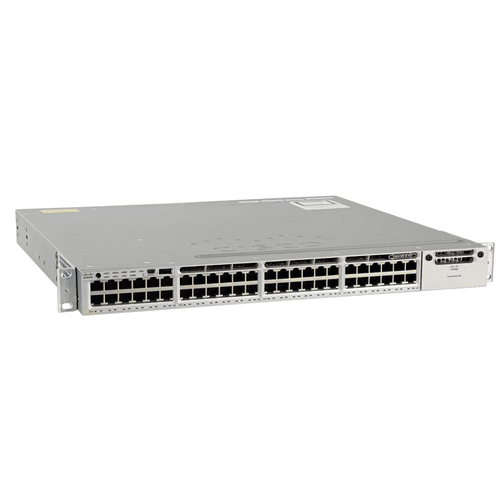
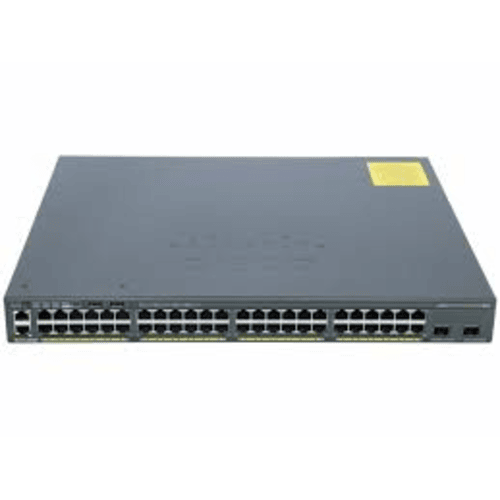
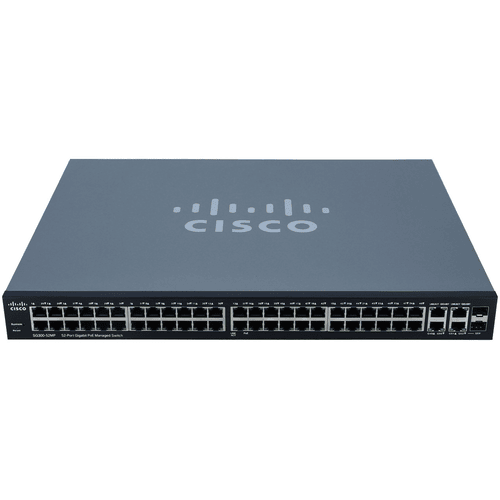
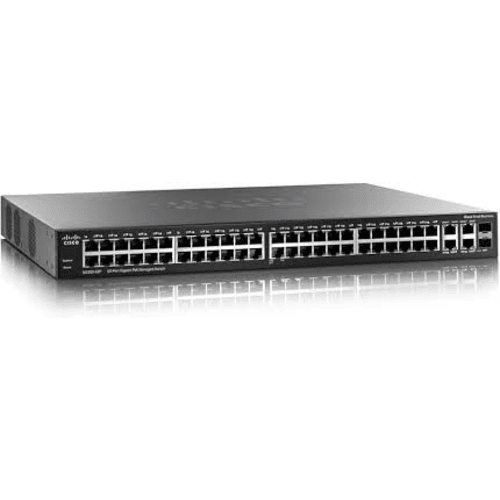
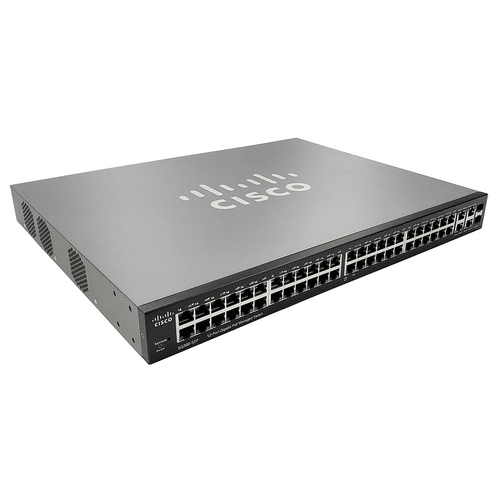
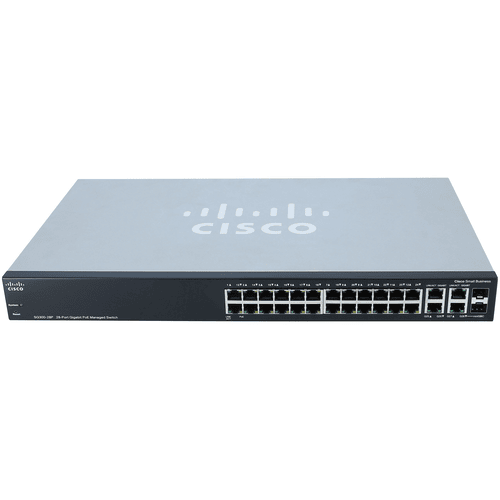
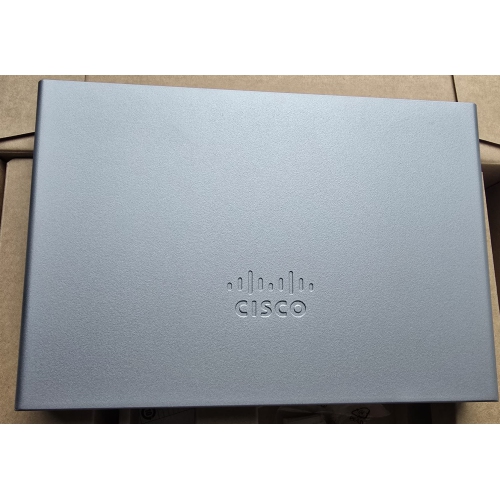
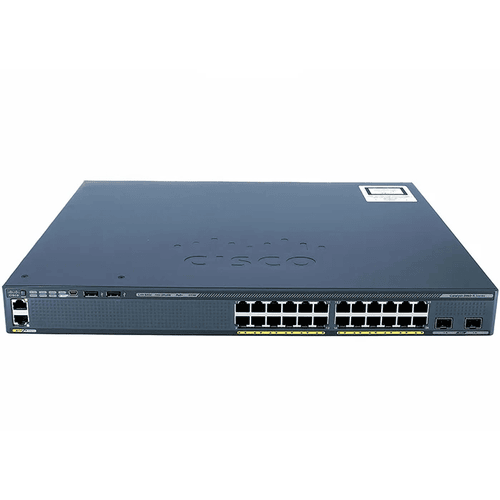
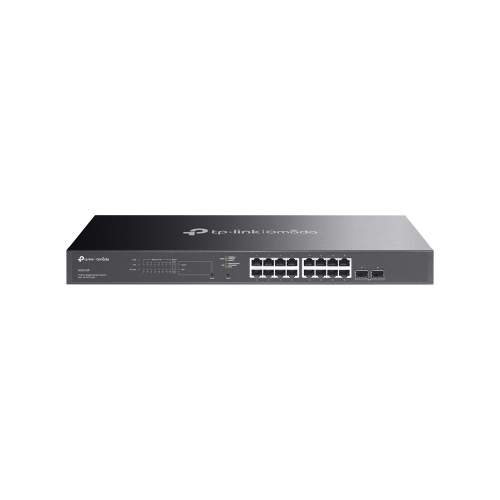
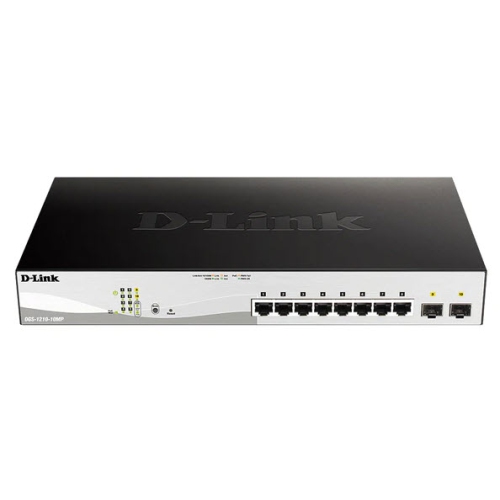
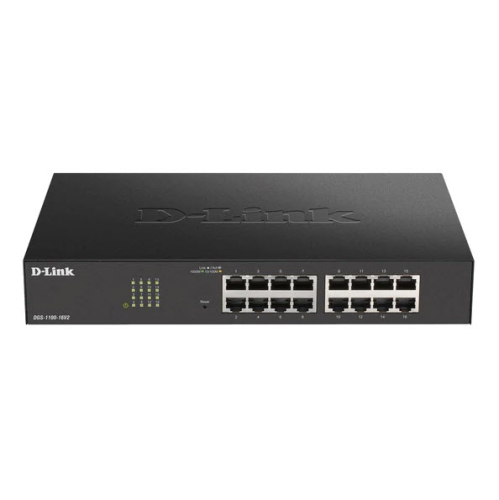
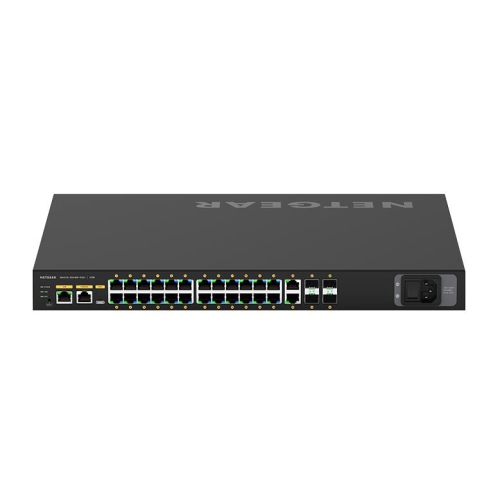
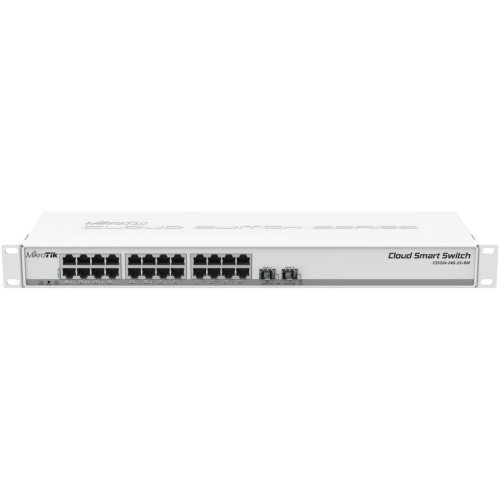
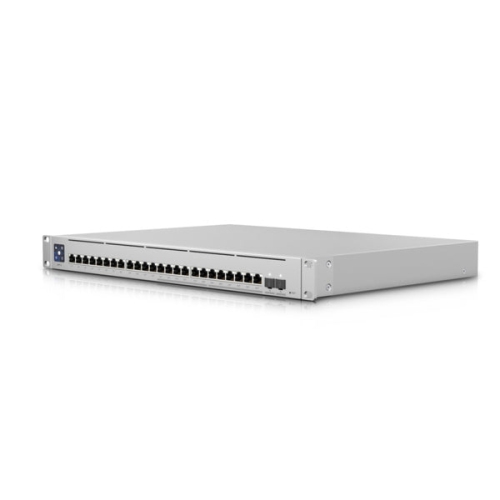
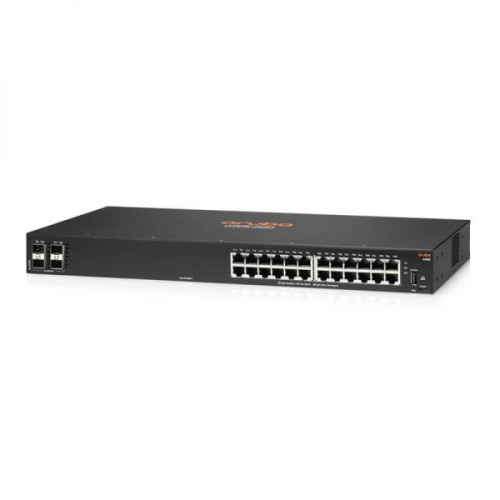
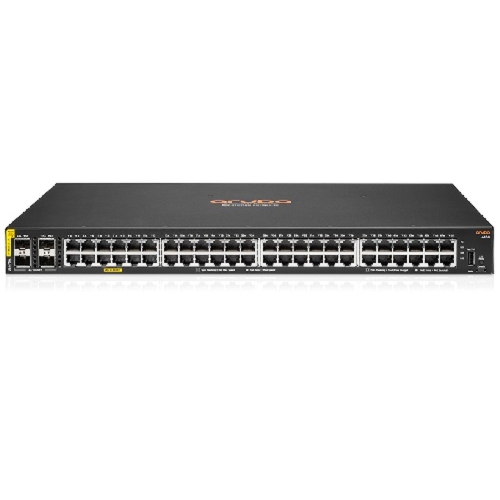

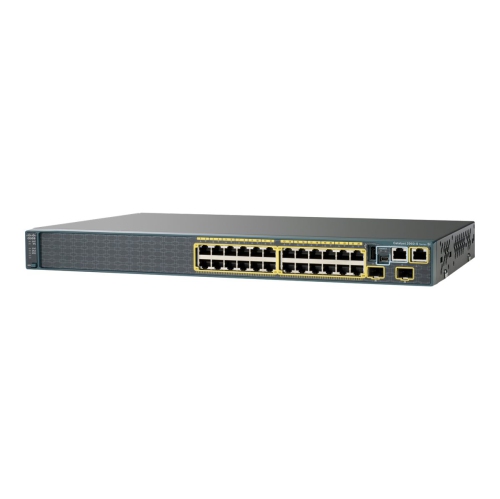
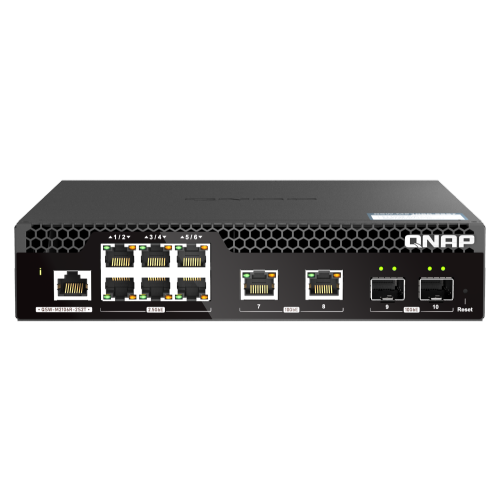
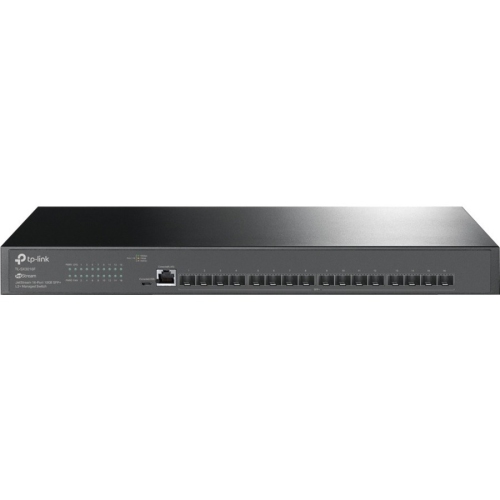
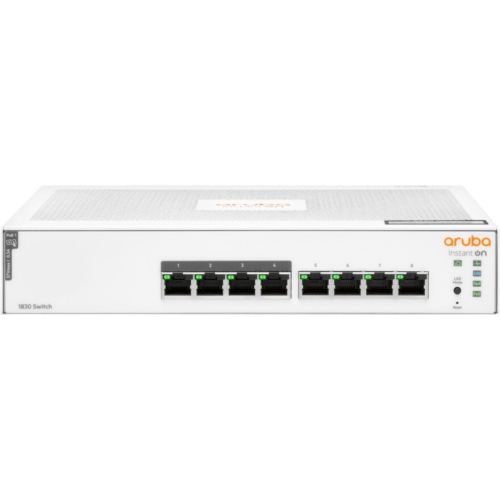
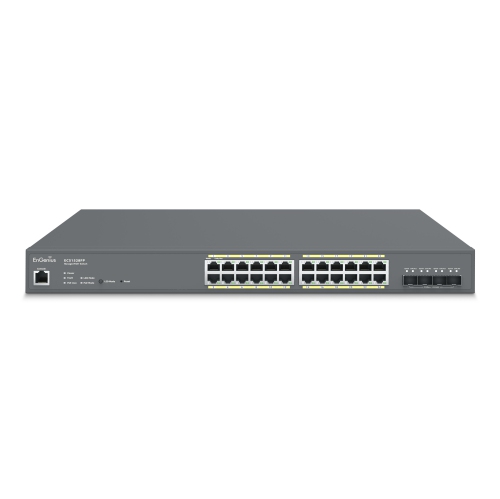
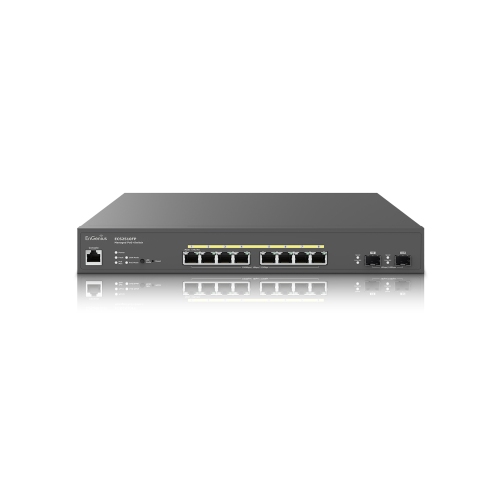
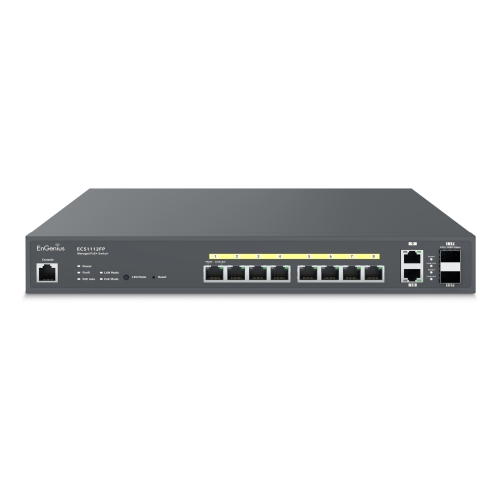
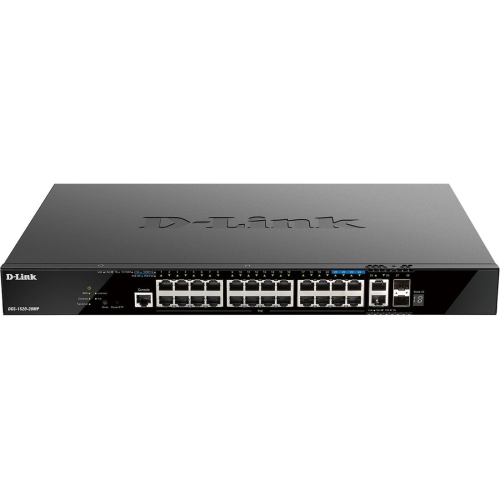
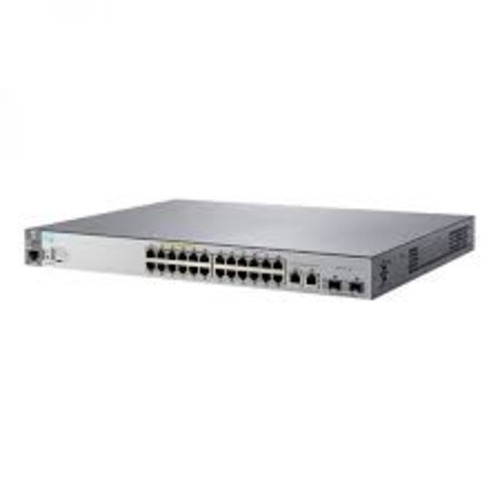
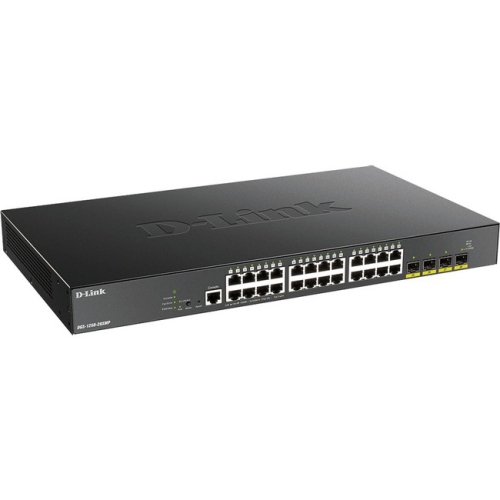
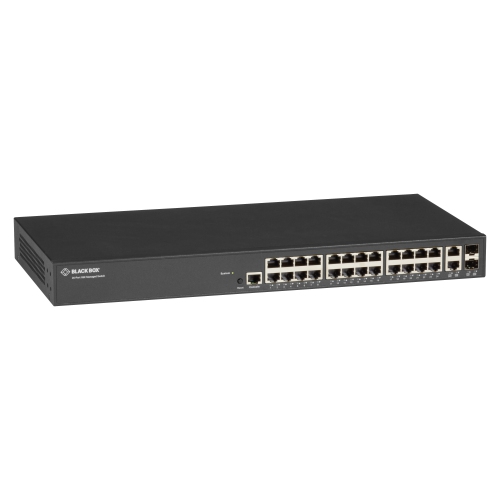
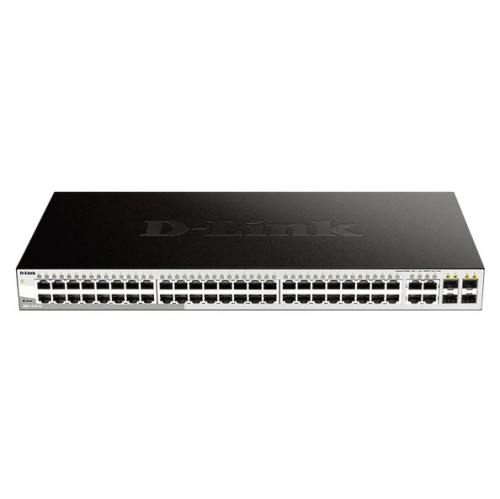
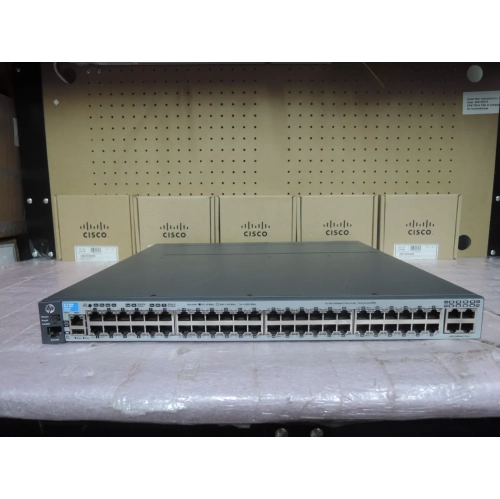
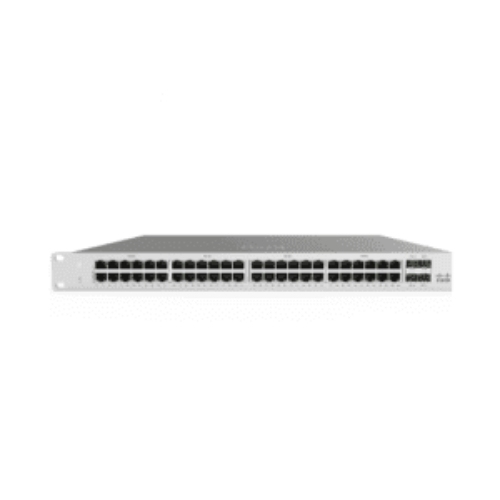
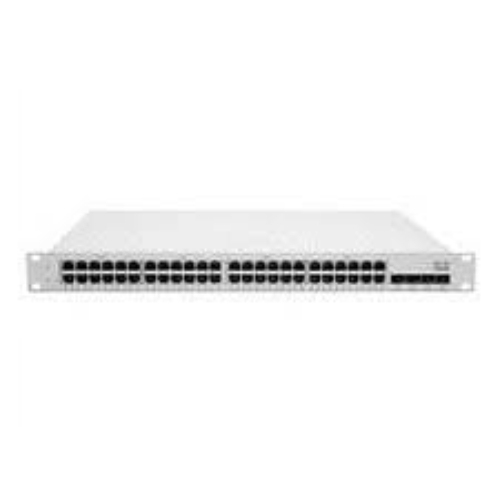
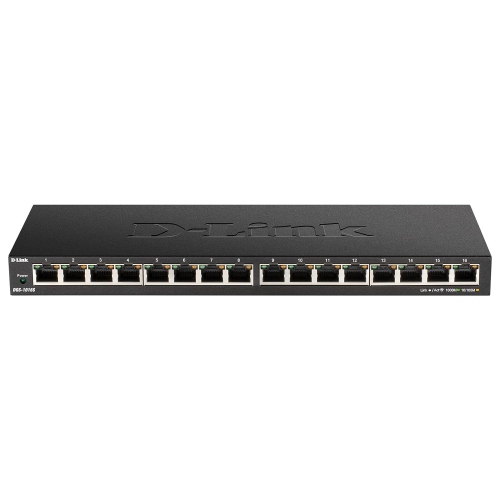

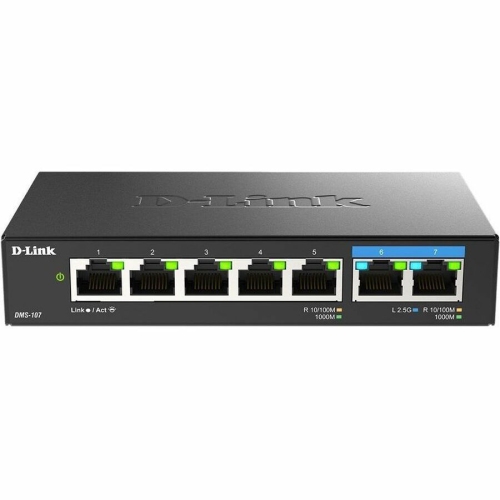
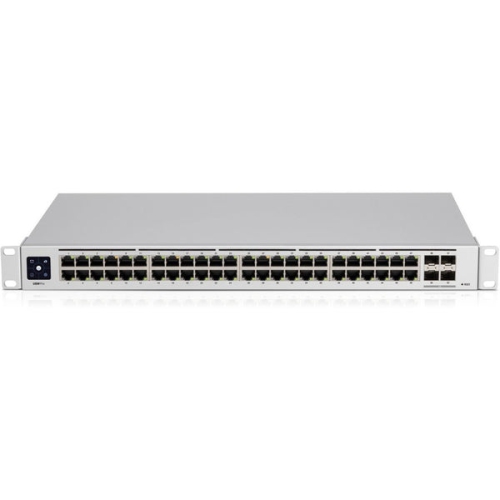
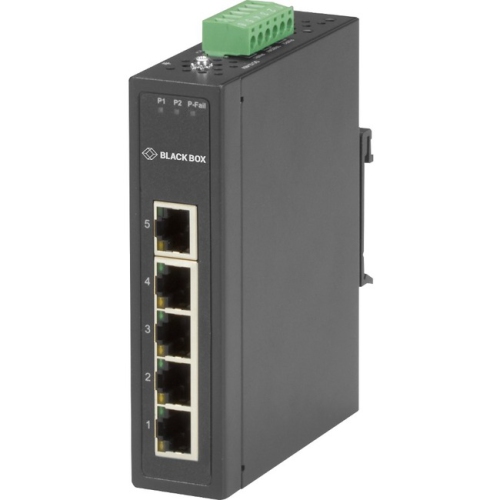
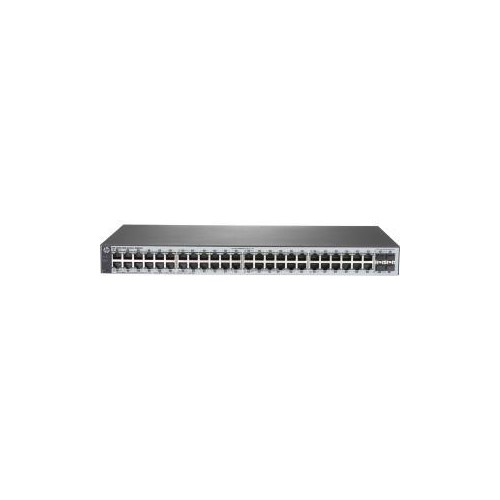
Greater visibility and control for growing wired networks
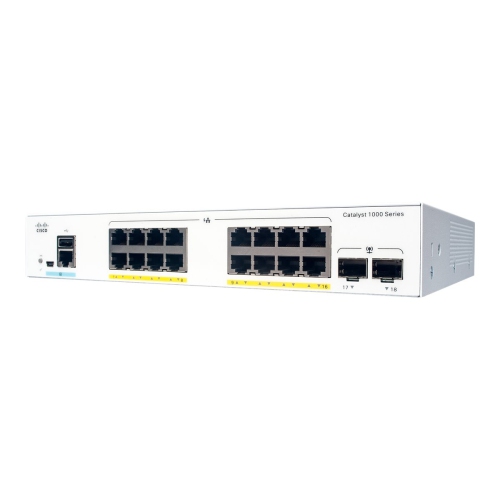
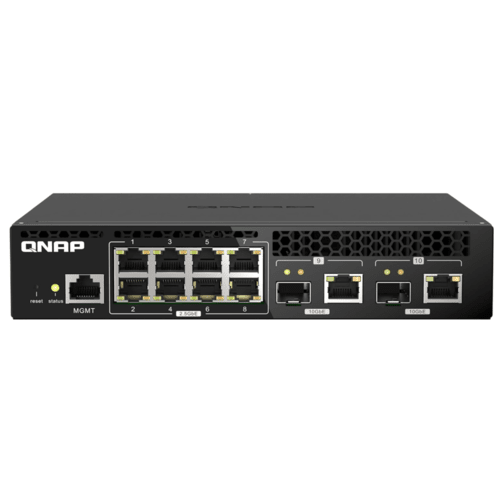
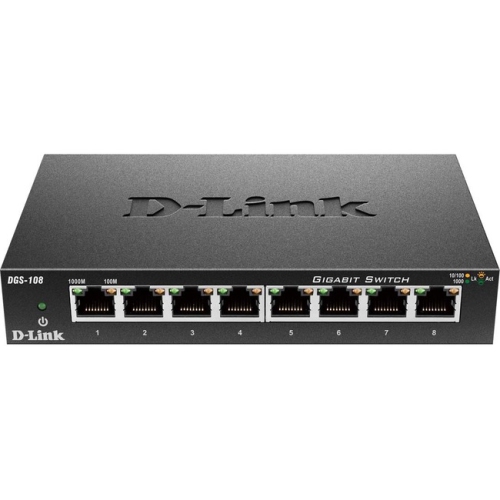
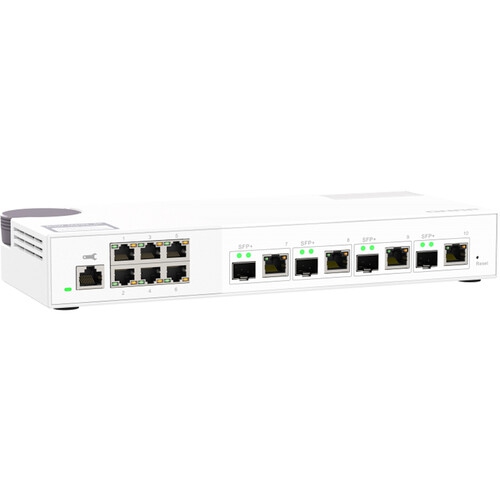
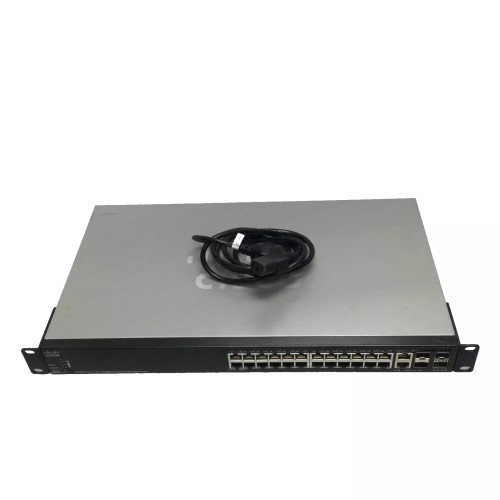
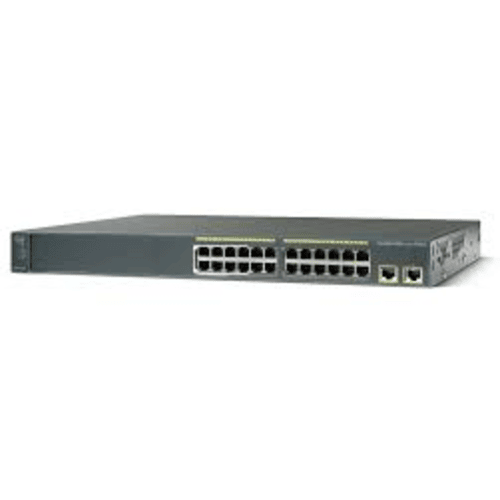
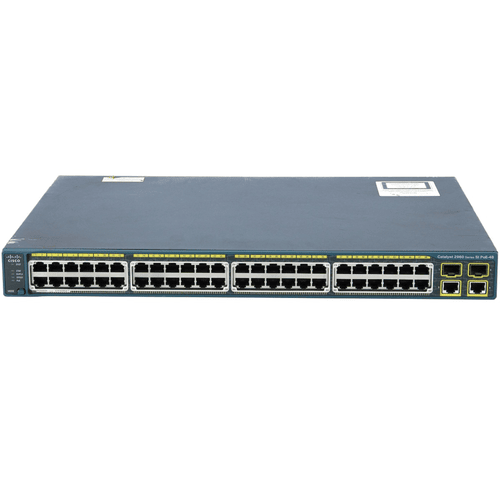
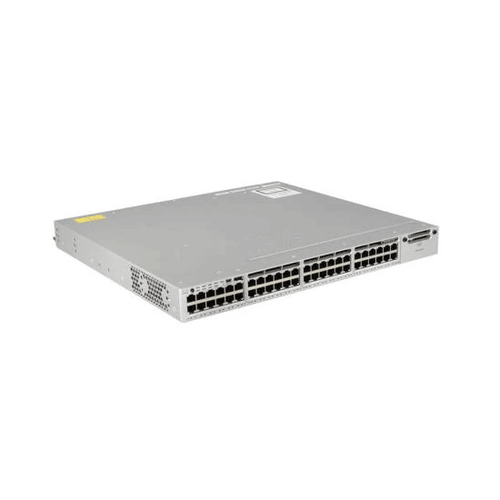
Managed switches give you greater control over how devices communicate across a wired network. While an unmanaged switch simply connects equipment and allows data to pass between ports, a managed switch can be configured, monitored, and adjusted to suit the needs of a home office, small business, classroom, studio, retail space, or larger organization. This added control can make it easier to organize traffic, troubleshoot connection issues, and apply consistent network policies as more computers, access points, cameras, phones, printers, storage devices, and smart equipment come online. When browsing managed switches, start by considering the number of devices you need to connect and leave room for future expansion. Count the wired equipment in your space, then look for an appropriate number of Ethernet ports so you are not forced to replace the switch when your setup grows. Port speed is also important. Gigabit Ethernet is suitable for many everyday networks, while faster multi-gigabit or fibre-capable connections may be helpful for high-volume file transfers, network-attached storage, video production, virtualization, or internet plans that exceed standard gigabit speeds. Some switches include a combination of copper Ethernet and fibre ports, which can be useful when linking separate floors, buildings, server rooms, or longer cable runs. If you are comparing different types of network hardware, you can also browse Electronic Switches to explore related options. The physical design deserves attention as well. A compact desktop switch can sit beside a router or under a desk, while a rack-mountable model is better suited to a structured networking cabinet. Fanless designs can be appealing in quiet offices, meeting rooms, or media spaces, whereas active cooling may be expected on equipment designed for heavier workloads. Check the switch’s power requirements, included mounting hardware, management method, and compatibility with the rest of your network before making a decision.
The main advantage of a managed switch is the ability to divide and prioritize traffic instead of treating every connected device in exactly the same way. VLAN support, or Virtual Local Area Network support, lets you separate devices into logical groups while they remain connected through the same physical network. For example, an organization could place staff computers, guest devices, security cameras, voice equipment, and building controls on separate VLANs, helping limit unnecessary access between groups and making the network easier to administer. VLANs can also be useful in a home office where work equipment needs to remain separate from personal devices or smart-home products. Quality of Service, often called QoS, allows certain types of traffic to receive priority when the network is busy. This can help keep voice calls clear, video meetings steady, and important business applications responsive while large downloads or backups are running in the background. Port security features can restrict which devices connect to particular ports, disable unused connections, or limit the speed of a port when appropriate. Depending on the model, you may also find loop prevention, link aggregation, traffic monitoring, access control lists, DHCP snooping, storm control, and detailed event logs. These features vary considerably, so it is worth matching the switch to your technical comfort level and the demands of your network. Basic smart-managed models may provide a guided web interface with common settings, making them approachable for a knowledgeable home user or small office administrator. More advanced models can offer command-line access, granular security controls, centralized administration, or cloud-based dashboards for managing equipment in more than one location. Remote management can be especially convenient for an organization with offices, workshops, classrooms, or equipment rooms spread across a building. An administrator may be able to review port activity, identify a disconnected device, update settings, or restart a connection without walking through every area to inspect the hardware.
Managed switches are often chosen by people who need predictability and visibility from their wired network. A growing business may use one to organize employee workstations, printers, phones, point-of-sale equipment, and wireless access points while keeping guest traffic separate. A home-based professional can use VLANs and port controls to create clearer boundaries between work systems, family devices, and connected appliances. Gamers, streamers, and content creators may appreciate traffic prioritization and fast uplinks when several people are sharing the same connection or when large game libraries, recordings, and project files move across the network. Schools, community organizations, and event spaces can use managed features to support many users without giving every connected device unrestricted access. They can also be a practical choice for anyone building a more structured home network with wired access points, network storage, cameras, or a dedicated media area. Power over Ethernet, or PoE, is another consideration when a switch needs to deliver both data and electrical power through compatible Ethernet cables. PoE can simplify the installation of access points, security cameras, intercoms, and other supported devices by reducing the need for separate power adapters and nearby outlets, but the switch must provide the appropriate PoE standard and a sufficient total power budget. Before installation, confirm cable quality, device compatibility, uplink requirements, and the location of the network’s router or firewall. It is also helpful to label cables and sketch a simple connection map; that small bit of preparation can save considerable time when a busy network develops a problem. Managed switches are not usually impulse gifts, but they can be thoughtful choices for a home-office owner, technology enthusiast, small-business operator, or student setting up a lab, provided the recipient is comfortable configuring network equipment. With the right port count, speed, management features, and expansion capacity, a managed switch can form a dependable foundation for a cleaner, more organized, and easier-to-monitor wired network.
The main advantage of a managed switch is the ability to divide and prioritize traffic instead of treating every connected device in exactly the same way. VLAN support, or Virtual Local Area Network support, lets you separate devices into logical groups while they remain connected through the same physical network. For example, an organization could place staff computers, guest devices, security cameras, voice equipment, and building controls on separate VLANs, helping limit unnecessary access between groups and making the network easier to administer. VLANs can also be useful in a home office where work equipment needs to remain separate from personal devices or smart-home products. Quality of Service, often called QoS, allows certain types of traffic to receive priority when the network is busy. This can help keep voice calls clear, video meetings steady, and important business applications responsive while large downloads or backups are running in the background. Port security features can restrict which devices connect to particular ports, disable unused connections, or limit the speed of a port when appropriate. Depending on the model, you may also find loop prevention, link aggregation, traffic monitoring, access control lists, DHCP snooping, storm control, and detailed event logs. These features vary considerably, so it is worth matching the switch to your technical comfort level and the demands of your network. Basic smart-managed models may provide a guided web interface with common settings, making them approachable for a knowledgeable home user or small office administrator. More advanced models can offer command-line access, granular security controls, centralized administration, or cloud-based dashboards for managing equipment in more than one location. Remote management can be especially convenient for an organization with offices, workshops, classrooms, or equipment rooms spread across a building. An administrator may be able to review port activity, identify a disconnected device, update settings, or restart a connection without walking through every area to inspect the hardware.
Managed switches are often chosen by people who need predictability and visibility from their wired network. A growing business may use one to organize employee workstations, printers, phones, point-of-sale equipment, and wireless access points while keeping guest traffic separate. A home-based professional can use VLANs and port controls to create clearer boundaries between work systems, family devices, and connected appliances. Gamers, streamers, and content creators may appreciate traffic prioritization and fast uplinks when several people are sharing the same connection or when large game libraries, recordings, and project files move across the network. Schools, community organizations, and event spaces can use managed features to support many users without giving every connected device unrestricted access. They can also be a practical choice for anyone building a more structured home network with wired access points, network storage, cameras, or a dedicated media area. Power over Ethernet, or PoE, is another consideration when a switch needs to deliver both data and electrical power through compatible Ethernet cables. PoE can simplify the installation of access points, security cameras, intercoms, and other supported devices by reducing the need for separate power adapters and nearby outlets, but the switch must provide the appropriate PoE standard and a sufficient total power budget. Before installation, confirm cable quality, device compatibility, uplink requirements, and the location of the network’s router or firewall. It is also helpful to label cables and sketch a simple connection map; that small bit of preparation can save considerable time when a busy network develops a problem. Managed switches are not usually impulse gifts, but they can be thoughtful choices for a home-office owner, technology enthusiast, small-business operator, or student setting up a lab, provided the recipient is comfortable configuring network equipment. With the right port count, speed, management features, and expansion capacity, a managed switch can form a dependable foundation for a cleaner, more organized, and easier-to-monitor wired network.
Top selling and popular products
-
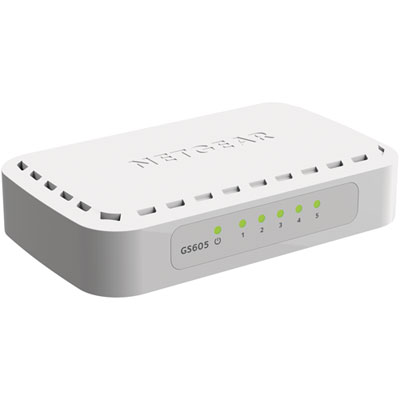 Your price for this item is $34.99
 -
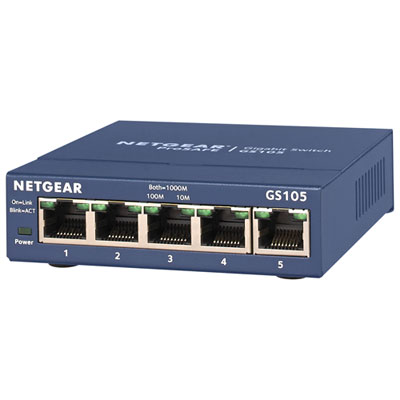 Your price for this item is $44.99
 -
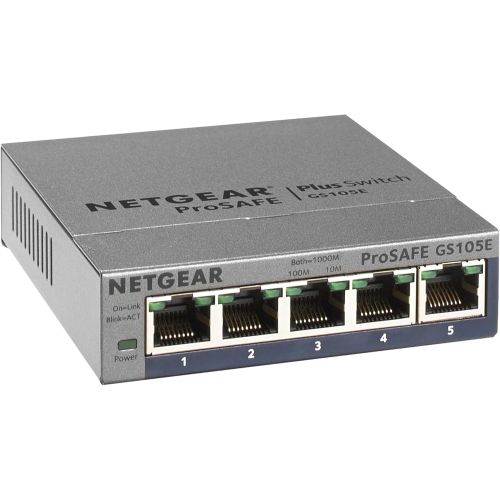 Your price for this item is $73.37
 -
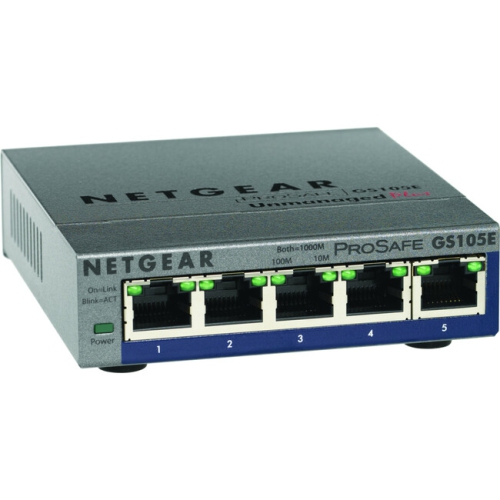 Your price for this item is $76.99
 -
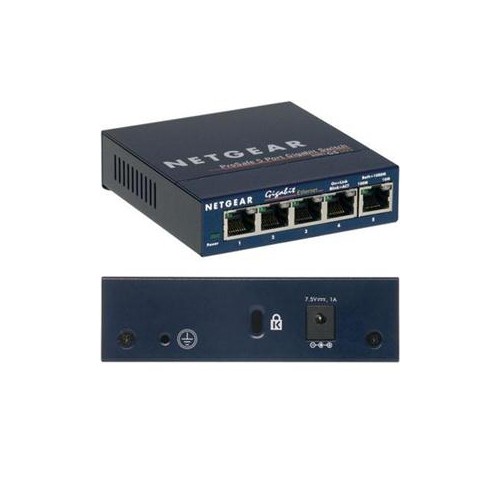 Your price for this item is $51.65
 -
 Your price for this item is $63.68
 -
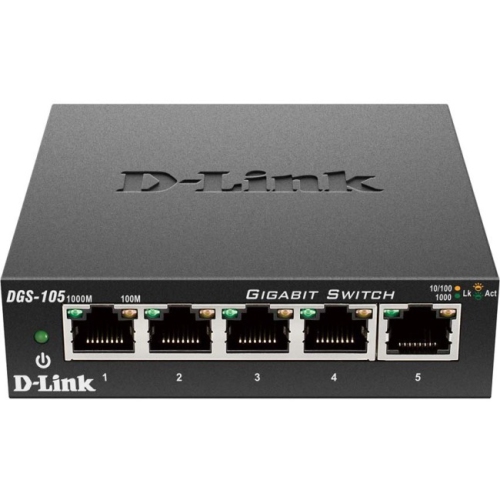 Your price for this item is $29.99
 -
 Your price for this item is $49.99
Discover more categories related to Managed Switches
Top Collections:
Pokemon Centers, Budget 4K TVs, Best Budget Office Chairs, Kindle Devices, Canon G7X Cameras, Apple iPhones 16, iPhone 15 Apple, Laptops for Business Work, Xiaomi Phones, Flip Phones
Some products may be subject to Environmental Handling Fees
(EHF) depending on your province.
Learn more about EHFs.