Tablets With HD Display
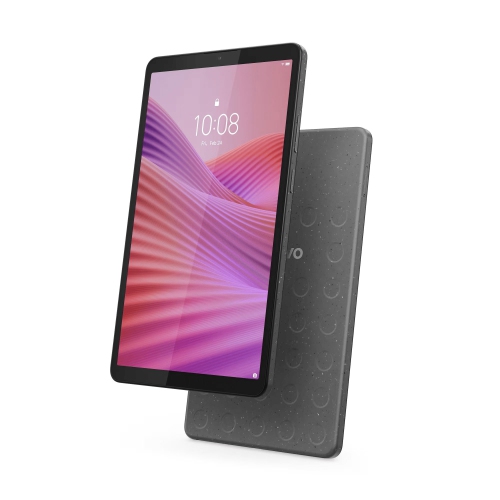
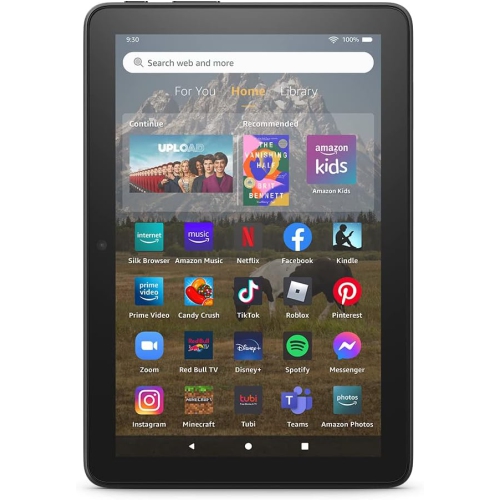
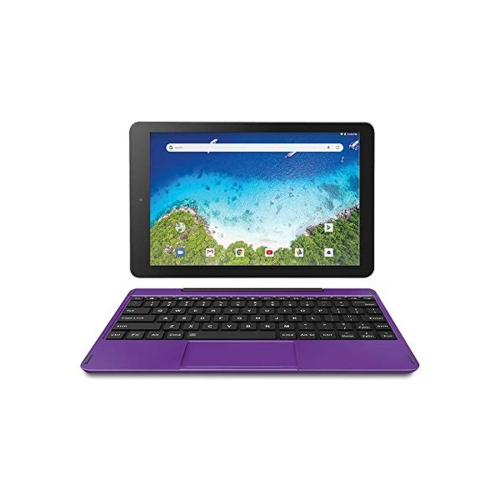
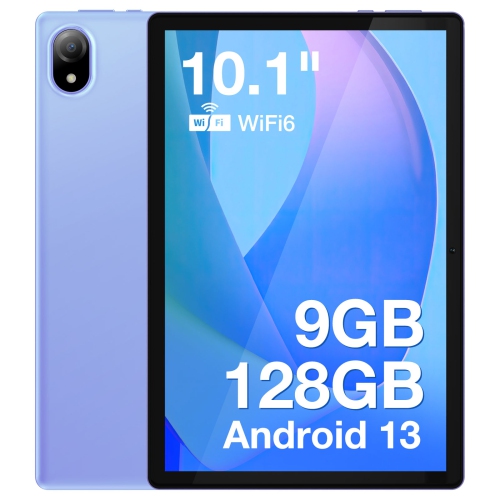
Tablets With HD Display offer an exceptional viewing experience for streaming, gaming, reading, and productivity. Whether you're catching up on your favorite shows, browsing the web, or working on the go, these tablets deliver crisp visuals and vibrant colors. Explore a wide selection of Tablets With HD Display to find the perfect device for entertainment, learning, and everyday tasks. Enjoy the convenience of portable technology designed to keep up with your lifestyle.
Sort
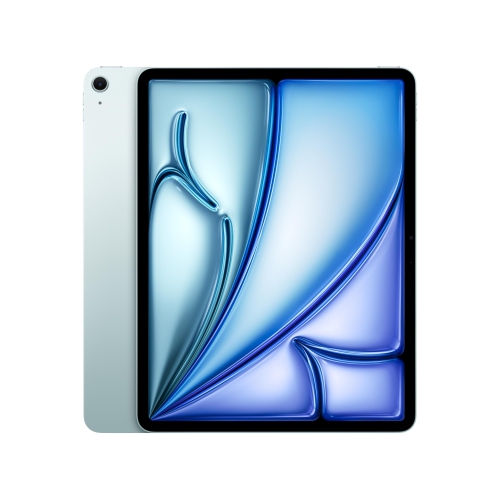
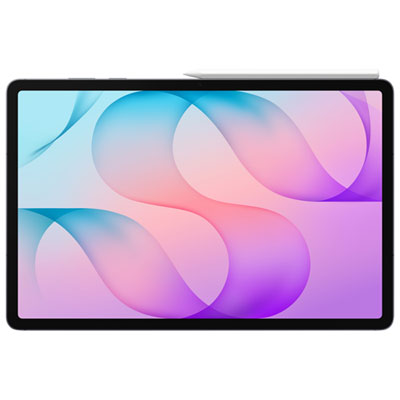
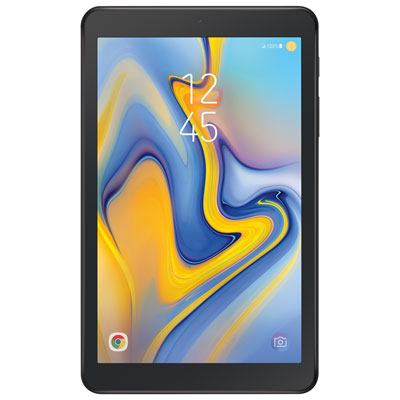
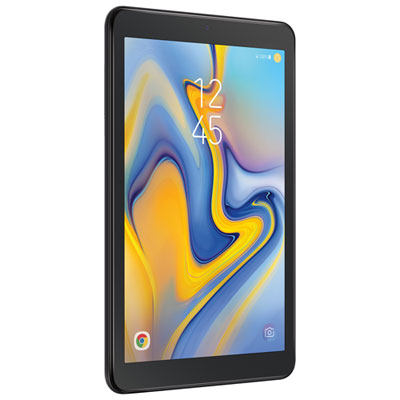


Why tablet picture quality goes beyond pixel count
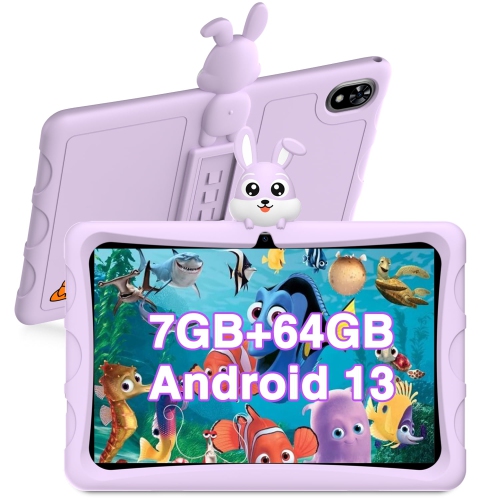
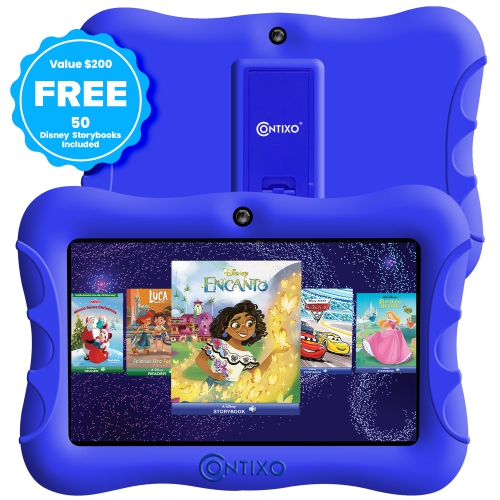
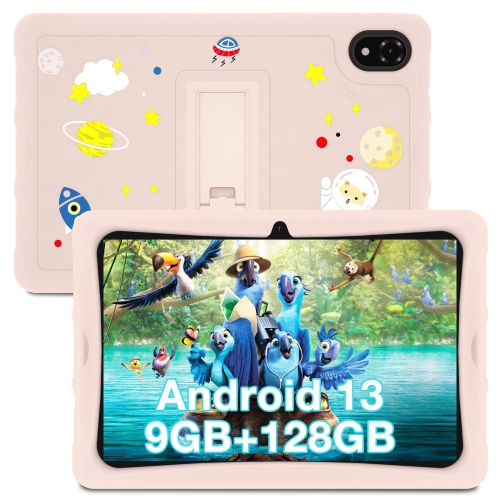
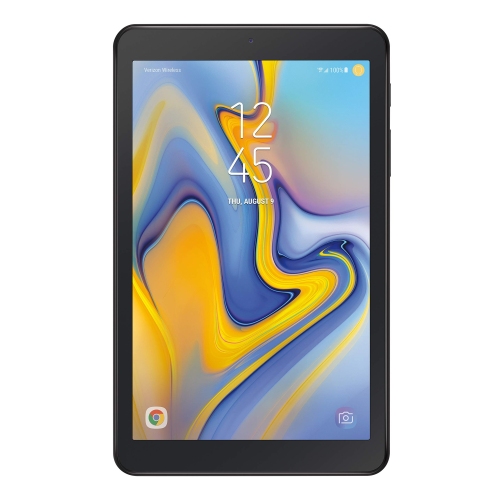
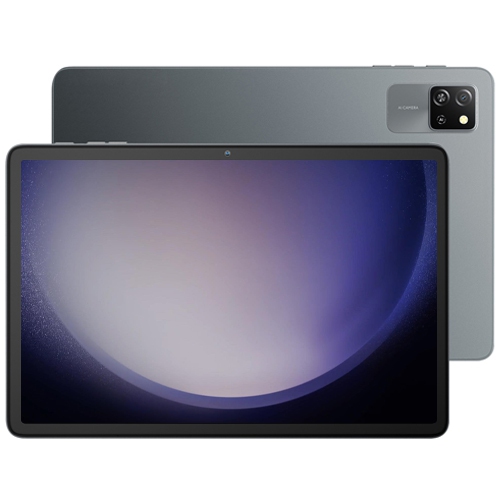
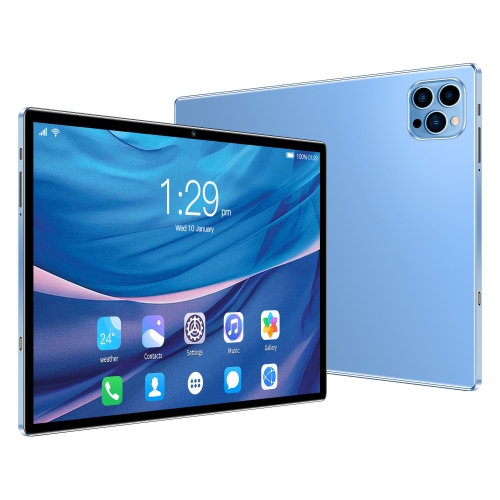
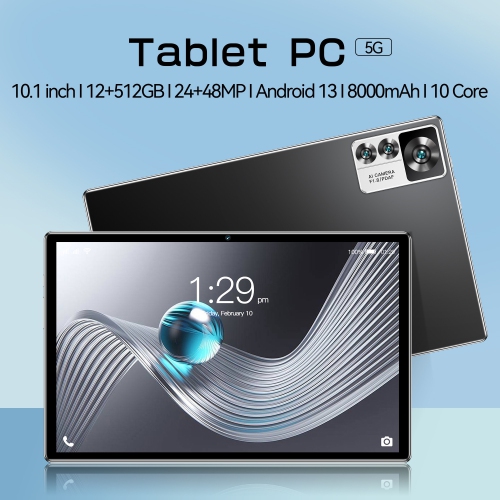
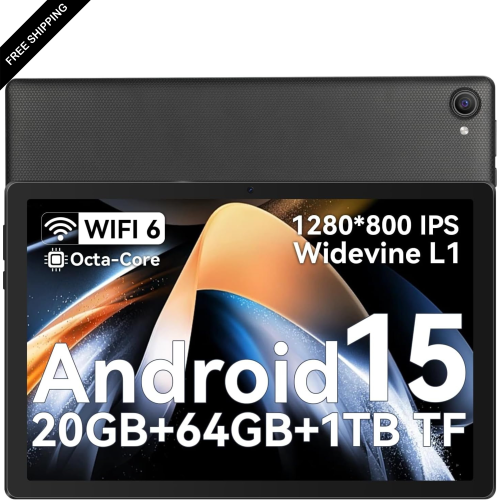
Tablets with HD displays combine portable touchscreens with enough image detail for everyday viewing, including streaming video, reading, browsing, and video calls. HD commonly refers to a resolution of 1280 × 720 pixels, while Full HD commonly refers to 1920 × 1080 pixels. Tablet screens can use different pixel dimensions to accommodate their shape, so the listed resolution is more informative than the HD label alone. Higher resolution can make small text, fine lines, and photographs look clearer, especially when viewed up close. Display resolution is a useful starting point when comparing High Definition Tablets, but screen size also affects perceived sharpness. The same number of pixels packed into a smaller display generally produces a denser, finer-looking image than it does on a larger one. A compact tablet can be comfortable for reading a novel on the train or holding in one hand, while a larger screen gives recipes, spreadsheets, and illustrated textbooks more room. Screen shape matters, too: a wider display suits many films, while a less elongated shape can feel more natural for documents and digital magazines. Brightness, contrast, colour reproduction, and viewing angles all contribute to the experience beyond resolution. An LCD with an IPS panel can offer consistent viewing angles, while an OLED display can produce deep blacks and strong contrast. Neither description alone guarantees overall picture quality. Reflections may make a glossy screen harder to read beside a bright window, and a higher brightness setting can help with visibility while using more battery power. Refresh rate is a separate specification from resolution; it describes how often the display updates and can affect how fluid scrolling and motion appear. For shared viewing, such as following a cooking demonstration at the kitchen countertop, a stable stand, clear speakers, and a screen that remains readable from the side can matter just as much as pixel count.
The usefulness of a tablet with an HD display depends on how well its screen works with its processor, memory, software, and connections. A sharp display makes an illustrated lesson easier to follow, but responsive performance is what allows a student to move between a video, notes, and a browser without frequent pauses. For everyday browsing, email, and streaming, the balance may lean towards portability and battery life; for drawing, multitasking, or more demanding games, processing capability and app support become more important. Storage needs also vary. Downloaded films, large games, photographs, and offline course materials can take up considerable space, and the capacity listed in specifications includes space used by the operating system. Some tablets support expandable storage, although memory cards do not necessarily support every app or type of file. Wi-Fi connectivity suits use at home, school, and other places with a compatible network. Cellular-capable tablets can offer another way to connect, but they require compatible service and an appropriate plan. Streaming in HD also depends on the service, subscription tier, app support, connection quality, and video itself; a high-resolution screen cannot add detail that is missing from the source. Downloaded content can be convenient for travel where permitted by the app or service. Battery performance varies with brightness, video playback, gaming, wireless connections, and other settings, so a stated maximum is not a promise for every activity. Charging connections and accessory compatibility deserve attention as well, particularly when a tablet will share a desk with headphones, a keyboard, or an external display. Video output is not supported by every charging port. For someone who annotates lecture slides or sketches ideas, compatible active stylus support can be more useful than a general-purpose touchscreen pen. Features such as palm rejection and pressure sensitivity depend on both the tablet and the stylus. A keyboard case can make longer messages and assignments more comfortable, though a tablet’s apps may still differ from desktop software used for work or study.
Materials, handling, and care help determine how comfortably an HD tablet fits into daily life. Metal housings can feel rigid and substantial, while plastic housings may help keep weight down; overall durability depends on construction rather than material alone. A slim profile is convenient in a shoulder bag, but weight distribution, edge shape, and the added bulk of a case can make a noticeable difference during a long reading session. Protective cases need to match the tablet’s exact dimensions, camera position, buttons, and charging port, not simply its advertised screen size. A fitted cover can protect against scuffs, and a case with a secure stand can hold the screen at a comfortable angle for calls or hands-free viewing. Protection against drops or water should only be assumed when supported by the manufacturer’s specifications. Screen protectors may help limit surface scratches, but their fit and compatibility with touch input or a stylus matter. For routine cleaning, follow the manufacturer’s directions, use a soft, lint-free cloth, and avoid spraying liquid directly onto the display or into openings. Keeping grit out of a case and away from the screen can also reduce scratching. Intended use helps bring these details together. A reader may appreciate adjustable text size, a comfortable grip, and easy access to library apps. Someone joining regular video calls may place more importance on front-camera placement, microphone clarity, and a stand that keeps the lens near eye level. For children, a manageable size, a protective case, and suitable parental controls can support supervised use, with settings and features varying by operating system. Accessibility options such as magnification, screen readers, captions, and voice input can make everyday tasks easier, although support differs across apps. As a birthday or graduation gift, a tablet is most useful when it suits the recipient’s preferred apps, accounts, and activities. A detailed screen has lasting practical appeal when it is paired with comfortable handling, compatible software, and the features needed for the tasks it will perform most often.
The usefulness of a tablet with an HD display depends on how well its screen works with its processor, memory, software, and connections. A sharp display makes an illustrated lesson easier to follow, but responsive performance is what allows a student to move between a video, notes, and a browser without frequent pauses. For everyday browsing, email, and streaming, the balance may lean towards portability and battery life; for drawing, multitasking, or more demanding games, processing capability and app support become more important. Storage needs also vary. Downloaded films, large games, photographs, and offline course materials can take up considerable space, and the capacity listed in specifications includes space used by the operating system. Some tablets support expandable storage, although memory cards do not necessarily support every app or type of file. Wi-Fi connectivity suits use at home, school, and other places with a compatible network. Cellular-capable tablets can offer another way to connect, but they require compatible service and an appropriate plan. Streaming in HD also depends on the service, subscription tier, app support, connection quality, and video itself; a high-resolution screen cannot add detail that is missing from the source. Downloaded content can be convenient for travel where permitted by the app or service. Battery performance varies with brightness, video playback, gaming, wireless connections, and other settings, so a stated maximum is not a promise for every activity. Charging connections and accessory compatibility deserve attention as well, particularly when a tablet will share a desk with headphones, a keyboard, or an external display. Video output is not supported by every charging port. For someone who annotates lecture slides or sketches ideas, compatible active stylus support can be more useful than a general-purpose touchscreen pen. Features such as palm rejection and pressure sensitivity depend on both the tablet and the stylus. A keyboard case can make longer messages and assignments more comfortable, though a tablet’s apps may still differ from desktop software used for work or study.
Materials, handling, and care help determine how comfortably an HD tablet fits into daily life. Metal housings can feel rigid and substantial, while plastic housings may help keep weight down; overall durability depends on construction rather than material alone. A slim profile is convenient in a shoulder bag, but weight distribution, edge shape, and the added bulk of a case can make a noticeable difference during a long reading session. Protective cases need to match the tablet’s exact dimensions, camera position, buttons, and charging port, not simply its advertised screen size. A fitted cover can protect against scuffs, and a case with a secure stand can hold the screen at a comfortable angle for calls or hands-free viewing. Protection against drops or water should only be assumed when supported by the manufacturer’s specifications. Screen protectors may help limit surface scratches, but their fit and compatibility with touch input or a stylus matter. For routine cleaning, follow the manufacturer’s directions, use a soft, lint-free cloth, and avoid spraying liquid directly onto the display or into openings. Keeping grit out of a case and away from the screen can also reduce scratching. Intended use helps bring these details together. A reader may appreciate adjustable text size, a comfortable grip, and easy access to library apps. Someone joining regular video calls may place more importance on front-camera placement, microphone clarity, and a stand that keeps the lens near eye level. For children, a manageable size, a protective case, and suitable parental controls can support supervised use, with settings and features varying by operating system. Accessibility options such as magnification, screen readers, captions, and voice input can make everyday tasks easier, although support differs across apps. As a birthday or graduation gift, a tablet is most useful when it suits the recipient’s preferred apps, accounts, and activities. A detailed screen has lasting practical appeal when it is paired with comfortable handling, compatible software, and the features needed for the tasks it will perform most often.
Top selling and popular products
-
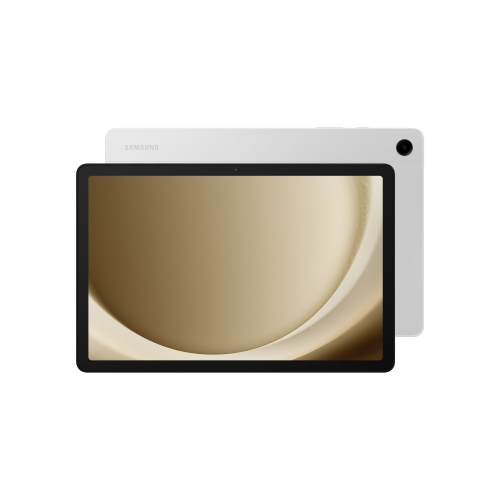 Your price for this item is $499.99
-
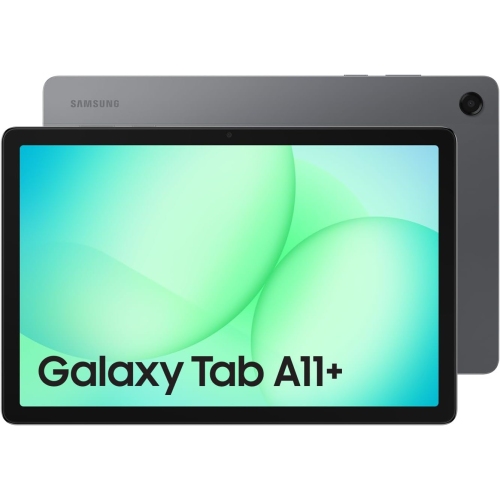 Your price for this item is $363.99
-
 Your price for this item is $579.99
-
 Your price for this item is $979.99
-
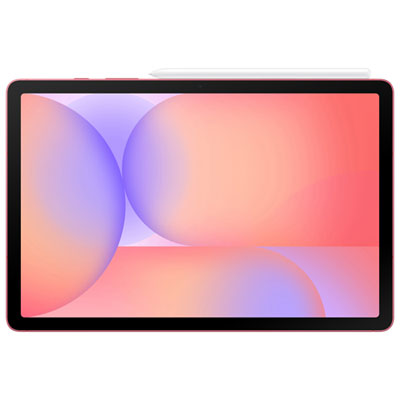 Your price for this item is $579.99
-
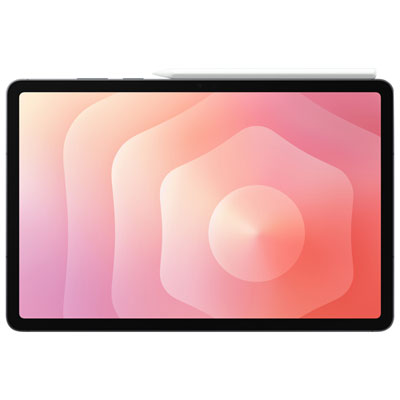 Your price for this item is $1399.99
-
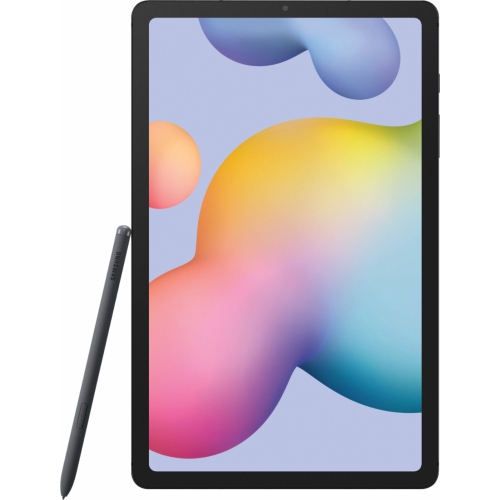 Your price for this item is $699.99
-
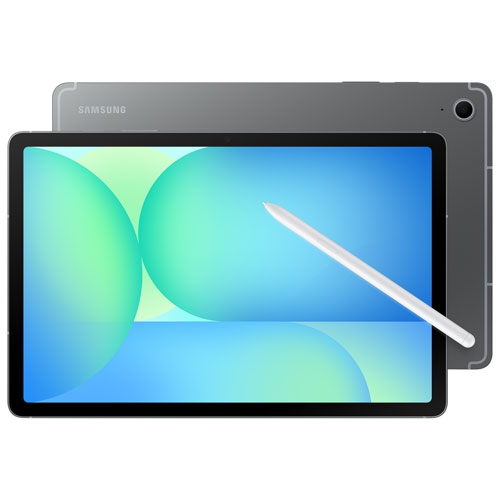 Your price for this item is $624.95
Discover more categories related to Tablets With HD Display
Top Collections:
Pokemon Centers, Pokémon 30th Celebration Cards, Best Budget Office Chairs, Kindle Devices, Best Cameras for Sports Photography, Canon G7X Cameras, Best Black Friday Deals On Electronics, Best Laptops for Writers, iPhone 15 Apple, Jackery Power Stations
Some products may be subject to Environmental Handling Fees
(EHF) depending on your province.
Learn more about EHFs.