Tablets With iOS Operating System
Tablets With iOS Operating System offer a seamless and intuitive user experience, making them a popular choice for both work and play. Designed to deliver smooth performance and easy navigation, these tablets are ideal for everything from streaming entertainment to staying productive on the go. Explore a wide selection of Tablets With iOS Operating System to find the perfect fit for your lifestyle, whether you’re looking for portability, versatility, or advanced technology.
Sort




What iOS and iPadOS mean for everyday tablet use
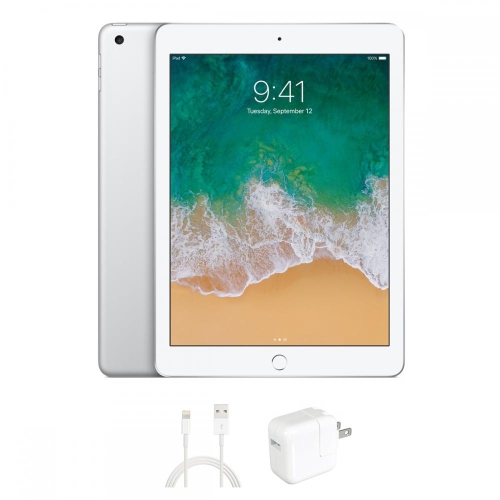
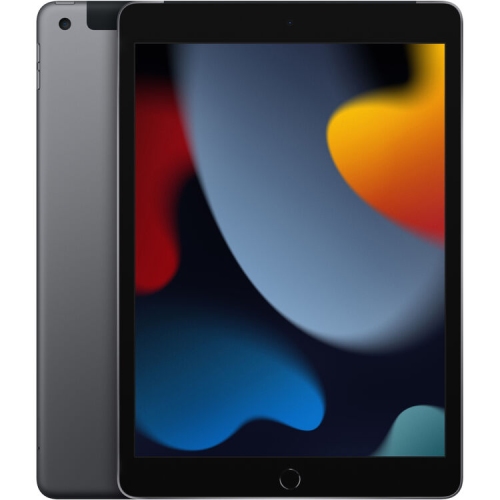
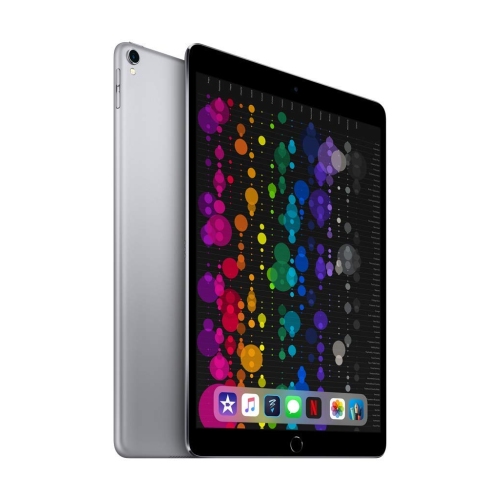
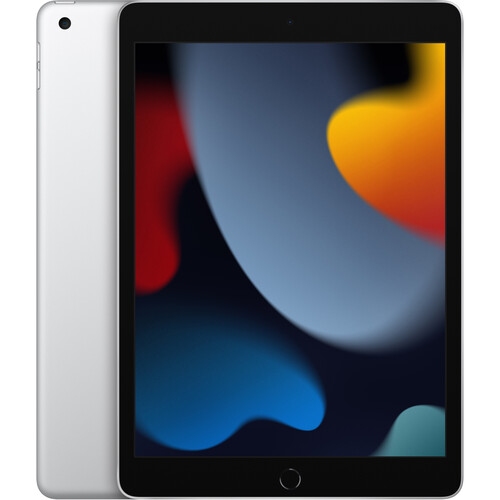
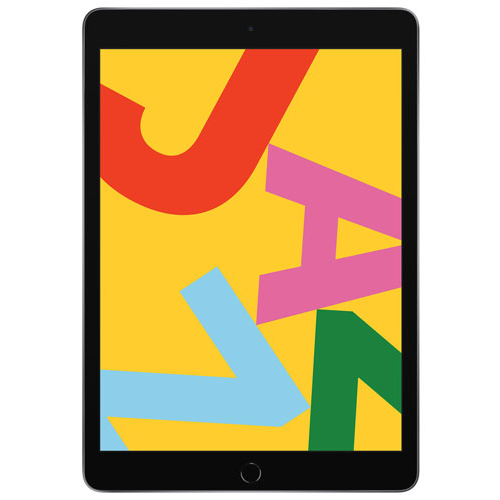
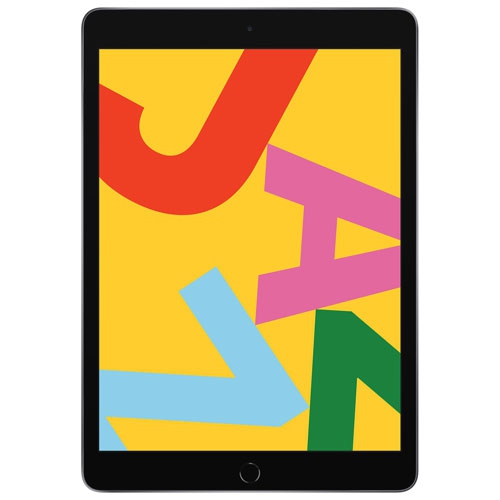
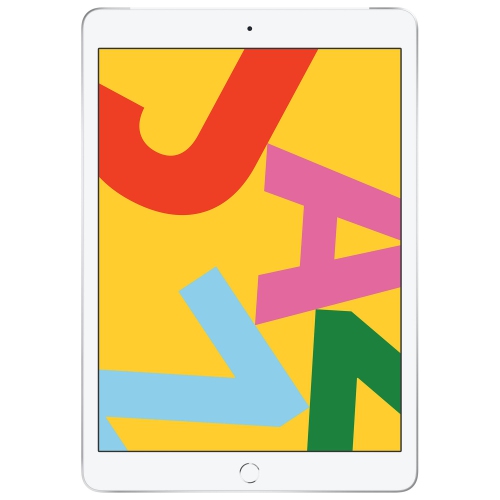
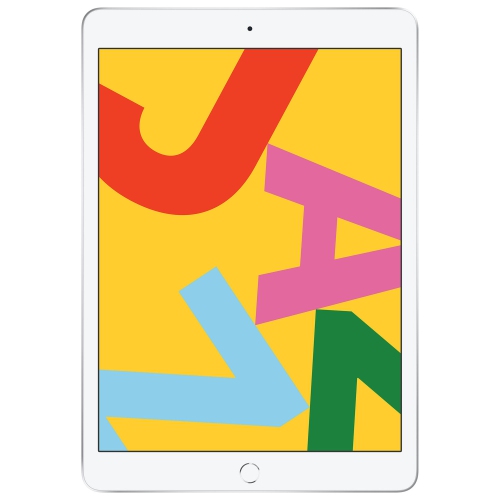
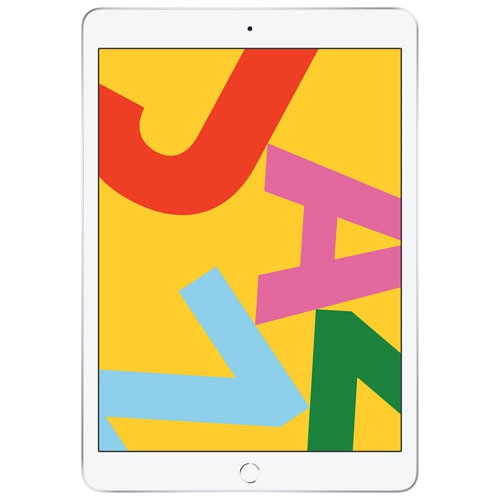
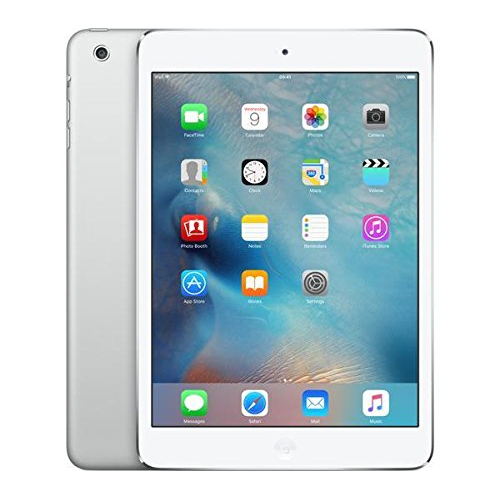
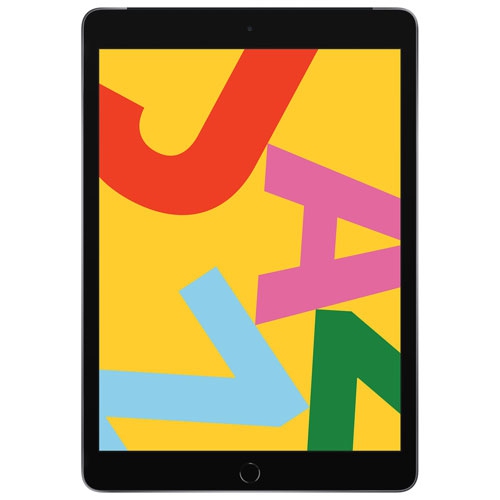
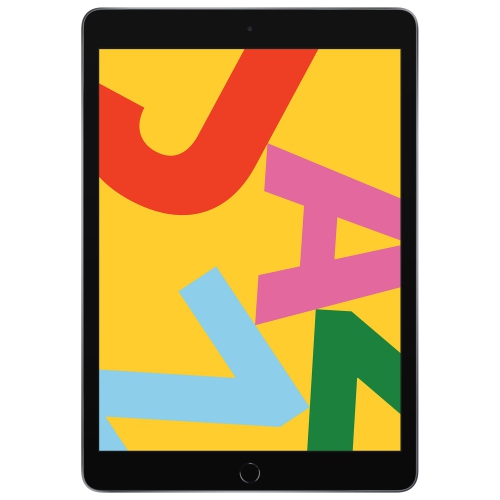
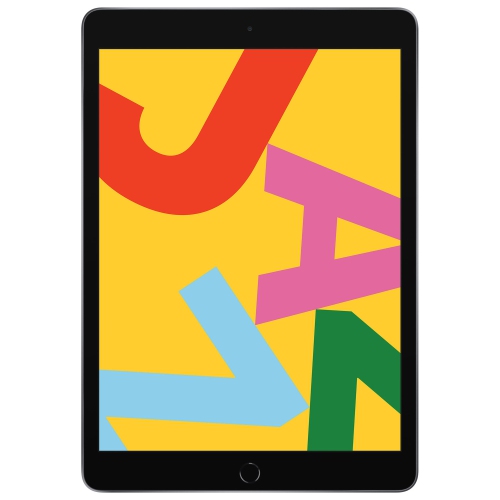
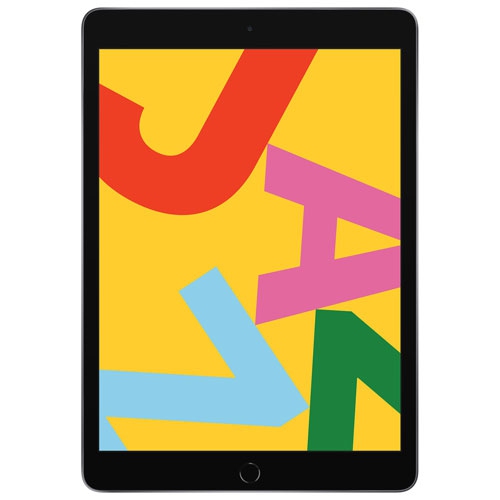
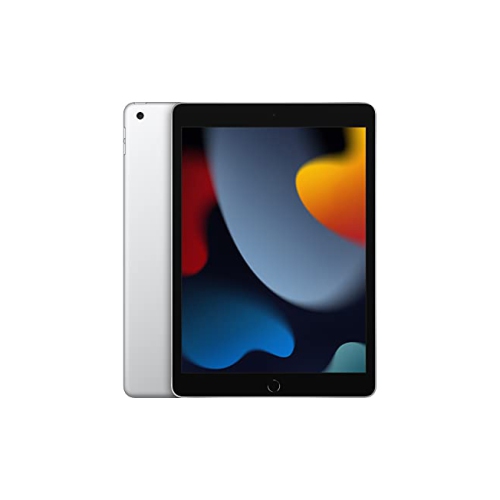
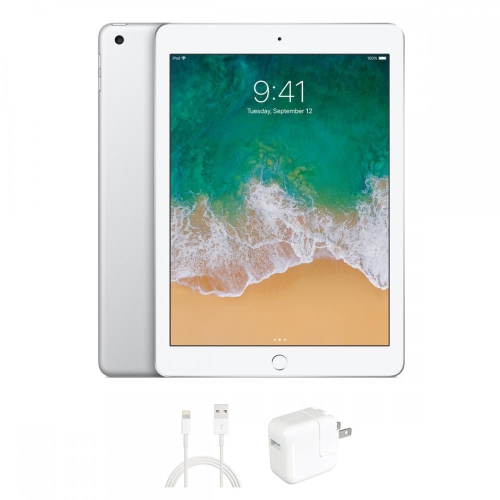
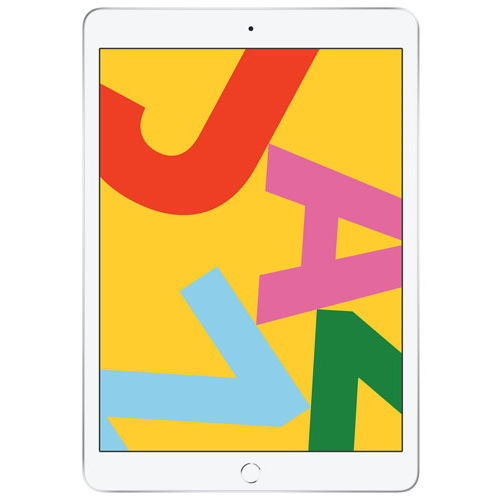
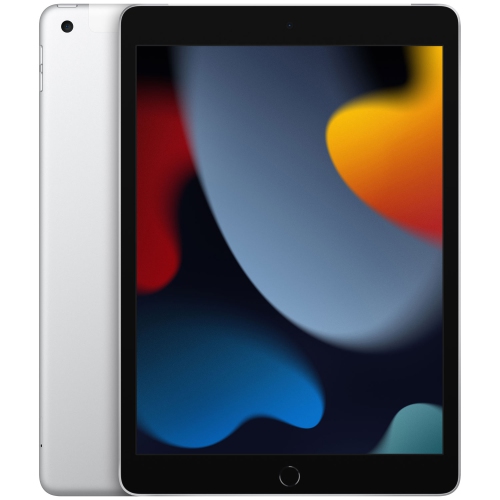
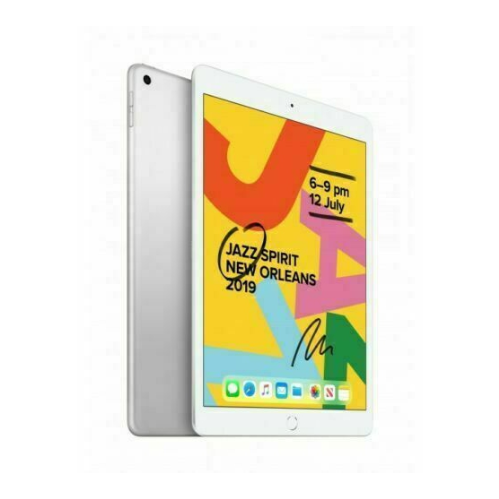
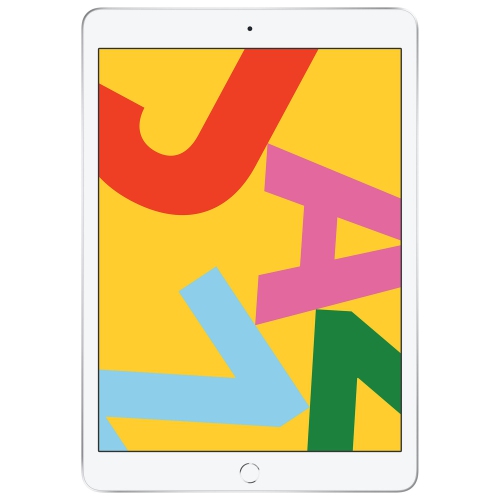
Tablets with iOS operating systems are associated with a familiar touchscreen experience for browsing, reading, streaming, messaging, and using apps. The name needs a little context: older tablets in this family ran iOS, while newer generations use iPadOS, a dedicated tablet operating system introduced in 2019. The two share a software foundation and many familiar controls, but iPadOS is designed to make better use of a larger screen, with tablet-focused navigation, multitasking, and support for compatible accessories. For shoppers searching with the older iOS terminology, Apple iPad Tablets belong to the device family associated with that search. The distinction matters most when comparing software support, app requirements, and the tasks a tablet needs to handle. An older device may still suit simple reading or video playback, but its supported operating system can limit which apps, features, and security updates it receives. A newer operating system does not make every feature available on every device, either; hardware, software version, and accessory compatibility all play a part. For everyday use, these tablets offer a middle ground between a phone and a laptop. A larger page makes a recipe easier to follow from a kitchen stand, gives digital magazines more room for photographs and text, and leaves space to review a document without constantly zooming. Touch controls make casual browsing straightforward, while compatible keyboards and pointing devices can make longer messages and written assignments more comfortable. They can suit students carrying notes between classes, commuters reading downloaded books, families sharing entertainment, and people who prefer a generous screen for video calls. Their usefulness depends less on a single specification than on how comfortably the screen, software, and accessories fit into an ordinary day, whether that means a few minutes checking messages or an afternoon spent reading, writing, and organizing files.
Screen size, weight, display quality, and storage are practical differences to consider within this tablet category. A compact tablet is easier to hold in one hand during a train ride or tuck into a small bag, while a larger screen gives drawings, spreadsheets, and side-by-side content more breathing room. The trade-off becomes noticeable during longer sessions: a device that feels comfortable on a desk may be tiring to hold above a sofa cushion for an hour. Resolution affects the sharpness of text and fine detail, while brightness and glare influence how easily the screen can be read near a window or beneath overhead lighting. Some displays offer higher refresh rates or more advanced colour capabilities, which may matter for illustration, fast-moving games, or visual work, but these features vary by device. Processing power also matters differently depending on the task. Reading email and watching videos are less demanding than editing layered artwork, working with large files, or playing graphically detailed games. Storage holds downloaded apps, photographs, videos, documents, and offline entertainment. Cloud storage can help with file access and sharing, but it does not replace local space for every app or download, and these tablets generally do not accept memory cards for expanding built-in storage. Wi-Fi models are suited to use around home, school, and other places with wireless internet access. Cellular-capable versions can connect away from Wi-Fi where supported, provided they have compatible service and coverage. Battery life varies with brightness, connection type, app activity, and battery condition, so an advertised estimate is not a promise for every routine. For frequent video calls, camera placement and microphone performance deserve attention alongside the display. Charging ports and external display support also differ, making connection compatibility important for anyone planning to attach a monitor, transfer files from another device, or reuse existing charging accessories.
Materials, fit, and care shape how a tablet holds up to daily handling. Metal housings can feel sturdy and help keep the body slim, but glass screens remain vulnerable to scratches and impacts, particularly when a device travels loose beside keys or slips from a table. A fitted case can add grip, cover exposed corners, and provide a stand for watching videos or typing. Case fit is specific: screen size alone does not confirm compatibility, because body dimensions, camera openings, buttons, and charging ports may differ between generations. The same care applies to keyboards and digital pens. A compatible pressure-sensitive pen can support handwriting, annotation, and drawing, but pairing methods, charging arrangements, and supported functions vary. For a student marking up lecture slides, a stable stand and comfortable keyboard may be more useful than accessories intended for detailed illustration. Someone sketching regularly may place greater importance on pen response, display characteristics, and the feel of the drawing surface. Cleaning is usually straightforward with a soft, lint-free cloth and the device maker’s approved method; liquid should not be sprayed directly onto the tablet, and moisture should be kept away from openings. A tablet should not be assumed to be water-resistant, even when used with a protective cover. Shared households may also benefit from parental controls, app restrictions, and accessibility settings such as larger text, spoken content, or touch adjustments. These tablets generally centre on one person’s account rather than offering ordinary separate household profiles, so shared access deserves thought before personal messages and photographs are connected. As a gift, a tablet can suit a keen reader, a student, a digital artist, or a relative who enjoys staying in touch through video calls. The best fit comes from matching the recipient’s habits, preferred apps, and comfort with touch controls, while leaving enough room in the device’s capabilities for the activities they are likely to enjoy over time.
Screen size, weight, display quality, and storage are practical differences to consider within this tablet category. A compact tablet is easier to hold in one hand during a train ride or tuck into a small bag, while a larger screen gives drawings, spreadsheets, and side-by-side content more breathing room. The trade-off becomes noticeable during longer sessions: a device that feels comfortable on a desk may be tiring to hold above a sofa cushion for an hour. Resolution affects the sharpness of text and fine detail, while brightness and glare influence how easily the screen can be read near a window or beneath overhead lighting. Some displays offer higher refresh rates or more advanced colour capabilities, which may matter for illustration, fast-moving games, or visual work, but these features vary by device. Processing power also matters differently depending on the task. Reading email and watching videos are less demanding than editing layered artwork, working with large files, or playing graphically detailed games. Storage holds downloaded apps, photographs, videos, documents, and offline entertainment. Cloud storage can help with file access and sharing, but it does not replace local space for every app or download, and these tablets generally do not accept memory cards for expanding built-in storage. Wi-Fi models are suited to use around home, school, and other places with wireless internet access. Cellular-capable versions can connect away from Wi-Fi where supported, provided they have compatible service and coverage. Battery life varies with brightness, connection type, app activity, and battery condition, so an advertised estimate is not a promise for every routine. For frequent video calls, camera placement and microphone performance deserve attention alongside the display. Charging ports and external display support also differ, making connection compatibility important for anyone planning to attach a monitor, transfer files from another device, or reuse existing charging accessories.
Materials, fit, and care shape how a tablet holds up to daily handling. Metal housings can feel sturdy and help keep the body slim, but glass screens remain vulnerable to scratches and impacts, particularly when a device travels loose beside keys or slips from a table. A fitted case can add grip, cover exposed corners, and provide a stand for watching videos or typing. Case fit is specific: screen size alone does not confirm compatibility, because body dimensions, camera openings, buttons, and charging ports may differ between generations. The same care applies to keyboards and digital pens. A compatible pressure-sensitive pen can support handwriting, annotation, and drawing, but pairing methods, charging arrangements, and supported functions vary. For a student marking up lecture slides, a stable stand and comfortable keyboard may be more useful than accessories intended for detailed illustration. Someone sketching regularly may place greater importance on pen response, display characteristics, and the feel of the drawing surface. Cleaning is usually straightforward with a soft, lint-free cloth and the device maker’s approved method; liquid should not be sprayed directly onto the tablet, and moisture should be kept away from openings. A tablet should not be assumed to be water-resistant, even when used with a protective cover. Shared households may also benefit from parental controls, app restrictions, and accessibility settings such as larger text, spoken content, or touch adjustments. These tablets generally centre on one person’s account rather than offering ordinary separate household profiles, so shared access deserves thought before personal messages and photographs are connected. As a gift, a tablet can suit a keen reader, a student, a digital artist, or a relative who enjoys staying in touch through video calls. The best fit comes from matching the recipient’s habits, preferred apps, and comfort with touch controls, while leaving enough room in the device’s capabilities for the activities they are likely to enjoy over time.
Top selling and popular products
-
 Your price for this item is $109.99
 -
 Your price for this item is $639.98
 -
 Your price for this item is $759.95
 -
 Your price for this item is $659.99
 -
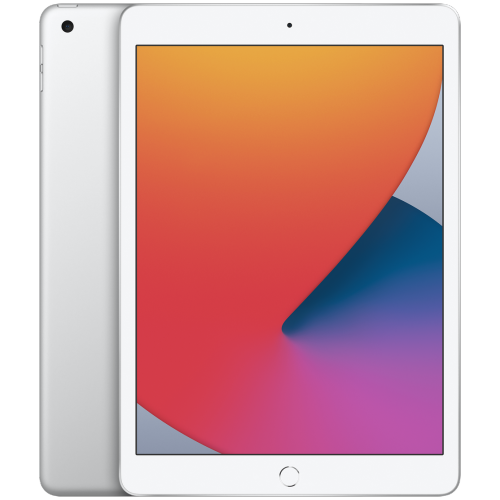 Your price for this item is $148.99
 -
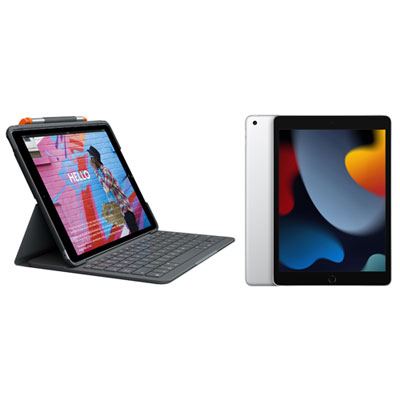 Your price for this item is $468.98
 -
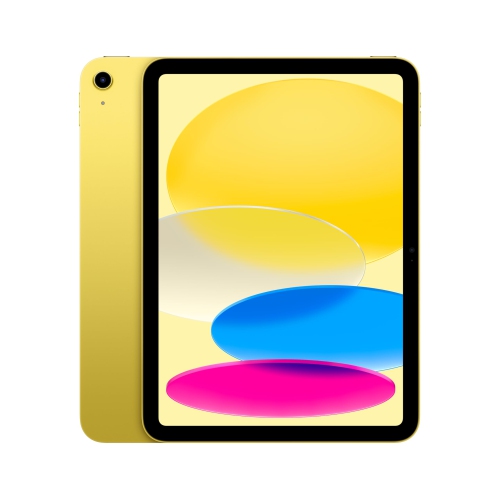 Your price for this item is $639.99
 -
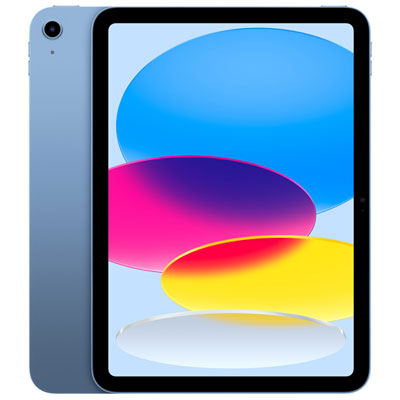 Your price for this item is $649.99
Discover more categories related to Tablets With iOS Operating System

Top Collections:
Pokemon Centers, Kindle Devices, Best Budget Office Chairs, Canon G7X Cameras, Apple iPhones 16, Samsung Galaxy Phones, Refurbished Apple Laptops, Laptops for Students, iPhone 15 Apple, Budget Smartphones
Some products may be subject to Environmental Handling Fees
(EHF) depending on your province.
Learn more about EHFs.