Computer Tablets
Looking for a versatile device that combines the functionality of a laptop with the portability of a smartphone? Our selection of computer tablets offers a range of options to suit your needs, whether you're a student looking for a lightweight study companion, a professional in need of a powerful productivity tool, or simply someone who enjoys staying connected on the go. With various operating systems, screen sizes, and features available, finding the perfect tablet to enhance your digital lifestyle has never been easier. Discover the latest innovations in tablet technology and elevate your computing experience today.
Sort


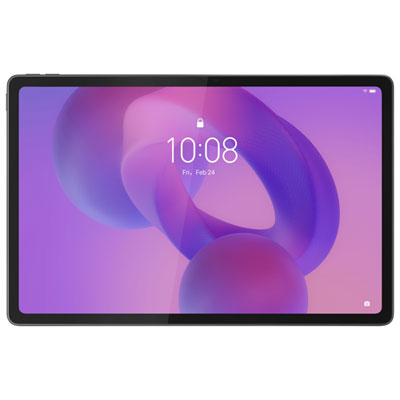
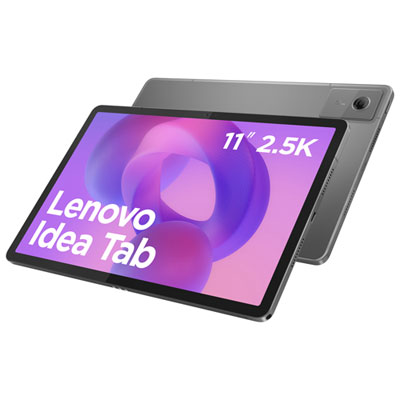
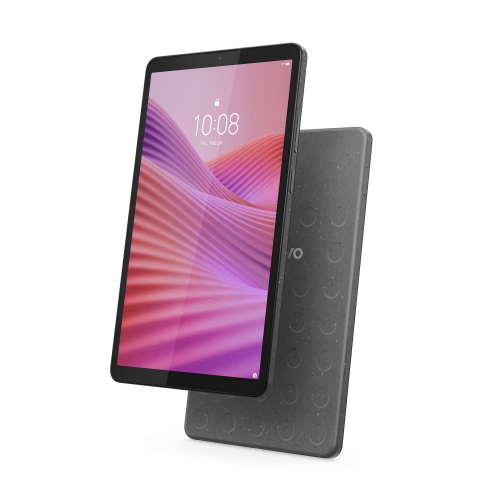
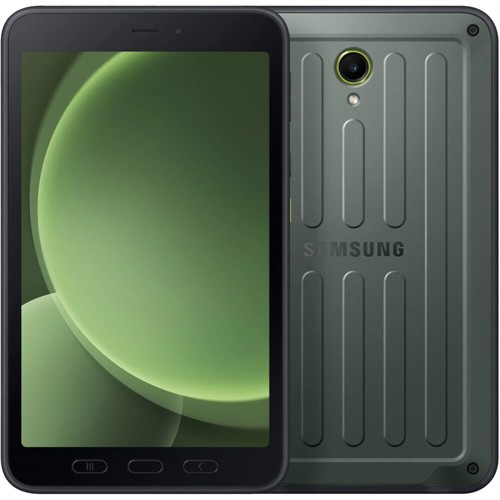
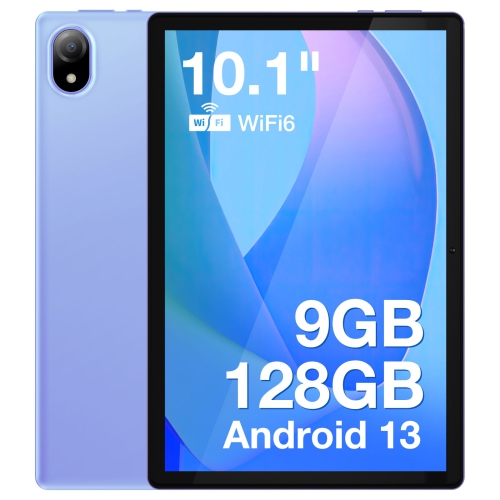
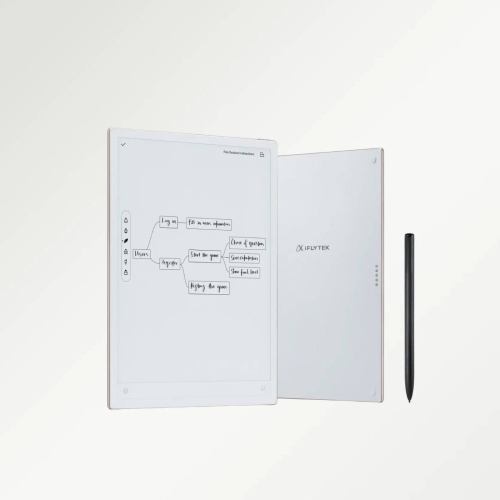
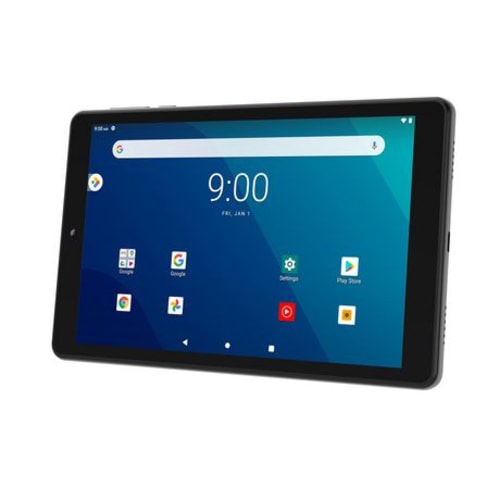
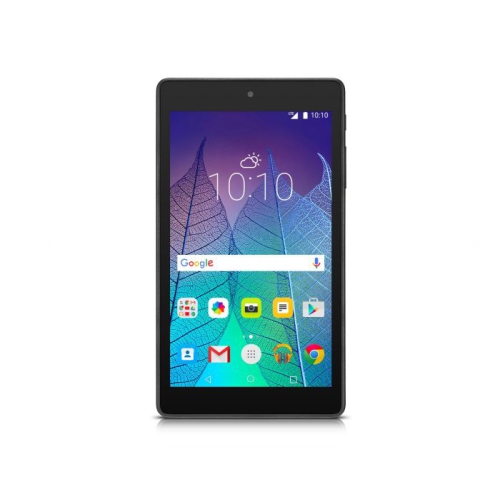
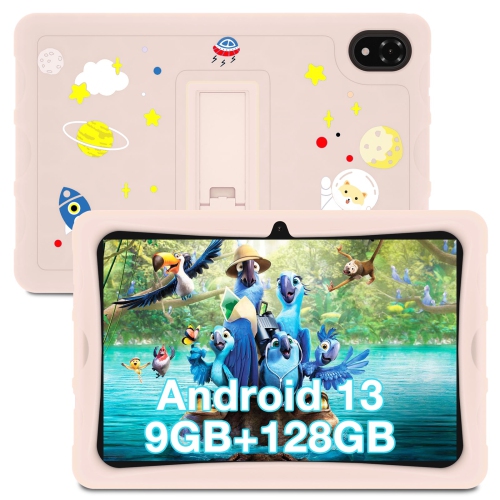
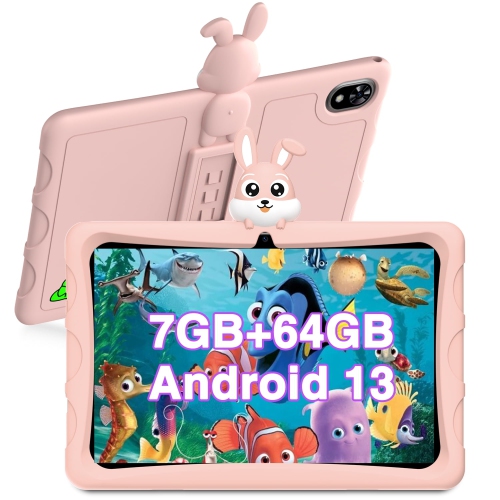
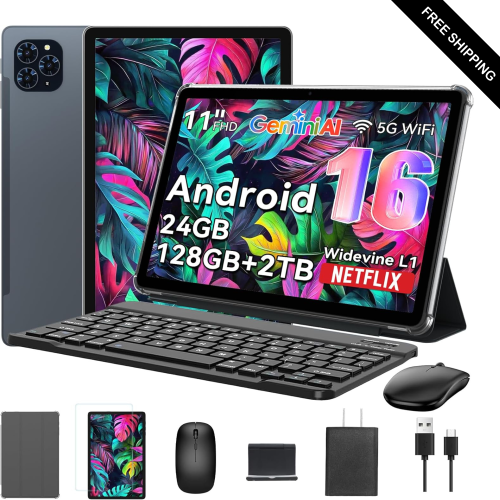
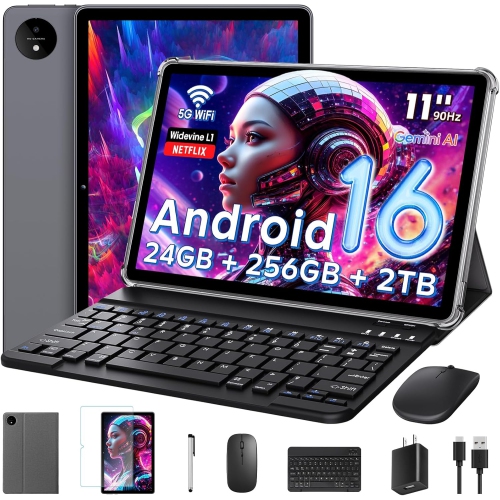

Portable screens that support work, learning, and entertainment
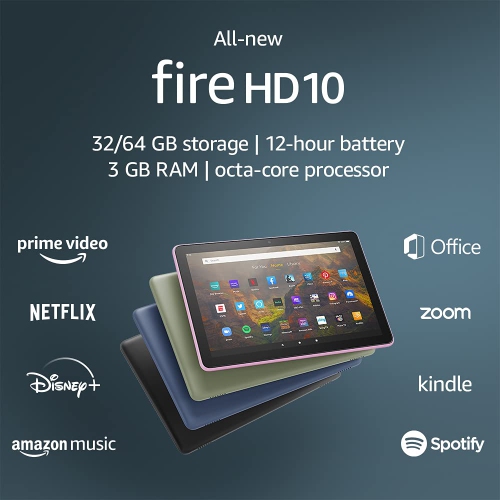
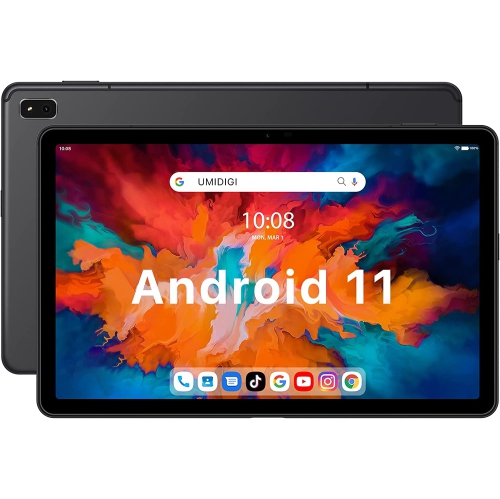
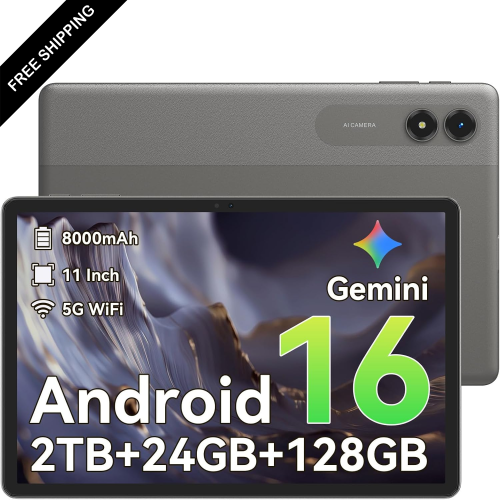
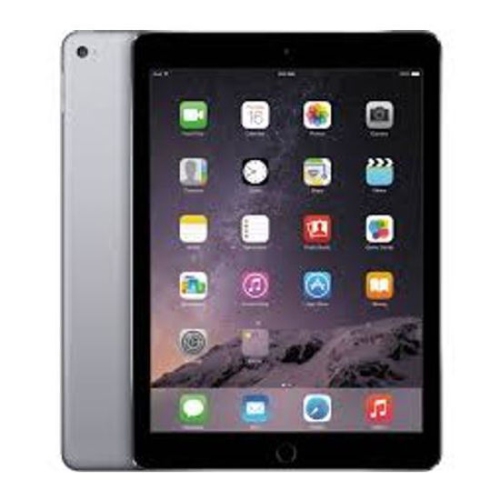
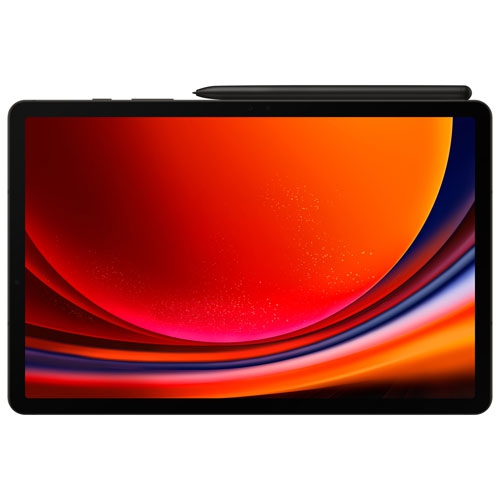
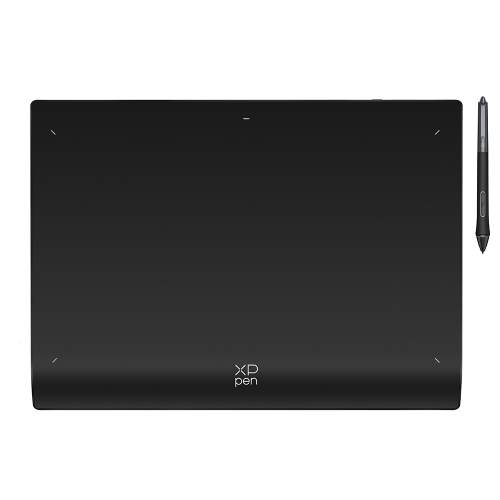
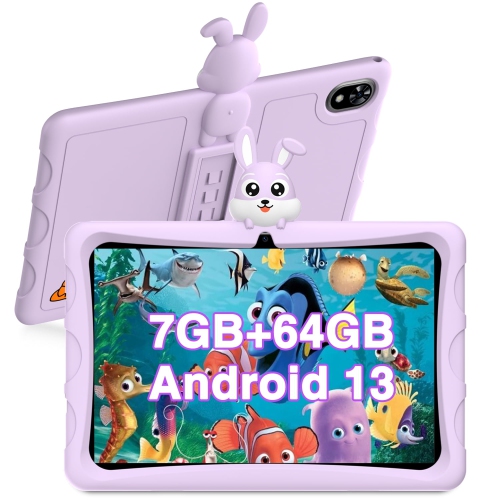
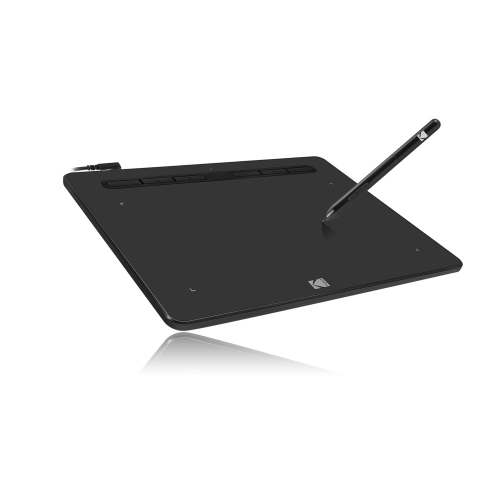
Computer tablets bring many of the everyday strengths of a computer into a slim, lightweight format that is easy to carry from room to room or pack for travel. Their flat touchscreen displays are well suited to browsing, streaming, reading, video calls, online learning, casual gaming, managing photos, and staying in touch with friends and family. Some models are designed mainly for entertainment and simple browsing, while others offer the speed, storage, keyboard support, and desktop-style software needed for school, creative projects, or demanding work. This range makes computer tablets useful for many different people: a student taking notes in class, a commuter catching up on reading, a parent keeping recipes open in the kitchen, or a retiree looking for a straightforward way to share photos and make video calls. They can also make thoughtful gifts because they are practical without being tied to one particular hobby. A tablet can become an e-reader during a quiet afternoon, a portable television during a long journey, a digital sketchbook for an aspiring artist, or a convenient screen for following exercise classes at home. When comparing options, start with the way the tablet will be used most often. A bright, responsive display can make text easier to read and films more enjoyable, while a lighter design is more comfortable to hold for extended periods. Battery life matters for travel, study sessions, and days spent moving between meetings or appointments. Storage capacity is important for downloaded shows, photos, games, documents, and creative files, although cloud storage can help extend the useful space on some devices. It is also worth considering the size and placement of speakers, the quality of the front and rear cameras, wireless connectivity, charging requirements, and whether a protective case is included or purchased separately.
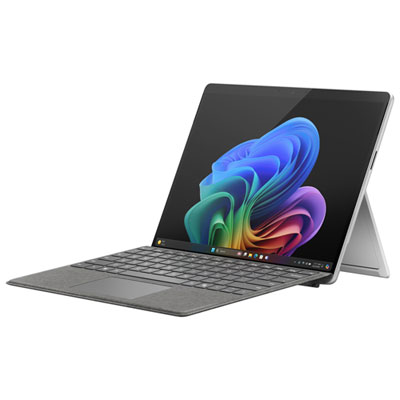
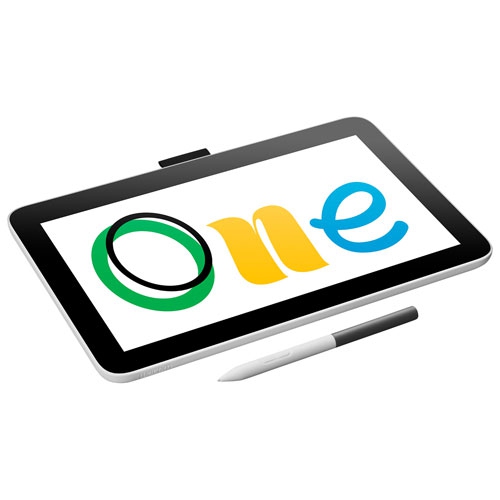
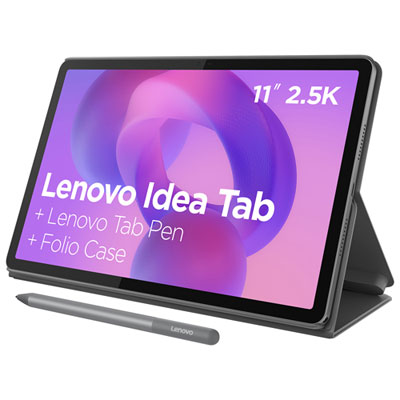
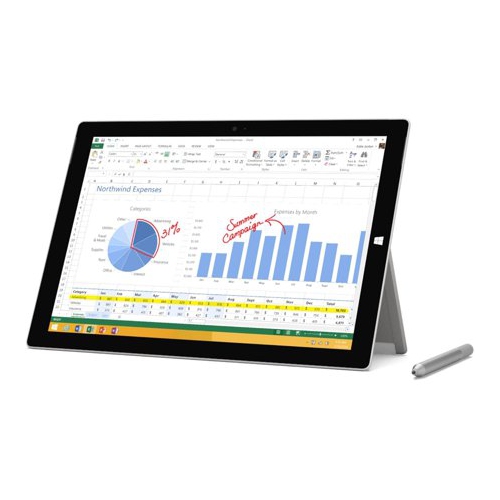
The operating system shapes the overall experience, including the available apps, settings, accessories, and compatibility with other devices in the home. Tablet platforms built around mobile software tend to offer simple touch controls, a broad selection of entertainment and productivity apps, and an interface that feels familiar to smartphone users. Tablets that run a full desktop operating system can provide access to traditional computer programs and file-management tools, making them a stronger choice for people who need to work with established office, design, development, or business applications. Between these categories are versatile models that support split-screen multitasking, stylus input, detachable keyboards, and laptop-style productivity while remaining convenient to use without accessories. A tablet with pen support can be especially useful for handwritten notes, marking up documents, drawing, planning, or signing forms; a keyboard can make longer emails and assignments more comfortable; and a stand can turn the display into a hands-free screen for recipes, calls, or entertainment. Families may want to think about user profiles, parental controls, rugged cases, and the ease of sharing a device. For students, useful features can include a comfortable note-taking setup, dependable battery performance, a display that remains readable in different lighting, and enough storage for course materials. For travellers, a compact design, strong wireless performance, and offline access to entertainment or documents can make time in airports, hotels, and vehicles feel more manageable. Anyone shopping for a work-focused device may also want to explore Business Tablets for options suited to office tasks, communication, and professional routines. Accessories can change how a tablet fits into daily life, so consider the complete setup rather than the screen alone. A folio case can protect the device and provide viewing angles, while a keyboard cover can help it stand in for a conventional computer when needed.
The best computer tablet is the one that matches the balance between portability, performance, comfort, and price that makes sense for its intended user. More affordable tablets can be a practical choice for web browsing, streaming, digital books, recipes, email, and light games, particularly when a simple interface and low weight are the main priorities. Mid-range options often add faster performance, sharper displays, more generous storage, improved cameras, and stronger support for schoolwork or multitasking. Higher-performance tablets are designed for heavier workloads such as photo editing, illustration, video projects, large documents, and demanding applications, and may offer accessories that help them function as a laptop alternative. Consider how long the device should remain useful, since additional memory, storage, and processing power can provide more room for future apps and updates. It is equally important to choose a display that suits the user’s habits: a smaller screen is easy to carry and hold, while a larger screen gives documents, creative canvases, and shared entertainment more breathing room. During the warmer part of the year, a tablet can be handy on a balcony, at a cottage, or beside the pool when used with appropriate protection, while during the cooler months it can serve as a comfortable home screen for reading, streaming, video calls, and planning. A child might use one for educational apps and drawing, a family member might use it to organize photos and stay connected, and a professional might rely on it for presentations, schedules, and remote communication. Checking the charging connection, included accessories, warranty details, software support, and compatibility with existing headphones, displays, keyboards, or storage devices can help avoid surprises after purchase. With the right combination of features, a computer tablet can settle naturally into everyday routines, offering the immediacy of a touchscreen with enough flexibility to support entertainment, learning, communication, and productive work.
The operating system shapes the overall experience, including the available apps, settings, accessories, and compatibility with other devices in the home. Tablet platforms built around mobile software tend to offer simple touch controls, a broad selection of entertainment and productivity apps, and an interface that feels familiar to smartphone users. Tablets that run a full desktop operating system can provide access to traditional computer programs and file-management tools, making them a stronger choice for people who need to work with established office, design, development, or business applications. Between these categories are versatile models that support split-screen multitasking, stylus input, detachable keyboards, and laptop-style productivity while remaining convenient to use without accessories. A tablet with pen support can be especially useful for handwritten notes, marking up documents, drawing, planning, or signing forms; a keyboard can make longer emails and assignments more comfortable; and a stand can turn the display into a hands-free screen for recipes, calls, or entertainment. Families may want to think about user profiles, parental controls, rugged cases, and the ease of sharing a device. For students, useful features can include a comfortable note-taking setup, dependable battery performance, a display that remains readable in different lighting, and enough storage for course materials. For travellers, a compact design, strong wireless performance, and offline access to entertainment or documents can make time in airports, hotels, and vehicles feel more manageable. Anyone shopping for a work-focused device may also want to explore Business Tablets for options suited to office tasks, communication, and professional routines. Accessories can change how a tablet fits into daily life, so consider the complete setup rather than the screen alone. A folio case can protect the device and provide viewing angles, while a keyboard cover can help it stand in for a conventional computer when needed.
The best computer tablet is the one that matches the balance between portability, performance, comfort, and price that makes sense for its intended user. More affordable tablets can be a practical choice for web browsing, streaming, digital books, recipes, email, and light games, particularly when a simple interface and low weight are the main priorities. Mid-range options often add faster performance, sharper displays, more generous storage, improved cameras, and stronger support for schoolwork or multitasking. Higher-performance tablets are designed for heavier workloads such as photo editing, illustration, video projects, large documents, and demanding applications, and may offer accessories that help them function as a laptop alternative. Consider how long the device should remain useful, since additional memory, storage, and processing power can provide more room for future apps and updates. It is equally important to choose a display that suits the user’s habits: a smaller screen is easy to carry and hold, while a larger screen gives documents, creative canvases, and shared entertainment more breathing room. During the warmer part of the year, a tablet can be handy on a balcony, at a cottage, or beside the pool when used with appropriate protection, while during the cooler months it can serve as a comfortable home screen for reading, streaming, video calls, and planning. A child might use one for educational apps and drawing, a family member might use it to organize photos and stay connected, and a professional might rely on it for presentations, schedules, and remote communication. Checking the charging connection, included accessories, warranty details, software support, and compatibility with existing headphones, displays, keyboards, or storage devices can help avoid surprises after purchase. With the right combination of features, a computer tablet can settle naturally into everyday routines, offering the immediacy of a touchscreen with enough flexibility to support entertainment, learning, communication, and productive work.
Top selling and popular products
-
 Your price for this item is $499.99
 -
 Your price for this item is $199.95
 -
 Your price for this item is $325
 -
 Your price for this item is $579.99
 -
 Your price for this item is $139.99
 -
 Your price for this item is $119.99
 -
 Your price for this item is $979.99
 -
 Your price for this item is $579.99
Discover more categories related to Computer Tablets
Top Collections:
Pokemon Centers, Kindle Devices, Best Budget Office Chairs, Apple iPhones 16, Best Laptops for Writers, iPhone 15 Apple, Canon G7X Cameras, Refurbished Apple Laptops, Alarm Clock, Motorola Razr Phones
Some products may be subject to Environmental Handling Fees
(EHF) depending on your province.
Learn more about EHFs.