Tablets With Stylus Support
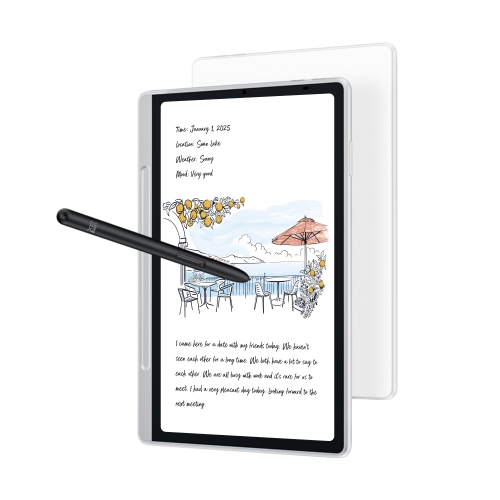
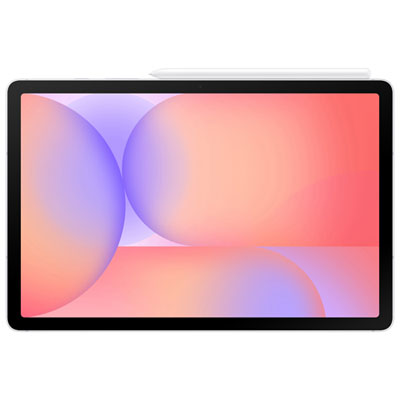
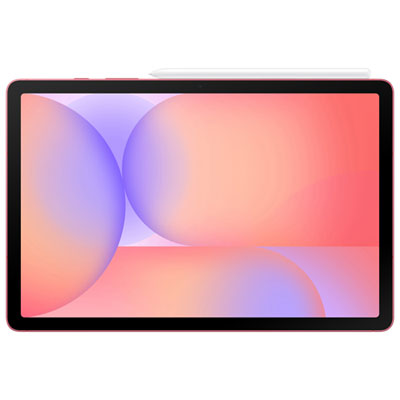
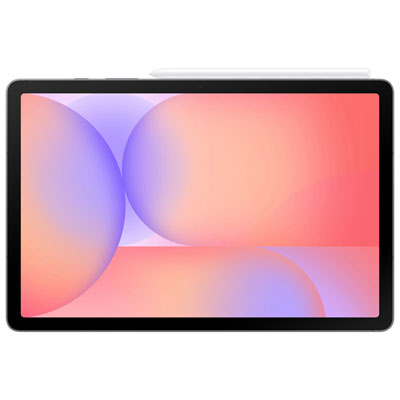
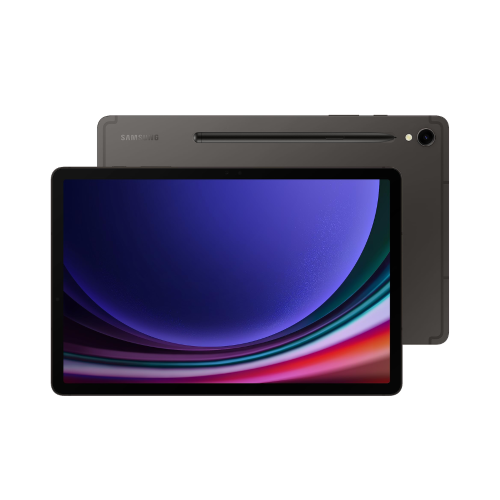
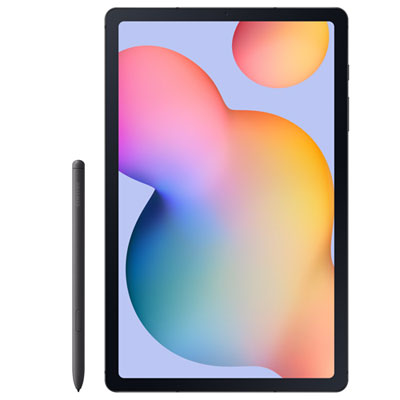
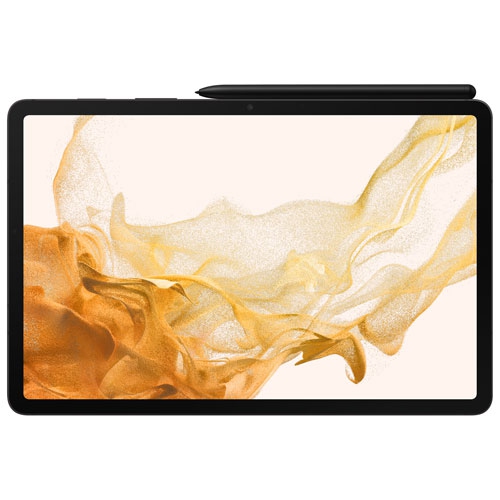
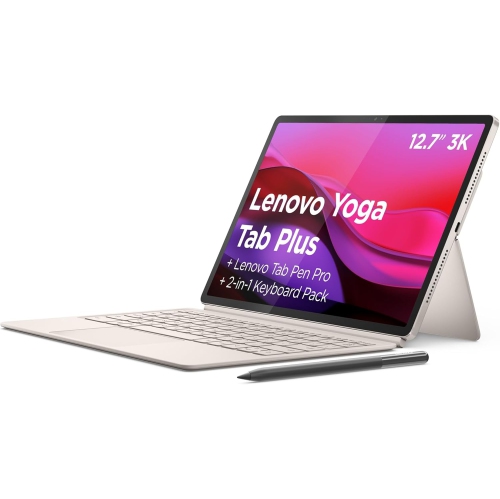
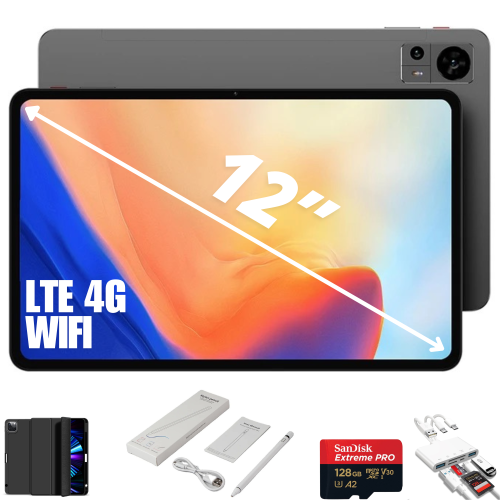
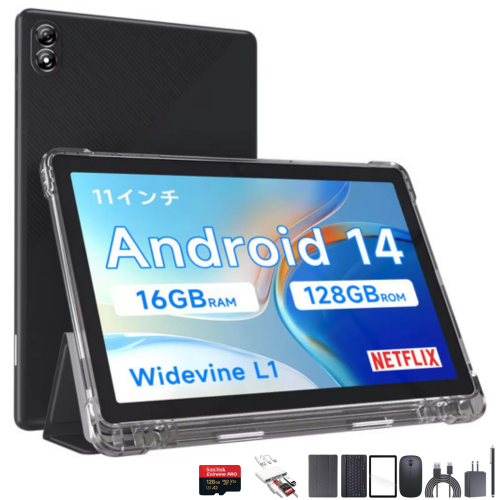
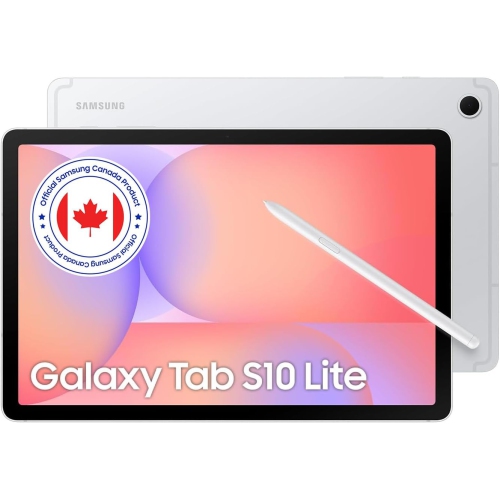
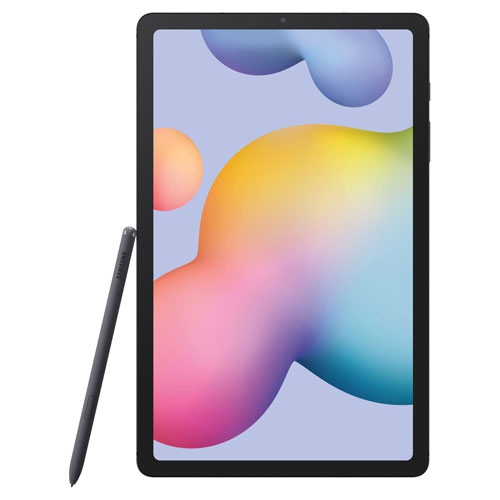
Tablets with stylus support offer a practical way to take handwritten notes, sketch, and annotate documents on a touchscreen. Compare screen sizes, operating systems, and compatible digital pens to find a tablet for study, work, or drawing. Check whether a stylus is included or sold separately, as pen compatibility and features vary by model.



FAQ
A capacitive stylus works much like a fingertip on a touchscreen and typically does not require pairing or charging. An active stylus uses technology that communicates with a compatible tablet to support features such as pressure sensitivity, palm rejection, and shortcut buttons. Available features depend on the tablet, stylus, and app.
Check the tablet’s specifications for supported stylus models or pen protocols, then confirm that your exact tablet model appears in the stylus manufacturer’s compatibility list. Compatibility can differ between generations of the same tablet series. Bluetooth connectivity alone does not confirm support for writing or drawing.
Depending on the tablet and stylus, drawing features may include pressure sensitivity for varying line weight, tilt support for shading, and hover previews that show the pen’s position before it touches the screen. Some styluses also offer programmable buttons or an eraser function. Your drawing app must support these features to use them.
Many tablets with stylus support offer apps for handwritten notes, PDF highlighting, and document annotation. Some apps also let you search handwritten text, convert handwriting into typed text, or combine notes with images and audio recordings. Features and file export options vary by app and operating system.
This depends on the stylus technology. Some active styluses charge through a cable, a magnetic connection, or a storage slot, while others use replaceable batteries. Certain pen technologies require no battery for writing. Pairing may be needed for shortcut buttons or other wireless functions, even when basic pen input works without it.
Top selling and popular products
Discover more categories related to Tablets With Stylus Support


Some products may be subject to Environmental Handling Fees (EHF) depending on your province. Learn more about EHFs.