Tablets With Pens
Tablets With Pens offer a versatile solution for those who want to combine digital convenience with the precision of pen input. Whether you're taking notes, sketching, or editing documents, these devices provide an intuitive experience for both work and play. Explore a wide selection of Tablets With Pens designed to help you stay productive and creative wherever you go. Find the perfect match for your needs and enjoy seamless interaction at your fingertips.
Sort

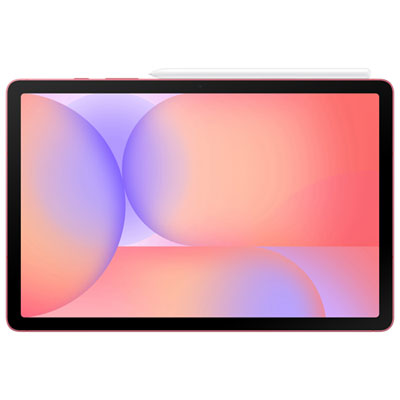
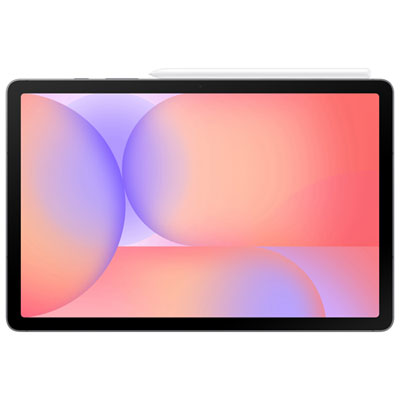
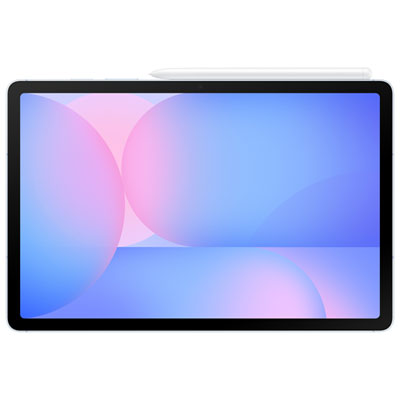
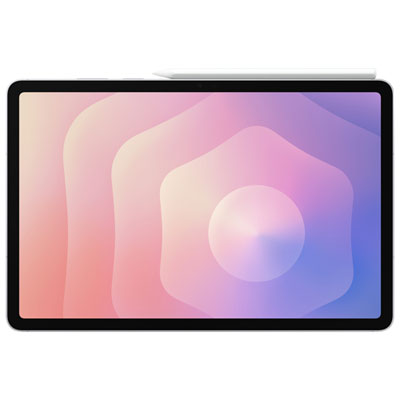
What makes handwriting feel natural on a screen
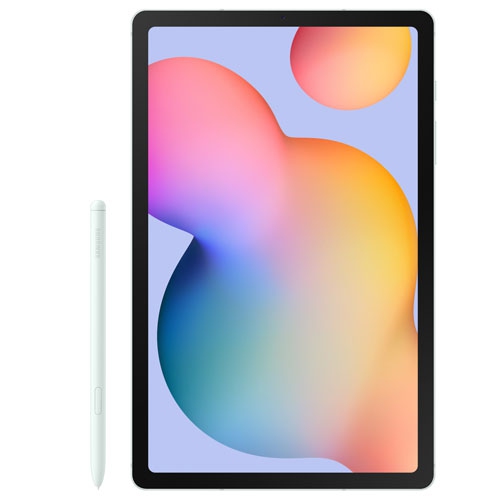
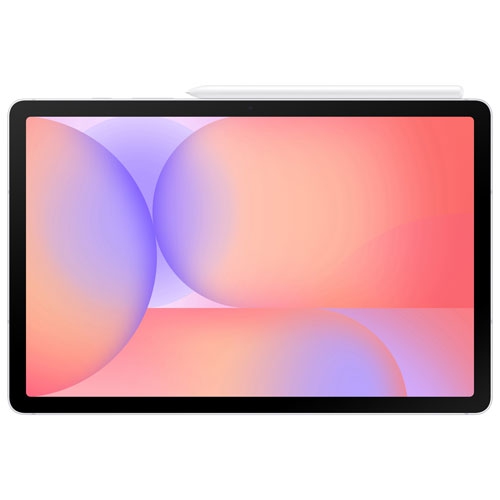
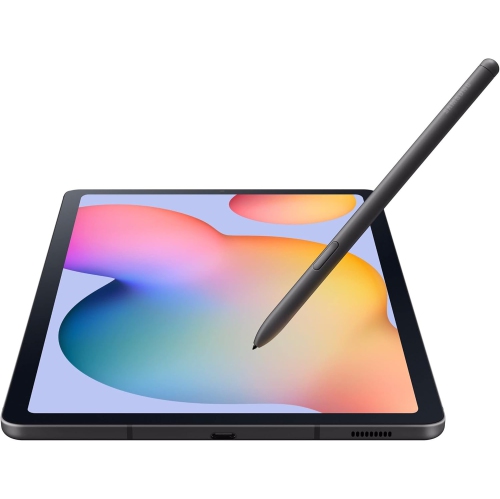
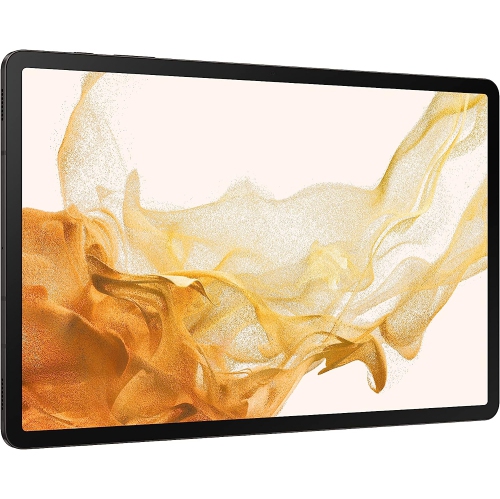
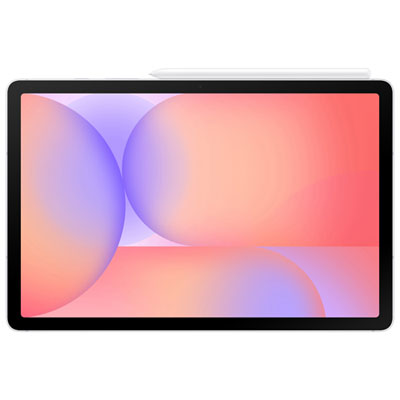
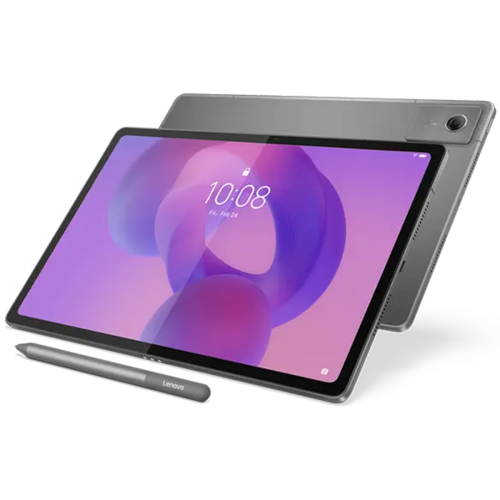
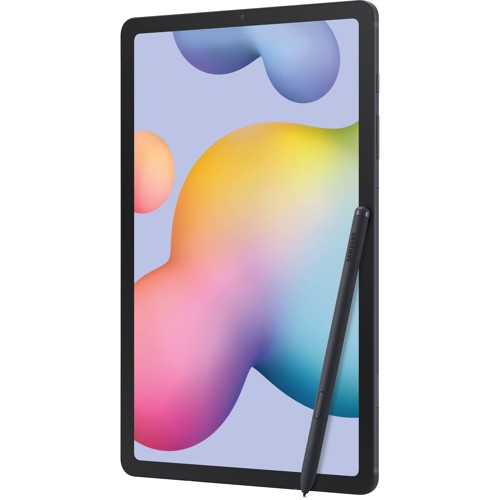
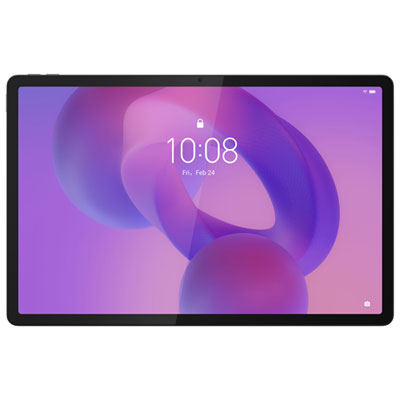
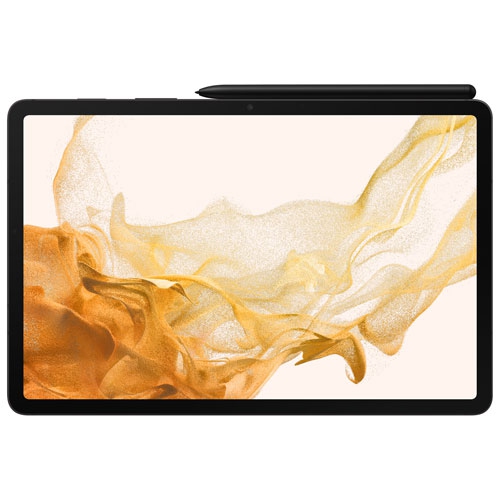
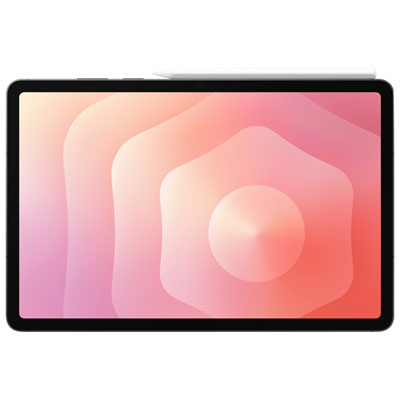
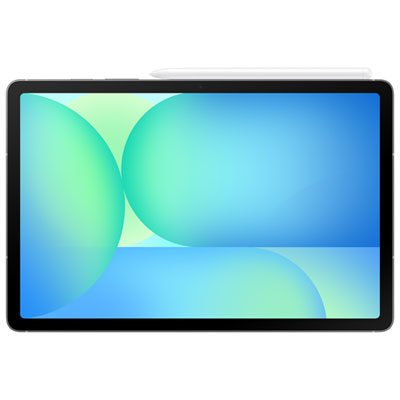
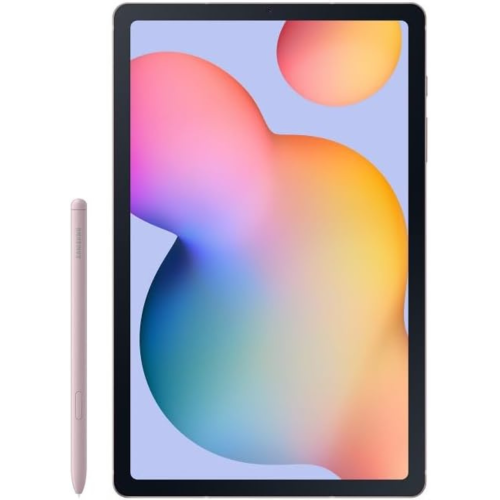
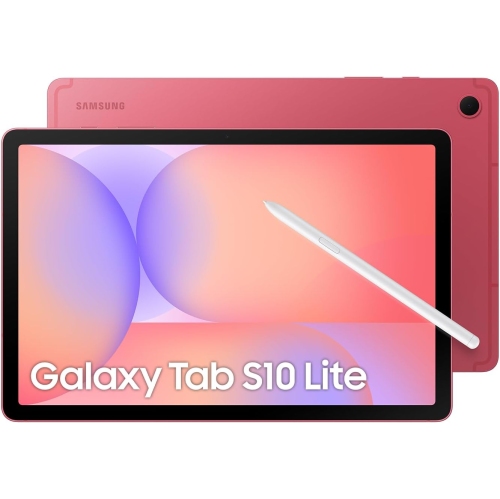
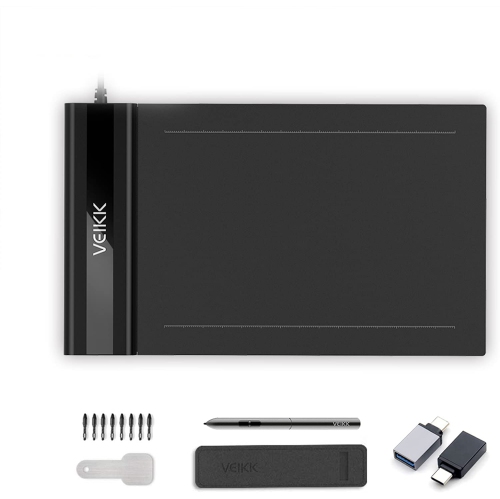
Tablets with pens combine a portable touchscreen with a more precise way to write, draw, annotate, and navigate. They can serve as a lecture notebook, a sketchbook, a place to mark up documents, or a screen for reading and everyday entertainment. A student might write equations beside a diagram, while a designer can sketch a layout directly over a reference image. At work, handwritten comments on a document can communicate a change more clearly than a long typed explanation. The Note Tablets With Pen collection is particularly relevant when handwritten notes are the main priority. Across this category, the important distinction is between a tablet that includes a pen and one that supports a compatible pen as a separate accessory. Pen compatibility is specific to the tablet’s hardware and software; a stylus that works with one device will not necessarily offer the same functions on another. A basic capacitive stylus generally acts like a fingertip, while a compatible digital pen may support pressure sensitivity, tilt response, shortcut controls, and palm rejection. Pressure sensitivity can vary line thickness or shading according to how firmly the pen touches the screen, while tilt support can create broader strokes in compatible drawing apps. Palm rejection helps prevent a resting hand from making unwanted marks, making longer writing sessions feel more natural. These capabilities depend on the combination of tablet, pen, and app, rather than the pen alone. Tracking accuracy and response time also shape the experience: fine handwriting benefits from a cursor or ink line that stays close to the pen tip, especially around small letters and detailed diagrams. For note-taking, predictable lines and comfortable palm support may matter more than advanced illustration features. For artwork, control over light strokes, gradual shading, and line variation becomes more important.
Screen size changes how a pen-enabled tablet fits into a daily routine. A smaller device is easier to hold while reading or carry between classrooms, while a larger display leaves more room for a full-page document, a drawing canvas, or notes beside a reference window. The usable writing area matters as much as the overall dimensions, particularly when toolbars and app controls take up space. A sharp display helps keep small text and fine linework clear, and colour accuracy is useful for illustration, photo editing, and reviewing visual projects. Display refresh rate can influence how fluid pen movement appears, though the tablet’s processing speed and the app also affect responsiveness. Brightness and screen reflections matter when reading under overhead lighting or working near a window. Some people prefer the smooth glide of glass; others like the added resistance of a textured screen protector. That texture can change image clarity and increase pen-tip wear, so compatibility and the preferred writing feel both deserve attention. Software determines what happens after a page is written. Depending on the app, handwritten notes may be searchable, convertible to typed text, organized into folders, or exported as a document. Document annotation is useful for reviewing readings, signing forms, and adding comments without altering the original layout. Support for split-screen work can make it easier to watch a lesson while taking notes or compare a reference image with a sketch. File formats, sharing options, and access across other devices are especially relevant for school and work. Some tools function offline, while others need an internet connection for syncing or particular features. Wi-Fi connectivity supports downloads and shared files, but dependable offline access can be just as useful during a commute. Storage needs grow with large drawings, downloaded textbooks, recorded lessons, and saved media, while more demanding creative apps may benefit from additional memory and processing power.
Comfort and durability become noticeable after the first few pages. A pen’s thickness, weight, grip, and balance affect how it feels during a long lecture or an afternoon of drawing. A textured grip can help maintain control, while an awkwardly placed button may interrupt writing if it is pressed accidentally. Pen power systems vary: some require charging, some use replaceable batteries, and others work without a battery in the pen itself. Magnetic attachment, a charging position, or a dedicated holder can make the pen easier to keep with the tablet, although attachment alone does not guarantee it will stay secure inside a crowded bag. Tablet bodies may use aluminium, plastic, or a combination of materials, with glass covering the display. Construction, weight, and case design all influence handling; a slim body is convenient to carry, but a supportive case can provide a steadier writing angle and help protect corners from everyday knocks. A folio that sits firmly at a low angle can be useful for handwriting, while an upright stand suits reading or video calls. Screen care is generally straightforward: a clean, soft microfibre cloth removes fingerprints, and cleaning methods should follow the device manufacturer’s directions. Grit caught beneath a pen tip can scratch a screen, so clean tips and a clear work surface help protect the writing area. Replacement tips must match the pen, and a worn or damaged tip can affect both feel and accuracy. For children, a secure grip, a protective case, and age-appropriate account controls can make shared use more practical. For university students, professionals, artists, and people who enjoy handwritten planning, a tablet with a pen can also be a thoughtful gift when its compatibility and intended tasks are understood. The most satisfying fit is a device that feels comfortable to hold, supports the necessary apps, and makes writing or drawing a natural part of everyday use.
Screen size changes how a pen-enabled tablet fits into a daily routine. A smaller device is easier to hold while reading or carry between classrooms, while a larger display leaves more room for a full-page document, a drawing canvas, or notes beside a reference window. The usable writing area matters as much as the overall dimensions, particularly when toolbars and app controls take up space. A sharp display helps keep small text and fine linework clear, and colour accuracy is useful for illustration, photo editing, and reviewing visual projects. Display refresh rate can influence how fluid pen movement appears, though the tablet’s processing speed and the app also affect responsiveness. Brightness and screen reflections matter when reading under overhead lighting or working near a window. Some people prefer the smooth glide of glass; others like the added resistance of a textured screen protector. That texture can change image clarity and increase pen-tip wear, so compatibility and the preferred writing feel both deserve attention. Software determines what happens after a page is written. Depending on the app, handwritten notes may be searchable, convertible to typed text, organized into folders, or exported as a document. Document annotation is useful for reviewing readings, signing forms, and adding comments without altering the original layout. Support for split-screen work can make it easier to watch a lesson while taking notes or compare a reference image with a sketch. File formats, sharing options, and access across other devices are especially relevant for school and work. Some tools function offline, while others need an internet connection for syncing or particular features. Wi-Fi connectivity supports downloads and shared files, but dependable offline access can be just as useful during a commute. Storage needs grow with large drawings, downloaded textbooks, recorded lessons, and saved media, while more demanding creative apps may benefit from additional memory and processing power.
Comfort and durability become noticeable after the first few pages. A pen’s thickness, weight, grip, and balance affect how it feels during a long lecture or an afternoon of drawing. A textured grip can help maintain control, while an awkwardly placed button may interrupt writing if it is pressed accidentally. Pen power systems vary: some require charging, some use replaceable batteries, and others work without a battery in the pen itself. Magnetic attachment, a charging position, or a dedicated holder can make the pen easier to keep with the tablet, although attachment alone does not guarantee it will stay secure inside a crowded bag. Tablet bodies may use aluminium, plastic, or a combination of materials, with glass covering the display. Construction, weight, and case design all influence handling; a slim body is convenient to carry, but a supportive case can provide a steadier writing angle and help protect corners from everyday knocks. A folio that sits firmly at a low angle can be useful for handwriting, while an upright stand suits reading or video calls. Screen care is generally straightforward: a clean, soft microfibre cloth removes fingerprints, and cleaning methods should follow the device manufacturer’s directions. Grit caught beneath a pen tip can scratch a screen, so clean tips and a clear work surface help protect the writing area. Replacement tips must match the pen, and a worn or damaged tip can affect both feel and accuracy. For children, a secure grip, a protective case, and age-appropriate account controls can make shared use more practical. For university students, professionals, artists, and people who enjoy handwritten planning, a tablet with a pen can also be a thoughtful gift when its compatibility and intended tasks are understood. The most satisfying fit is a device that feels comfortable to hold, supports the necessary apps, and makes writing or drawing a natural part of everyday use.
Top selling and popular products
-
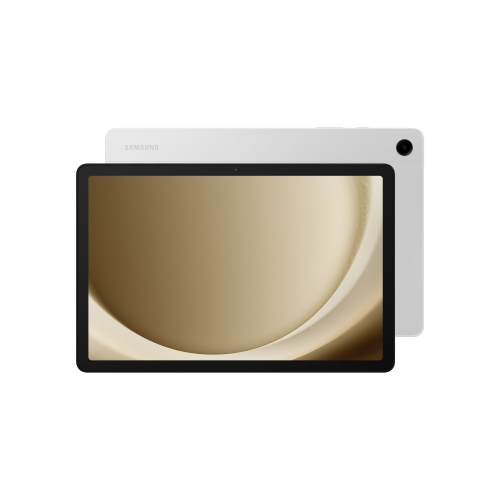 Your price for this item is $499.99
-
 Your price for this item is $350
-
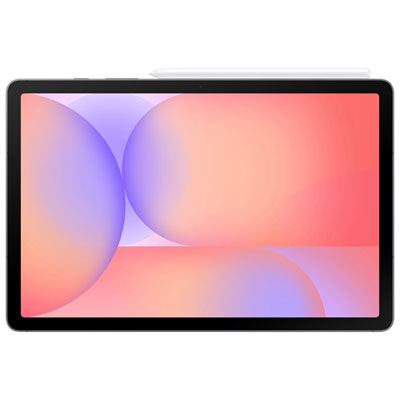 Your price for this item is $579.99
-
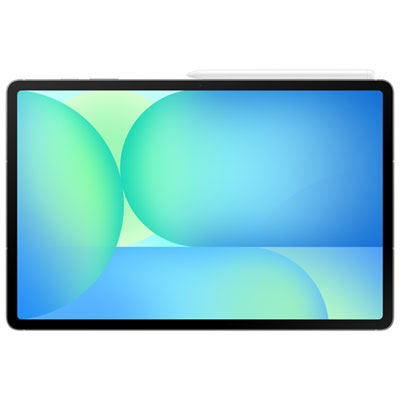 Your price for this item is $979.99
-
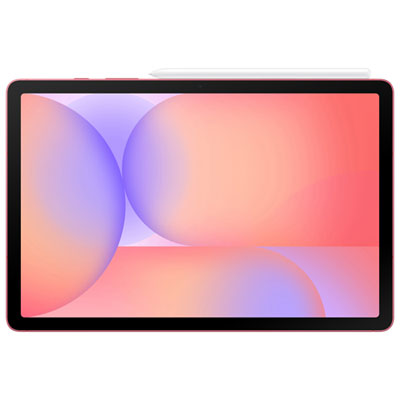 Your price for this item is $579.99
-
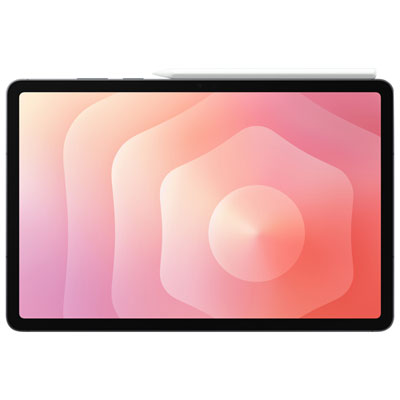 Your price for this item is $1399.99
-
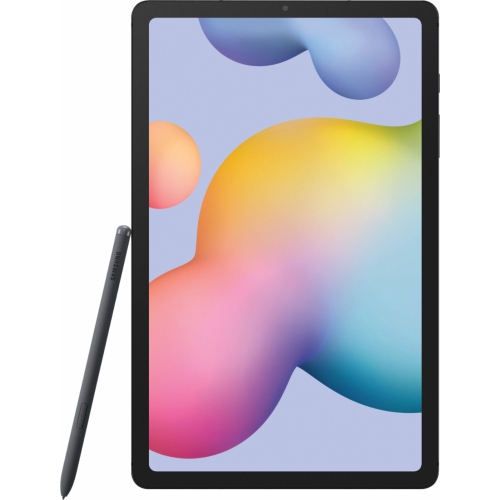 Your price for this item is $699.99
-
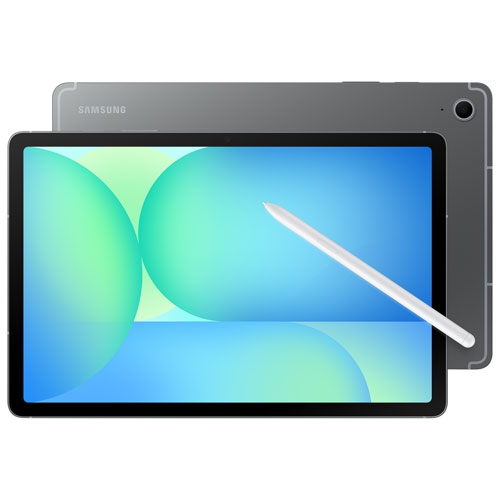 Your price for this item is $624.95
Discover more categories related to Tablets With Pens
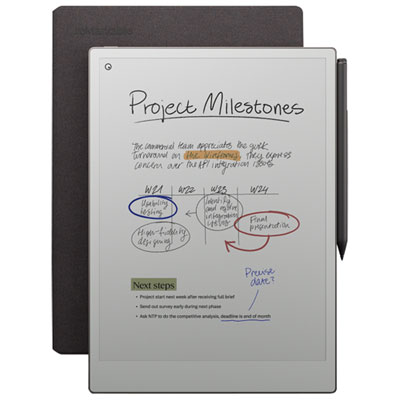
Top Collections:
Pokemon Centers, Kindle Devices, Best Black Friday Deals This Year, Pokémon 30th Celebration Cards, Best Black Friday Deals On Electronics, Best Cameras for Sports Photography, Best Black Friday Deals On Apple Products, Canon G7X Cameras, iPhone 15 Apple, Candle Warmer Lights
Some products may be subject to Environmental Handling Fees
(EHF) depending on your province.
Learn more about EHFs.