Tablets With Thin Bezels
Tablets With Thin Bezels offer a modern and immersive viewing experience, making them an excellent choice for work, entertainment, and creativity on the go. These devices feature sleek designs that maximize screen space, allowing you to enjoy more of your favorite content with minimal distractions. Whether you're streaming videos, browsing the web, or handling productivity tasks, Tablets With Thin Bezels provide a stylish and functional solution to meet your needs. Explore a variety of options to find the perfect tablet that complements your lifestyle.
Sort




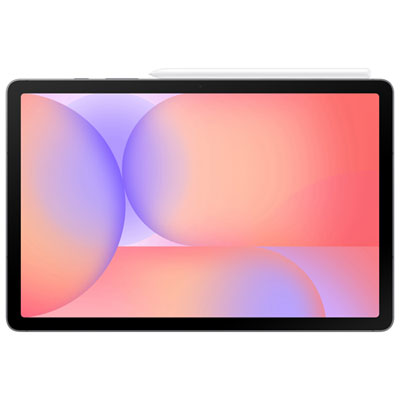

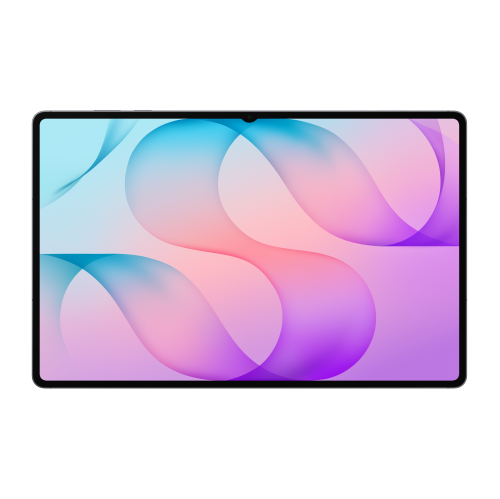


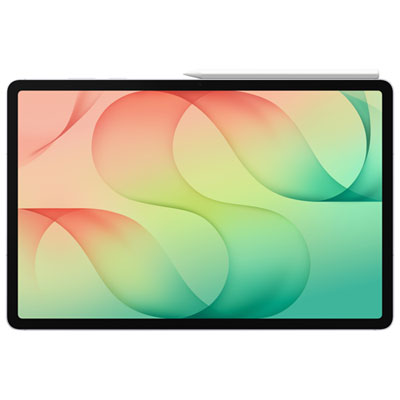
More screen space is only part of the picture
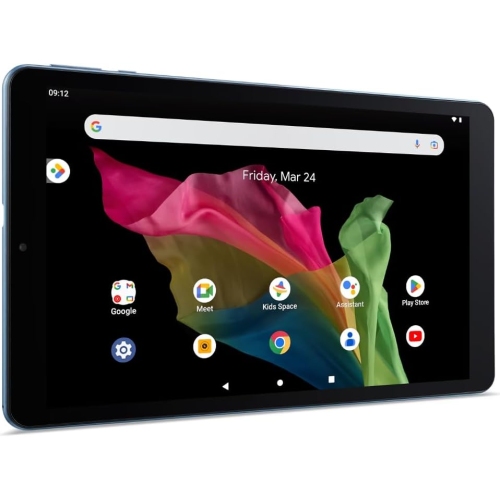
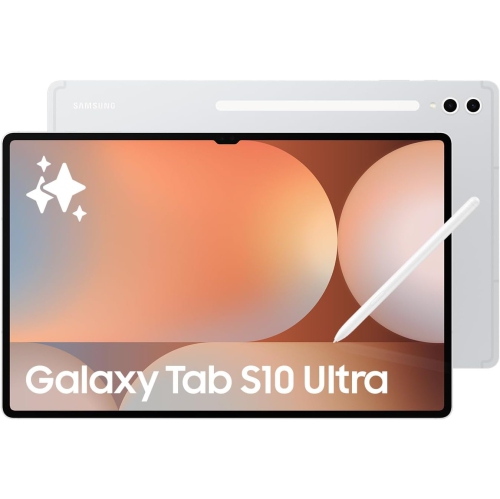
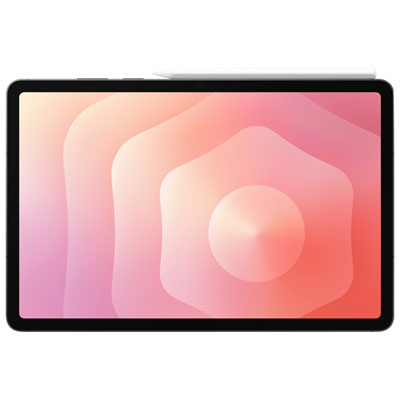
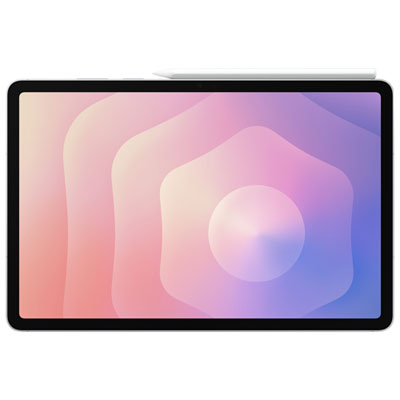
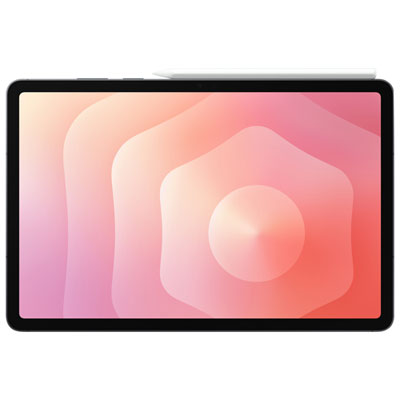
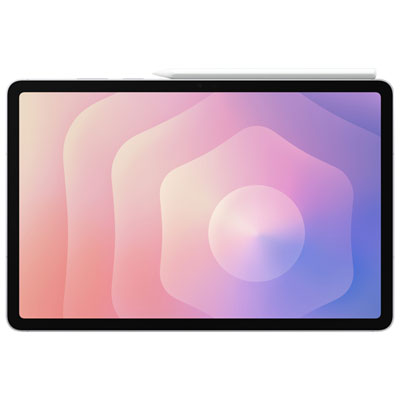
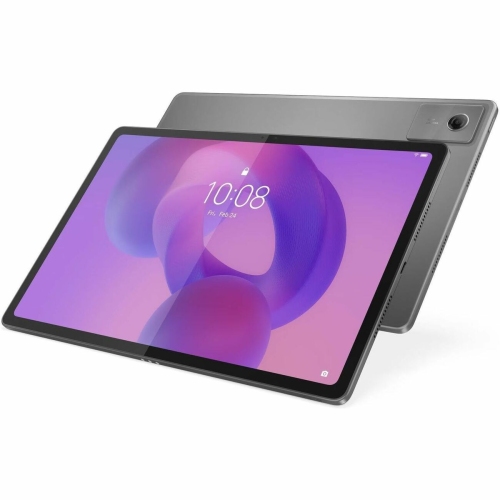
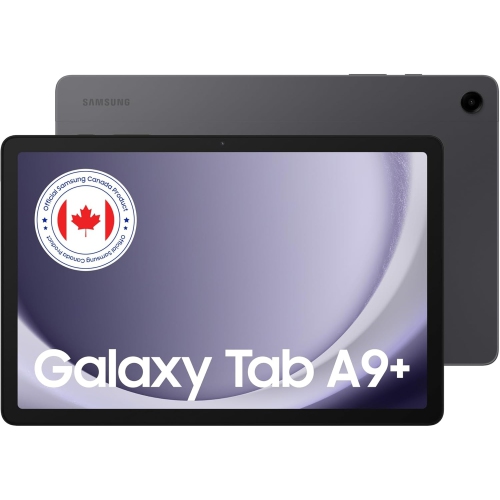
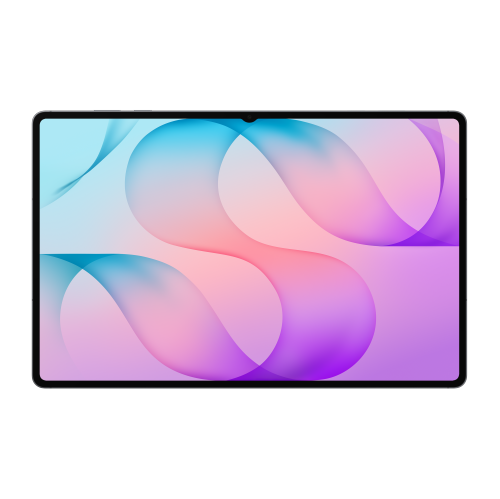
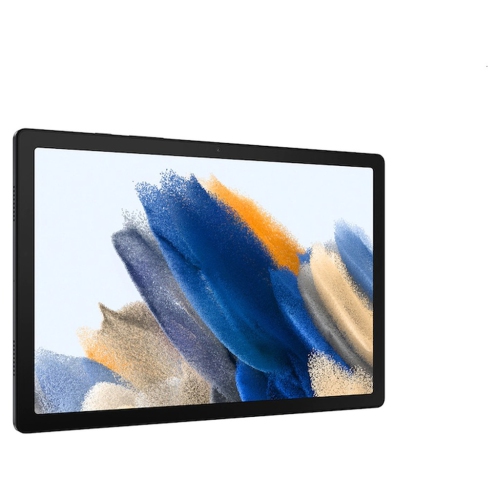
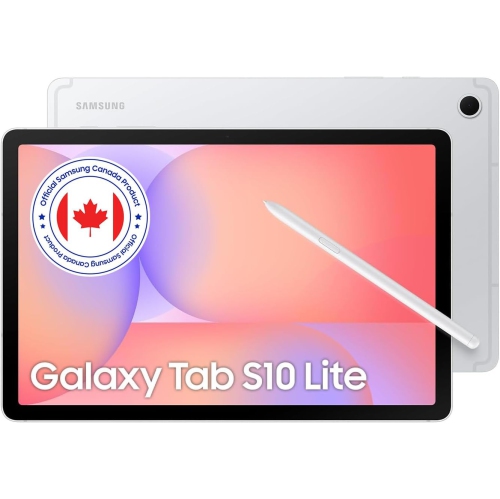
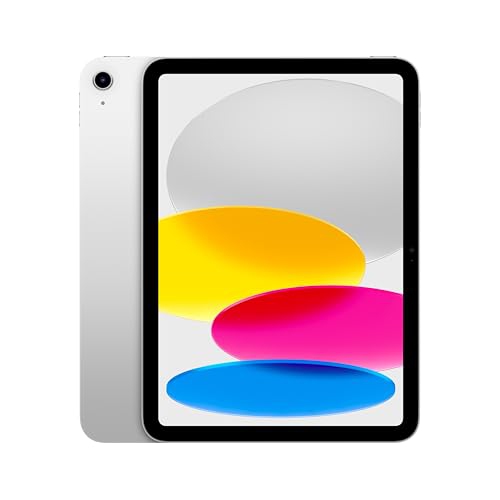
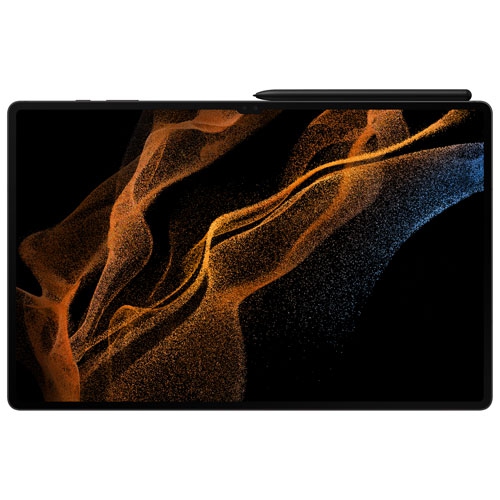
Tablets with thin bezels have narrow borders between the display and the outer edges of the device, leaving more of the front surface devoted to the screen. That design can accommodate a larger viewing area without an equally large increase in the tablet’s overall footprint. It is useful for reading a full-page document, watching a film or spreading drawing tools around a digital canvas while keeping the device manageable on a lap or small desktop. A higher screen-to-body ratio generally indicates that the display occupies more of the front face, but this figure does not describe picture quality, weight or comfort on its own. Bezel width, screen size and overall dimensions tell different parts of the story. A large tablet with narrow borders can still require two hands, while a smaller tablet may fit more comfortably into a compact bag. Thin bezels also do not necessarily mean a thin body: the frame, battery and internal components determine the device’s thickness. Evenly sized borders can give the display a balanced appearance in portrait and landscape orientation, though some designs leave extra room along one edge for a camera or a more secure grip. That remaining border has a practical purpose, giving fingers somewhere to rest without covering text or touching on-screen controls. Touch rejection can help limit unintended input, but its effectiveness varies by device, app and task. For someone reading on a sofa, a comfortable edge to hold may matter more than the narrowest possible border. For someone watching videos with the tablet on a stand, the larger uninterrupted viewing area may be the main attraction. Aluminium frames, glass surfaces and carefully finished edges can contribute to a solid feel, although slim styling alone is not proof of strength or resistance to drops.
The display remains central to the experience, and bezel size is separate from the technology behind the picture. Resolution and pixel density influence how crisp small text, fine lines and photographs appear, while brightness, reflections and viewing angles affect visibility in different rooms. A glossy screen can make colours look vivid, but reflections from an overhead light or nearby window may become noticeable when reading dark pages or watching a dimly lit scene. For shoppers interested in deep blacks and strong contrast, Tablets With AMOLED Display brings together a related display category; AMOLED technology and thin bezels are distinct features, so the details of each tablet still matter. Higher refresh rates can make scrolling, handwriting and supported games appear smoother, although the benefit depends on the software and the content being shown. Aspect ratio also changes how screen space feels. A wider display can suit films and side-by-side windows, while a more square-shaped display can feel spacious for documents, sheet music and sketching. Video may still show black bars because its proportions do not match the screen, regardless of how narrow the physical border is. Students may use the extra viewing area to keep lecture notes beside a reading assignment, while someone working away from a desktop may place an email window next to a reference document. Those tasks depend on more than the display: operating system features, app support, memory and processing power affect how comfortably a tablet handles several activities at once. Storage capacity matters for downloaded lessons, large games, artwork and videos, especially when expansion is not supported. Clear speakers, a well-positioned front camera and suitable microphones add value for calls and shared viewing. A camera placed along the long edge can offer a more natural angle when the tablet is used horizontally with a keyboard.
Daily comfort often comes down to how a thin-bezel tablet fits with its accessories and the places it will be used. A fitted case can add a raised edge around the glass, provide a steadier grip and fold into a stand for reading a recipe on a countertop or following a video at a work surface. Fit is specific to the tablet’s dimensions, camera layout, buttons and ports; a case made for the same screen size is not automatically compatible. A secure stand is particularly useful for larger displays, which can be tiring to hold through a long film or study session. Keyboard accessories can make longer messages and assignments easier to type, but the combined weight and the space needed for a kickstand affect portability. Active stylus support also varies, including compatibility, charging method, pressure sensitivity and palm rejection within individual apps. For drawing or handwritten notes, the interaction between the pen, screen and software matters more than the width of the bezel. A screen protector may help limit surface scratches, though its finish can change reflections, touch feel and pen glide. Basic care includes wiping the display with a clean, soft microfibre cloth, keeping grit out of a carrying sleeve and following the manufacturer’s cleaning directions. Narrow borders can leave less room for fingers near exposed glass edges, making careful handling and a suitable case worthwhile. Water and dust resistance should only be assumed when an explicit rating is provided, and that rating does not make a tablet immune to damage. Battery life varies with brightness, wireless connections, games and other demanding tasks, so a large screen does not guarantee longer use between charges. As a gift, a thin-bezel tablet can suit a student, reader, traveller or someone who enjoys digital art, provided its software and accessories match their interests. The most satisfying fit combines an appealing display with comfortable handling, practical protection and the capabilities needed for everyday use.
The display remains central to the experience, and bezel size is separate from the technology behind the picture. Resolution and pixel density influence how crisp small text, fine lines and photographs appear, while brightness, reflections and viewing angles affect visibility in different rooms. A glossy screen can make colours look vivid, but reflections from an overhead light or nearby window may become noticeable when reading dark pages or watching a dimly lit scene. For shoppers interested in deep blacks and strong contrast, Tablets With AMOLED Display brings together a related display category; AMOLED technology and thin bezels are distinct features, so the details of each tablet still matter. Higher refresh rates can make scrolling, handwriting and supported games appear smoother, although the benefit depends on the software and the content being shown. Aspect ratio also changes how screen space feels. A wider display can suit films and side-by-side windows, while a more square-shaped display can feel spacious for documents, sheet music and sketching. Video may still show black bars because its proportions do not match the screen, regardless of how narrow the physical border is. Students may use the extra viewing area to keep lecture notes beside a reading assignment, while someone working away from a desktop may place an email window next to a reference document. Those tasks depend on more than the display: operating system features, app support, memory and processing power affect how comfortably a tablet handles several activities at once. Storage capacity matters for downloaded lessons, large games, artwork and videos, especially when expansion is not supported. Clear speakers, a well-positioned front camera and suitable microphones add value for calls and shared viewing. A camera placed along the long edge can offer a more natural angle when the tablet is used horizontally with a keyboard.
Daily comfort often comes down to how a thin-bezel tablet fits with its accessories and the places it will be used. A fitted case can add a raised edge around the glass, provide a steadier grip and fold into a stand for reading a recipe on a countertop or following a video at a work surface. Fit is specific to the tablet’s dimensions, camera layout, buttons and ports; a case made for the same screen size is not automatically compatible. A secure stand is particularly useful for larger displays, which can be tiring to hold through a long film or study session. Keyboard accessories can make longer messages and assignments easier to type, but the combined weight and the space needed for a kickstand affect portability. Active stylus support also varies, including compatibility, charging method, pressure sensitivity and palm rejection within individual apps. For drawing or handwritten notes, the interaction between the pen, screen and software matters more than the width of the bezel. A screen protector may help limit surface scratches, though its finish can change reflections, touch feel and pen glide. Basic care includes wiping the display with a clean, soft microfibre cloth, keeping grit out of a carrying sleeve and following the manufacturer’s cleaning directions. Narrow borders can leave less room for fingers near exposed glass edges, making careful handling and a suitable case worthwhile. Water and dust resistance should only be assumed when an explicit rating is provided, and that rating does not make a tablet immune to damage. Battery life varies with brightness, wireless connections, games and other demanding tasks, so a large screen does not guarantee longer use between charges. As a gift, a thin-bezel tablet can suit a student, reader, traveller or someone who enjoys digital art, provided its software and accessories match their interests. The most satisfying fit combines an appealing display with comfortable handling, practical protection and the capabilities needed for everyday use.
Top selling and popular products
-
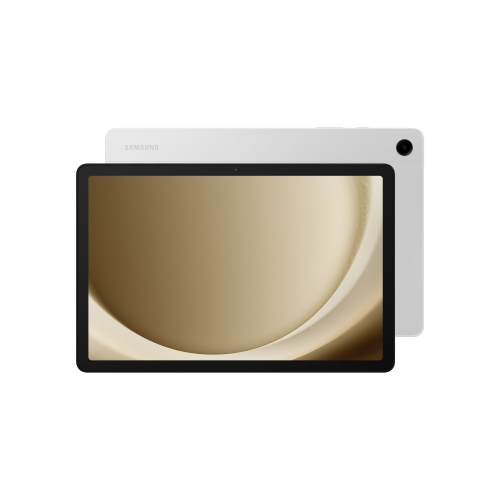 Your price for this item is $499.99
-
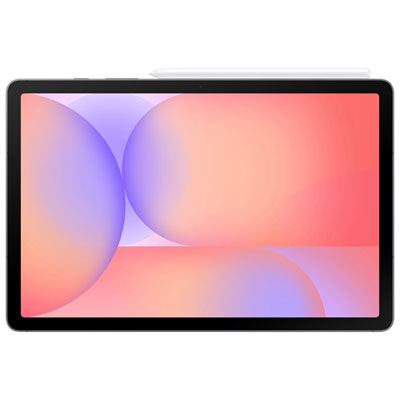 Your price for this item is $399.99
-
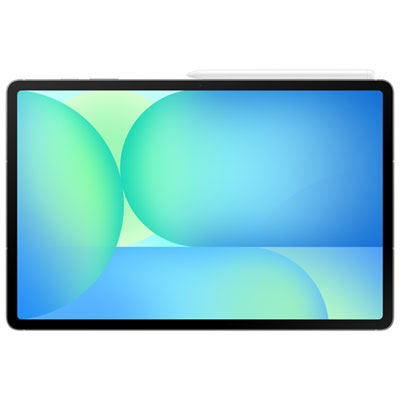 Your price for this item is $979.99
-
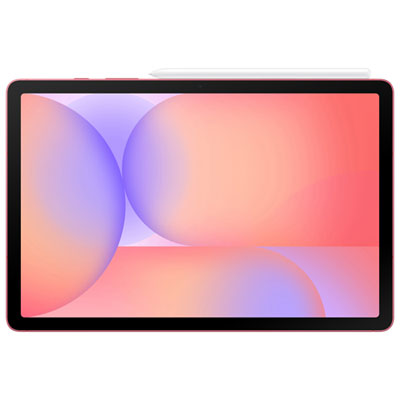 Your price for this item is $399.99
-
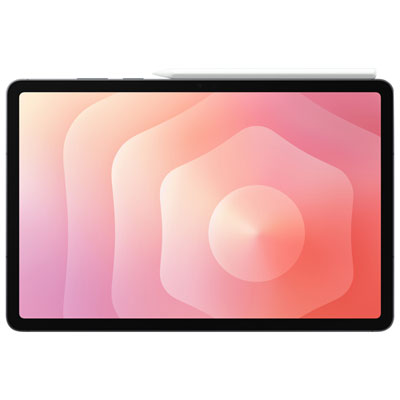 Your price for this item is $1399.99
-
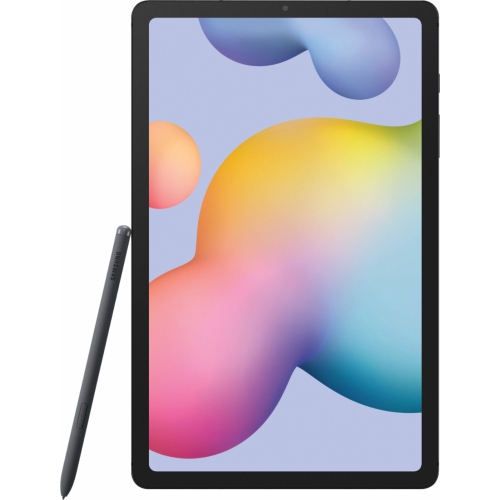 Your price for this item is $699.99
-
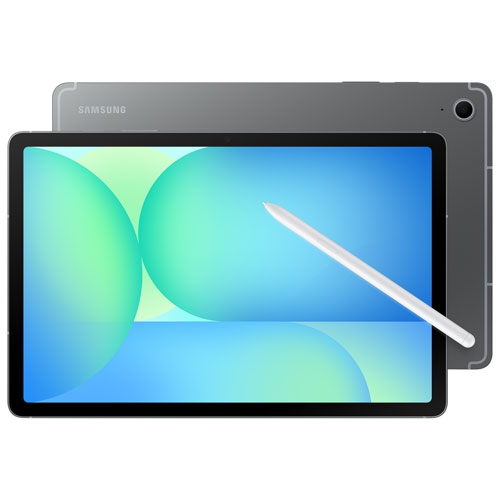 Your price for this item is $624.95
-
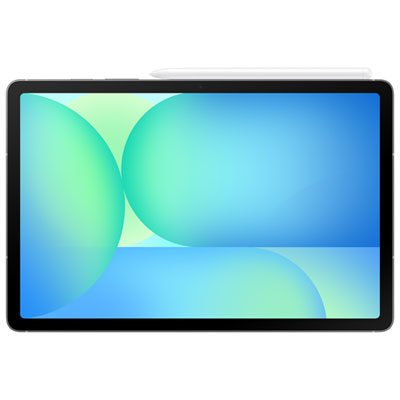 Your price for this item is $929.99
Discover more categories related to Tablets With Thin Bezels
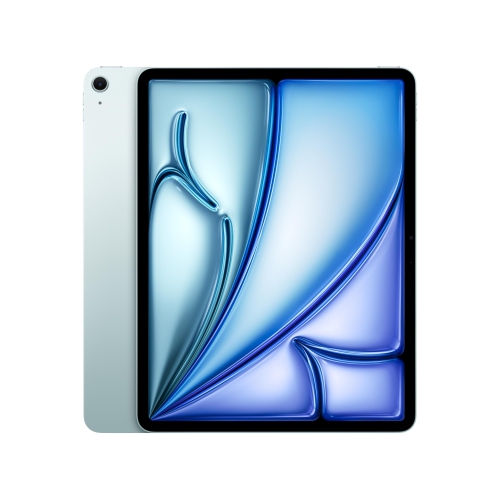
Top Collections:
Pokemon Centers, Best Black Friday Deals This Year, Best Black Friday Deals On Electronics, Kindle Devices, Best Budget Office Chairs, Best Black Friday Deals On Apple Products, Best Cameras for Sports Photography, Pokémon 30th Celebration Cards, Dyson Airwrap, Canon G7X Cameras
Some products may be subject to Environmental Handling Fees
(EHF) depending on your province.
Learn more about EHFs.