Epson Receipt Printers
Discover the perfect solution for your business's point-of-sale needs with our range of high-quality receipt printers. Designed to deliver fast, reliable, and efficient printing, these devices are essential for any retail or hospitality environment. Whether you're running a bustling restaurant or a cozy boutique, our selection offers versatility and ease of use to streamline your operations. With user-friendly features and robust performance, these receipt printers ensure that every transaction is smooth and professional, helping you maintain excellent customer service and keep your business moving forward.
Sort
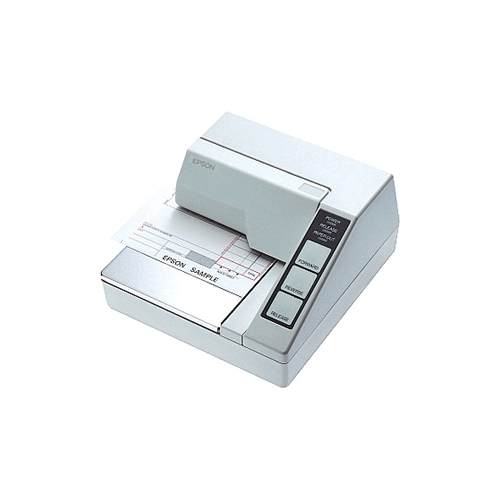
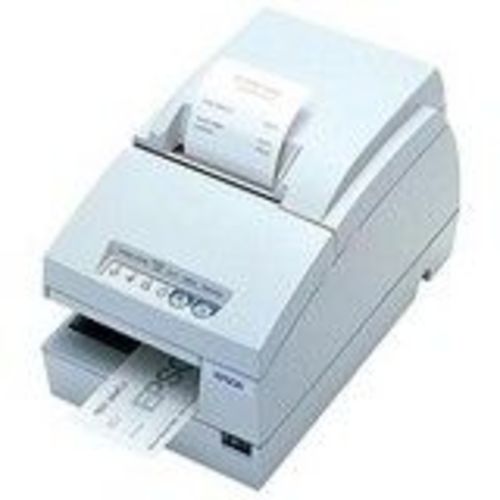
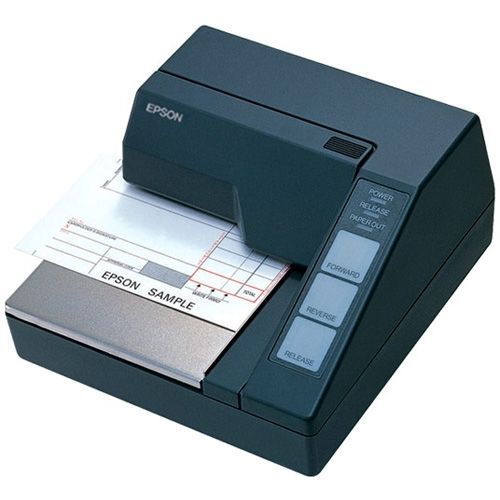
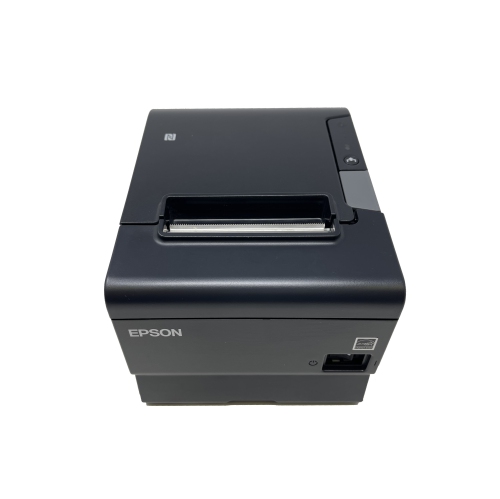
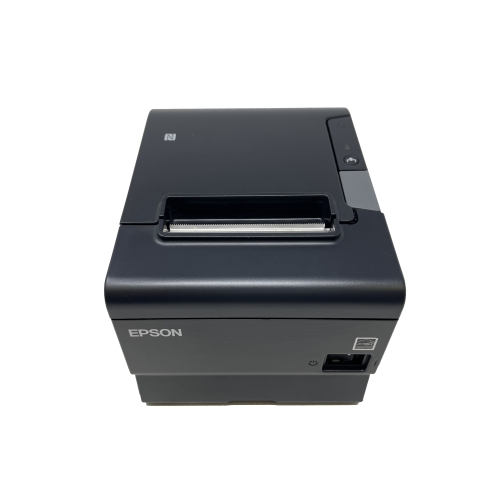
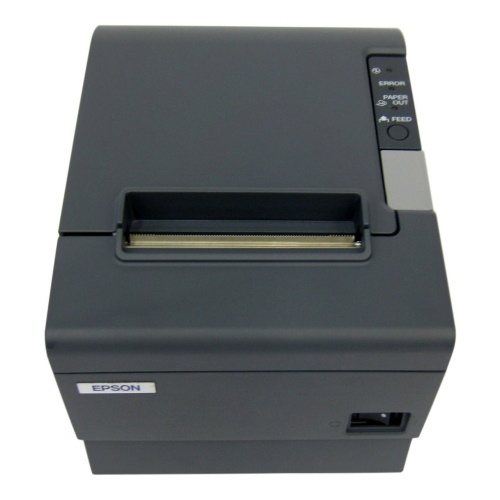

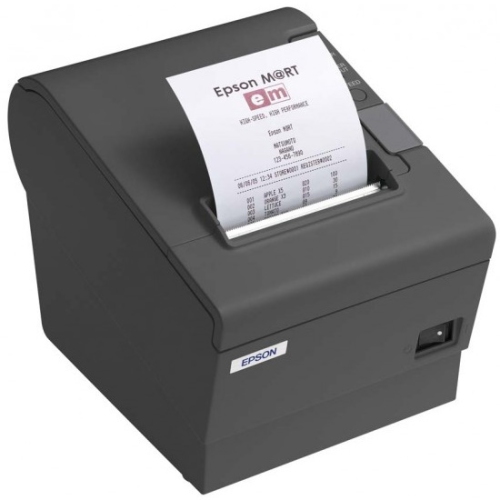
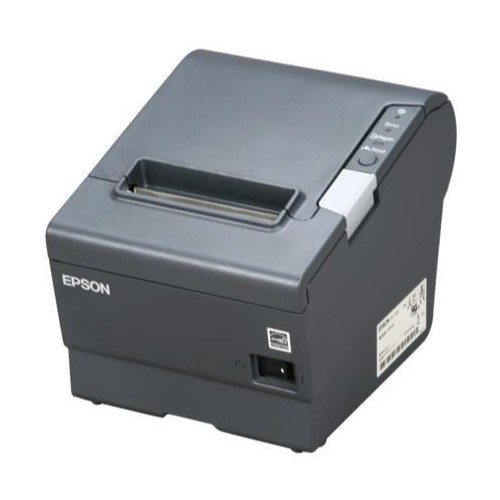
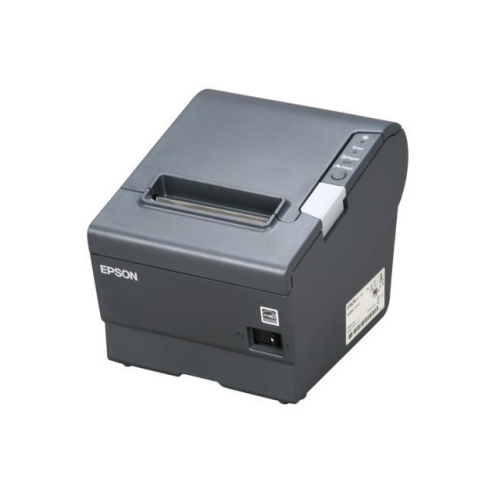
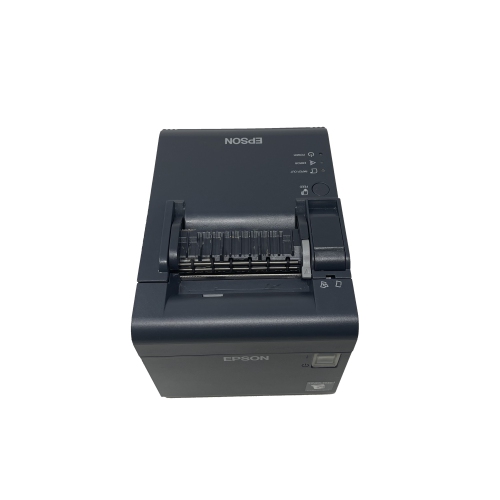
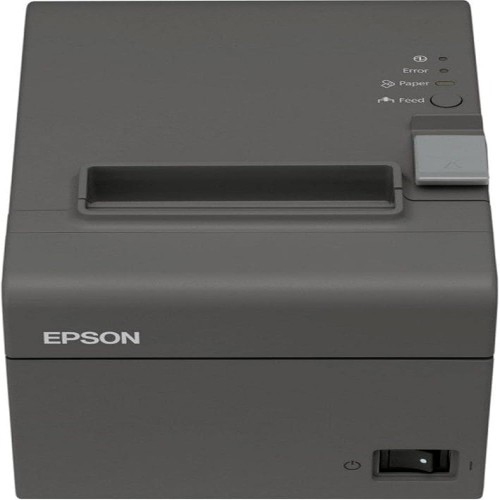
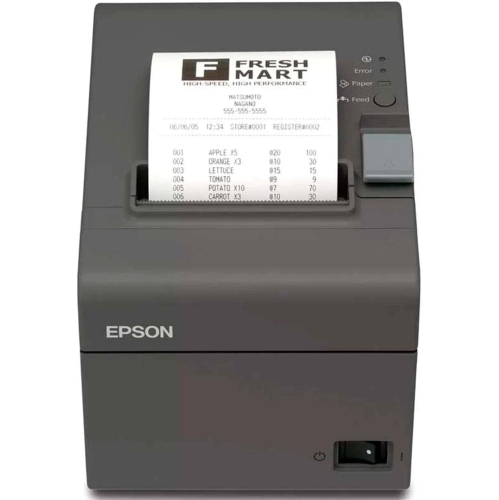
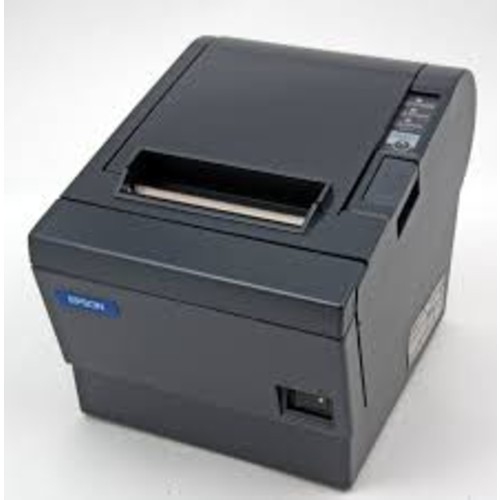
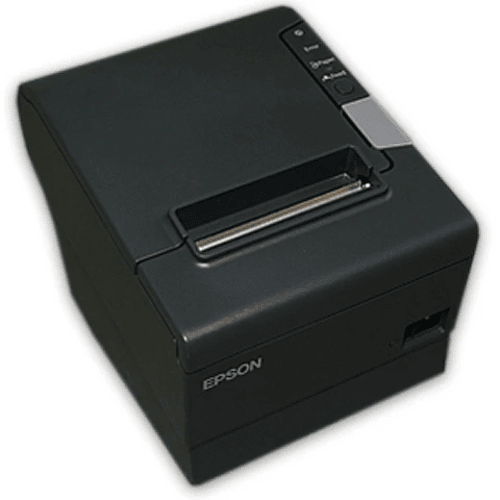
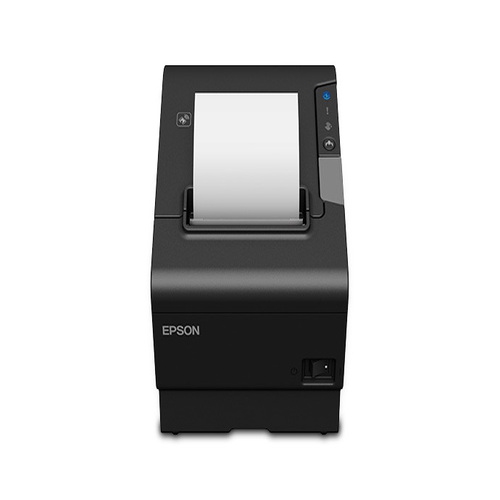
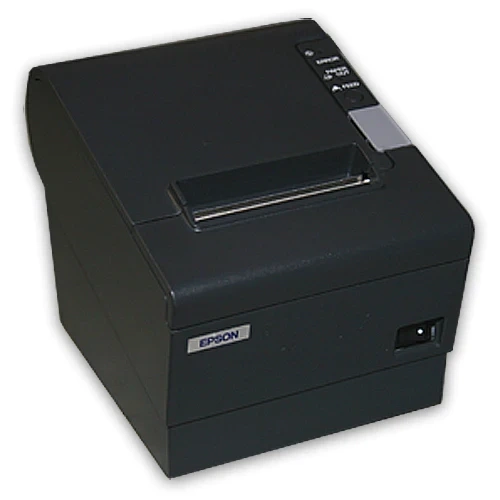
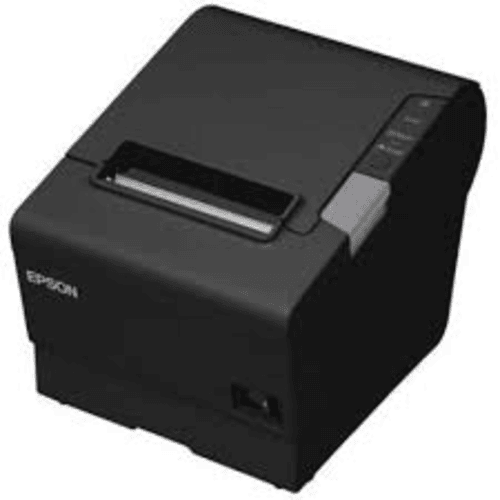
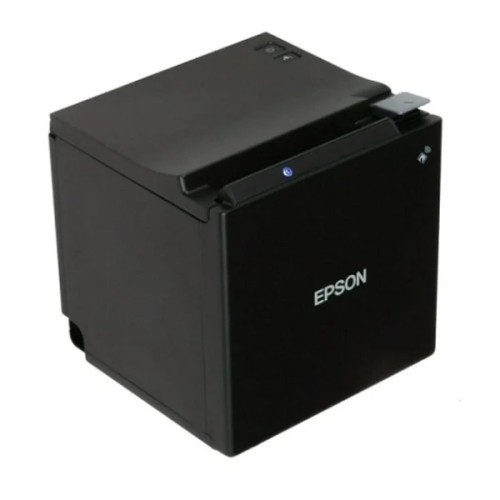

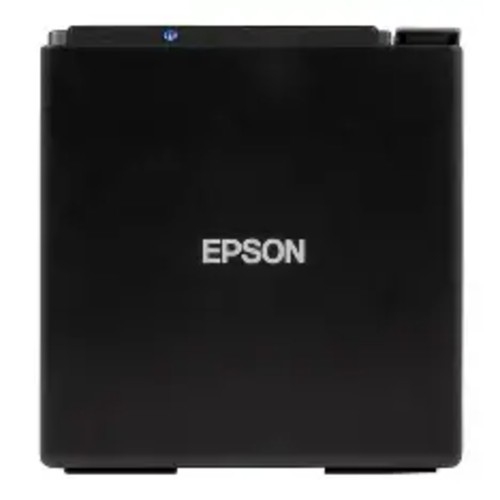
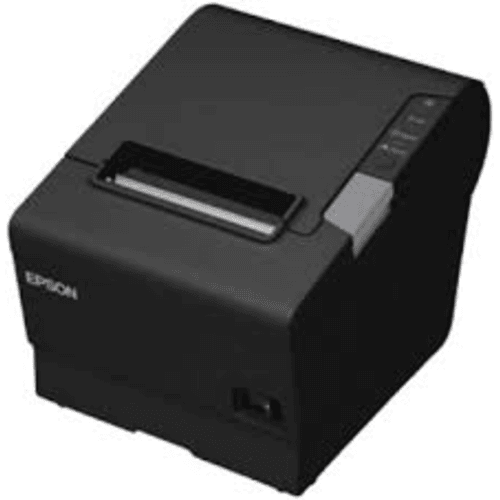
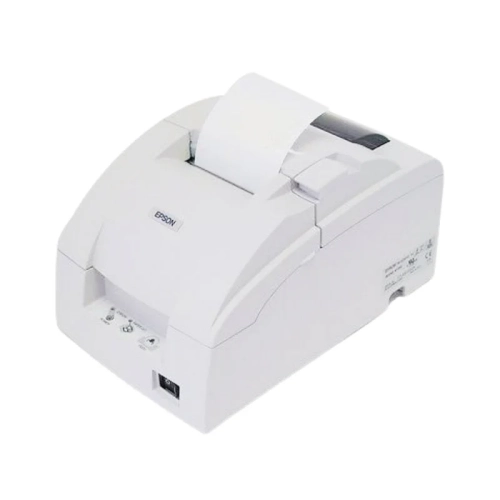
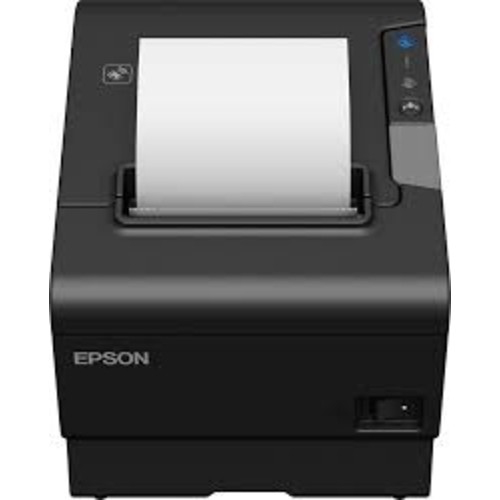


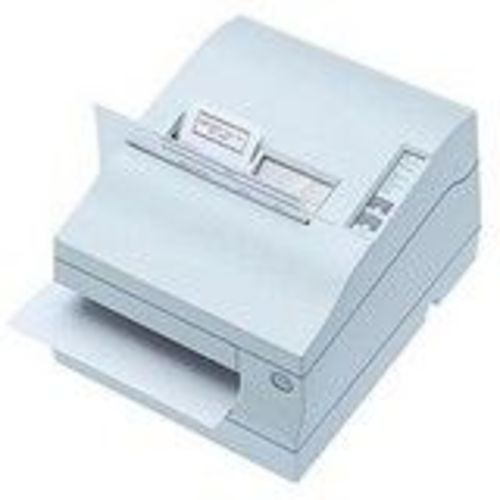
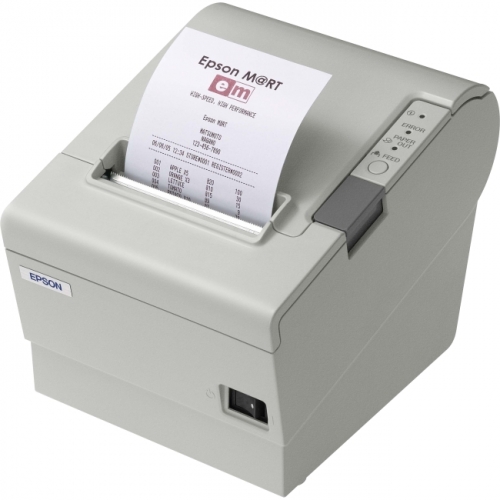
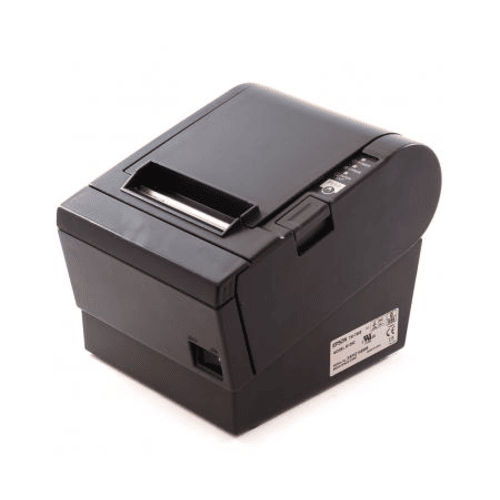
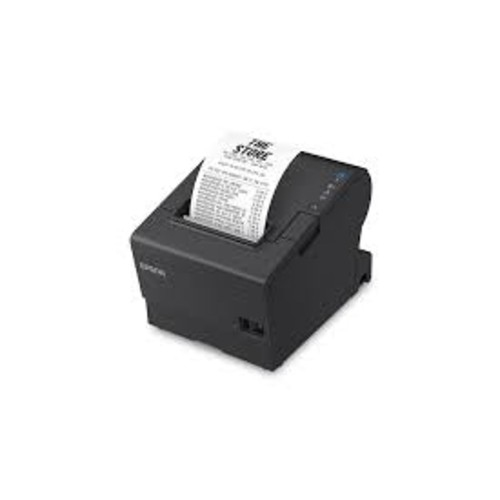
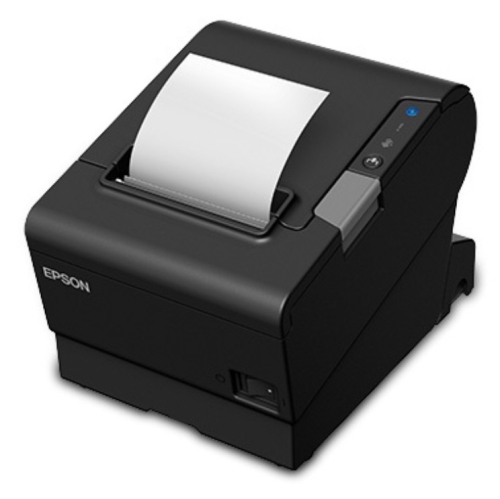
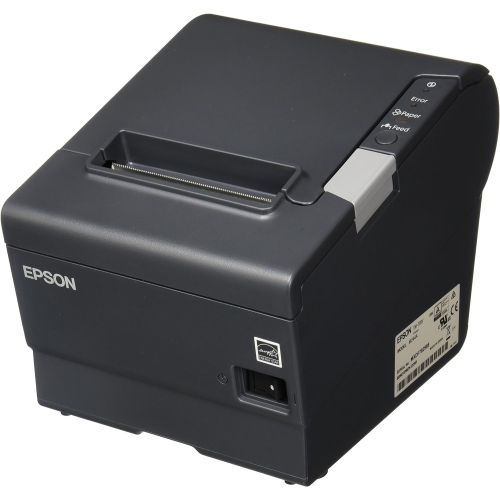
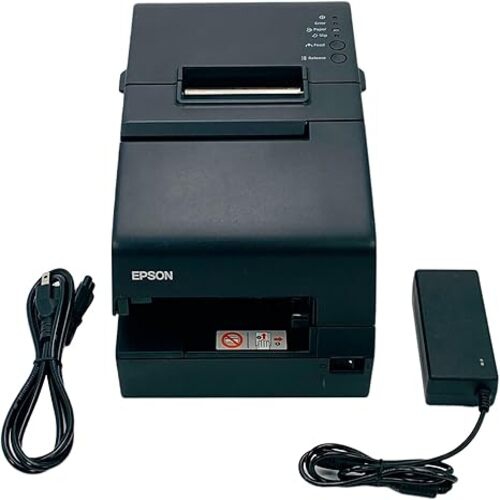
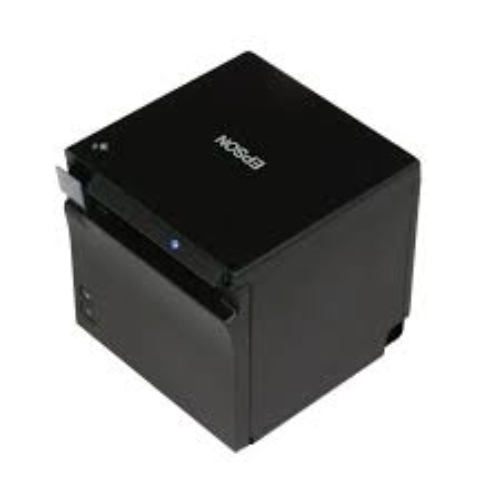
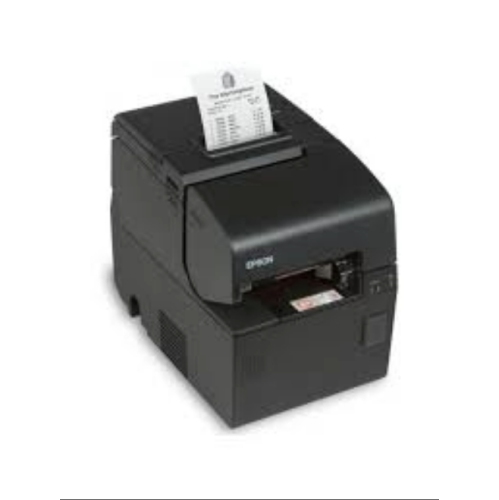

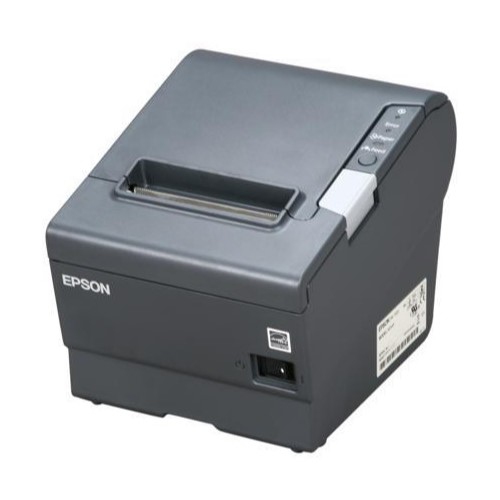
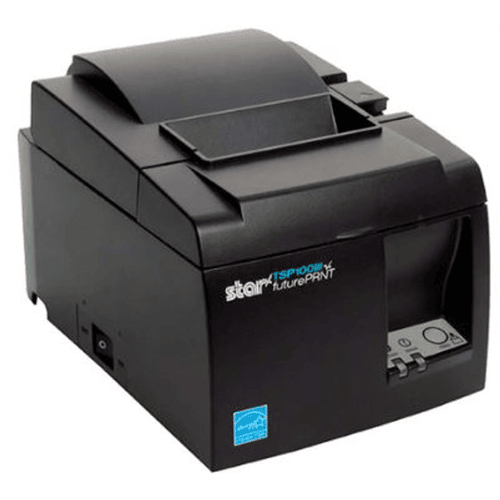

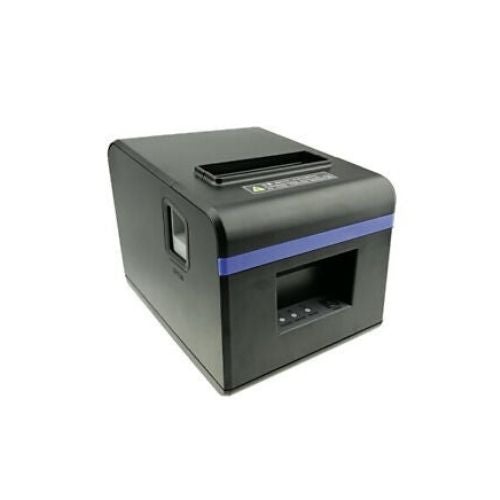
Smooth point-of-sale transactions start with the right printer
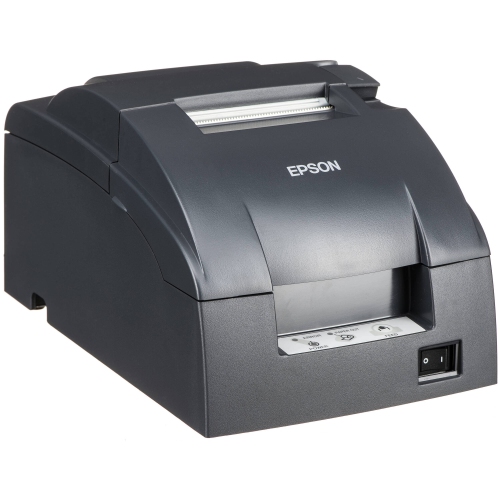
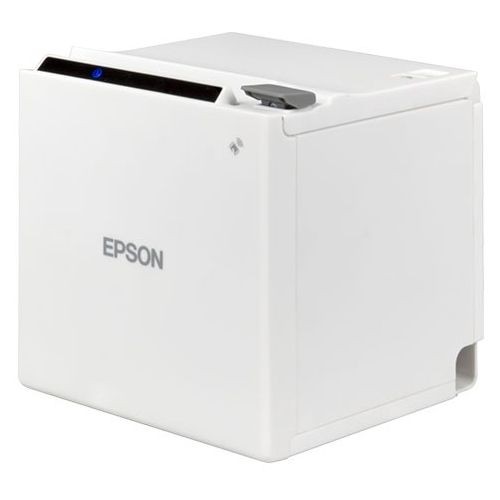
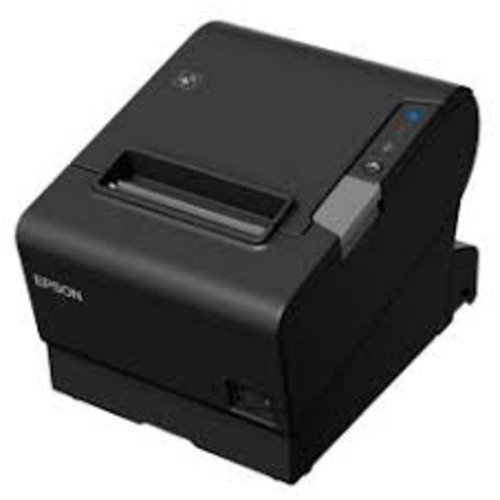
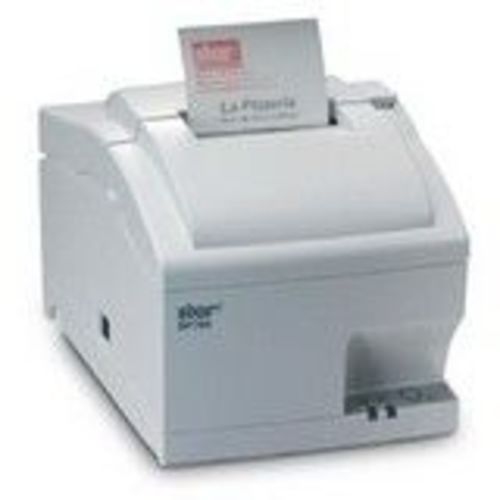
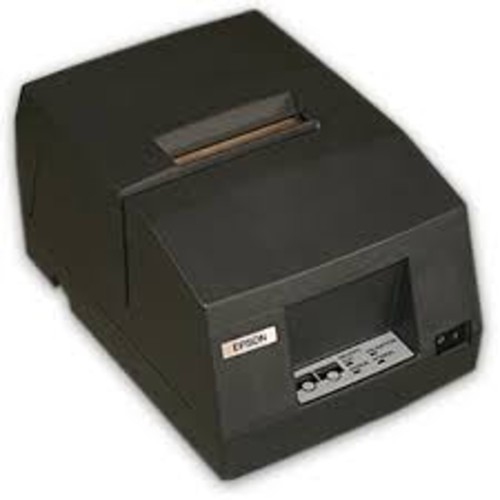
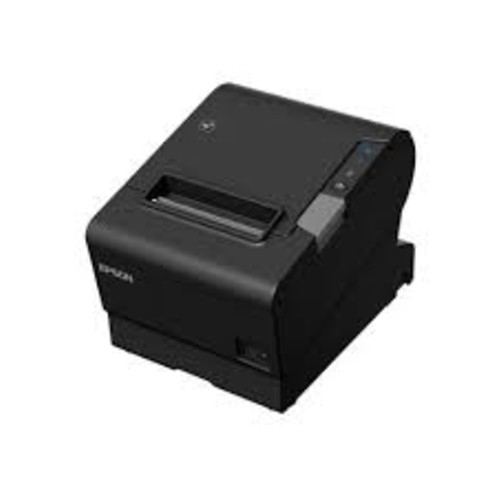
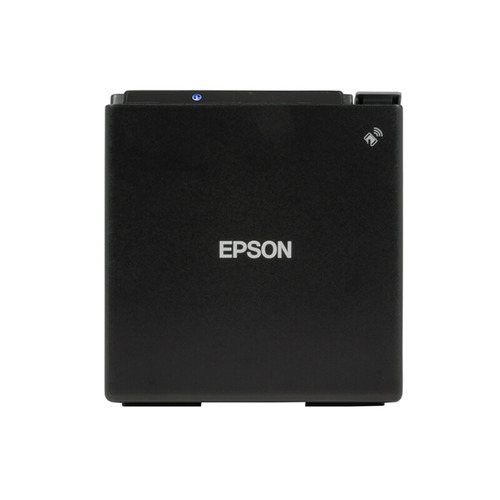
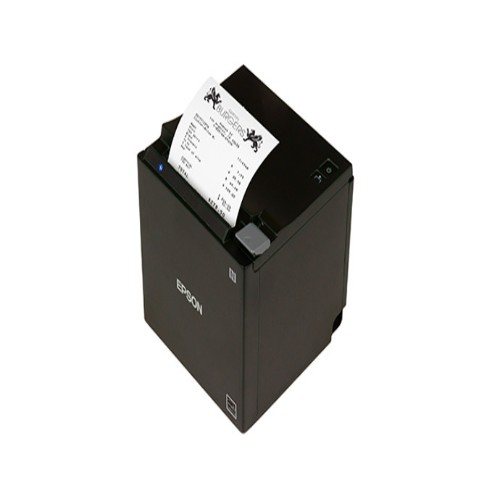
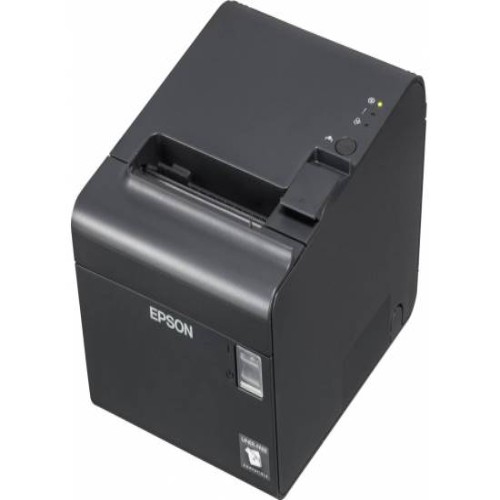
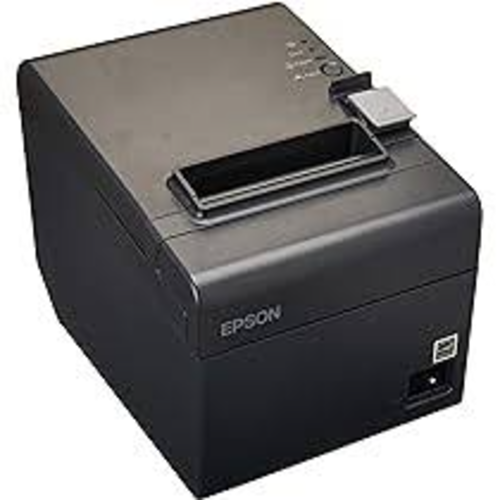
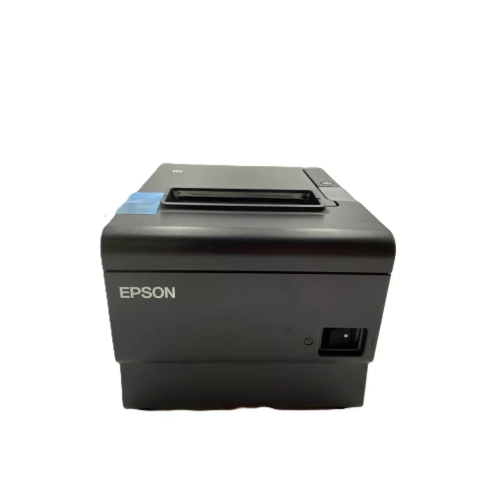
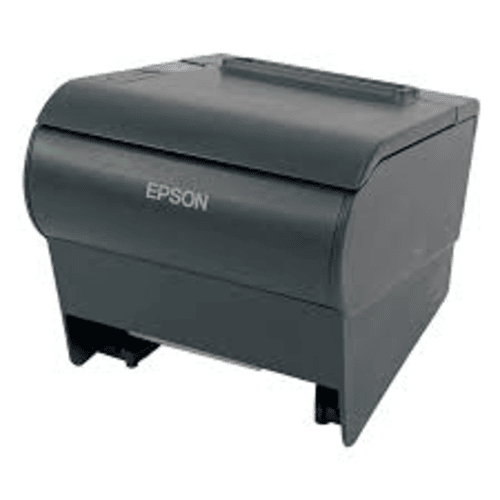
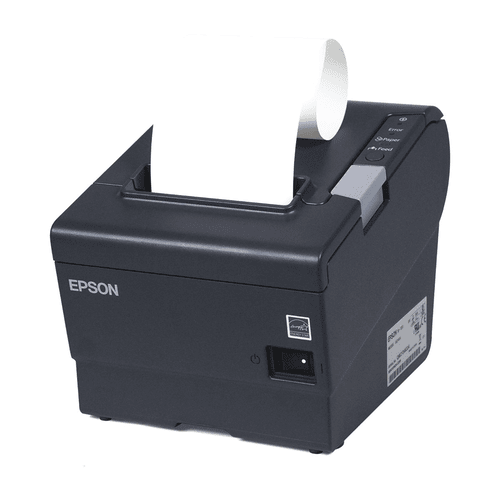
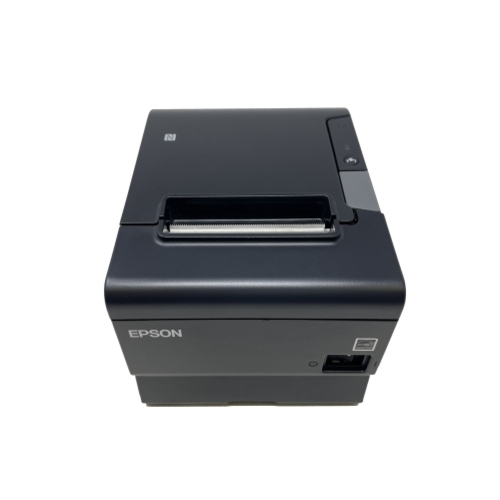
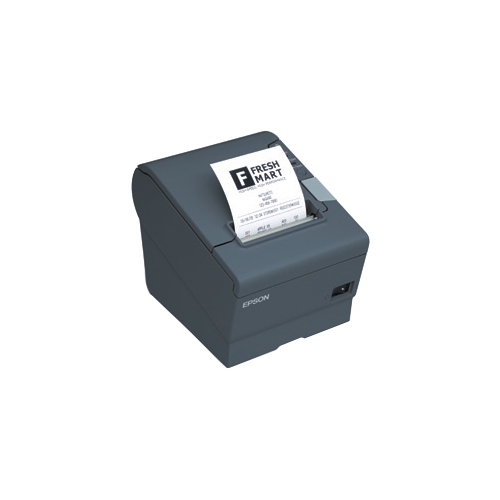
Receipt printers are designed to keep checkout moving with clear, fast paper receipts for retail counters, cafés, restaurants, service desks, ticket booths, and other customer-facing workplaces. Unlike standard office printers, these compact units are built around point-of-sale use, so they can be placed beside a cash drawer, mounted under a counter, or positioned near a kitchen preparation area. Many use direct thermal printing, which creates text and basic graphics through heat-sensitive receipt paper rather than ink cartridges or toner. This makes everyday operation straightforward, with fewer consumables to replace and less maintenance during busy periods. When comparing models in this collection, consider the size of the paper roll, the width of the printed receipt, the available counter space, and the volume of transactions your business handles. A compact 2-inch printer may suit a boutique, market stall, or narrow service counter, while a 3-inch model can provide more room for item details, return policies, loyalty information, or promotional messages. Faster print speeds can be helpful at a busy checkout, where a queue can build quickly during a lunch rush or after a local event. For quieter locations, a smaller footprint and simple setup may be more important than maximum output speed. Businesses looking for related printing equipment can also browse Epson ET Printers to explore another category of printing solutions.
The connection type is one of the most important details to confirm before choosing a receipt printer. Wired models may connect through USB, Ethernet, or another port and are often a dependable choice for a fixed checkout station. Ethernet can be particularly useful when the printer needs to communicate with a point-of-sale system over a business network, while USB may be practical for a single computer or tablet setup. Wireless options using Bluetooth or Wi-Fi can reduce cable clutter and make it easier to place a printer where it is most convenient for staff. They can also support mobile checkout, pop-up counters, patio service, queue management, and other situations where employees move around the sales floor. Compatibility deserves close attention: check whether the printer works with your point-of-sale software, operating system, tablet, cash drawer, barcode scanner, and receipt paper format. Some systems require a specific driver, app, plug-in, or configuration step before printing will work smoothly. It is also worth checking whether the printer supports the commands used by your software, whether it can print logos or QR codes, and whether the connection remains reliable when several devices share the same network. For a kitchen or food-service setting, look for a model intended for frequent use and easy cleaning, with a paper-loading design that staff can manage quickly while wearing gloves or moving between orders. A quieter printer can be more comfortable in a front-of-house setting, while a durable unit may be better suited to a high-traffic counter.
Receipt printers can support a wide range of daily routines, from issuing a simple proof of purchase to printing order slips, pickup labels, transaction summaries, and customer-facing instructions. A retailer may use one at the main till and another at a service desk, while a café may send order details to a preparation area and print receipts at the front counter. Mobile units can help staff process purchases away from a fixed register, such as during busy floor periods, outdoor service, curbside collection, or line-busting before customers reach the checkout. When planning a setup, think about where the printer will sit, who will operate it, and what happens if the primary connection is interrupted. A spare roll of compatible paper, accessible power, and a clearly labelled cable can prevent small problems from slowing down a busy shift. Features such as automatic paper cutting, status indicators, splash resistance, drop protection, and easy-access covers may also make a noticeable difference over time. Receipt paper is sold in different widths and roll sizes, so matching the paper to the printer is essential for clean alignment and dependable feeding. Whether you are outfitting a new counter, replacing an older unit, or adding printing to a mobile point-of-sale station, focus on the combination of speed, footprint, connectivity, software support, and day-to-day durability that fits your operation. A well-matched receipt printer keeps transactions organized, gives customers a readable record, and helps staff move from one sale or order to the next with fewer interruptions.
The connection type is one of the most important details to confirm before choosing a receipt printer. Wired models may connect through USB, Ethernet, or another port and are often a dependable choice for a fixed checkout station. Ethernet can be particularly useful when the printer needs to communicate with a point-of-sale system over a business network, while USB may be practical for a single computer or tablet setup. Wireless options using Bluetooth or Wi-Fi can reduce cable clutter and make it easier to place a printer where it is most convenient for staff. They can also support mobile checkout, pop-up counters, patio service, queue management, and other situations where employees move around the sales floor. Compatibility deserves close attention: check whether the printer works with your point-of-sale software, operating system, tablet, cash drawer, barcode scanner, and receipt paper format. Some systems require a specific driver, app, plug-in, or configuration step before printing will work smoothly. It is also worth checking whether the printer supports the commands used by your software, whether it can print logos or QR codes, and whether the connection remains reliable when several devices share the same network. For a kitchen or food-service setting, look for a model intended for frequent use and easy cleaning, with a paper-loading design that staff can manage quickly while wearing gloves or moving between orders. A quieter printer can be more comfortable in a front-of-house setting, while a durable unit may be better suited to a high-traffic counter.
Receipt printers can support a wide range of daily routines, from issuing a simple proof of purchase to printing order slips, pickup labels, transaction summaries, and customer-facing instructions. A retailer may use one at the main till and another at a service desk, while a café may send order details to a preparation area and print receipts at the front counter. Mobile units can help staff process purchases away from a fixed register, such as during busy floor periods, outdoor service, curbside collection, or line-busting before customers reach the checkout. When planning a setup, think about where the printer will sit, who will operate it, and what happens if the primary connection is interrupted. A spare roll of compatible paper, accessible power, and a clearly labelled cable can prevent small problems from slowing down a busy shift. Features such as automatic paper cutting, status indicators, splash resistance, drop protection, and easy-access covers may also make a noticeable difference over time. Receipt paper is sold in different widths and roll sizes, so matching the paper to the printer is essential for clean alignment and dependable feeding. Whether you are outfitting a new counter, replacing an older unit, or adding printing to a mobile point-of-sale station, focus on the combination of speed, footprint, connectivity, software support, and day-to-day durability that fits your operation. A well-matched receipt printer keeps transactions organized, gives customers a readable record, and helps staff move from one sale or order to the next with fewer interruptions.
Top selling and popular products
-
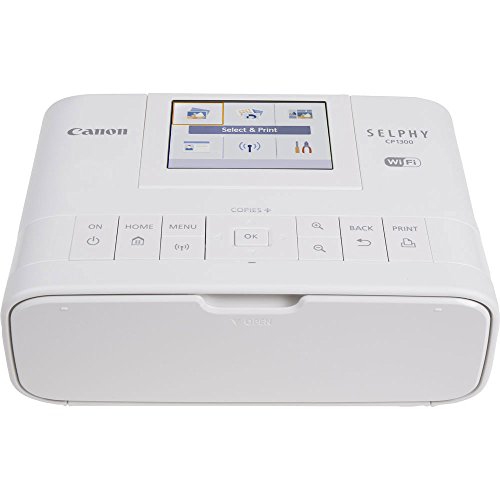 Your price for this item is $299
 -
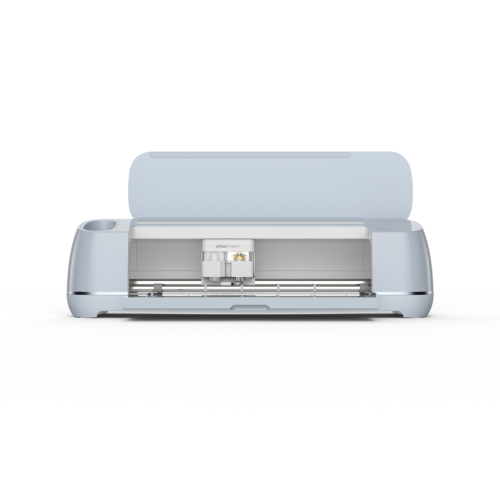 Your price for this item is $549
 -
 Your price for this item is $409.99
 -
 Your price for this item is $279
 -
 Your price for this item is $253.19
 -
 Your price for this item is $201.99
 -
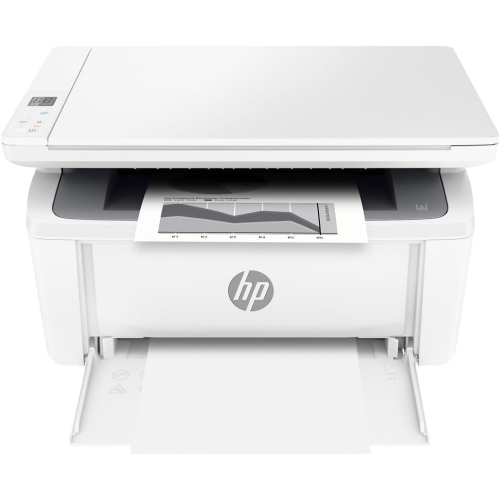 Your price for this item is $206.99
 -
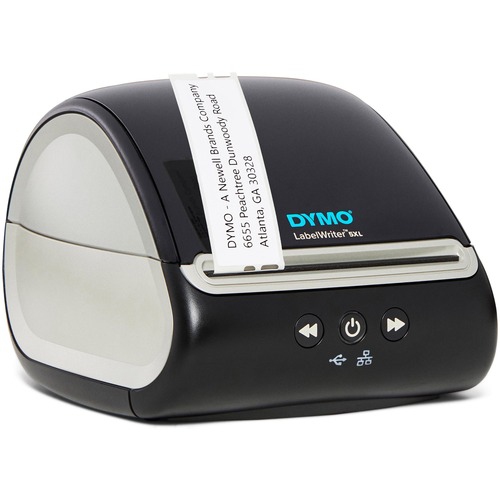 Your price for this item is $370.68
Discover more categories related to Epson Receipt Printers


Top Collections:
Pokemon Centers, Kindle Devices, Best Budget Office Chairs, Apple iPhones 16, Best Laptops for Writers, iPhone 15 Apple, Canon G7X Cameras, Refurbished Apple Laptops, Alarm Clock, Motorola Razr Phones
Some products may be subject to Environmental Handling Fees
(EHF) depending on your province.
Learn more about EHFs.