Thinnest Computer Monitors
Thinnest computer monitors are designed to bring a sleek, modern look to any workspace while maximizing your desk space. Perfect for home offices, gaming setups, or creative studios, these ultra-slim displays offer a streamlined profile that fits seamlessly into any setting. Discover a variety of thinnest computer monitors at Best Buy and find the ideal combination of style and performance for your needs.
Sort
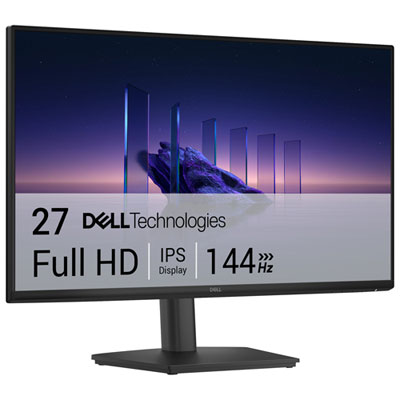
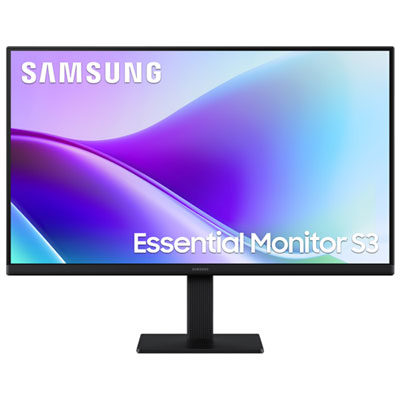
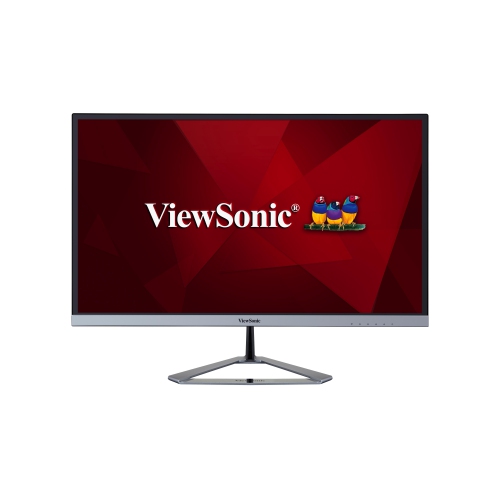
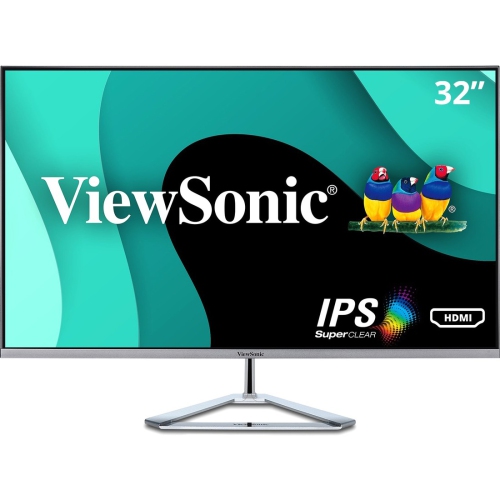



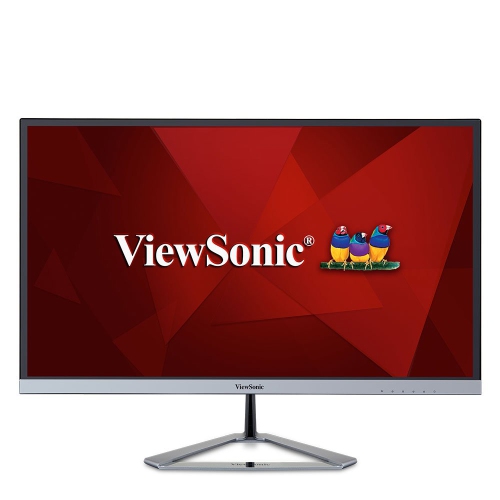
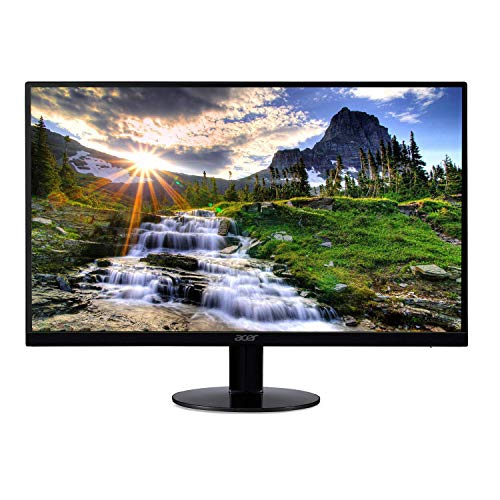

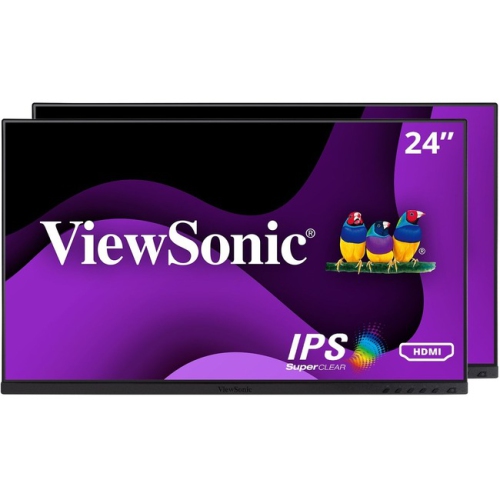
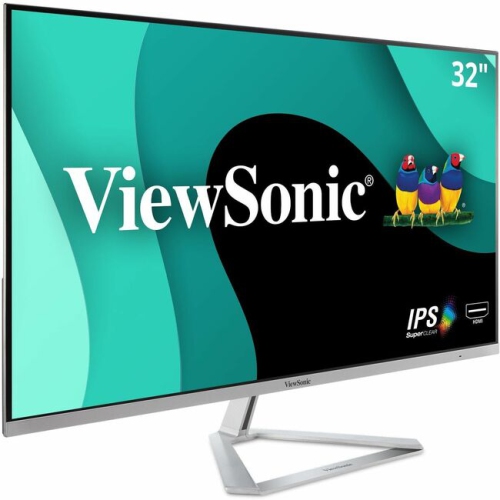

A slim profile does not guarantee a smaller footprint
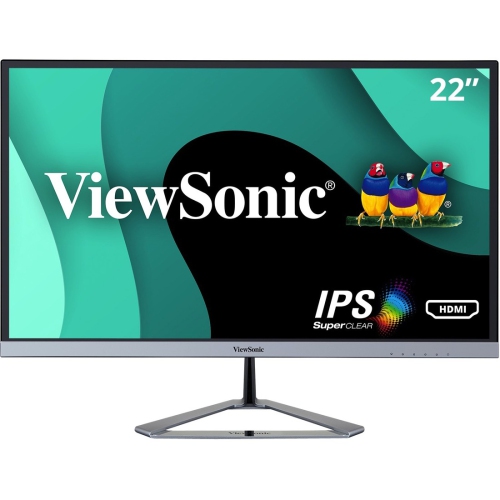
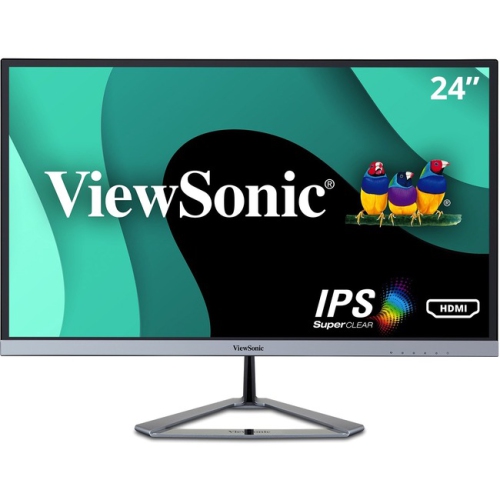
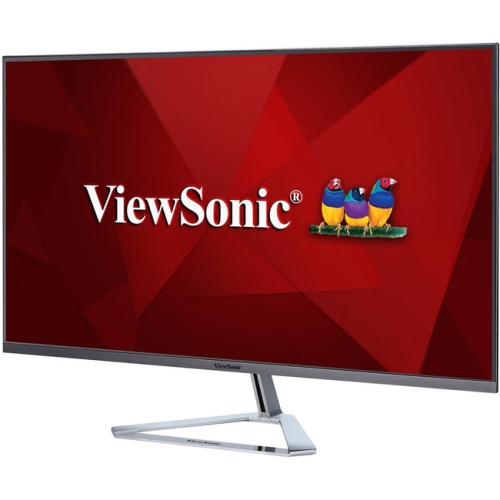
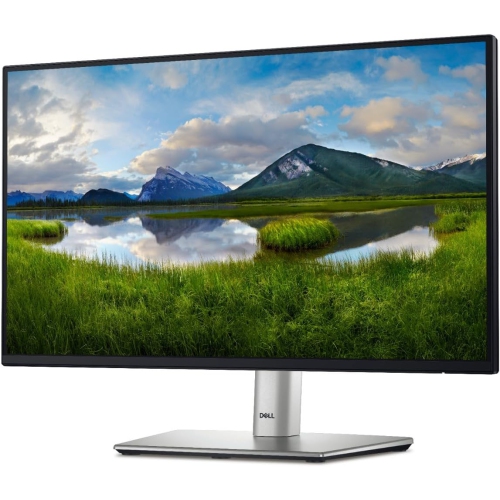
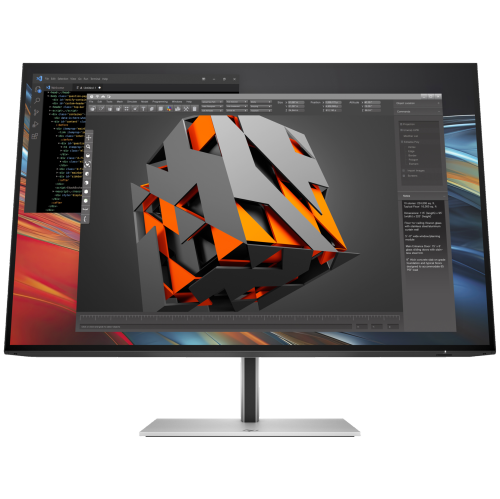
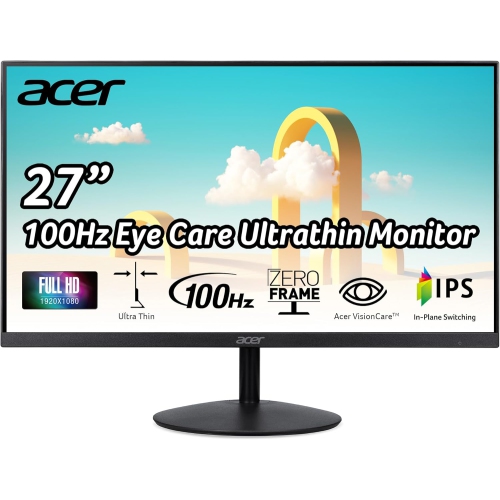
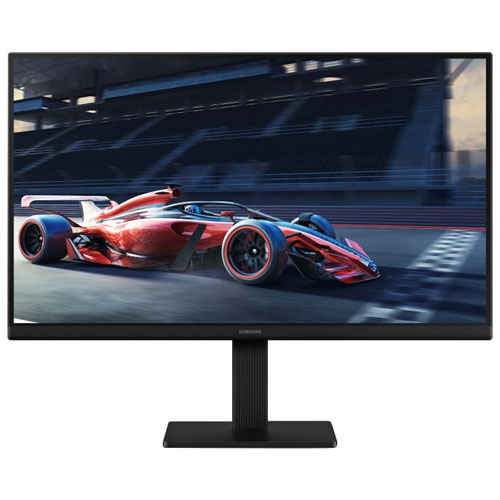
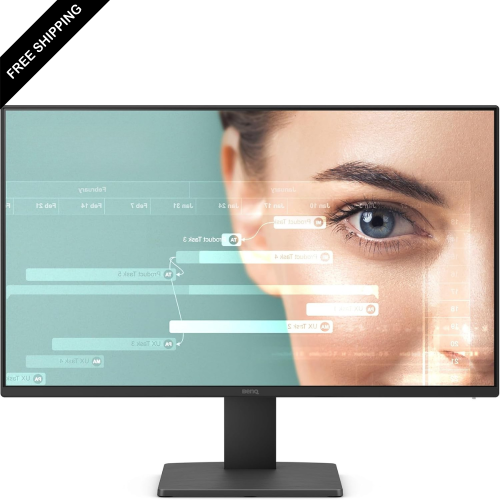
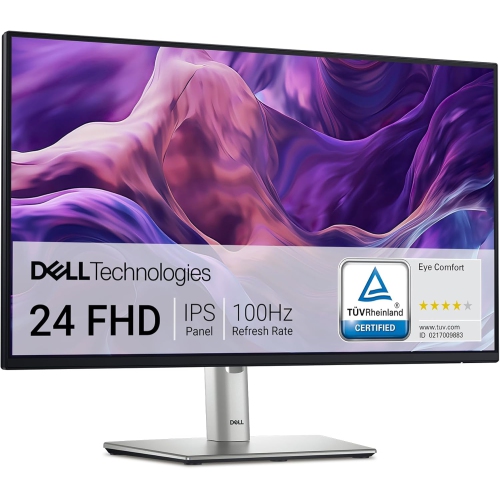
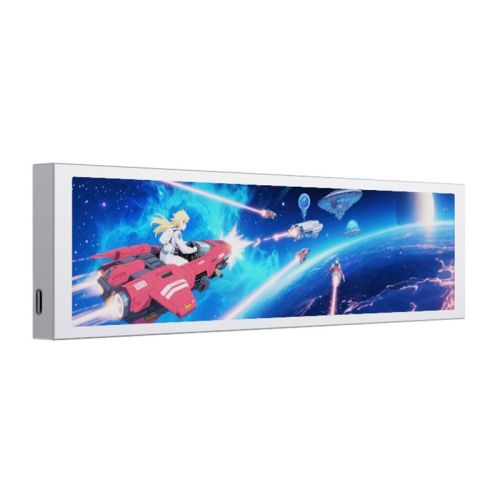
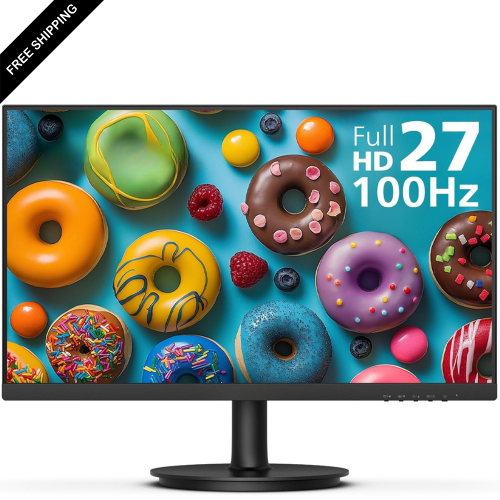
Ultra-thin computer monitors have a shallow screen housing that creates a slim side profile, whether the display sits on a desk, attaches to a compatible monitor arm, or travels beside a laptop. The category includes slim desktop monitors intended for a permanent workspace and portable external screens designed to move between locations. When comparing the thinnest computer monitors, it helps to distinguish the thickness of the display body from the depth of the complete setup. A screen may be particularly thin across its upper section yet have a thicker lower housing for connections and internal components. Its stand can also extend well beyond the panel, so a slim appearance does not necessarily mean a small desktop footprint. Narrow bezels describe something different: the borders around the visible picture, rather than the thickness of the monitor itself. Both details contribute to a streamlined look, but they serve different purposes. Thin bezels keep neighbouring screens visually close together, while a shallow housing reduces bulk when viewed from the side. In a compact home office, a slim monitor can leave a workspace feeling less crowded, especially when paired with a stand that leaves room for a keyboard, notebook, and charging accessories. Screen size still determines much of the fit. A 24-inch display may suit a narrow desk, while a 27-inch or larger screen provides more room for spreadsheets, document layouts, and side-by-side windows. Larger displays also need sufficient desk width and a comfortable viewing distance. The overall impression depends on the whole assembly: a slender panel, a stable base, neatly routed cables, and enough clearance behind the screen for connectors. For a shared study area or a desk that doubles as a place for paperwork, these practical dimensions matter just as much as the monitor’s profile.
A thin design describes the monitor’s construction, not its picture quality or performance. Resolution, panel technology, brightness, colour reproduction, and refresh rate determine how the display feels in daily use. Full HD can suit everyday browsing and documents on smaller screens, while higher resolutions provide finer detail and more workspace, depending on screen size and display scaling. On a larger monitor, the extra detail of QHD or 4K can make small text, detailed illustrations, and multiple open windows easier to work with, although comfortable text sizing remains important. A student moving between research notes and an assignment has different needs from a photographer assessing subtle colour differences or a player following fast motion. IPS panels are often valued for wide viewing angles, while VA panels commonly offer strong contrast; OLED displays can deliver deep blacks and fast pixel response, but their care requirements and suitability for prolonged static content deserve attention. None of these characteristics can be inferred from thinness alone. A matte screen surface can soften visible reflections near a window or desk lamp, while brightness adjustment helps keep the picture comfortable in different lighting. For games and fast-moving video, refresh rate, response behaviour, and compatible adaptive-sync features matter more than a sleek silhouette. Connections also shape how naturally a monitor fits into a setup. HDMI and DisplayPort are common options for video, while some USB-C connections can carry video, data, and power through one cable. USB-C capabilities vary across monitors, computers, and cables, so the presence of the connector alone does not establish which functions are supported. A portable screen may need separate power even when it receives video from a laptop. Built-in speakers can handle simple calls or occasional video, but their presence and quality vary. These details make the difference between a display that merely looks tidy and one that suits a full day of work, study, creative projects, or entertainment.
Materials, support, and handling are especially relevant when the display housing is slender. Monitor bodies may use plastic, metal, or a combination of both, with different finishes affecting weight, feel, and how readily fingerprints show. Thin construction does not automatically mean fragile construction, but pressure on the panel, twisting, and knocks against exposed edges can cause damage. A stable stand supports everyday adjustments, while height, tilt, swivel, and pivot functions determine how easily the screen can be positioned for different tasks. Some slim monitors provide only limited adjustment, and not every model supports a standard mounting pattern. A compatible arm can free space beneath the display, provided the monitor’s mounting points, weight, and the arm’s requirements align. Portable monitors bring another set of considerations: a protective sleeve or fitted case, a secure folding support, and room in a bag that does not press accessories against the screen. For anyone prioritizing easier carrying, Lightweight Computer Monitors offers a related focus, since low weight and a thin profile are useful but separate qualities. A shallow desktop display can still be relatively heavy, particularly with its stand attached. Routine care is straightforward when it follows the manufacturer’s directions: power off the display, use a clean, soft microfibre cloth, and avoid spraying liquid directly onto the panel or into openings. Dust around vents and connections can be removed gently without pushing debris inside. During a move, supporting the housing rather than gripping the screen helps protect delicate surfaces. As a gift for a student, remote worker, or someone building a more organized desk, a slim monitor is most useful when its size, connections, and mounting options suit the recipient’s existing equipment. The strongest fit balances a clean profile with a readable picture, comfortable positioning, dependable support, and the practical needs of the person using it.
A thin design describes the monitor’s construction, not its picture quality or performance. Resolution, panel technology, brightness, colour reproduction, and refresh rate determine how the display feels in daily use. Full HD can suit everyday browsing and documents on smaller screens, while higher resolutions provide finer detail and more workspace, depending on screen size and display scaling. On a larger monitor, the extra detail of QHD or 4K can make small text, detailed illustrations, and multiple open windows easier to work with, although comfortable text sizing remains important. A student moving between research notes and an assignment has different needs from a photographer assessing subtle colour differences or a player following fast motion. IPS panels are often valued for wide viewing angles, while VA panels commonly offer strong contrast; OLED displays can deliver deep blacks and fast pixel response, but their care requirements and suitability for prolonged static content deserve attention. None of these characteristics can be inferred from thinness alone. A matte screen surface can soften visible reflections near a window or desk lamp, while brightness adjustment helps keep the picture comfortable in different lighting. For games and fast-moving video, refresh rate, response behaviour, and compatible adaptive-sync features matter more than a sleek silhouette. Connections also shape how naturally a monitor fits into a setup. HDMI and DisplayPort are common options for video, while some USB-C connections can carry video, data, and power through one cable. USB-C capabilities vary across monitors, computers, and cables, so the presence of the connector alone does not establish which functions are supported. A portable screen may need separate power even when it receives video from a laptop. Built-in speakers can handle simple calls or occasional video, but their presence and quality vary. These details make the difference between a display that merely looks tidy and one that suits a full day of work, study, creative projects, or entertainment.
Materials, support, and handling are especially relevant when the display housing is slender. Monitor bodies may use plastic, metal, or a combination of both, with different finishes affecting weight, feel, and how readily fingerprints show. Thin construction does not automatically mean fragile construction, but pressure on the panel, twisting, and knocks against exposed edges can cause damage. A stable stand supports everyday adjustments, while height, tilt, swivel, and pivot functions determine how easily the screen can be positioned for different tasks. Some slim monitors provide only limited adjustment, and not every model supports a standard mounting pattern. A compatible arm can free space beneath the display, provided the monitor’s mounting points, weight, and the arm’s requirements align. Portable monitors bring another set of considerations: a protective sleeve or fitted case, a secure folding support, and room in a bag that does not press accessories against the screen. For anyone prioritizing easier carrying, Lightweight Computer Monitors offers a related focus, since low weight and a thin profile are useful but separate qualities. A shallow desktop display can still be relatively heavy, particularly with its stand attached. Routine care is straightforward when it follows the manufacturer’s directions: power off the display, use a clean, soft microfibre cloth, and avoid spraying liquid directly onto the panel or into openings. Dust around vents and connections can be removed gently without pushing debris inside. During a move, supporting the housing rather than gripping the screen helps protect delicate surfaces. As a gift for a student, remote worker, or someone building a more organized desk, a slim monitor is most useful when its size, connections, and mounting options suit the recipient’s existing equipment. The strongest fit balances a clean profile with a readable picture, comfortable positioning, dependable support, and the practical needs of the person using it.
Top selling and popular products
-
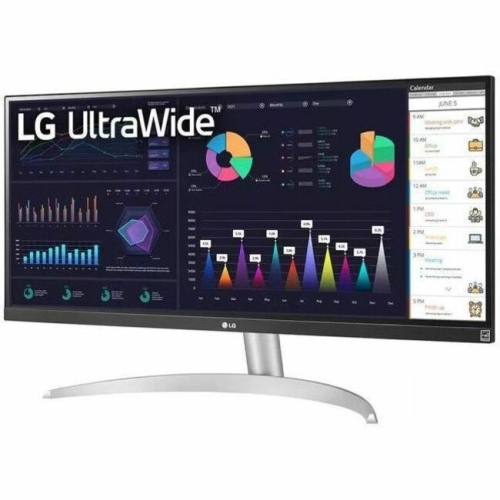 Your price for this item is $2237.68
-
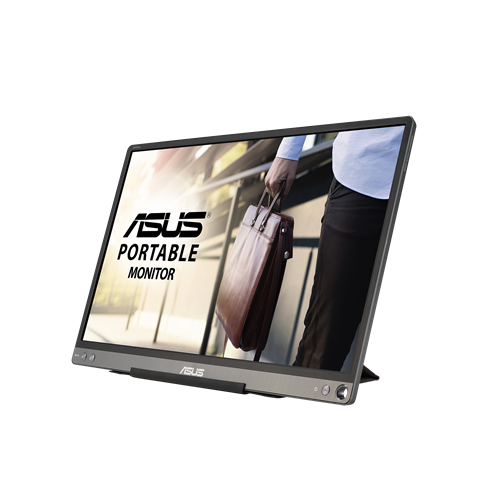 Your price for this item is $320.68
-
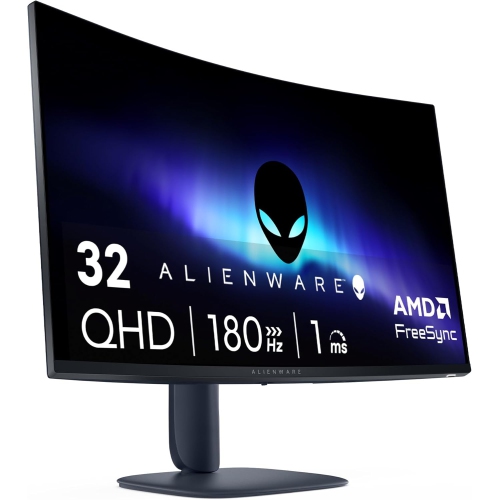 Your price for this item is $469
-
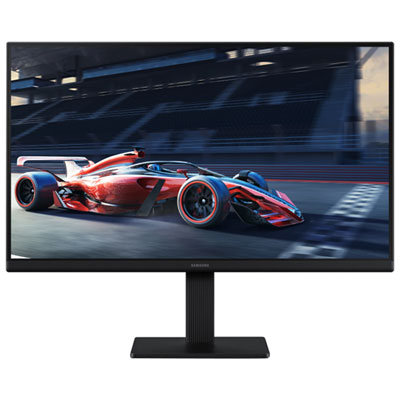 Your price for this item is $149.99
-
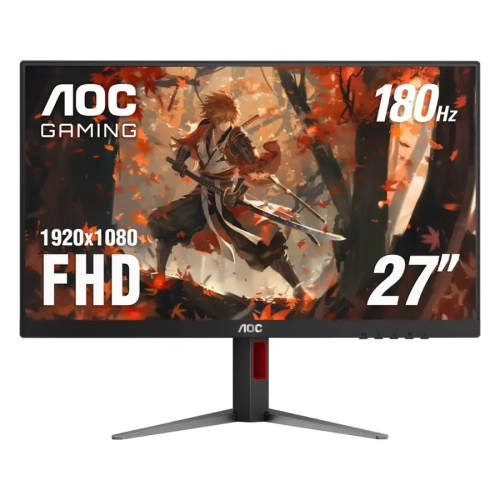 Your price for this item is $229.99
-
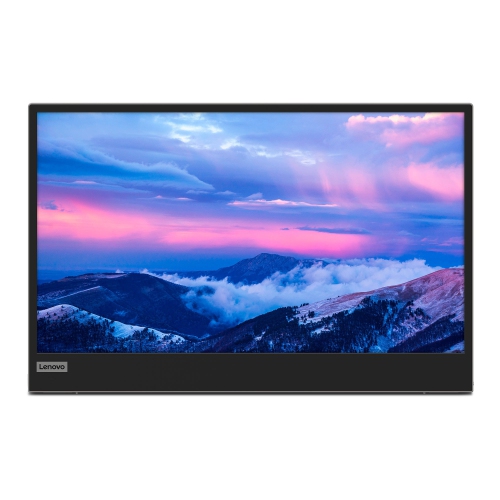 Your price for this item is $355.68
-
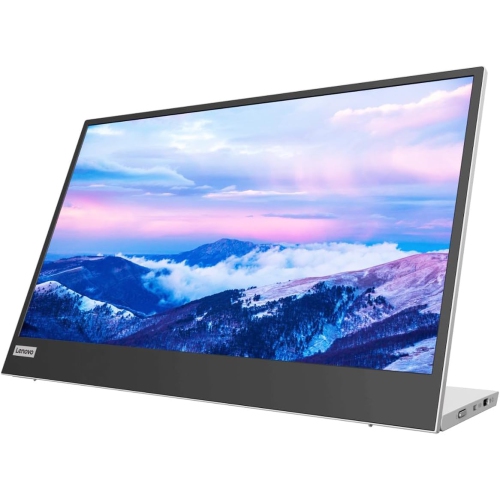 Your price for this item is $313.99
-
 Your price for this item is $3297.99
Discover more categories related to Thinnest Computer Monitors
Top Collections:
Pokemon Centers, Best Black Friday Deals This Year, Best Black Friday Deals On Electronics, Kindle Devices, Best Budget Office Chairs, Best Black Friday Deals On Apple Products, Best Cameras for Sports Photography, Pokémon 30th Celebration Cards, Dyson Airwrap, Canon G7X Cameras
Some products may be subject to Environmental Handling Fees
(EHF) depending on your province.
Learn more about EHFs.