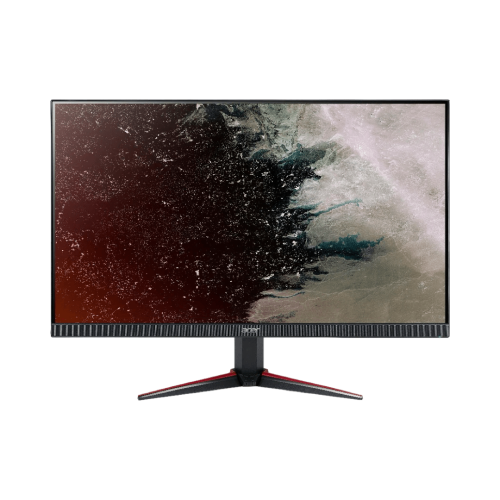
Thin Bezel Monitors
Upgrade your viewing experience with thin-bezel monitors. Looking for a sleek and modern addition to your workspace? Look no further than thin-bezel monitors. These cutting-edge displays offer a seamless viewing experience with their ultra-thin edges, making them perfect for multi-monitor setups or simply adding a touch of elegance to your desk. With their slim profiles and advanced technology, thin-bezel monitors not only enhance the aesthetics of your workspace but also provide crisp visuals and immersive viewing angles. Whether you're a gamer, designer, or professional seeking a more immersive display, our collection of thin-bezel monitors has something to suit every need and budget. Discover sleek designs and crisp displays for a seamless visual experience. Shop now!

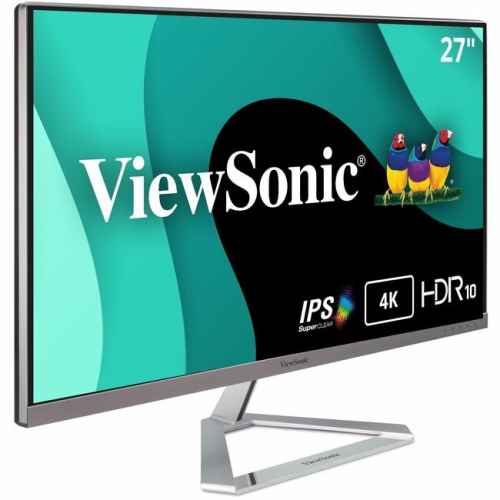
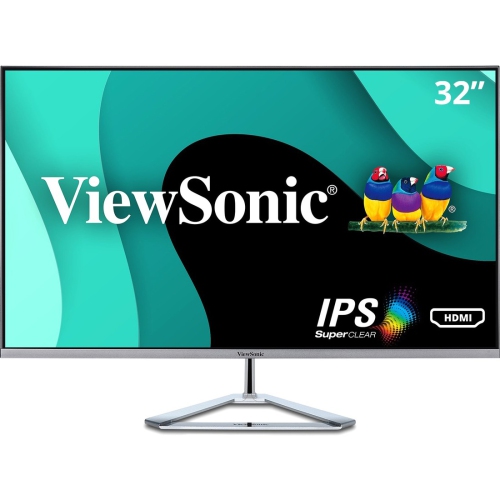

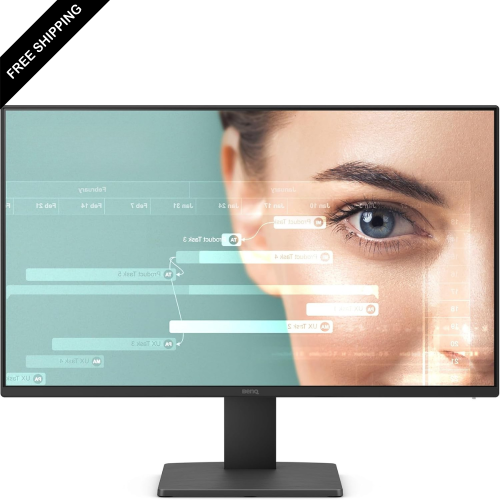
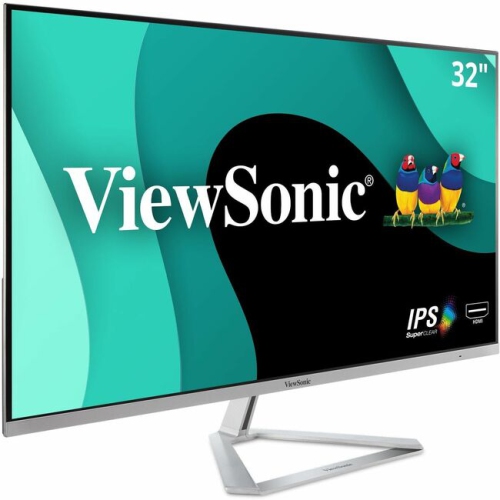

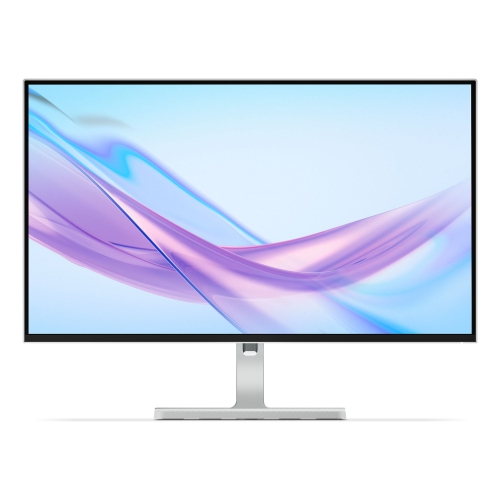
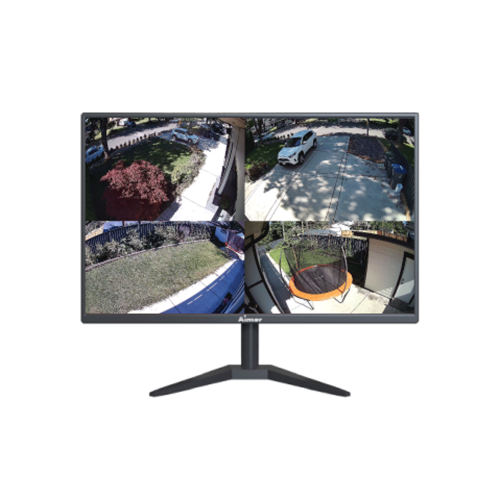
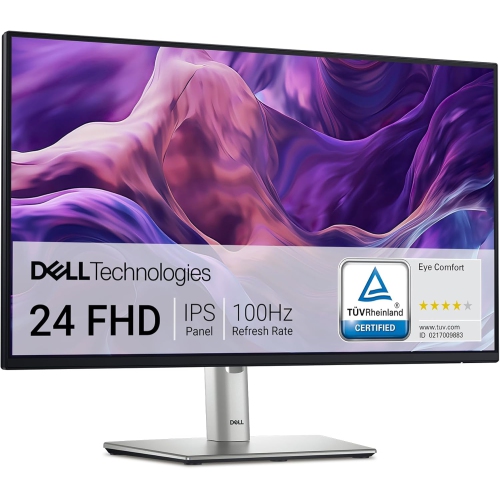


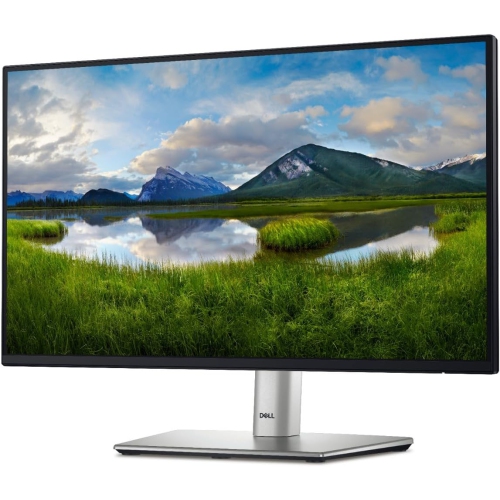
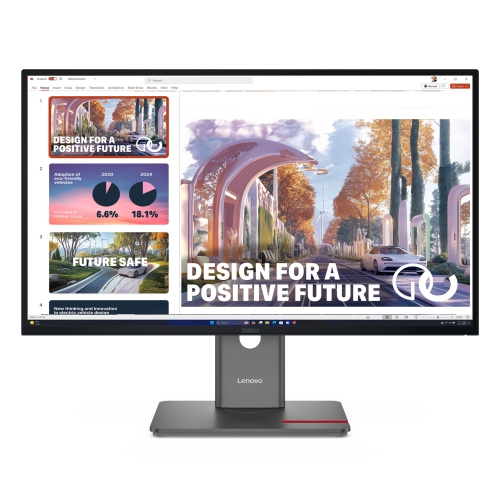
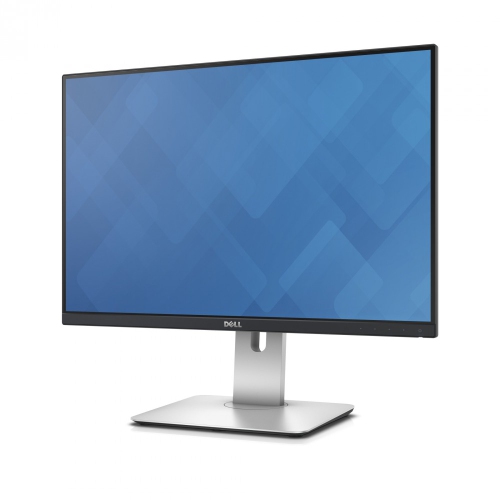
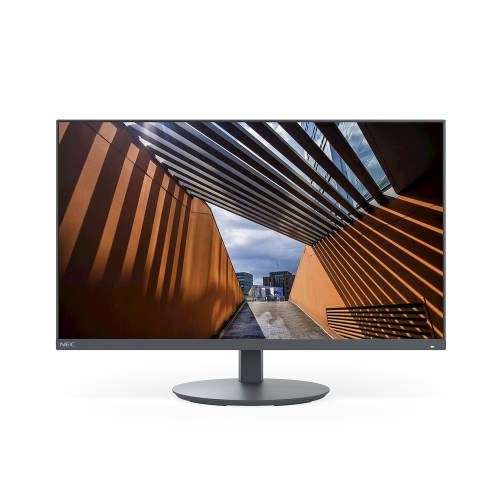


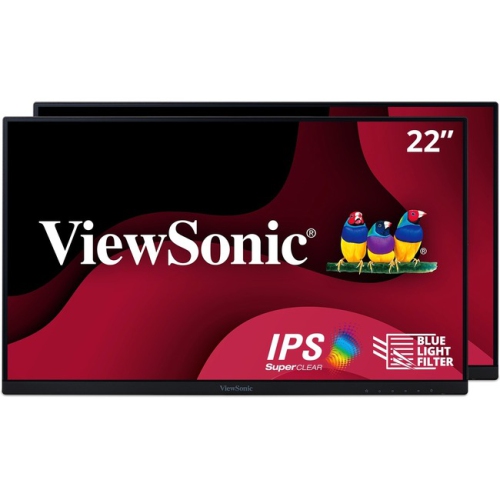
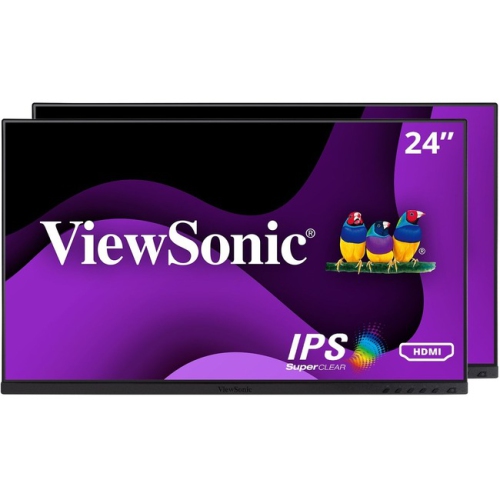
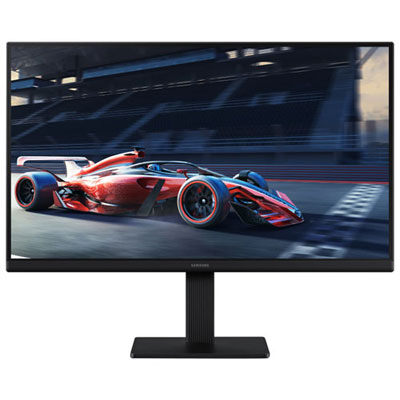
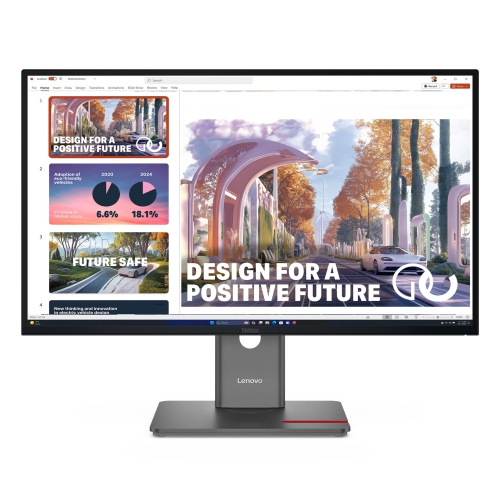
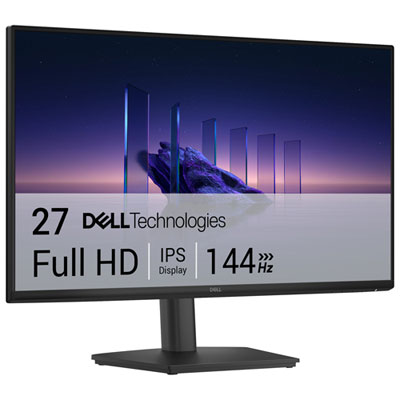
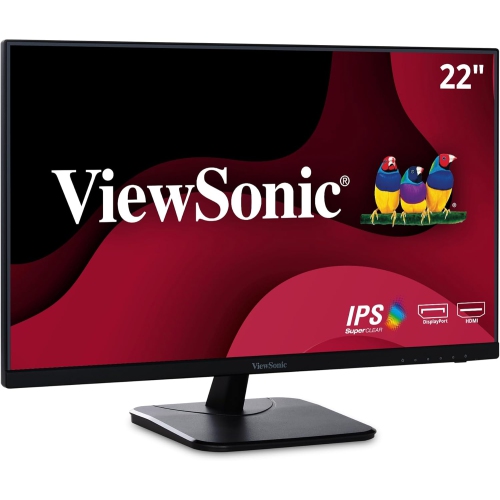
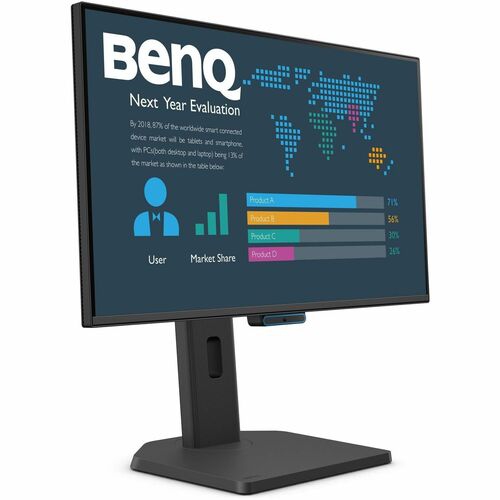
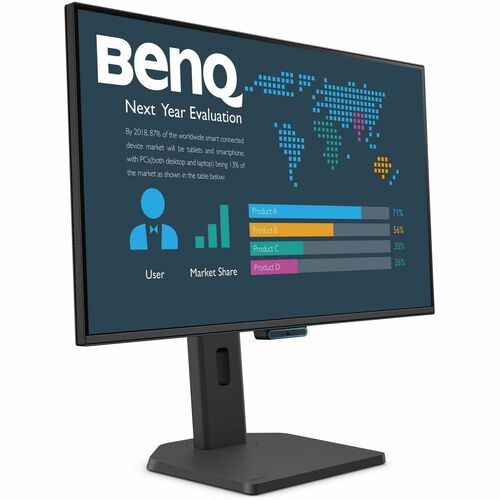
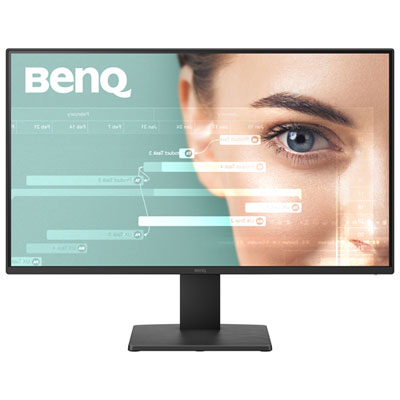
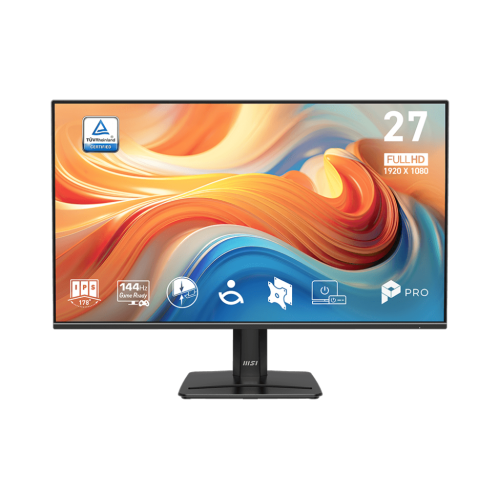
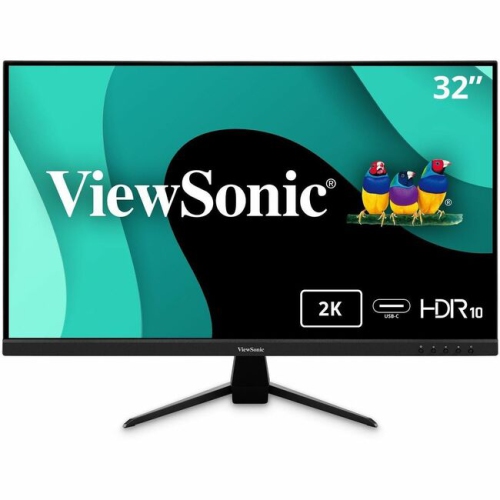

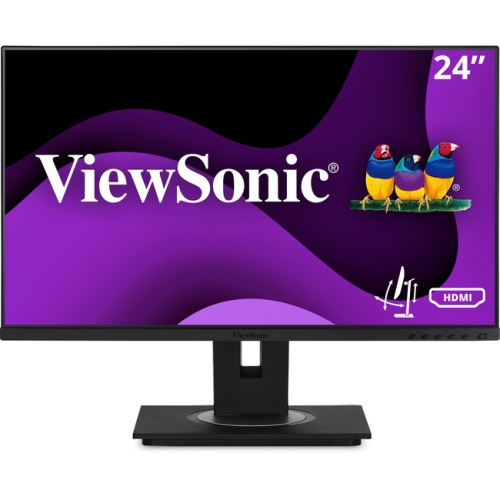
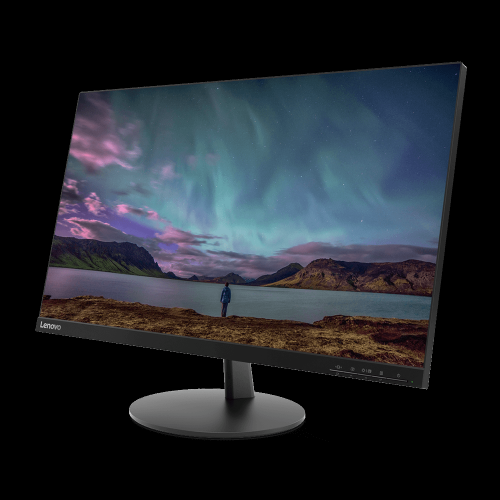
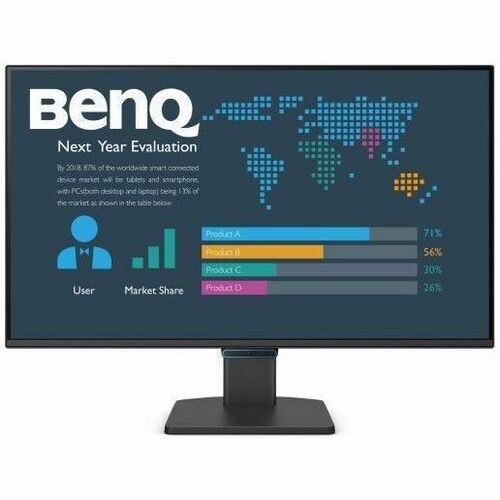


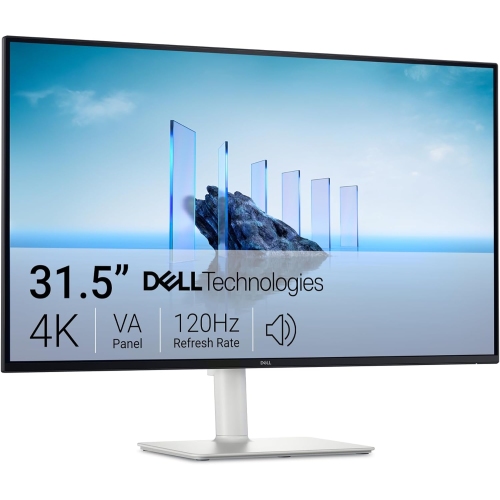
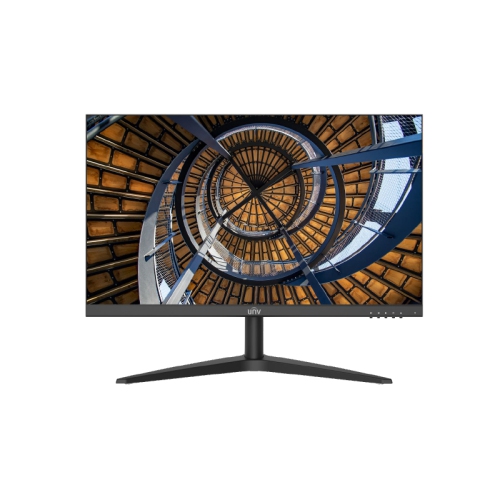
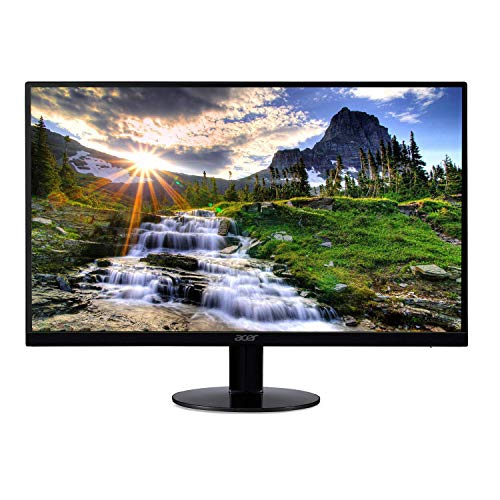
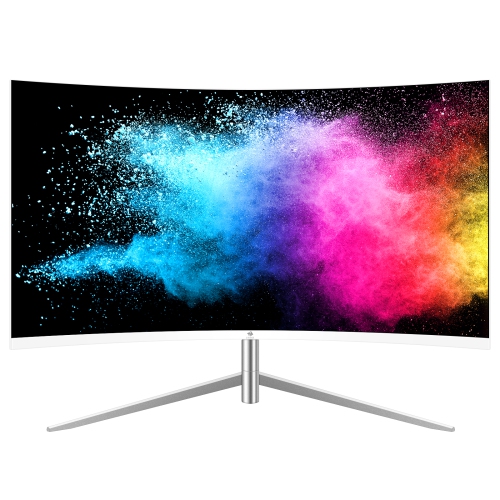
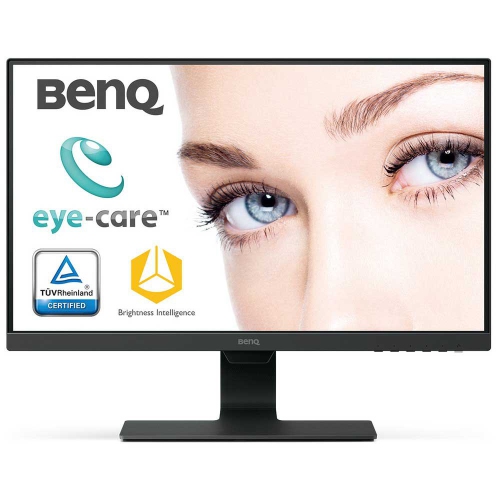
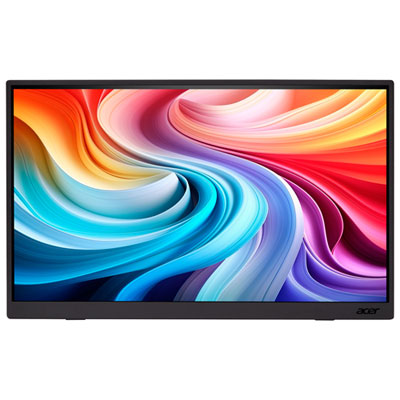
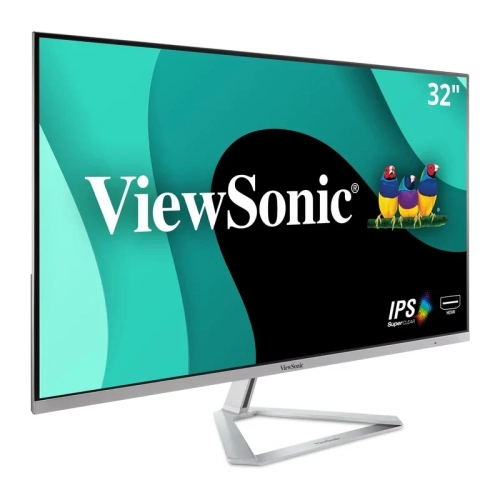
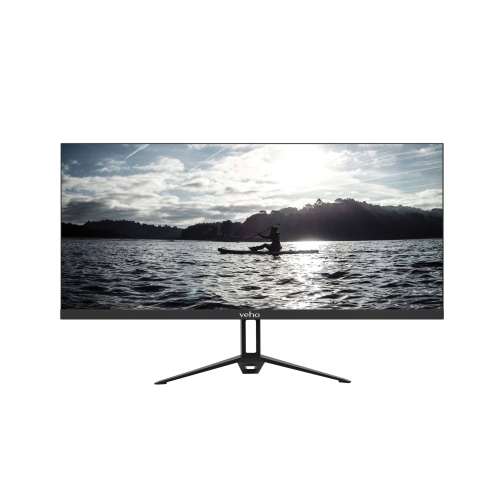
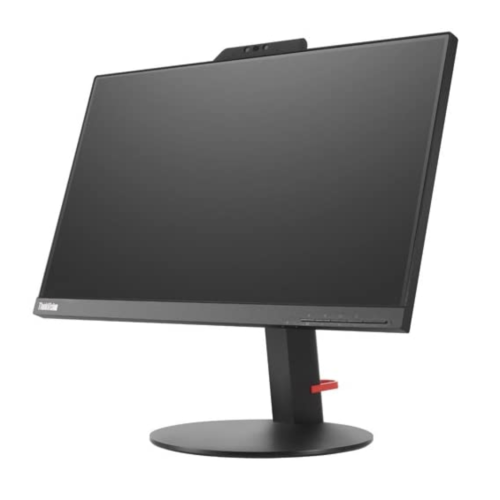

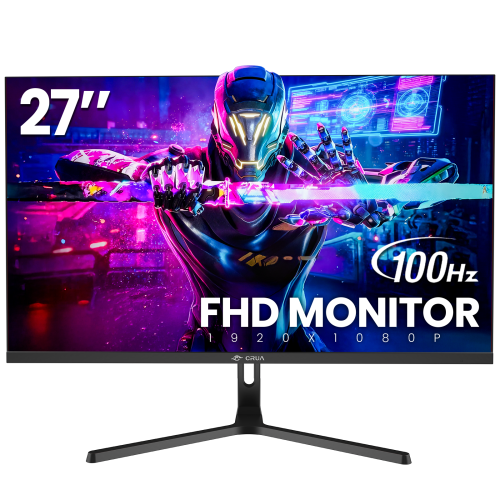


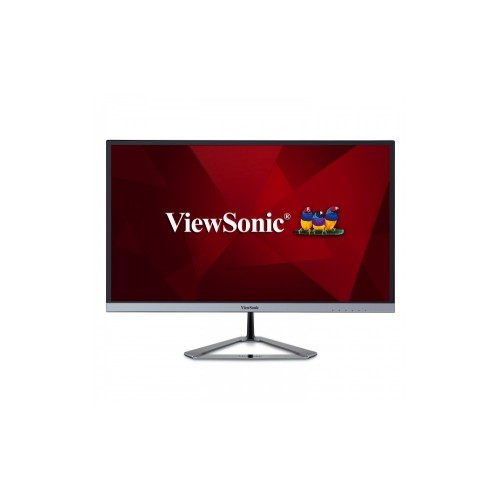
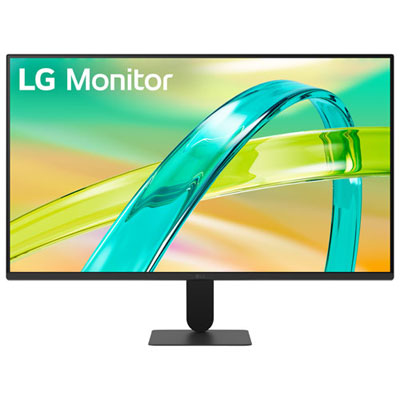
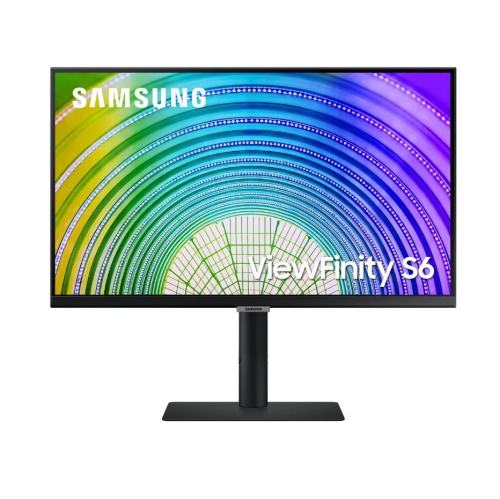
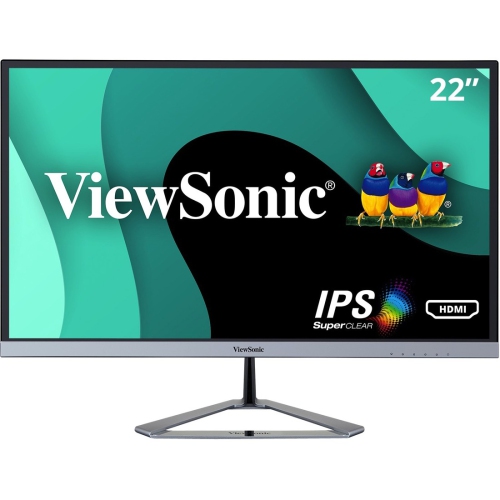
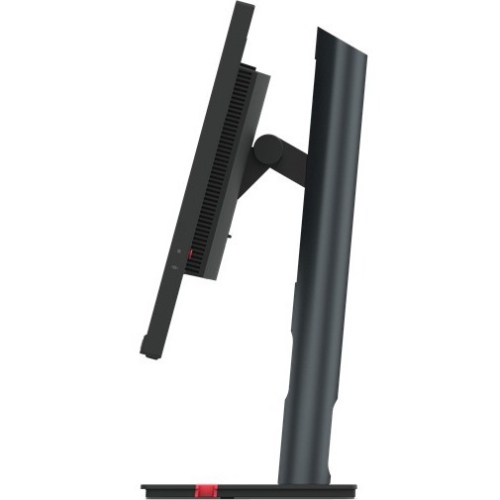
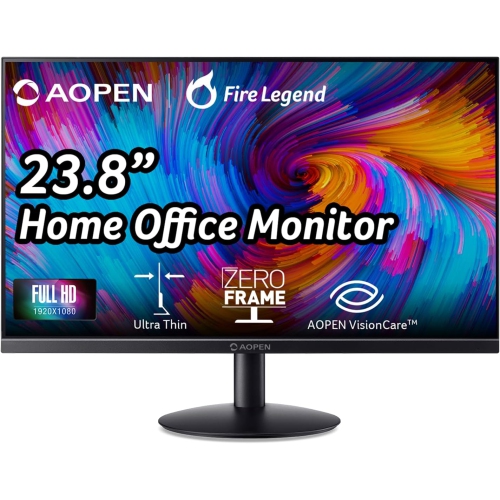

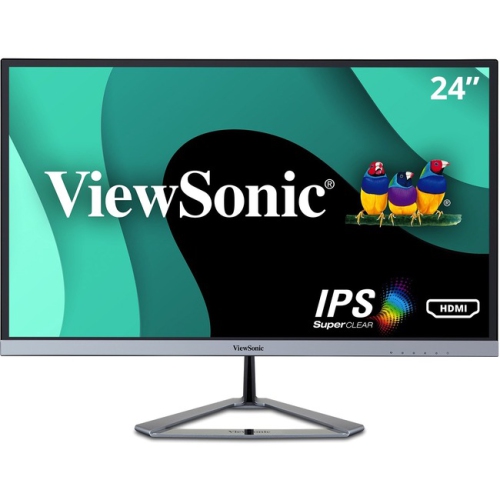

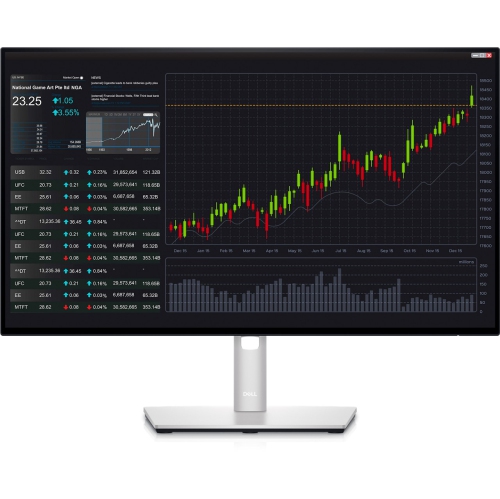
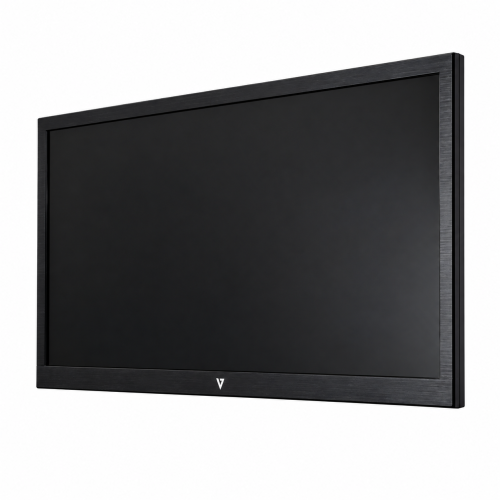
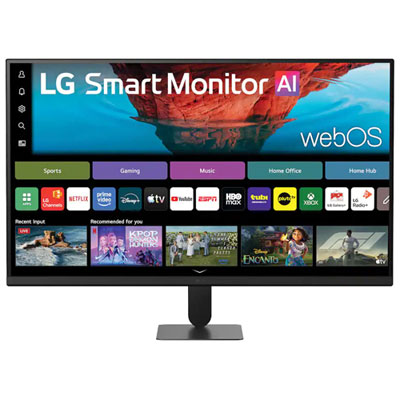
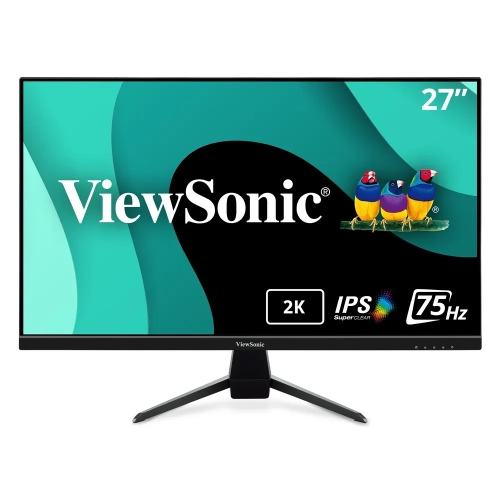
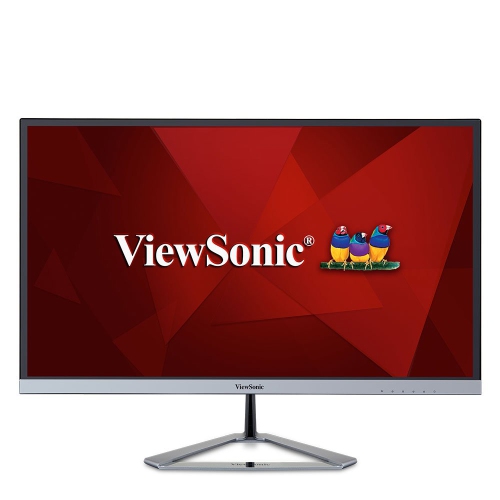
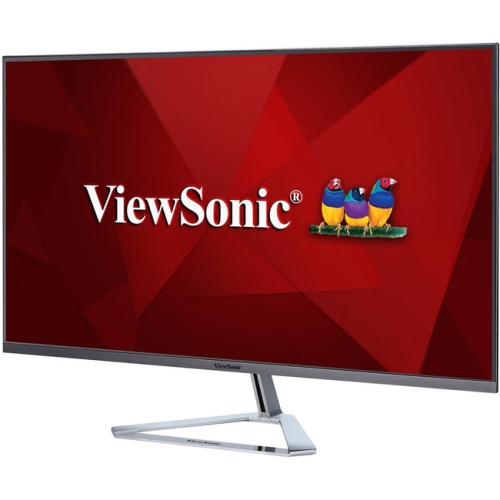
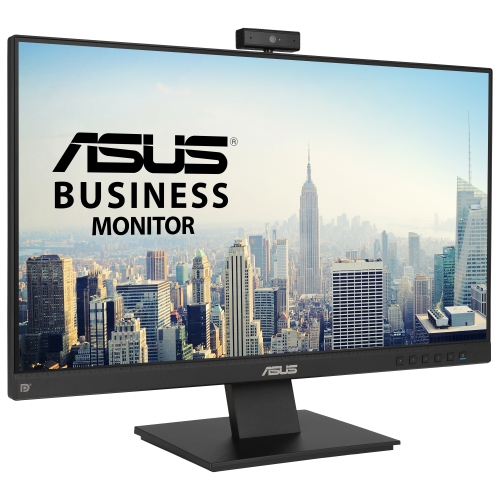
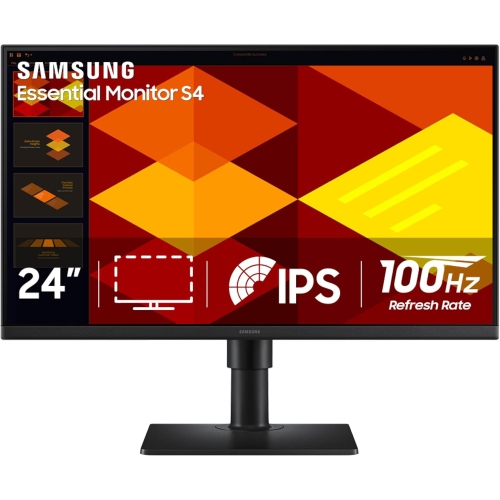


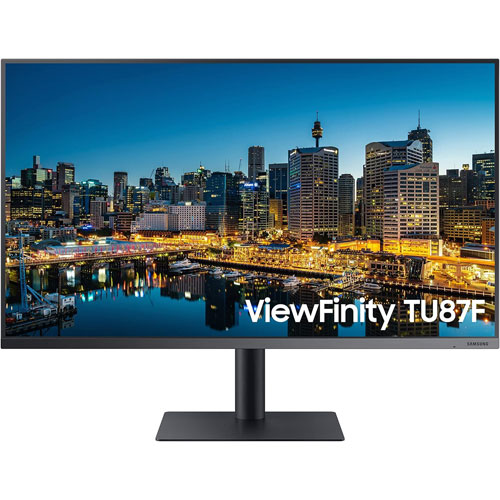
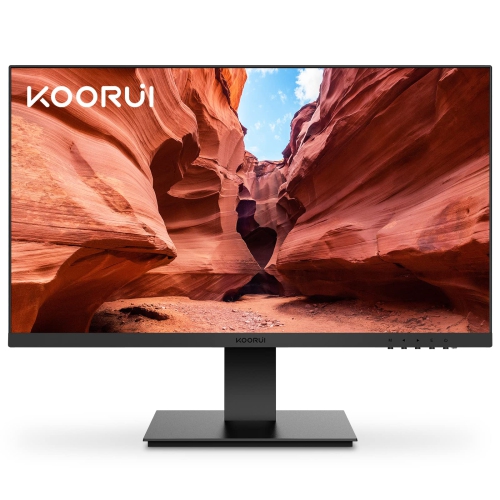

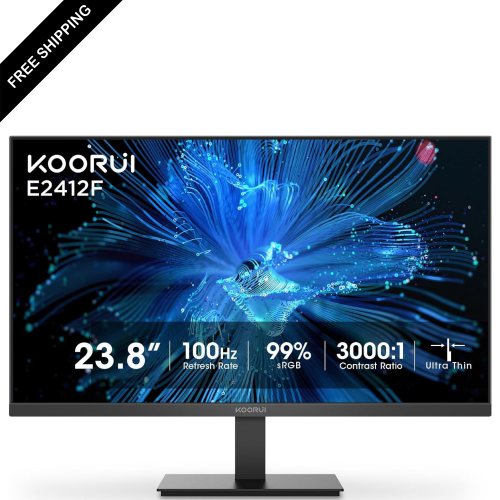

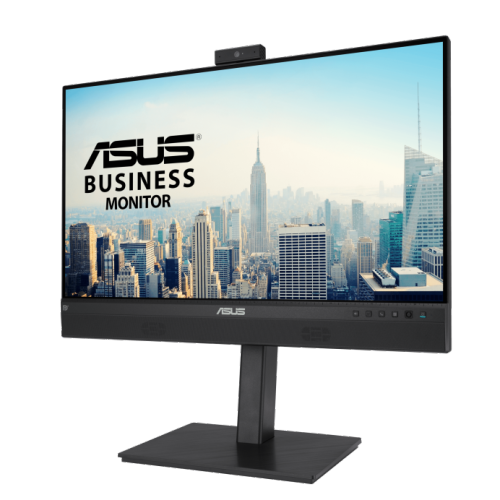


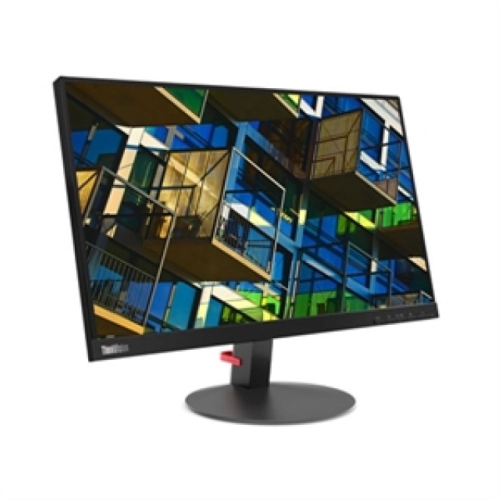


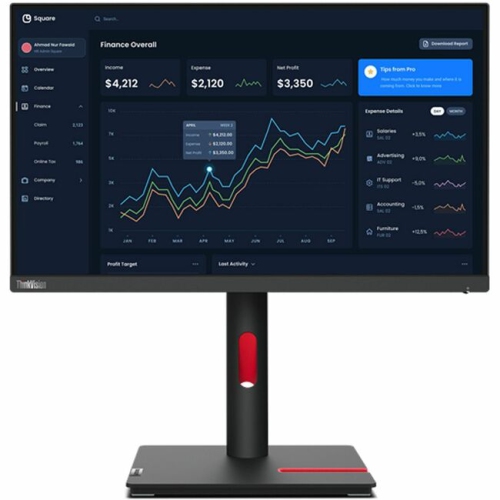
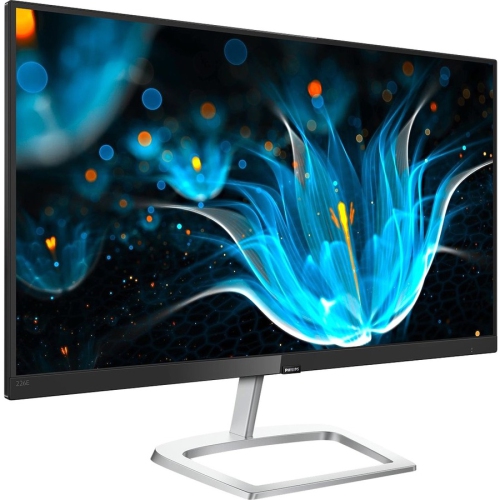
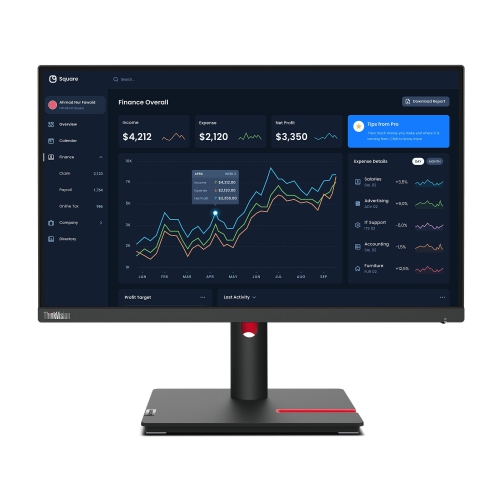
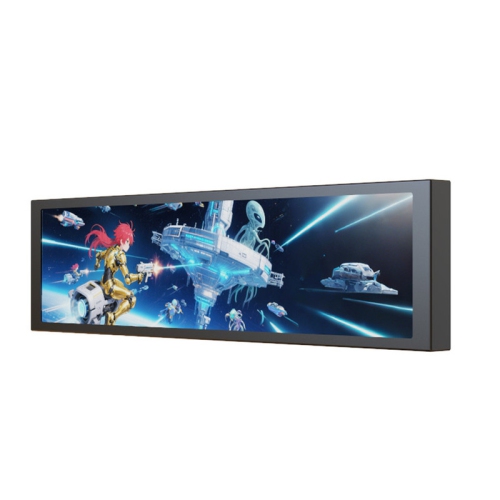

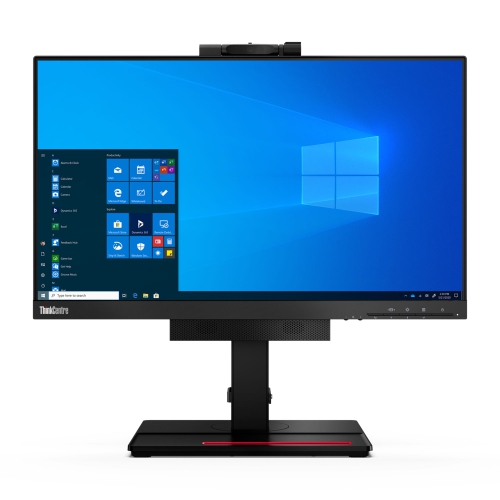
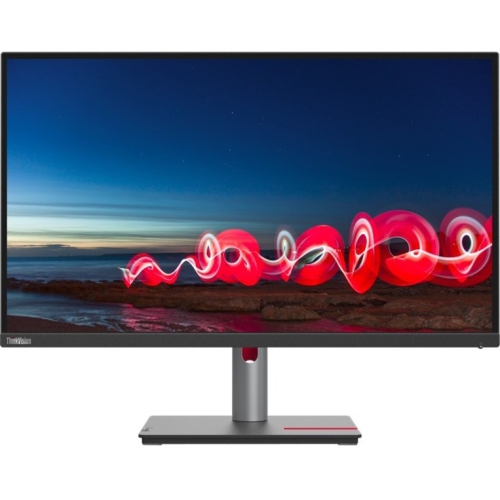
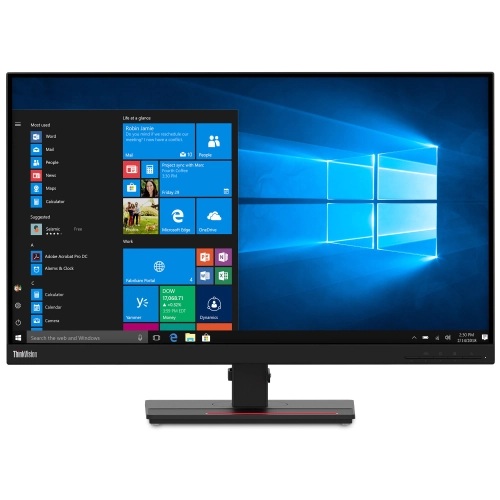
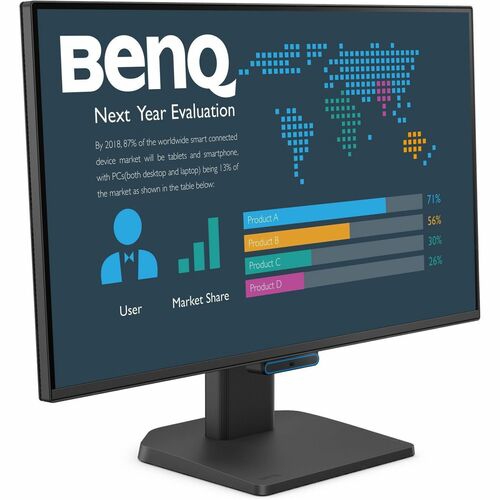

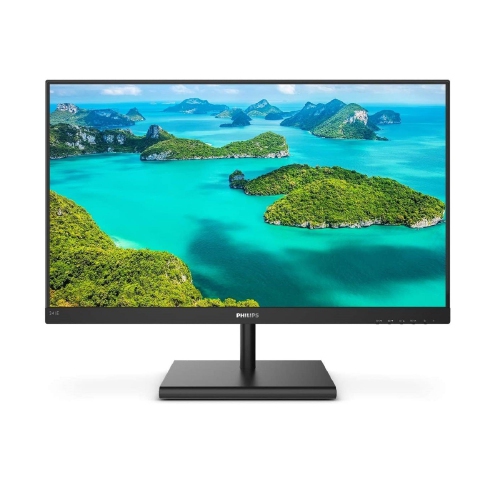
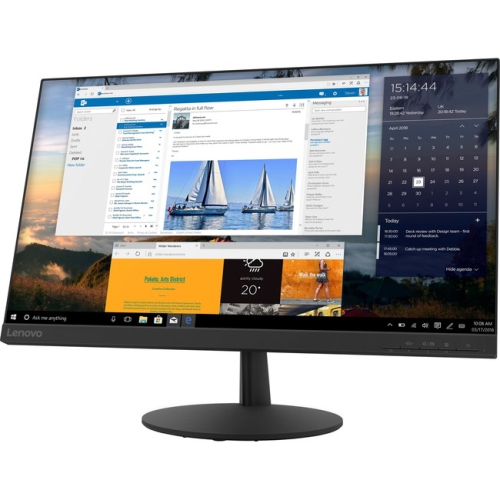
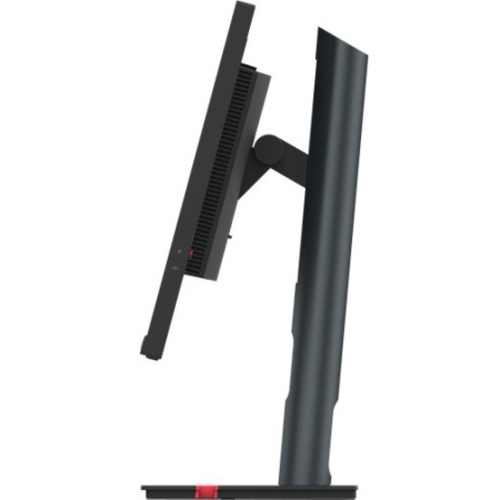
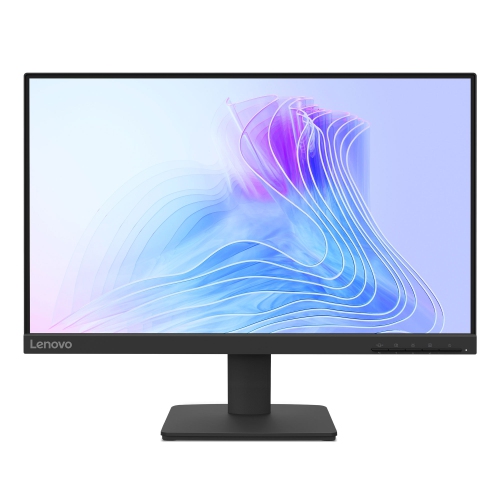
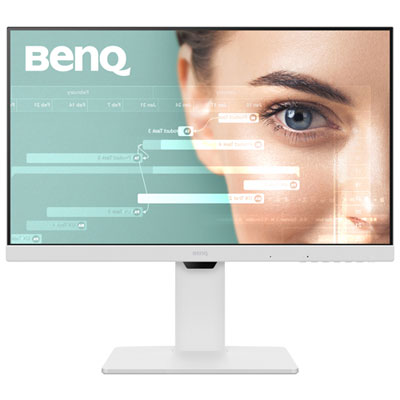
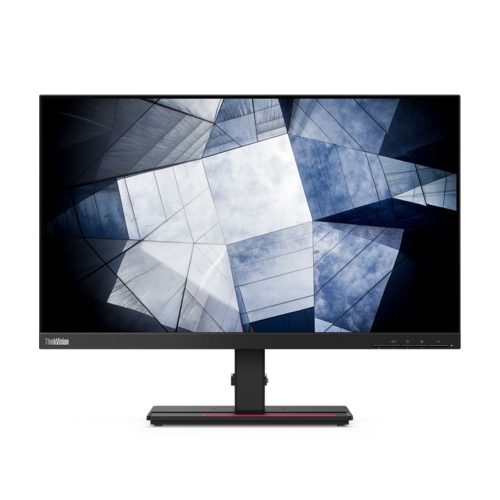
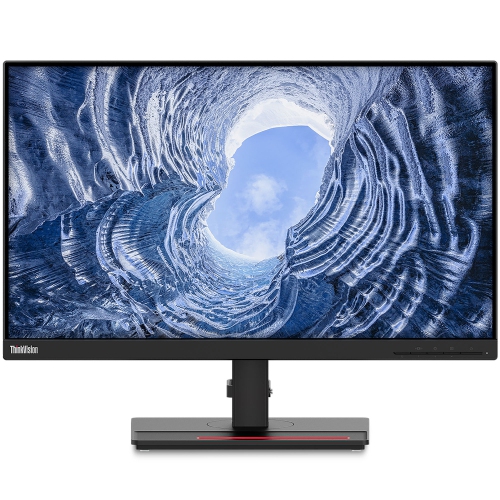


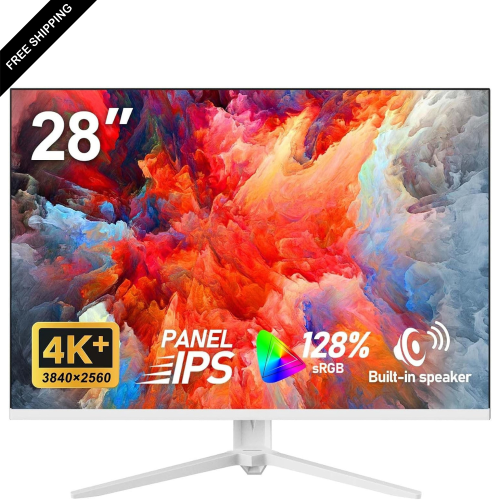
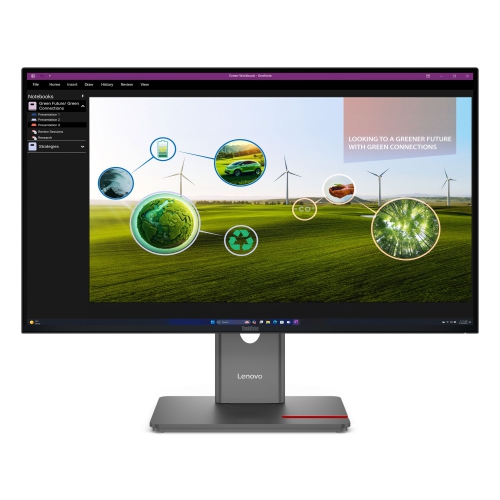
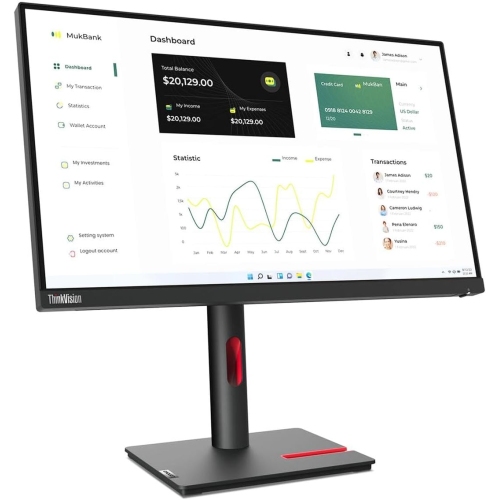
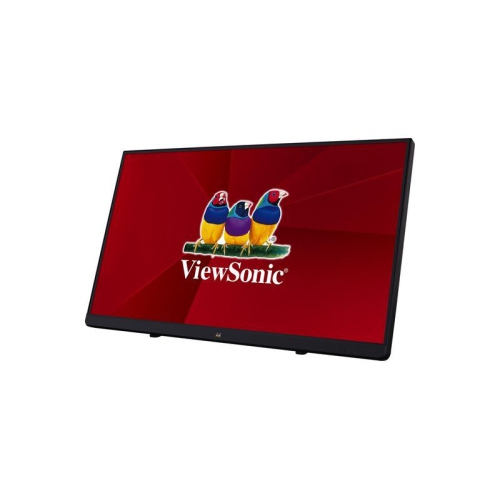

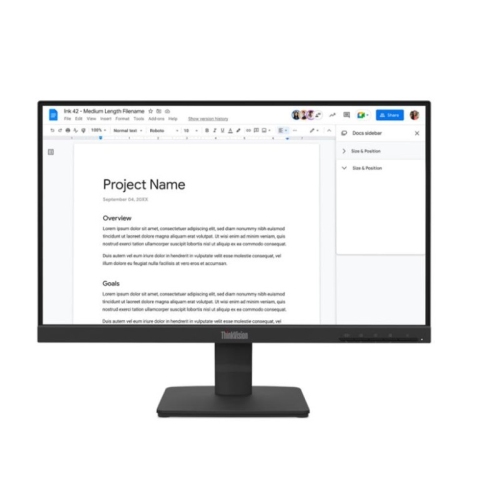

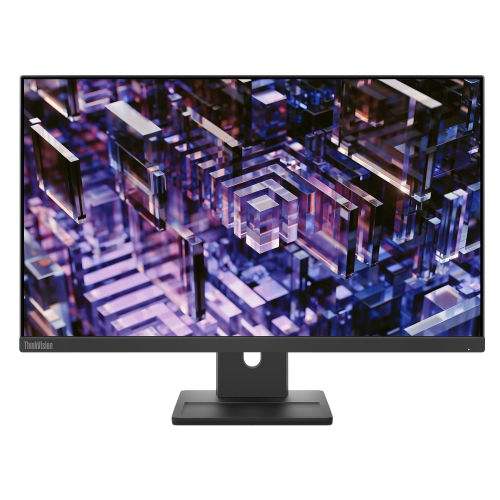
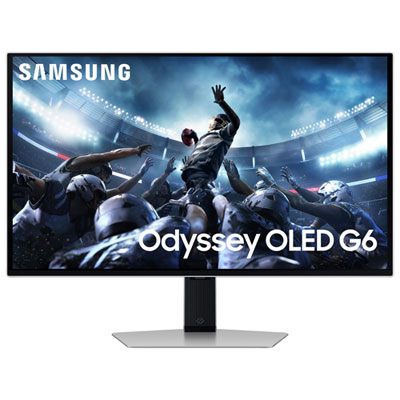
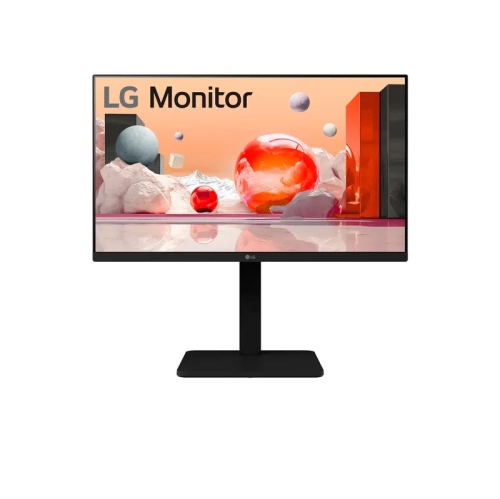
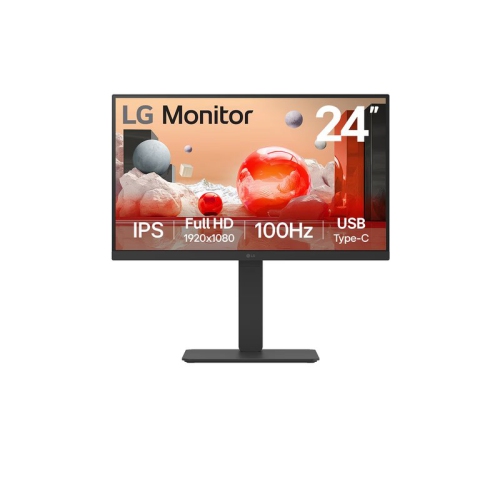


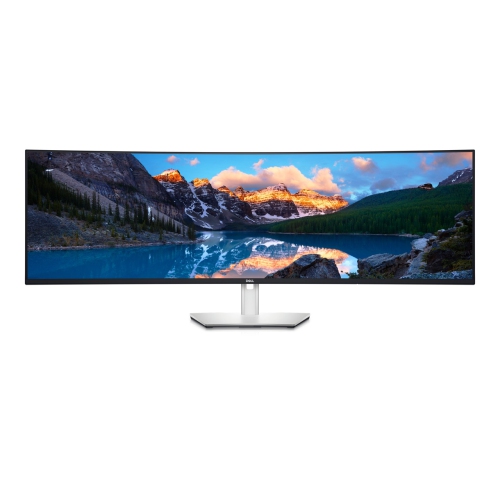


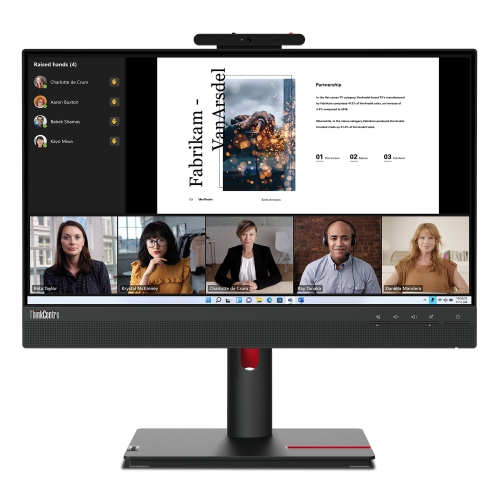
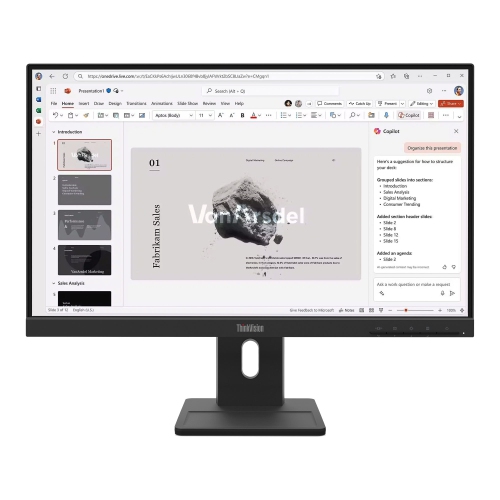
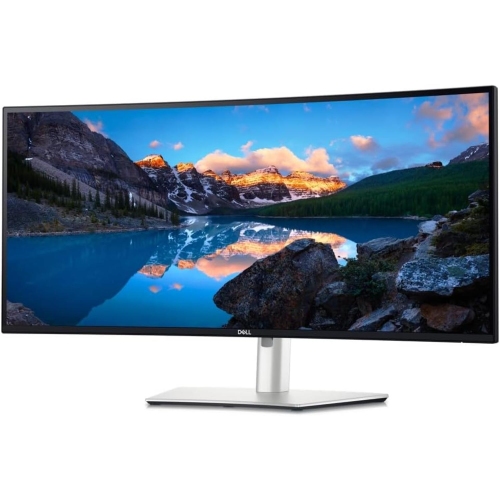

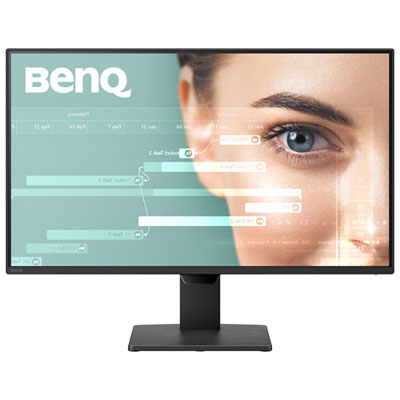
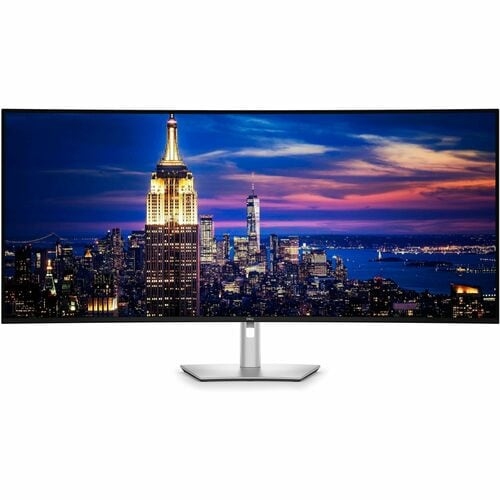
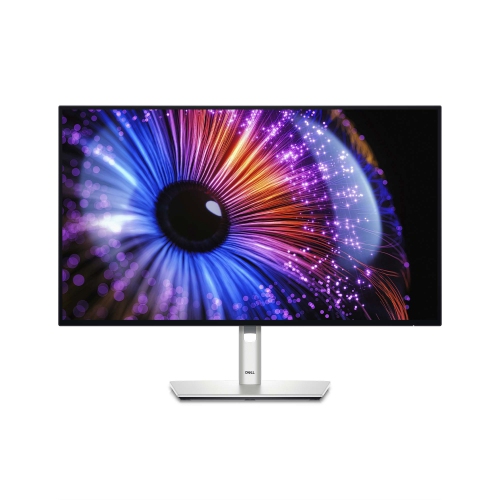
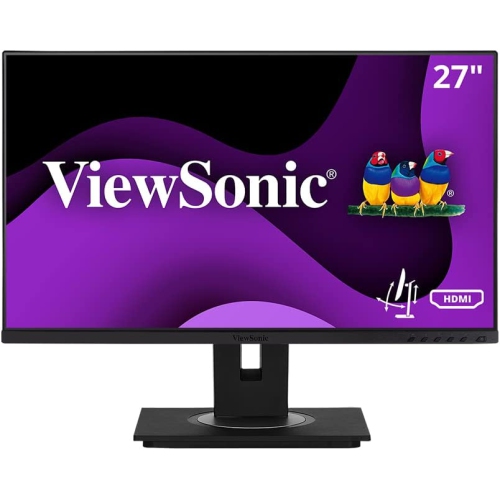
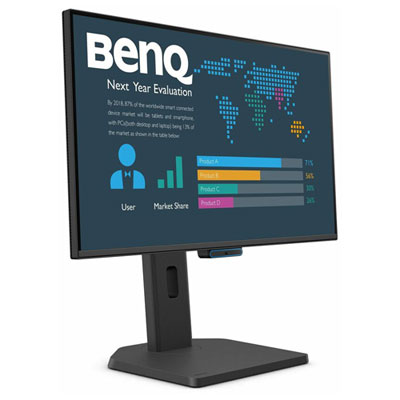

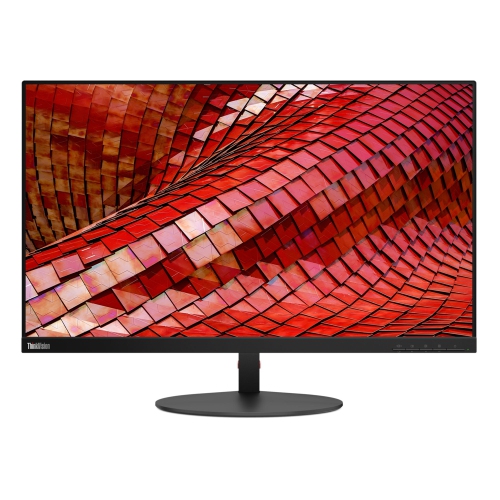

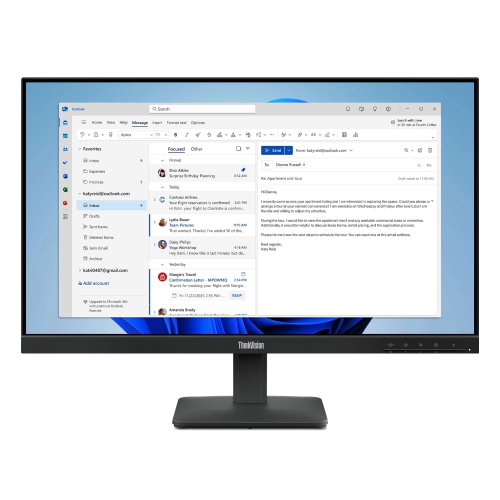
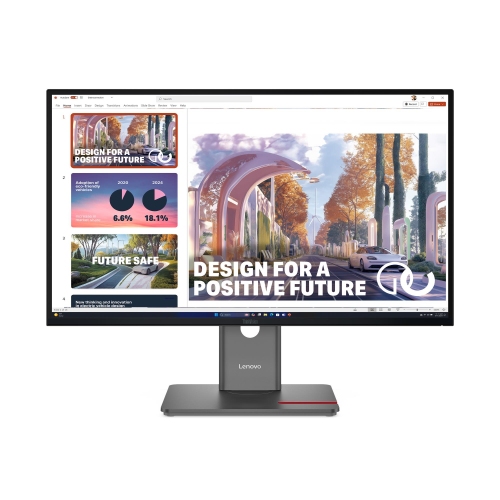


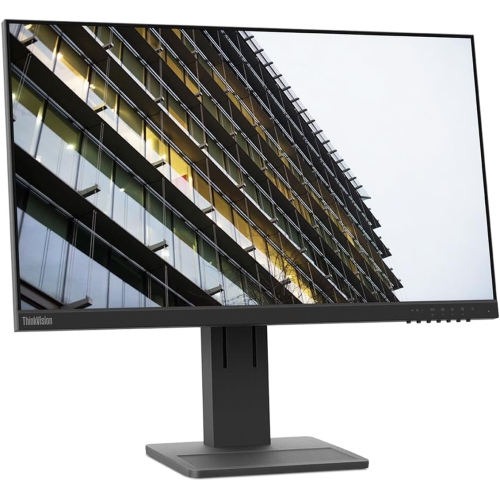


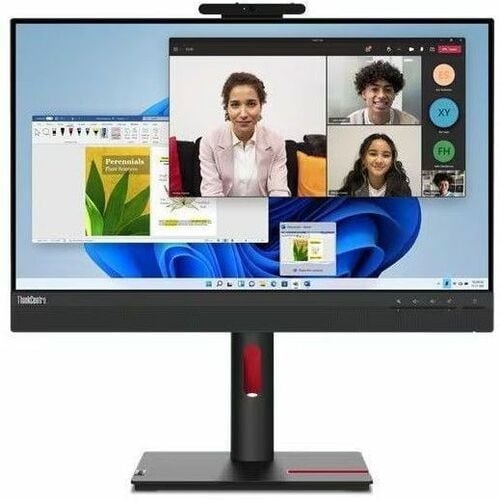
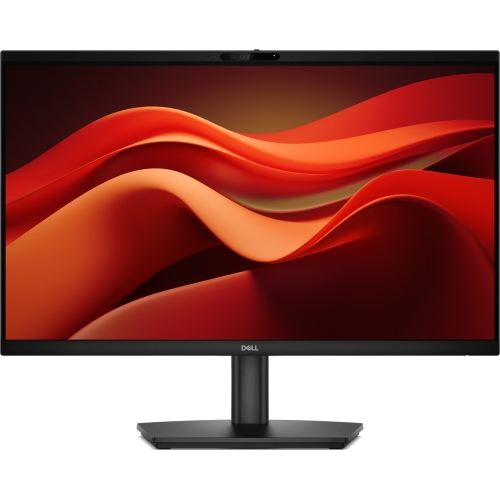
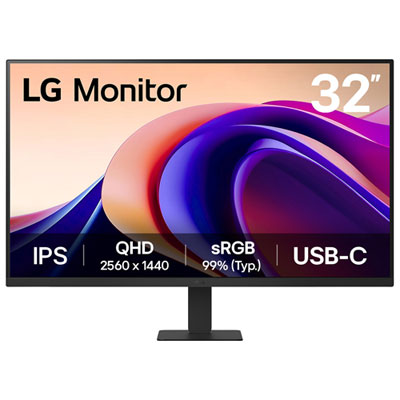
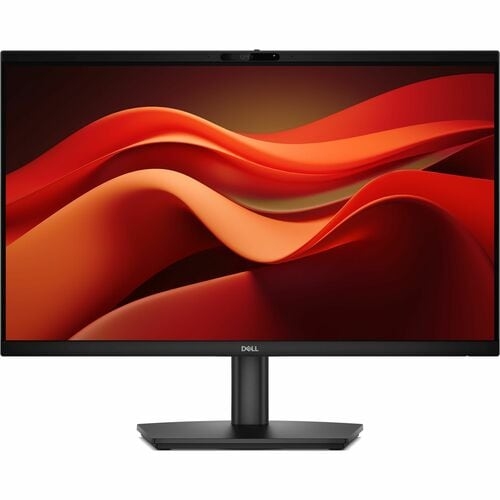
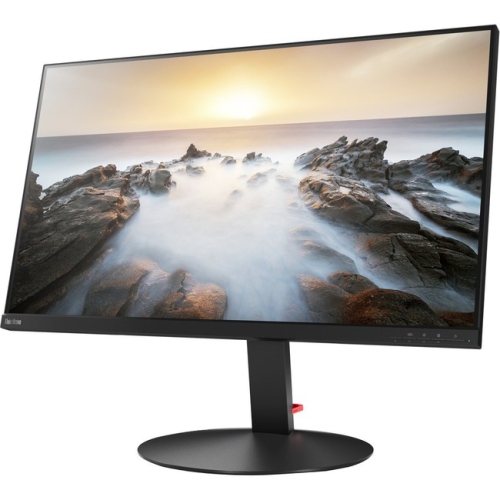
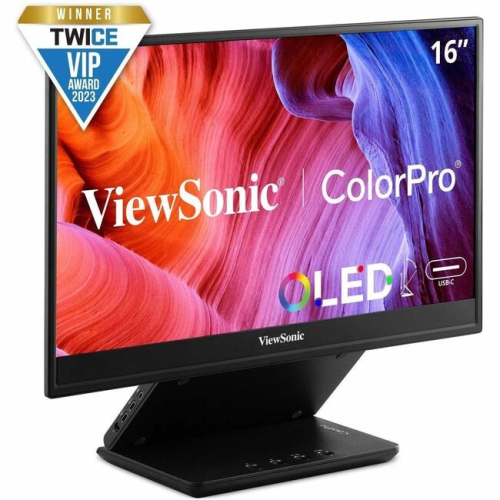
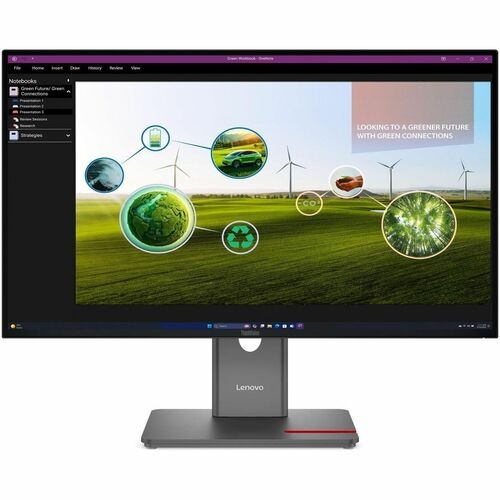
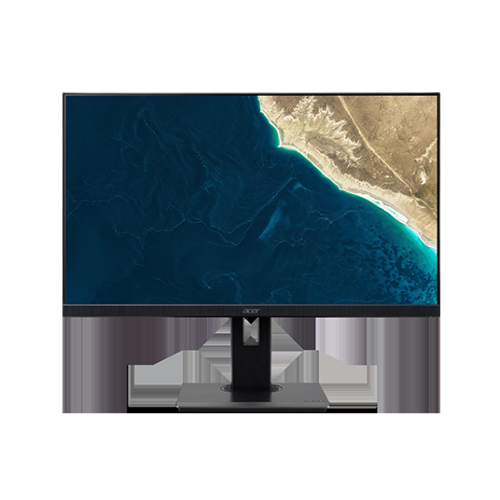
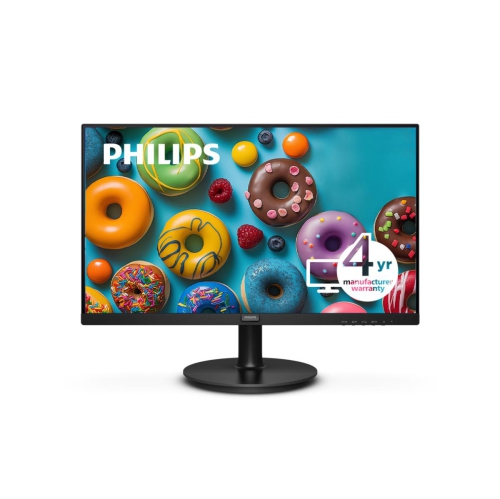
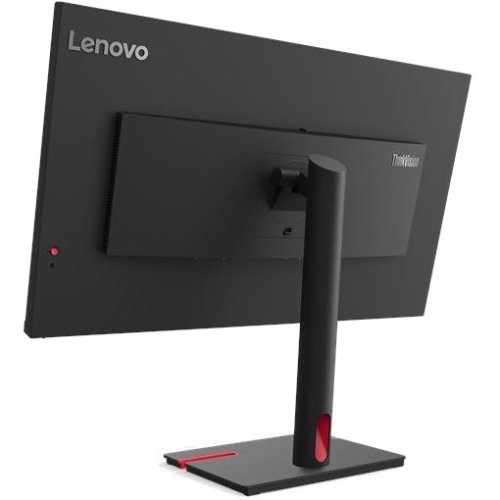
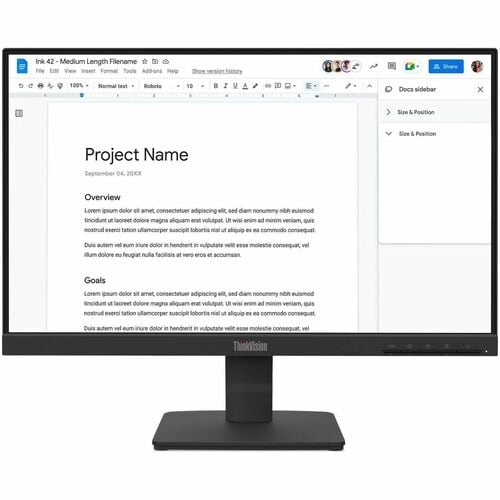
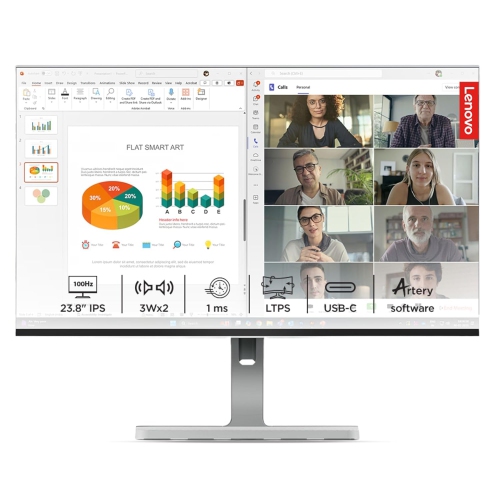
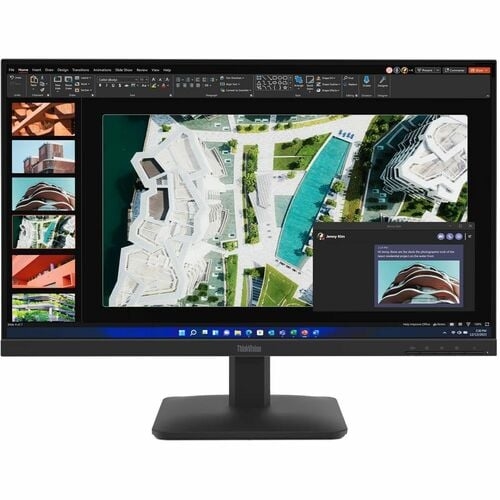
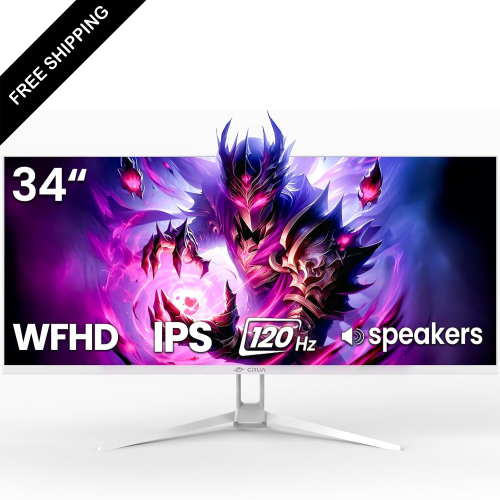
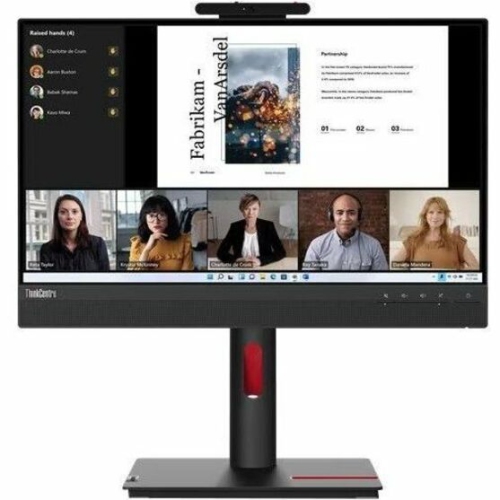
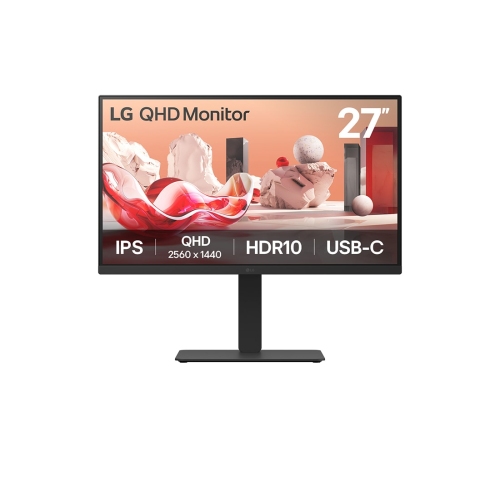

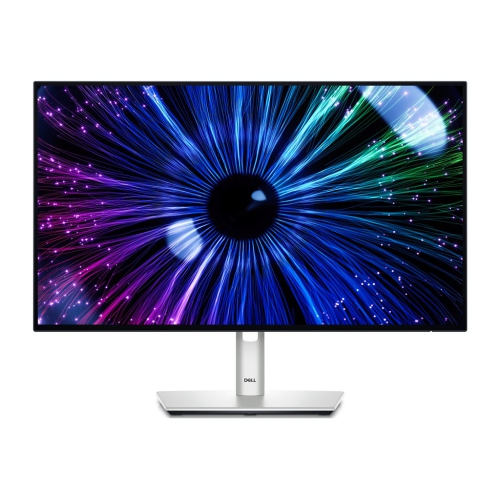
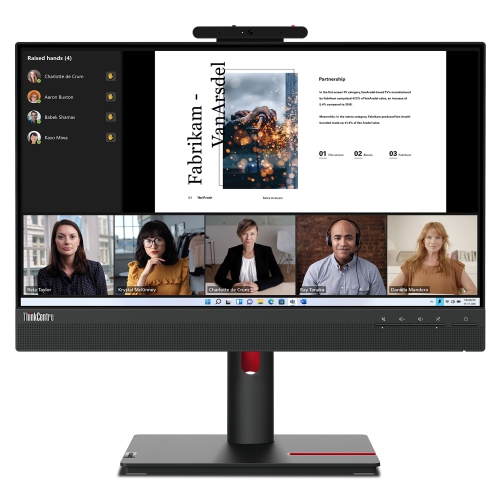
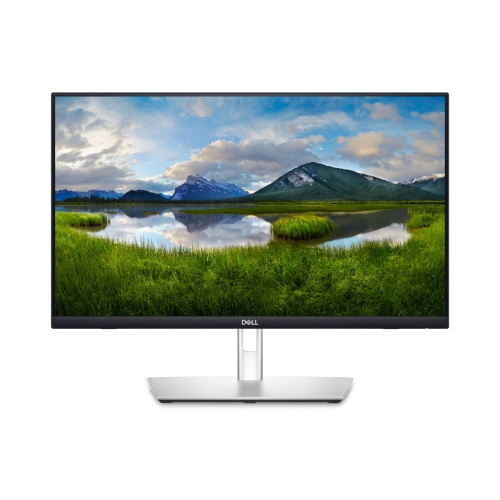
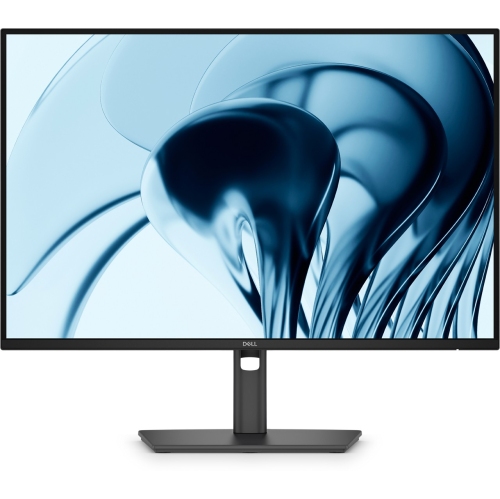
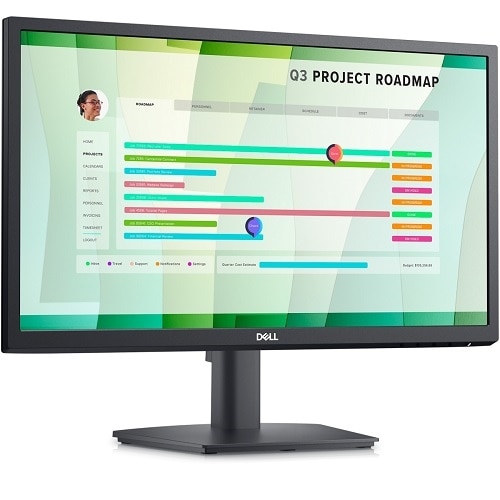

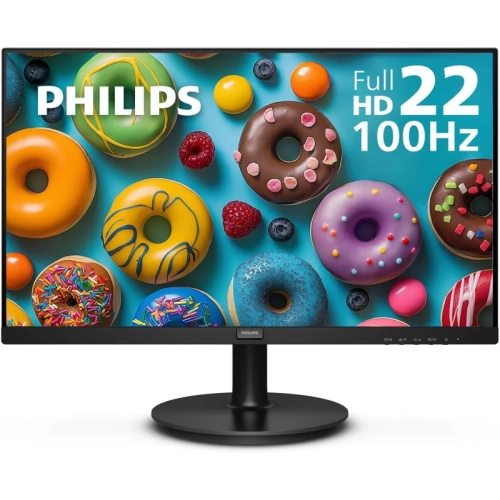

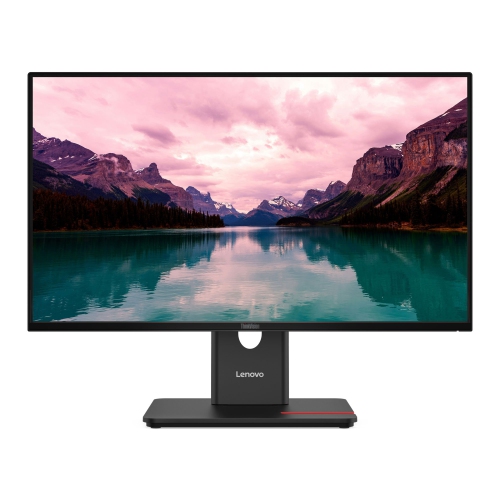
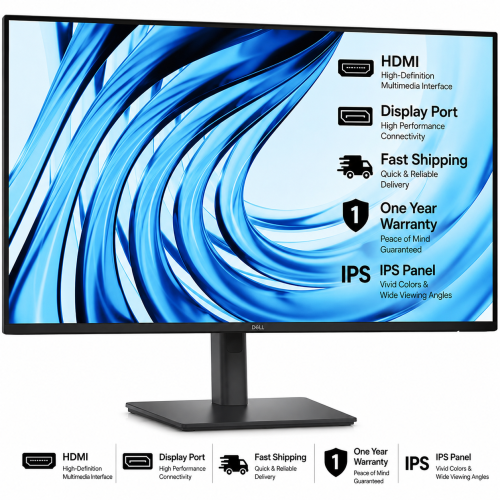
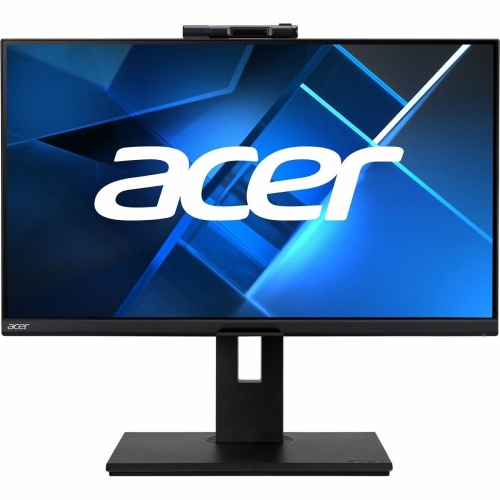
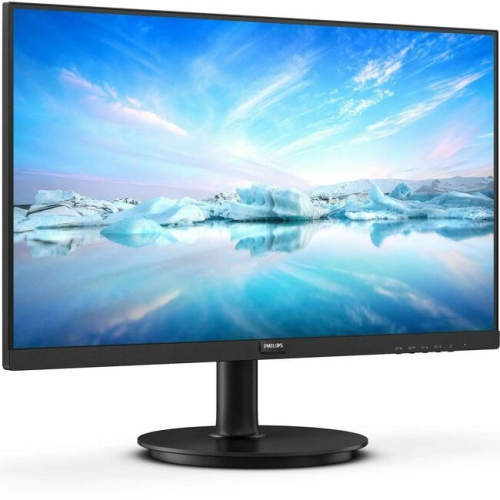
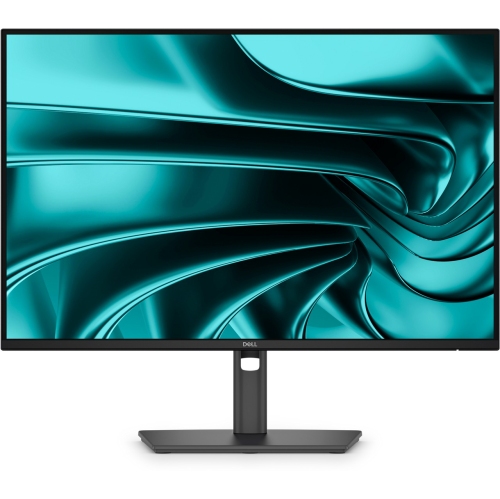

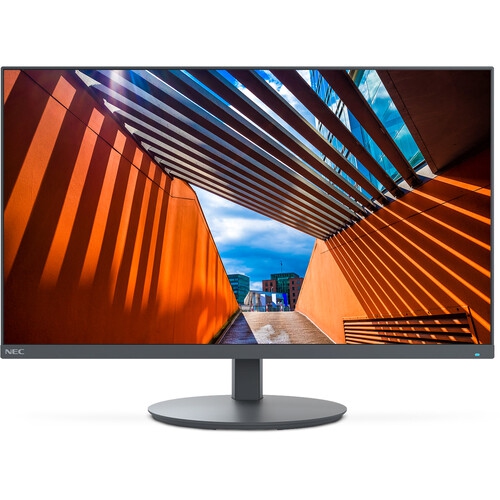
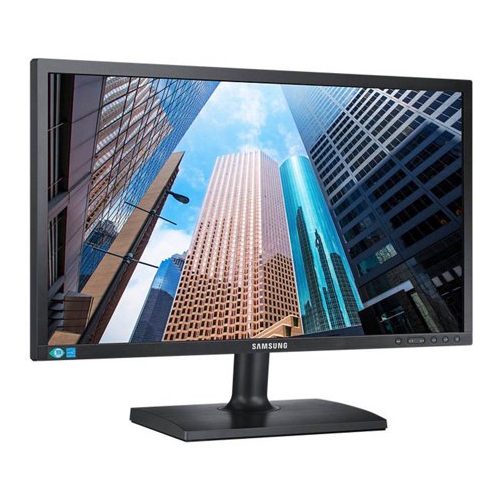
More screen space without a larger desk footprint
When choosing a thin bezel monitor, start with the type of work or entertainment it will support. IPS panels are a popular option for everyday computing because they typically offer consistent colour and wide viewing angles, which is helpful when the screen is viewed from the side or shared with another person. Full HD resolution can suit general office work, online learning, browsing and streaming on smaller displays, while a higher resolution may show more detail and provide additional room for large documents, photo work, design projects and other content-heavy tasks. Refresh rate is another consideration. A standard refresh rate is suitable for email, writing, research and most productivity applications, while a higher refresh rate can make scrolling, cursor movement and compatible games appear smoother. Response time may also matter to people who play fast-paced games or watch action-heavy content. Look beyond the panel itself to the connections on the back. HDMI and DisplayPort are common choices for computers, game systems and docking equipment, while a monitor with multiple inputs can make it easier to switch between devices. Built-in speakers may be convenient for basic audio, although dedicated speakers or headphones can provide a fuller listening experience. A height-adjustable stand, tilt control and swivel support can help position the screen for a more comfortable posture during long study or work sessions. If the included stand does not offer the desired range of movement, check for VESA mounting compatibility before purchasing a monitor arm or wall-mounting solution. Cable routing, power-button placement and the depth of the stand are small details that can make a noticeable difference when arranging a compact workstation. Shoppers looking for a smaller display footprint may also wish to explore Compact Monitors when comparing options for bedrooms, kitchen counters, dorm rooms or flexible work areas.
Thin bezel monitors can suit a wide range of people because they combine practical viewing space with an uncluttered appearance. A student may use one for lectures, research tabs and writing assignments, while someone working from home may keep email, documents and video meetings visible at the same time. A programmer can place code on one screen and testing tools or documentation on another, and a designer can use the additional space for palettes, reference images and project files. Gamers may appreciate a narrow border when building a dual- or triple-monitor setup, especially for racing, flight simulation and strategy games that benefit from a broader field of view. The result depends on the computer, graphics hardware, game settings and the physical arrangement of the monitors, so it is worth confirming that the system can support the intended resolution and number of displays. These monitors can also make thoughtful gifts for students, remote workers, new computer owners or anyone refreshing a desk during the cooler months when more time may be spent indoors. For a gift, consider the recipient’s computer connections, available desk space and preferred activities before selecting a screen. A monitor that fits the room and connects easily to existing equipment is generally more useful than one chosen only for its appearance. Whether used alone for a clean, focused setup or combined with other displays for an expanded workspace, a thin bezel monitor offers an appealing balance of screen area, flexible placement and understated design. Comparing size, resolution, panel type, refresh rate, adjustment features and mounting support can help match the display to everyday habits and ensure it remains comfortable and practical over the long term.
Top selling and popular products
-
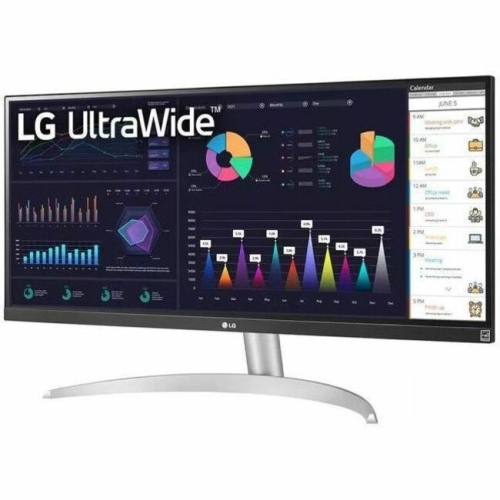 Your price for this item is $2237.68
-
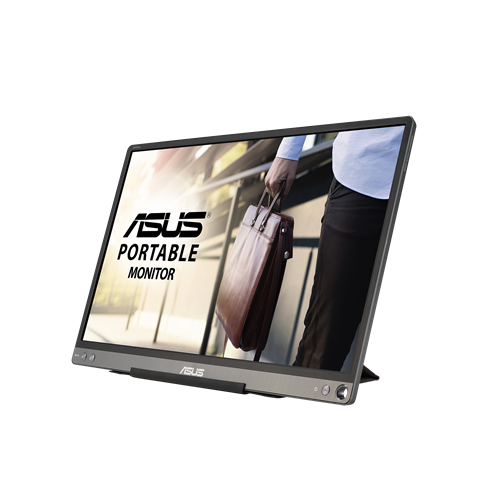 Your price for this item is $320.68
-
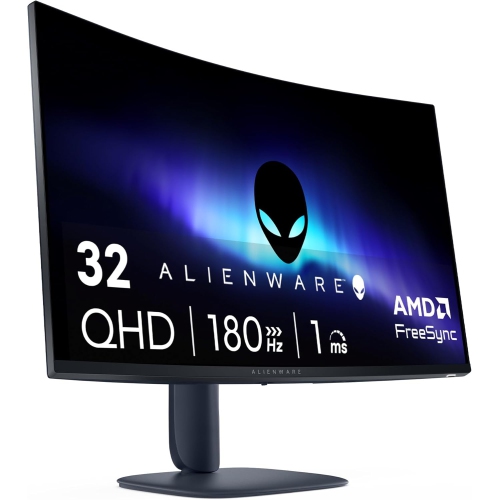 Your price for this item is $469
-
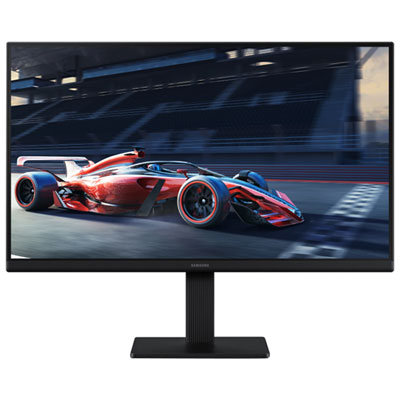 Your price for this item is $149.99
-
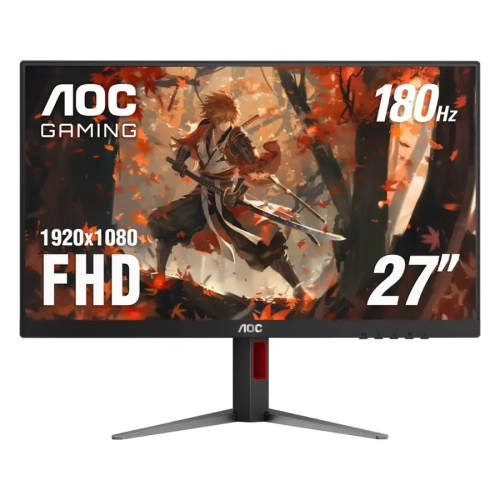 Your price for this item is $229.99
-
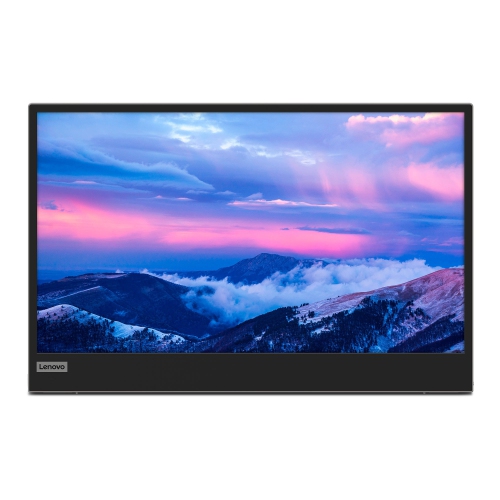 Your price for this item is $355.68
-
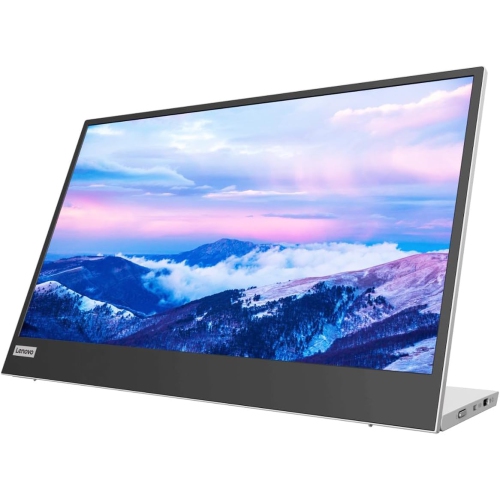 Your price for this item is $313.99
-
 Your price for this item is $3297.99