Thumb Scroll Mice
Thumb Scroll Mouse options offer an innovative way to navigate your digital workspace with ease and comfort. Designed for smooth scrolling and efficient control, these mice are ideal for both productivity and everyday computing tasks. Whether you're working on detailed projects or browsing the web, a Thumb Scroll Mouse can help streamline your workflow and enhance your overall experience. Discover a variety of styles and designs to find the perfect fit for your needs.
Sort
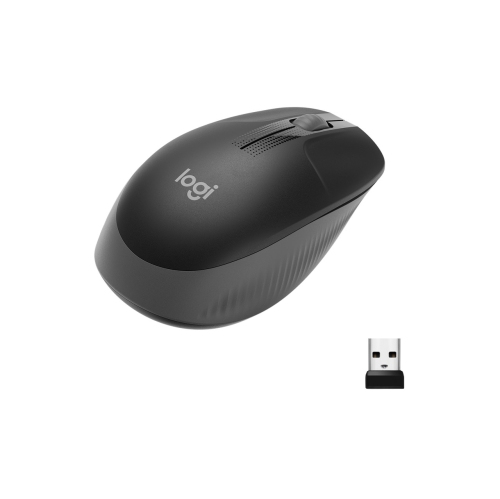
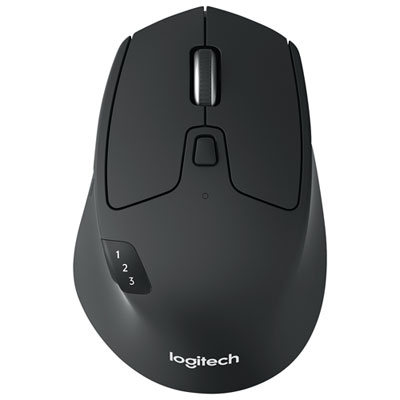
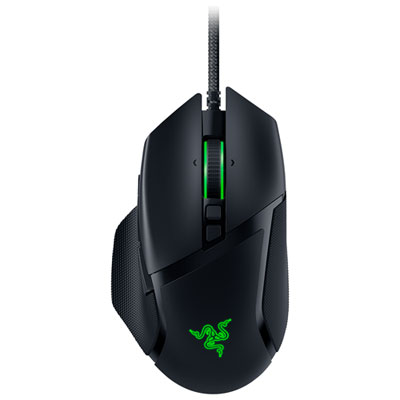
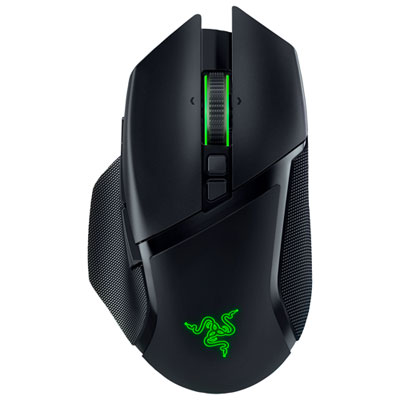
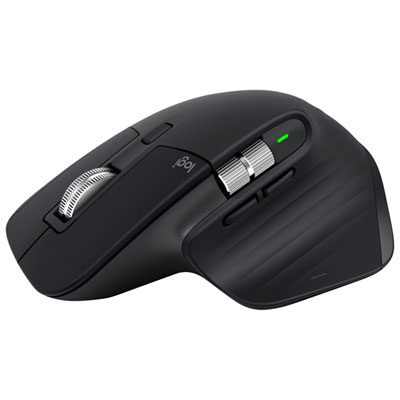
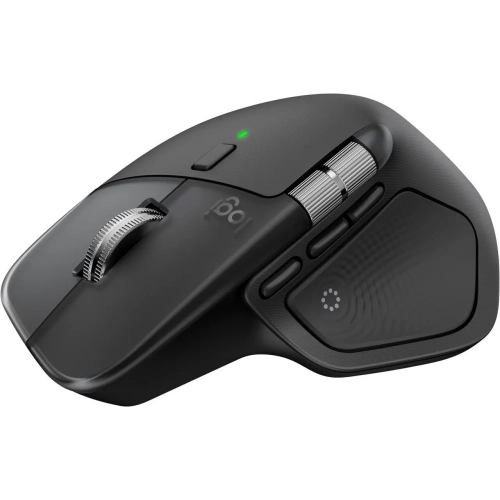
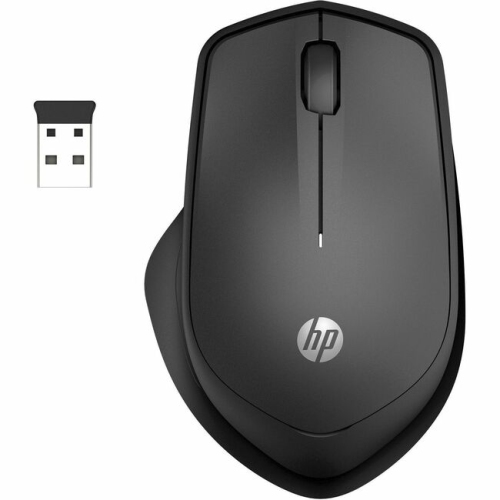
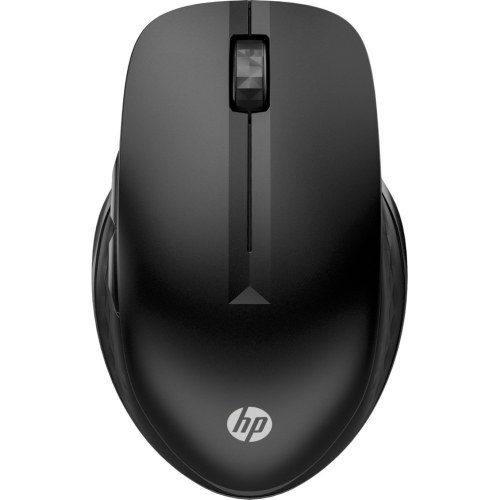

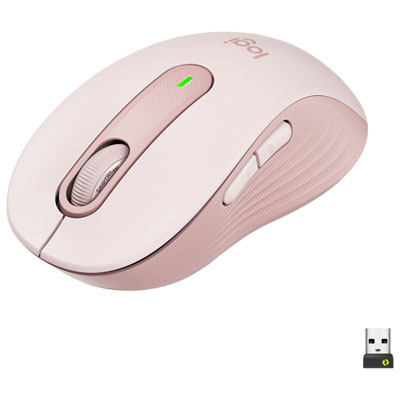
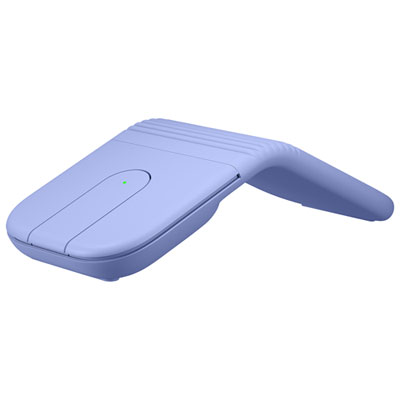
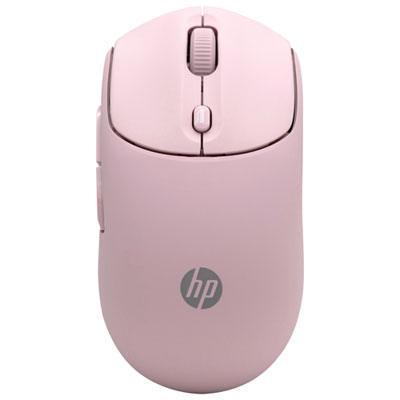
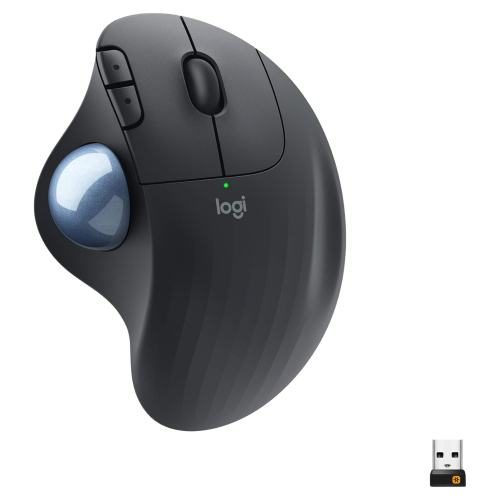
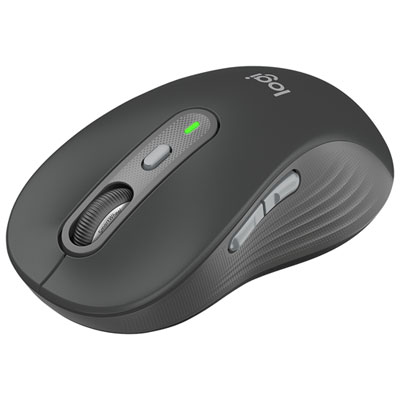
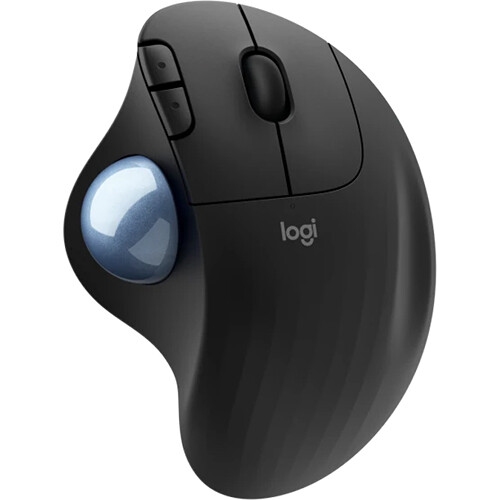
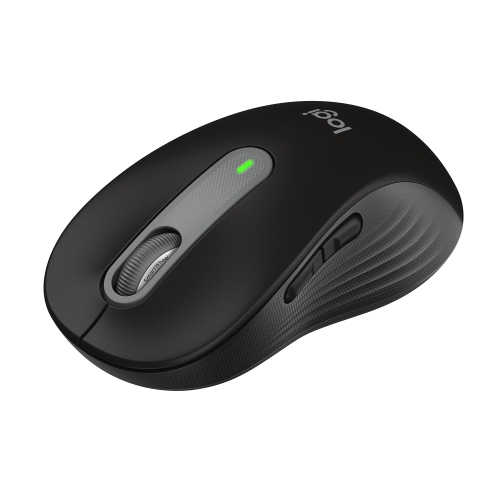
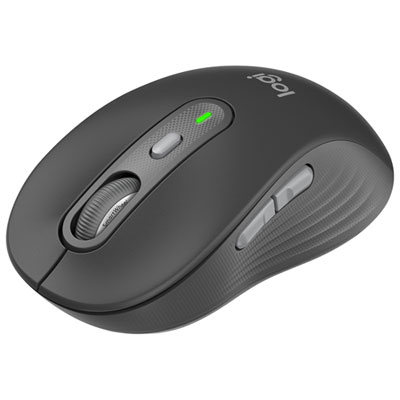
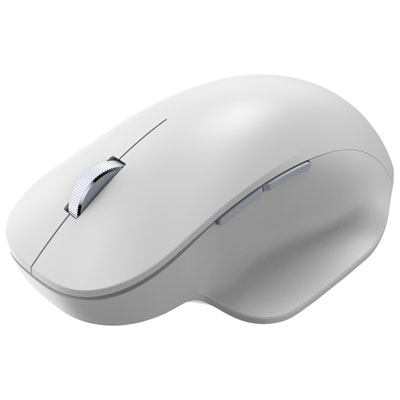
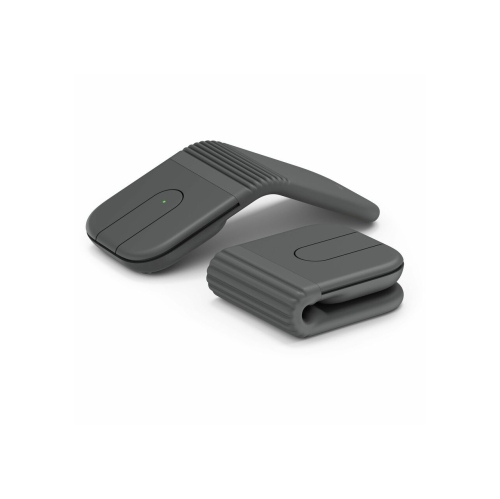
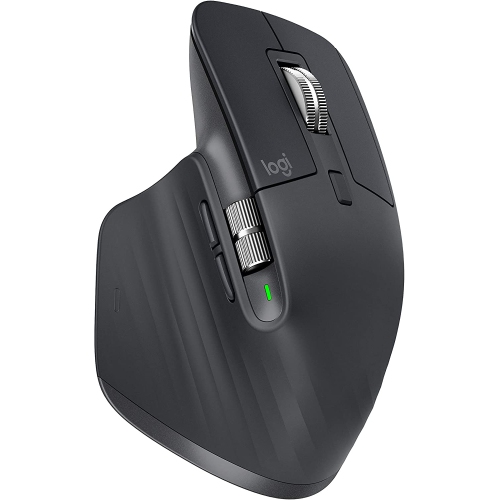
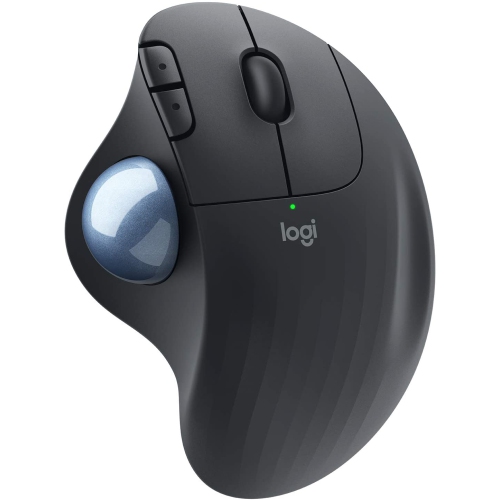
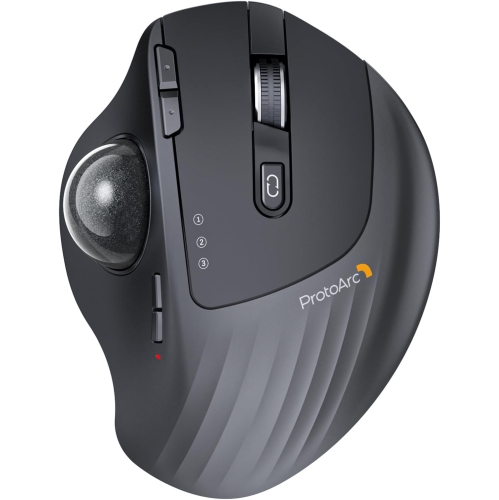
Sideways scrolling puts wide workspaces within easier reach
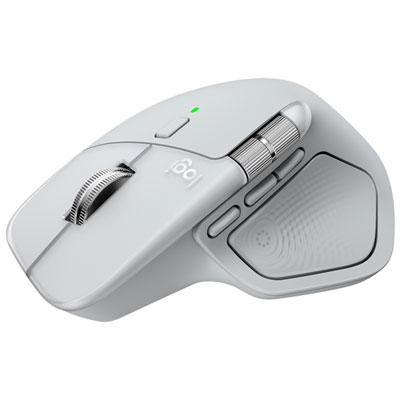
Thumb scroll mice bring an additional scrolling control within reach of the thumb, often through a side-mounted wheel that works alongside the main scroll wheel. This layout can make wide documents and busy workspaces easier to navigate without repeatedly moving the pointer to an on-screen scroll bar. In a spreadsheet, a thumb wheel may move across columns while the main wheel moves down rows. On a video editing timeline, horizontal scrolling can help bring another section of a project into view without changing the zoom level. Designers working across large canvases, analysts comparing tables, and anyone arranging several windows on a desktop can appreciate having those movements separated between finger and thumb. The precise behaviour depends on the mouse, the application, and any supported customization software, so a side wheel should not be assumed to work identically in every program. Some designs offer additional assignments, such as adjusting zoom or switching between tabs, where supported. For a broader look at mice designed around horizontal navigation, Side Scrolling Mice includes a closely related category. A thumb wheel is distinct from a thumb-operated trackball: the wheel controls scrolling, while a trackball typically moves the pointer without requiring the mouse body to travel across the work surface. Side buttons are different again, often providing forward and back commands rather than a rolling action. These distinctions matter when the goal is to move through a long worksheet, browse a photo library, or manage a detailed project with fewer trips to the edge of the screen. For everyday browsing and office work, a thumb scrolling control can add convenience while leaving familiar left-click, right-click, and vertical scrolling functions in their usual places. Its value is especially clear during tasks that involve frequent movement in two directions, rather than simply reading a page from top to bottom.
The position of the thumb wheel is only part of how a mouse feels through a full day of use. Body width, height, length, and the shape of the thumb rest all influence whether the control falls naturally under the hand. A larger, sculpted shell may support more of the palm, while a lower profile can suit someone who guides the mouse mainly with their fingertips. Neither shape suits every hand. A wheel placed too far forward may require a repeated stretch, while one positioned close to a resting thumb needs enough separation from nearby buttons to avoid accidental presses. Many side-wheel designs are shaped for right-handed use, so handedness deserves particular attention rather than assuming a symmetrical appearance means equal access from either side. The main wheel also affects the overall experience: stepped scrolling provides distinct increments for moving through lists, while a free-spinning mode, where included, can cover long pages with a flick. A textured thumb wheel can provide a secure contact point, though its resistance and size influence how easy it is to make small adjustments. Materials contribute to comfort and upkeep as well. Rigid plastic shells are common, with rubberized grips or textured panels added to some designs for a steadier hold. Softer finishes may feel comfortable but can show wear differently from uncoated surfaces, particularly around the thumb rest and primary buttons. Firm construction, securely seated controls, and a stable base are useful qualities for a mouse that travels between a desk and a bag. Smooth feet help the body glide across a suitable surface, while a mouse pad can provide a more consistent feel than an uneven desktop. The mouse should sit close enough that reaching for it does not pull the arm away from a comfortable position. A sculpted shape can support a preferred grip, but it does not replace sensible desk positioning, changes in posture, or regular breaks.
Connection type and software support determine how smoothly a thumb scroll mouse fits into an existing setup. A wired connection avoids battery management but leaves a cable to route around a keyboard, notebook, or monitor stand. Wireless designs reduce cable clutter and may connect through Bluetooth, a USB receiver, or both, depending on the design. The distinction matters on a laptop with limited ports, especially if a receiver requires an adapter. Multi-device switching, where supported, can be useful for moving between a work computer and a personal computer, though pairing limits and switching methods vary. Basic pointing and scrolling may work without extra software, while custom wheel assignments, application-specific controls, and button changes can depend on a compatible operating system and an installed utility. That is particularly relevant for workplace computers that restrict software installation. Pointer sensitivity is another practical consideration: adjustable settings can help balance broad movements across a large display with finer positioning around small interface controls. For travel, dimensions and weight matter alongside comfort, since a tall thumb rest can take up more bag space than a compact shell. Battery-powered designs also differ in whether they use replaceable batteries or an internal rechargeable battery, and not every rechargeable mouse can be used while connected to a charging cable. Routine care is straightforward but important for a control used so frequently. Dust around a wheel, debris near the sensor, and buildup on the feet can interfere with movement or scrolling. Follow the manufacturer’s cleaning directions, keep moisture away from openings, and use a soft cloth rather than abrasive cleaners on grip surfaces. A protective compartment or case helps keep wheels and buttons from being pressed or knocked during transport. As a gift for someone who spends time in spreadsheets, creative software, or other wide workspaces, a thumb scroll mouse is most useful when its shape, handedness, connection, and software requirements match the recipient’s setup. Those everyday details matter more than an extensive list of controls that may never become part of their routine.
Top selling and popular products
-
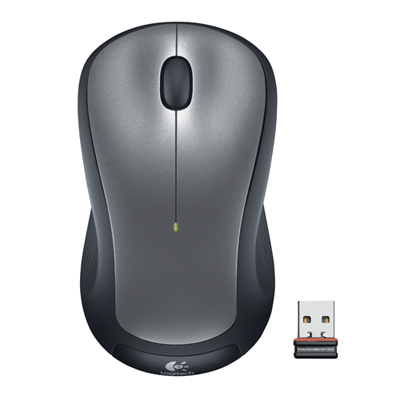 Your price for this item is $29.99
-
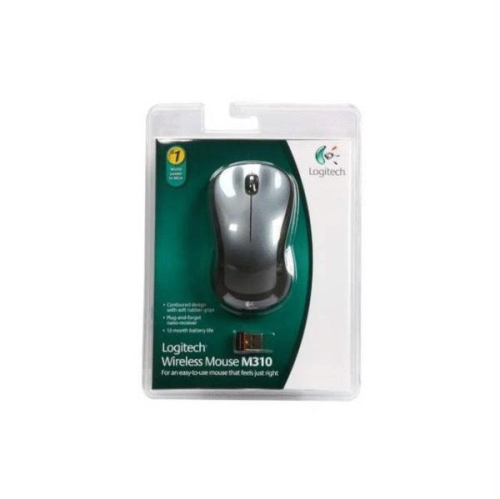 Your price for this item is $50.44
-
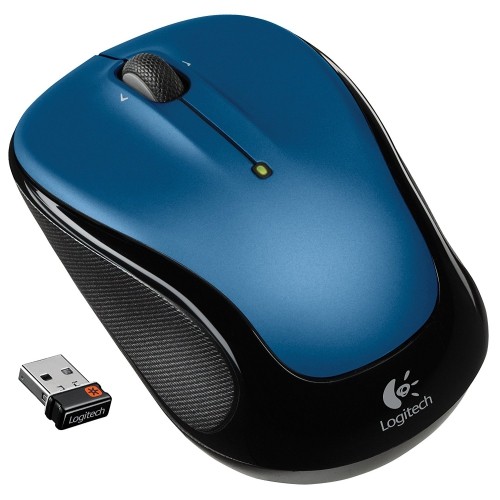 Your price for this item is $39.99
-
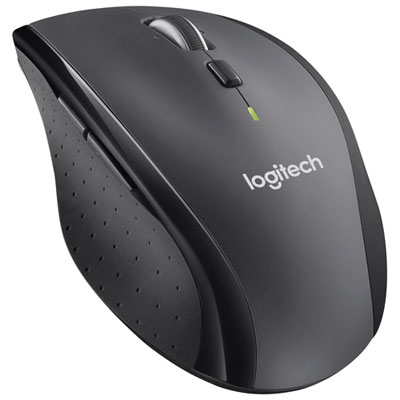 Your price for this item is $49.99
-
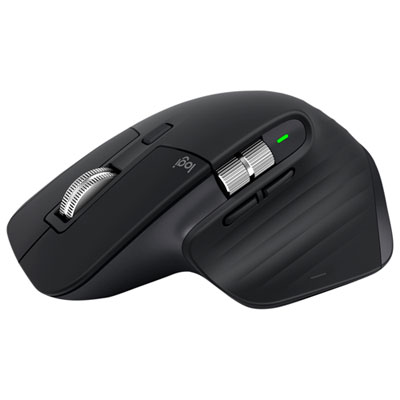 Your price for this item is $159.97
-
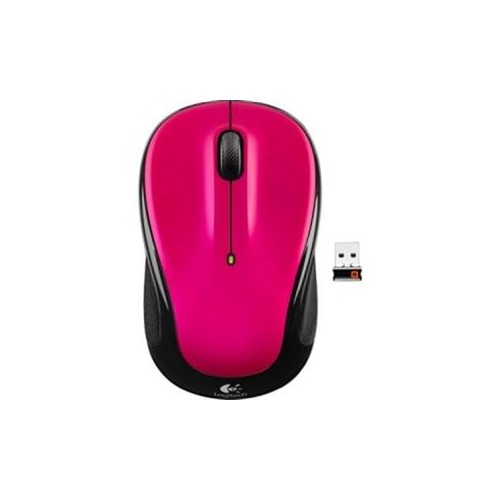 Your price for this item is $64.68
-
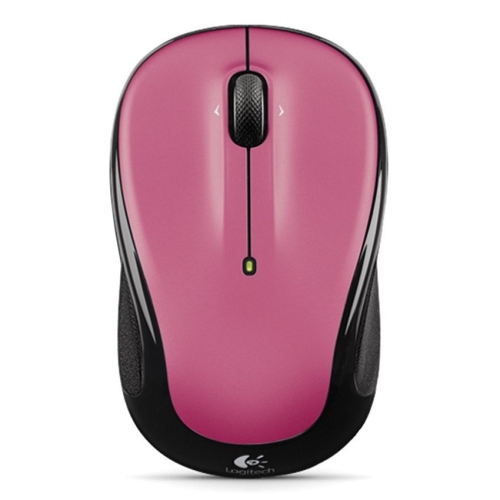 Your price for this item is $48.68
-
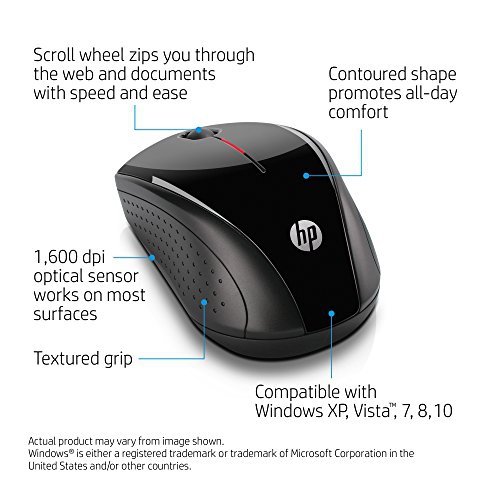 Your price for this item is $31
Discover more categories related to Thumb Scroll Mice
Top Collections:
Best Black Friday Deals This Year, Best Black Friday Deals On Electronics, Kindle Devices, Pokemon Centers, Best Black Friday Deals On Apple Products, Best Cameras for Sports Photography, Dyson Airwrap, Pokémon 30th Celebration Cards, Apple iPhone 17 Pro, Canon G7X Cameras
Some products may be subject to Environmental Handling Fees
(EHF) depending on your province.
Learn more about EHFs.