Mice With Scroll Button
Upgrade your workspace or gaming setup with a mouse with scroll button, designed to make navigation and multitasking more efficient. Whether you're working on important projects, browsing the web, or enjoying your favorite games, these mice offer reliable performance and comfort. Explore a wide selection of styles and designs to find the perfect fit for your needs. Discover how a mouse with scroll button can help streamline your daily tasks and enhance your overall computing experience.
Sort
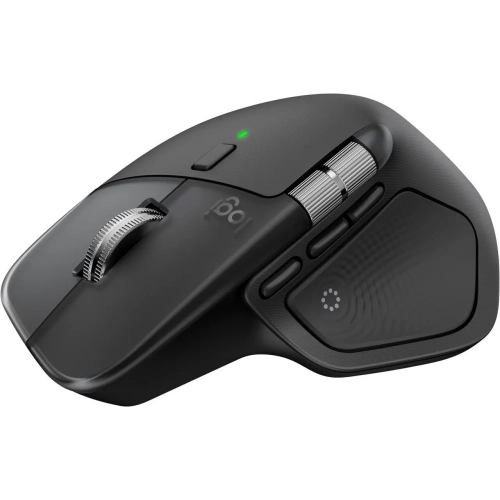
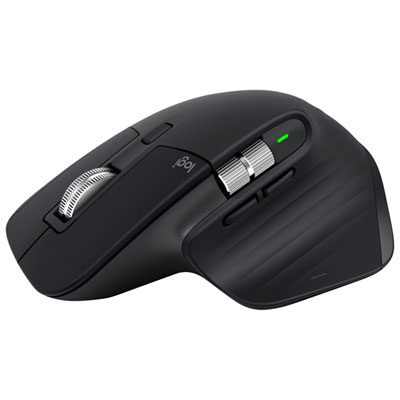
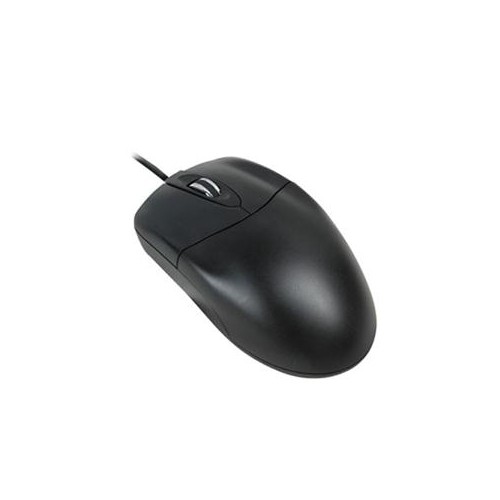
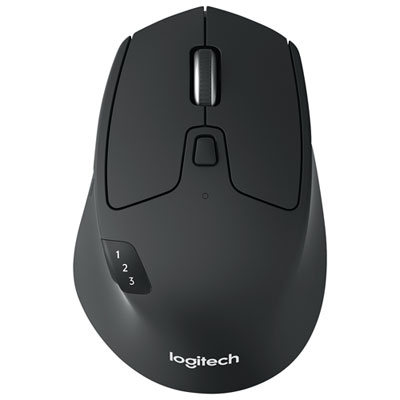
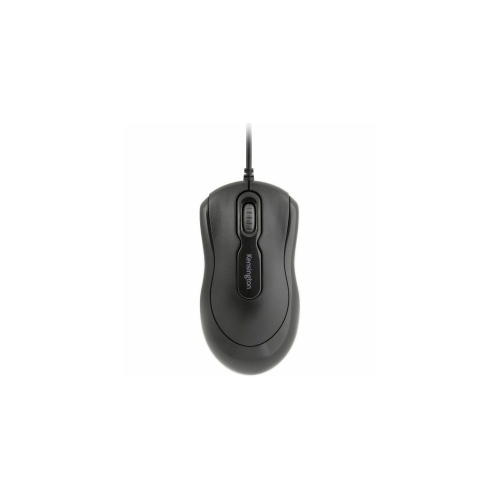
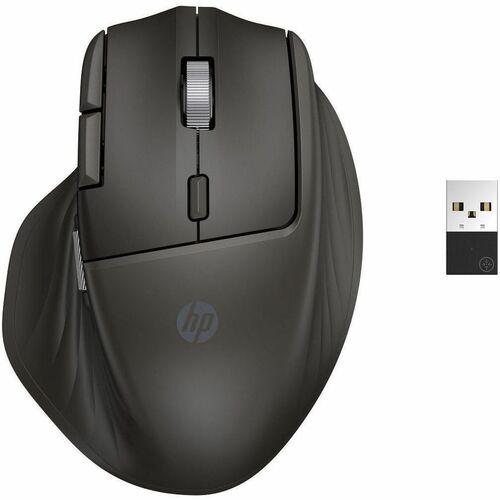
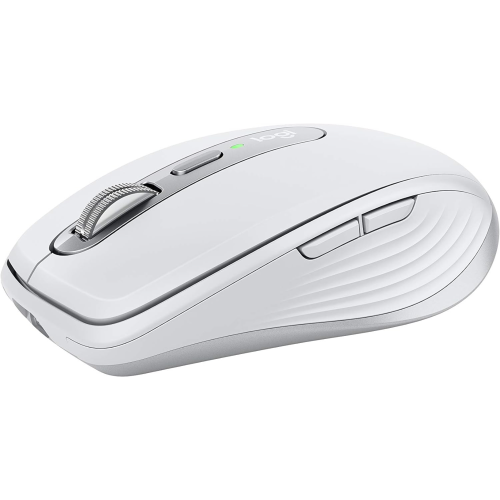
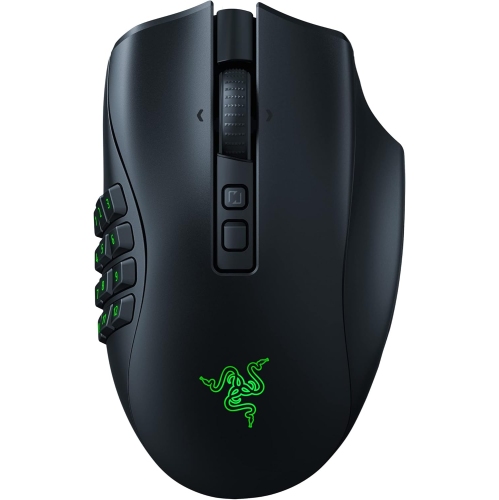
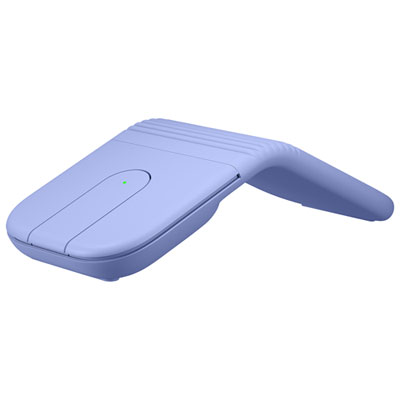

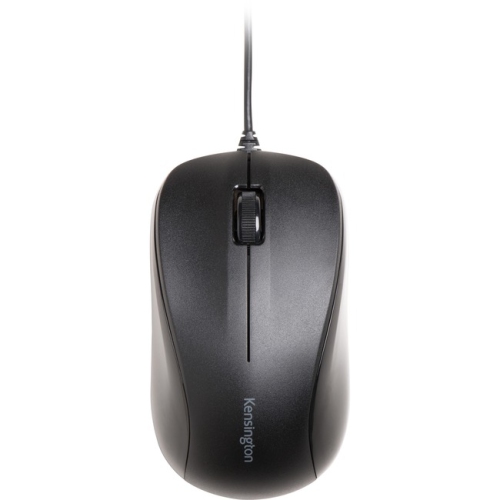
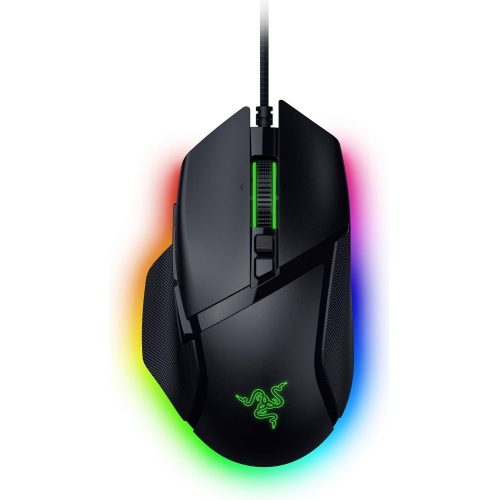
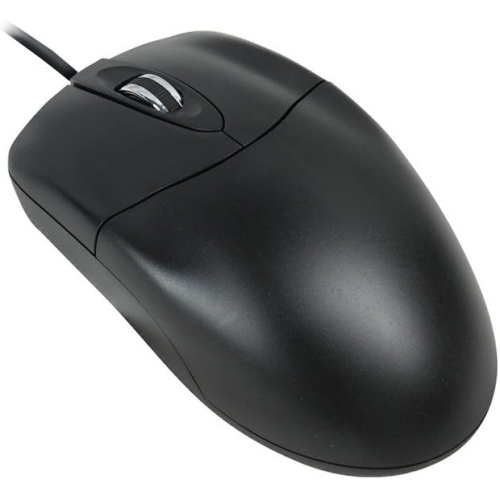
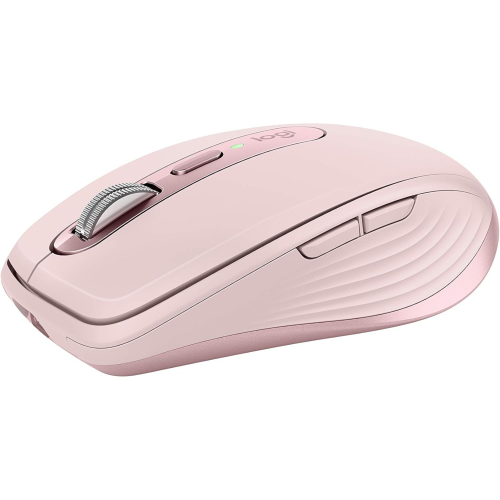

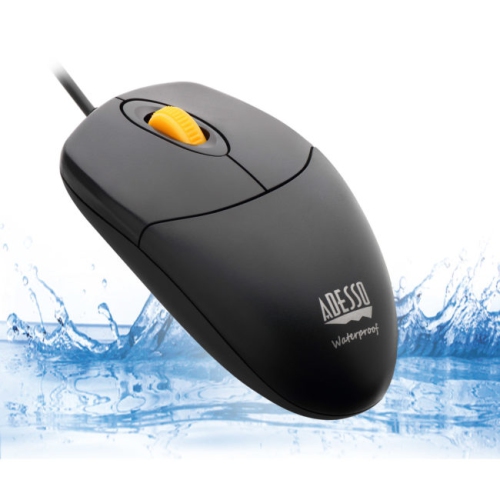
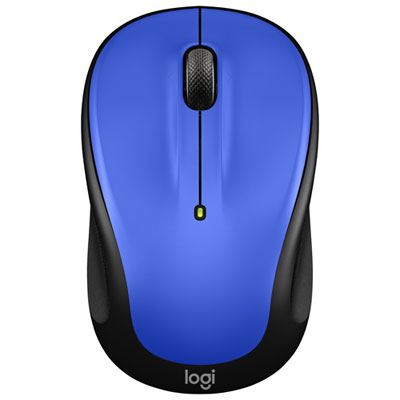
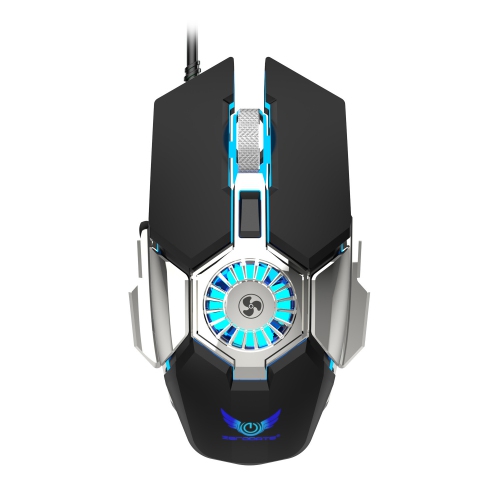
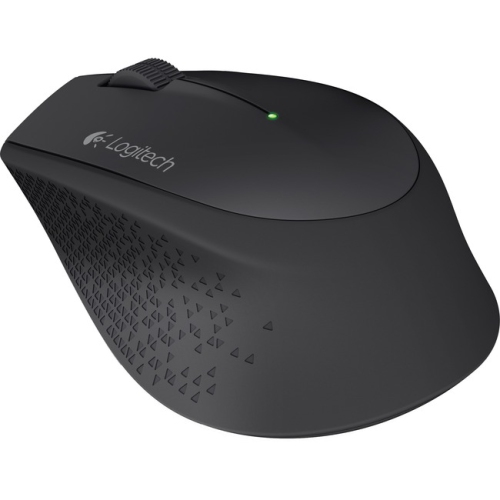
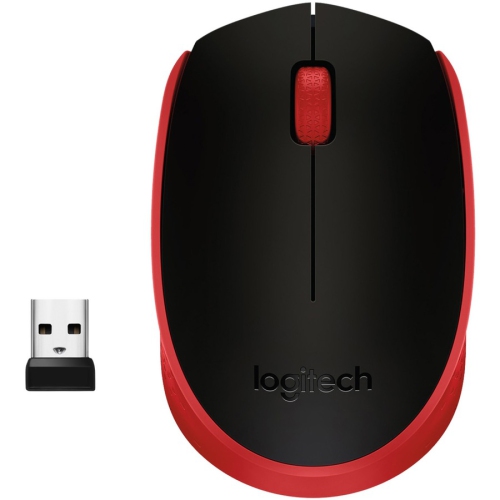
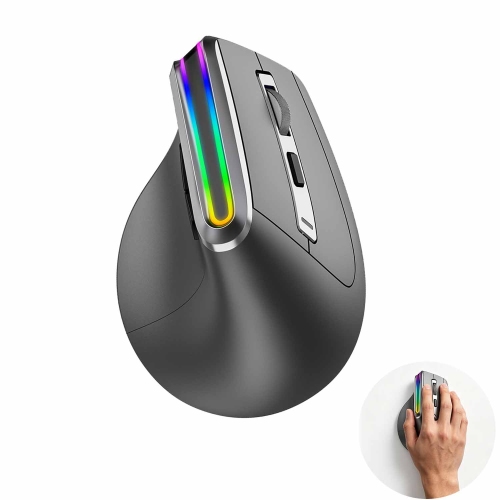

A scroll wheel does more than move pages
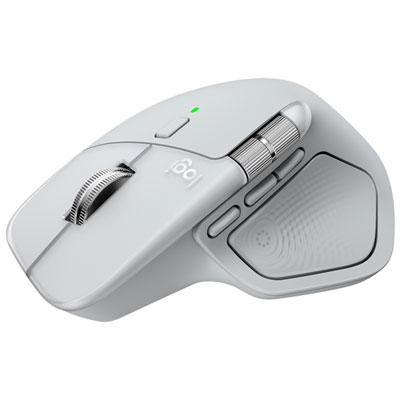
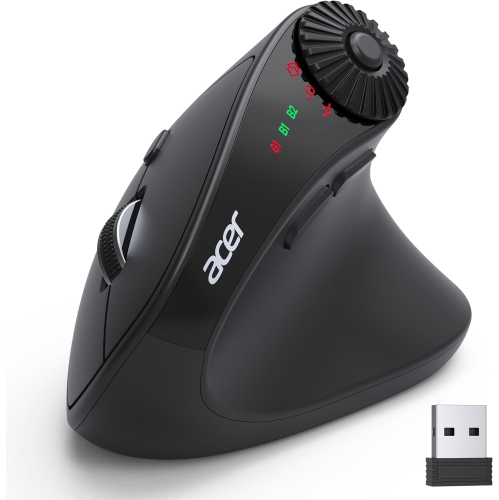
Mice with a scroll button combine pointer control with a wheel for moving through documents, webpages, spreadsheets, and other on-screen content. The wheel usually sits between the left and right mouse buttons, where an index or middle finger can reach it without shifting the entire hand. On many designs, pressing the wheel also activates a middle-click function, giving the mouse a third button as well as a scrolling control. This familiar arrangement is common among Three Button Mice, although some mice add side buttons, wheel-tilt controls, or other inputs. Scrolling and middle-clicking serve different purposes: rotating the wheel moves through content, while pressing it sends a separate command. In many desktop browsers, middle-clicking a link opens it in a new tab, and middle-clicking an existing tab closes it. Design and modelling applications may use the same button to pan a drawing or adjust a view, depending on their settings. Some applications also support automatic scrolling after a middle-click, but behaviour varies by operating system and software. The feel of the wheel matters just as much as its button function. A stepped wheel provides distinct notches that can make it easier to move a few lines at a time, select an entry, or change tools in supported software. A free-spinning wheel can travel through a lengthy report with a flick, while designs with selectable scrolling modes offer different levels of control for different tasks. A wheel that simply feels smooth is not necessarily a free-spinning design. Tilt-enabled wheels can add horizontal scrolling, which is useful when a spreadsheet extends far beyond the visible columns. These features are separate from the middle button, so a mouse may offer one without the others. For everyday use, the most useful combination is a wheel that turns predictably, stops where intended, and presses without requiring an awkward change in grip.
Comfort depends on how the mouse fits the hand and how easily its controls can be reached during ordinary work. A taller, contoured shell may support more of the palm, while a lower profile can suit a fingertip grip or a smaller travel setup. Length and width both matter: a mouse that feels spacious in a large hand may leave a smaller hand stretching to reach the wheel. Conversely, a very compact body can encourage a larger hand to curl tightly around it. Right-handed shapes often include a thumb rest or a pronounced curve, while symmetrical shapes may suit either hand; side-button placement can still affect how comfortably they work for left-handed users. The wheel itself deserves attention, including its width, surface texture, turning resistance, and the force needed to press it. Someone who frequently opens browser tabs with a middle-click may prefer a defined press that does not accidentally rotate the wheel. For a shared desktop, a broadly comfortable shape and straightforward controls can be more practical than a strongly sculpted design. Materials influence the feel in use. Hard plastic shells are easy to wipe down, textured surfaces can improve grip, and rubberized sections can feel secure under the thumb and fingers. Soft-touch finishes and rubber grips may show wear differently from uncoated plastic, particularly with frequent handling. Durability also depends on the wheel mechanism, button switches, cable construction where applicable, and how the mouse is carried or stored. Dust and lint can collect around the wheel opening and sensor, so routine care helps keep movement consistent. Disconnect a wired mouse or switch off a wireless one before cleaning, follow the manufacturer’s care directions, and avoid spraying liquid directly into gaps. A clean, suitable mouse pad can also help the feet glide smoothly and limit the buildup of debris underneath.
Connection type helps determine where and how a scroll-button mouse fits into a computer setup. A wired mouse draws power through its cable and avoids battery changes, making it a straightforward option for a desktop that stays in one place. Its connector still needs to match an available port, and cable length matters when the computer sits below or beside the desk. Wireless mice reduce cable clutter and offer more freedom to position the mouse beside a laptop, external keyboard, or drawing surface. Some connect through a USB receiver, some use Bluetooth, and some support both methods. A receiver-based connection needs a compatible USB port, while Bluetooth requires support from the computer; not every wireless mouse includes both options. Models with device switching can be useful when moving between a work laptop and a personal computer, though the number of supported connections varies. Battery arrangements range from replaceable cells to built-in rechargeable batteries, with different charging connections and different rules about whether the mouse can be used while charging. Operating system compatibility is particularly important for programmable controls: basic pointing and scrolling may work even when customization software or advanced functions do not. For office work and study, predictable scrolling and a comfortable middle-click can make reading research, reviewing presentations, and navigating long documents feel more fluid. For gaming, distinct wheel steps can help with deliberate selections, while sensor performance, click response, weight, and button layout also influence the experience. Pointer sensitivity settings affect cursor movement rather than the physical feel of the wheel, so a high sensitivity rating alone does not describe scrolling quality. Quieter buttons can be useful in shared workspaces, although the wheel and middle-click may sound different from the main buttons. As a gift for a student, remote worker, or frequent computer user, a scroll-button mouse is most useful when its shape, connection, and controls suit the recipient’s habits. A familiar layout, reachable wheel, and dependable fit can matter more in daily use than a long list of additional functions.
Top selling and popular products
-
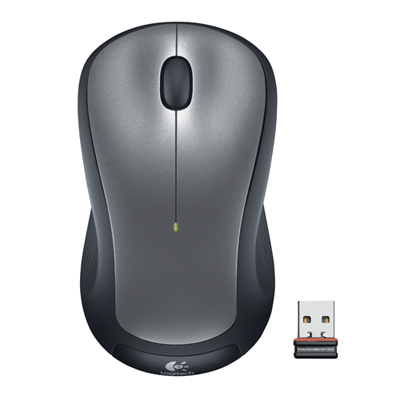 Your price for this item is $29.99
-
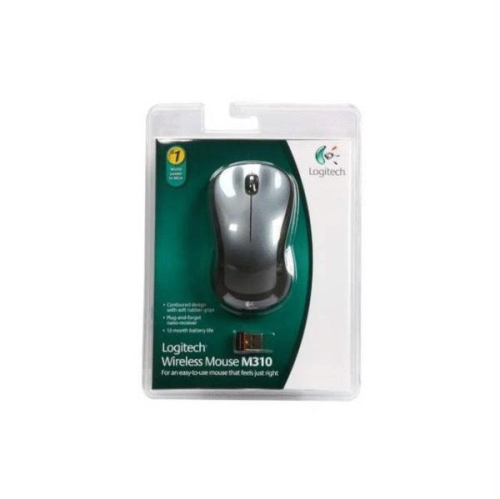 Your price for this item is $50.44
-
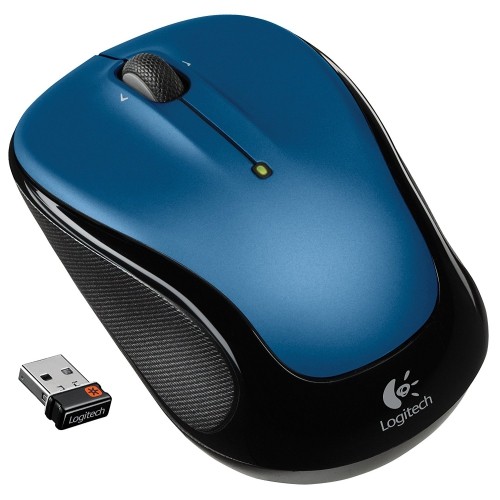 Your price for this item is $39.99
-
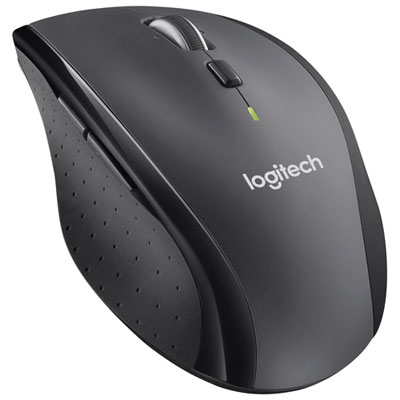 Your price for this item is $49.99
-
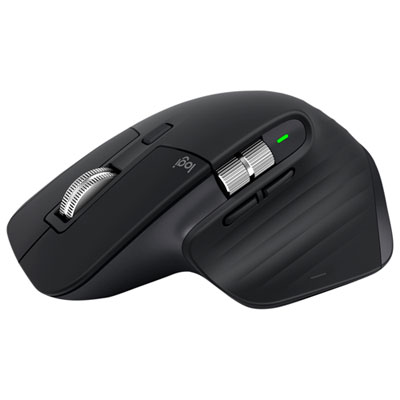 Your price for this item is $159.97
-
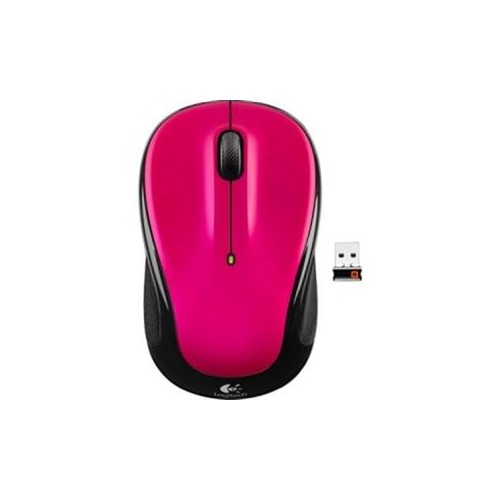 Your price for this item is $64.68
-
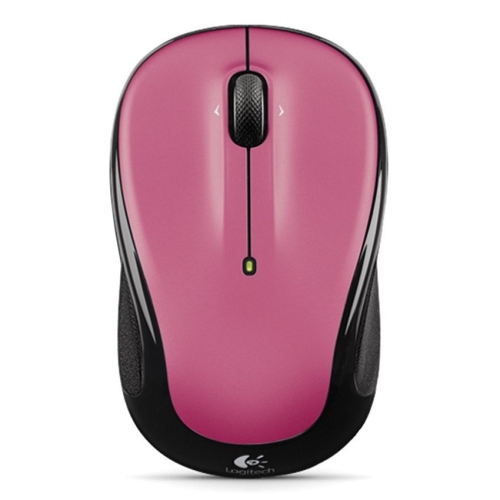 Your price for this item is $48.68
-
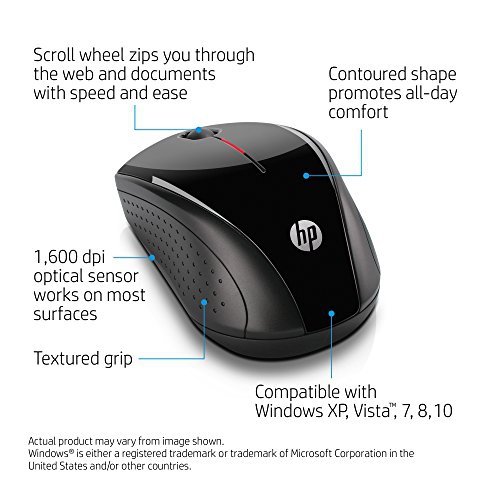 Your price for this item is $31
Discover more categories related to Mice With Scroll Button
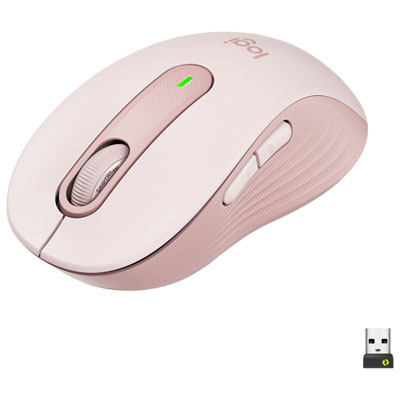
Top Collections:
Best Black Friday Deals This Year, Best Black Friday Deals On Electronics, Kindle Devices, Pokemon Centers, Best Black Friday Deals On Apple Products, Best Cameras for Sports Photography, Dyson Airwrap, Pokémon 30th Celebration Cards, Apple iPhone 17 Pro, Canon G7X Cameras
Some products may be subject to Environmental Handling Fees
(EHF) depending on your province.
Learn more about EHFs.