Thunderbolt 4 Dock for Laptop Gaming PS5
Enhance your gaming setup with a Thunderbolt 4 Dock for Laptop Gaming PS5, designed to streamline your connections and elevate your experience. Whether you're looking to expand your display options, connect multiple peripherals, or simplify cable management, these docks offer versatile solutions for both laptop gamers and PlayStation 5 users. Discover options that help you maximize performance and keep your gaming area organized, making it easy to switch between devices and enjoy uninterrupted play. Find the right Thunderbolt 4 Dock for Laptop Gaming PS5 to take your setup to the next level.
Sort

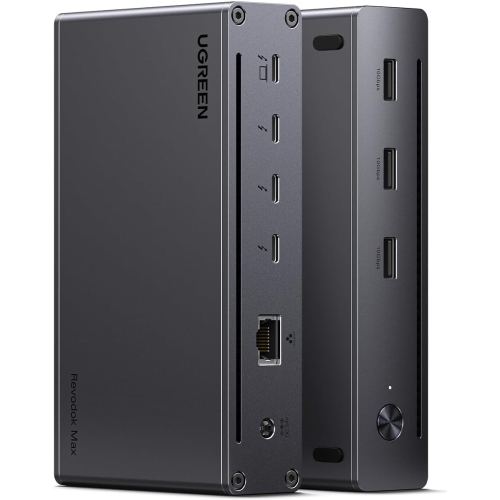
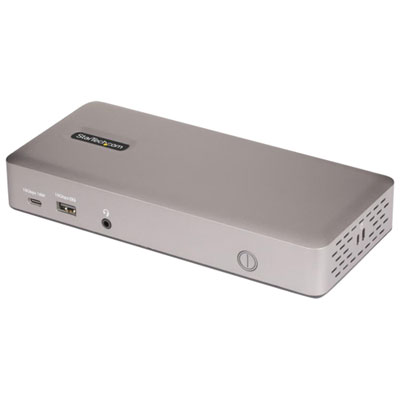
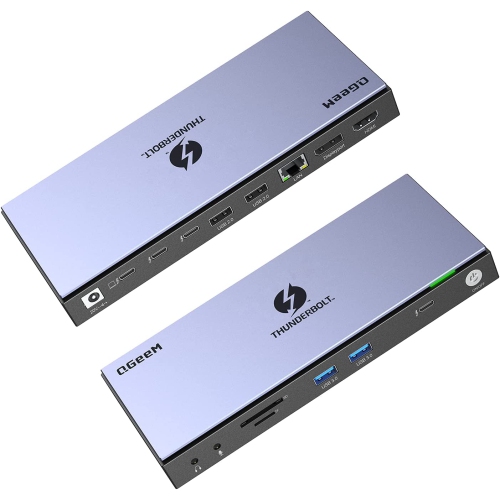


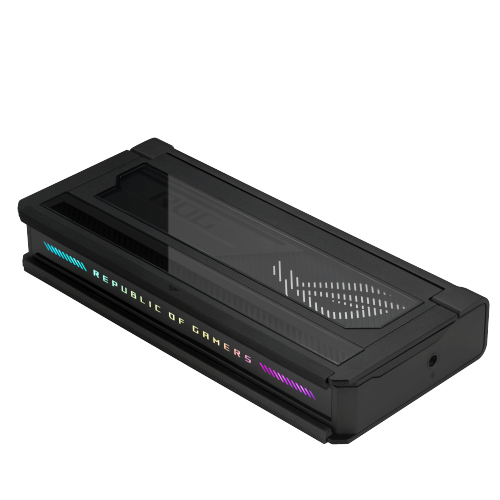
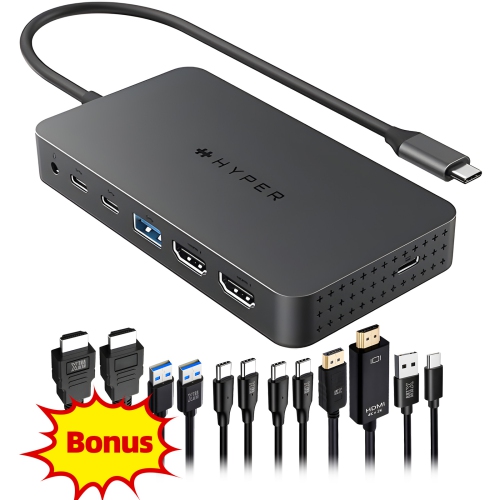
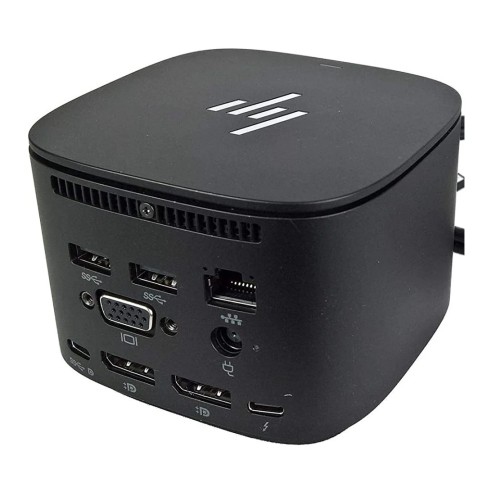
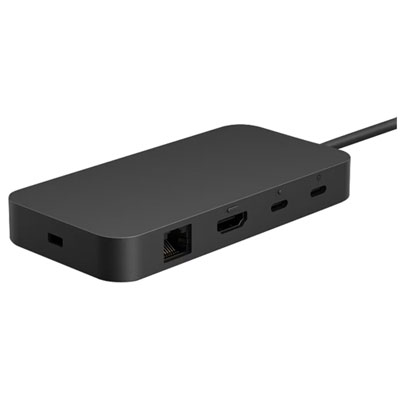
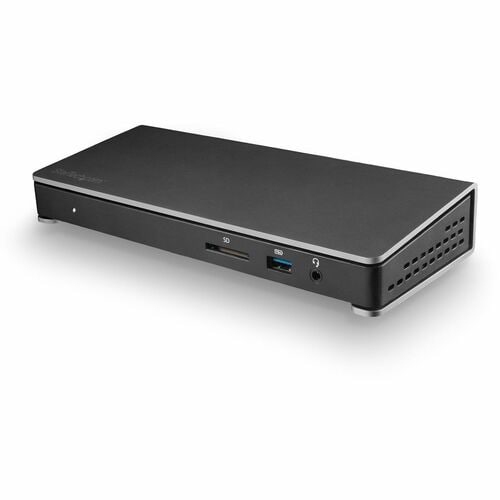
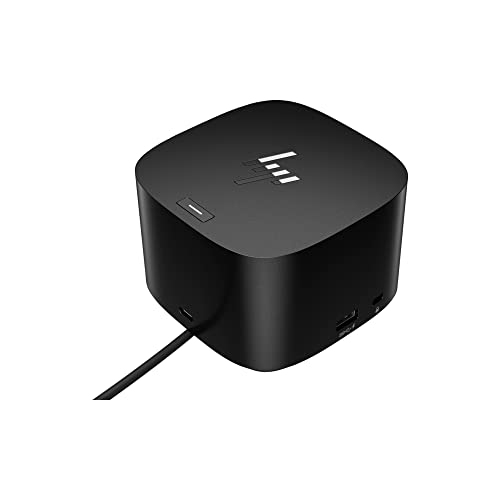
High-speed connections for gaming, streaming, work, and play
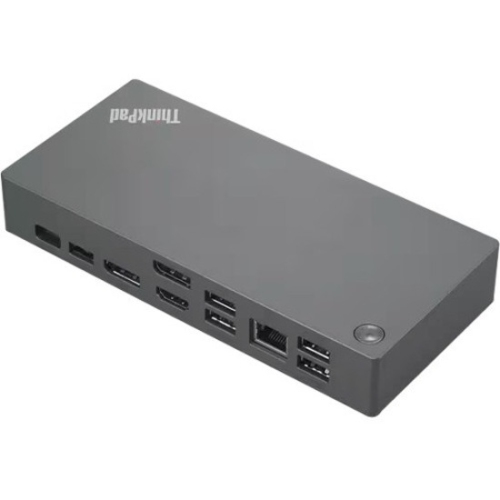
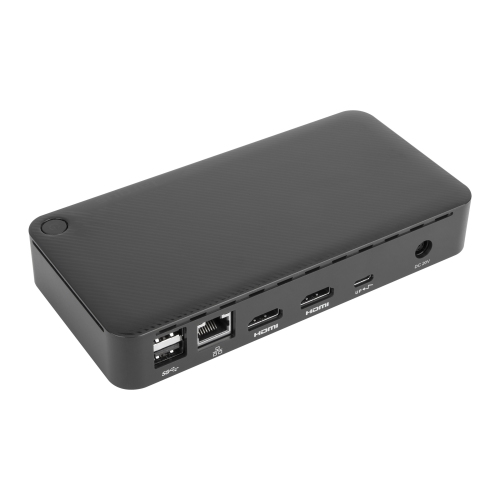
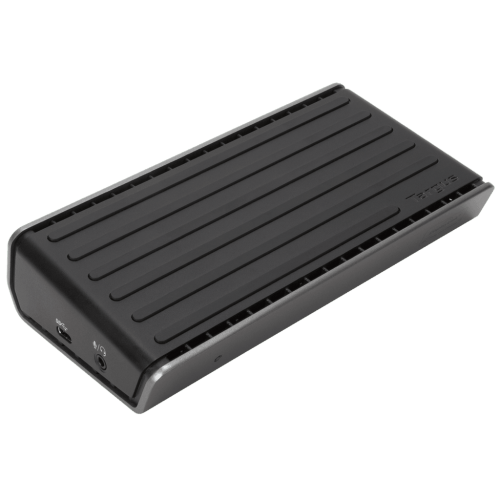
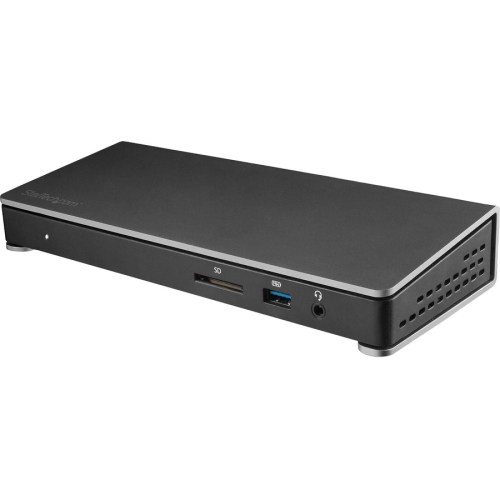
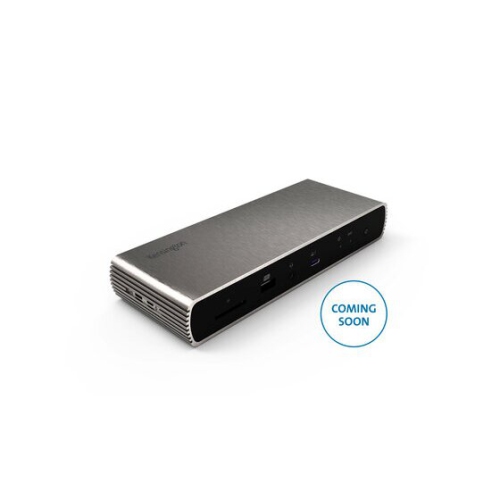
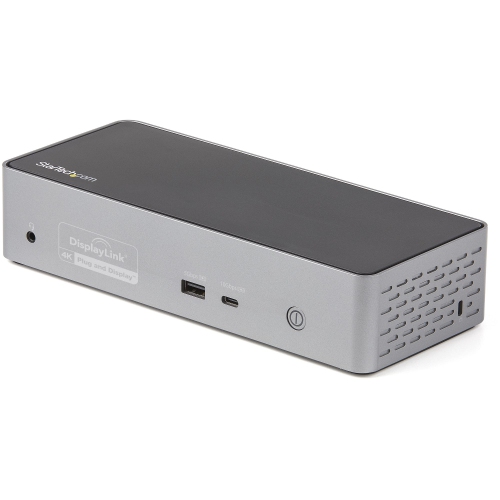
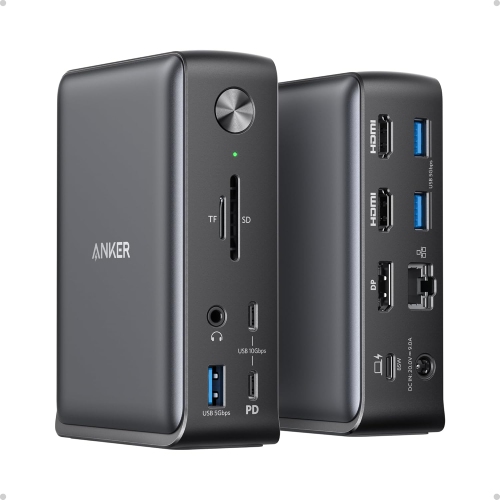
Thunderbolt 4 docks have become a vital accessory for anyone looking to elevate their laptop gaming setup or streamline their entertainment space, especially as the pace of life picks up during the warmer months and carries into the cooler evenings of early autumn. Whether you’re a dedicated gamer who wants to maximize the performance of a high-end laptop, or someone who enjoys switching between work and play on the same device, these docks offer a seamless way to expand connectivity and keep everything powered up. With support for up to 40Gbps data transfer speeds, Thunderbolt 4 docks make it easy to connect multiple high-speed peripherals—think external SSDs for lightning-fast game storage, dual 4K/60Hz monitors for immersive visuals, or even 2.5 Gigabit Ethernet for ultra-stable online gaming. This level of versatility is also a game-changer for content creators who need to transfer large files quickly, or for students setting up a flexible study and gaming station as the school year approaches.
For laptop gamers, the right Thunderbolt 4 dock can transform a cluttered desk into a hub of productivity and entertainment. Imagine coming home after a day out in the sun, dropping your laptop onto the dock, and instantly having access to your favourite gaming accessories, a mechanical keyboard, a high-refresh-rate monitor, and a reliable wired internet connection—all while your laptop stays charged with up to 100W of power delivery. The convenience is especially noticeable during longer gaming sessions or when streaming content with friends and family as the evenings get cooler. While the PlayStation 5 itself doesn’t natively support Thunderbolt connectivity, many users find that a Thunderbolt 4 dock is still a smart addition to a gaming setup, acting as a central point for connecting headsets, external storage, and Ethernet for smoother online play. This makes Thunderbolt 4 docks a thoughtful gift for students moving into dorms, new grads setting up a home office, or anyone who wants to simplify their gaming and workstation environment without sacrificing performance.
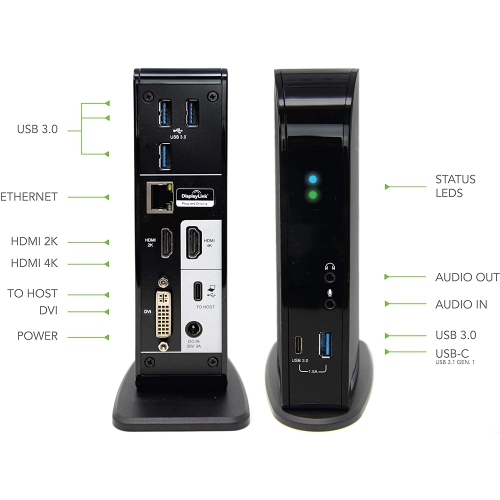
When choosing a Thunderbolt 4 dock for laptop gaming or PS5 setups, it’s important to consider the types and number of ports you’ll need. Look for docks that feature multiple Thunderbolt 4 downstream ports for daisy-chaining displays or connecting high-speed drives, as well as at least one 2.5GbE Ethernet port for fast, reliable networking. Power delivery is another key factor—select a dock that can deliver at least 90W to 100W to keep even power-hungry gaming laptops running at full strength during demanding sessions. Dual 4K monitor support is ideal for immersive gameplay or multitasking, while additional USB-A and USB-C ports ensure compatibility with a wide range of accessories. As you explore the latest Thunderbolt 4 docking options, you may also want to compare them with previous-generation solutions; for those curious about the differences or seeking compatibility with older devices, the Thunderbolt 3 Dock page provides more information. Whether you’re setting up a dedicated gaming battlestation or looking for a versatile dock to handle both work and play, Thunderbolt 4 docks offer the speed, power, and convenience to keep your setup organized and future-ready as the seasons change.
For laptop gamers, the right Thunderbolt 4 dock can transform a cluttered desk into a hub of productivity and entertainment. Imagine coming home after a day out in the sun, dropping your laptop onto the dock, and instantly having access to your favourite gaming accessories, a mechanical keyboard, a high-refresh-rate monitor, and a reliable wired internet connection—all while your laptop stays charged with up to 100W of power delivery. The convenience is especially noticeable during longer gaming sessions or when streaming content with friends and family as the evenings get cooler. While the PlayStation 5 itself doesn’t natively support Thunderbolt connectivity, many users find that a Thunderbolt 4 dock is still a smart addition to a gaming setup, acting as a central point for connecting headsets, external storage, and Ethernet for smoother online play. This makes Thunderbolt 4 docks a thoughtful gift for students moving into dorms, new grads setting up a home office, or anyone who wants to simplify their gaming and workstation environment without sacrificing performance.
When choosing a Thunderbolt 4 dock for laptop gaming or PS5 setups, it’s important to consider the types and number of ports you’ll need. Look for docks that feature multiple Thunderbolt 4 downstream ports for daisy-chaining displays or connecting high-speed drives, as well as at least one 2.5GbE Ethernet port for fast, reliable networking. Power delivery is another key factor—select a dock that can deliver at least 90W to 100W to keep even power-hungry gaming laptops running at full strength during demanding sessions. Dual 4K monitor support is ideal for immersive gameplay or multitasking, while additional USB-A and USB-C ports ensure compatibility with a wide range of accessories. As you explore the latest Thunderbolt 4 docking options, you may also want to compare them with previous-generation solutions; for those curious about the differences or seeking compatibility with older devices, the Thunderbolt 3 Dock page provides more information. Whether you’re setting up a dedicated gaming battlestation or looking for a versatile dock to handle both work and play, Thunderbolt 4 docks offer the speed, power, and convenience to keep your setup organized and future-ready as the seasons change.
Top selling and popular products
-
 Your price for this item is $149.99
 -
 Your price for this item is $69.99
 -
 Your price for this item is $35
 -
 Your price for this item is $59.99
 -
 Your price for this item is $179.99
 -
 Your price for this item is $209.99
 -
 Your price for this item is $89.99
 -
 Your price for this item is $154.99
Discover more categories related to Thunderbolt 4 Dock for Laptop Gaming PS5

Top Collections:
Pokemon Centers, Kindle Devices, Best Budget Office Chairs, Apple iPhones 16, Best Laptops for Writers, iPhone 15 Apple, Canon G7X Cameras, Refurbished Apple Laptops, Alarm Clock, Motorola Razr Phones
Some products may be subject to Environmental Handling Fees
(EHF) depending on your province.
Learn more about EHFs.