Thunderbolt Monitors
Experience next-level connectivity and performance with a Thunderbolt Monitor, designed to elevate your workspace and entertainment setup. Whether you're editing high-resolution videos, multitasking across multiple applications, or seeking a seamless display solution, these monitors offer advanced compatibility and streamlined connections for a clutter-free desk. Discover a wide selection of Thunderbolt Monitors that deliver crisp visuals and efficient workflows, making them an ideal choice for professionals, creators, and anyone looking to enhance their computing experience.
Sort
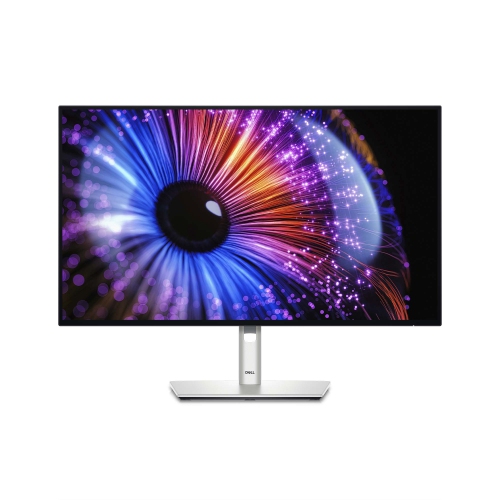
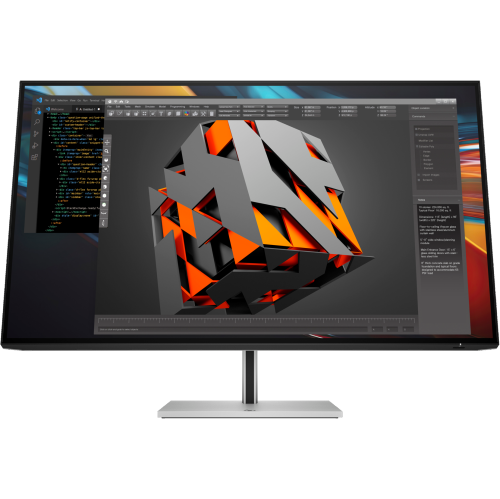
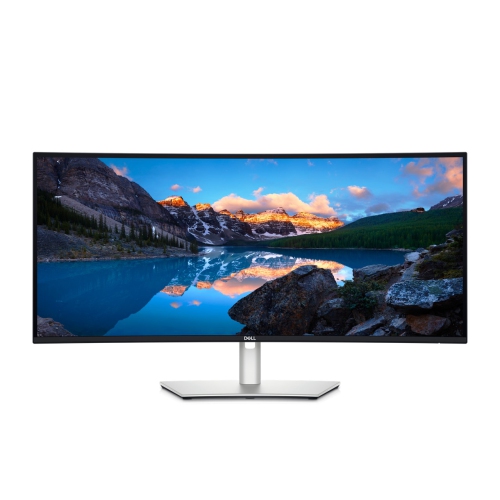
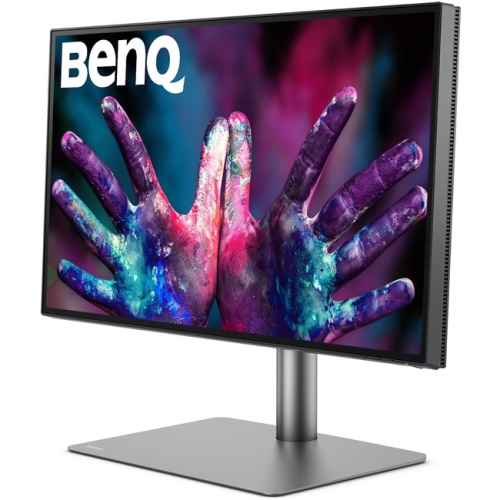
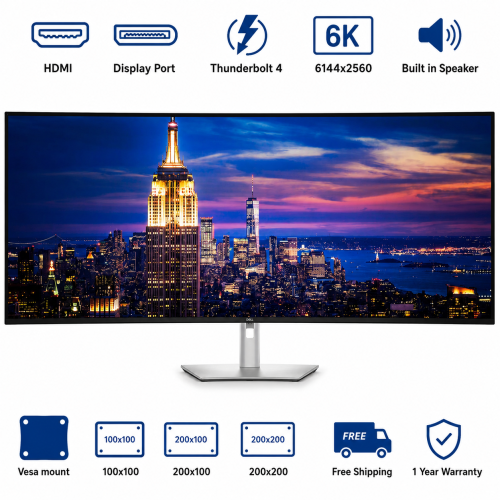
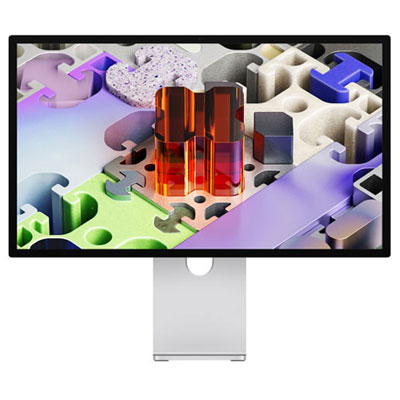
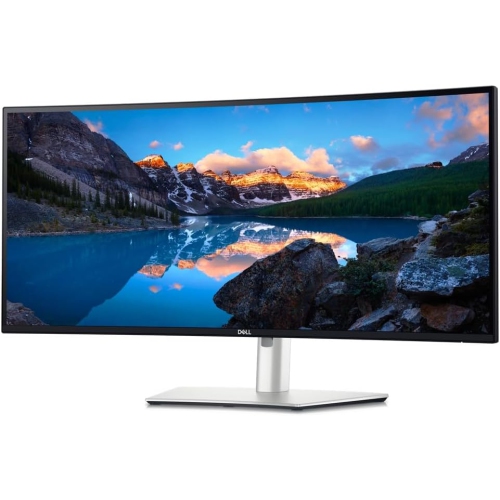
One laptop connection can simplify your desk setup
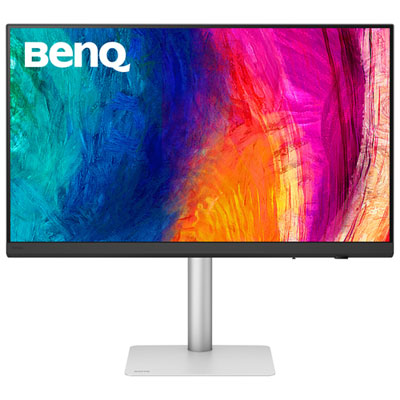
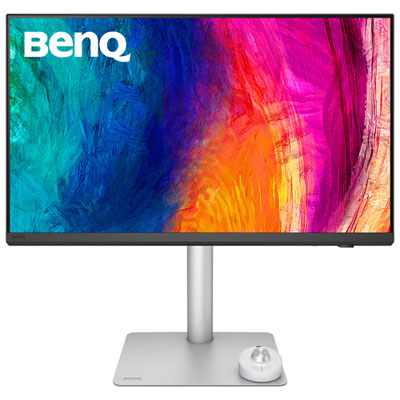
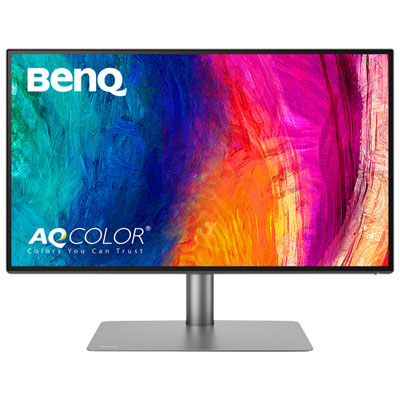
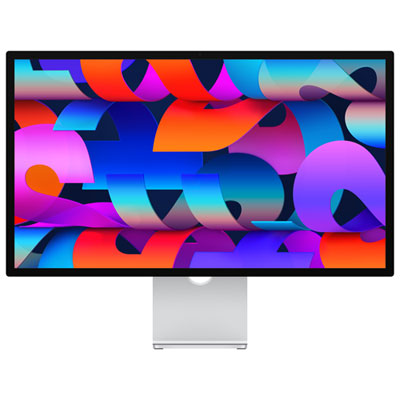
Thunderbolt monitors combine a desktop display with a high-speed connection for video and data, and many can also charge a compatible laptop through the same cable. This makes them well suited to workspaces where a notebook moves between a desk and other locations: one connection can bring a larger screen, a keyboard, a mouse, and other attached accessories into use. The monitor still needs its own power connection, but the cable running to the laptop can replace several separate leads. For someone working across spreadsheets, presentations, and video calls, that arrangement leaves more desk space clear and makes getting settled less fiddly. A Thunderbolt monitor is not simply any display with a USB-C socket. Thunderbolt 3, Thunderbolt 4, and Thunderbolt 5 use the USB-C connector shape, but the computer, monitor, and cable must support the appropriate capabilities to deliver the expected performance. Some monitors also accept a standard USB-C video connection, although supported features can differ in that mode. Charging capacity matters as much as connector compatibility. A monitor’s stated USB power delivery wattage should be considered alongside the laptop’s power requirements, particularly for demanding work such as video editing or 3D rendering. A laptop that draws more power than the display supplies may still need its own charger. Built-in hub connections also vary: USB ports can accommodate everyday peripherals, while an Ethernet port can provide a wired network connection through the monitor. Downstream Thunderbolt ports on suitably equipped displays may support additional devices or a second monitor. Daisy-chaining can reduce cable clutter, but it depends on the computer’s external-display support, the monitor’s output connections, the available bandwidth, and the resolution and refresh rate of each screen. These details distinguish a straightforward single-screen setup from a more involved workstation. For desks that need additional connections or a separate hub within easy reach, Thunderbolt docks for laptops can complement a compatible display setup, with the same attention to power delivery and display support.
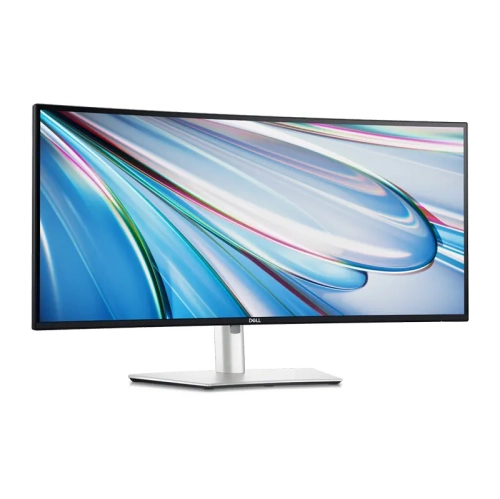
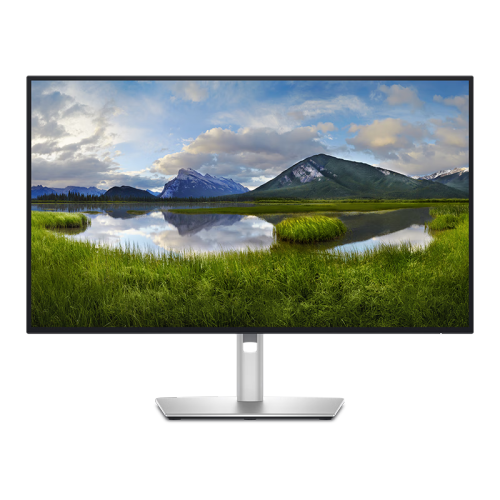
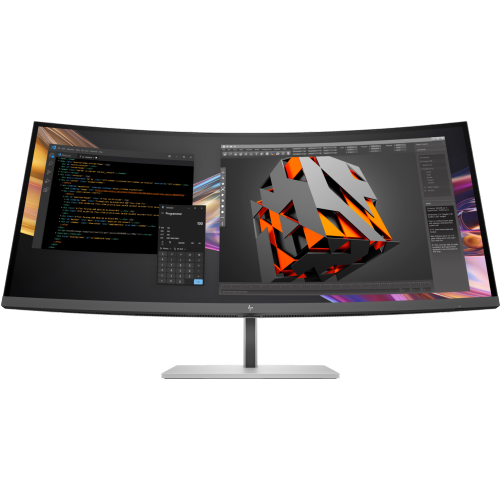
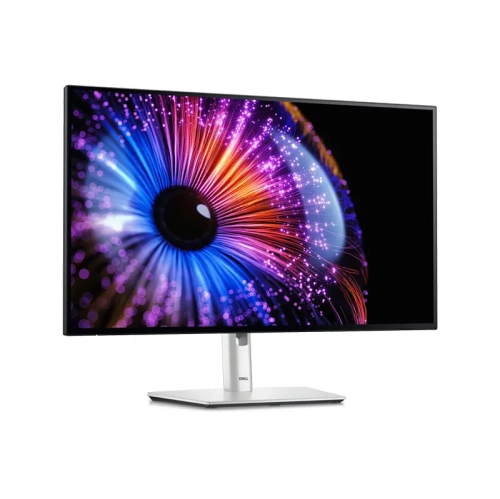
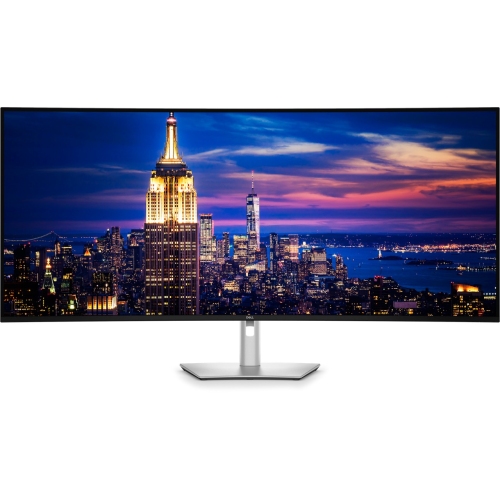
Screen size, resolution, and panel characteristics shape the everyday experience just as much as the Thunderbolt connection. A 27-inch display can provide a comfortable balance of workspace and desk fit, while a 32-inch screen gives documents, editing timelines, and side-by-side windows more physical room. Neither size determines sharpness on its own: resolution and pixel density influence how crisp small text, fine lines, and image details appear. A 4K Thunderbolt monitor can bring greater detail to photographs and drawings while keeping text clearly defined, though operating-system scaling affects how much usable workspace appears on screen. Higher resolutions may suit detailed visual work, provided the computer supports them at the intended refresh rate. An ultrawide display offers a different approach, spreading windows across a broad canvas without a central bezel. Its footprint and viewing distance deserve attention, especially on a shallow desk. For photographers, designers, and video editors, colour accuracy, colour-gamut coverage, and calibration support can be more important than size alone. Coverage of sRGB, Adobe RGB, or Display P3 describes the range of colours a display can reproduce; it does not, by itself, establish how accurately those colours are shown. Factory calibration and suitable picture modes can help, while colour-critical work may call for periodic measurement with a compatible calibration device. Panel technology brings other differences. IPS panels are often valued for wide viewing angles and consistent colour, while OLED panels can offer deep blacks and fast pixel response, with care requirements worth considering for workloads dominated by static toolbars and menus. HDR performance depends on brightness, contrast, and backlight or pixel-level control rather than the presence of an HDR label alone. For general office work, an effective anti-glare finish and comfortable brightness adjustment may be more noticeable than an expanded colour range. Higher refresh rates can make scrolling and motion feel smoother, but gaming performance also depends on response time, supported adaptive-sync features, and the computer’s graphics capabilities. Thunderbolt connectivity is useful for transporting the signal; it does not guarantee a particular level of image quality or gaming performance.
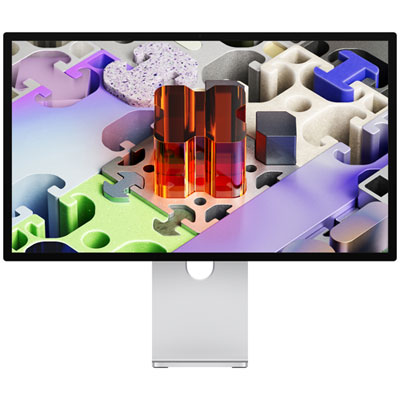
The physical design of a Thunderbolt monitor determines how comfortably it fits into a daily routine. Height adjustment, tilt, swivel, and, where supported, portrait rotation help position the screen for different tasks and users. A portrait-oriented display can be useful for reviewing long documents or writing code, while a wider landscape arrangement suits detailed timelines and multiple open applications. Stand depth is easy to overlook until a keyboard, notebook, and drawing tablet share the same surface. A compact base can leave more usable room, and a compatible monitor arm can free up desk space when the display’s mounting pattern and weight match the arm’s specifications. Housings may use plastic, metal, or a combination of both; stable construction, smooth adjustments, and secure ports matter more in daily handling than a finish that simply looks substantial. Accessible side or underside ports are particularly useful for frequently connected accessories, while rear-facing connections can keep permanent cabling out of sight. A built-in KVM switch, where included, can let a keyboard and mouse serve more than one connected computer, although switching behaviour and supported connections differ between displays. Integrated speakers, microphones, and webcams can simplify calls, but these features are not standard across Thunderbolt monitors. For shared desks and home offices, the right combination can reduce the number of separate devices competing for space. Long-term care is usually straightforward: follow the manufacturer’s cleaning directions, use a clean, soft microfibre cloth, and avoid spraying liquid directly onto the screen. Harsh cleaners and excessive pressure can damage surface coatings. Keeping ventilation openings unobstructed and routing cables without sharp bends or tension at the connectors helps protect the setup during everyday use. A cable rated for the intended Thunderbolt connection is important, especially when extending the distance between the computer and display. These monitors can be practical additions for remote workers, students with compatible laptops, and creative professionals who need a larger, well-connected workspace. As a gift, they are most useful when the recipient’s computer compatibility, desk dimensions, and preferred screen size are already known, so the display fits both the device and the way it is used.
Screen size, resolution, and panel characteristics shape the everyday experience just as much as the Thunderbolt connection. A 27-inch display can provide a comfortable balance of workspace and desk fit, while a 32-inch screen gives documents, editing timelines, and side-by-side windows more physical room. Neither size determines sharpness on its own: resolution and pixel density influence how crisp small text, fine lines, and image details appear. A 4K Thunderbolt monitor can bring greater detail to photographs and drawings while keeping text clearly defined, though operating-system scaling affects how much usable workspace appears on screen. Higher resolutions may suit detailed visual work, provided the computer supports them at the intended refresh rate. An ultrawide display offers a different approach, spreading windows across a broad canvas without a central bezel. Its footprint and viewing distance deserve attention, especially on a shallow desk. For photographers, designers, and video editors, colour accuracy, colour-gamut coverage, and calibration support can be more important than size alone. Coverage of sRGB, Adobe RGB, or Display P3 describes the range of colours a display can reproduce; it does not, by itself, establish how accurately those colours are shown. Factory calibration and suitable picture modes can help, while colour-critical work may call for periodic measurement with a compatible calibration device. Panel technology brings other differences. IPS panels are often valued for wide viewing angles and consistent colour, while OLED panels can offer deep blacks and fast pixel response, with care requirements worth considering for workloads dominated by static toolbars and menus. HDR performance depends on brightness, contrast, and backlight or pixel-level control rather than the presence of an HDR label alone. For general office work, an effective anti-glare finish and comfortable brightness adjustment may be more noticeable than an expanded colour range. Higher refresh rates can make scrolling and motion feel smoother, but gaming performance also depends on response time, supported adaptive-sync features, and the computer’s graphics capabilities. Thunderbolt connectivity is useful for transporting the signal; it does not guarantee a particular level of image quality or gaming performance.
The physical design of a Thunderbolt monitor determines how comfortably it fits into a daily routine. Height adjustment, tilt, swivel, and, where supported, portrait rotation help position the screen for different tasks and users. A portrait-oriented display can be useful for reviewing long documents or writing code, while a wider landscape arrangement suits detailed timelines and multiple open applications. Stand depth is easy to overlook until a keyboard, notebook, and drawing tablet share the same surface. A compact base can leave more usable room, and a compatible monitor arm can free up desk space when the display’s mounting pattern and weight match the arm’s specifications. Housings may use plastic, metal, or a combination of both; stable construction, smooth adjustments, and secure ports matter more in daily handling than a finish that simply looks substantial. Accessible side or underside ports are particularly useful for frequently connected accessories, while rear-facing connections can keep permanent cabling out of sight. A built-in KVM switch, where included, can let a keyboard and mouse serve more than one connected computer, although switching behaviour and supported connections differ between displays. Integrated speakers, microphones, and webcams can simplify calls, but these features are not standard across Thunderbolt monitors. For shared desks and home offices, the right combination can reduce the number of separate devices competing for space. Long-term care is usually straightforward: follow the manufacturer’s cleaning directions, use a clean, soft microfibre cloth, and avoid spraying liquid directly onto the screen. Harsh cleaners and excessive pressure can damage surface coatings. Keeping ventilation openings unobstructed and routing cables without sharp bends or tension at the connectors helps protect the setup during everyday use. A cable rated for the intended Thunderbolt connection is important, especially when extending the distance between the computer and display. These monitors can be practical additions for remote workers, students with compatible laptops, and creative professionals who need a larger, well-connected workspace. As a gift, they are most useful when the recipient’s computer compatibility, desk dimensions, and preferred screen size are already known, so the display fits both the device and the way it is used.
Top selling and popular products
-
 Your price for this item is $299
 -
 Your price for this item is $599
 -
 Your price for this item is $94.99
 -
 Your price for this item is $329.99
 -
 Your price for this item is $499
 -
 Your price for this item is $265.99
 -
 Your price for this item is $1299.97
 -
 Your price for this item is $249.99
Discover more categories related to Thunderbolt Monitors
Top Collections:
Pokemon Centers, Kindle Devices, Best Budget Office Chairs, Apple iPhones 16, Best Laptops for Writers, iPhone 15 Apple, Canon G7X Cameras, Refurbished Apple Laptops, Alarm Clock, Motorola Razr Phones
Some products may be subject to Environmental Handling Fees
(EHF) depending on your province.
Learn more about EHFs.