Thunderbolt Docks For Laptops
Thunderbolt Docks For Laptops provide a convenient way to expand connectivity and streamline your workspace. With a single connection, you can link multiple devices such as monitors, external storage, and accessories to your laptop. Whether you need additional ports for work or want to simplify your home office setup, Thunderbolt Docks For Laptops offer flexibility and efficiency for a variety of needs. Explore options that support fast data transfer and enhanced productivity, making it easy to create an organized and efficient setup.

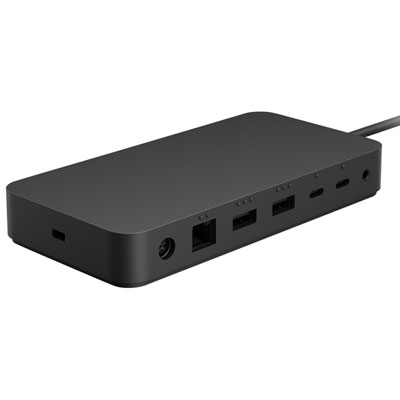
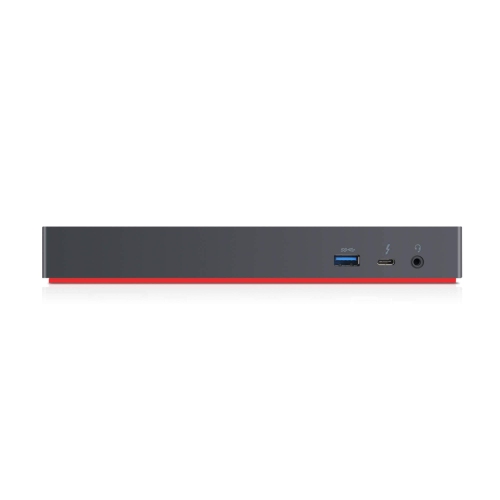
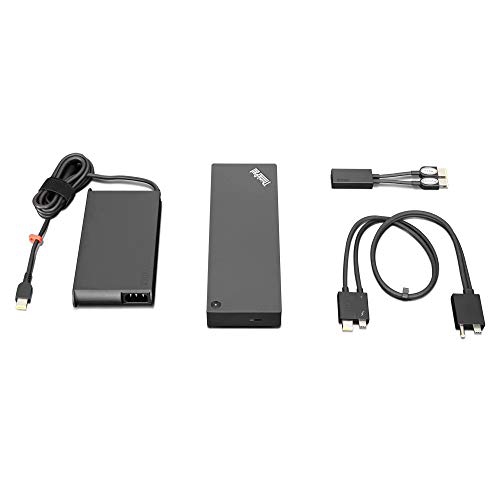
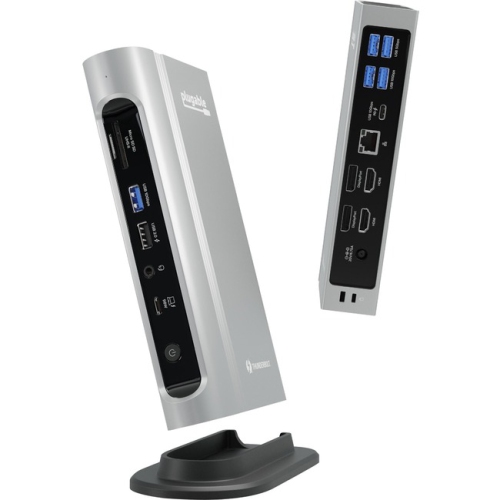
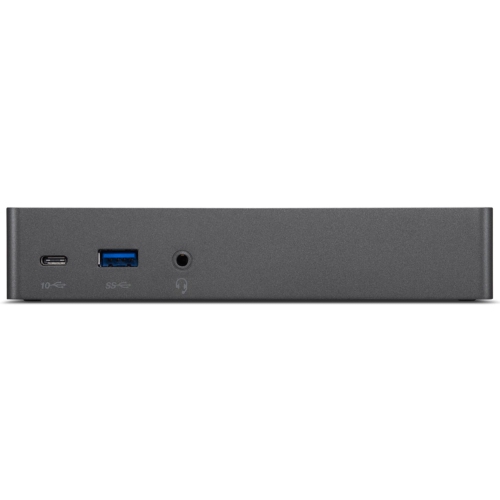
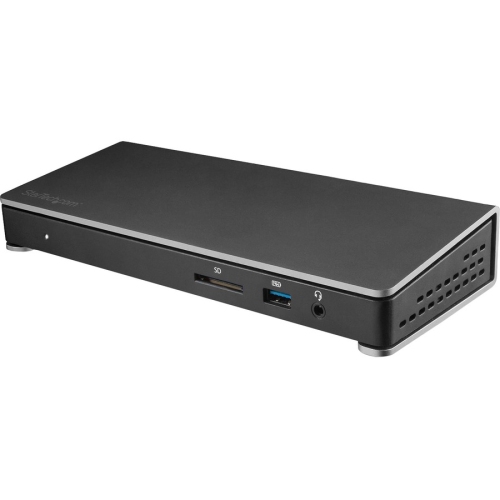
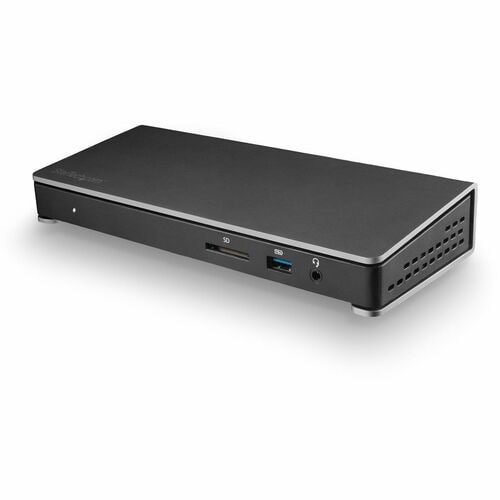
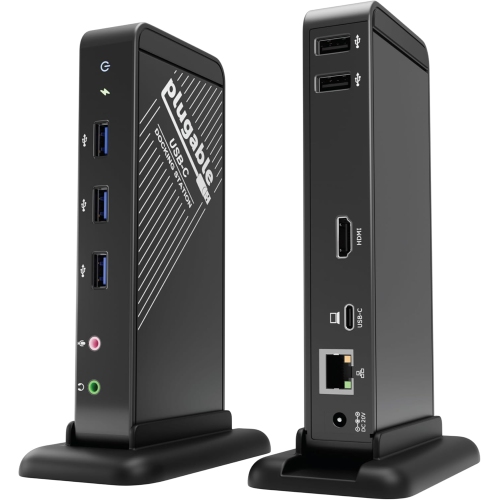
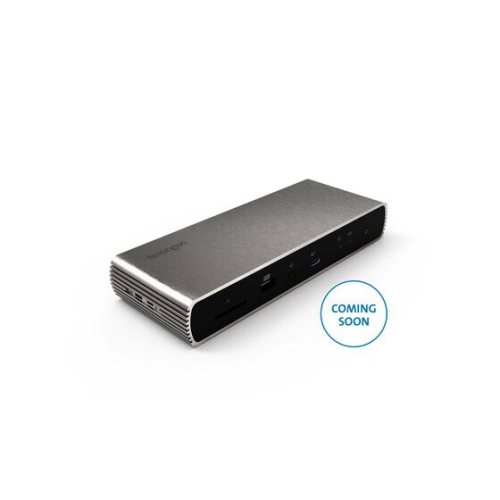
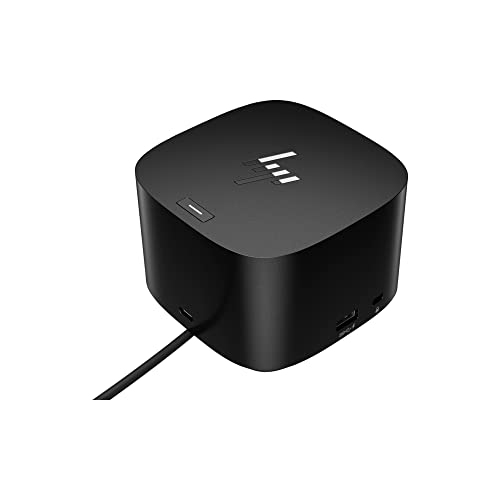
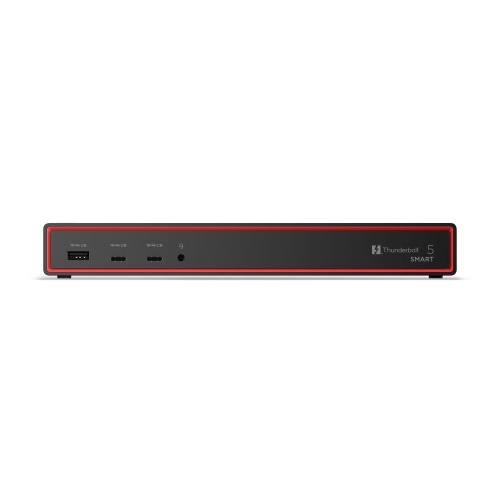
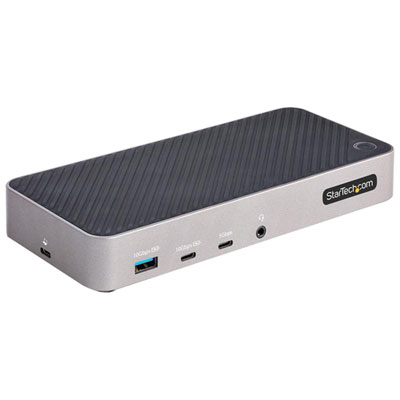
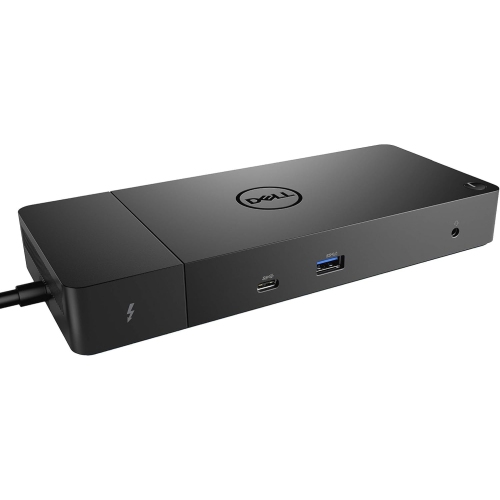
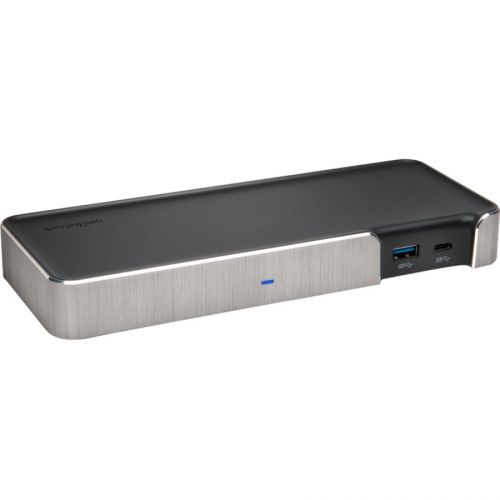
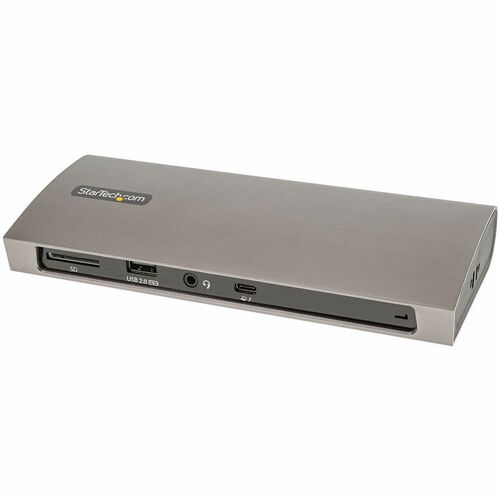
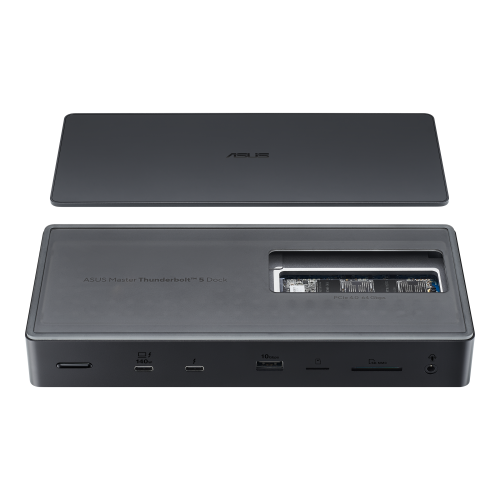
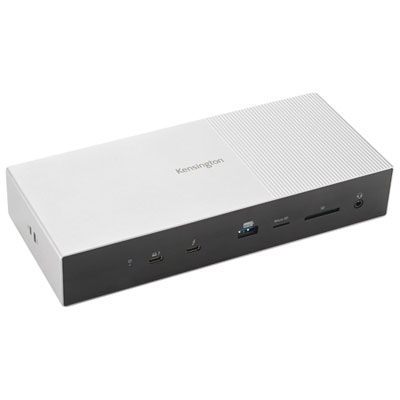
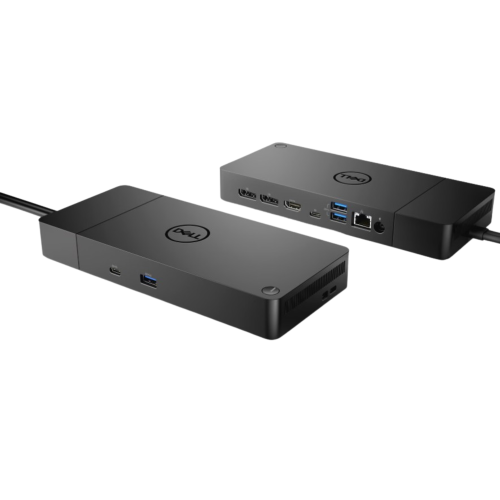
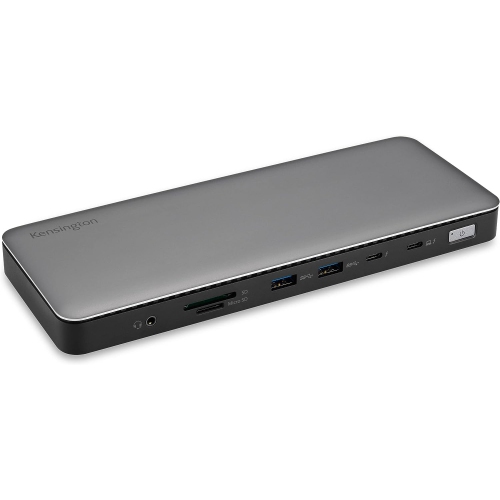
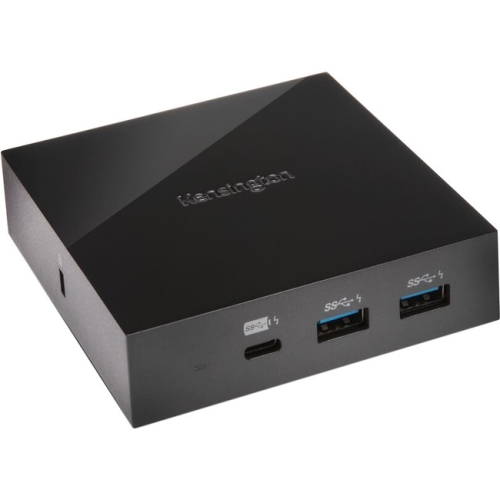

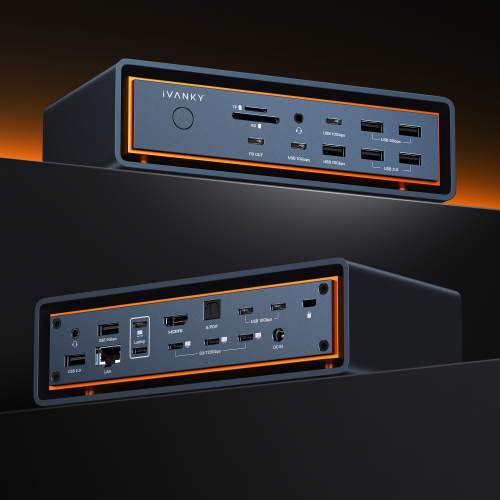
One-cable connectivity for productive, adaptable laptop workspaces
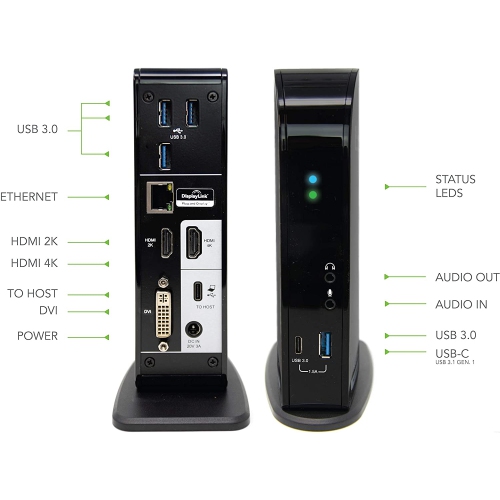
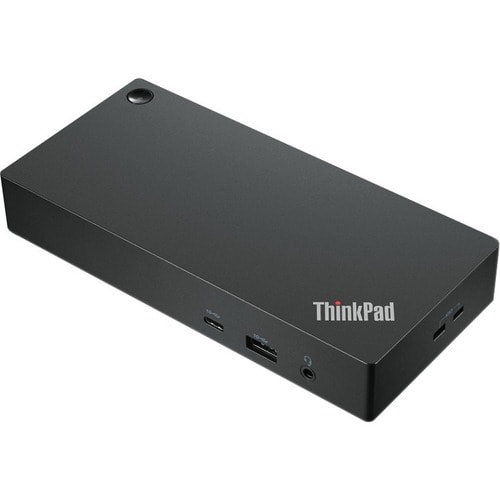
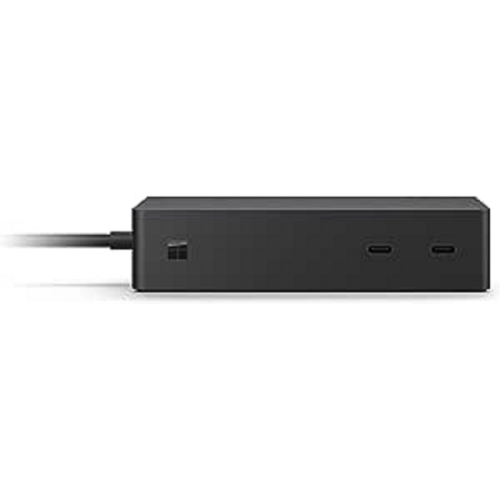
When choosing a Thunderbolt dock, it’s important to consider your specific needs and the devices you plan to connect. Some docks are tailored for power users who require support for dual or even triple monitors, while others are compact and ideal for travel or minimalist setups. Pay attention to the number and type of ports—USB-A, USB-C, HDMI, DisplayPort, Ethernet, and SD card slots—so you can connect everything from legacy devices to the latest accessories. Power delivery is another key factor, especially if you want to charge your laptop and other devices through the dock itself. For those who often work with large files, such as photographers or video editors, the ultra-fast data transfer speeds of Thunderbolt technology can be a game-changer, making it easy to move gigabytes of content in seconds. Thunderbolt docks also make thoughtful gifts for students, remote workers, or anyone who appreciates a tidy, efficient workspace—especially as the pace of life picks up with new projects, travel, or back-to-school preparations. If you’re looking to explore more options and find the right solution for your setup, browse the full selection of Laptop Docks to discover even more ways to elevate your laptop experience.
FAQ
What is a Thunderbolt dock and how does it work with laptops?
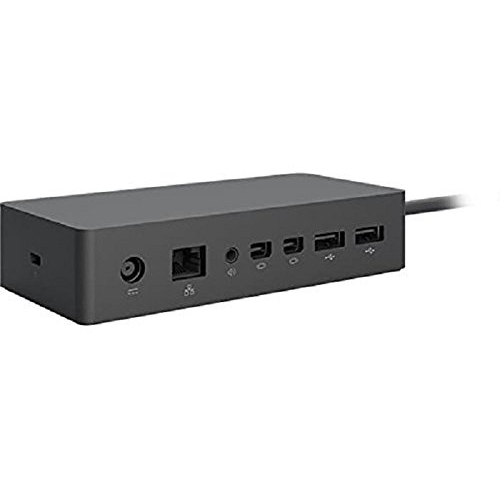
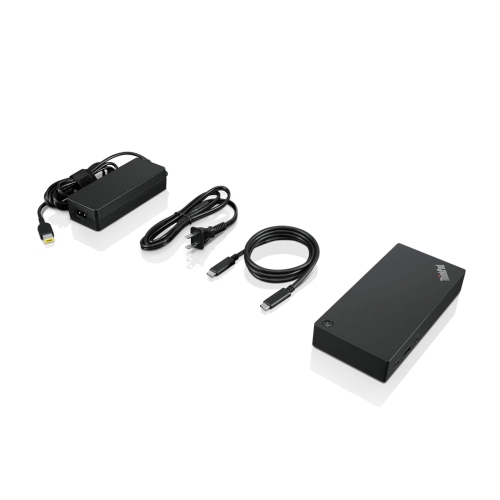
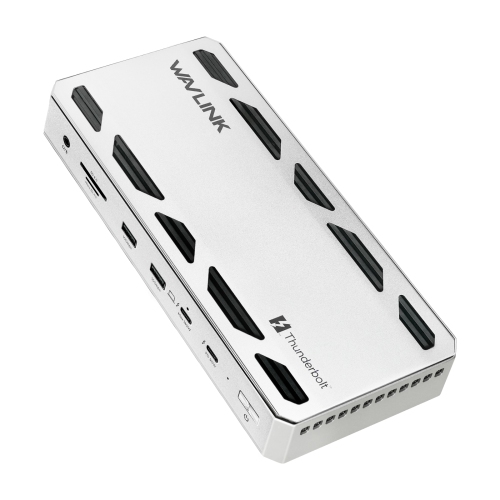
A Thunderbolt dock is an external device that connects to your laptop via a Thunderbolt port, allowing you to expand connectivity options. It typically provides additional USB ports, video outputs, Ethernet, audio jacks, and sometimes SD card readers, all through a single cable connection.
What are the main benefits of using a Thunderbolt dock with my laptop?
Using a Thunderbolt dock can simplify your workspace by reducing cable clutter and enabling you to connect multiple peripherals—such as monitors, keyboards, mice, and external drives—through one connection. It also supports high-speed data transfer and can often charge your laptop simultaneously.
Can I use a Thunderbolt dock with any laptop?
Thunderbolt docks require your laptop to have a compatible Thunderbolt port (usually Thunderbolt 3 or 4). While some docks may offer limited functionality with USB-C ports, full performance and features are only available when connected to a true Thunderbolt-enabled device.
What types of devices can I connect to a Thunderbolt dock?
You can connect a wide range of devices to a Thunderbolt dock, including external monitors (via HDMI or DisplayPort), USB drives, keyboards, mice, printers, Ethernet cables for wired internet, headphones or speakers, and SD cards if the dock has the appropriate slots.
How do I know if my laptop supports Thunderbolt docking stations?
To determine if your laptop supports Thunderbolt docks, check for the presence of a Thunderbolt port—often marked with a lightning bolt icon—and consult your laptop's specifications. You can also refer to the manufacturer's website or user manual for compatibility details.
Top selling and popular products
-
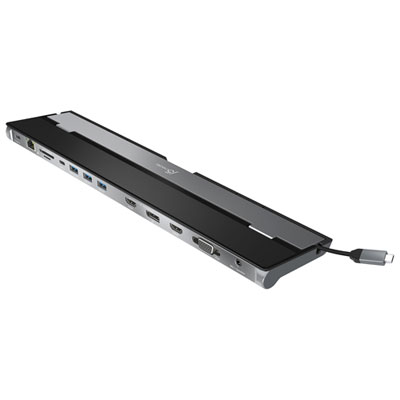 Your price for this item is $129.99
-
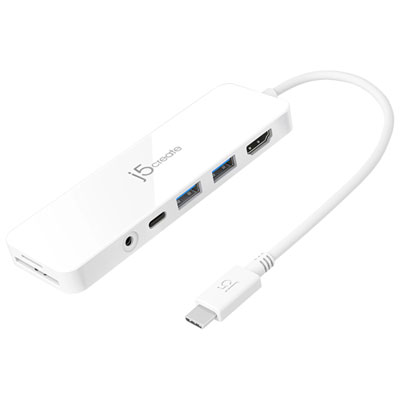 Your price for this item is $59.99
-
 Your price for this item is $44.99
-
 Your price for this item is $59.99
-
 Your price for this item is $96.61
-
 Your price for this item is $179.99
-
 Your price for this item is $209.99
-
 Your price for this item is $59.99