Tools for Digital Artists
Unlock your creative potential with the best selection of tools for digital artists. Whether you're sketching, painting, or designing, having the right equipment can make all the difference in your workflow. Explore a variety of options designed to help bring your artistic visions to life, from drawing tablets and styluses to monitors and accessories. Find everything you need to elevate your digital art experience and take your projects to the next level.
Sort

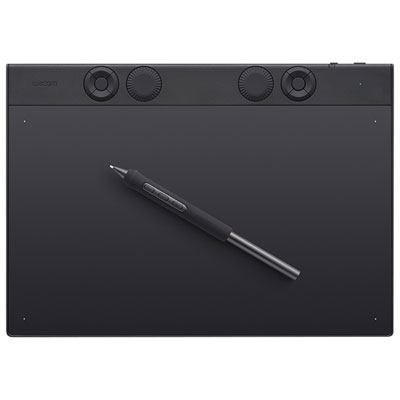
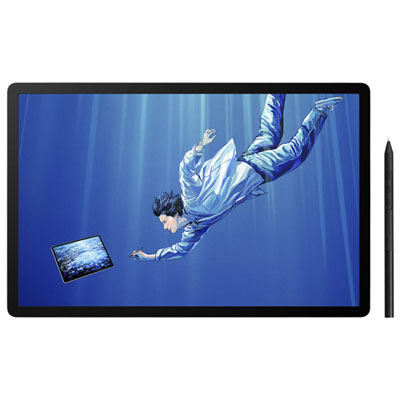
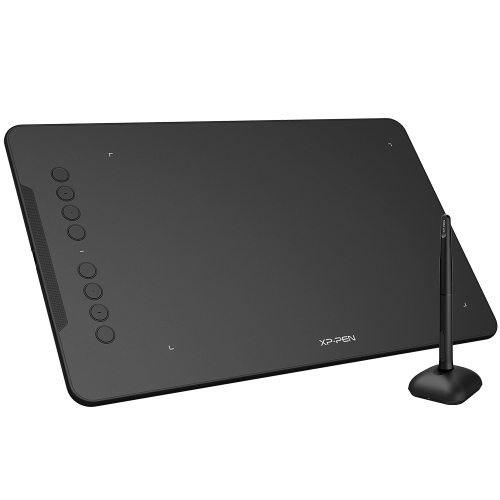
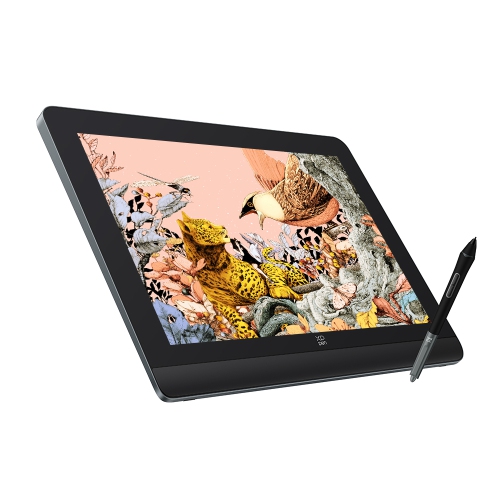
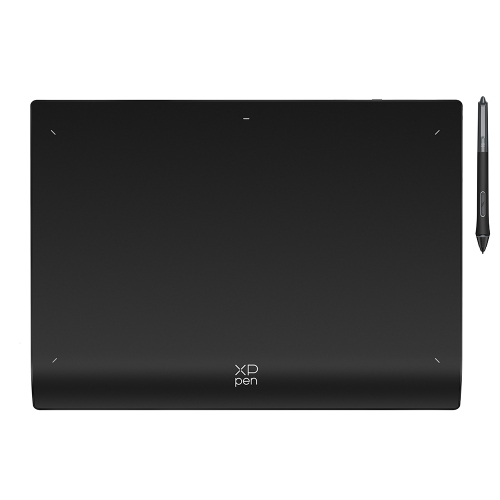
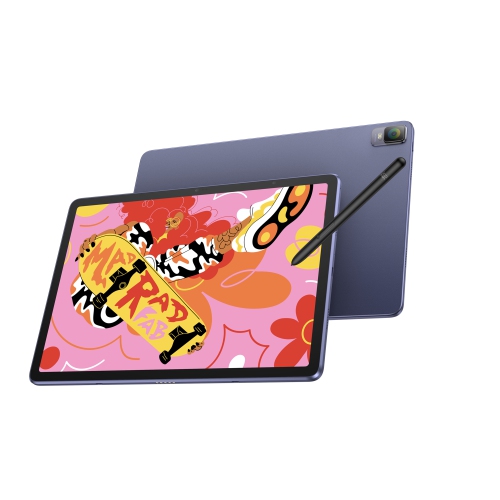

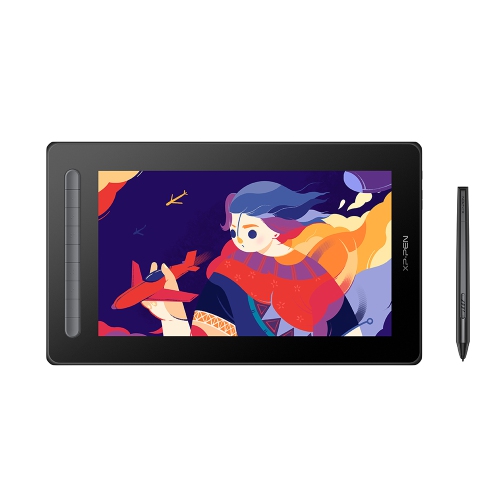
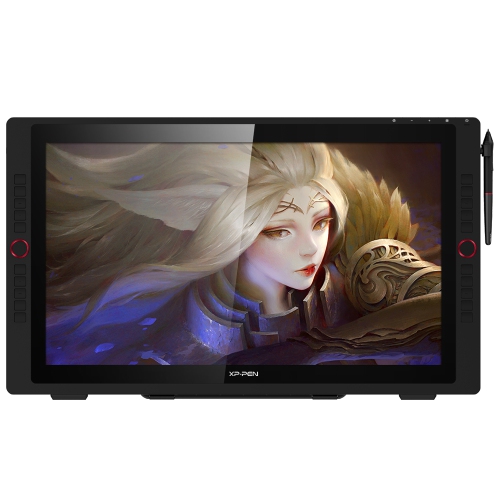
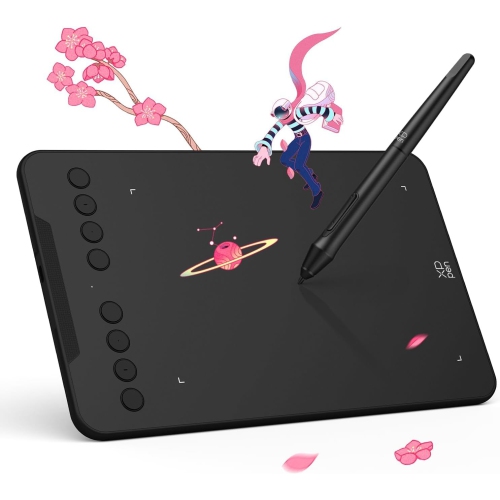
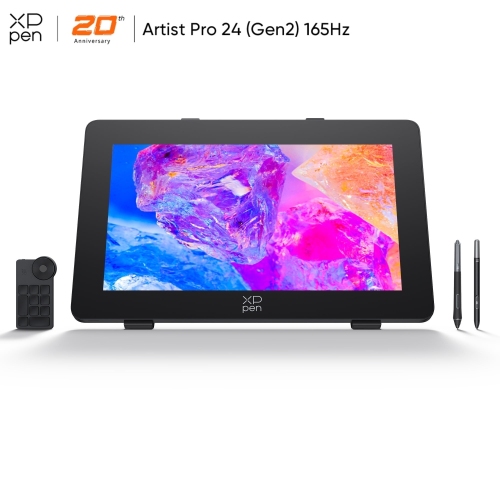
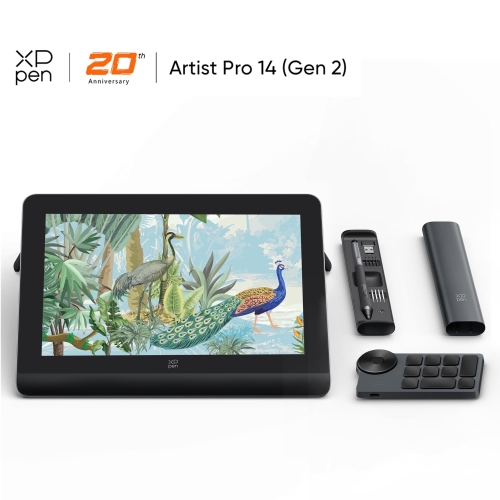
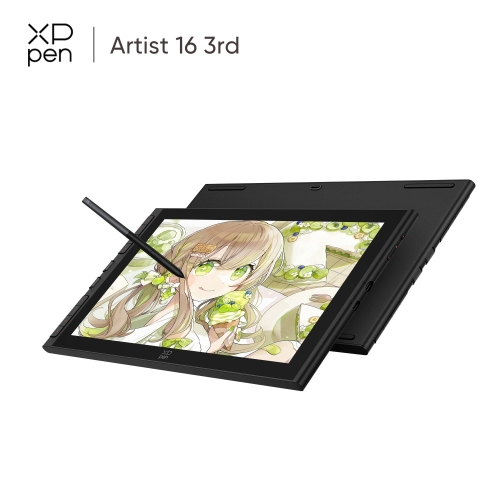
How your drawing setup shapes every digital brushstroke
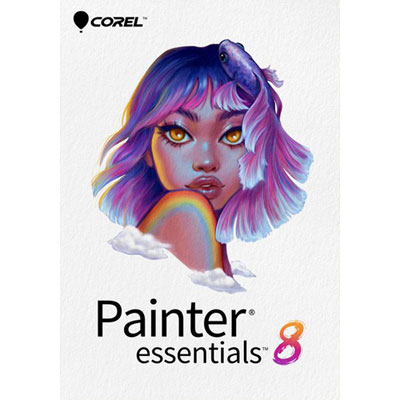
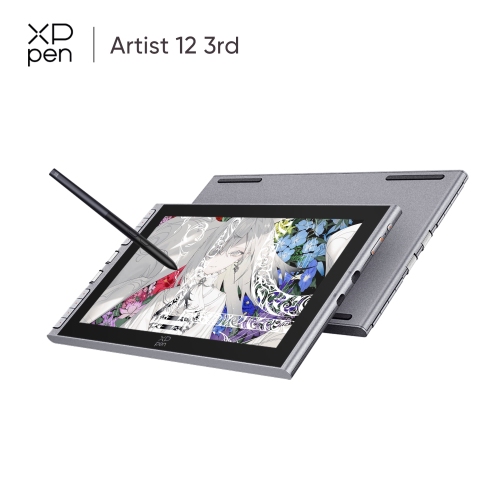
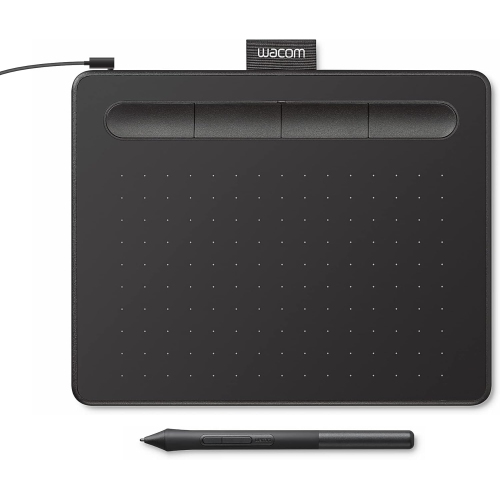
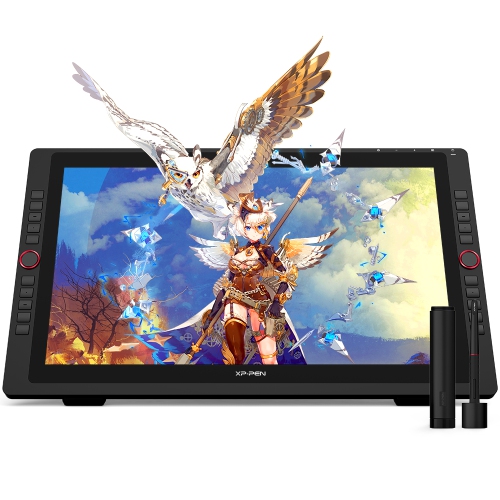
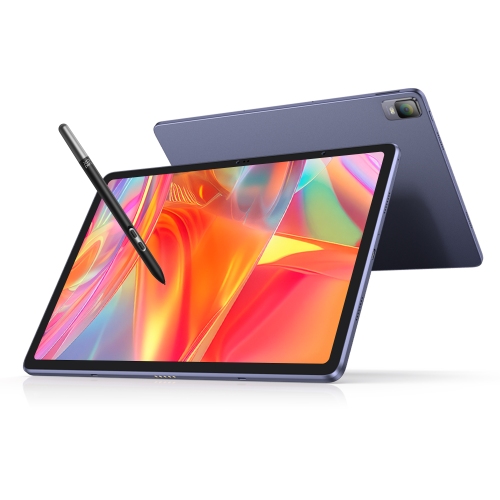
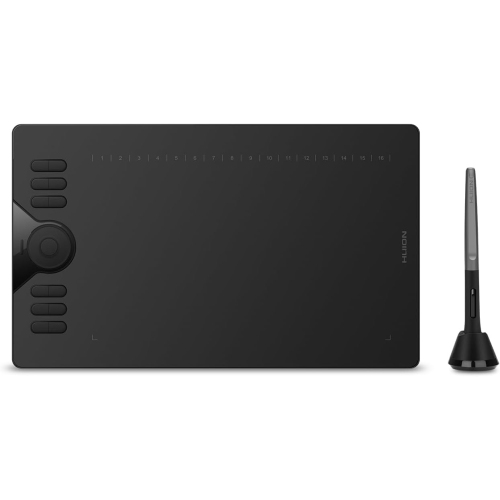
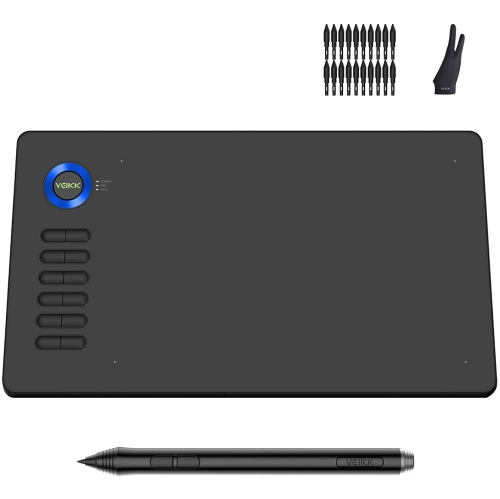
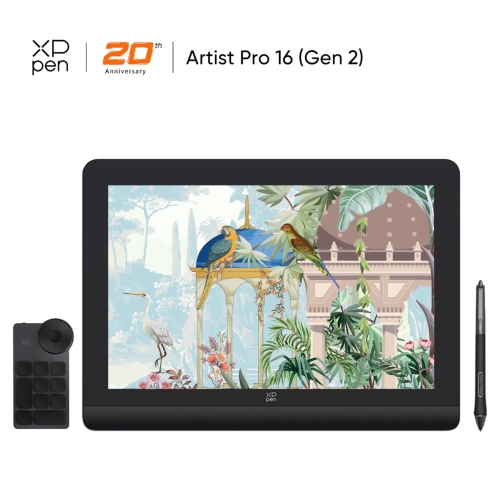
Tools for digital artists bring together drawing hardware, creative software and practical accessories for making illustrations, paintings, comics, graphics and three-dimensional artwork. A typical setup combines a computer or compatible standalone device, a pressure-sensitive stylus, a drawing surface and an application suited to the work. Each part contributes something different: the stylus captures hand movements, the drawing surface provides room to work, and the software turns those gestures into brushstrokes, shapes or sculpted forms. A screenless drawing tablet lets the artist draw on a separate surface while watching a monitor, making it a flexible option for an existing desktop setup. A pen display places the image beneath the pen tip, creating a more direct connection between the hand and the artwork, though many models still require a connected computer. A standalone drawing device combines the screen and computing hardware for a more portable workspace. These distinctions matter for someone sketching character ideas between classes, an illustrator refining line work at a desk or a designer moving between drawing and layout tasks. Pressure sensitivity can translate a lighter touch into a finer line or a softer application of colour, while supported tilt controls can help a digital pencil or brush respond to the angle of the pen. The software, device and stylus must support those features together. Surface texture also affects the experience: a smoother finish allows the pen to glide, while a more textured surface adds resistance that some artists prefer for controlled strokes. Drawing area and overall device size are separate considerations. A compact tablet leaves more room beside a keyboard, whereas a larger working area can accommodate broader arm movements and detailed compositions. Left-handed use, programmable buttons, pen grip and the position of cables also influence how naturally the hardware fits into everyday work. For artists accustomed to paper, the adjustment involves both the feel of the pen and the relationship between hand movement and the image on screen.
The computer, display and software shape what happens beyond the initial sketch. Raster painting applications build images from pixels and suit textured brushwork, photo-based compositions and detailed digital paintings. Vector applications use editable paths and shapes, making them useful for logos, icons and illustrations that need to scale cleanly. Animation and three-dimensional modelling introduce different demands, including timelines, scene navigation, rendering and the ability to manage complex files. Software compatibility extends beyond the operating system: supported pen features, graphics requirements, file formats and accessory drivers all affect how smoothly the parts work together. A computer used for layered illustrations benefits from enough memory to keep large documents responsive, while demanding three-dimensional scenes may place greater emphasis on graphics performance. Fast storage helps with opening project files and saving revisions, but capacity matters too, especially when artwork includes high-resolution images, animation frames or reference libraries. External storage and a separate backup provide places for completed projects and earlier versions without relying on a single copy. For colour-focused work, a monitor’s colour coverage, consistency and calibration capabilities deserve attention alongside resolution. A detailed screen makes it easier to inspect edges and fine textures, but a higher pixel count alone does not guarantee accurate colour. Differences between screen output and printed results remain relevant for artists preparing posters, portfolios or client proofs. A comfortable screen size also leaves space for tool panels and reference images without crowding the canvas. Someone drawing a comic page may keep character references on a second display, while a painter may prefer one larger screen with room for both the composition and a layer panel. Connection types, compatible adapters and the number of available ports determine whether that arrangement works without unnecessary cable swapping. Wireless input can reduce desk clutter where supported, while wired connections may simplify longer sessions by removing the need to monitor accessory battery levels. Reliable internet access can support software downloads, file transfers and collaboration, although the ability to work offline depends on the application.
Equipment for Digital Art also includes the supporting accessories that make a workspace easier to use and protect the tools between sessions. An adjustable stand can raise a pen display to a more comfortable drawing angle, provided it supports the device’s dimensions and weight. A stable base matters when the artist leans into a stroke or uses broad movements across the screen. Keyboard shortcuts, programmable controls and a mouse can complement pen input for tasks such as navigating layers, adjusting brush size or arranging objects. A drawing glove may help the hand move across a screen, but it does not replace checking whether the device and application support palm rejection. Materials and construction influence daily handling: a rigid housing can feel steadier on a desk, non-slip feet help limit movement, and a padded sleeve protects surfaces from contact with other belongings during transport. Pen holders and accessory compartments keep small parts from disappearing into a bag. Replaceable nibs are useful because drawing surfaces and pen tips wear with use, particularly when there is more friction between them. Cleaning methods should match the manufacturer’s directions; a suitable soft cloth and careful handling help protect screens and drawing surfaces without exposing them to harsh cleaners or excess moisture. Cable routing, supported connectors and a protective case can make a portable setup less awkward to pack for school, studio visits or shared workspaces. For students, hobbyists and working creatives, the most useful combination depends on the artwork, workspace and existing hardware rather than the number of accessories. A gift for an aspiring illustrator might support sketching and learning, while an experienced artist may value something that fits an established routine. Confirming device compatibility, preferred drawing size and software support makes a gift more personal and practical. Across different skill levels, well-matched tools leave room for experimentation, whether the project is a first character sketch, a polished portfolio illustration or a detailed visual presentation.
Top selling and popular products
-
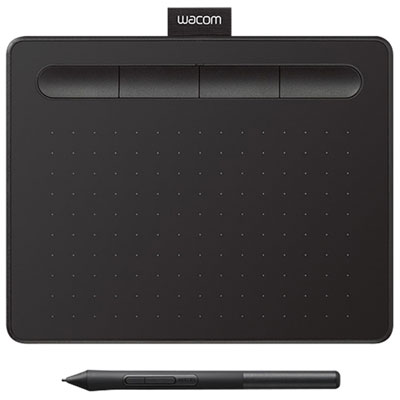 Your price for this item is $49.99
-
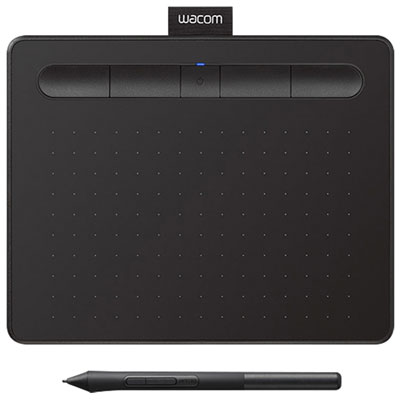 Your price for this item is $104.99
-
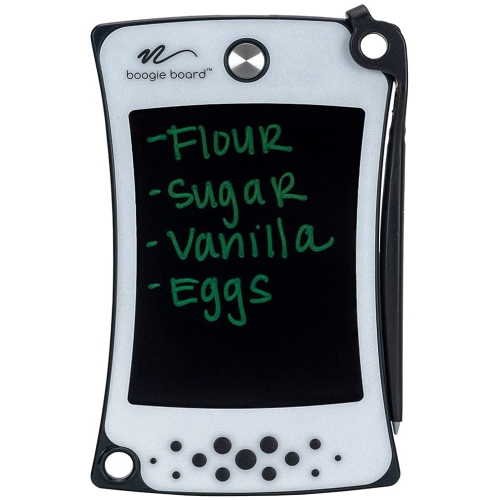 Your price for this item is $21.97
-
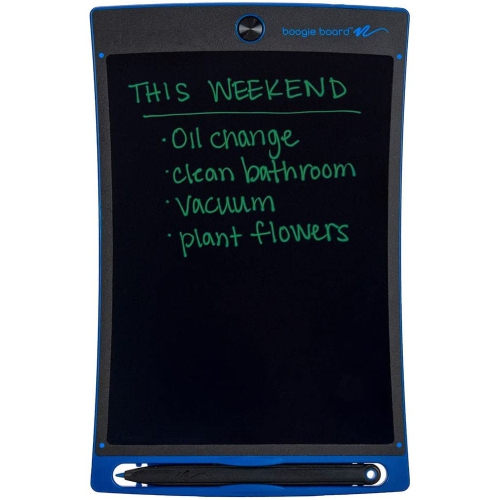 Your price for this item is $39.97
-
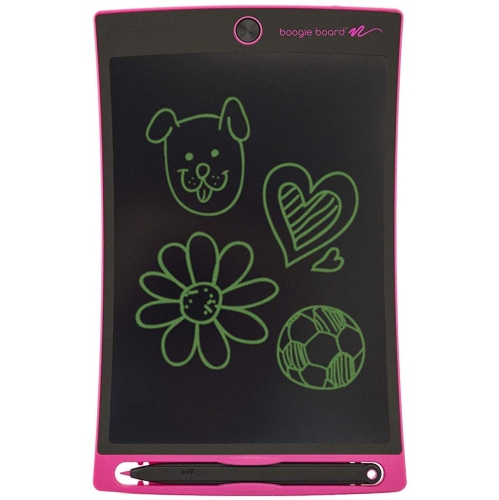 Your price for this item is $39.97
-
 Your price for this item is $319.99
-
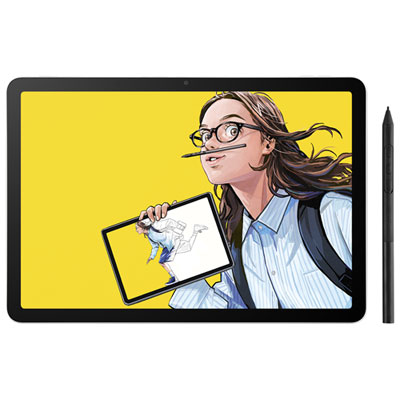 Your price for this item is $699.99
-
 Your price for this item is $2118.68
Discover more categories related to Tools for Digital Artists
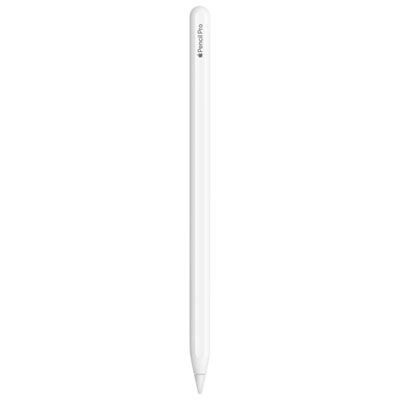
Top Collections:
Best Black Friday Deals This Year, Best Black Friday Deals On Electronics, Kindle Devices, Best Black Friday Deals On Apple Products, Best Budget Office Chairs, Best Cameras for Sports Photography, Dyson Airwrap, Canon G7X Cameras, Best Laptops for Writers, Samsung Galaxy Phones
Some products may be subject to Environmental Handling Fees
(EHF) depending on your province.
Learn more about EHFs.