Touch Screen Monitors for Windows 10
Touch Screen Monitors for Windows 10 offer a streamlined and interactive way to navigate your favorite applications, multitask efficiently, and enjoy hands-on control. Designed for seamless compatibility with Windows 10 systems, these monitors are ideal for both work and entertainment. Whether setting up a home office, upgrading your desktop, or enhancing your creative projects, Touch Screen Monitors for Windows 10 deliver an intuitive experience that keeps you connected and productive. Explore a wide selection to find the perfect fit for your setup.
Sort
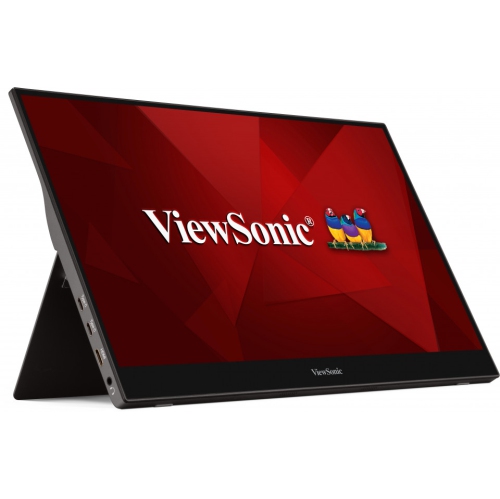
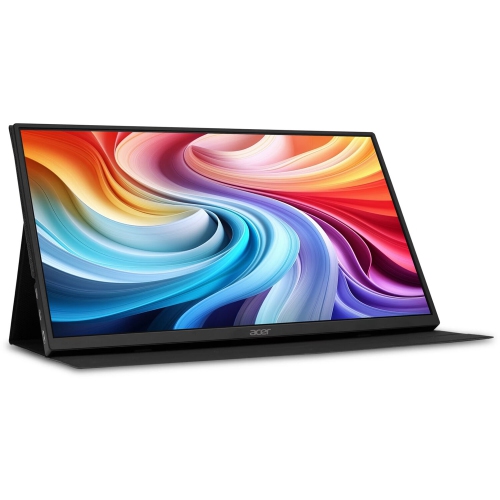
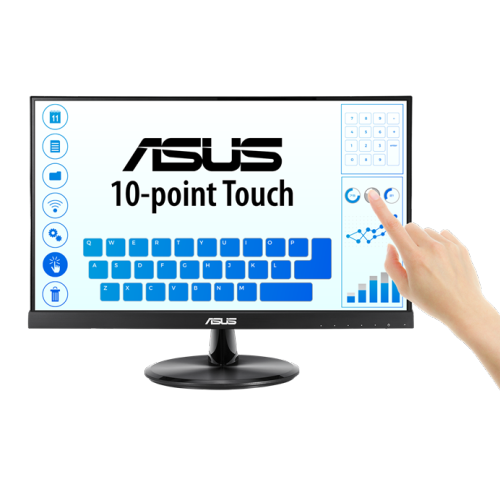
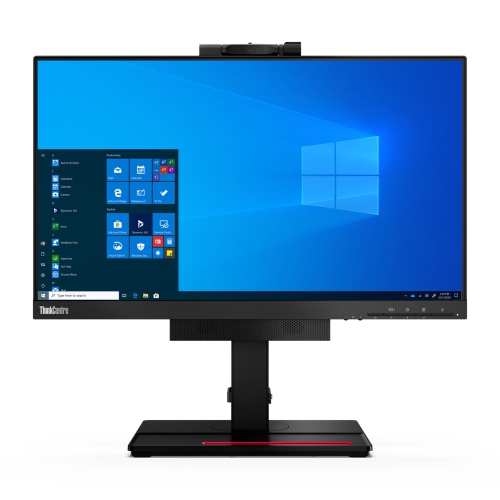
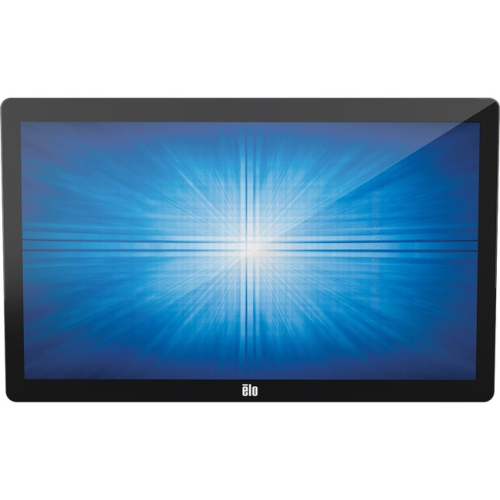
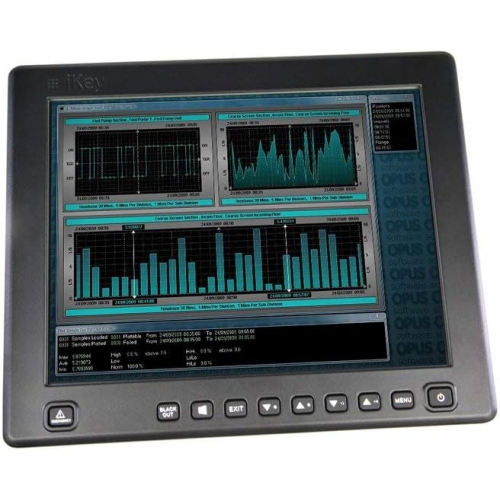
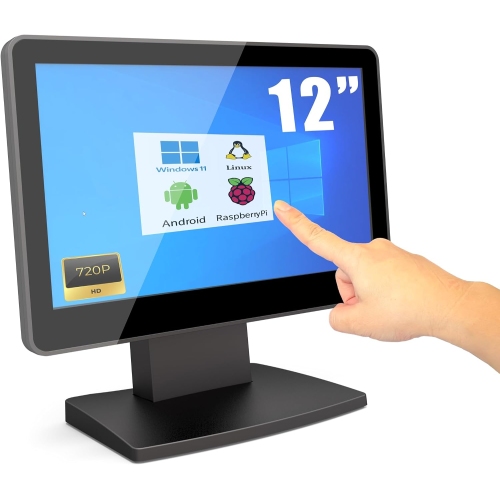
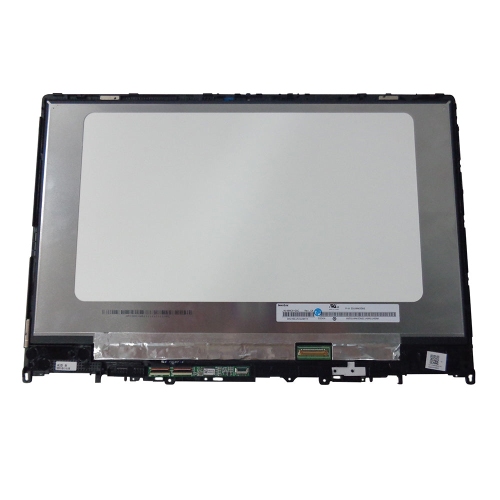
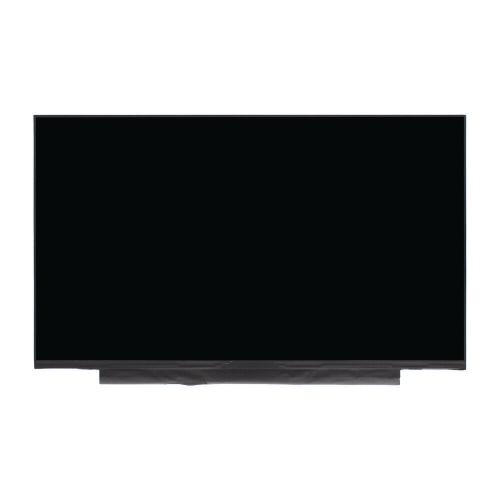
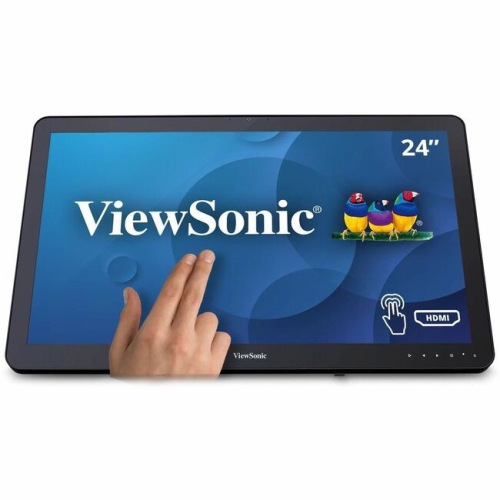
Touch-enabled displays bring flexibility to work, learning, and creativity
Touch screen monitors for Windows 10 have transformed the way people interact with their computers, offering a natural, intuitive experience whether you’re navigating spreadsheets, sketching out creative ideas, or simply swiping through your favourite apps. As the weather warms and routines shift—perhaps you’re setting up a home office by a sunlit window, refreshing your workspace for summer productivity, or preparing for the next school year—these versatile displays bring flexibility and convenience to any environment. Designed with features like 10-point multi-touch capability, IPS panels for vivid colours and wide viewing angles, and easy connectivity options such as USB-C, a touch screen monitor can seamlessly integrate into a variety of setups. Whether you’re a professional seeking precision for detailed work, a student who values interactive learning, or a family looking to streamline daily tasks, these monitors cater to a wide range of needs. They’re especially popular for those who want to take advantage of Windows 10’s touch-friendly interface, enabling smooth pinch-zoom, swipe, and tap gestures that make navigation effortless.
When considering which touch screen monitor best suits your needs, there are several key factors to keep in mind. Screen size is often the first decision—compact 15.6-inch portable models are ideal for on-the-go use, secondary displays, or presentations, while larger 24-inch and 27-inch desktop monitors provide ample space for multitasking, creative projects, or collaborative work. Adjustable stands and VESA mount compatibility allow you to tailor the setup for comfort, whether you prefer the monitor at a flat angle for drawing or upright for viewing documents. Connectivity is equally important; USB-C is highly sought after for its ability to deliver power, video, and data through a single cable, reducing clutter and simplifying setup. For those planning to use multiple displays, Windows 10 makes it easy to configure which monitor accepts touch input, ensuring a smooth workflow. Touch screen monitors also make practical and thoughtful gifts for graduates, remote workers, or anyone upgrading their tech—offering a blend of productivity and fun that fits all seasons. They’re perfect for interactive kiosks in retail or hospitality, creative studios, classrooms, or even as a family hub in the kitchen for recipes and schedules. For more details and to compare a curated selection, visit the Best Touch Screen Computer Monitors page.
As technology continues to evolve, touch screen monitors for Windows 10 remain a smart investment for both personal and professional use. Their versatility shines all year round, from organizing summer projects to supporting back-to-school preparations or simply enhancing day-to-day computing. The tactile experience of tapping, dragging, and sketching directly on the screen brings a sense of immediacy and engagement that traditional monitors can’t match. Whether you’re setting up a collaborative workspace, upgrading your study area, or looking for a portable solution that travels easily from the office to the cottage, these monitors offer a variety of features to fit your lifestyle. With options ranging from ultra-slim, lightweight designs to robust desktop models with advanced ergonomics, there’s a touch screen monitor tailored for every user. Explore the possibilities and discover how a touch-enabled display can make your Windows 10 experience more dynamic and enjoyable, whatever the season brings.
When considering which touch screen monitor best suits your needs, there are several key factors to keep in mind. Screen size is often the first decision—compact 15.6-inch portable models are ideal for on-the-go use, secondary displays, or presentations, while larger 24-inch and 27-inch desktop monitors provide ample space for multitasking, creative projects, or collaborative work. Adjustable stands and VESA mount compatibility allow you to tailor the setup for comfort, whether you prefer the monitor at a flat angle for drawing or upright for viewing documents. Connectivity is equally important; USB-C is highly sought after for its ability to deliver power, video, and data through a single cable, reducing clutter and simplifying setup. For those planning to use multiple displays, Windows 10 makes it easy to configure which monitor accepts touch input, ensuring a smooth workflow. Touch screen monitors also make practical and thoughtful gifts for graduates, remote workers, or anyone upgrading their tech—offering a blend of productivity and fun that fits all seasons. They’re perfect for interactive kiosks in retail or hospitality, creative studios, classrooms, or even as a family hub in the kitchen for recipes and schedules. For more details and to compare a curated selection, visit the Best Touch Screen Computer Monitors page.
As technology continues to evolve, touch screen monitors for Windows 10 remain a smart investment for both personal and professional use. Their versatility shines all year round, from organizing summer projects to supporting back-to-school preparations or simply enhancing day-to-day computing. The tactile experience of tapping, dragging, and sketching directly on the screen brings a sense of immediacy and engagement that traditional monitors can’t match. Whether you’re setting up a collaborative workspace, upgrading your study area, or looking for a portable solution that travels easily from the office to the cottage, these monitors offer a variety of features to fit your lifestyle. With options ranging from ultra-slim, lightweight designs to robust desktop models with advanced ergonomics, there’s a touch screen monitor tailored for every user. Explore the possibilities and discover how a touch-enabled display can make your Windows 10 experience more dynamic and enjoyable, whatever the season brings.
Top selling and popular products
-
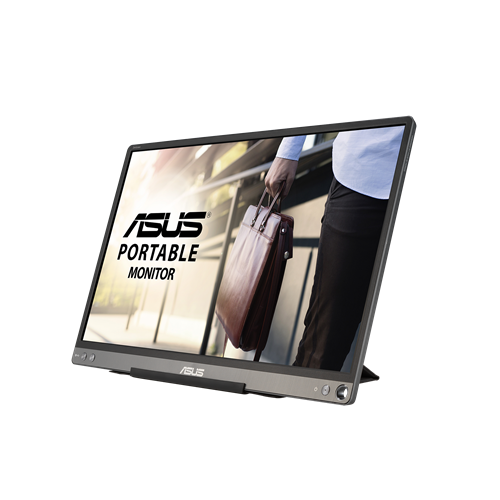 Your price for this item is $299
 -
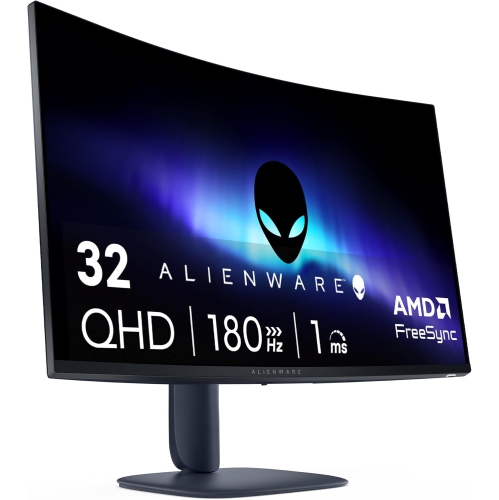 Your price for this item is $599
 -
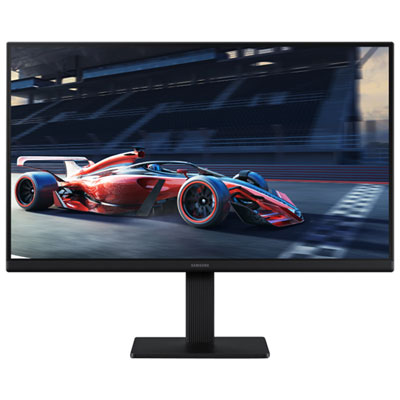 Your price for this item is $94.99
 -
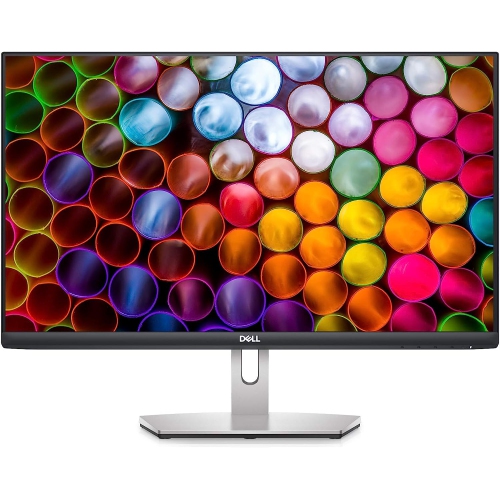 Your price for this item is $329.99
 -
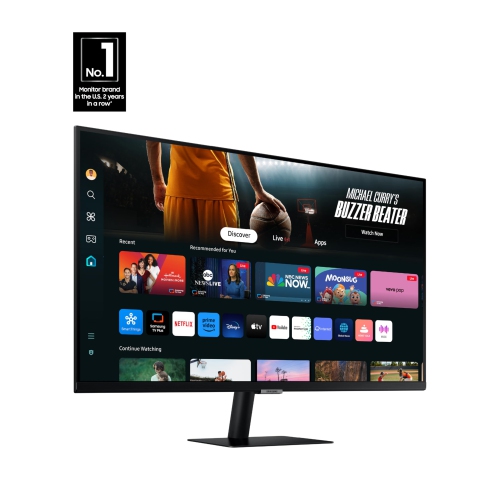 Your price for this item is $499
 -
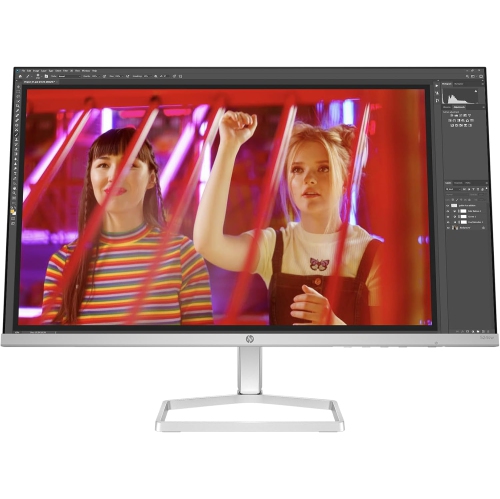 Your price for this item is $265.99
 -
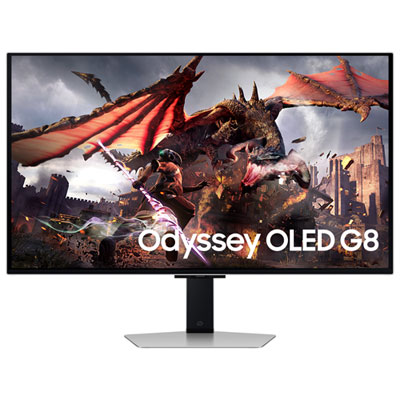 Your price for this item is $1299.97
 -
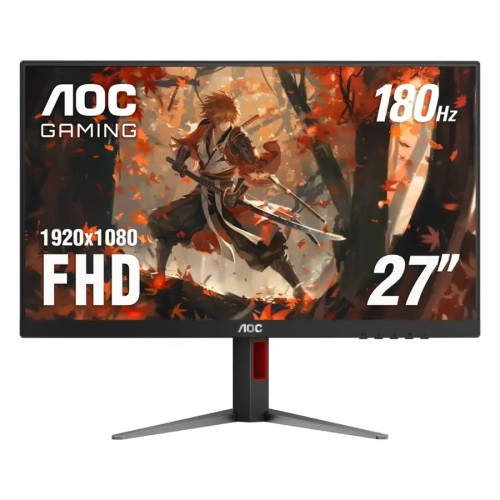 Your price for this item is $249.99
Discover more categories related to Touch Screen Monitors for Windows 10

Top Collections:
Pokemon Centers, Kindle Devices, Best Budget Office Chairs, Apple iPhones 16, Best Laptops for Writers, iPhone 15 Apple, Canon G7X Cameras, Refurbished Apple Laptops, Alarm Clock, Motorola Razr Phones
Some products may be subject to Environmental Handling Fees
(EHF) depending on your province.
Learn more about EHFs.