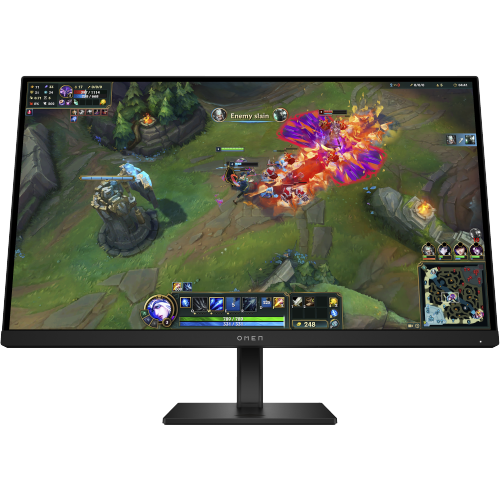
Touchscreen Monitors for Offices
Touchscreen Monitors for offices offer a modern solution for interactive workspaces, making it easier to navigate tasks and collaborate with colleagues. Designed to support a range of professional needs, these monitors help streamline workflow and enhance productivity in various office environments. Explore options that can fit seamlessly into your workspace and elevate your daily operations with the versatility of touchscreen technology.
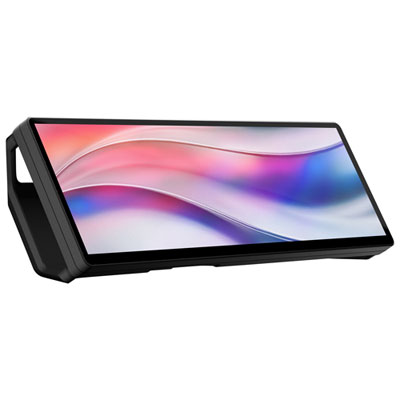
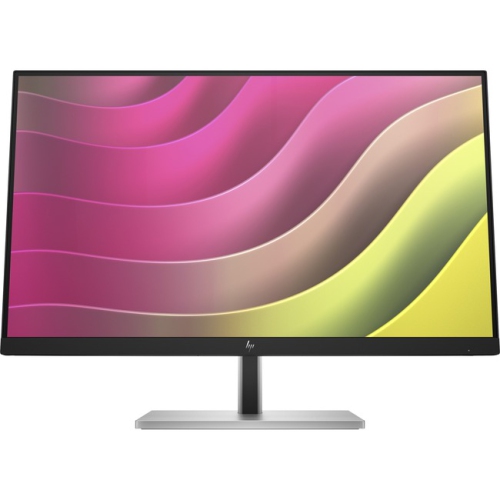

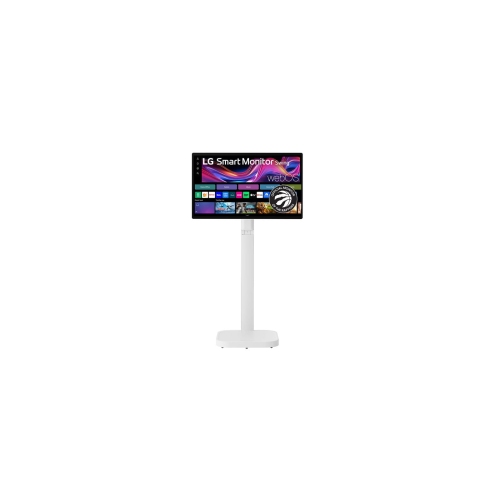
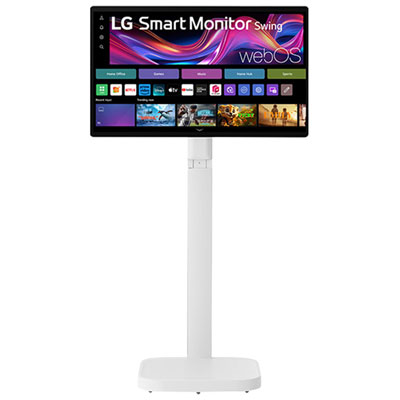
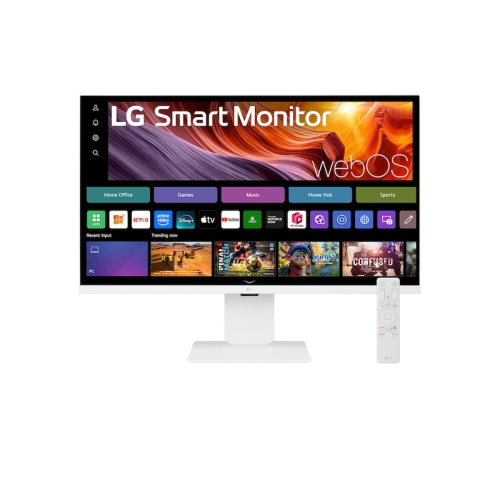

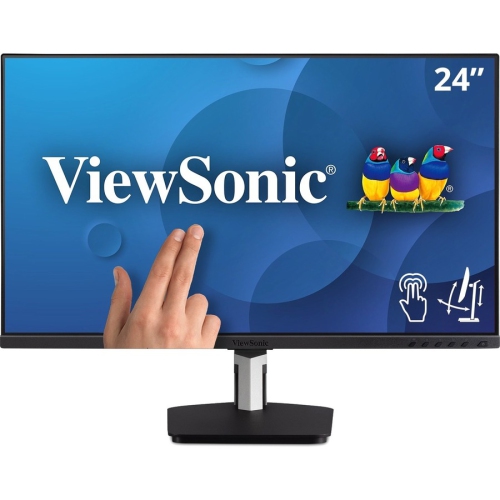
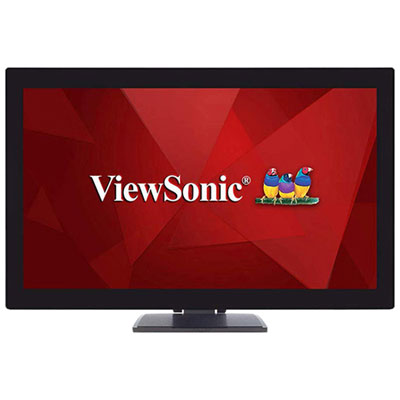
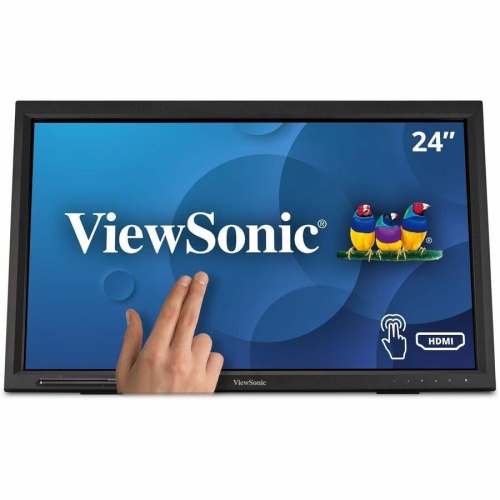

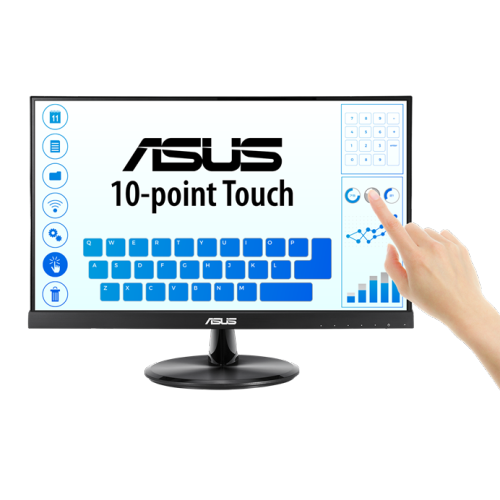
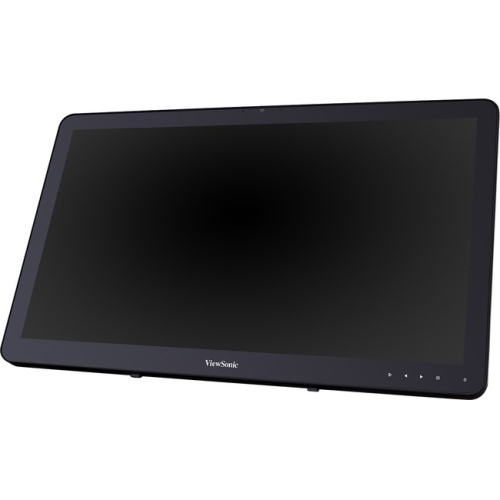
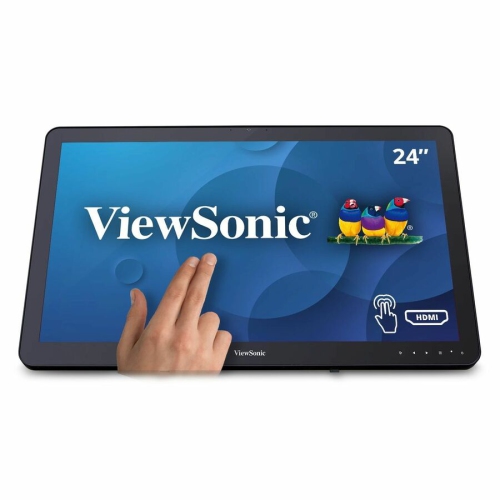
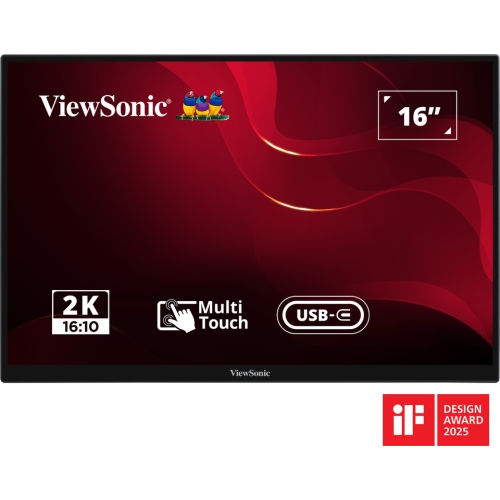
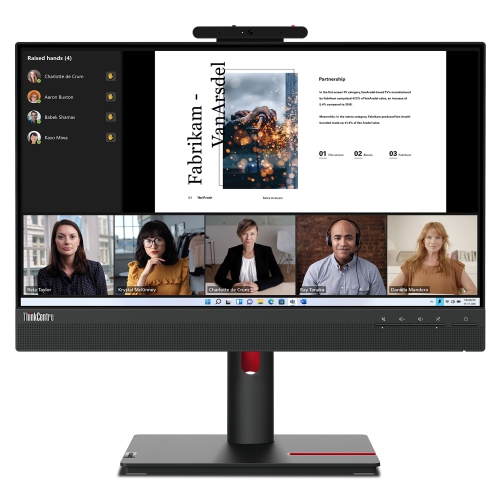
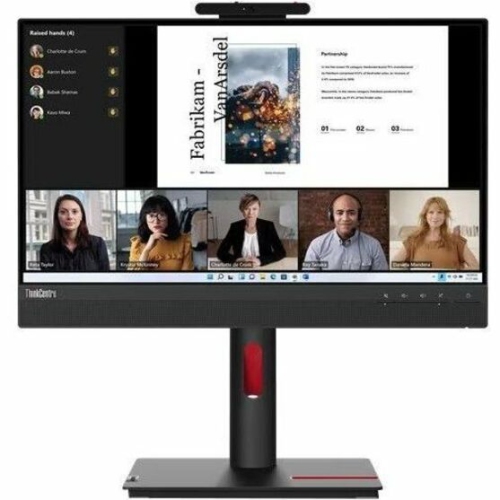
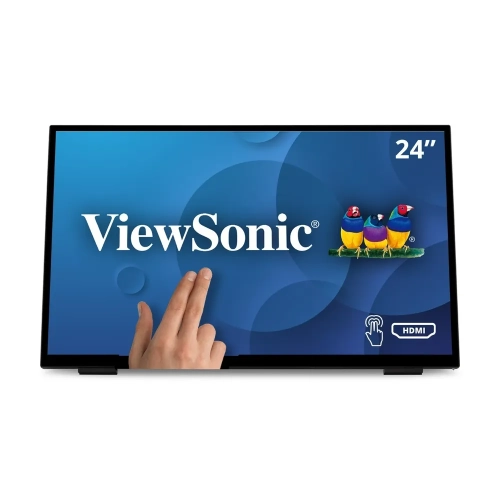
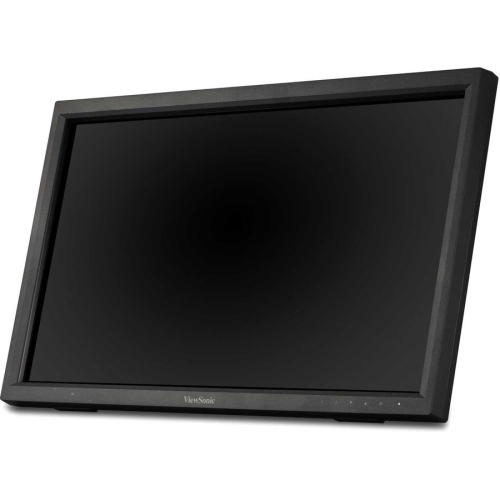
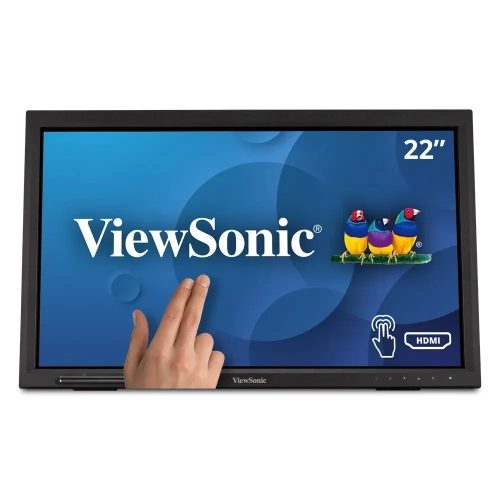
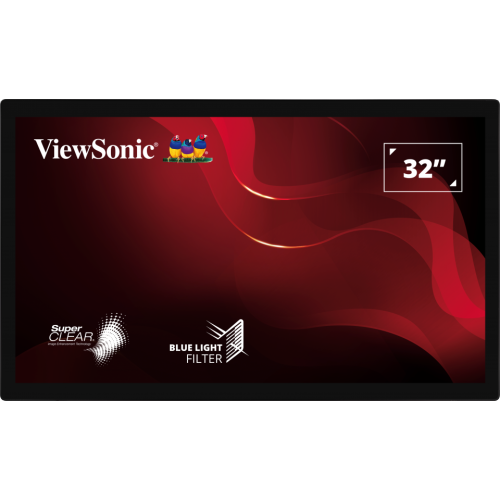
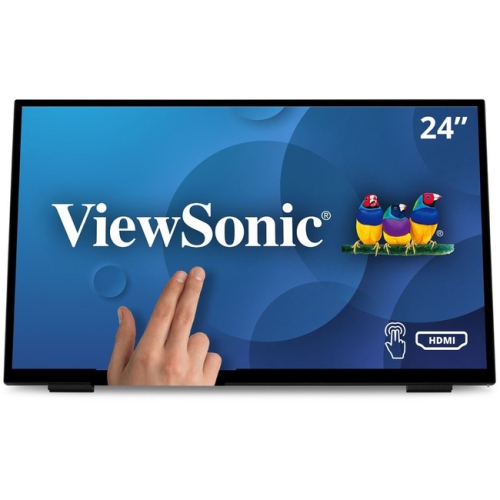
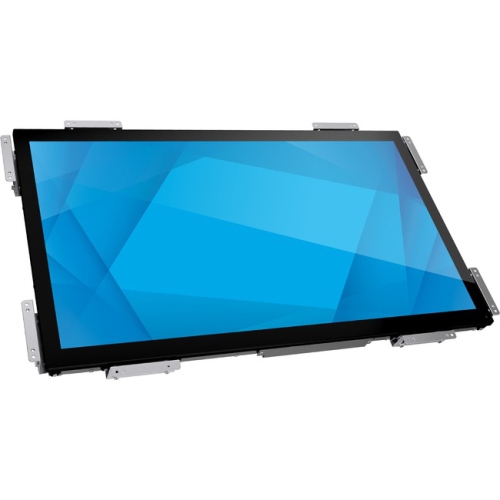
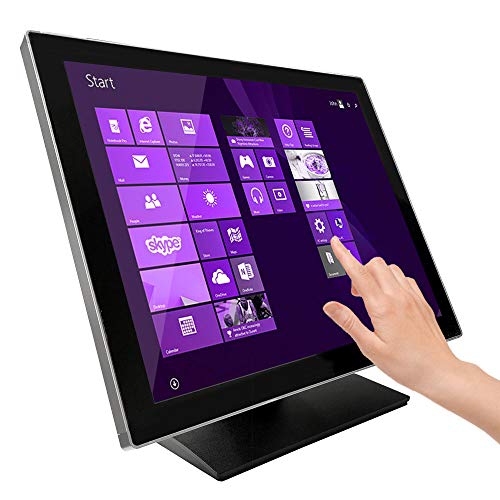
Interactive displays that streamline collaboration and everyday office tasks
When considering which touchscreen monitor best suits your office needs, it’s helpful to think about the size of your workspace, the type of tasks you perform, and your preferred setup. Larger monitors are ideal for group collaborations or multitasking with multiple windows, while compact models fit perfectly in smaller offices or home workstations. Look for features like adjustable stands for ergonomic comfort, high-resolution displays for crisp visuals, and compatibility with both PCs and Macs. Touch responsiveness and multi-touch capability can significantly enhance workflow, allowing you to move quickly between applications or sketch out ideas on the fly. Many users find that integrating a touchscreen monitor into their daily routine reduces reliance on traditional peripherals like a mouse or keyboard, freeing up desk space and encouraging a more natural way of working. Whether you’re leading meetings, designing creative projects, or managing schedules, these monitors offer a versatile solution that adapts to a wide range of professional needs.
For those outfitting a new office or upgrading an existing setup, browsing the selection of Touchscreen Monitors can reveal options that balance performance, style, and budget. These monitors are well-suited for executives, administrative staff, designers, educators, and anyone who values quick, hands-on interaction with their devices. As the days grow longer and offices buzz with renewed energy, a touchscreen monitor can be the finishing touch that transforms your workspace into a hub of creativity and collaboration. Their versatility makes them a smart addition for both individual workstations and shared environments, ensuring that every swipe and tap brings you closer to your professional goals.
FAQ
What are the main benefits of using a touchscreen monitor in an office?
Touchscreen monitors can enhance productivity by allowing users to interact directly with content, streamline workflows, and facilitate collaboration during meetings or presentations. They also reduce reliance on peripherals like mice and keyboards for certain tasks.
Are touchscreen monitors compatible with both Windows and Mac computers?
Most modern touchscreen monitors are compatible with both Windows and Mac operating systems, but it's important to check the manufacturer's specifications for driver support and connectivity options to ensure seamless integration.
Can multiple users interact with a touchscreen monitor at the same time?
Many touchscreen monitors support multi-touch functionality, which allows several users to interact simultaneously. This feature is particularly useful for collaborative workspaces, brainstorming sessions, or interactive presentations.
What types of connections do touchscreen monitors typically offer for office use?
Touchscreen monitors commonly feature HDMI, DisplayPort, USB, and sometimes VGA connections. The USB connection is often required to enable touch functionality in addition to video input.
Do touchscreen monitors require special cleaning or maintenance in an office setting?
Yes, it's recommended to use a soft, lint-free cloth slightly dampened with water or a screen-safe cleaner to wipe the surface. Avoid harsh chemicals and excessive moisture to maintain optimal touch sensitivity and screen clarity.
Top selling and popular products
-
 Your price for this item is $2237.68
-
 Your price for this item is $320.68
-
 Your price for this item is $469
-
 Your price for this item is $149.99
-
 Your price for this item is $265.99
-
 Your price for this item is $229.99
-
 Your price for this item is $1138.68
-
 Your price for this item is $355.68