TP Link Wi-Fi Mesh
TP-Link Wi-Fi mesh systems deliver a seamless and reliable internet experience throughout your home or office. With advanced mesh technology, these systems help eliminate dead zones and maintain strong connections across multiple devices. Whether you're streaming, gaming, or working remotely, TP-Link Wi-Fi mesh systems provide the coverage and flexibility you need for uninterrupted connectivity. Explore the current selection to find the right fit for your space and enjoy smooth, consistent Wi-Fi in every corner.
Sort
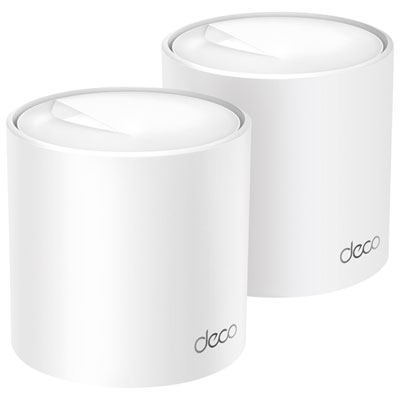
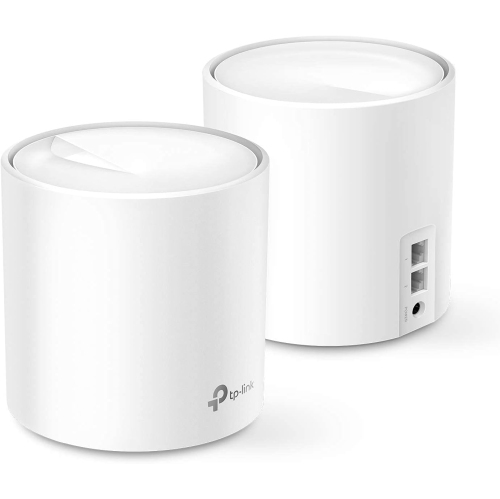
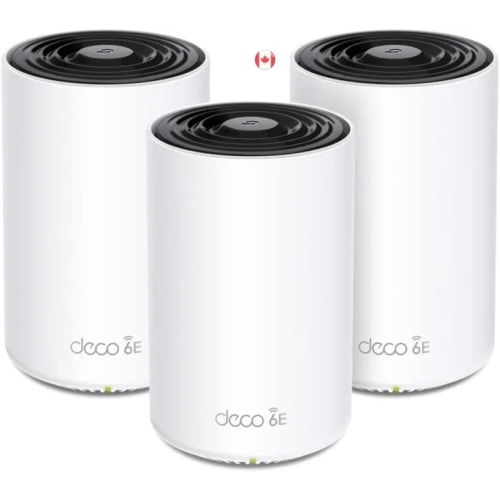
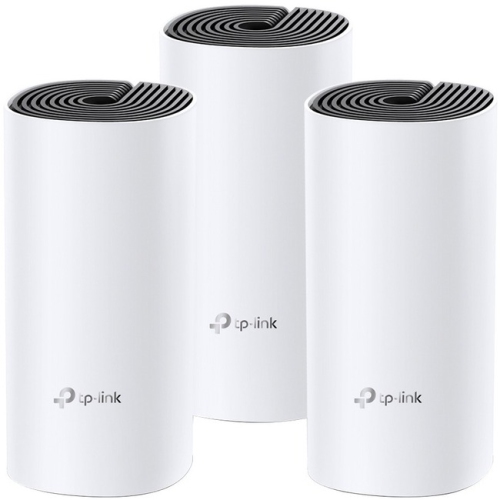
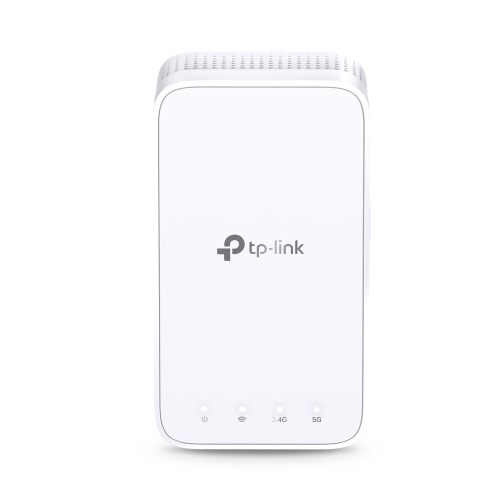
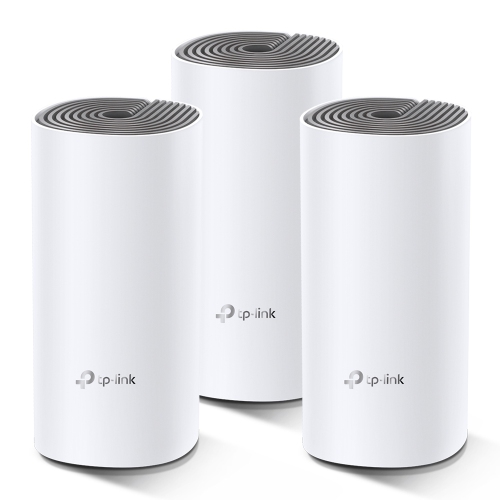
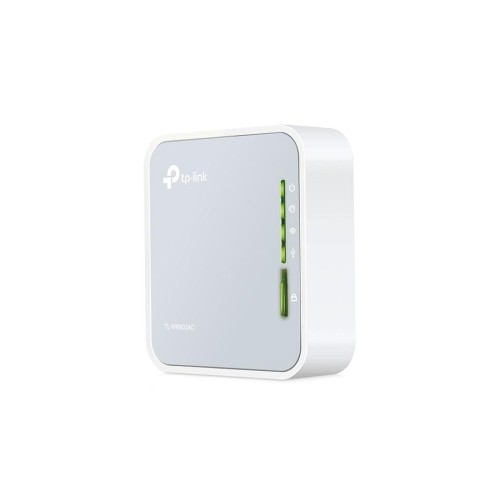

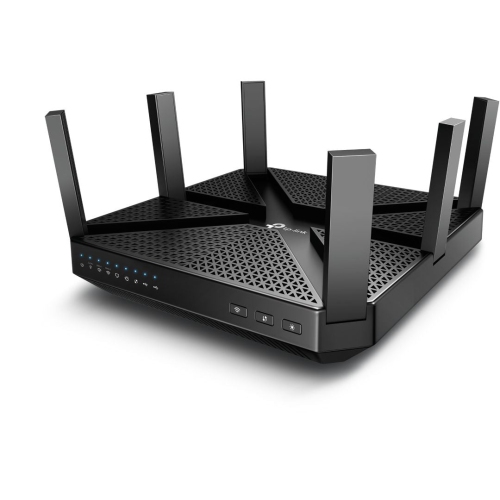
How your home’s layout shapes mesh Wi-Fi coverage
Wi-Fi mesh systems use a main router and additional nodes to spread wireless coverage across a home under one network name. Rather than relying on a single router to reach every room, compatible nodes work together to carry the connection beyond areas where walls, distance, or an awkward floor plan weaken the signal. This makes mesh networking useful for a home office upstairs, a television in a finished basement, or a kitchen where connected speakers frequently lose their connection. Phones and laptops can move between coverage areas without requiring a manual network change, although each device helps determine when it switches to another node. The right fit depends on the layout as much as the size of the home. A compact apartment with thick concrete walls may present different challenges from a larger house with open sightlines, while a long hallway or separate floors can affect where nodes work best. Advertised coverage figures are useful comparison points, but building materials, neighbouring networks, furniture, and placement all influence actual results. Nodes generally need a strong connection to one another, so placing one halfway towards a weak area is often more effective than putting it directly in the room with no usable signal. Open shelves and clear surfaces usually provide better positions than enclosed cabinets, spaces behind televisions, or corners crowded with metal objects. The physical design matters here, too: a compact housing that fits comfortably on a side table is easier to position well than equipment that has to be hidden away. Access to power outlets and room for cables also affect how neatly a system fits into everyday living spaces. For households spread across several rooms or floors, mesh coverage can help make shared connections more practical, whether someone is joining a video meeting, following a recipe on a tablet, or streaming a film in another room. Adding more nodes is not automatically better; a well-spaced arrangement suited to the home can be more effective than several units crowded together.
Wireless performance depends on the network’s capabilities, the connected devices, and the internet service feeding the system. A Wi-Fi 6 Mesh system can support more efficient communication with compatible devices, which is particularly relevant when several people are online at once. Older devices can generally still connect, but they do not gain every feature associated with a newer wireless standard. It also helps to distinguish coverage from speed: a mesh network can extend a usable connection into more rooms, but it cannot increase the speed supplied by an internet plan. The headline wireless rating is not a promise of the download speed a single phone or laptop will receive. Distance, interference, device capabilities, and the connection between nodes all play a part. Dual-band and tri-band designs offer different ways to handle traffic, and some systems can reserve a radio band for communication between nodes. That connection, known as backhaul, matters because traffic from a distant room may need to pass through another node before reaching the main router. Where suitable cabling is already installed, supported Ethernet backhaul can reduce reliance on wireless links between units. Ethernet ports are also useful for stationary equipment such as a desktop computer, television, or game console. A wired connection can provide more consistent performance for competitive gaming or large file transfers, though a console plugged into a wirelessly connected node still depends on that node’s wireless backhaul. Port speeds deserve attention when the household uses faster internet service or moves large files across the local network. Everyday needs vary: several simultaneous video calls place different demands on a network than occasional browsing, and a home filled with connected cameras, speakers, and lighting needs dependable handling of many devices rather than just an impressive maximum speed. Matching those demands to the system’s wireless bands, ports, and supported features gives a clearer picture of suitability than a coverage figure alone.
Setup, compatibility, and ongoing care are important parts of living with a mesh network. Many systems use a mobile app for installation and routine controls, while the depth of browser-based settings varies. Clear management tools can make it easier to see connected devices, check node connections, create a guest network, or adjust household access schedules. Some advanced controls require an account or subscription, so the included functions are worth distinguishing from optional services. A guest network can keep visitors’ devices separate from the main network, subject to the system’s settings, and parental controls can support household routines without replacing conversations about online activity. Modern wireless security, a strong administrator password, and ongoing firmware updates help protect the network over time. Automatic updates can simplify maintenance where supported, while the manufacturer’s update policy is relevant to long-term use. Compatibility also extends beyond wireless standards. Extra nodes need to belong to a supported mesh family; sharing the same wireless generation does not guarantee that two units can form one mesh network. Internet-provider equipment may remain necessary, especially where it also handles telephone or television services. Depending on the connection and equipment, an access point mode or an appropriate bridge setting may help avoid running two separate routing layers. Physical care is straightforward but worthwhile: ventilation openings need space, cables should not be tightly bent or trapped under furniture, and housings should be kept away from liquids and excessive heat. A soft, dry cloth is generally suitable for dusting the exterior, with the manufacturer’s care directions taking precedence. Easy-to-reach placement also helps when a cable needs checking or a unit needs restarting. For a student sharing an apartment, a family juggling schoolwork and entertainment, or someone working from a room far from the internet connection, the most suitable mesh system is one that fits the layout, supports the devices in use, and remains manageable after installation. Reliable coverage, sensible node placement, and appropriate connection options matter more in daily use than specifications viewed in isolation.
Top selling and popular products
-
 Your price for this item is $189.99
-
 Your price for this item is $189.99
-
 Your price for this item is $219
-
 Your price for this item is $899.99
-
 Your price for this item is $299.99
-
 Your price for this item is $139.99
-
 Your price for this item is $499.99
-
 Your price for this item is $349.99
Discover more categories related to TP Link Wi-Fi Mesh
Top Collections:
Best Black Friday Deals This Year, Best Black Friday Deals On Electronics, Kindle Devices, Pokemon Centers, Best Black Friday Deals On Apple Products, Best Cameras for Sports Photography, Dyson Airwrap, Pokémon 30th Celebration Cards, Apple iPhone 17 Pro, Canon G7X Cameras
Some products may be subject to Environmental Handling Fees
(EHF) depending on your province.
Learn more about EHFs.