Travel Mouse Pads
Travel Mouse Pads are designed to make working on the go more convenient and comfortable. Perfect for business trips, vacations, or remote work setups, these portable accessories fit easily into your laptop bag or backpack. Whether you're setting up at a hotel desk or a coffee shop table, Travel Mouse Pads provide a reliable surface for smooth mouse movement wherever your journey takes you. Explore a variety of options to find the ideal companion for your mobile workspace needs.
Sort
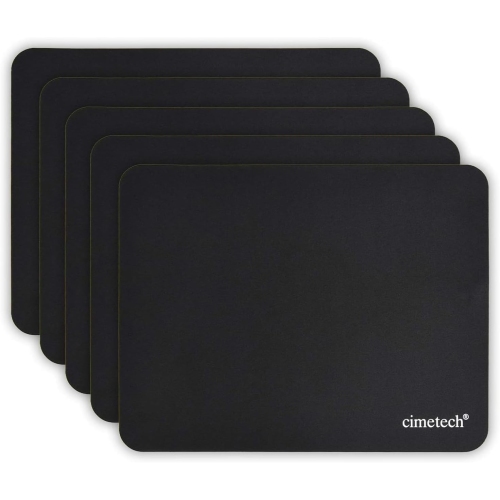
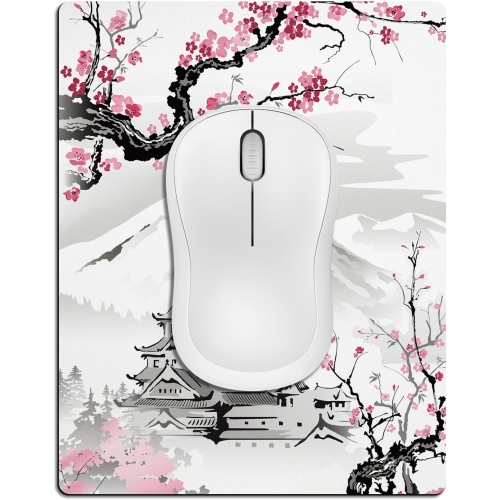
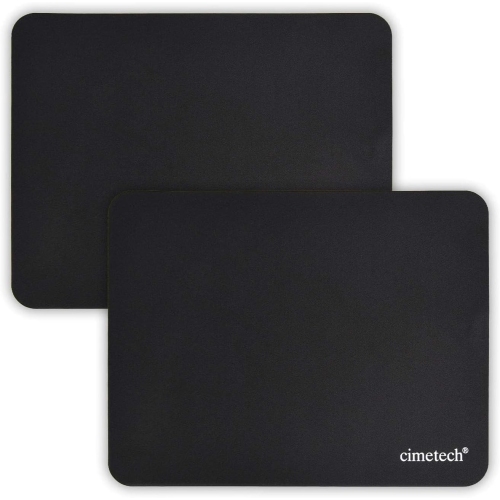

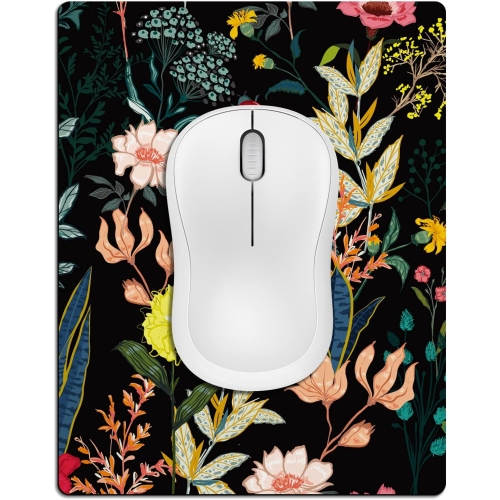
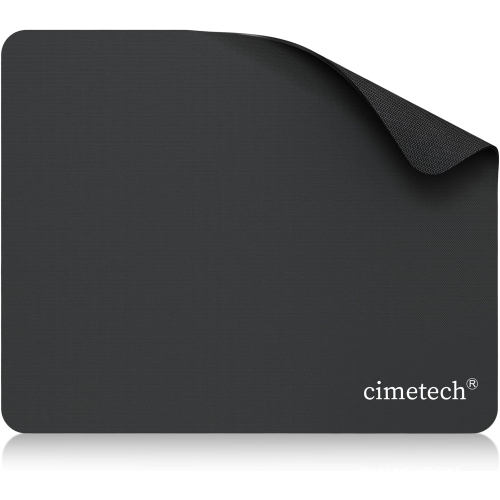
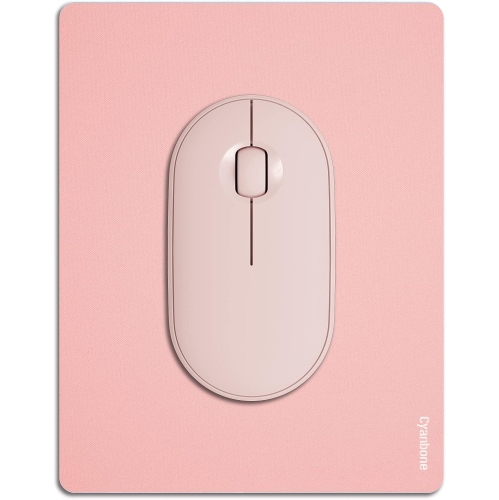


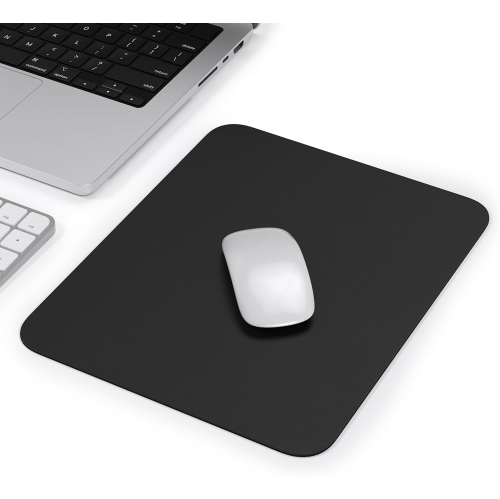
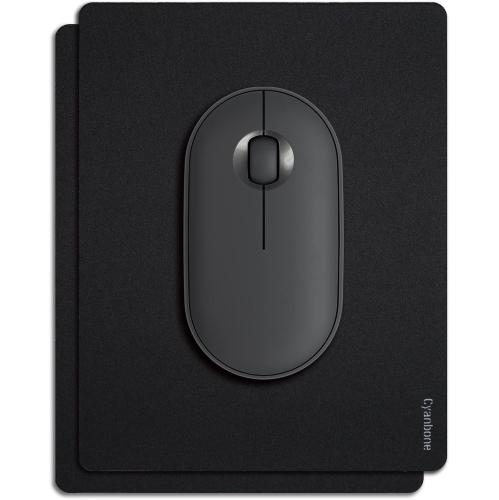
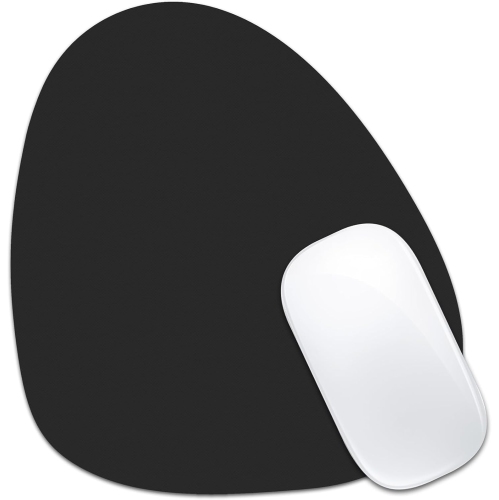
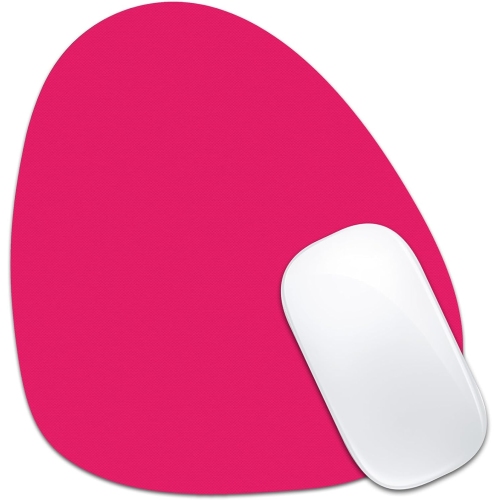
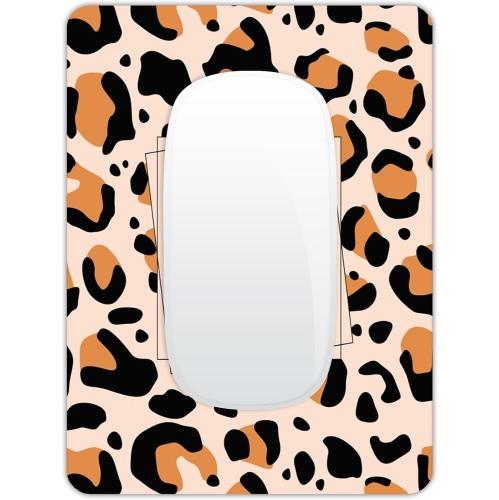
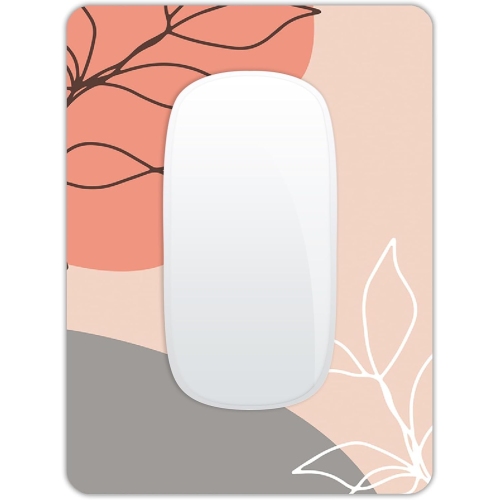
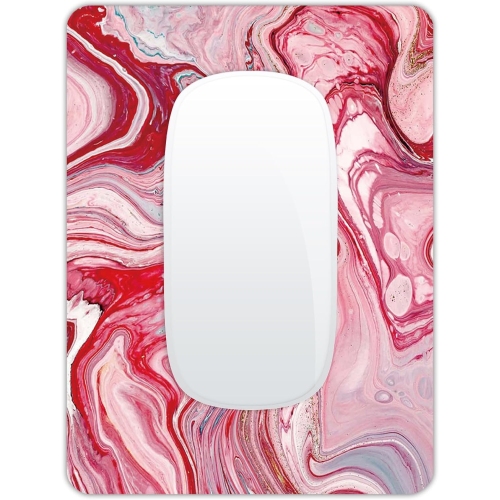
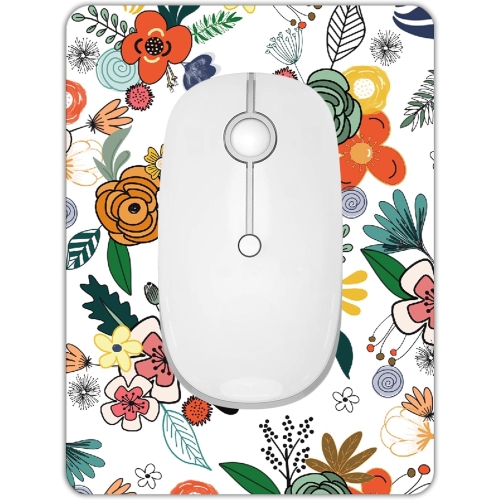
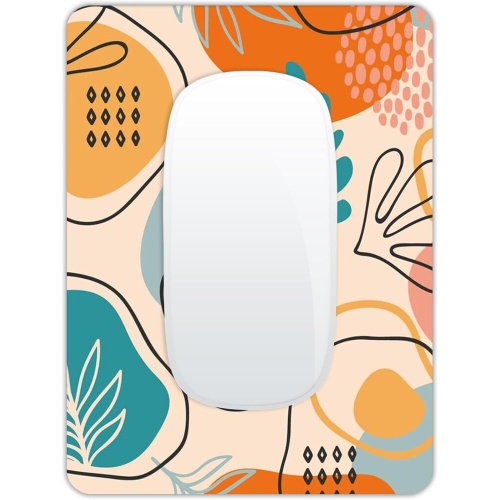
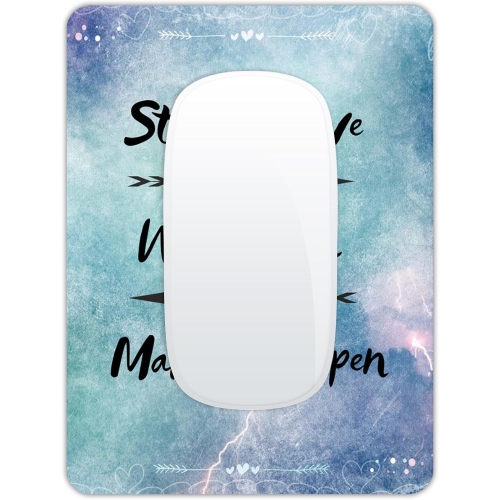
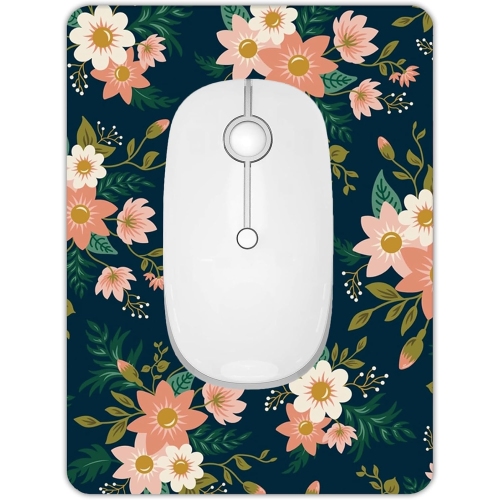
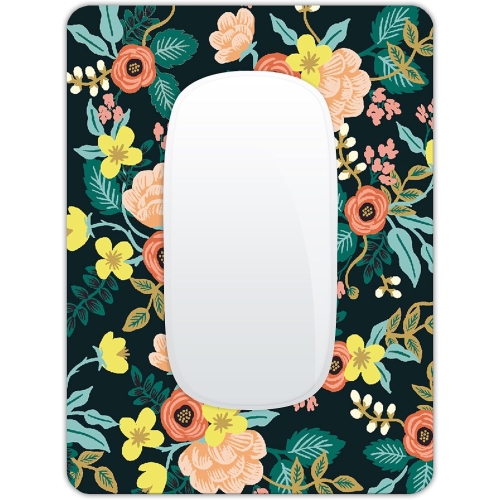


A familiar mouse surface wherever your laptop goes
Travel mouse pads give a portable mouse a consistent surface when a laptop moves between home, the office, a hotel desk, or a shared workspace. Their defining features are a manageable footprint and a construction that packs easily, whether that means a thin pad that lies flat inside a laptop sleeve, a flexible cloth surface that rolls loosely, or a compact rigid design that slips into a bag compartment. A dedicated surface can make mouse movement more predictable on desks with pronounced grain, uneven finishes, or reflective tops, although tracking performance still depends on the mouse sensor and the pad’s finish. Material makes a noticeable difference in everyday use. Fabric-topped pads typically offer a soft feel with some resistance, which can suit document editing, detailed cursor movements, and general browsing. Smooth plastic surfaces tend to feel firmer and may allow a quicker glide, while leather and synthetic leather bring a different texture that varies with the grain and finish. A thin profile keeps packing bulk down, but it offers less cushioning over a hard desktop. A thicker backing can feel more forgiving beneath the hand, though it takes up extra room and needs a little more clearance in a sleeve. Flexibility also deserves attention: a pad that rolls is not necessarily designed to fold, and a sharp crease can leave a ridge beneath the mouse. For someone carrying a laptop, charger, headset, and notebook, a pad that settles flat without much adjustment can be especially practical. It creates a familiar patch of workspace even when the desk itself changes. The most useful design is not always the smallest one; it is the one that balances packing space with enough room for the movements its owner makes throughout the day. That balance can look quite different for a commuter answering emails between meetings and a traveller spending several hours working from temporary accommodation.
Size and shape influence how comfortably a travel mouse pad fits into a temporary setup. The usable area needs to accommodate the mouse itself as well as its movement, with enough clearance to avoid repeatedly running into an edge. Someone who uses a low pointer sensitivity generally needs more sweeping room than someone who moves the cursor across the screen with a small wrist motion. A compact rectangle can sit neatly beside a laptop, while a wider surface gives more space for tasks such as adjusting a presentation layout or navigating a large spreadsheet. For a curved footprint that fits alongside other desk essentials, Round Mouse Pads offer another shape to consider, though a circular edge leaves less room at the corners than a rectangle with similar overall dimensions. On a narrow desk or a small café table, it helps to account for the laptop, a drink, and the space needed to support the forearm rather than judging the pad in isolation. A slim, smooth edge is less noticeable beneath the wrist, while stitched borders may help limit fabric fraying but can feel raised against the skin. The underside matters just as much as the top. A textured rubber or silicone backing can help resist sliding on a clean, dry work surface, but its grip will vary with the desktop finish. Some thin designs use a lightly adhesive or reusable gripping layer; these need a suitable surface and careful handling so dust does not collect underneath. A pad should sit fully supported rather than hang over the edge of a table. Left-handed and right-handed users benefit from the same attention to clearance, with the mouse placed close enough to avoid an awkward reach. For travel gaming, a consistent texture and sufficient movement area may matter more than an exceptionally small packed size, particularly when accuracy depends on broad, controlled motions.
Care and packing habits have a direct effect on how well a travel mouse pad holds its shape and surface. Crumbs, dust, and grit can interfere with the feel of the mouse feet, so a clean surface is useful even when the pad looks tidy at a glance. Cleaning methods depend on the construction: some fabric pads tolerate gentle hand cleaning, while leather, coated surfaces, and bonded layers may need only a lightly damp cloth or a material-specific treatment. The care directions take priority, especially where a pad combines several layers or includes a gripping underside. Machine washing, soaking, harsh cleaners, and vigorous scrubbing are not suitable for every material and may affect the finish, backing, or adhesive. A pad should be fully dry before it goes back into a laptop sleeve, where trapped moisture could reach other belongings. For storage, flat designs are best kept against a smooth panel rather than compressed around a charger or plug. Rollable designs benefit from a loose curve instead of a tight bend, and any supplied fastening should hold the roll without digging into the surface. Keeping pens, sharp connectors, and rough hook-and-loop fasteners away from the tracking area can help prevent scratches and snags. Durability also shows up in small construction details: securely bonded layers, neatly finished edges, and a backing that remains even after packing all contribute to dependable daily use. Colour and finish have practical roles, too, since pale fabric may show marks more readily and textured surfaces can hold debris. Travel mouse pads can make thoughtful gifts for students carrying laptops between study spaces, professionals who split their time between locations, and frequent travellers who prefer a mouse to a touchpad. For a gift, a versatile size and an uncomplicated care routine are often more useful than decorative details alone. A well-matched pad becomes a modest but dependable part of the bag, ready to turn an unfamiliar desk into a more comfortable place to work.
Top selling and popular products
-
 Your price for this item is $9.95
-
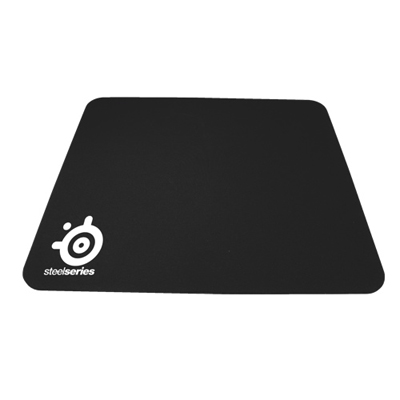 Your price for this item is $14.99
-
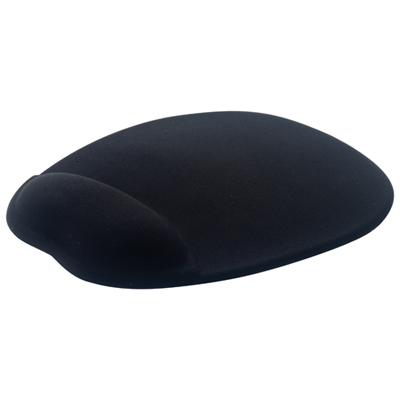 Your price for this item is $19.95
-
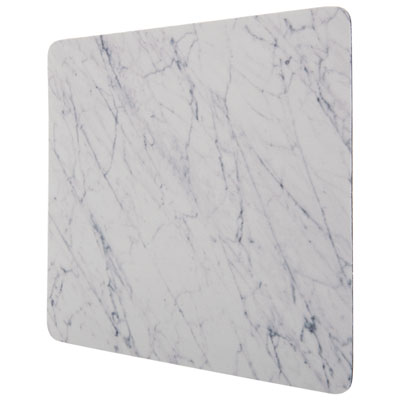 Your price for this item is $9.95
-
 Your price for this item is $7.95
-
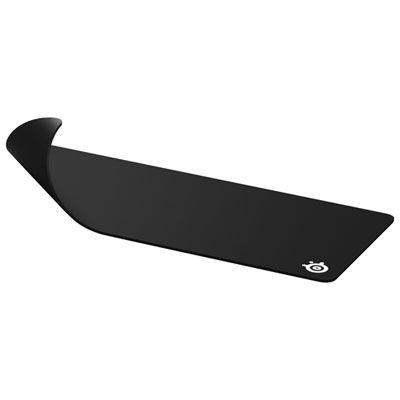 Your price for this item is $49.99
-
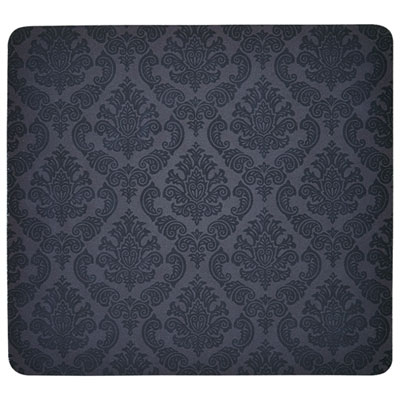 Your price for this item is $7.95
-
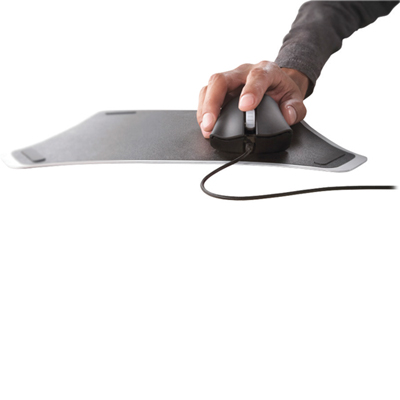 Your price for this item is $19.95
Discover more categories related to Travel Mouse Pads
Top Collections:
Best Black Friday Deals This Year, Best Black Friday Deals On Electronics, Kindle Devices, Pokemon Centers, Best Black Friday Deals On Apple Products, Best Cameras for Sports Photography, Dyson Airwrap, Pokémon 30th Celebration Cards, Apple iPhone 17 Pro, Canon G7X Cameras
Some products may be subject to Environmental Handling Fees
(EHF) depending on your province.
Learn more about EHFs.