Tri Band Routers
Tri Band Router options deliver advanced connectivity for homes and offices that demand high-speed, reliable internet performance. With a Tri Band Router, you can enjoy seamless streaming, gaming, and browsing across multiple devices without interruption. Explore a range of models designed to support smart home devices, remote work setups, and busy households. Find the ideal Tri Band Router to enhance your network and keep everyone connected with ease.
Sort
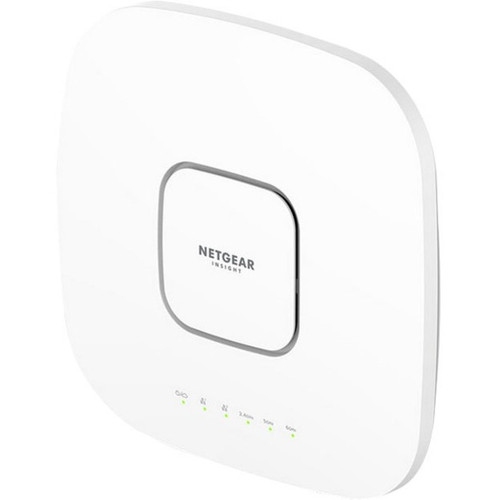


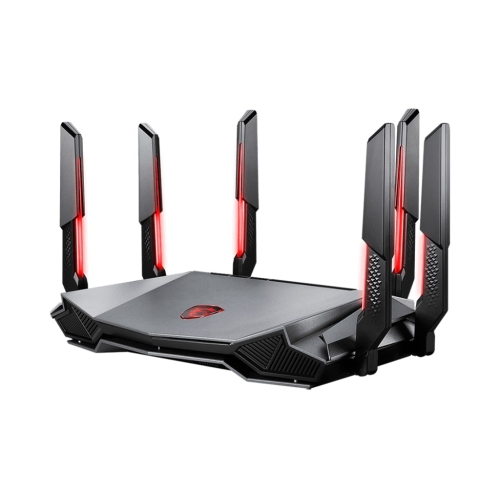
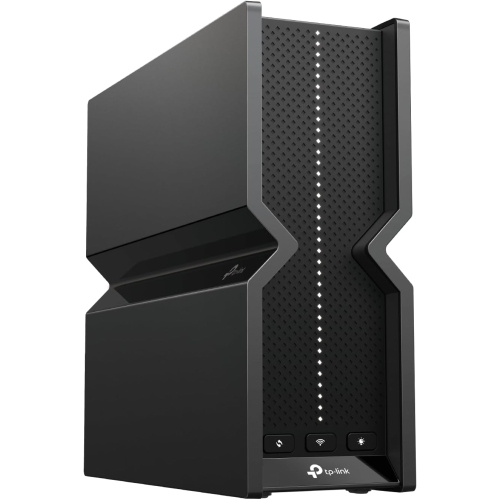
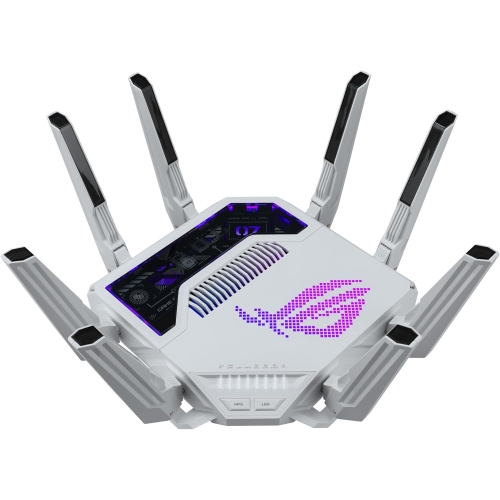
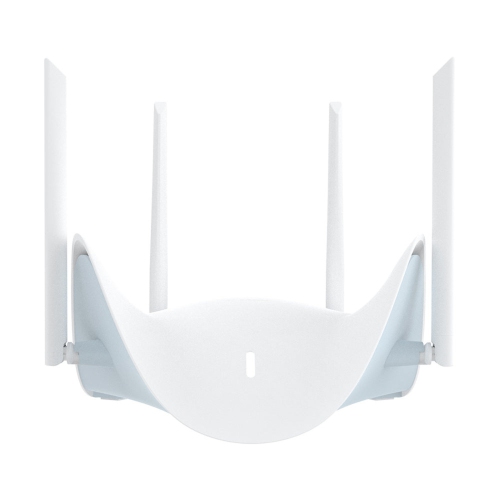
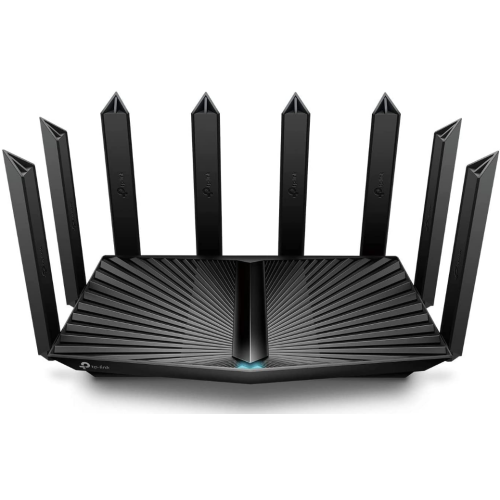
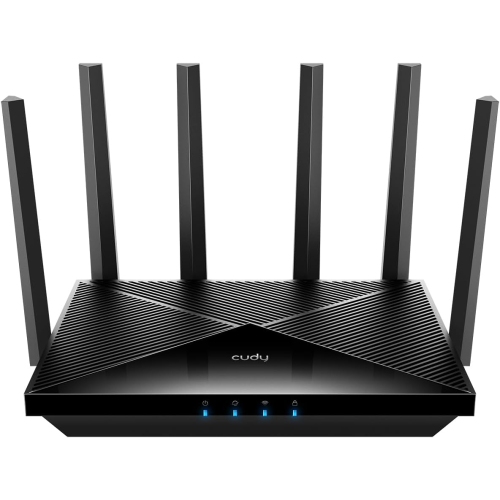
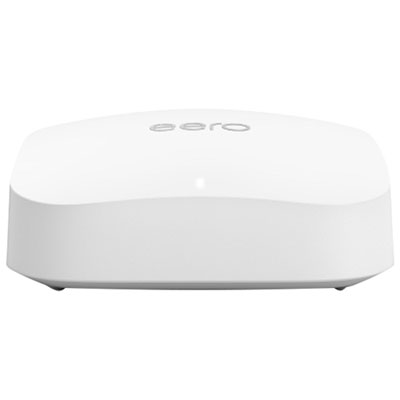
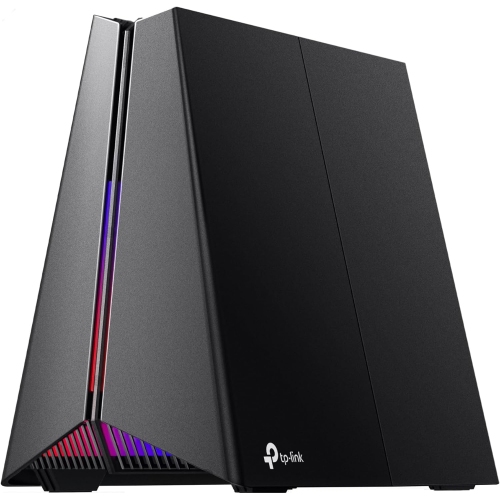
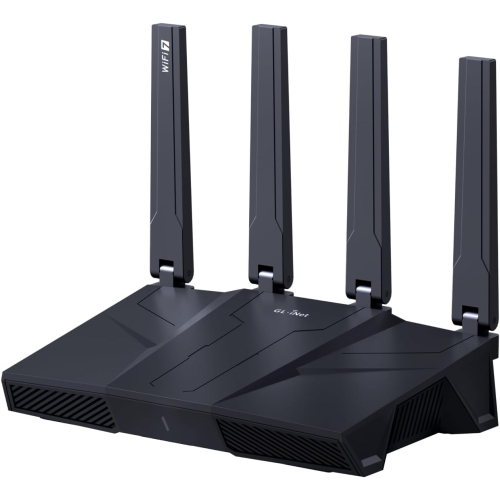
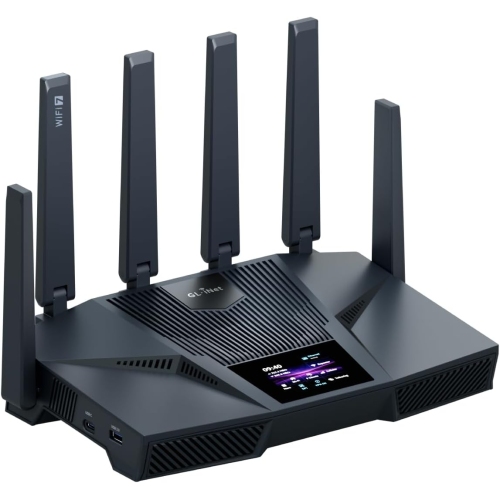
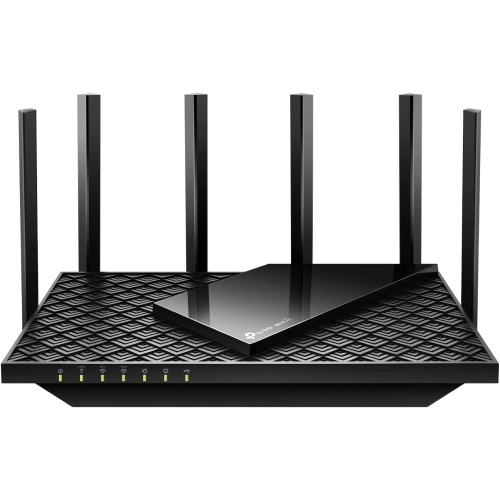
What a third Wi-Fi band does for busy homes
A tri-band router is a wireless router that operates on three Wi-Fi bands. A traditional tri-band setup uses one 2.4 GHz band and two separate 5 GHz bands. Many tri-band Wi-Fi 6E and Wi-Fi 7 routers instead use one band each at 2.4 GHz, 5 GHz and 6 GHz. The extra band gives devices another way to share the network, which can make a difference when several people are online at once. In a home where someone is on a video call, another person is streaming on the TV and a computer is downloading a large game update, distributing those connections can reduce competition for airtime on any one band. The 2.4 GHz band typically reaches farther through walls and floors and is useful for devices like smart plugs or older printers that may not support other bands. The 5 GHz band generally offers more capacity than 2.4 GHz at shorter distances, making it a good fit for laptops, consoles and streaming devices within a strong signal area. In a two-5 GHz setup, compatible devices can be spread across the two radios without needing support for 6 GHz. In a 2.4, 5 and 6 GHz setup, the 6 GHz band provides additional channels for compatible devices and is often most useful in the same room as the router or nearby. A device needs its own 6 GHz support to connect on that band; a Wi-Fi 6 device without 6 GHz support can still use a compatible 2.4 GHz or 5 GHz connection. A third band does not automatically make one device faster or increase the speed of the internet connection coming into the home. Advertised speed ratings also often add together the theoretical rates of all three bands, rather than showing what one laptop can expect during a download.
When comparing Tri-Band Wi-Fi Routers, the band combination matters as much as the number of bands. A household with several devices that already support 6 GHz may benefit from giving those devices their own room to operate, especially in a condo where neighbouring networks share the 2.4 GHz and 5 GHz bands. In a household where most phones, computers and TVs use 5 GHz, a second 5 GHz band may be more useful than a 6 GHz band that few devices can join. The layout matters, too. A centrally placed router can serve an open apartment quite differently from a router tucked beside the modem at one end of a narrow, multi-storey home. Concrete walls, metal ductwork and even a large appliance between the router and a desk can weaken a signal. A third band adds capacity, but it does not by itself fix a dead spot in a basement office or at the far end of a hallway. For those layouts, some tri-band mesh systems use one band for backhaul, the connection between the main router and its satellite units. A dedicated backhaul band can keep that traffic separate from devices such as phones and TVs, though the satellite still needs a strong connection to the main unit. A spot partway down the hall may work better than placing the satellite inside the room that already has poor reception. If Ethernet runs between rooms, a mesh system that supports wired backhaul can use those cables instead; whether the extra wireless band then serves connected devices depends on the system. In a smaller space with consistent coverage and only a few active devices, the benefits may be less noticeable than in a busy household with several simultaneous calls, streams or downloads.
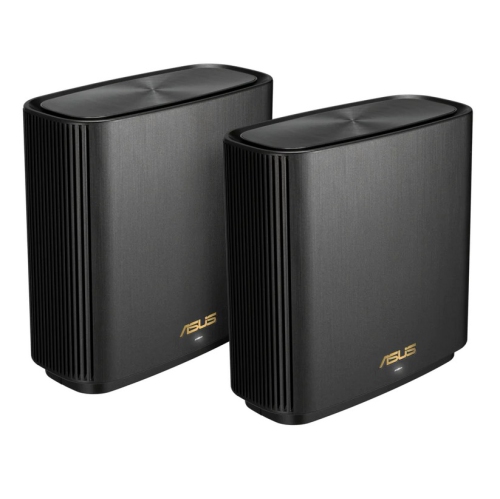
The router’s physical design also affects how well it fits into a home. Some tri-band routers have upright cases with internal antennas, while others have external antennas and need more clearance on a shelf or desktop. A vented plastic housing is common, but the material alone says little about coverage or long-term performance. More practical details include whether the router can sit in the open, whether the power and Ethernet cables can reach without pulling on the ports, and whether there is room around the vents. A spot behind a television or inside a closed media cabinet may hide the wiring, but it can also restrict airflow and put more obstacles in the signal path. Keeping the vents clear of dust and leaving space around the case helps the unit shed heat. Over years of use, firmware support is worth considering alongside the build: automatic updates, when supported and enabled, can help keep security fixes from being overlooked. The number and speed of Ethernet ports matter if a desktop, game console or network storage drive will be connected by cable. A multi-gigabit port can be useful with compatible equipment, but a faster port for the incoming internet connection does not necessarily mean every port for wired devices operates at that same speed. Network controls can make a difference in everyday use as well. A single network name with automatic band steering can simplify connecting phones and laptops, while the option to use separate network names can help when setting up a device that only joins 2.4 GHz. For a shared apartment, a guest network can give visitors a separate connection without sharing the main network password. For a home office, a wired connection at the desk may matter more than which band reaches the laptop. The best fit depends on what needs to connect, where it will be used and how much activity those connections need to handle at the same time.
Top selling and popular products
-
 Your price for this item is $189.99
-
 Your price for this item is $189.99
-
 Your price for this item is $219
-
 Your price for this item is $899.99
-
 Your price for this item is $299.99
-
 Your price for this item is $139.99
-
 Your price for this item is $499.99
-
 Your price for this item is $349.99
Discover more categories related to Tri Band Routers
Top Collections:
Best Black Friday Deals This Year, Best Black Friday Deals On Electronics, Kindle Devices, Pokemon Centers, Best Black Friday Deals On Apple Products, Best Cameras for Sports Photography, Dyson Airwrap, Pokémon 30th Celebration Cards, Apple iPhone 17 Pro, Canon G7X Cameras
Some products may be subject to Environmental Handling Fees
(EHF) depending on your province.
Learn more about EHFs.