Tri-Band Wi-Fi Routers
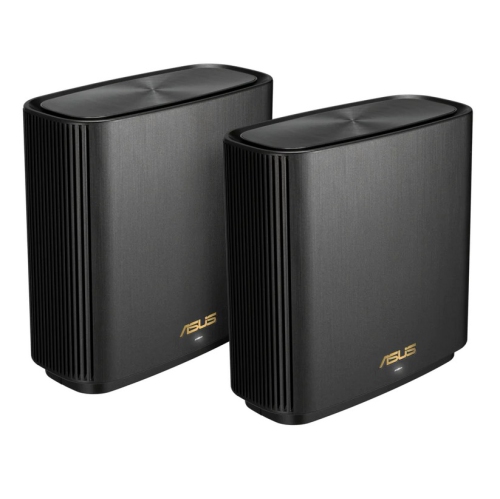
A tri-band Wi-Fi router can provide faster and more reliable internet speeds due to its ability to transmit on three separate frequency bands, reducing network congestion and interference. It also offers greater flexibility in managing network traffic and allocating bandwidth to devices, making it ideal for households with multiple users and devices. Here are some of the best tri-band Wi-Fi routers that we offer.
Sort
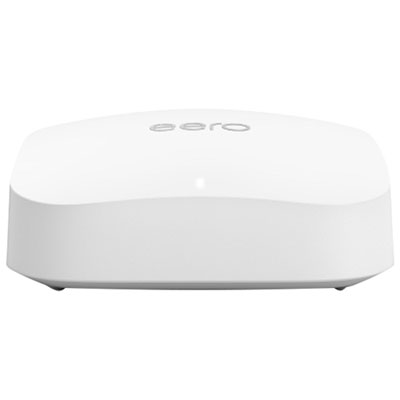
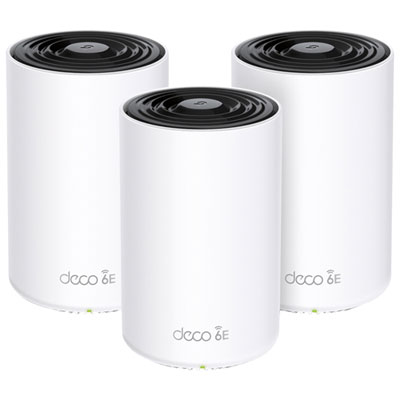
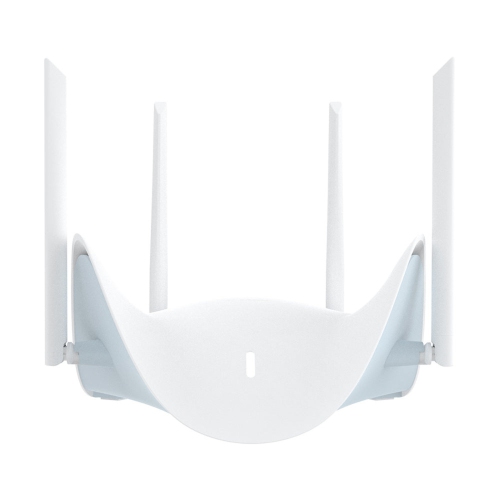
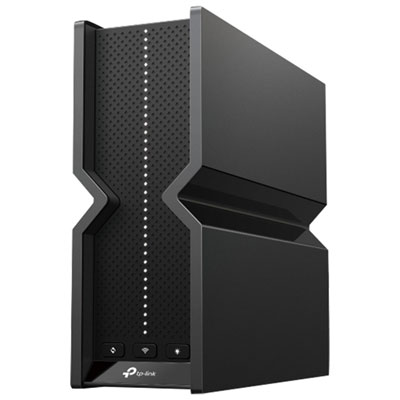
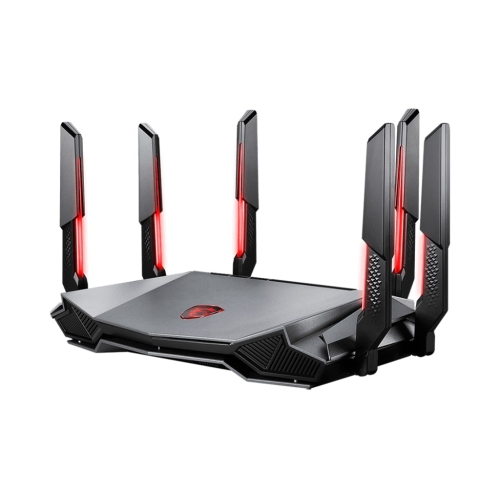
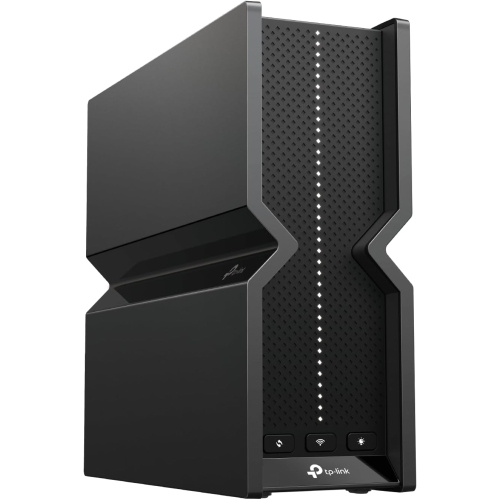
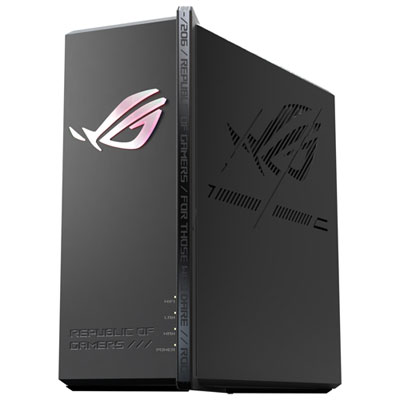
More room for every device on busy home networks
Tri-band Wi-Fi routers are designed to keep busy home networks moving smoothly by broadcasting three separate wireless frequency bands at the same time. Depending on the Wi-Fi generation, that usually means one 2.4 GHz band and two 5 GHz bands, or one 2.4 GHz band, one 5 GHz band, and a newer 6 GHz band. The 2.4 GHz band travels farther and passes through walls more effectively, making it useful for smart home devices, printers, security cameras, and rooms farther from the router. The 5 GHz and 6 GHz bands generally offer faster wireless performance with less range, which makes them well suited to 4K streaming, online gaming, video calls, large downloads, and other activities that benefit from higher throughput. A tri-band design gives compatible devices more room to connect without competing for the same wireless channel. It can be especially helpful in homes where several people are streaming, working remotely, attending online classes, playing games, or using connected appliances at the same time. When comparing Tri-Band Routers, look at the wireless standard as well as the number of bands. Wi-Fi 6 and Wi-Fi 6E routers can manage busy networks efficiently, while Wi-Fi 7 models may offer newer features such as wider channels, improved handling of simultaneous connections, and faster data transfers with compatible devices. The newest features only reach their full potential when the connected phone, computer, tablet, television, or gaming system supports the same standard, but newer routers can still provide useful improvements for a mixture of older and newer devices.
The best tri-band Wi-Fi router for a particular home depends on its layout, internet service, connected devices, and everyday habits. A single router may be a practical choice for an apartment, condominium, bungalow, or smaller home with a fairly open floor plan. In a larger or multi-level home, a compatible mesh system can help extend coverage into bedrooms, offices, basements, and other areas where a single router may struggle. In many mesh setups, the third band can serve as a dedicated wireless backhaul, carrying traffic between the main router and satellite nodes instead of sharing that connection with phones, televisions, and computers. This can help maintain more consistent performance as you move around the home, although the results still depend on wall materials, floor construction, node placement, and interference from nearby networks. Place the primary router in a central, elevated, and open location rather than inside a cabinet or behind a television. Satellite units should be close enough to receive a strong signal from the main router while remaining near the areas that need better coverage. A wired Ethernet backhaul can be even more dependable when the home has suitable cabling. Before choosing a router, check the speed of the internet plan and the ports on the equipment. Multi-gigabit Ethernet ports may be worthwhile for faster fibre internet, network-attached storage, desktop computers, or a gaming setup, while standard gigabit ports may be sufficient for many households. It is also useful to review the number of Ethernet connections, parental controls, guest networking, security updates, app-based setup, and compatibility with an existing modem or gateway. A router with strong administrative tools can make it easier to see which devices are connected, prioritize important traffic, create separate guest access, and keep the network organized as more smart home products are added.
Tri-band Wi-Fi routers can suit a wide range of households, from a family sharing several screens in the evening to a professional who needs reliable connectivity for video meetings and cloud-based work. They may also be a thoughtful gift for someone moving into a new home, setting up a home office, renovating a basement, or replacing an older router that no longer keeps up with a growing collection of connected devices. Gamers can benefit from a less congested band and a wired connection to a console or gaming computer, while households with multiple streamers may appreciate the additional capacity for high-resolution video. Smart home users can keep lower-band devices such as bulbs, sensors, plugs, and thermostats connected while reserving faster bands for computers and entertainment equipment. During the cooler months, when more people spend evenings indoors, a well-planned network can make it easier for everyone to use the internet at once without constantly moving closer to the router. Even with a powerful tri-band model, placement and setup remain important: thick concrete walls, metal furniture, large appliances, neighbouring networks, and long distances can all affect wireless performance. It is wise to check the manufacturer’s coverage guidance, but treat those figures as general estimates rather than a guarantee for every floor plan. Also consider whether the router supports automatic firmware updates and modern wireless security, since a dependable network includes protection as well as speed. By matching the router’s Wi-Fi generation, frequency bands, port selection, coverage approach, and management features to the home’s internet plan and connected devices, shoppers can create a network that feels responsive for everyday browsing and remains ready for demanding activities such as streaming, gaming, file transfers, and connected home control.
Top selling and popular products
-
 Your price for this item is $189.99
-
 Your price for this item is $189.99
-
 Your price for this item is $219
-
 Your price for this item is $899.99
-
 Your price for this item is $299.99
-
 Your price for this item is $139.99
-
 Your price for this item is $499.99
-
 Your price for this item is $349.99
Discover more categories related to Tri-Band Wi-Fi Routers
Top Collections:
Best Black Friday Deals This Year, Best Black Friday Deals On Electronics, Kindle Devices, Pokemon Centers, Best Black Friday Deals On Apple Products, Best Cameras for Sports Photography, Dyson Airwrap, Pokémon 30th Celebration Cards, Apple iPhone 17 Pro, Canon G7X Cameras
Some products may be subject to Environmental Handling Fees
(EHF) depending on your province.
Learn more about EHFs.