TUF Gaming Open Boxes
Discover incredible value on high-performance gear with TUF Gaming Open Box options. Explore a selection of gaming essentials that deliver quality and reliability at a great price. Whether you're upgrading your setup or searching for your first gaming device, TUF Gaming Open Box products offer a smart way to access top-tier technology while keeping your budget in check. Find the right fit for your gaming needs and enjoy the benefits of trusted performance.
Sort









What open-box condition means for your gaming setup
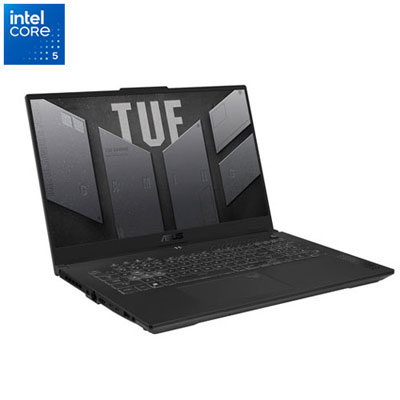
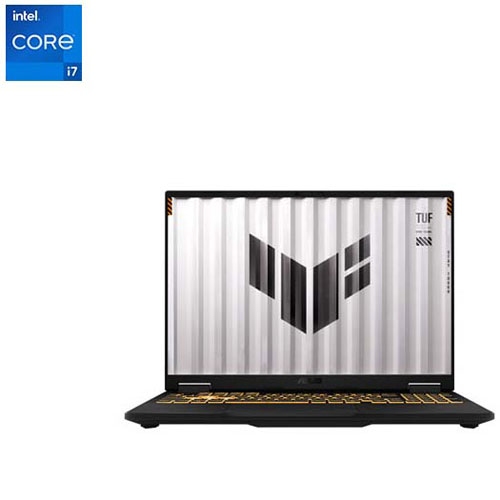
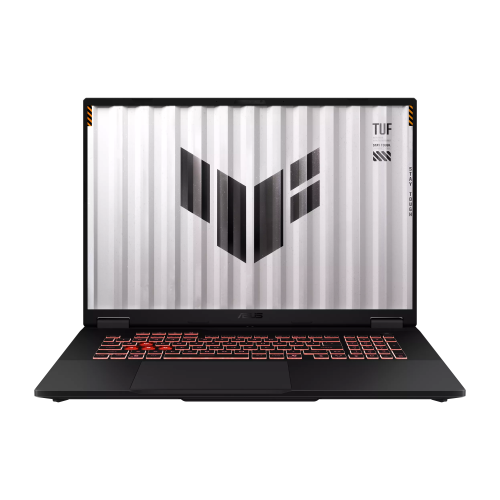
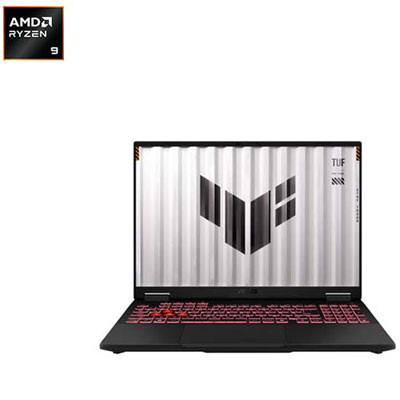
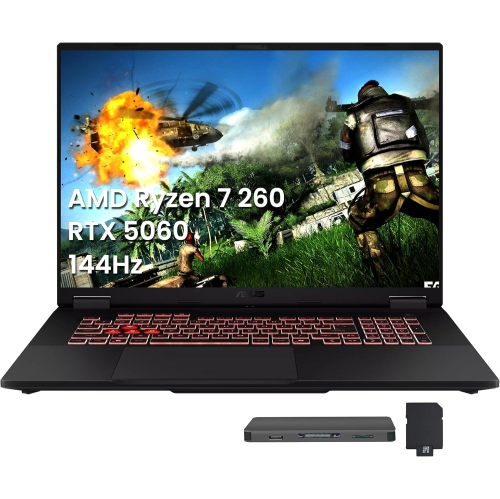
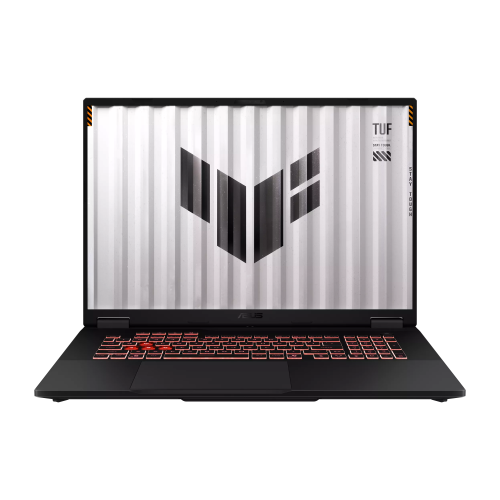
Open-box gaming hardware brings together gaming-focused computers, displays, and components whose packaging has been opened before resale. The term describes condition rather than a particular performance level: it does not, by itself, establish how much a device has been used, whether it has been repaired, or which accessories accompany it. Open-box and refurbished are not interchangeable descriptions, so the stated condition, inspection details, warranty coverage, and return terms matter when comparing devices. Within this category, gaming laptops suit people who want a single computer for games, coursework, video calls, and creative projects, while desktops lend themselves to a more permanent setup. A laptop combines its screen, keyboard, trackpad, and computing hardware in one chassis, making its size and weight part of the everyday experience. Someone carrying a computer between classes may value a manageable footprint, whereas someone using it mainly at a desk may prefer a larger display and more room around the keyboard. Processor capability, graphics performance, memory, and storage all contribute differently to how a system feels. The graphics processor has a major role in game visuals and frame rates, while the main processor also handles game logic and background tasks. Memory helps support multitasking, and a solid-state drive affects loading times and responsiveness rather than replacing the need for capable graphics hardware. Game requirements remain the most useful reference point because a system suited to competitive multiplayer games may have different strengths from one intended for demanding, visually detailed adventures. Laptop graphics performance can also differ between machines with similarly named hardware because power limits and cooling designs vary. For everyday use, keyboard feel, webcam placement, speaker clarity, and the location of charging and display connections deserve attention alongside headline specifications. Battery runtime depends on the workload, and demanding games typically require connection to power for the intended performance. These practical differences help distinguish a computer that fits neatly into a daily routine from one that simply looks impressive on a specification sheet.
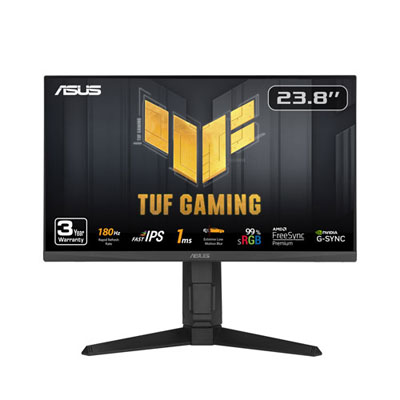
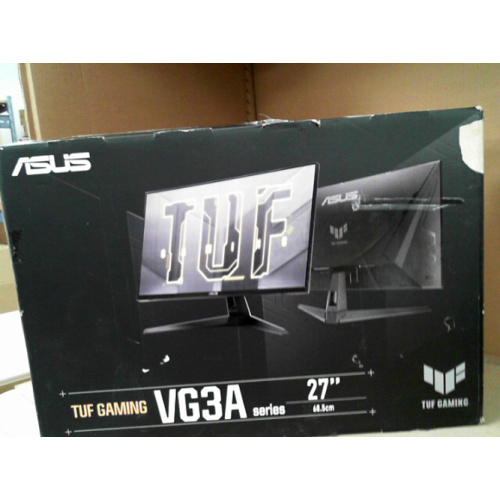
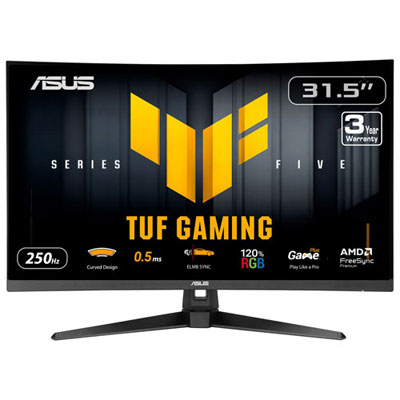
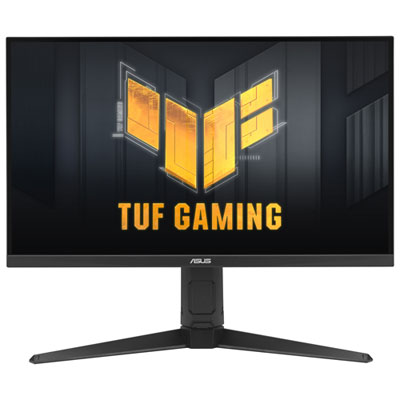
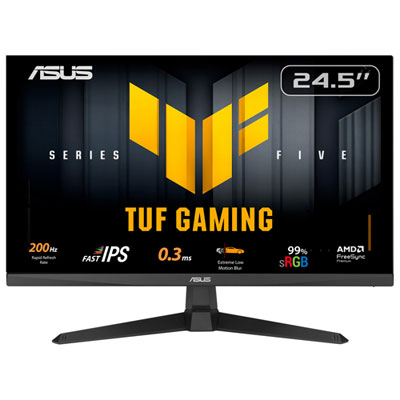
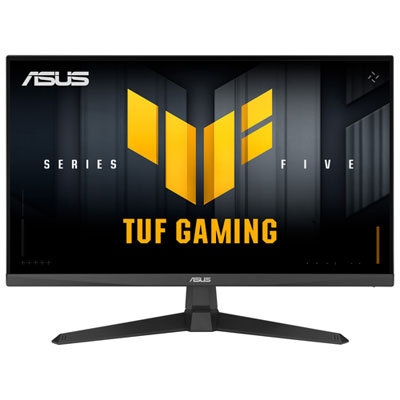
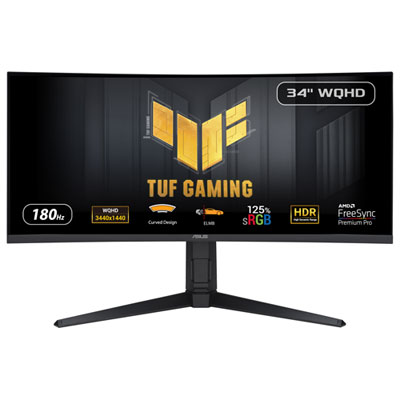
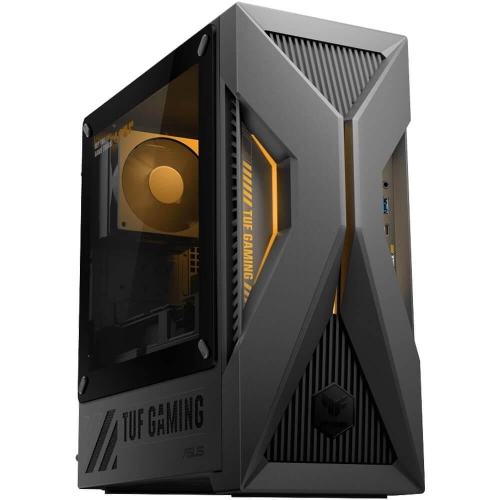
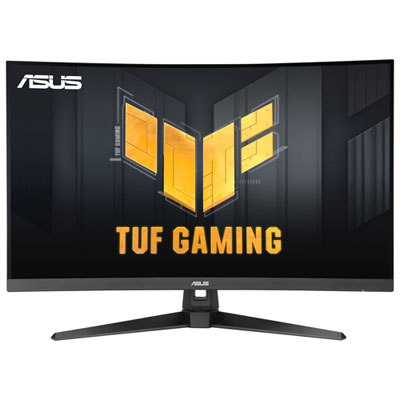
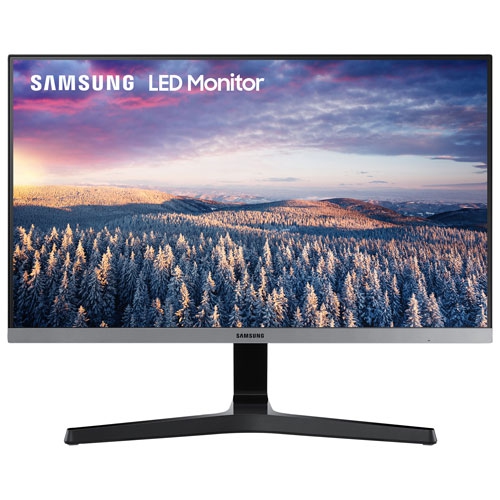
Open-box gaming monitors serve a different role: they shape how games look and feel without replacing the computer or console that runs them. Screen size, resolution, refresh rate, and panel characteristics work together, so no single number tells the whole story. Higher resolution can make fine details and text look sharper, but it also asks more of the graphics hardware when rendering games. A higher refresh rate allows the screen to update more frequently, although the benefit depends on the frame rates the connected system can deliver. Response behaviour, motion clarity, and adaptive synchronization support also influence the viewing experience, particularly during quick camera movements. Panel characteristics affect contrast, viewing angles, and colour reproduction, making them relevant to people who alternate between gaming, photo editing, and watching video. At a compact desk, a screen that leaves space for a keyboard and comfortable mouse movement can be more practical than a larger display positioned too close. Stand height, tilt adjustment, and mounting compatibility help determine whether the screen can sit at a comfortable viewing position. Display connections need to match the intended computer or console, and the supported resolution and refresh rate can depend on the connection being used. Desktop gaming systems offer another approach, separating the computer from the screen and leaving more flexibility over peripherals and desk layout. For a broader view of that format, Gaming PC Open Boxes brings the focus to open-box gaming computers. When comparing desktop configurations, graphics capability, processor performance, cooling, power delivery, and storage expansion are more informative than case styling alone. Components such as graphics cards and motherboards require closer compatibility checks: physical dimensions, motherboard connections, power requirements, and case clearance must work together. A graphics card that is too long for a case, or a motherboard that does not support an existing processor, cannot be made suitable through software settings. For people improving an existing setup, matching the component to the surrounding hardware is just as important as its individual specifications.
Condition details are especially meaningful with open-box gaming equipment because appearance, completeness, and function are separate considerations. Cosmetic marks on a lid or case do not necessarily indicate a performance issue, while a clean exterior does not confirm that every connection or control works as intended. Photographs and condition descriptions help clarify visible wear; documentation about testing explains more about function. For a laptop, the charger, battery condition, hinges, keyboard, and display are important parts of the overall experience. For a monitor, screen condition, stand components, power connections, and the included cables affect how straightforward the initial setup will be. Internal components may have their own mounting hardware or connection requirements, so a clear account of what accompanies the device helps prevent surprises. Construction also influences daily handling. Metal and moulded-plastic chassis can both be suitable for regular use, but hinge design, panel fit, ventilation, and the way a device is carried matter more than a material label alone. A padded sleeve or compartment helps protect a laptop in transit, and lifting a monitor by its stand or supported frame rather than pressing on the panel reduces unnecessary strain. Routine care is usually straightforward: keep vents unobstructed, use a soft cloth on exterior surfaces, and follow the manufacturer’s cleaning directions for screens and keyboards. Liquid should not be sprayed directly onto a display or into openings. A stable desk, sensible cable routing, and enough space around a computer’s ventilation openings support comfortable, reliable use. Open-box gaming hardware can suit students, shared households, hobbyists, and people building a dedicated gaming space, provided the configuration matches their actual needs. As a gift, compatibility matters more than appearance alone: the recipient’s preferred games, existing screen, desk space, and need for portability all help determine a suitable fit. Clear condition information and appropriate warranty and return terms add useful context, keeping the decision grounded in how the hardware will be used rather than assumptions about the open-box label.
Open-box gaming monitors serve a different role: they shape how games look and feel without replacing the computer or console that runs them. Screen size, resolution, refresh rate, and panel characteristics work together, so no single number tells the whole story. Higher resolution can make fine details and text look sharper, but it also asks more of the graphics hardware when rendering games. A higher refresh rate allows the screen to update more frequently, although the benefit depends on the frame rates the connected system can deliver. Response behaviour, motion clarity, and adaptive synchronization support also influence the viewing experience, particularly during quick camera movements. Panel characteristics affect contrast, viewing angles, and colour reproduction, making them relevant to people who alternate between gaming, photo editing, and watching video. At a compact desk, a screen that leaves space for a keyboard and comfortable mouse movement can be more practical than a larger display positioned too close. Stand height, tilt adjustment, and mounting compatibility help determine whether the screen can sit at a comfortable viewing position. Display connections need to match the intended computer or console, and the supported resolution and refresh rate can depend on the connection being used. Desktop gaming systems offer another approach, separating the computer from the screen and leaving more flexibility over peripherals and desk layout. For a broader view of that format, Gaming PC Open Boxes brings the focus to open-box gaming computers. When comparing desktop configurations, graphics capability, processor performance, cooling, power delivery, and storage expansion are more informative than case styling alone. Components such as graphics cards and motherboards require closer compatibility checks: physical dimensions, motherboard connections, power requirements, and case clearance must work together. A graphics card that is too long for a case, or a motherboard that does not support an existing processor, cannot be made suitable through software settings. For people improving an existing setup, matching the component to the surrounding hardware is just as important as its individual specifications.
Condition details are especially meaningful with open-box gaming equipment because appearance, completeness, and function are separate considerations. Cosmetic marks on a lid or case do not necessarily indicate a performance issue, while a clean exterior does not confirm that every connection or control works as intended. Photographs and condition descriptions help clarify visible wear; documentation about testing explains more about function. For a laptop, the charger, battery condition, hinges, keyboard, and display are important parts of the overall experience. For a monitor, screen condition, stand components, power connections, and the included cables affect how straightforward the initial setup will be. Internal components may have their own mounting hardware or connection requirements, so a clear account of what accompanies the device helps prevent surprises. Construction also influences daily handling. Metal and moulded-plastic chassis can both be suitable for regular use, but hinge design, panel fit, ventilation, and the way a device is carried matter more than a material label alone. A padded sleeve or compartment helps protect a laptop in transit, and lifting a monitor by its stand or supported frame rather than pressing on the panel reduces unnecessary strain. Routine care is usually straightforward: keep vents unobstructed, use a soft cloth on exterior surfaces, and follow the manufacturer’s cleaning directions for screens and keyboards. Liquid should not be sprayed directly onto a display or into openings. A stable desk, sensible cable routing, and enough space around a computer’s ventilation openings support comfortable, reliable use. Open-box gaming hardware can suit students, shared households, hobbyists, and people building a dedicated gaming space, provided the configuration matches their actual needs. As a gift, compatibility matters more than appearance alone: the recipient’s preferred games, existing screen, desk space, and need for portability all help determine a suitable fit. Clear condition information and appropriate warranty and return terms add useful context, keeping the decision grounded in how the hardware will be used rather than assumptions about the open-box label.
Top selling and popular products
-
 Your price for this item is $279.97
-
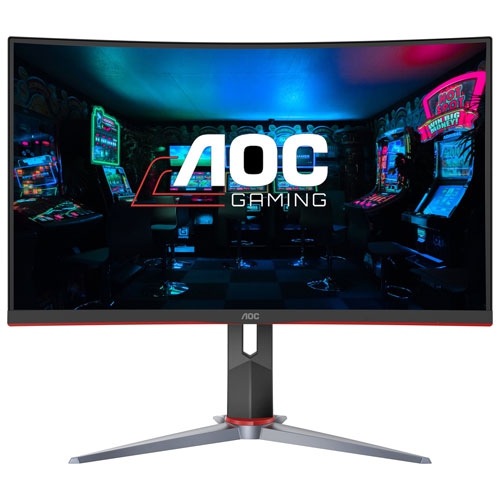 Your price for this item is $275
-
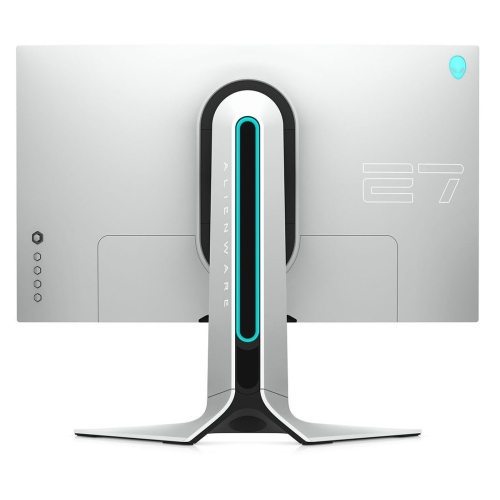 Your price for this item is $299
-
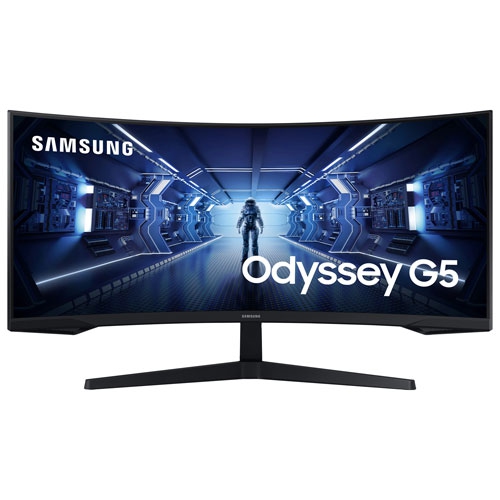 Your price for this item is $479.68
-
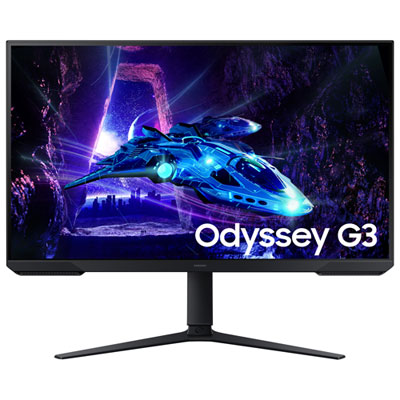 Your price for this item is $149.95
-
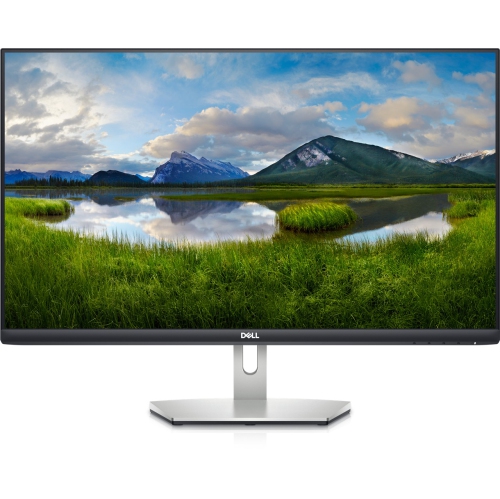 Your price for this item is $239.99
-
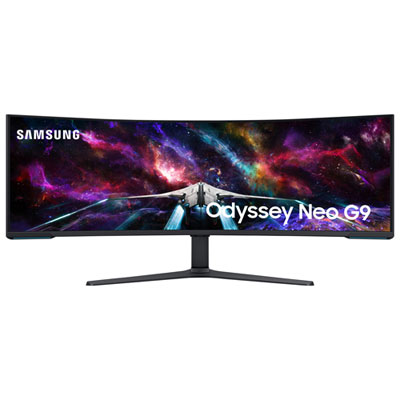 Your price for this item is $2199.99
-
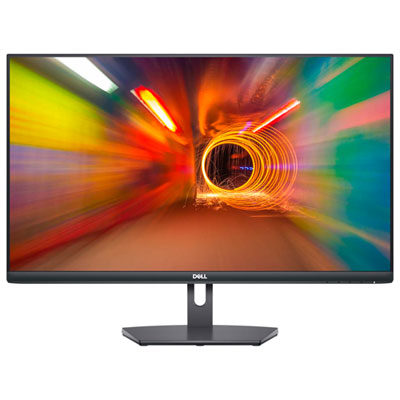 Your price for this item is $179.95
Discover more categories related to TUF Gaming Open Boxes
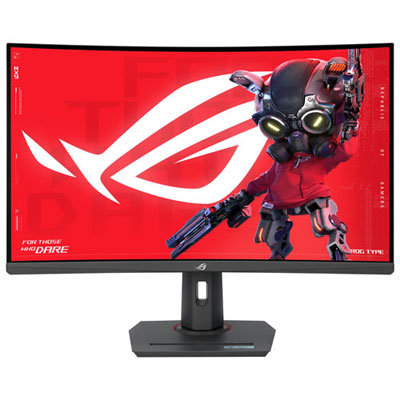

Top Collections:
Pokemon Centers, Kindle Devices, Best Cameras for Sports Photography, Pokémon 30th Celebration Cards, Apple iPhones 16, Canon G7X Cameras, iPhone 15 Apple, Flip Phones, Samsung Galaxy Phones, Alarm Clock
Some products may be subject to Environmental Handling Fees
(EHF) depending on your province.
Learn more about EHFs.