Gaming PC Open Boxes
Gaming PC Open Box deals offer an excellent opportunity to upgrade your setup at a great value. Explore a wide selection of high-performance gaming desktops that have been carefully inspected to ensure quality and reliability. Whether you're looking to level up your gameplay or enjoy smooth multitasking, the Gaming PC Open Box collection provides options to suit every type of gamer. Shop now and discover competitive prices on powerful systems designed for immersive experiences.
Sort







What the open-box label does and doesn’t tell you
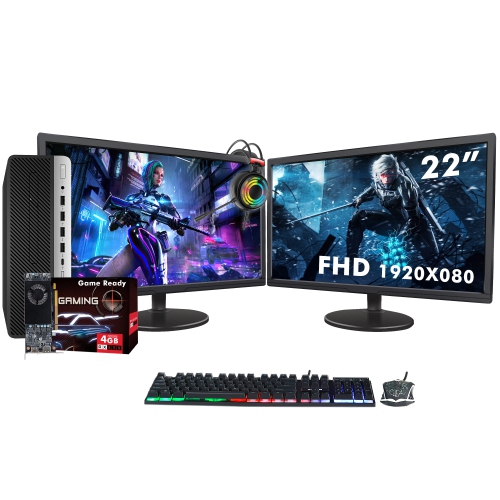
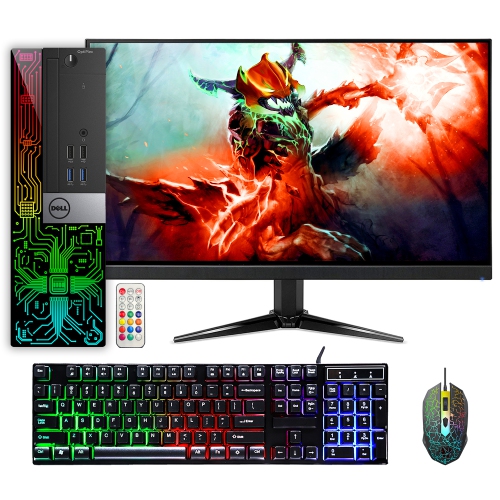
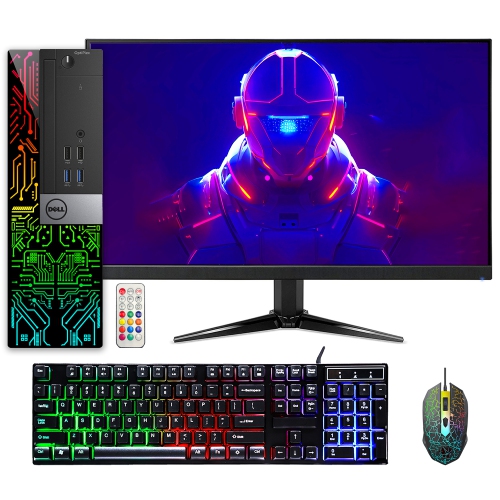
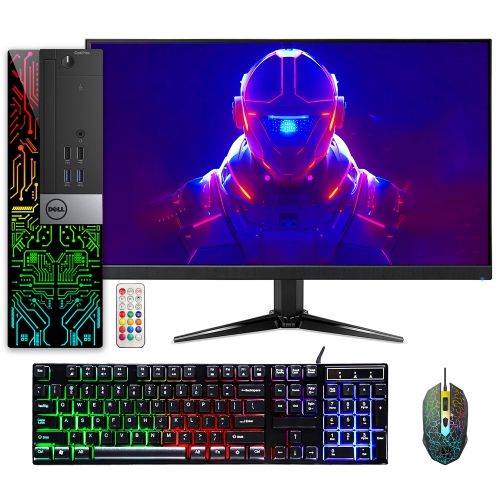
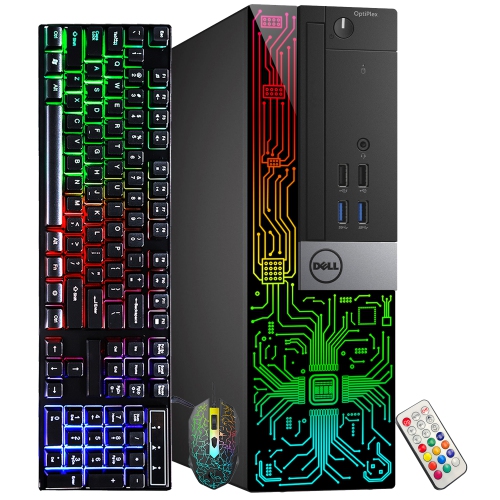
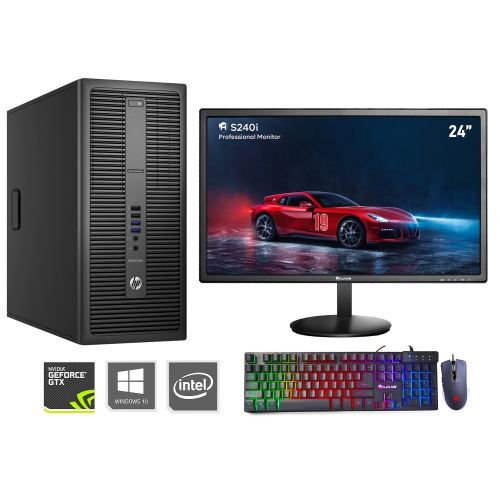
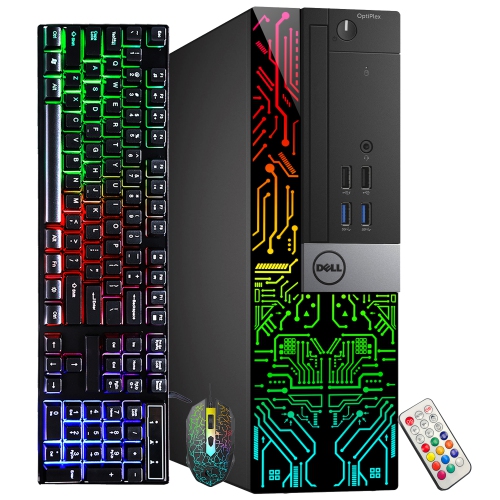
Open-box gaming PCs are gaming computers whose original packaging has been opened before resale. That designation describes the computer’s condition category, not a particular level of gaming performance. An open-box computer may have been returned after a brief trial or opened for inspection, but its exact history should not be assumed from the label alone. Open-box, refurbished and pre-owned are not interchangeable descriptions: refurbishment generally involves an inspection or restoration process, while an open-box designation does not by itself confirm repairs, extensive testing or a particular amount of prior use. The condition description is therefore as relevant as the processor or graphics specifications. Cosmetic marks, packaging condition, included accessories and any disclosed functional limitations help establish what to expect when the computer arrives. A small scuff on a case is different from a damaged connector or a missing component needed for setup. Details about the power cable, wireless antennas and any included keyboard or mouse also matter, since peripherals pictured with a computer are not necessarily included. Warranty terms and return conditions deserve the same attention: coverage can differ by seller and listing, and an open-box label alone does not establish the length, provider or scope of protection. Where testing is documented, that information can help clarify the condition assessment without implying that every open-box PC has undergone the same checks. For someone setting up a first gaming desk, these distinctions make the experience more predictable. For an experienced player replacing an older tower, they help separate cosmetic condition from the hardware capabilities that determine everyday use. A desktop that starts reliably, recognizes its storage and connects properly to a display is the foundation; the intended games and workload determine the performance needed beyond those basics. A complete condition description brings those details together, making it easier to understand the computer as a whole rather than relying on the open-box label to explain everything.
The hardware inside an open-box gaming desktop should suit both the games being played and the screen being used. A setup for competitive matches at 1080p has different demands from one intended for detailed single-player games at 1440p or 4K. The graphics processor has a major influence on visual detail and frame rates, while the main processor handles tasks such as game logic, simulation and background applications. Neither specification tells the whole story on its own. A player building a sprawling virtual city may place different demands on a computer than someone playing a fast-paced racing game, even when both use the same display resolution. The monitor’s refresh rate matters too, although a high-refresh display can only show additional frames when the computer can produce them. System memory gives games and applications working space; 16GB can be a practical starting point for many games, while 32GB provides more room for demanding titles, voice chat, browser tabs and creative software running together. Actual requirements vary by game and settings. Graphics memory serves a different role, supporting resources such as textures, so it should not be confused with system memory. A solid-state drive can make startup and loading feel more responsive, while storage capacity determines how comfortably a game library, recordings and personal files fit together. Someone who captures long play sessions may need considerably more space than someone who keeps only a few games installed. Connectivity completes the picture. Display outputs need to match the monitor, USB connections need to accommodate controllers and other peripherals, and wired networking or Wi-Fi should suit the room’s connection options. For streaming, video editing or schoolwork between gaming sessions, the combined processor, memory and storage configuration matters more than any single headline specification. Balanced hardware helps the computer serve those different roles without treating every gaming setup as though it has the same purpose.
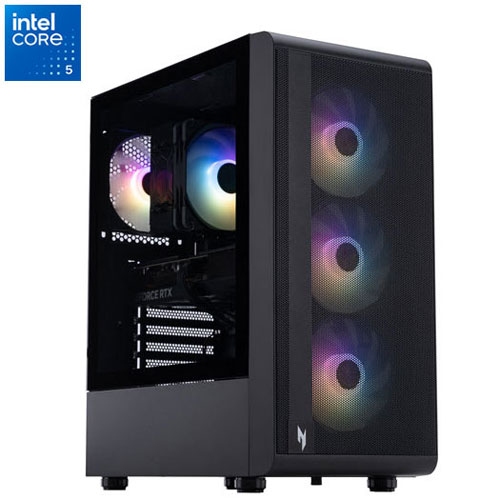
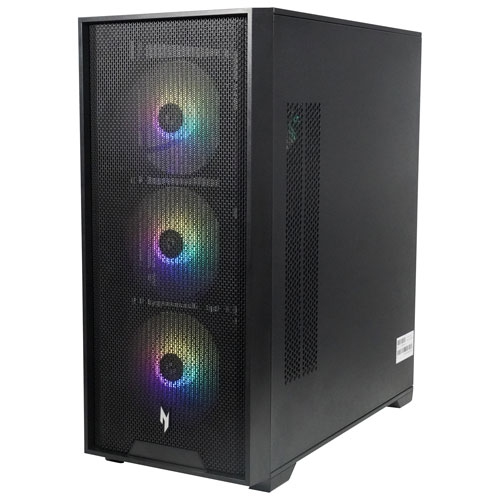
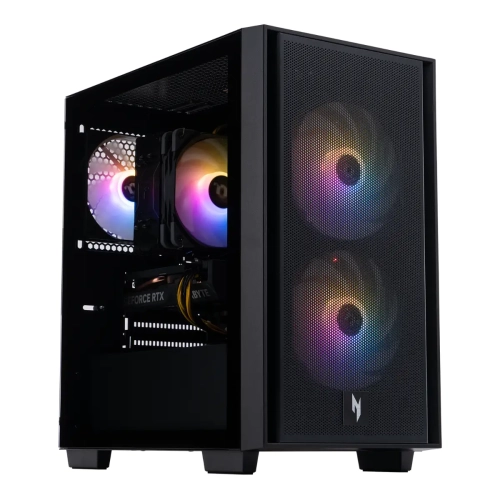
The physical design of an open-box gaming PC also affects how comfortably it fits into daily life. A full-size tower needs enough space for its case, connected cables and unobstructed ventilation, not just an empty rectangle on a desk. A compact desktop can suit a smaller workspace, though its internal layout may leave less room for larger components or future additions. Metal chassis panels, glass side panels and plastic trim have different handling and cleaning needs; cosmetic wear on an outer panel should be considered separately from the condition of ports, feet, hinges or fasteners. Glass panels need careful handling, and a stable placement helps protect both the computer and nearby equipment. Cooling design influences operating noise as well as component temperatures, which can matter when the same room is used for homework, shared calls or recording commentary. Dust filters, accessible panels and sensible cable routing make routine care less awkward. Cleaning should follow the computer’s documented directions, with power disconnected before appropriate maintenance and liquids kept away from openings. Long-term suitability also depends on the internal layout: spare memory slots, supported storage connections, power supply capacity and component clearance can affect upgrade options, but expansion should never be assumed from the outside of the case. Related collections such as TUF Gaming Open Boxes offer another way to explore gaming computers while keeping those practical considerations in view. An open-box gaming desktop can suit a student who games after coursework, a hobbyist who edits recorded matches or a household sharing one computer for play and everyday tasks. When chosen as a gift, knowing the recipient’s favourite games, existing monitor and available desk space is more useful than choosing by appearance alone. Matching those everyday details with the documented condition, included accessories and hardware configuration helps create a setup that feels comfortable from the first session and remains useful as routines change.
The hardware inside an open-box gaming desktop should suit both the games being played and the screen being used. A setup for competitive matches at 1080p has different demands from one intended for detailed single-player games at 1440p or 4K. The graphics processor has a major influence on visual detail and frame rates, while the main processor handles tasks such as game logic, simulation and background applications. Neither specification tells the whole story on its own. A player building a sprawling virtual city may place different demands on a computer than someone playing a fast-paced racing game, even when both use the same display resolution. The monitor’s refresh rate matters too, although a high-refresh display can only show additional frames when the computer can produce them. System memory gives games and applications working space; 16GB can be a practical starting point for many games, while 32GB provides more room for demanding titles, voice chat, browser tabs and creative software running together. Actual requirements vary by game and settings. Graphics memory serves a different role, supporting resources such as textures, so it should not be confused with system memory. A solid-state drive can make startup and loading feel more responsive, while storage capacity determines how comfortably a game library, recordings and personal files fit together. Someone who captures long play sessions may need considerably more space than someone who keeps only a few games installed. Connectivity completes the picture. Display outputs need to match the monitor, USB connections need to accommodate controllers and other peripherals, and wired networking or Wi-Fi should suit the room’s connection options. For streaming, video editing or schoolwork between gaming sessions, the combined processor, memory and storage configuration matters more than any single headline specification. Balanced hardware helps the computer serve those different roles without treating every gaming setup as though it has the same purpose.
The physical design of an open-box gaming PC also affects how comfortably it fits into daily life. A full-size tower needs enough space for its case, connected cables and unobstructed ventilation, not just an empty rectangle on a desk. A compact desktop can suit a smaller workspace, though its internal layout may leave less room for larger components or future additions. Metal chassis panels, glass side panels and plastic trim have different handling and cleaning needs; cosmetic wear on an outer panel should be considered separately from the condition of ports, feet, hinges or fasteners. Glass panels need careful handling, and a stable placement helps protect both the computer and nearby equipment. Cooling design influences operating noise as well as component temperatures, which can matter when the same room is used for homework, shared calls or recording commentary. Dust filters, accessible panels and sensible cable routing make routine care less awkward. Cleaning should follow the computer’s documented directions, with power disconnected before appropriate maintenance and liquids kept away from openings. Long-term suitability also depends on the internal layout: spare memory slots, supported storage connections, power supply capacity and component clearance can affect upgrade options, but expansion should never be assumed from the outside of the case. Related collections such as TUF Gaming Open Boxes offer another way to explore gaming computers while keeping those practical considerations in view. An open-box gaming desktop can suit a student who games after coursework, a hobbyist who edits recorded matches or a household sharing one computer for play and everyday tasks. When chosen as a gift, knowing the recipient’s favourite games, existing monitor and available desk space is more useful than choosing by appearance alone. Matching those everyday details with the documented condition, included accessories and hardware configuration helps create a setup that feels comfortable from the first session and remains useful as routines change.
Top selling and popular products
-
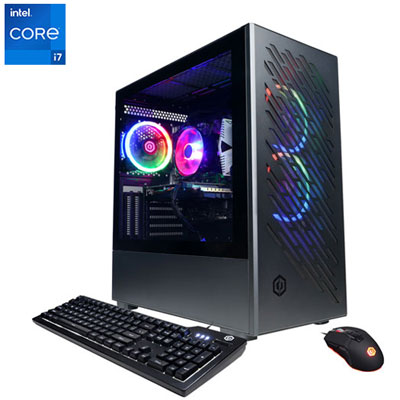 Your price for this item is $1969.99
-
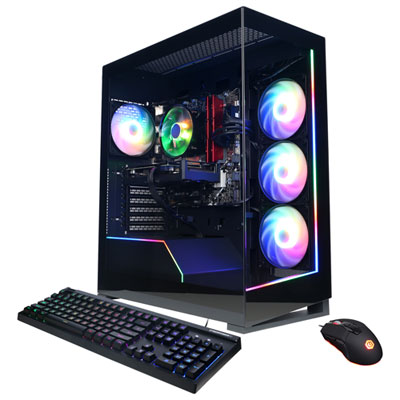 Your price for this item is $1059.99
-
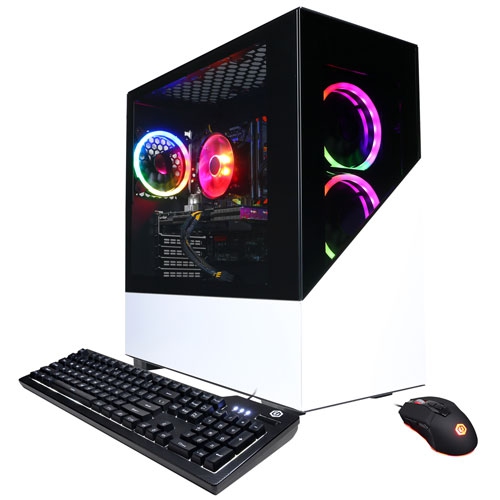 Your price for this item is $1274.97
-
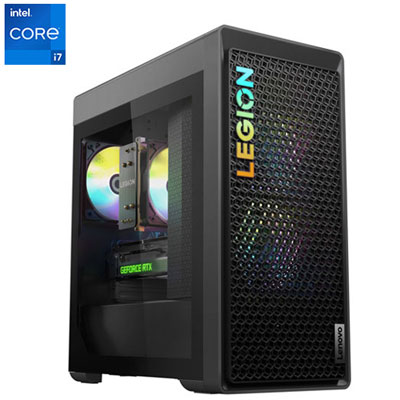 Your price for this item is $1899.95
-
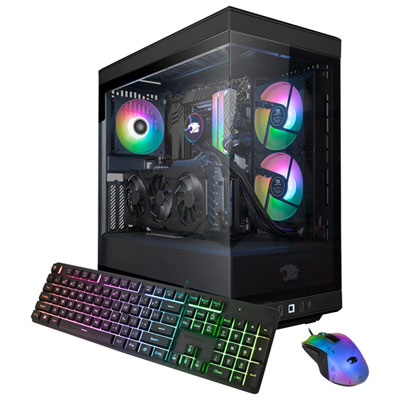 Your price for this item is $2309.99
-
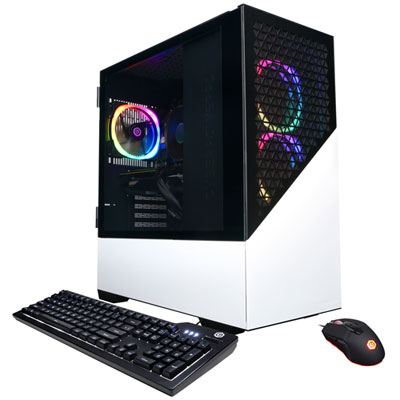 Your price for this item is $1669.99
-
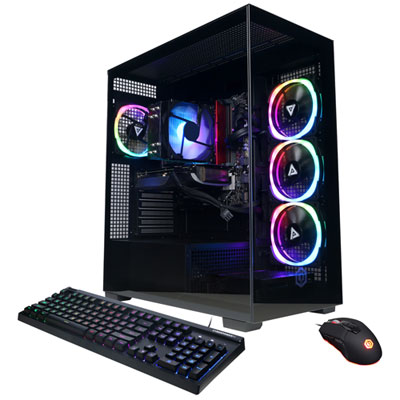 Your price for this item is $1839.99
-
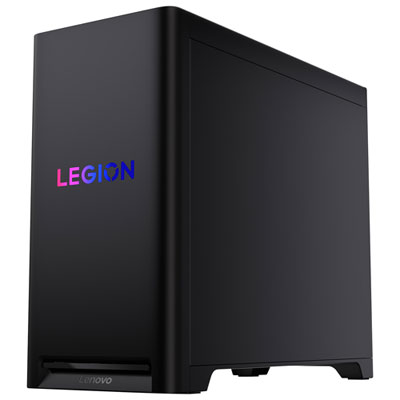 Your price for this item is $3499.99
Discover more categories related to Gaming PC Open Boxes
Top Collections:
Pokemon Centers, Kindle Devices, Best Cameras for Sports Photography, Pokémon 30th Celebration Cards, Apple iPhones 16, Canon G7X Cameras, iPhone 15 Apple, Flip Phones, Samsung Galaxy Phones, Alarm Clock
Some products may be subject to Environmental Handling Fees
(EHF) depending on your province.
Learn more about EHFs.