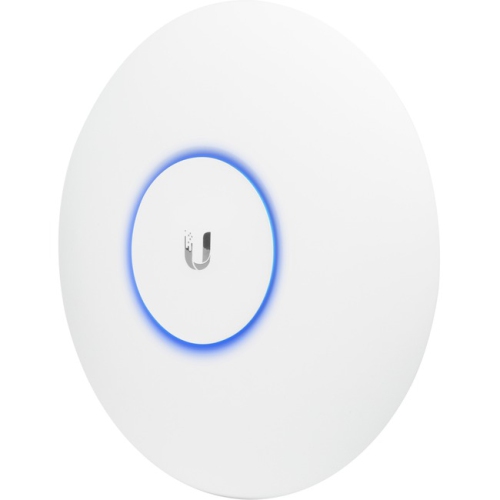
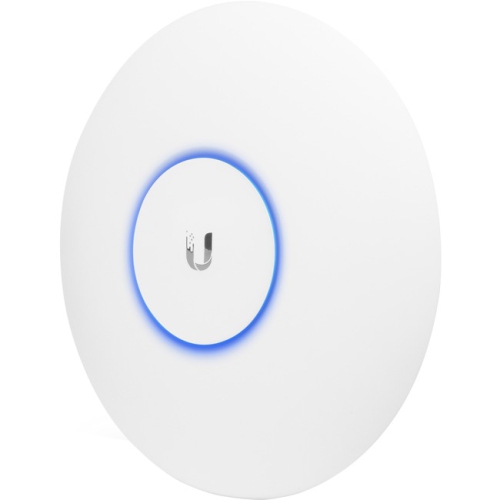
Ubiquiti Networks UniFi AP AC LR
Enhance your wireless network with the Ubiquiti Networks UniFi AP AC LR, designed to deliver reliable connectivity for both home and business environments. Discover a range of options that make it easy to expand coverage and support multiple devices seamlessly. Whether upgrading your current setup or building a new network, the Ubiquiti Networks UniFi AP AC LR provides advanced solutions to keep you connected with confidence. Explore models and configurations tailored to meet diverse networking needs, all backed by trusted performance and innovation.
Sort

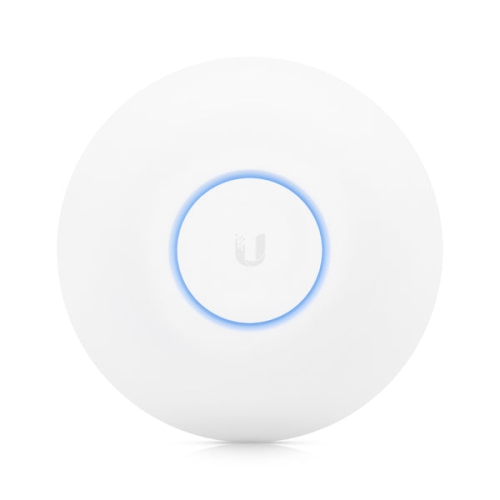
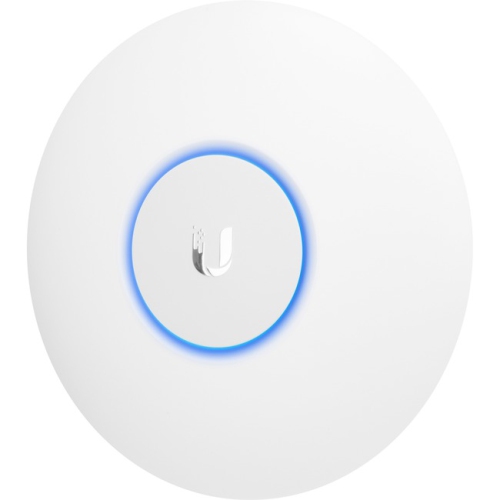
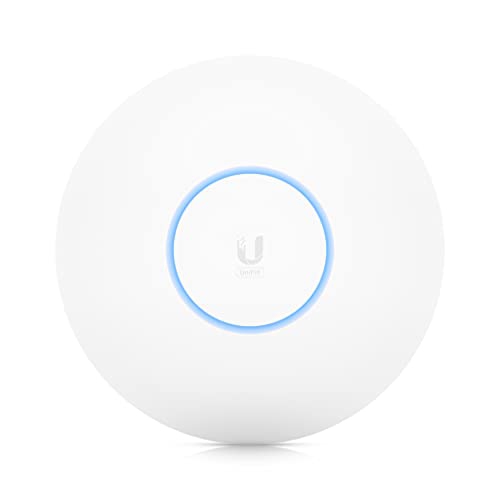

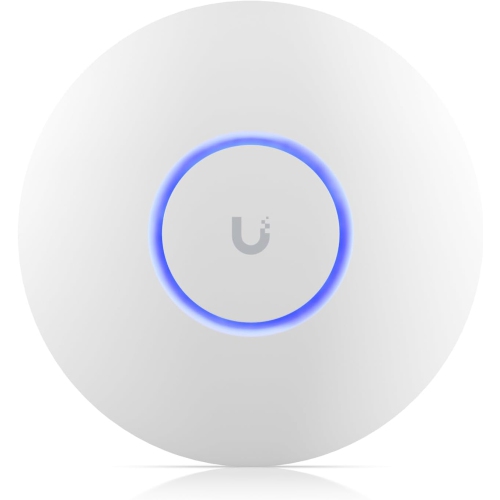
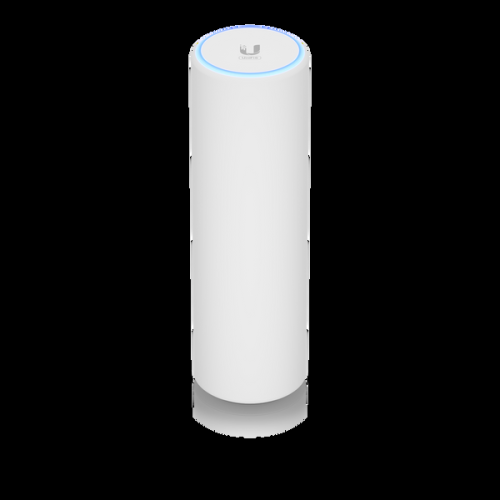
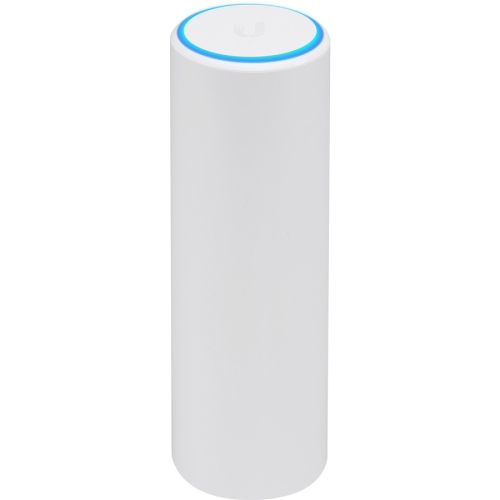
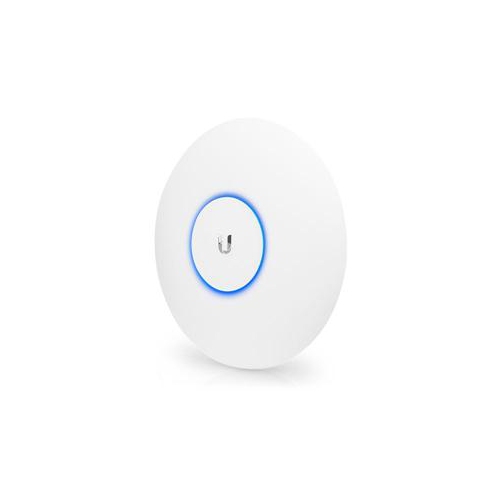
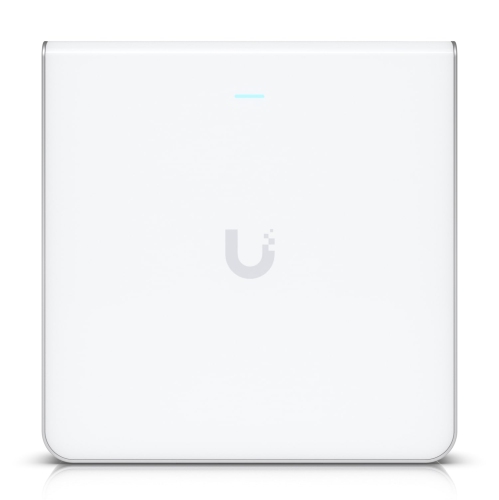
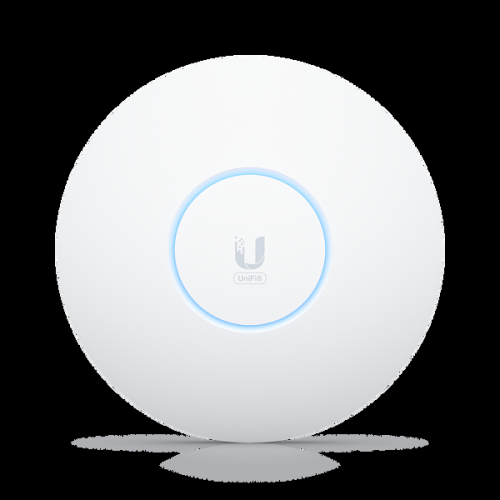
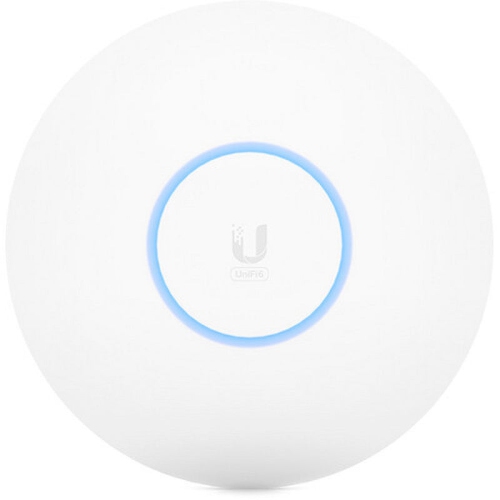
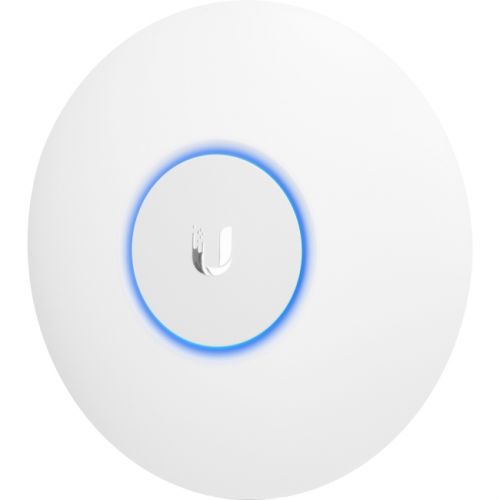
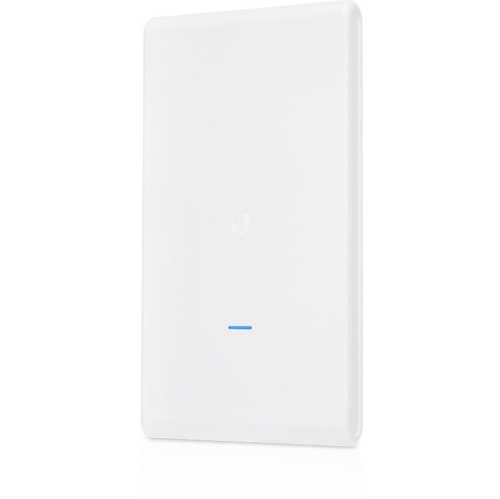
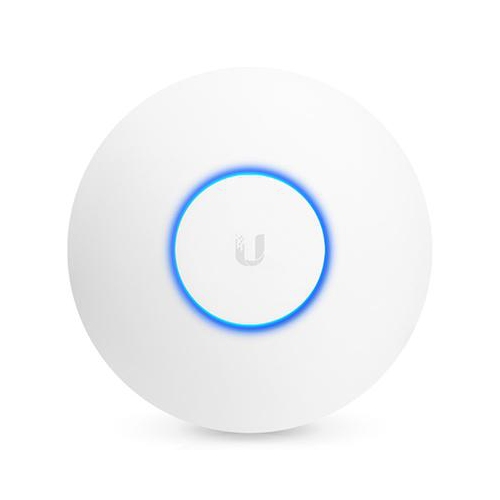

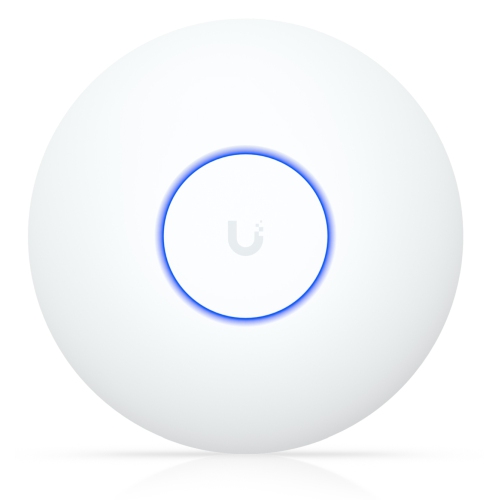
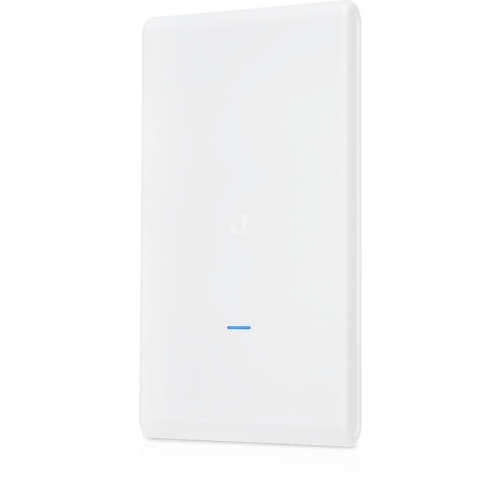
Wi-Fi coverage beyond your router’s reach
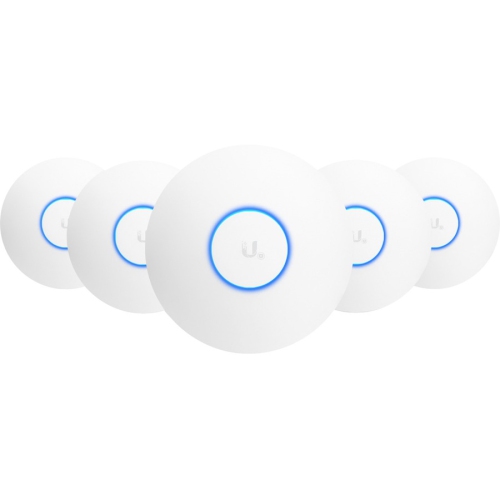
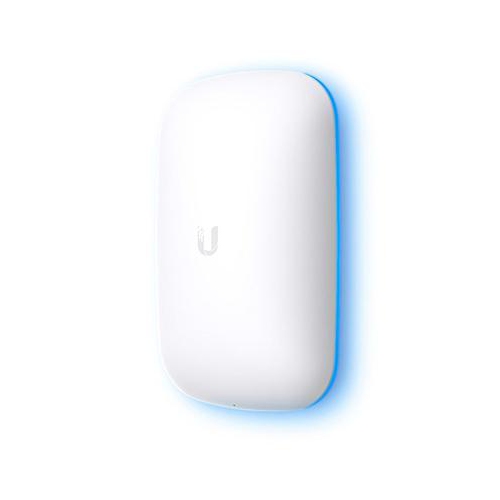
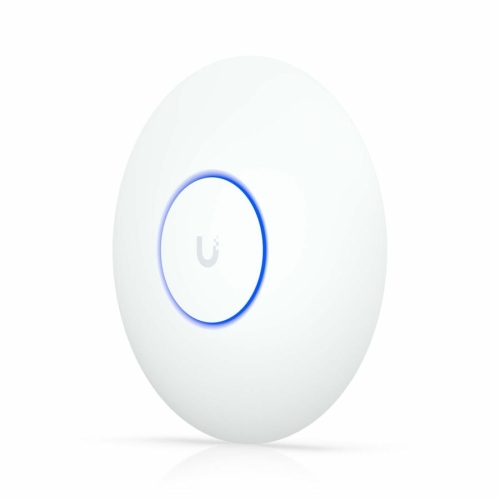
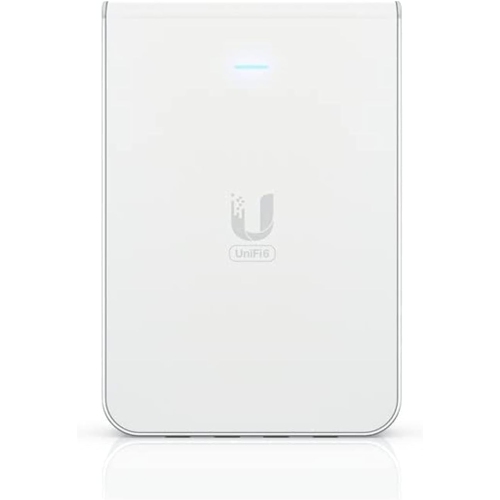
Long-range indoor wireless access points extend Wi-Fi coverage from a wired network, helping connected devices stay within reach of a useful signal across a home, office, or small business. Unlike a router, which directs traffic between networks and usually manages the internet connection, an access point primarily connects wireless devices to the local network. This makes it a practical addition where the router’s built-in Wi-Fi cannot comfortably reach a back bedroom, upstairs workspace, or reception area. Ceiling- and wall-mounted designs keep networking hardware off desks and shelves while allowing placement closer to the people and devices that need coverage. Dual-band Wi-Fi 5 access points use the 2.4 GHz and 5 GHz bands to accommodate different connection needs. The 2.4 GHz band generally reaches farther and passes through building materials more readily, while 5 GHz often offers greater throughput at shorter distances, particularly where the lower band is crowded. Wi-Fi 5, also called 802.11ac, operates on the 5 GHz band; dual-band access points commonly provide 2.4 GHz connectivity through earlier compatible standards. That combination can serve laptops, phones, streaming devices, and many smart home accessories without requiring every device to use the same wireless standard. For a household balancing video calls, television streaming, and connected lighting, the benefit is not simply a larger coverage area but more flexibility in where the wireless connection originates. In a small office, a centrally positioned access point can bring the signal closer to meeting rooms rather than leaving it confined to a utility cupboard. Long-range capability does not guarantee a particular distance inside a building, however. Walls, floors, nearby networks, and the radios inside connected devices all influence results. A phone must be able to send data back to the access point, so a strong signal shown on its screen is only one part of a reliable two-way connection. Advertised coverage distances are best understood as conditional figures rather than promises for every floor plan.
The most useful performance details describe how an access point fits into the whole network, not just its maximum wireless speed. Published data rates are theoretical connection rates, and figures for separate frequency bands do not combine into the speed available to one device. Actual throughput depends on signal quality, interference, client capabilities, network traffic, and the wired connection feeding the access point. Multiple-input, multiple-output technology, usually shortened to MIMO, uses multiple radio chains to support wireless communication, but the benefit to an individual device depends partly on that device’s own antenna configuration. A modest internet plan, an older Ethernet switch, or a busy wireless channel can each limit performance independently of the access point. Wired backhaul gives an access point a direct Ethernet connection to the network, avoiding the additional wireless hop used by some extenders and mesh arrangements. Power over Ethernet, or PoE, can carry electrical power over that same cable, making a ceiling installation possible without a nearby electrical socket. Compatibility deserves particular attention: passive PoE and standards-based PoE are not interchangeable, and supported power methods can differ between hardware revisions. The required voltage, PoE standard, power budget, and presence of a suitable injector or switch should all be confirmed from the relevant specifications. Management requirements matter just as much. Some access points use a network management application for setup, monitoring, and coordinated settings across multiple units; the application’s supported hardware and software versions determine whether an addition will fit an existing installation. Shoppers comparing long-range coverage with a more compact access-point option can also explore the UniFi AC Lite Access Point page. The practical comparison rests on room layout, connection demands, mounting space, and compatibility rather than size alone. In premises with several enclosed rooms, multiple carefully positioned access points may provide more consistent service than a single unit transmitting at higher power, especially when neighbouring coverage areas and channel settings are planned together.
Physical design and installation quality also shape everyday reliability. Many indoor access points have lightweight plastic housings with a low-profile circular or rounded shape, allowing them to sit discreetly against a ceiling or wall. The enclosure protects the internal electronics, while a mounting plate or bracket holds the unit in its intended position. Dimensions, weight, cable-entry location, and mounting clearance are useful considerations when the installation area is narrow or the Ethernet cable emerges close to a beam. A secure attachment needs fixings suited to the surface, whether that means drywall anchors or fastening into solid backing; included hardware should not be assumed suitable for every ceiling. Mounting orientation can affect coverage because antenna patterns are not identical in every direction. An open position away from metal cabinets, dense masonry, and large obstructions generally gives the radio signal a clearer path than a hidden corner behind storage. Indoor access points belong in dry interior spaces unless their specifications explicitly permit another use. Routine care is straightforward: follow the manufacturer’s cleaning directions, remove surface dust gently, keep openings unobstructed, and avoid spraying liquid directly onto the housing. Cable strain relief and a firmly seated connector help prevent accidental interruptions during cleaning or nearby maintenance. Beyond the physical installation, ongoing firmware support, compatible security settings, and access to management tools contribute to useful service life. Separate guest access can be valuable in a reception area or household with frequent visitors, although isolating guest traffic from private devices may also require compatible router and switch settings. Where several access points share a network name, movement between them can be more convenient, but roaming behaviour still depends on client devices and network configuration. These products are particularly relevant to home-office users, small-business operators, and networking enthusiasts who want deliberate control over wireless placement and administration. For an established network, matching power requirements, management support, and coverage needs is often more important than choosing the highest headline speed. The result sought is straightforward: dependable connectivity where work, entertainment, and everyday communication actually happen.
The most useful performance details describe how an access point fits into the whole network, not just its maximum wireless speed. Published data rates are theoretical connection rates, and figures for separate frequency bands do not combine into the speed available to one device. Actual throughput depends on signal quality, interference, client capabilities, network traffic, and the wired connection feeding the access point. Multiple-input, multiple-output technology, usually shortened to MIMO, uses multiple radio chains to support wireless communication, but the benefit to an individual device depends partly on that device’s own antenna configuration. A modest internet plan, an older Ethernet switch, or a busy wireless channel can each limit performance independently of the access point. Wired backhaul gives an access point a direct Ethernet connection to the network, avoiding the additional wireless hop used by some extenders and mesh arrangements. Power over Ethernet, or PoE, can carry electrical power over that same cable, making a ceiling installation possible without a nearby electrical socket. Compatibility deserves particular attention: passive PoE and standards-based PoE are not interchangeable, and supported power methods can differ between hardware revisions. The required voltage, PoE standard, power budget, and presence of a suitable injector or switch should all be confirmed from the relevant specifications. Management requirements matter just as much. Some access points use a network management application for setup, monitoring, and coordinated settings across multiple units; the application’s supported hardware and software versions determine whether an addition will fit an existing installation. Shoppers comparing long-range coverage with a more compact access-point option can also explore the UniFi AC Lite Access Point page. The practical comparison rests on room layout, connection demands, mounting space, and compatibility rather than size alone. In premises with several enclosed rooms, multiple carefully positioned access points may provide more consistent service than a single unit transmitting at higher power, especially when neighbouring coverage areas and channel settings are planned together.
Physical design and installation quality also shape everyday reliability. Many indoor access points have lightweight plastic housings with a low-profile circular or rounded shape, allowing them to sit discreetly against a ceiling or wall. The enclosure protects the internal electronics, while a mounting plate or bracket holds the unit in its intended position. Dimensions, weight, cable-entry location, and mounting clearance are useful considerations when the installation area is narrow or the Ethernet cable emerges close to a beam. A secure attachment needs fixings suited to the surface, whether that means drywall anchors or fastening into solid backing; included hardware should not be assumed suitable for every ceiling. Mounting orientation can affect coverage because antenna patterns are not identical in every direction. An open position away from metal cabinets, dense masonry, and large obstructions generally gives the radio signal a clearer path than a hidden corner behind storage. Indoor access points belong in dry interior spaces unless their specifications explicitly permit another use. Routine care is straightforward: follow the manufacturer’s cleaning directions, remove surface dust gently, keep openings unobstructed, and avoid spraying liquid directly onto the housing. Cable strain relief and a firmly seated connector help prevent accidental interruptions during cleaning or nearby maintenance. Beyond the physical installation, ongoing firmware support, compatible security settings, and access to management tools contribute to useful service life. Separate guest access can be valuable in a reception area or household with frequent visitors, although isolating guest traffic from private devices may also require compatible router and switch settings. Where several access points share a network name, movement between them can be more convenient, but roaming behaviour still depends on client devices and network configuration. These products are particularly relevant to home-office users, small-business operators, and networking enthusiasts who want deliberate control over wireless placement and administration. For an established network, matching power requirements, management support, and coverage needs is often more important than choosing the highest headline speed. The result sought is straightforward: dependable connectivity where work, entertainment, and everyday communication actually happen.
Top selling and popular products
-
 Your price for this item is $189.99
 -
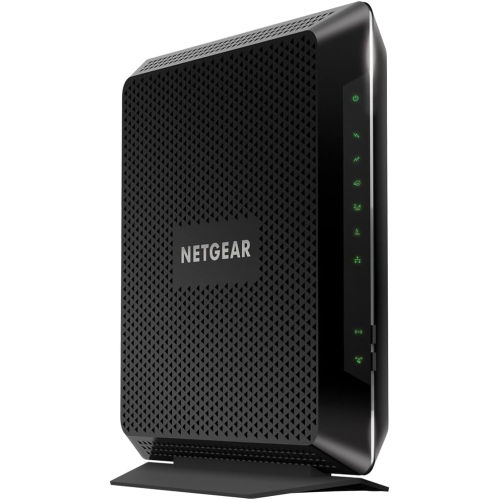 Your price for this item is $189.99
 -
 Your price for this item is $219
 -
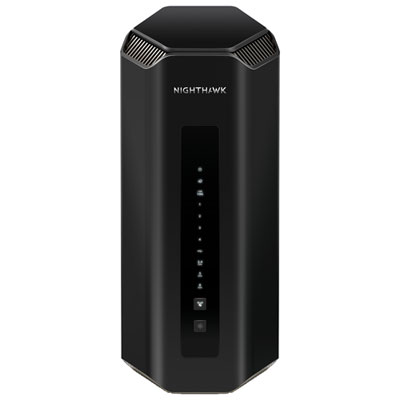 Your price for this item is $899.99
 -
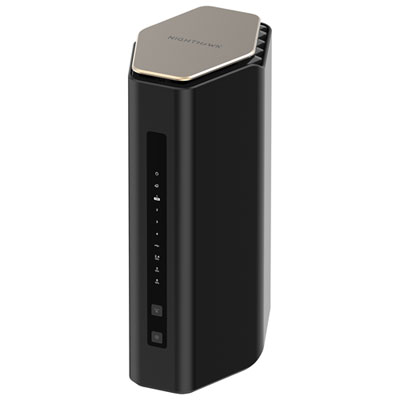 Your price for this item is $249.99
 -
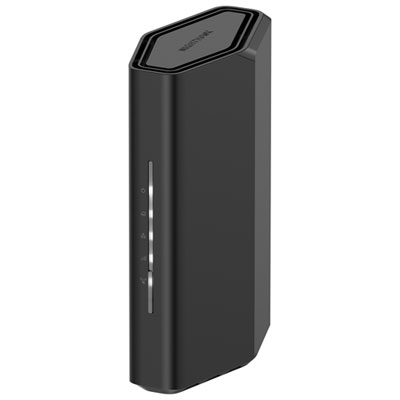 Your price for this item is $149.99
 -
 Your price for this item is $134.99
 -
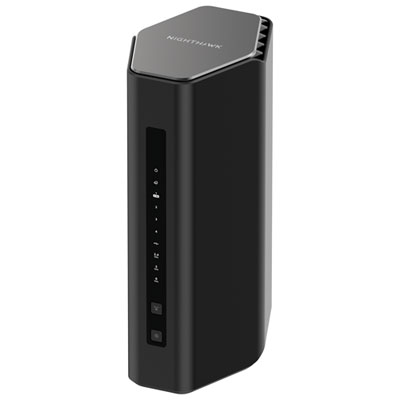 Your price for this item is $499.99
Discover more categories related to Ubiquiti Networks UniFi AP AC LR
Top Collections:
Pokemon Centers, Budget 4K TVs, Kindle Devices, Canon G7X Cameras, Apple iPhones 16, iPhone 15 Apple, Laptops for Business Work, Flip Phones, Xiaomi Phones, Refurbished Apple Laptops
Some products may be subject to Environmental Handling Fees
(EHF) depending on your province.
Learn more about EHFs.