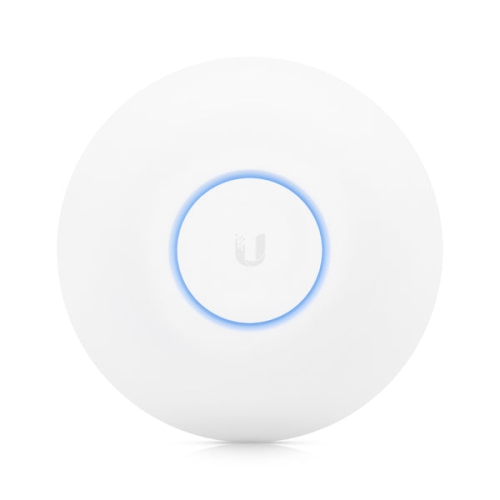
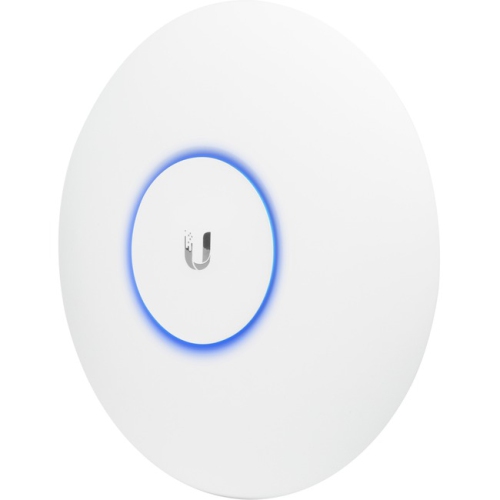
UniFi AC Lite Access Point
Discover seamless connectivity and enhanced network performance with the UniFi AC Lite Access Point. Perfect for both home and office environments, this access point offers reliable wireless coverage to support your daily online activities. Easily expand your network and enjoy smooth streaming, browsing, and communication with the UniFi AC Lite Access Point, designed to fit a variety of spaces and needs.
Sort
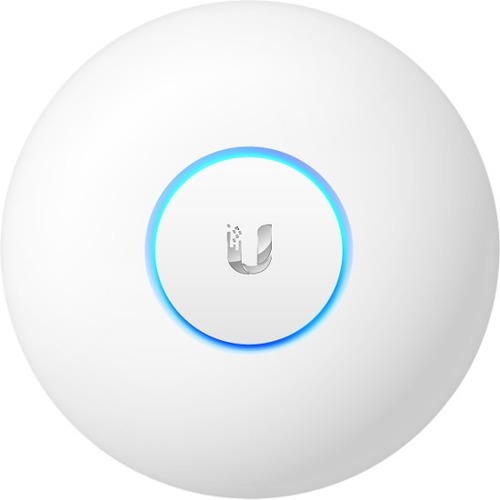
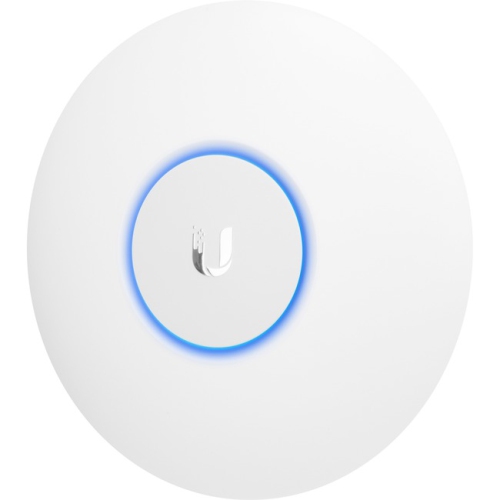
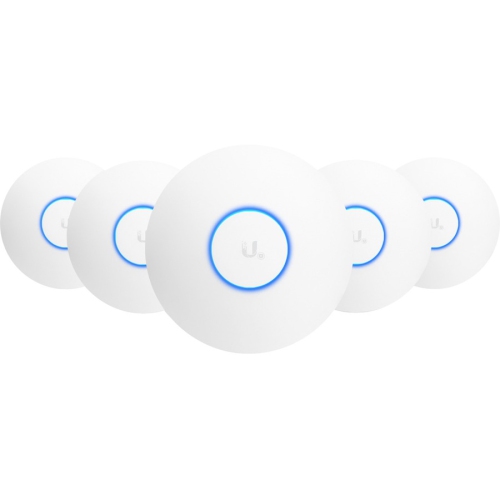
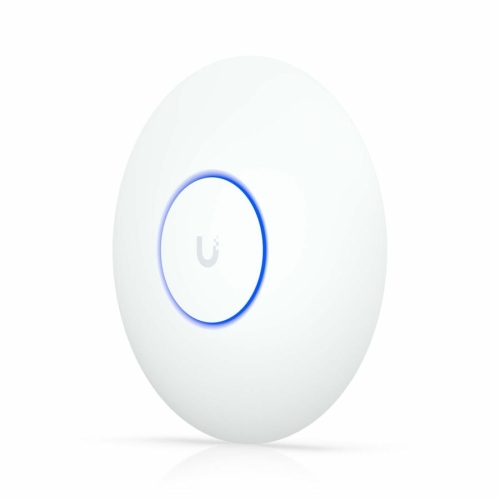
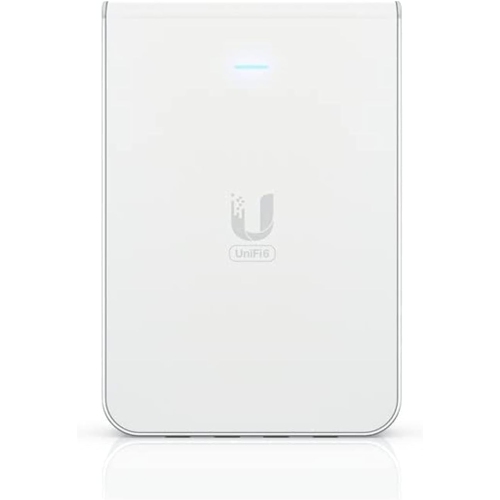
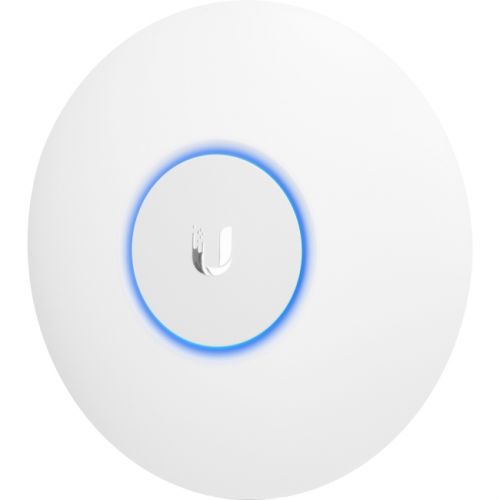

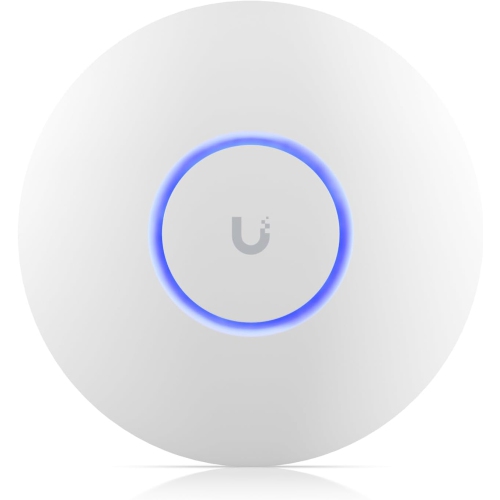
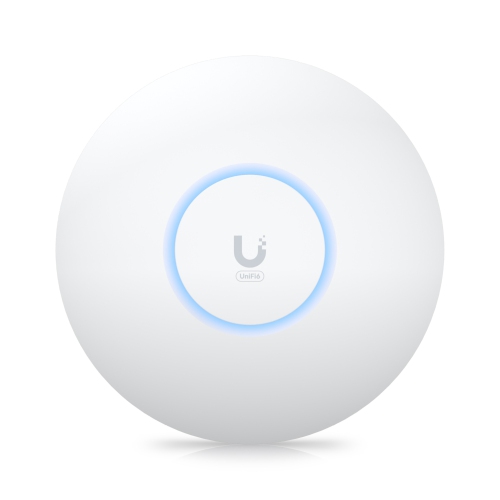
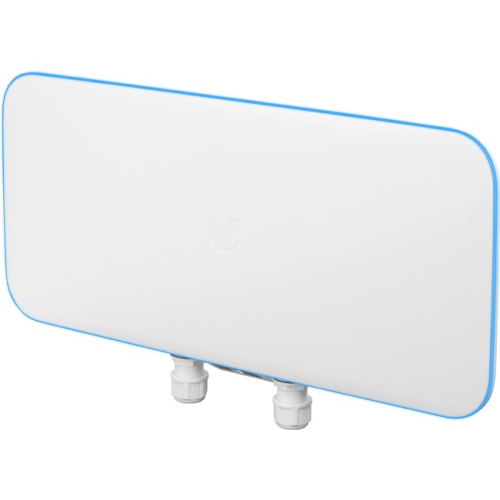
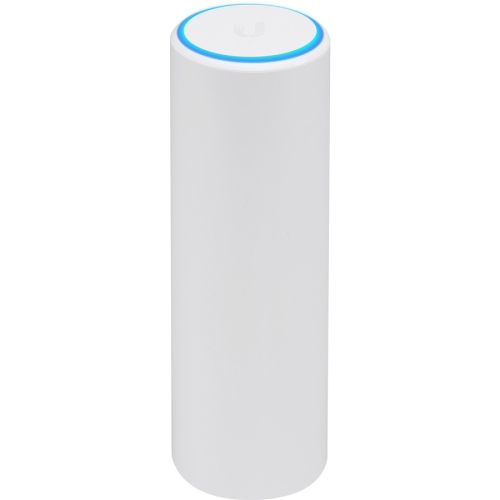
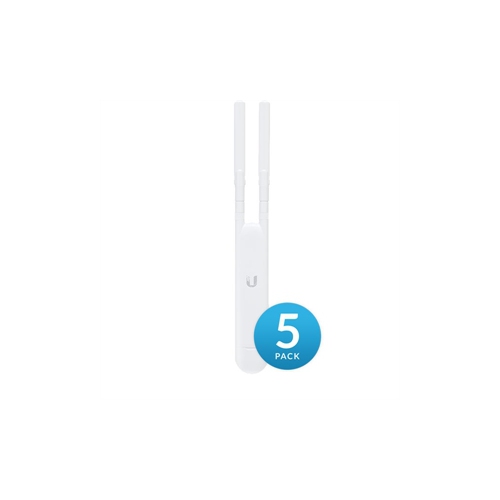
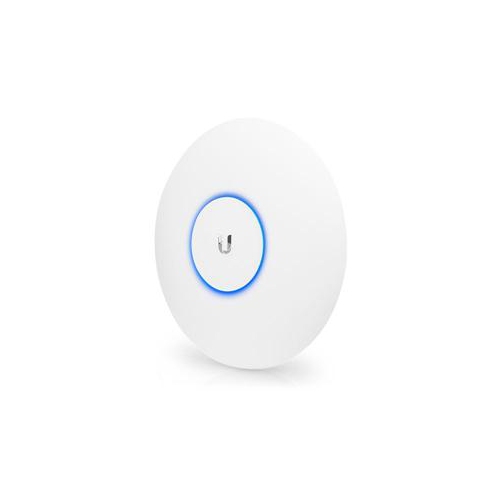
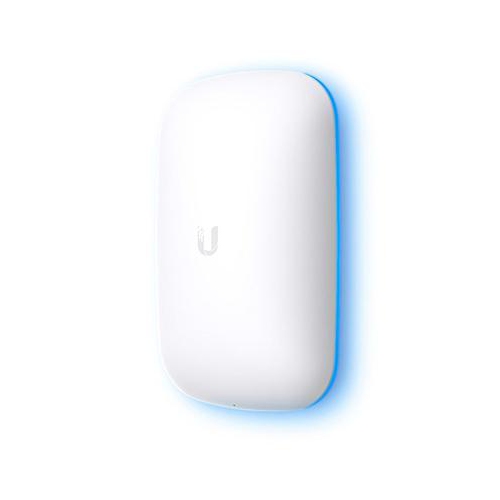
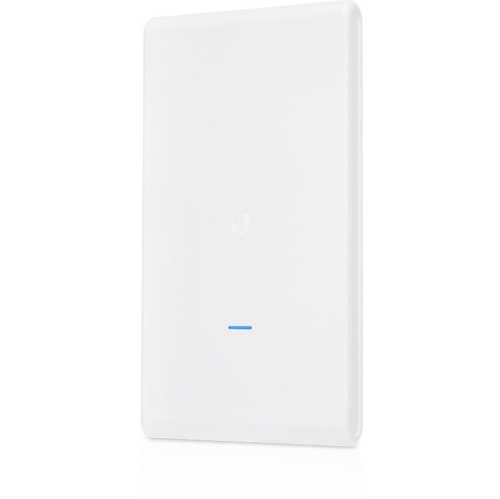
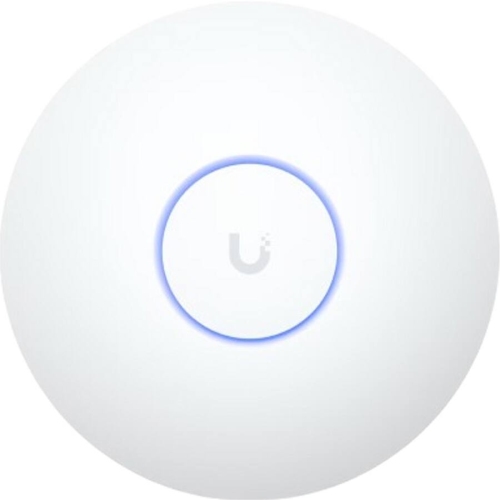
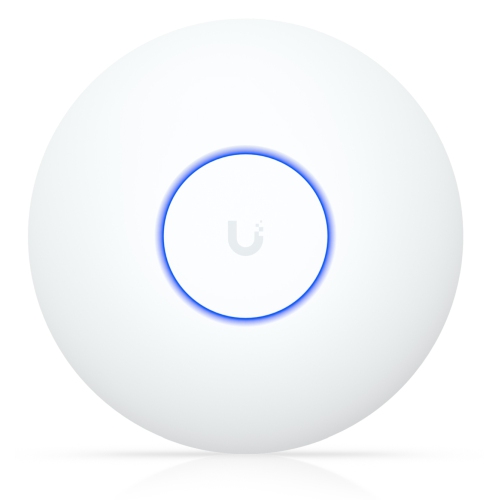
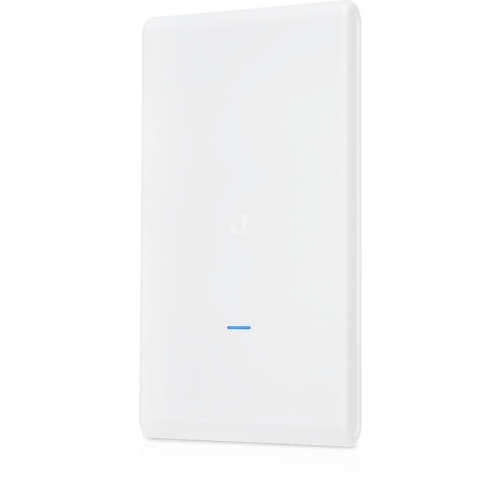
Wired access points extend Wi-Fi beyond your router’s reach
Compact Wi-Fi 5 access points bring wireless connectivity to homes and small workplaces through a wired connection to the local network. Unlike a wireless router, an access point generally does not manage the internet connection itself; it connects to a router or network switch by Ethernet and provides Wi-Fi for nearby devices. This makes the category useful for extending coverage into a home office, adding a wireless connection near a meeting room, or serving a living area that sits beyond the router’s strongest signal. Dual-band designs support both 2.4 GHz and 5 GHz connections, giving compatible devices different ways to connect according to distance, interference, and bandwidth needs. The 2.4 GHz band often reaches farther through a building, while 5 GHz can provide higher throughput at shorter distances. Wi-Fi 5, also called 802.11ac, operates on the 5 GHz band, with dual-band access points typically supporting earlier standards on 2.4 GHz as well. Advertised wireless rates describe theoretical link speeds rather than the internet speed a laptop or phone will necessarily receive. Actual performance depends on the client device, channel settings, competing traffic, Ethernet connection, and internet service. In practical terms, a well-placed wired access point can help keep a video call steady in a study while another household member streams a film nearby. It is also a useful option for small offices where several people share cloud documents, use wireless printers, and move between desks with their laptops. A compact access point is not automatically a mesh system or a plug-in signal extender: its intended role, connection options, and management requirements matter more than its size. For an existing network that already meets everyday needs, a compatible Wi-Fi 5 addition can extend a familiar setup without changing every connected device. For more demanding networks, support for newer wireless standards, client capacity, and wired uplink speed are also relevant considerations.
Physical fit is about more than finding a spare patch of ceiling. Low-profile indoor access points often have lightweight plastic housings and a simple circular or rounded shape that sits discreetly above a hallway, beside an office doorway, or on a wall near a work area. The enclosure is designed to protect the electronics while allowing radio signals to pass through, and the mounting arrangement determines how securely the unit attaches to the surface. Ceiling and wall mounting can produce different coverage patterns, so supported orientations and the layout of the rooms deserve attention. A central position with a clear path to the areas in use is generally more effective than hiding an access point inside a cabinet or behind a television. Brick, concrete, metal shelving, mirrors, and several intervening walls can all weaken the signal. An open-space coverage figure therefore does not translate directly into the same reach across a furnished house or office. For a long floor plan, two thoughtfully positioned access points may provide more consistent service than one unit transmitting from an outer room. Ethernet cabling is another part of the fit: a wired connection must reach the mounting position, and Power over Ethernet, commonly shortened to PoE, can carry both data and power through that cable. This keeps a separate power cord away from the installation point, but the power source must match the access point’s requirements. Passive PoE and standards-based PoE are not interchangeable by default, and compatibility can vary between hardware revisions within a product family. An injector or suitable PoE switch may be needed, with included accessories differing by package. For indoor durability, secure mounting, properly supported cables, and protection from moisture or accidental knocks matter more than a heavy enclosure. Routine care is usually limited to keeping the housing and any ventilation openings free of dust, following the manufacturer’s cleaning directions, and avoiding sprays or liquids near connectors.
Management features help distinguish centrally managed access points from simpler standalone wireless equipment. A network application can bring compatible access points into one interface, where an administrator can assign wireless network names, adjust settings, review connected devices, and apply supported firmware updates. Depending on the platform and feature, management may run on a computer, a dedicated controller, or another supported host, so the access point is only one part of the complete setup. Mobile setup options also vary, and a phone-based workflow should not be assumed to provide every feature of a full management application. This approach can suit a homeowner who wants consistent settings across several rooms, an independent professional separating work devices from household traffic, or a small business maintaining staff and guest connections. A guest network can offer visitors convenient access, but meaningful separation from private devices depends on the access point settings and the capabilities of the router and switches behind it. Similarly, using the same network name across multiple access points can make movement around a building more convenient, although the client device still plays a major role in deciding when to move to another access point. A phone carried from a reception desk to a back office may behave differently from a laptop that stays on one desk all day. For shoppers comparing compact coverage with another related option, the Ubiquiti Networks UniFi AP AC LR page offers a further point of comparison, with building layout and client-device capabilities remaining important to real-world reach. Compatibility with existing management software, supported security settings, and ongoing firmware support are especially relevant when expanding an established installation. Matching the access point to the network’s actual workload is more useful than judging it by a single speed figure. Reliable coverage at a desk, a clear connection in a meeting room, and straightforward administration all depend on how the wireless hardware, wired network, and connected devices work together.
Physical fit is about more than finding a spare patch of ceiling. Low-profile indoor access points often have lightweight plastic housings and a simple circular or rounded shape that sits discreetly above a hallway, beside an office doorway, or on a wall near a work area. The enclosure is designed to protect the electronics while allowing radio signals to pass through, and the mounting arrangement determines how securely the unit attaches to the surface. Ceiling and wall mounting can produce different coverage patterns, so supported orientations and the layout of the rooms deserve attention. A central position with a clear path to the areas in use is generally more effective than hiding an access point inside a cabinet or behind a television. Brick, concrete, metal shelving, mirrors, and several intervening walls can all weaken the signal. An open-space coverage figure therefore does not translate directly into the same reach across a furnished house or office. For a long floor plan, two thoughtfully positioned access points may provide more consistent service than one unit transmitting from an outer room. Ethernet cabling is another part of the fit: a wired connection must reach the mounting position, and Power over Ethernet, commonly shortened to PoE, can carry both data and power through that cable. This keeps a separate power cord away from the installation point, but the power source must match the access point’s requirements. Passive PoE and standards-based PoE are not interchangeable by default, and compatibility can vary between hardware revisions within a product family. An injector or suitable PoE switch may be needed, with included accessories differing by package. For indoor durability, secure mounting, properly supported cables, and protection from moisture or accidental knocks matter more than a heavy enclosure. Routine care is usually limited to keeping the housing and any ventilation openings free of dust, following the manufacturer’s cleaning directions, and avoiding sprays or liquids near connectors.
Management features help distinguish centrally managed access points from simpler standalone wireless equipment. A network application can bring compatible access points into one interface, where an administrator can assign wireless network names, adjust settings, review connected devices, and apply supported firmware updates. Depending on the platform and feature, management may run on a computer, a dedicated controller, or another supported host, so the access point is only one part of the complete setup. Mobile setup options also vary, and a phone-based workflow should not be assumed to provide every feature of a full management application. This approach can suit a homeowner who wants consistent settings across several rooms, an independent professional separating work devices from household traffic, or a small business maintaining staff and guest connections. A guest network can offer visitors convenient access, but meaningful separation from private devices depends on the access point settings and the capabilities of the router and switches behind it. Similarly, using the same network name across multiple access points can make movement around a building more convenient, although the client device still plays a major role in deciding when to move to another access point. A phone carried from a reception desk to a back office may behave differently from a laptop that stays on one desk all day. For shoppers comparing compact coverage with another related option, the Ubiquiti Networks UniFi AP AC LR page offers a further point of comparison, with building layout and client-device capabilities remaining important to real-world reach. Compatibility with existing management software, supported security settings, and ongoing firmware support are especially relevant when expanding an established installation. Matching the access point to the network’s actual workload is more useful than judging it by a single speed figure. Reliable coverage at a desk, a clear connection in a meeting room, and straightforward administration all depend on how the wireless hardware, wired network, and connected devices work together.
Top selling and popular products
-
 Your price for this item is $189.99
 -
 Your price for this item is $189.99
 -
 Your price for this item is $219
 -
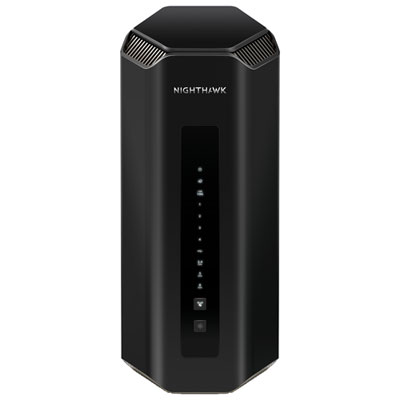 Your price for this item is $899.99
 -
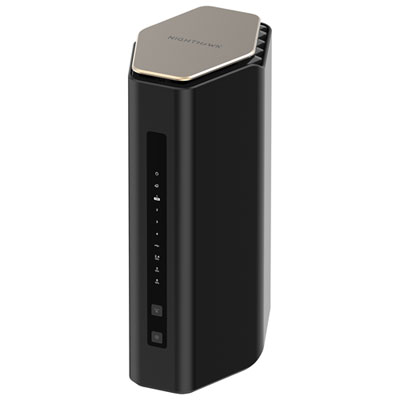 Your price for this item is $249.99
 -
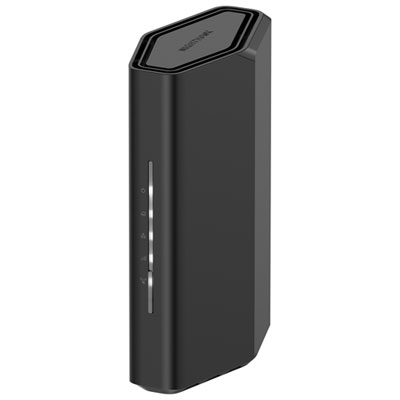 Your price for this item is $149.99
 -
 Your price for this item is $134.99
 -
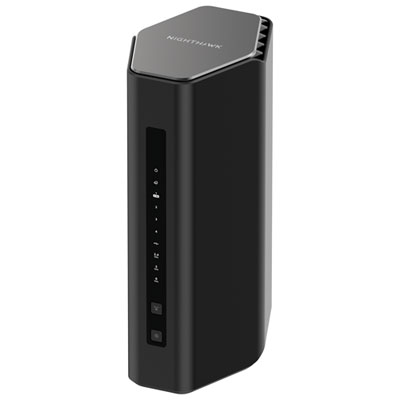 Your price for this item is $499.99
Discover more categories related to UniFi AC Lite Access Point
Top Collections:
Pokemon Centers, Budget 4K TVs, Kindle Devices, Canon G7X Cameras, Apple iPhones 16, iPhone 15 Apple, Laptops for Business Work, Flip Phones, Xiaomi Phones, Refurbished Apple Laptops
Some products may be subject to Environmental Handling Fees
(EHF) depending on your province.
Learn more about EHFs.