Extended Keyboards
Extended Keyboards offer a spacious and streamlined typing experience, perfect for both home and office setups. With additional keys and a wider layout, these keyboards provide enhanced functionality for multitasking, data entry, and creative projects. Explore a variety of options designed to meet the needs of professionals, gamers, and anyone looking for greater control and comfort at their workstation. Find the ideal Extended Keyboard to elevate your productivity and enjoy seamless performance every day.
Sort
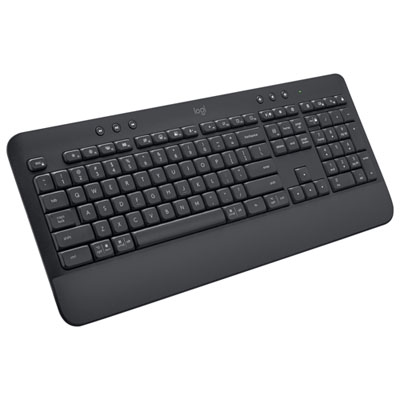
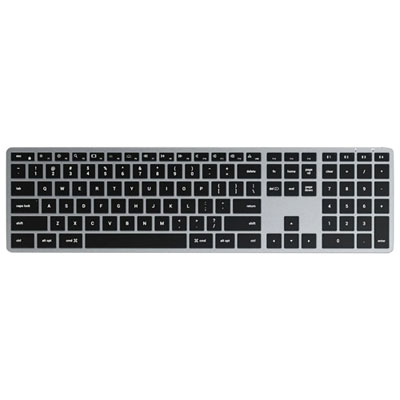
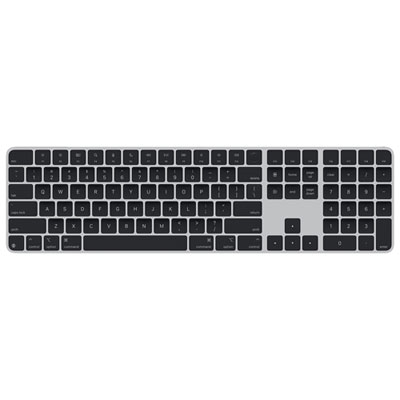
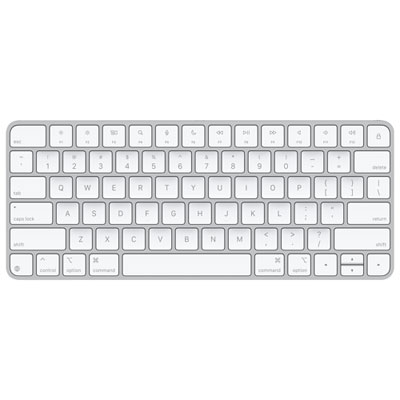
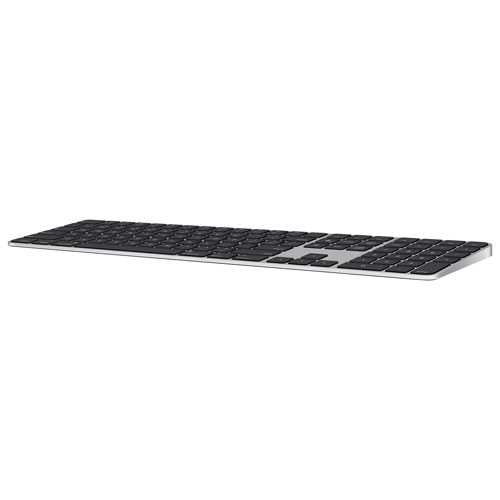
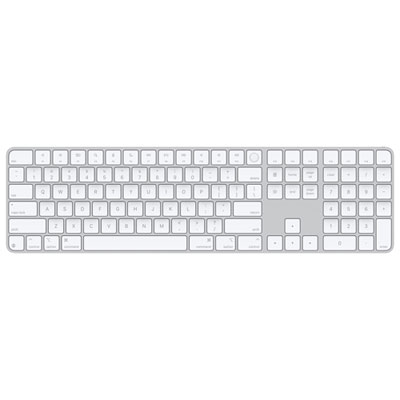
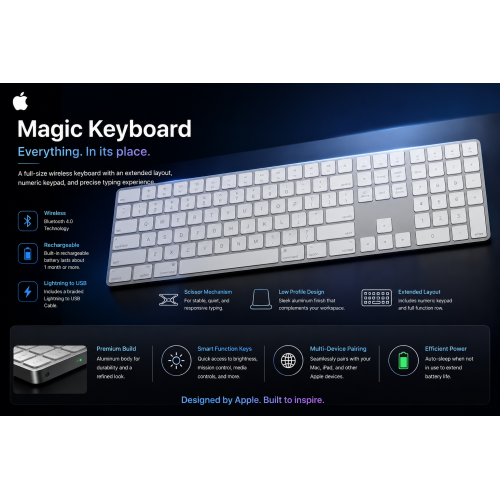
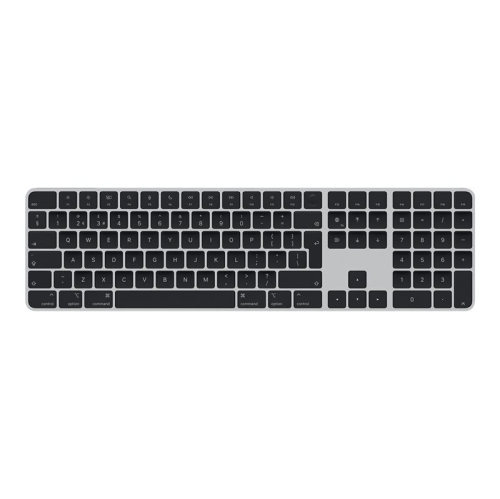
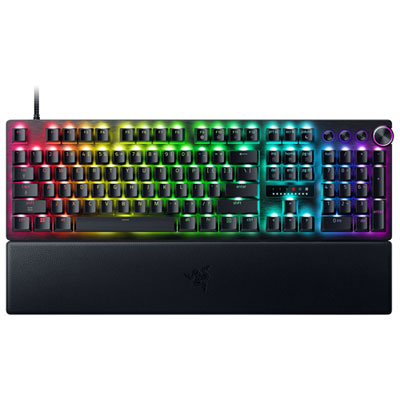
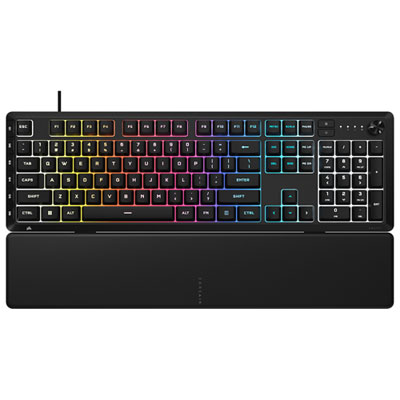
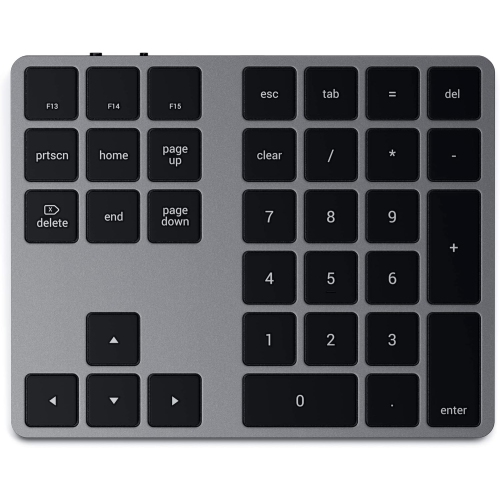
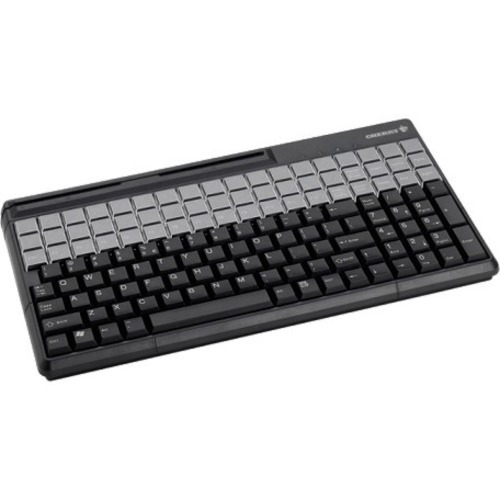
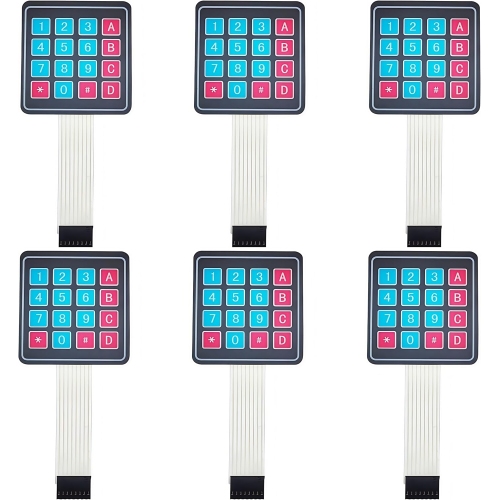
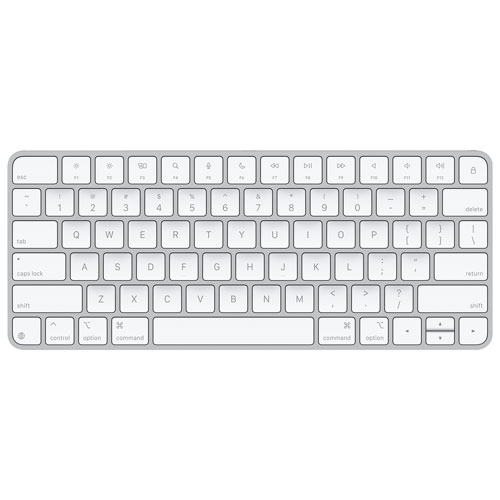

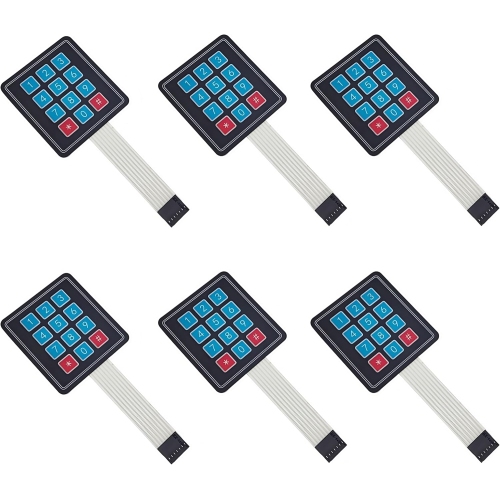

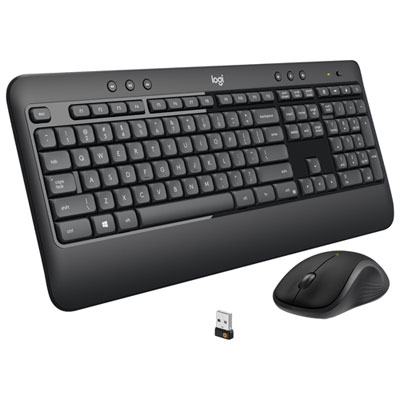
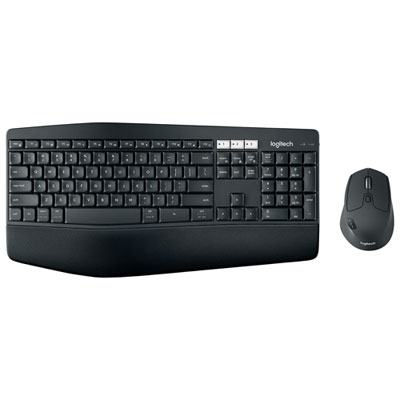
What a full-size layout adds to everyday typing
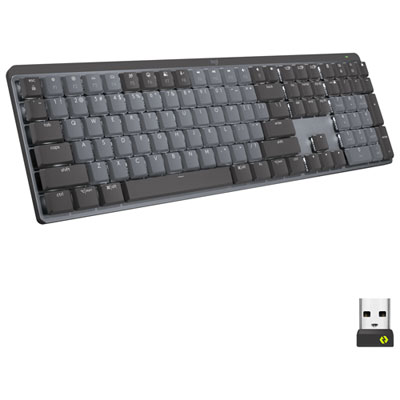
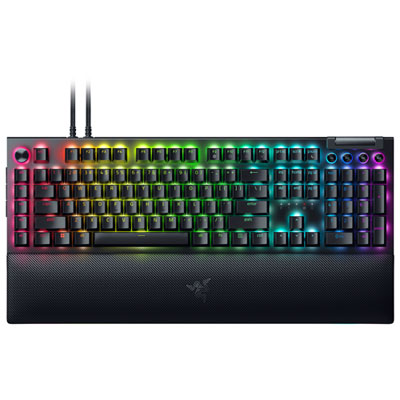
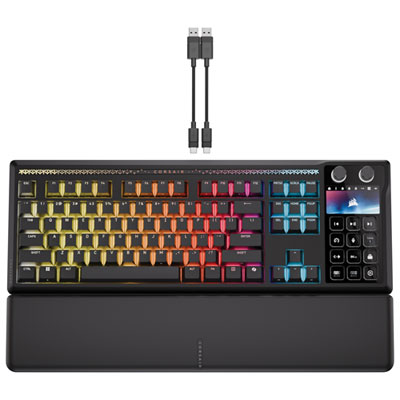
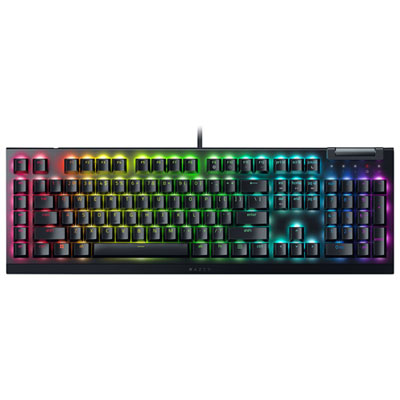
An extended keyboard is a full-size computer keyboard that combines the main typing area with a dedicated numeric keypad, function keys, arrow keys, and navigation controls such as Home, End, Page Up, and Page Down. Unlike a compact keyboard that removes or combines these sections, an extended layout keeps more controls within direct reach. The numeric keypad usually sits to the right of the letter keys, with numbers arranged in a calculator-style grid alongside arithmetic symbols and an Enter key. This arrangement is particularly useful for entering spreadsheet figures, recording expenses, processing orders, or working through calculations without repeatedly reaching across the top number row. Separate navigation keys also make a difference when moving through lengthy documents, selecting text, or reviewing rows of data. For people whose day includes both writing and number entry, a full-size layout brings those tasks together on one familiar surface. Extended keyboards can also suit home offices, shared family computers, study spaces, and gaming setups where dedicated controls matter more than a minimal footprint. Their wider shape does require some thought about desk space: the keyboard, mouse, and any wrist support need enough room to sit comfortably without pushing the mouse too far to the side. A narrow keyboard tray may accommodate the keyboard itself but leave little space for pointer movement. Overall dimensions are therefore more useful than the label “full-size” alone, since borders, palm rests, and media controls can add considerable width or depth. Layout details matter just as much as size. The shape of the Enter key, the length of the Shift keys, and the placement of punctuation can differ between regional layouts. English, French, and bilingual key legends may suit different Canadian households and workplaces, while the ability to enter accented characters depends on both the keyboard layout and the computer’s language settings. A familiar arrangement can help someone move between a laptop and a desktop workstation with fewer interruptions to everyday typing.
The feel of an extended keyboard comes from its key mechanism, keycap shape, spacing, and construction, not simply its size. Membrane designs often have a softer, cushioned action, while scissor mechanisms commonly provide a shorter keystroke in a slimmer body. Mechanical designs use individual switches and can feel smooth throughout the press or provide a noticeable tactile bump; some also produce a distinct click. These differences become especially apparent during a long report, a fast-moving game, or an afternoon of repeated data entry. Sound deserves attention in shared spaces, since a pronounced click may be satisfying at a private desk but distracting during calls or beside another person’s workspace. Switch type is only part of that sound: the case, keycaps, desk surface, and typing force all contribute. Low-profile keys may feel familiar to laptop users, while taller, sculpted keycaps can help fingers distinguish rows by touch. Neither design is automatically more comfortable for everyone. Keyboard height, tilt, and position should allow the hands to rest naturally rather than forcing the wrists upward; raising the rear feet is not necessarily the most comfortable arrangement. A palm rest can provide support between typing sessions, although its depth also increases the space needed on the desk. Materials influence both appearance and everyday wear. Plastic housings can keep weight manageable, while metal top plates or cases may add rigidity and a more substantial feel. ABS and PBT are common keycap plastics, with texture and resistance to surface shine varying by material and manufacturing method. Moulded legends can resist wear differently from surface-printed lettering, but the quality of the complete construction matters more than a single specification. A stable base, secure feet, and consistent key movement are valuable during frequent use. Backlighting can make legends easier to see in a dim workspace, particularly when light passes through the characters themselves. Dedicated media buttons, a volume dial, or programmable keys may add convenience, provided they support the tasks the keyboard will actually handle.
Connection type and compatibility determine how easily an extended keyboard fits into an existing setup. Wired keyboards provide a direct connection without routine charging, but the plug type, cable length, and position of the computer’s ports still matter. A desk with a computer tucked underneath may need more cable reach than a laptop workstation, and an adapter or hub must support the required connection. Wireless designs may connect through Bluetooth or a separate USB receiver; these are different methods, and a receiver-based keyboard still needs a suitable port. Multi-device switching, where supported, can be useful for moving between a work computer and a personal device, though pairing capacity and switching controls vary. The Compatible Keyboards page offers another way to explore keyboard options with device matching in mind. Basic typing support does not always mean every extra feature will work: shortcut labels, media controls, custom key assignments, and configuration software can behave differently across operating systems. Someone using the numeric keypad for frequent calculations may also care about Num Lock behaviour and whether the host device recognises every keypad function. For gaming, support for simultaneous key presses and a dependable connection may matter alongside typing feel, while office users may place greater value on quiet operation and straightforward controls. Wireless battery arrangements also affect daily routines. Replaceable batteries and built-in rechargeable batteries involve different upkeep, and lighting settings can shorten the time between battery changes or charges. Regular care helps keep any extended keyboard pleasant to use. Disconnecting power before cleaning, following the manufacturer’s care directions, and using a soft cloth can help protect the finish and electronics. Liquid should not be sprayed directly onto the keyboard, and keycaps should only be removed when the design permits it. Spill resistance, when specified, should not be mistaken for waterproofing. As a gift for a student, frequent typist, or home-office user, an extended keyboard is most useful when its layout, connection, and key feel match the recipient’s habits rather than adding features they are unlikely to use.
Top selling and popular products
-
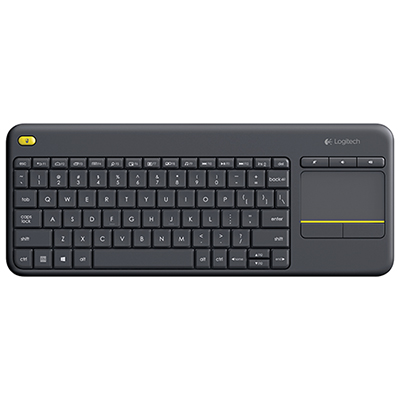 Your price for this item is $44.99
-
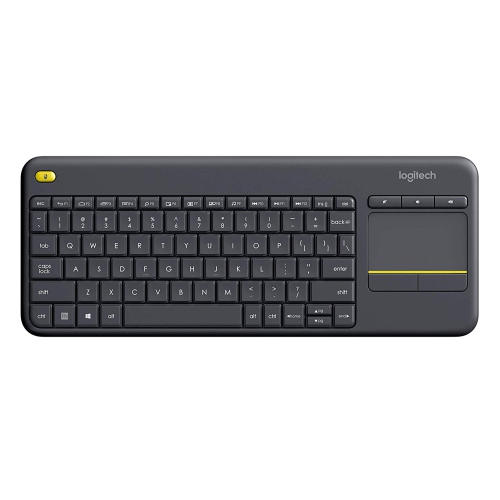 Your price for this item is $49.72
-
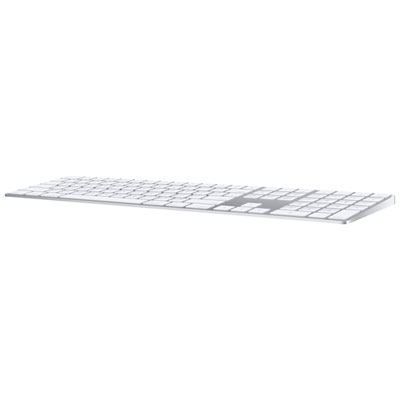 Your price for this item is $159
-
 Your price for this item is $219.99
-
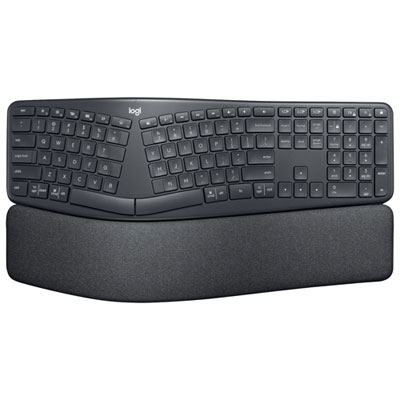 Your price for this item is $199.99
-
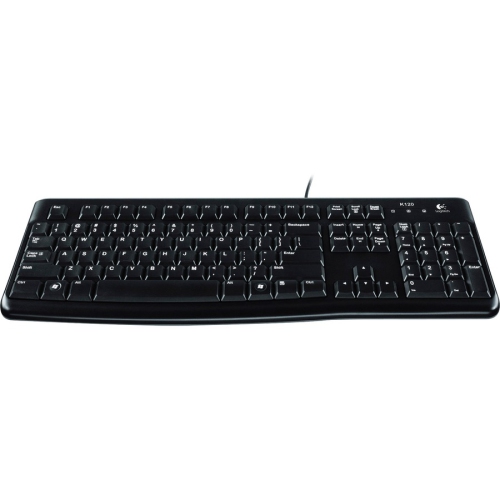 Your price for this item is $44.99
-
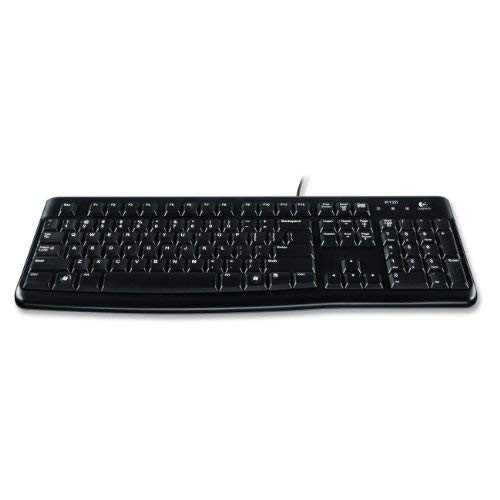 Your price for this item is $29.99
-
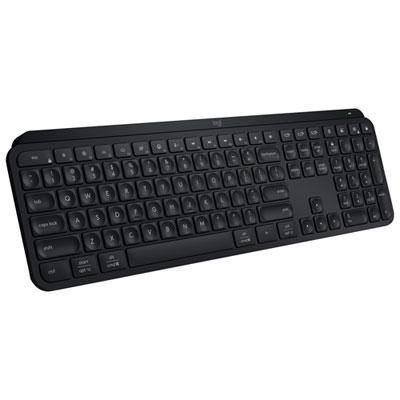 Your price for this item is $169.99
Discover more categories related to Extended Keyboards

Top Collections:
Best Black Friday Deals This Year, Best Black Friday Deals On Electronics, Kindle Devices, Pokemon Centers, Best Black Friday Deals On Apple Products, Best Cameras for Sports Photography, Dyson Airwrap, Pokémon 30th Celebration Cards, Apple iPhone 17 Pro, Canon G7X Cameras
Some products may be subject to Environmental Handling Fees
(EHF) depending on your province.
Learn more about EHFs.