Usb A B Cables
Looking for USB A to B cables to connect your devices? Look no further! Best Buy has a wide selection of USB A to B cables that are perfect for transferring data and powering up your devices. Whether you need to connect your printer, scanner, or external hard drive, these cables are essential for seamless connectivity. With various lengths and durable construction, our USB A to B cables ensure reliable performance and fast data transfer speeds. Say goodbye to tangled cords and get ready to enjoy hassle-free connections with our top-notch USB A to B cables.
Sort




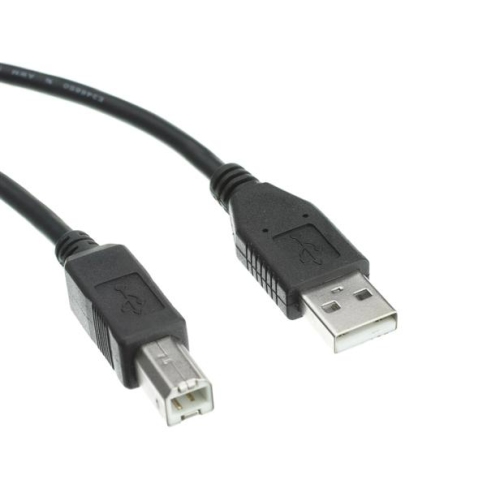
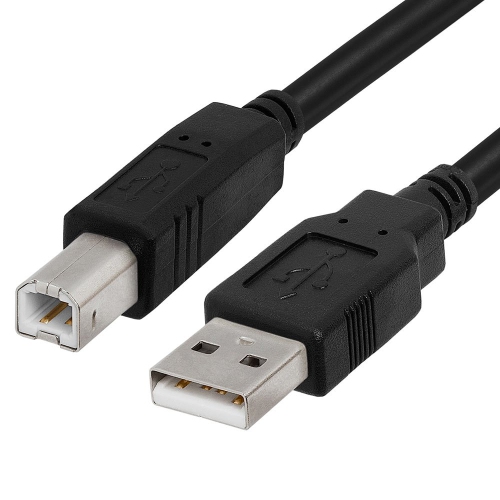
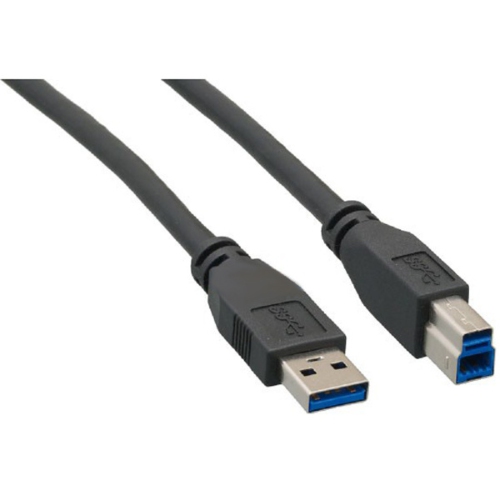
![AMAMAX 10Ft USB Printer Cable Cord A-B for Brother Lexmark 10 Feet [Electronics]](https://multimedia.bbycastatic.ca/multimedia/products/500x500/159/15935/15935758.jpeg)
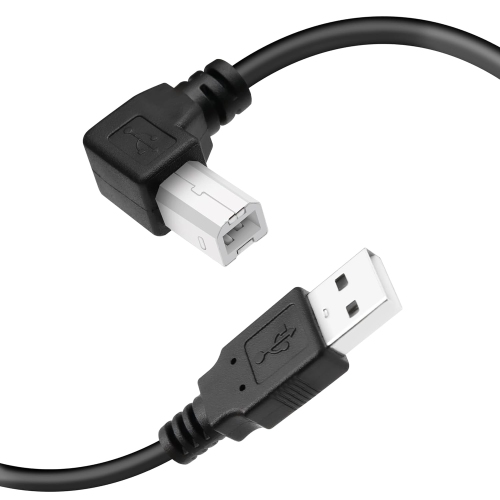
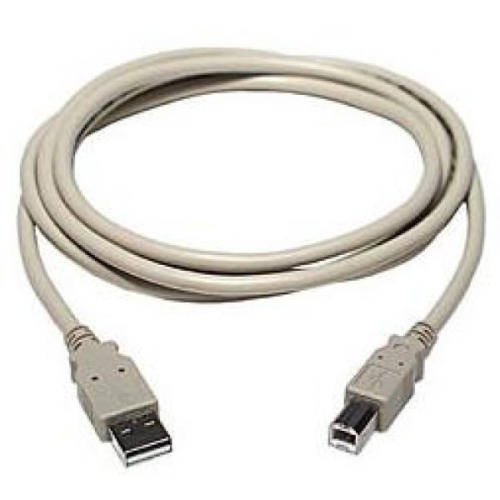
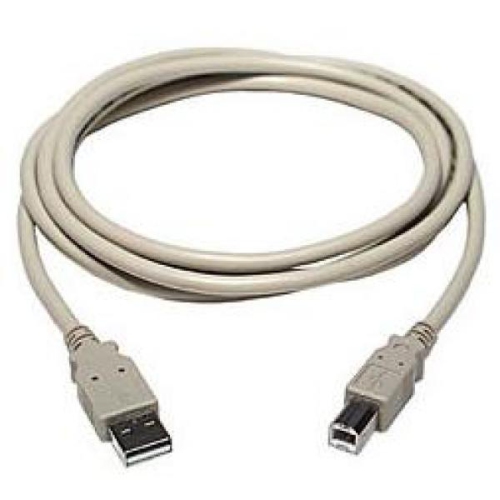
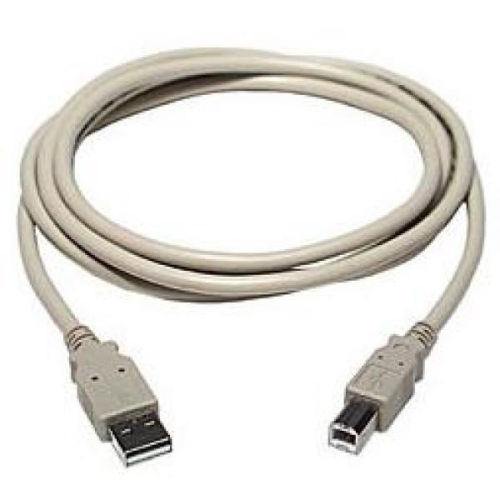
![V-MAX [4Pack] USB Printer Cable USB 2.0 A Male to B Male 5M](https://multimedia.bbycastatic.ca/multimedia/products/500x500/153/15371/15371969.jpg)

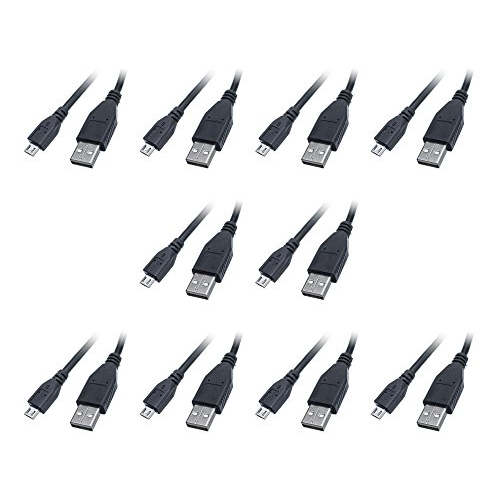
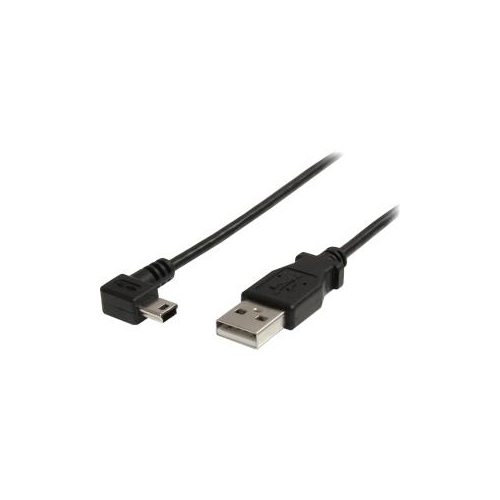

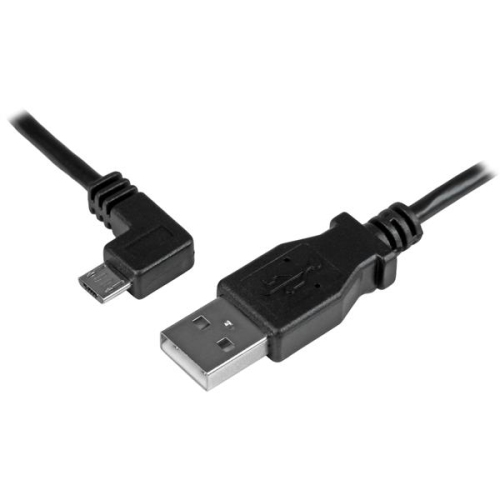
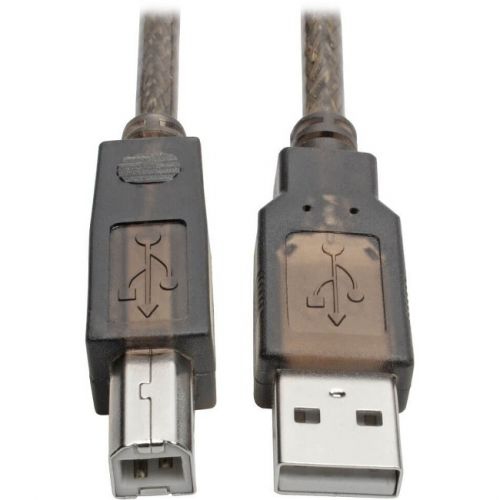

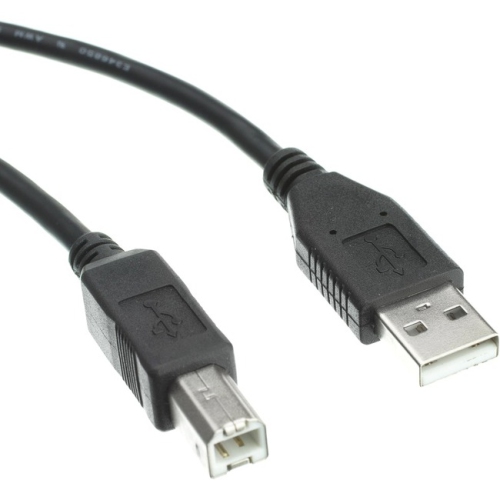
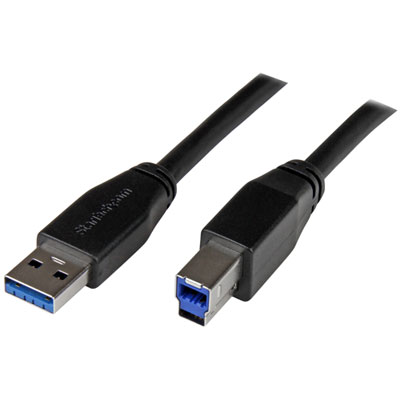


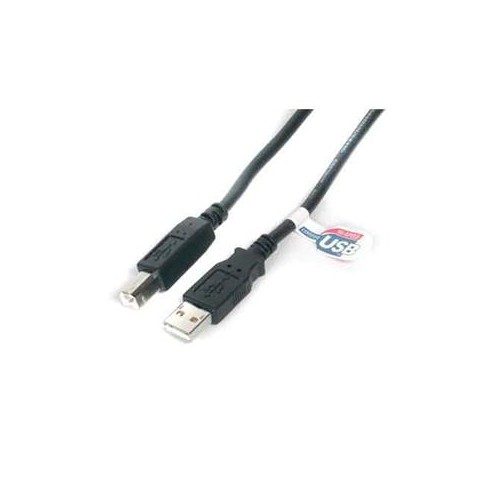
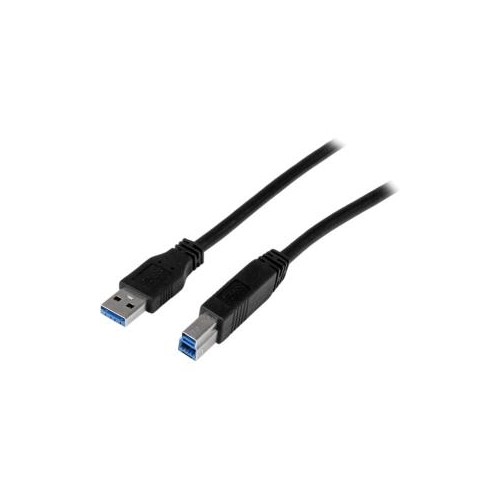
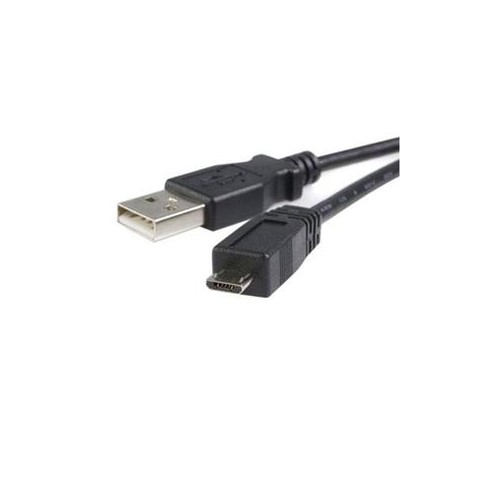
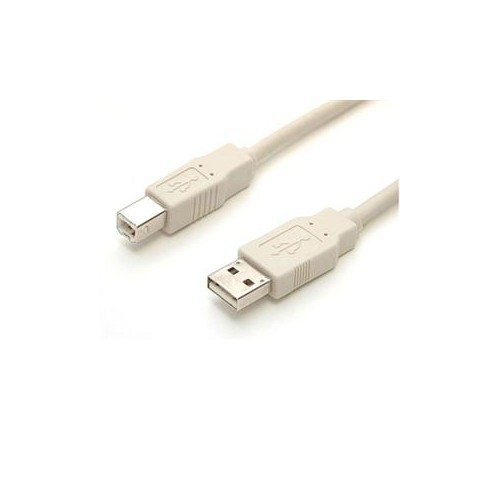

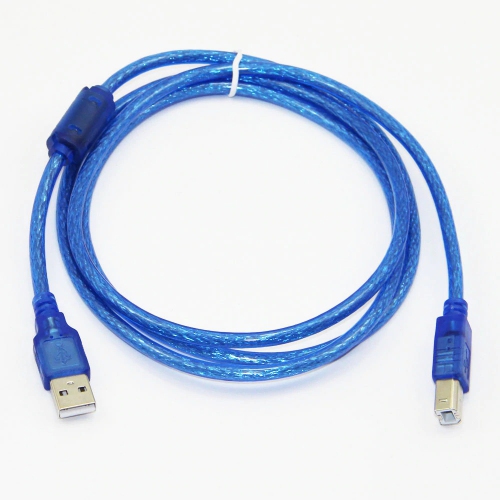
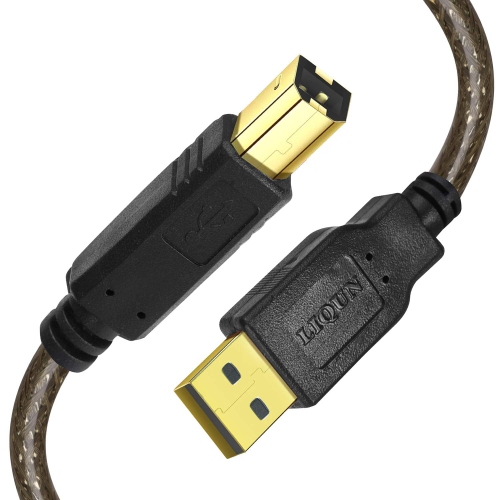
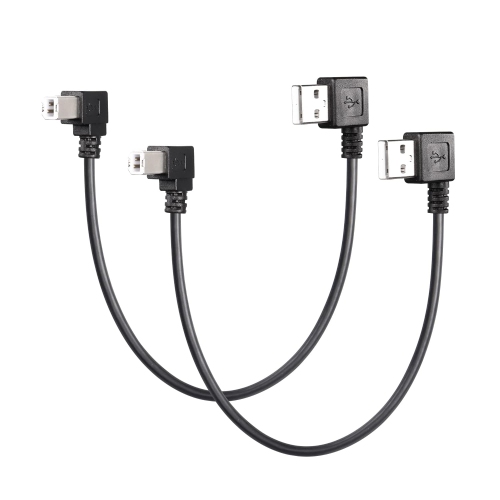
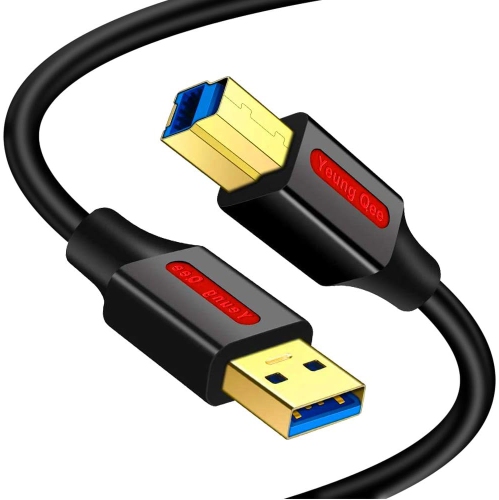
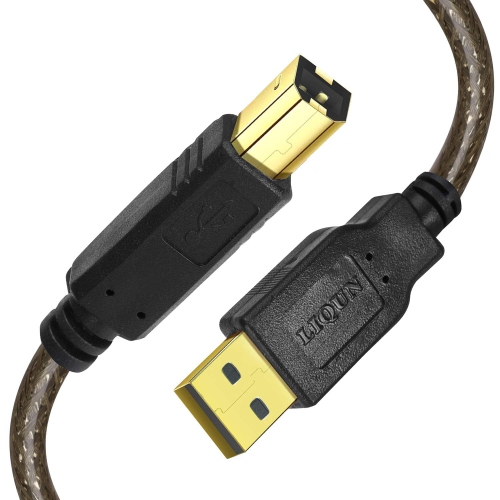
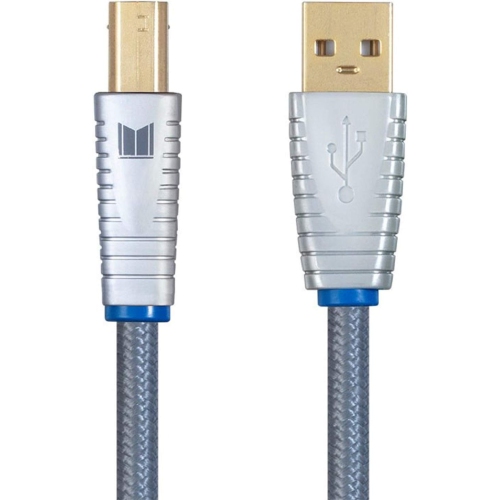
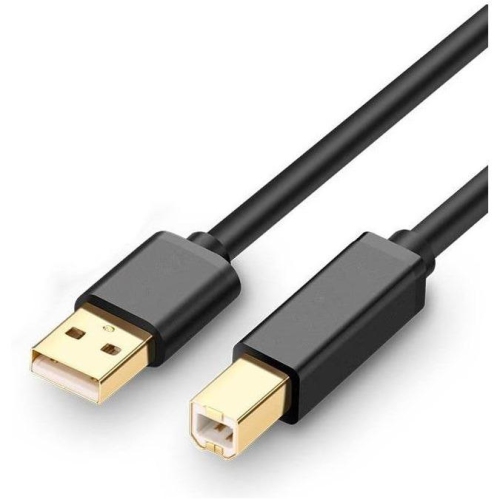
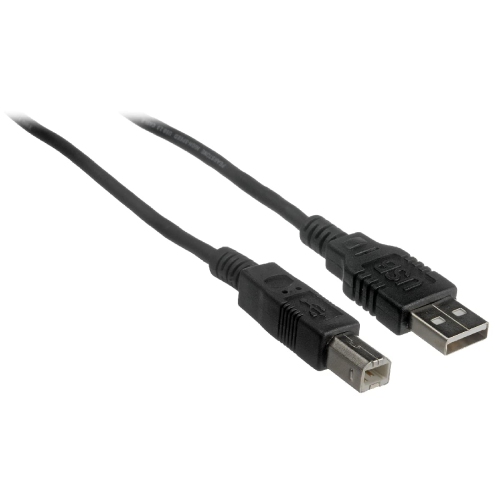
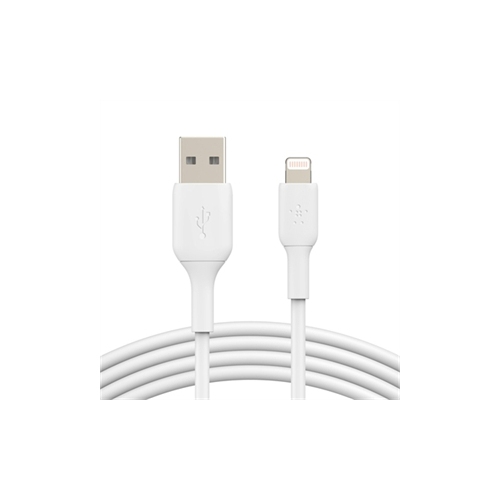
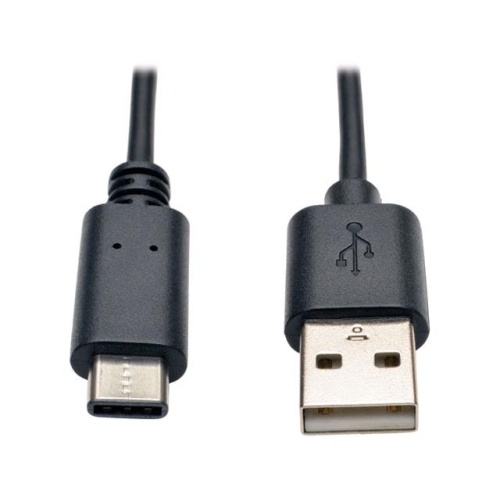
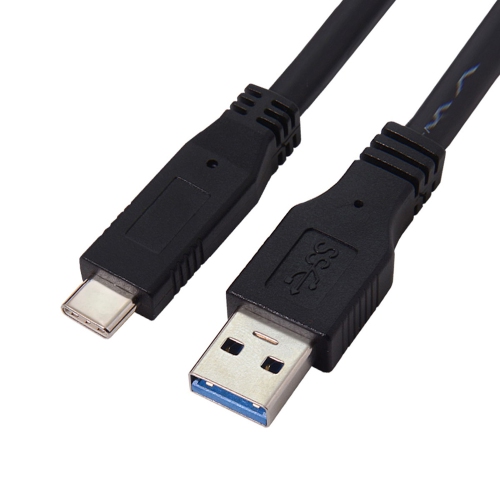
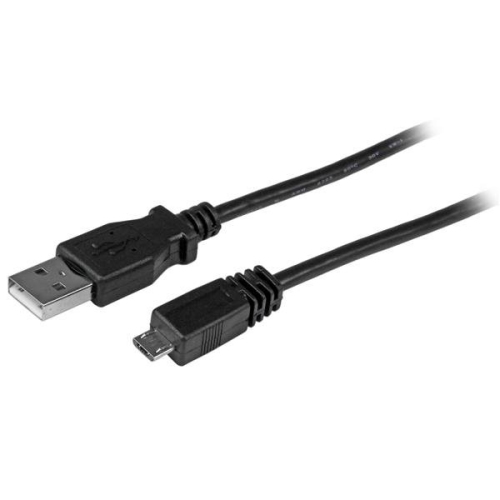
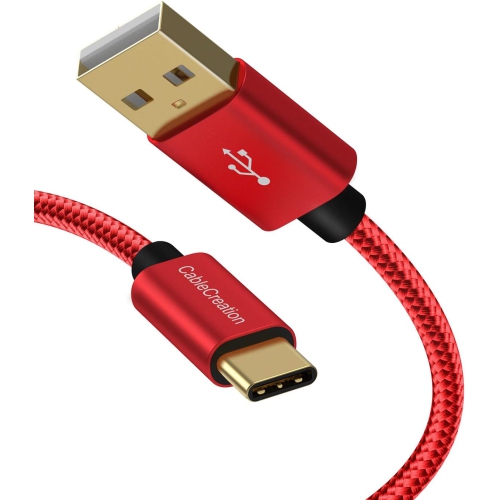
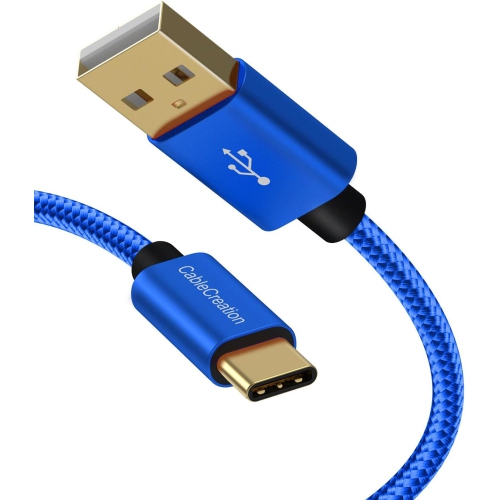
![CABLECREATION Short USB C Cable 0.5 Feet, [2-Pack] USB A to USB C Cable USB to C Cable Braided Fast Charging Cable 3A](https://multimedia.bbycastatic.ca/multimedia/products/500x500/188/18898/18898522.jpeg)
What to know about USB-A to USB-B connections
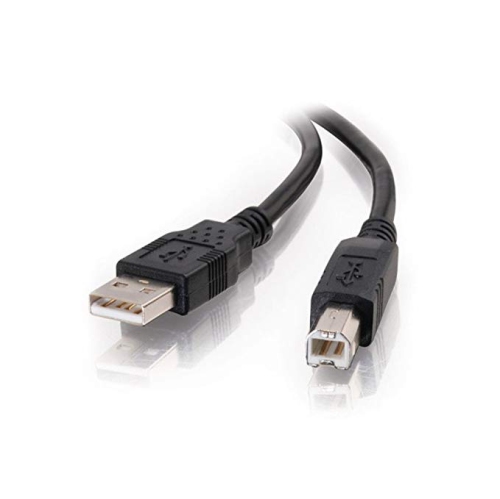
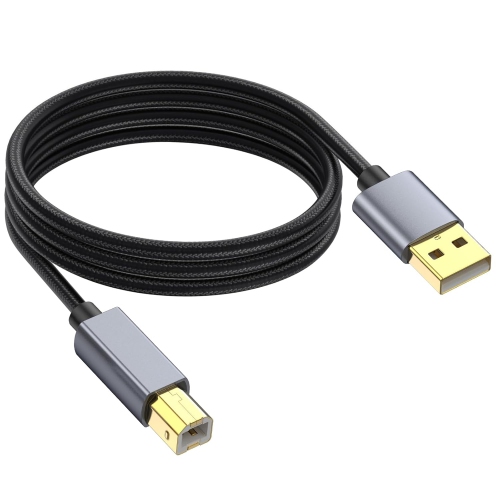
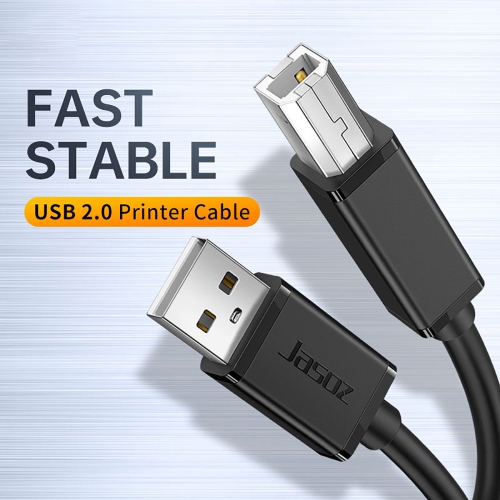
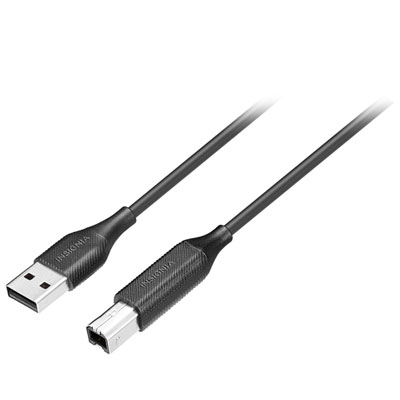
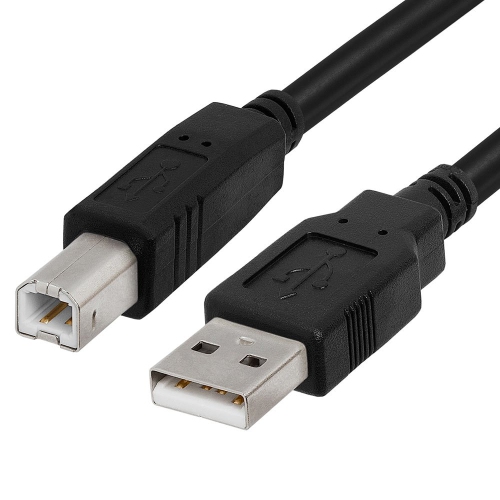
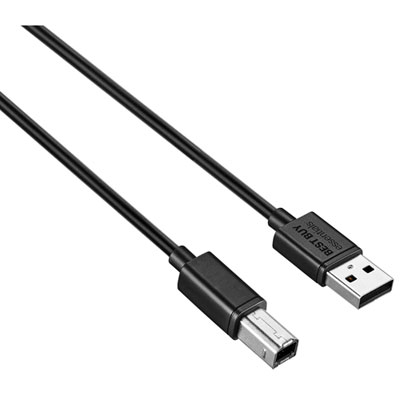
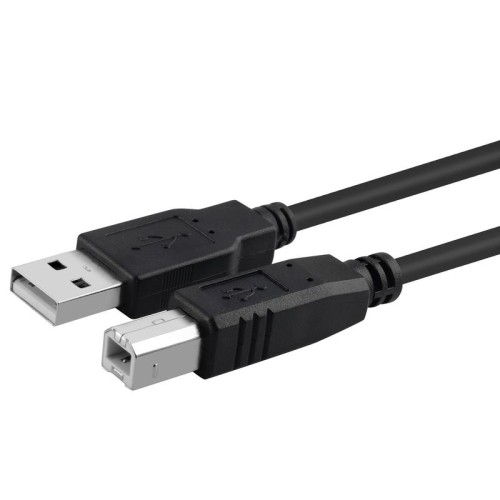
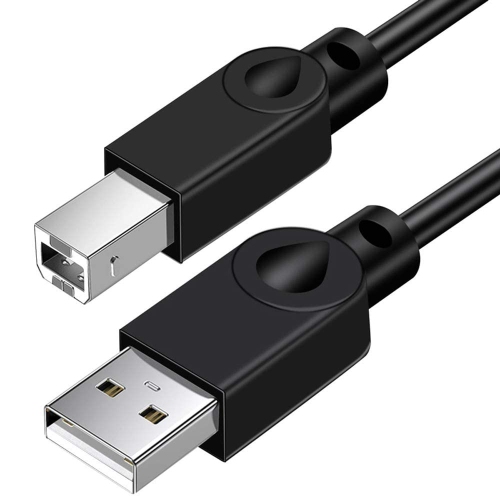
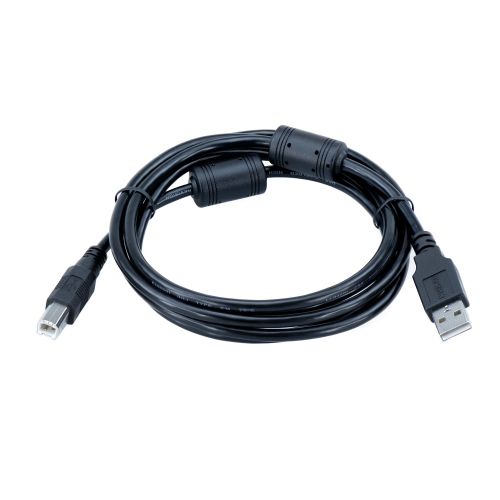
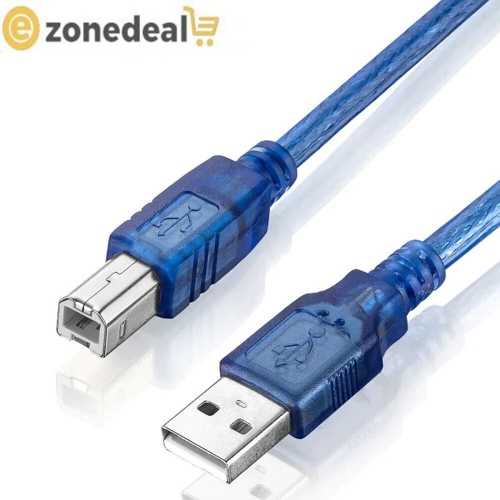
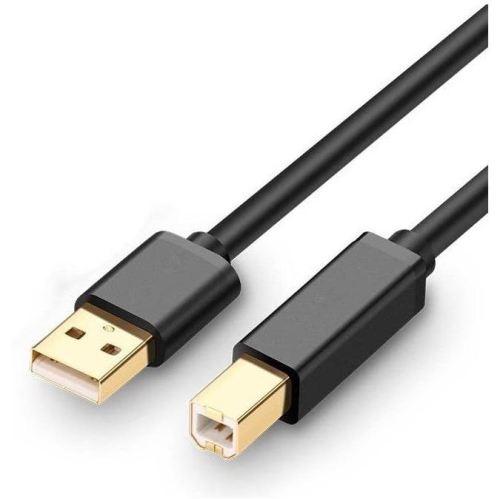
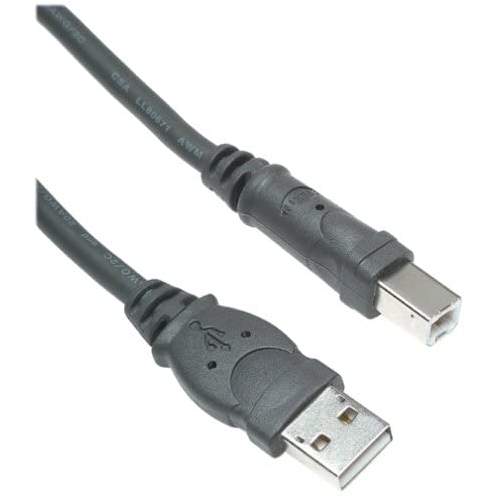
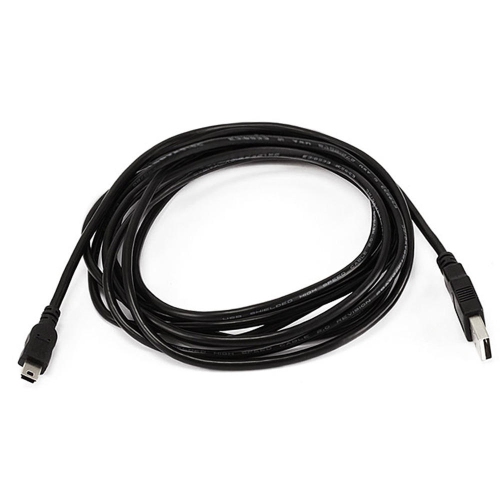
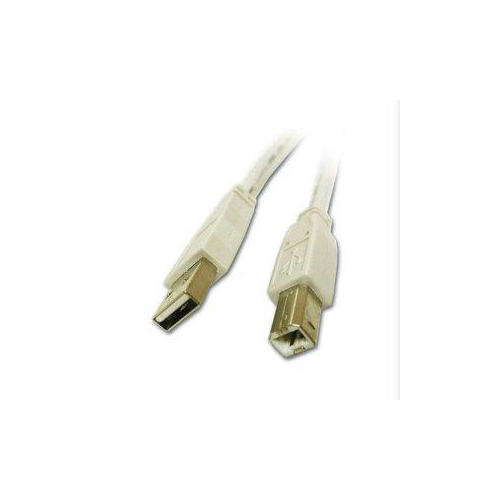
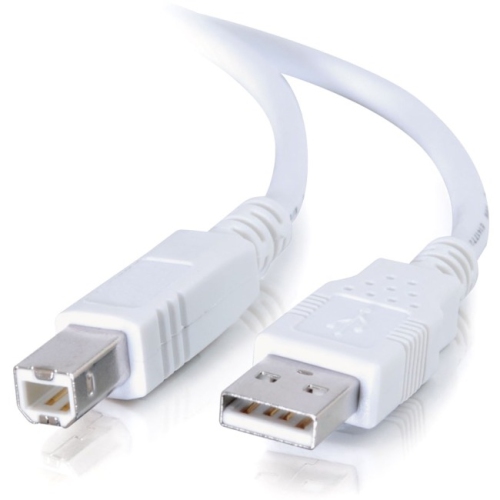
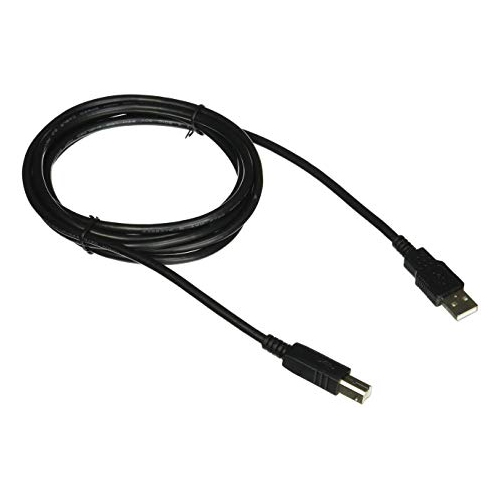
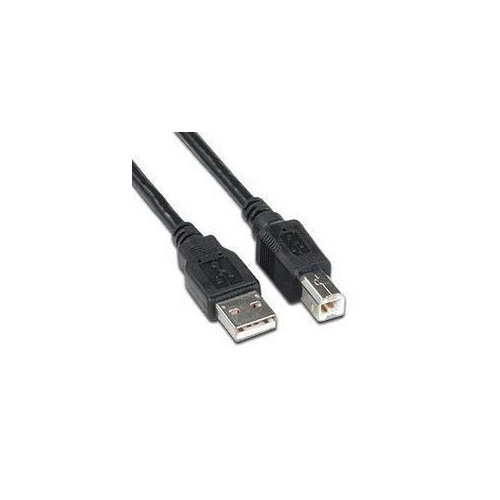
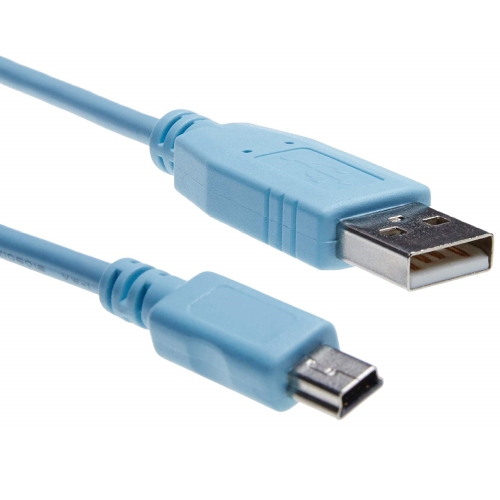
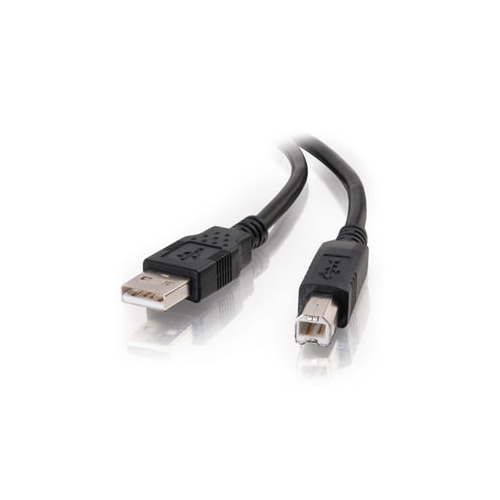
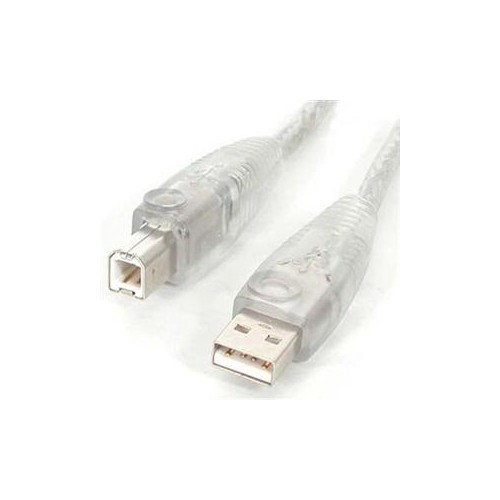
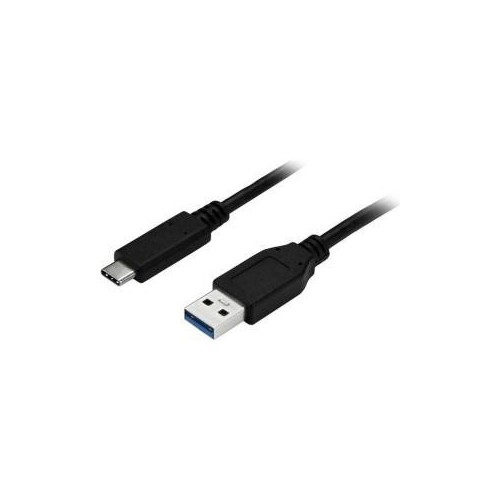
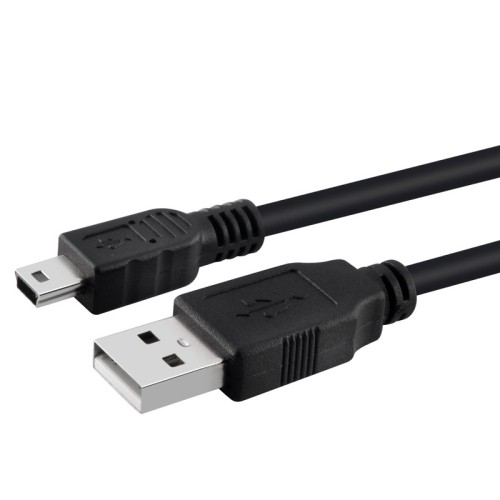
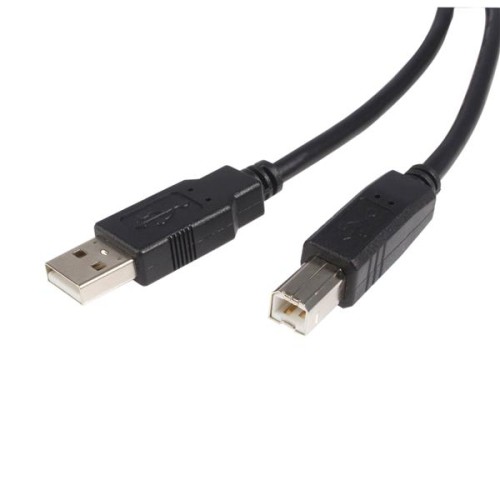
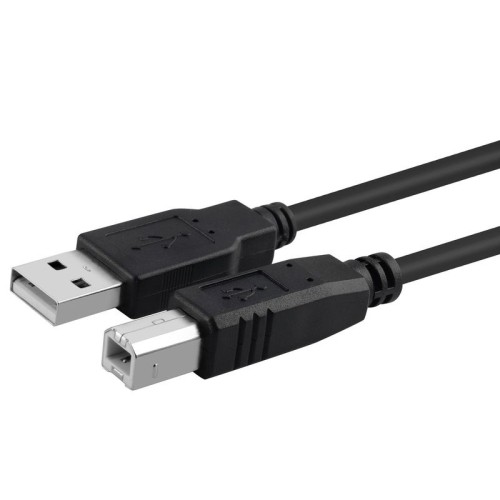
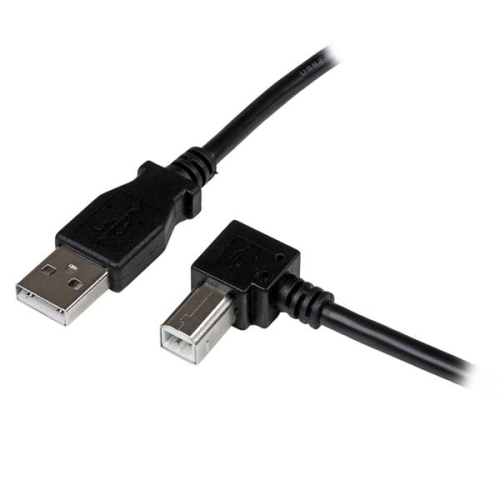
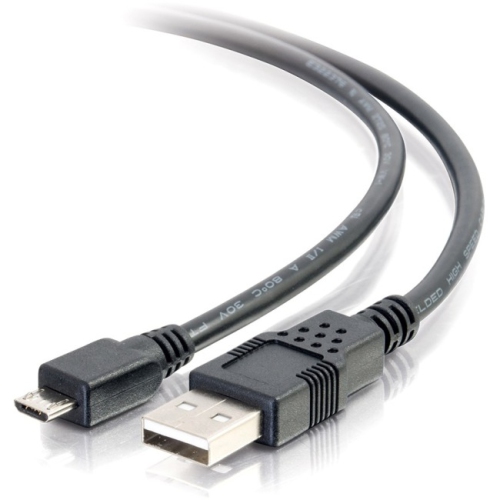
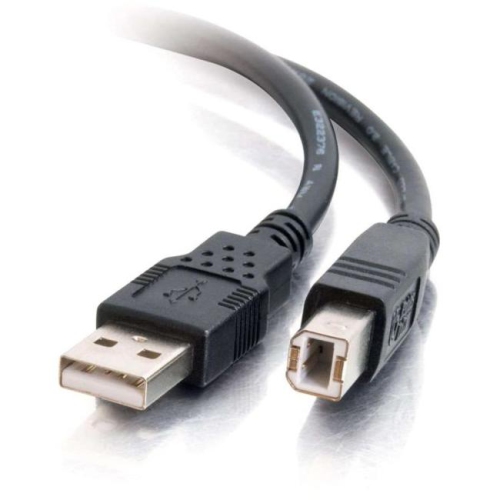
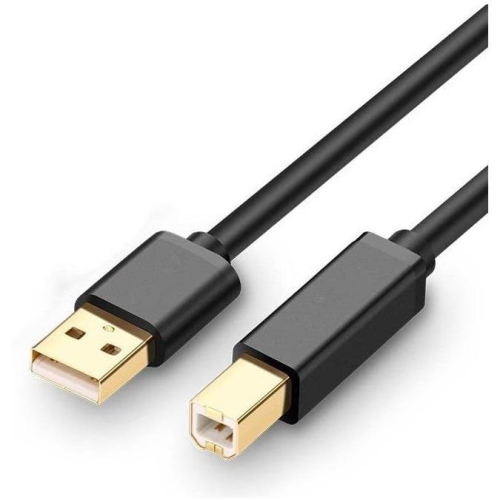
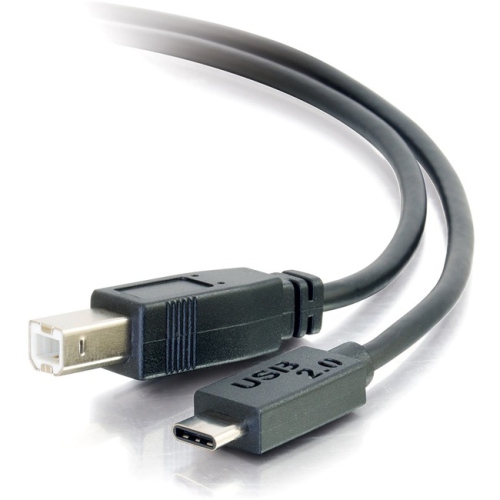
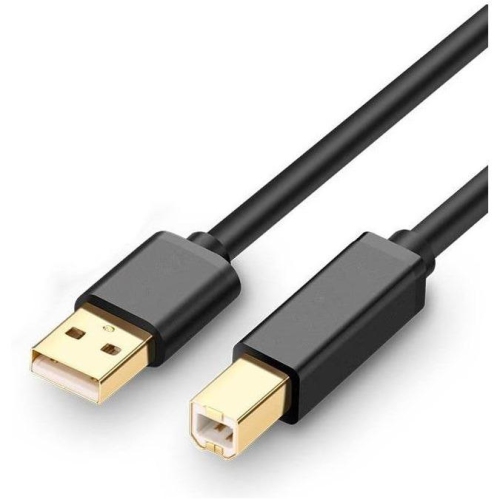
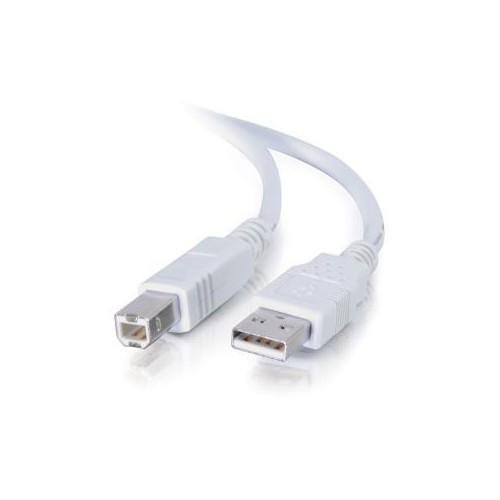
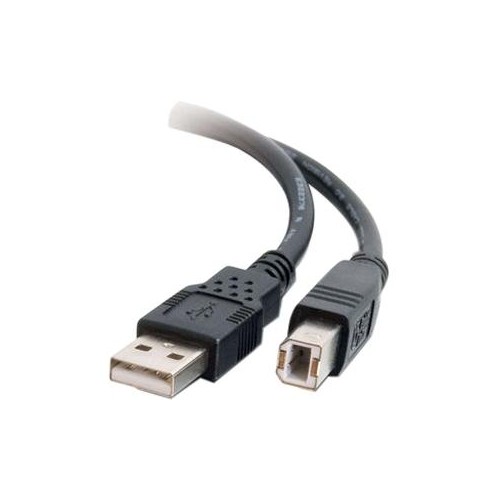
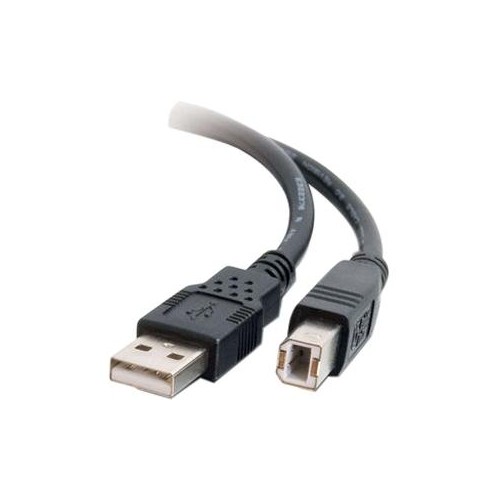
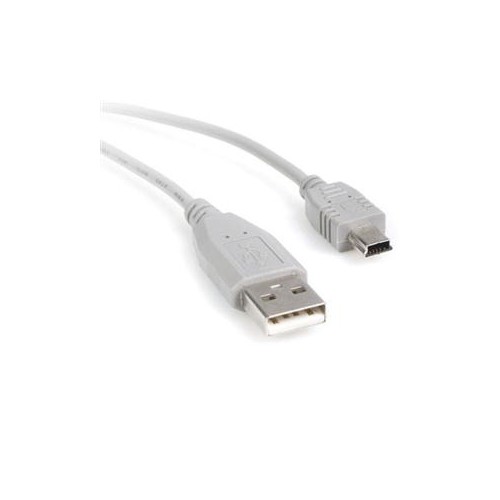
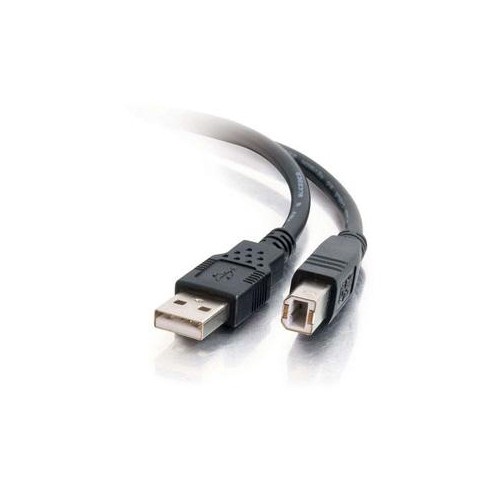
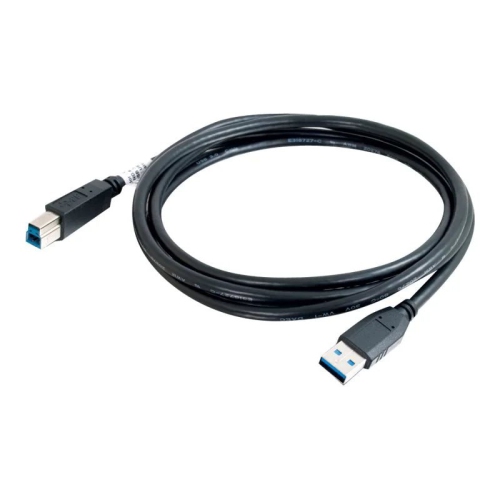
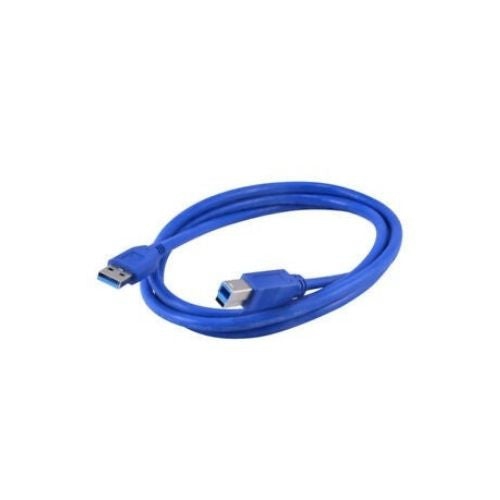
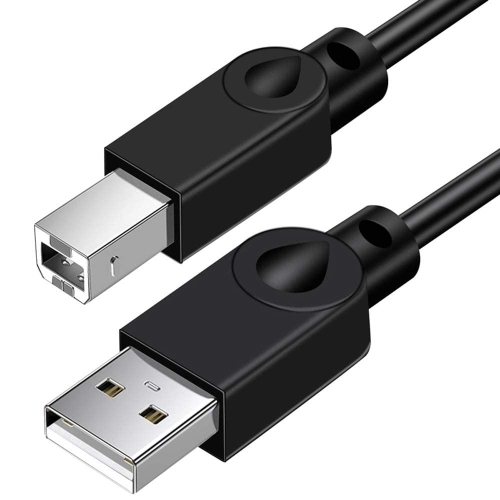
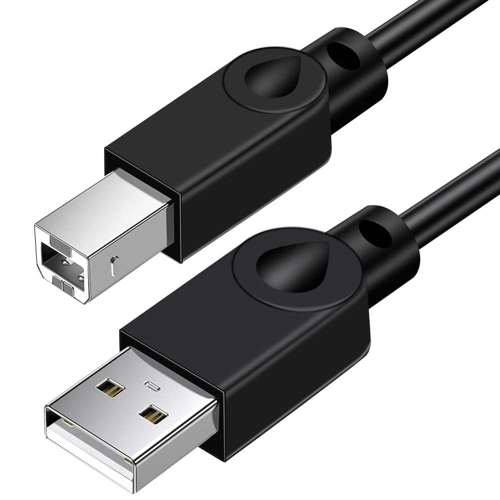
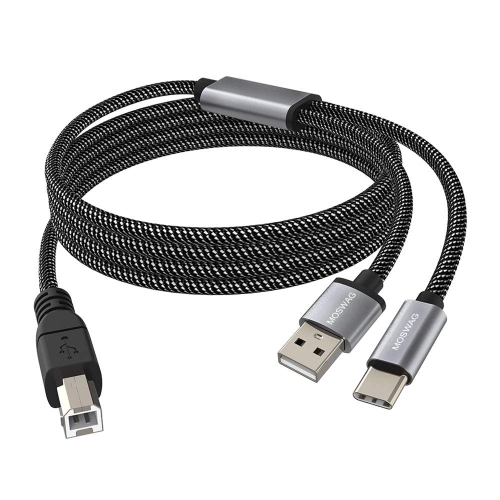
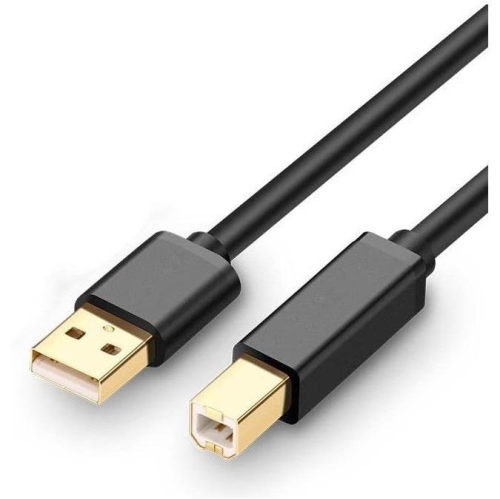
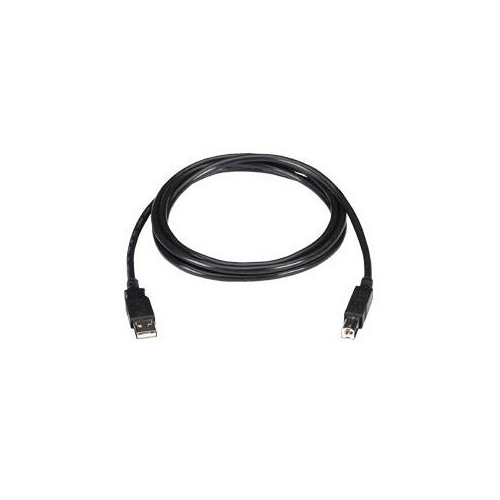
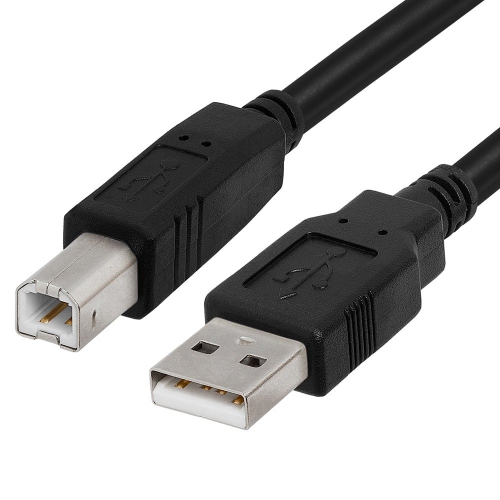
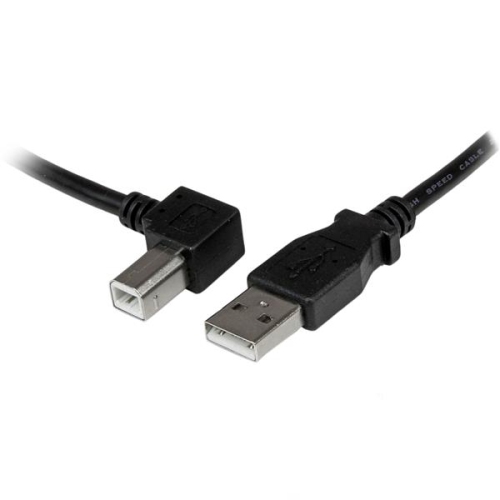
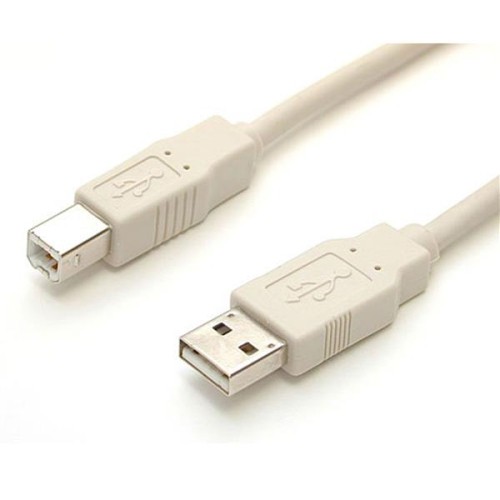
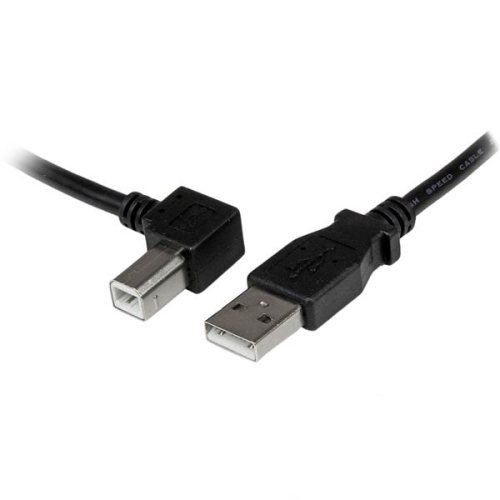
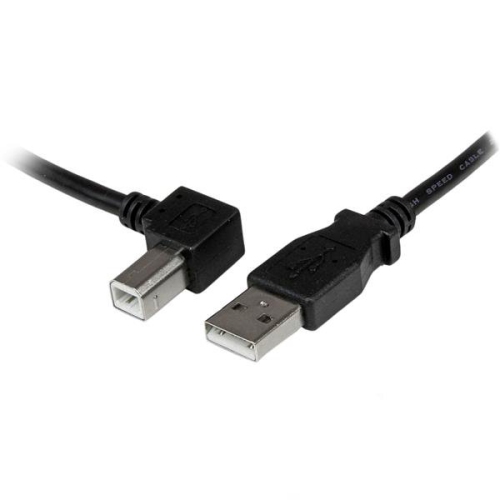
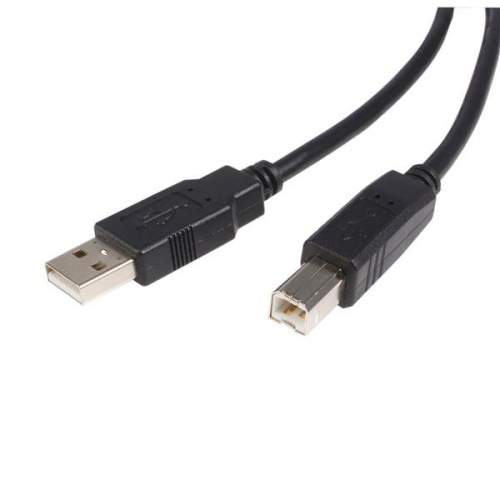
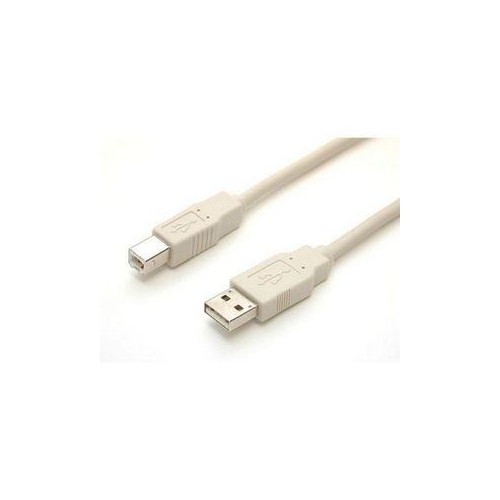
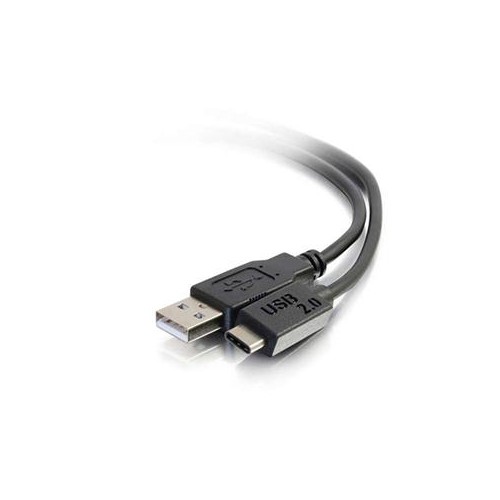
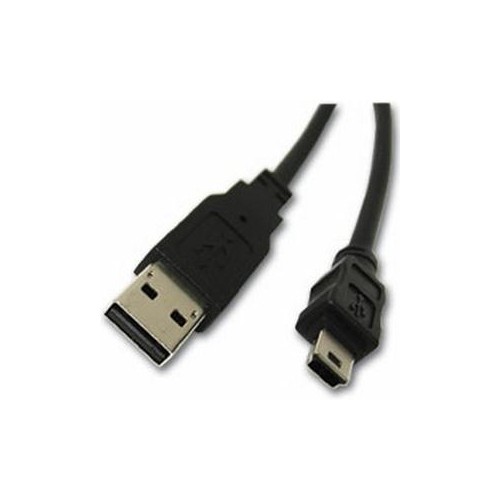
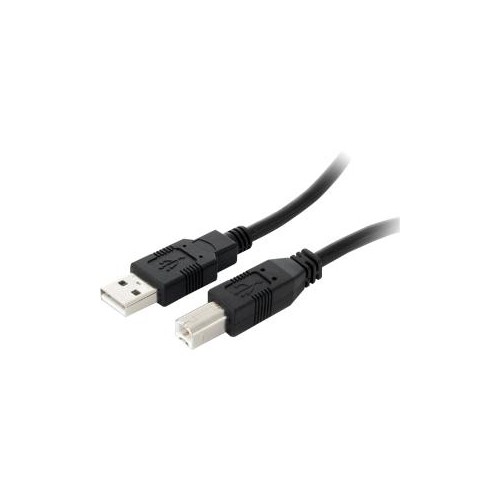
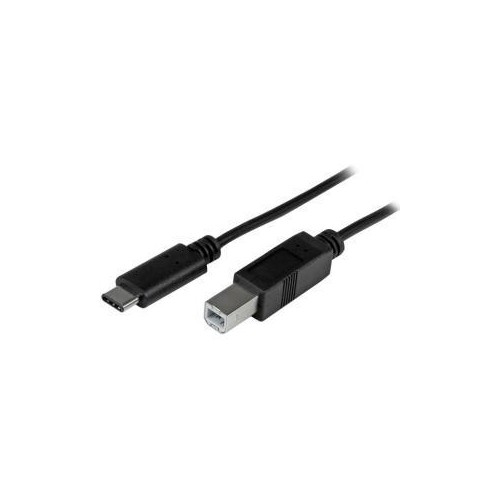
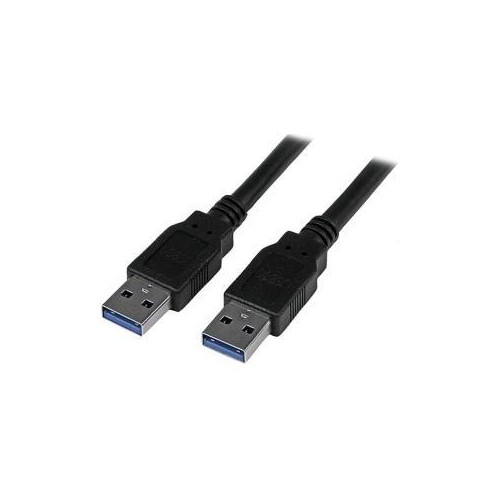
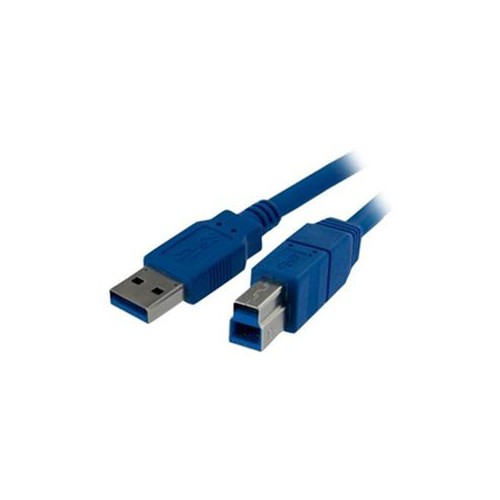
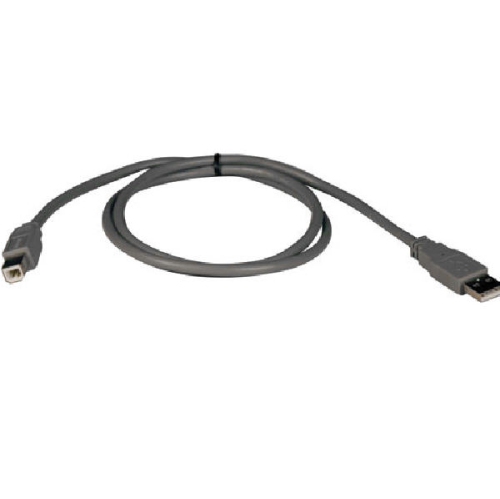
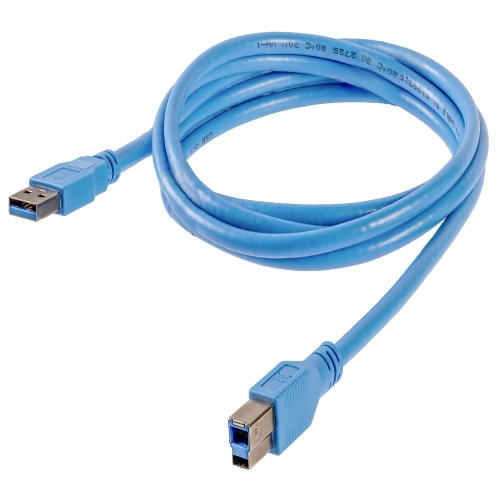
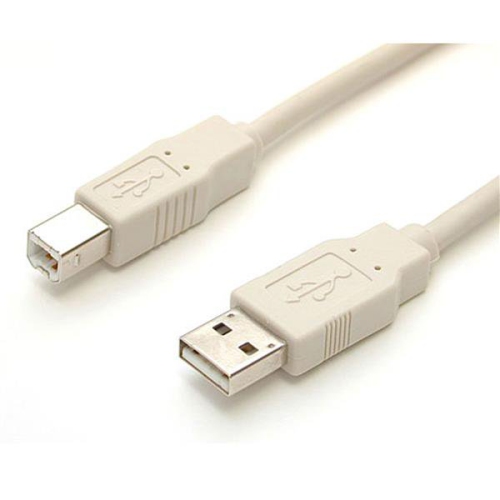
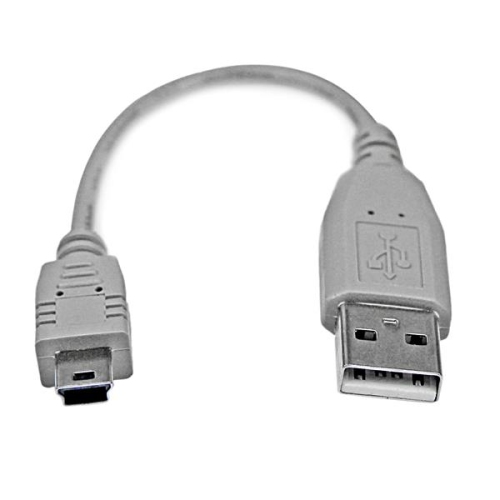
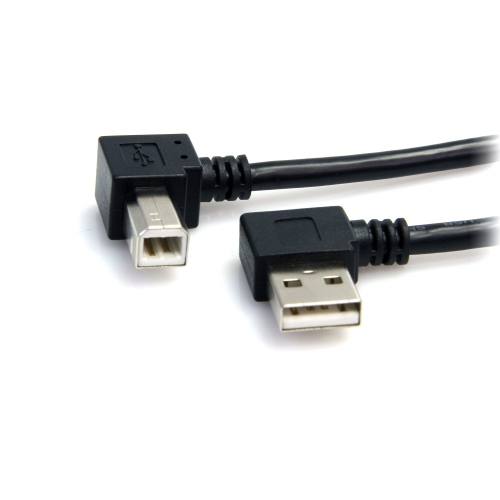
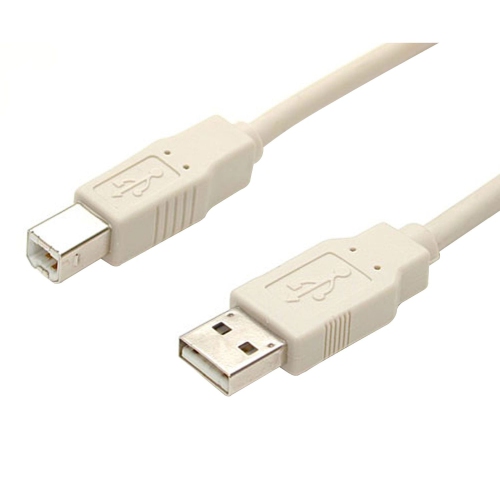
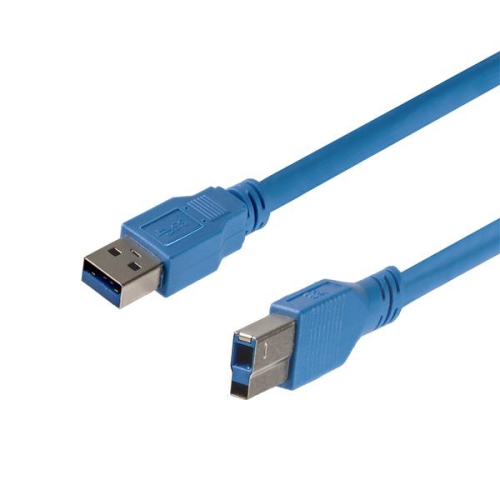
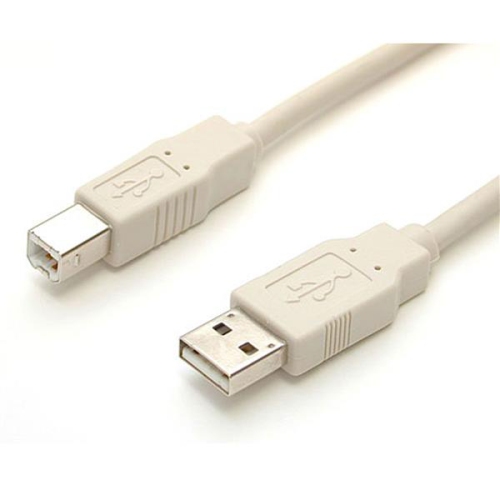
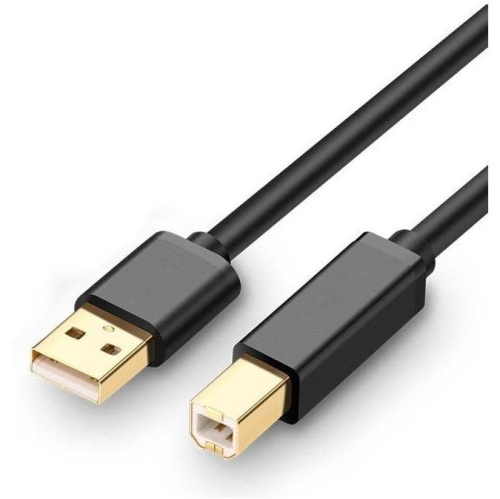
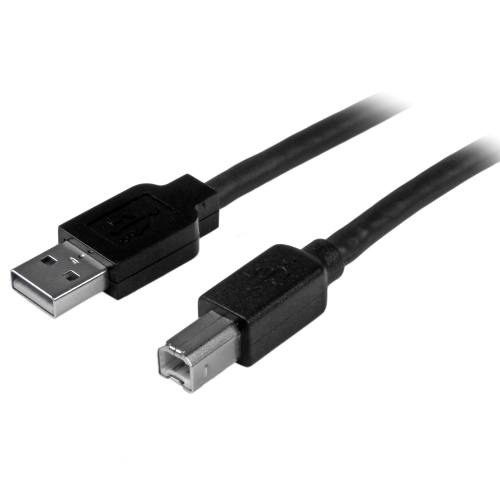
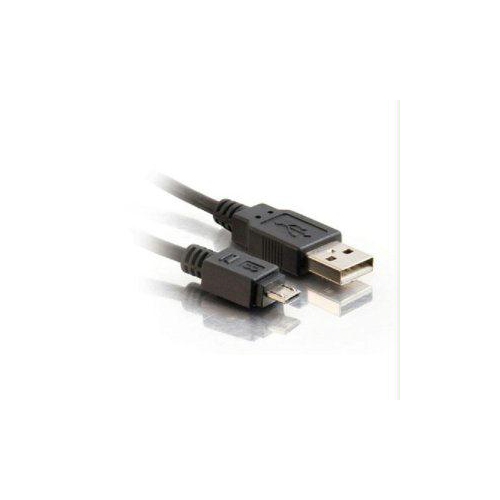
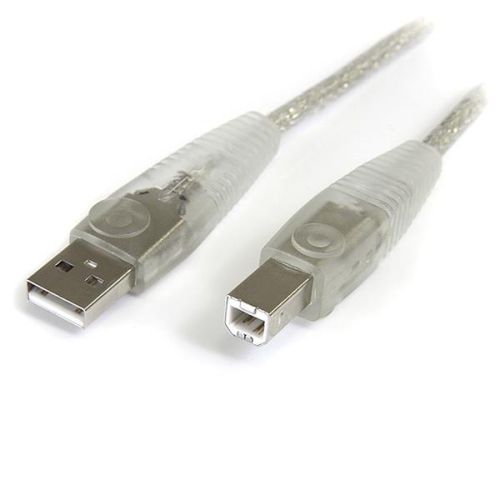
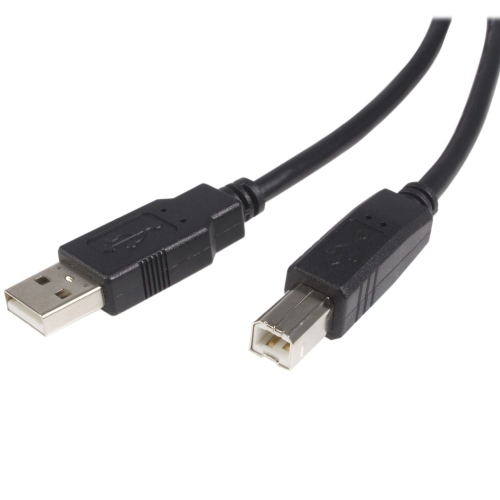
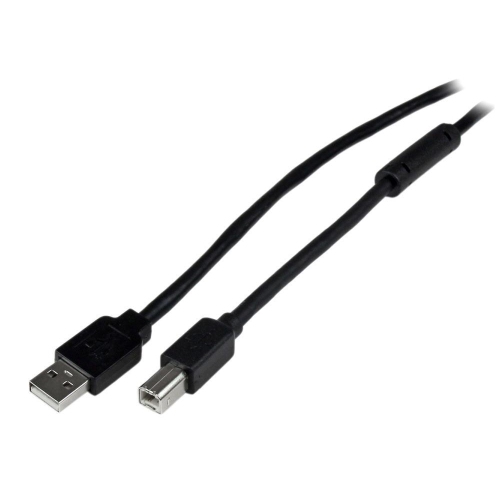
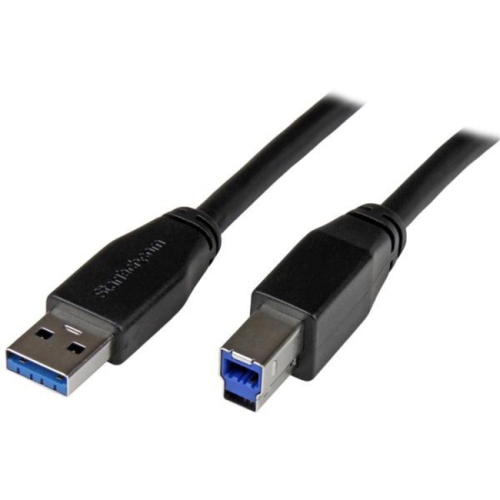
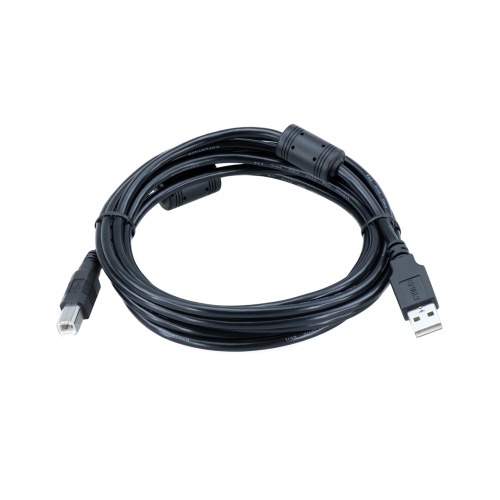
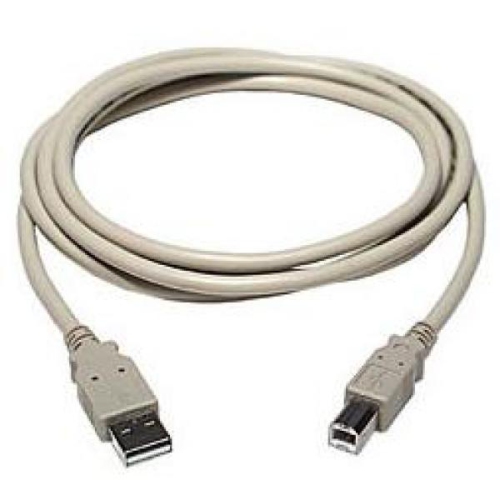
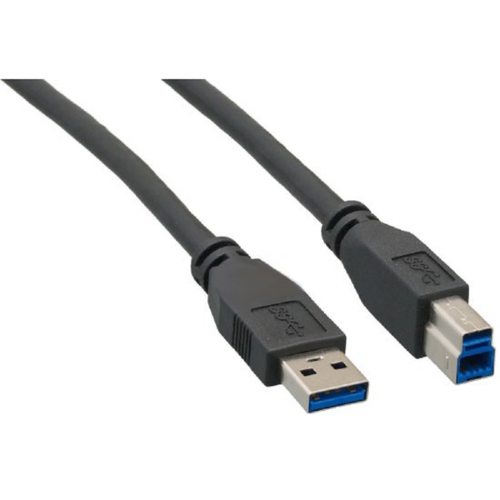
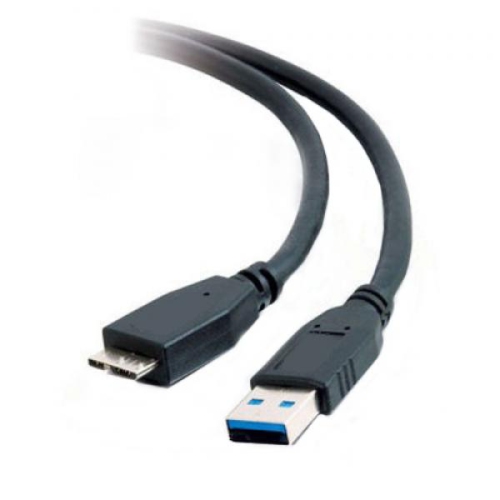
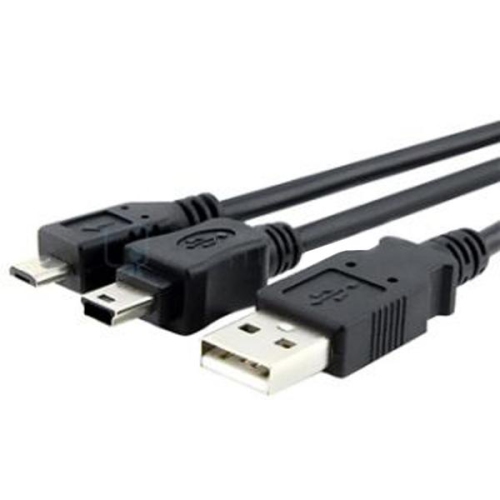
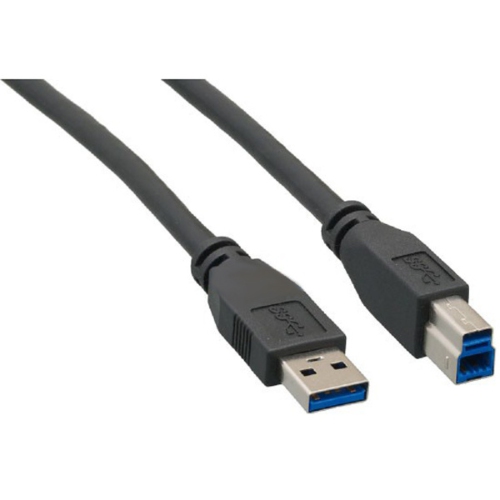
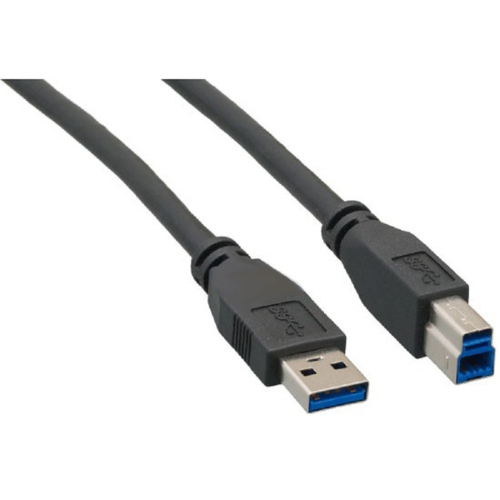
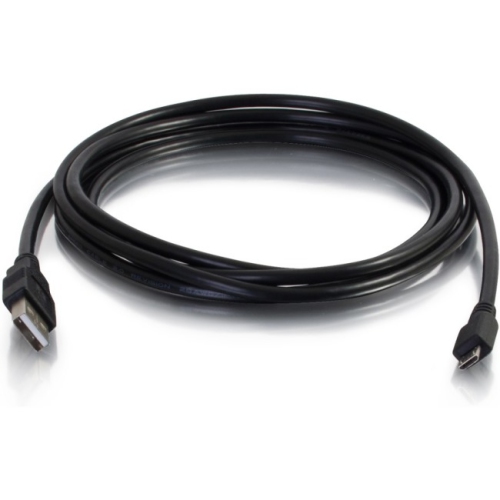
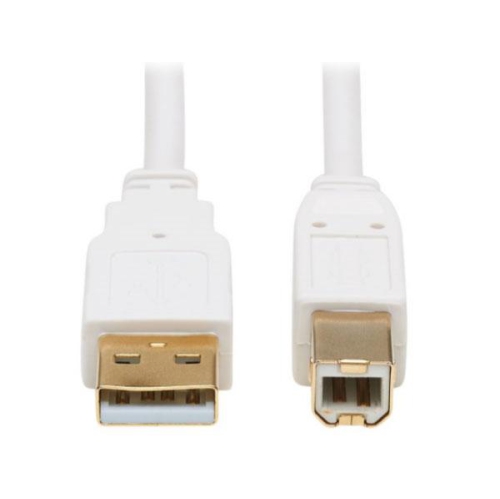
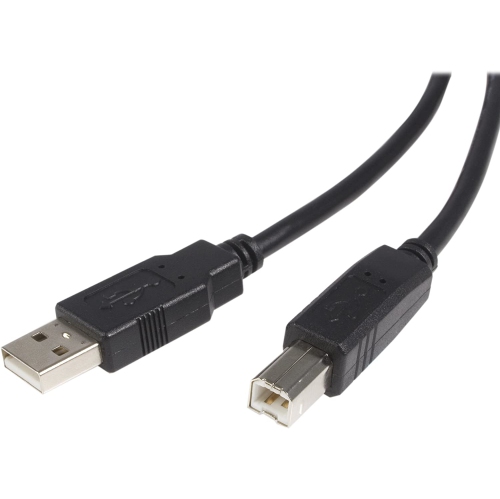
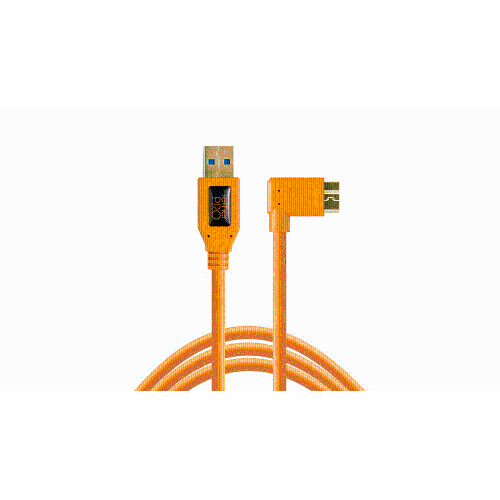
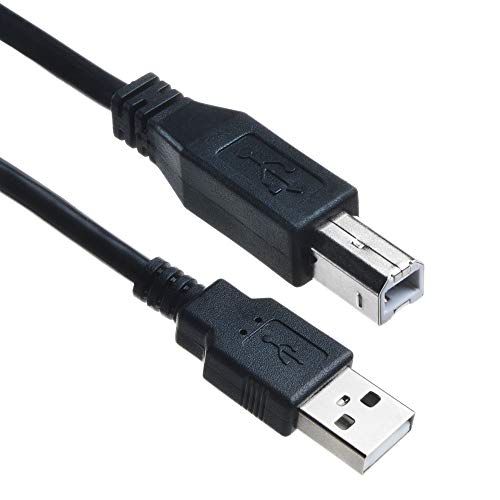
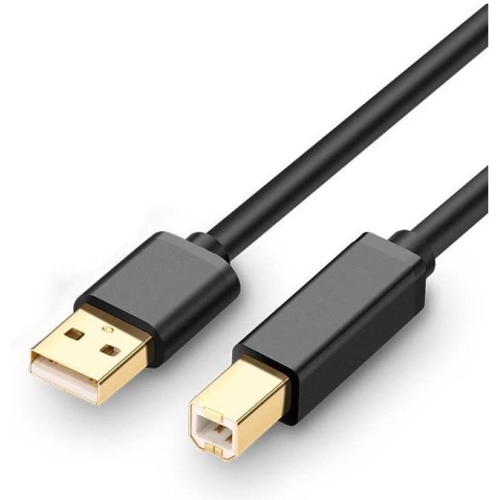
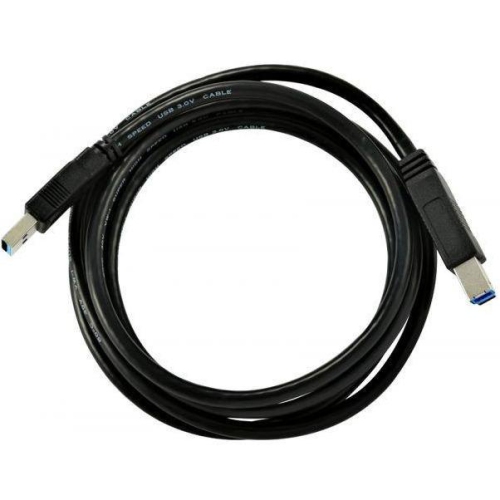
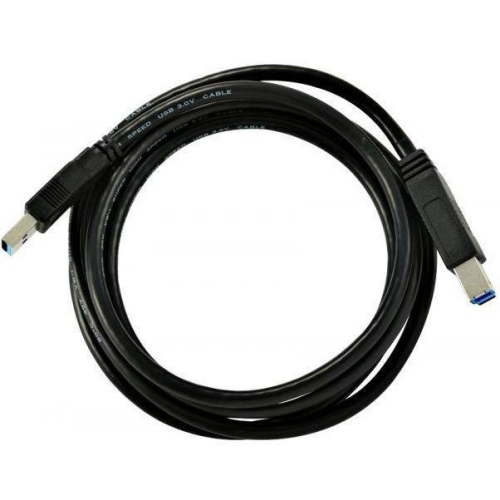
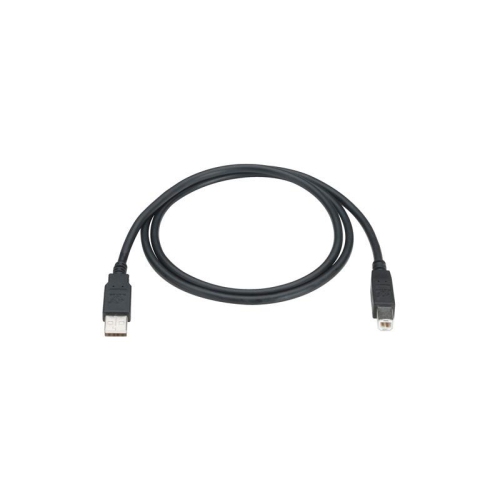
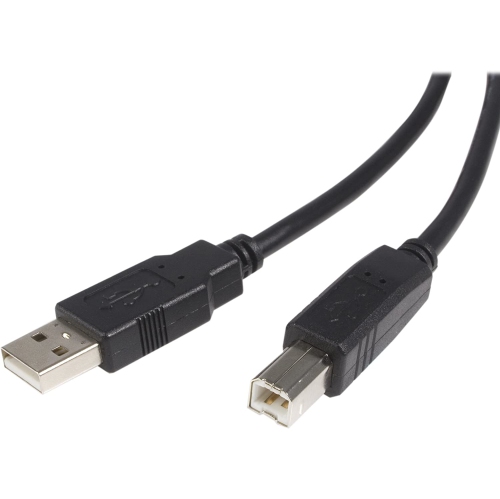
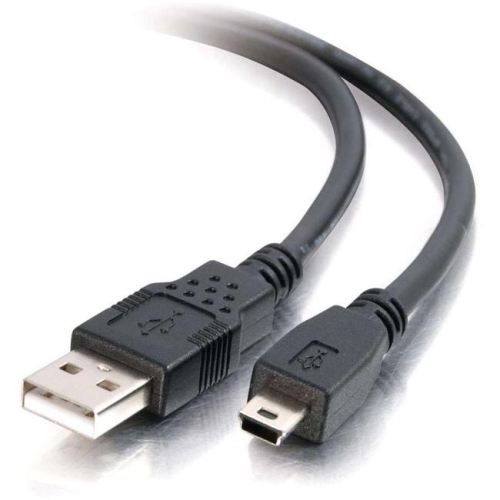
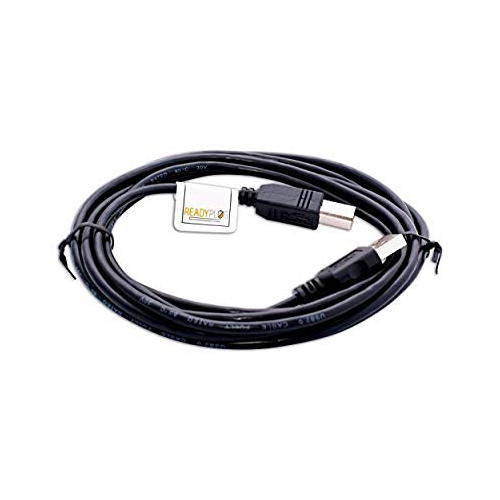
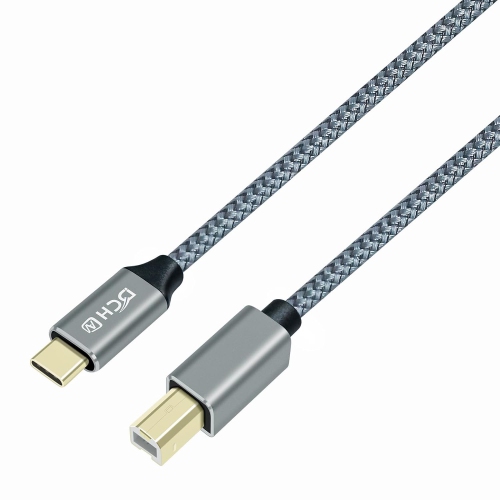
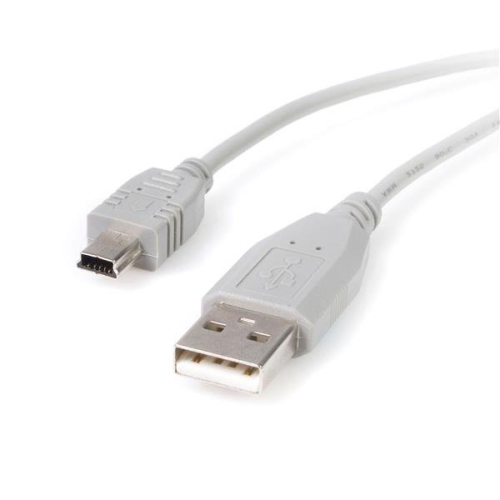
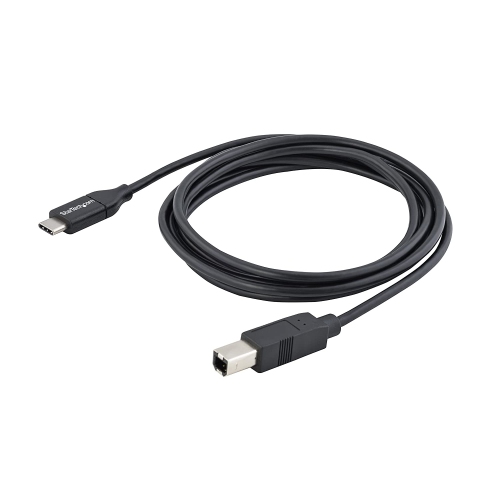
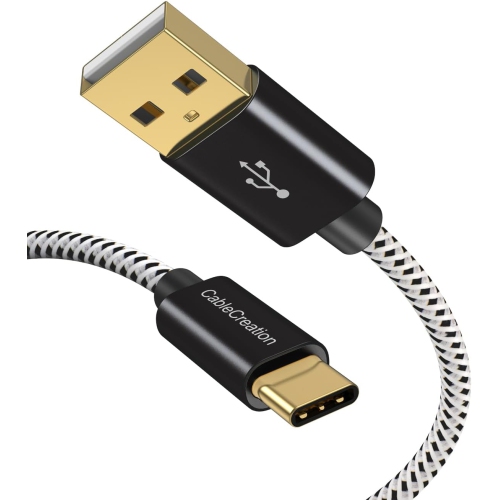
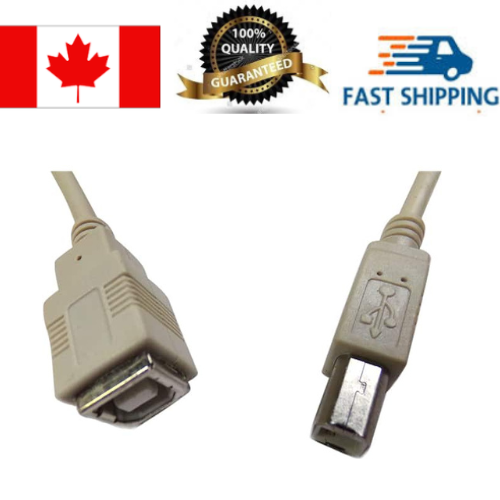
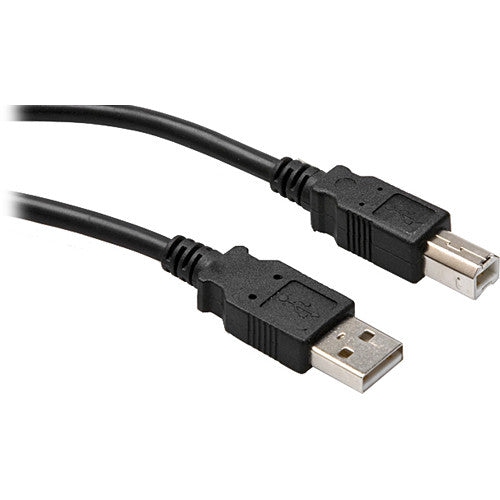
USB A to B cables connect a computer, laptop, or USB hub with a flat, rectangular USB-A port to a peripheral with the squarer, beveled USB-B port. This familiar connection is often associated with printers, but it also appears on scanners, some external drive enclosures, digital pianos, MIDI keyboards, audio interfaces, mixing equipment, photography accessories, and specialized instruments. The USB-A plug is designed for the host device, while the USB-B plug fits securely into the connected equipment, creating a dependable wired link for data transfer and, in some cases, device operation. If you are replacing a misplaced printer cable, setting up equipment in a home office, or connecting music gear in a creative space, checking both ends of the existing cable is the best place to start. USB-A to B cables are different from USB-A to Micro-USB, USB-A to Mini-USB, and USB-A to USB-C cables, so connector shape matters before length, colour, or other features. A close look at the port can save time: the USB-B socket is typically nearly square with two subtly angled upper corners, while a USB-A port is a thin rectangle found on many computers, powered hubs, and older charging accessories. Some newer computers may have fewer USB-A ports, in which case a compatible hub or adapter may be needed between the computer and cable. The cable must still have the correct USB-B connector for the peripheral, and an adapter does not change the requirements of the connected device or guarantee a faster transfer rate.
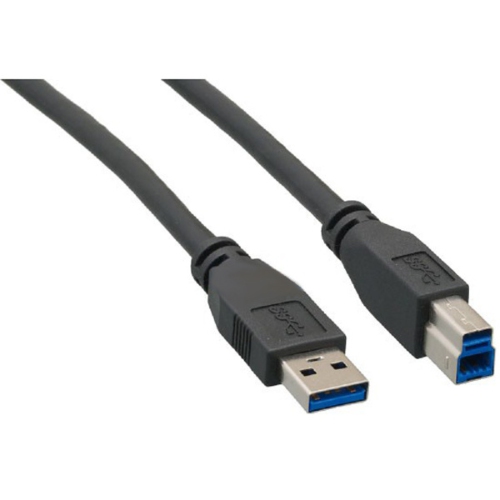
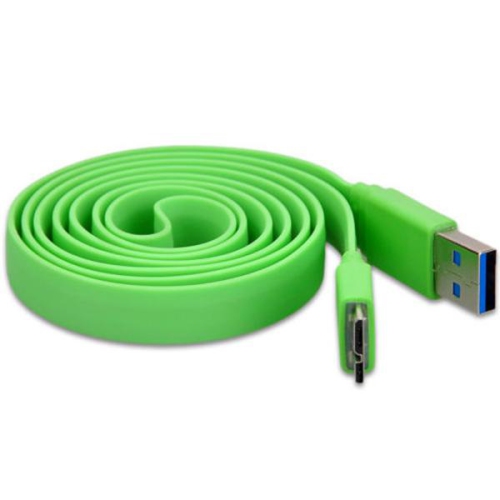
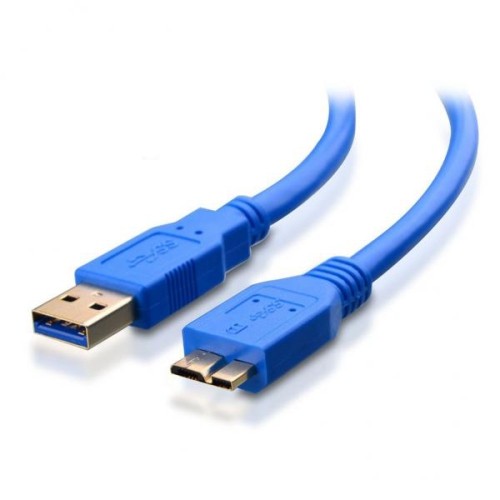
Speed and cable standard are also important considerations. USB 2.0 A-to-B cables support data transfer rates of up to 480 Mbps under ideal conditions and remain a practical choice for many printers, scanners, keyboards, and basic office peripherals. USB 3.0 or USB 3.1 A-to-B cables can support SuperSpeed transfer rates of up to 5 Gbps when the computer, peripheral, and cable all support the same standard. A USB 3.0 Type-B connector is often wider than a USB 2.0 Type-B connector and may include an additional section, so it will not always fit equipment designed only for the smaller USB 2.0 connection. The colour inside the connector can sometimes provide a clue, but connector shape, device documentation, and the specifications listed for the peripheral are more reliable than colour alone. For printing text documents, scanning everyday paperwork, controlling a compatible keyboard, or connecting equipment that does not move much, USB 2.0 may be entirely suitable. Faster equipment, such as an external drive enclosure or a device used to move large photo, video, or audio files, can benefit from a USB 3.0-compatible connection, provided every part of the setup supports it. Cable length deserves equal attention. A short cable can keep a compact desk tidy and reduce excess slack, while a longer cable may be useful when a printer sits on a separate shelf or an instrument is positioned beside a workstation. Very long cables can be more susceptible to signal loss or may be difficult to route neatly, so choose a length that reaches comfortably without pulling the connectors sideways. Look for a well-constructed cable with firm plugs, flexible strain relief, and a jacket that suits the space where it will be used. If the cable will run behind a desk, through a studio setup, or alongside other equipment, a durable exterior and sensible length can make everyday connections easier.
USB A to B cables are useful for home offices, classrooms, studios, workshops, and shared workspaces where dependable wired connections matter. A student may use one to connect a printer or scanner to a laptop for assignments, while someone working from home may keep a spare with a document printer so an unexpected cable problem does not interrupt an important task. Musicians and producers can use compatible USB-B connections to link a digital piano, MIDI controller, or audio interface to a computer for recording, instrument setup, and software control. Photographers, makers, and hobbyists may need a USB-A to B connection for specialized equipment that is not designed around the more familiar mobile-device connectors. These cables can also make thoughtful practical gifts for someone setting up a first home office, refreshing a music corner, or organizing a computer workstation, especially when the recipient already owns a compatible peripheral and needs a replacement or backup. Before purchasing, identify the USB-B port on the device, confirm whether it requires USB 2.0 or USB 3.0, and check the available port on the computer or hub. It is also worth confirming whether the cable is intended for data transfer rather than charging alone, as USB-A to B connections are generally selected to communicate with peripherals. For more information about the connector style and compatible options, explore USB B Cables. Once the connection type, transfer standard, and reach are matched to the equipment, installation is usually straightforward: insert the USB-B end into the peripheral, connect the USB-A end to the computer or hub, and allow the operating system or included software to recognize the device. A properly matched cable can provide a simple, stable connection that works quietly in the background, whether it is supporting a printer during a busy school afternoon, carrying audio data across a studio desk, or helping a scanner bring old family photographs into a digital collection during the cooler months.
Speed and cable standard are also important considerations. USB 2.0 A-to-B cables support data transfer rates of up to 480 Mbps under ideal conditions and remain a practical choice for many printers, scanners, keyboards, and basic office peripherals. USB 3.0 or USB 3.1 A-to-B cables can support SuperSpeed transfer rates of up to 5 Gbps when the computer, peripheral, and cable all support the same standard. A USB 3.0 Type-B connector is often wider than a USB 2.0 Type-B connector and may include an additional section, so it will not always fit equipment designed only for the smaller USB 2.0 connection. The colour inside the connector can sometimes provide a clue, but connector shape, device documentation, and the specifications listed for the peripheral are more reliable than colour alone. For printing text documents, scanning everyday paperwork, controlling a compatible keyboard, or connecting equipment that does not move much, USB 2.0 may be entirely suitable. Faster equipment, such as an external drive enclosure or a device used to move large photo, video, or audio files, can benefit from a USB 3.0-compatible connection, provided every part of the setup supports it. Cable length deserves equal attention. A short cable can keep a compact desk tidy and reduce excess slack, while a longer cable may be useful when a printer sits on a separate shelf or an instrument is positioned beside a workstation. Very long cables can be more susceptible to signal loss or may be difficult to route neatly, so choose a length that reaches comfortably without pulling the connectors sideways. Look for a well-constructed cable with firm plugs, flexible strain relief, and a jacket that suits the space where it will be used. If the cable will run behind a desk, through a studio setup, or alongside other equipment, a durable exterior and sensible length can make everyday connections easier.
USB A to B cables are useful for home offices, classrooms, studios, workshops, and shared workspaces where dependable wired connections matter. A student may use one to connect a printer or scanner to a laptop for assignments, while someone working from home may keep a spare with a document printer so an unexpected cable problem does not interrupt an important task. Musicians and producers can use compatible USB-B connections to link a digital piano, MIDI controller, or audio interface to a computer for recording, instrument setup, and software control. Photographers, makers, and hobbyists may need a USB-A to B connection for specialized equipment that is not designed around the more familiar mobile-device connectors. These cables can also make thoughtful practical gifts for someone setting up a first home office, refreshing a music corner, or organizing a computer workstation, especially when the recipient already owns a compatible peripheral and needs a replacement or backup. Before purchasing, identify the USB-B port on the device, confirm whether it requires USB 2.0 or USB 3.0, and check the available port on the computer or hub. It is also worth confirming whether the cable is intended for data transfer rather than charging alone, as USB-A to B connections are generally selected to communicate with peripherals. For more information about the connector style and compatible options, explore USB B Cables. Once the connection type, transfer standard, and reach are matched to the equipment, installation is usually straightforward: insert the USB-B end into the peripheral, connect the USB-A end to the computer or hub, and allow the operating system or included software to recognize the device. A properly matched cable can provide a simple, stable connection that works quietly in the background, whether it is supporting a printer during a busy school afternoon, carrying audio data across a studio desk, or helping a scanner bring old family photographs into a digital collection during the cooler months.
Top selling and popular products
-
 Your price for this item is $39.99
 -
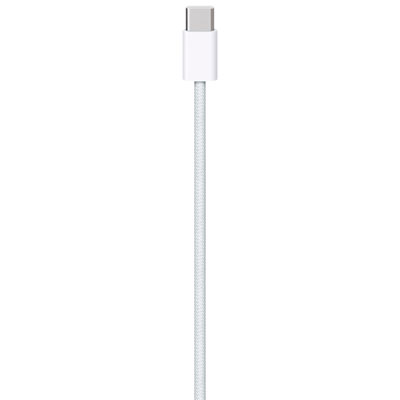 Your price for this item is $24.99
 -
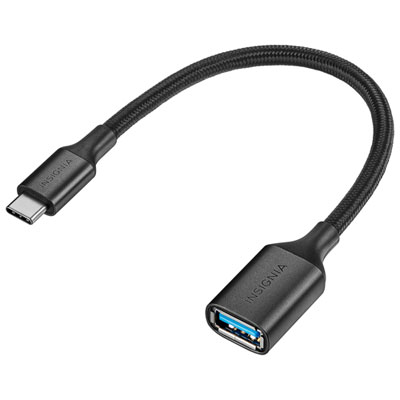 Your price for this item is $19.99
 -
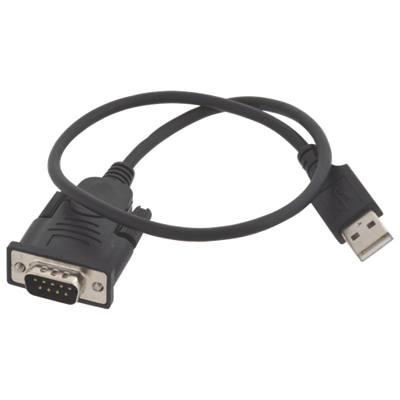 Your price for this item is $29.99
 -
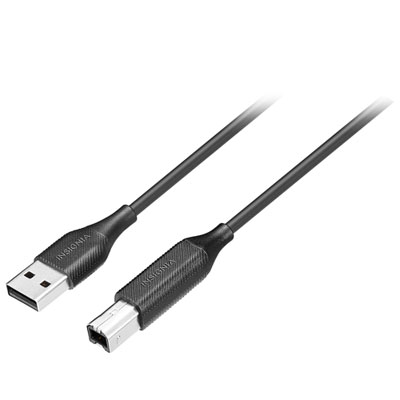 Your price for this item is $29.99
 -
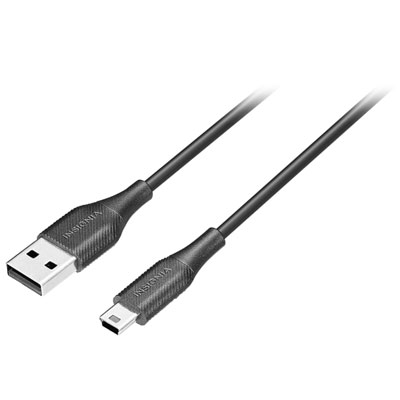 Your price for this item is $19.99
 -
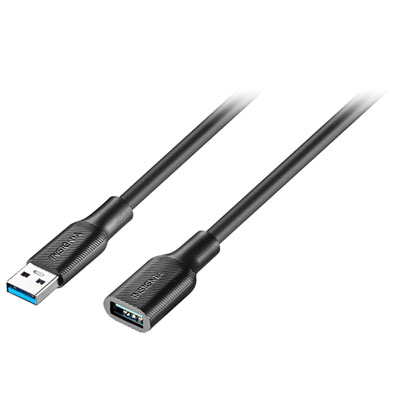 Your price for this item is $24.99
 -
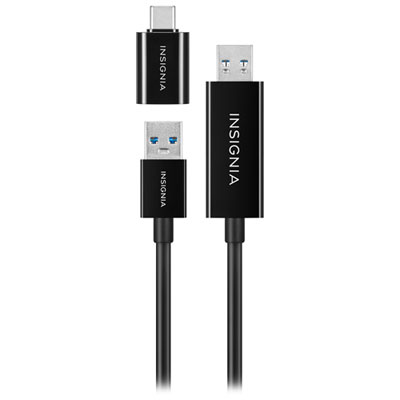 Your price for this item is $44.97
Discover more categories related to Usb A B Cables
Top Collections:
Pokemon Centers, Kindle Devices, Best Budget Office Chairs, Apple iPhones 16, Best Laptops for Writers, iPhone 15 Apple, Canon G7X Cameras, Refurbished Apple Laptops, Alarm Clock, Motorola Razr Phones
Some products may be subject to Environmental Handling Fees
(EHF) depending on your province.
Learn more about EHFs.