USB A To A Extension Cables
If you're looking to extend the reach of your USB connections, these USB A-to-A extension cables are here to help! Whether you need to connect your devices over longer distances or simply want more flexibility in your setup, these extension cables provide a convenient solution. With durable construction and reliable performance, you can trust that these cables will deliver seamless connectivity for all your USB devices. Explore this selection of USB A-to-A extension cables and take your connectivity to the next level.
Sort

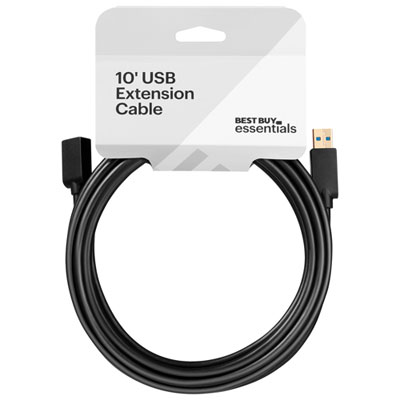
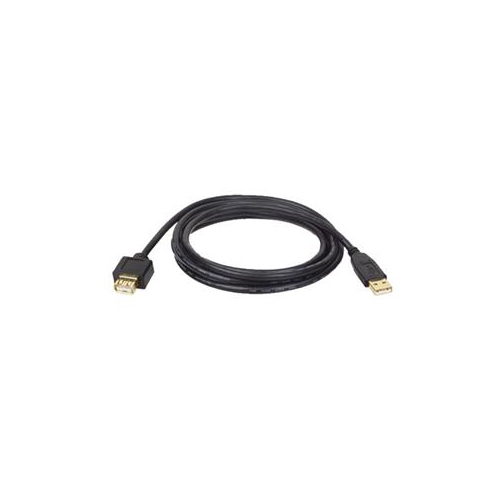
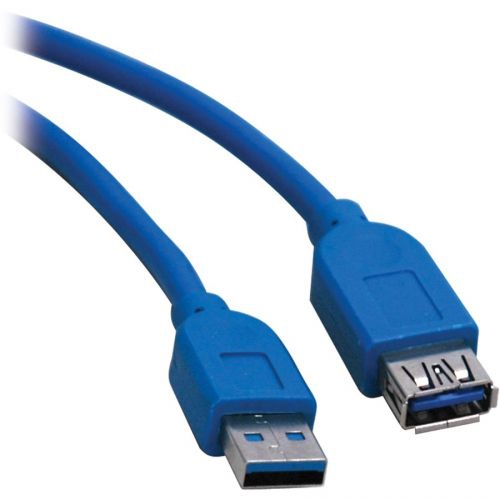
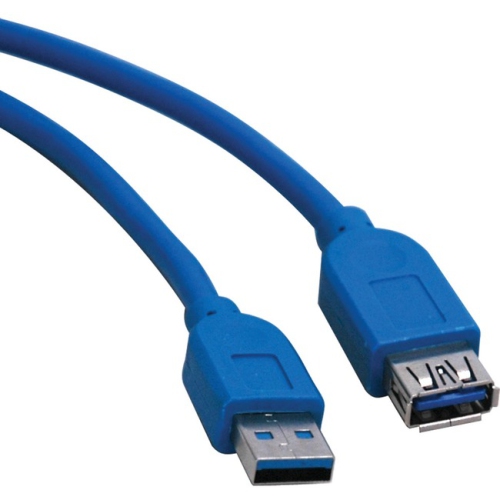
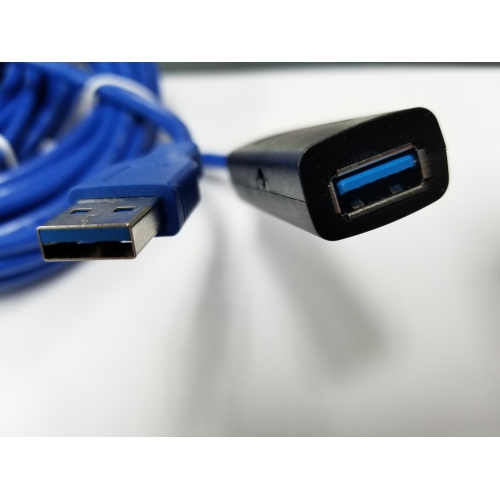
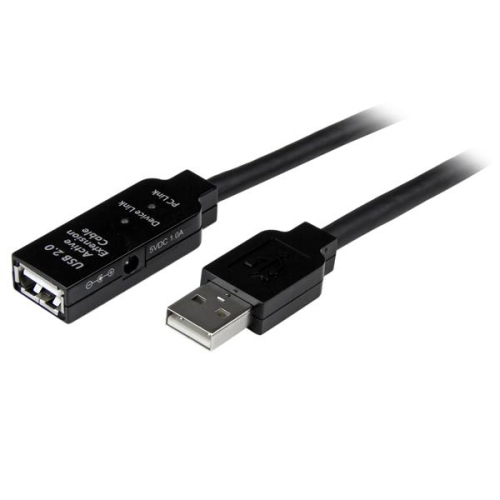

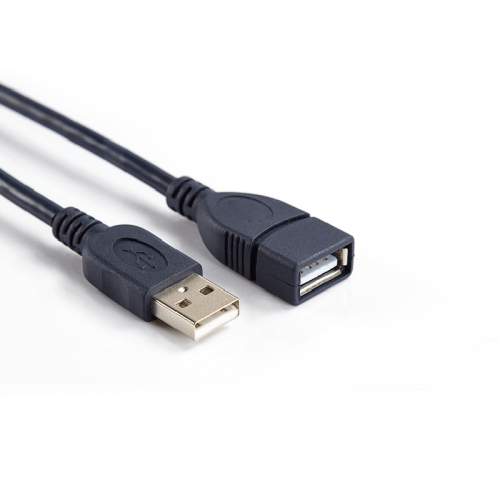

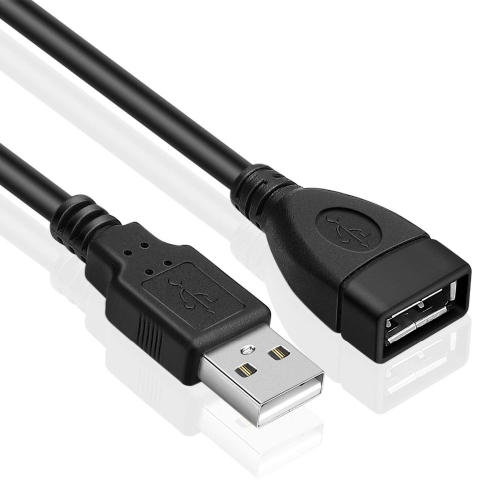
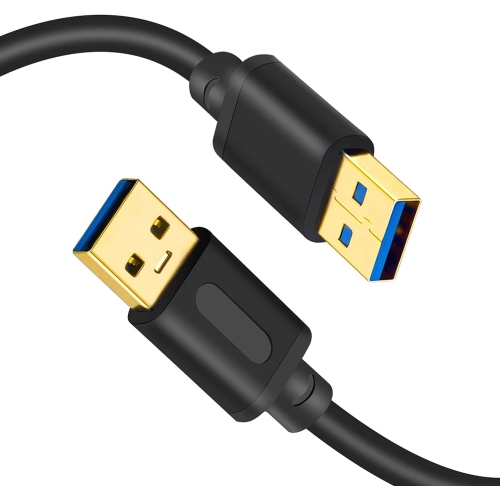

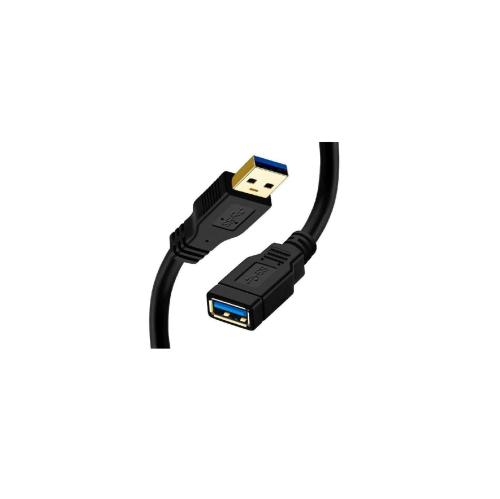
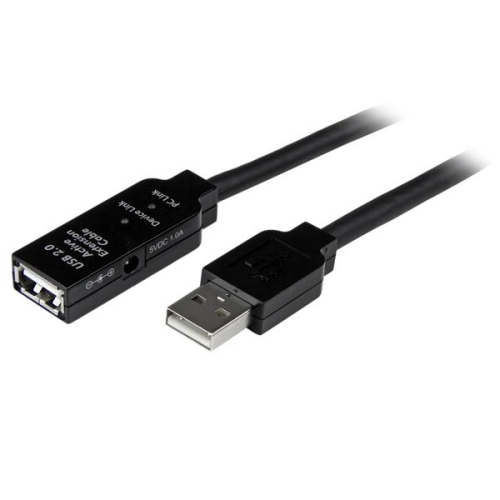
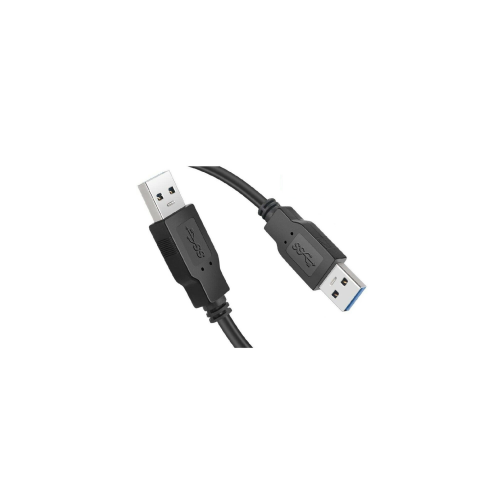
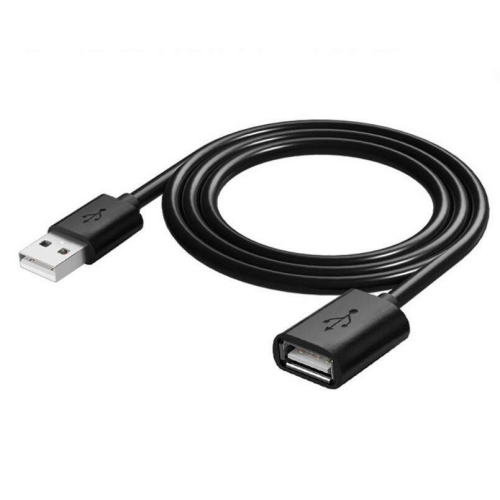
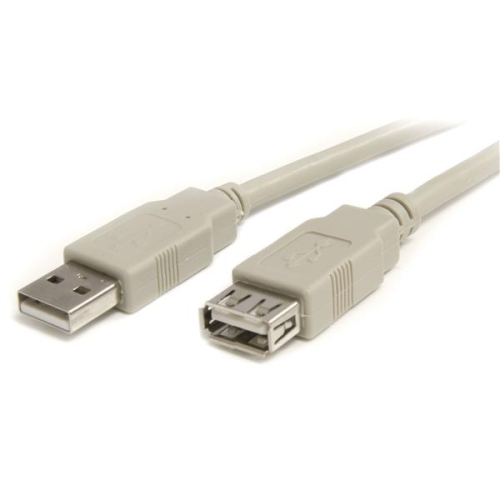
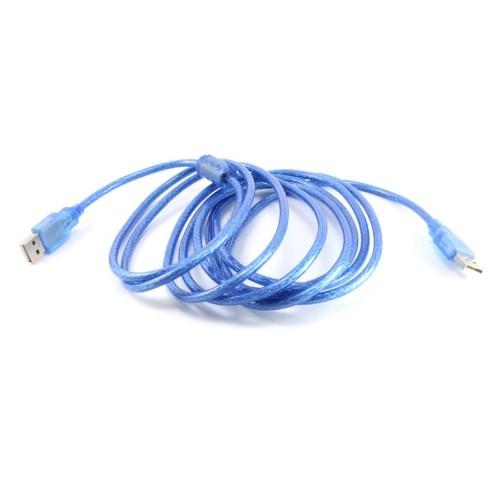
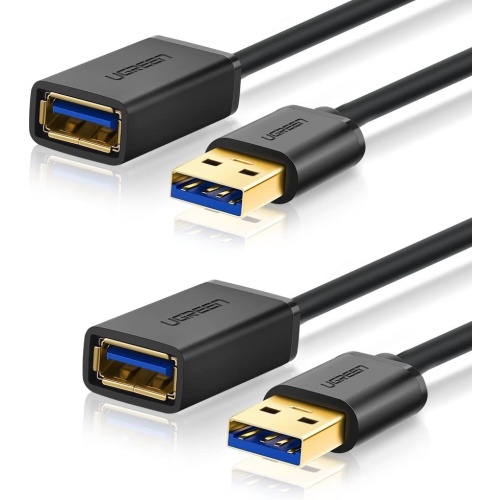
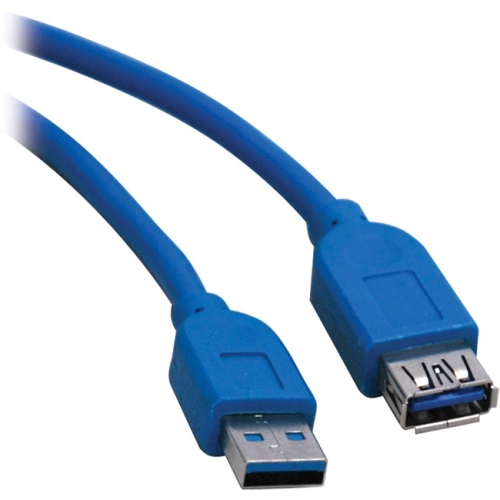
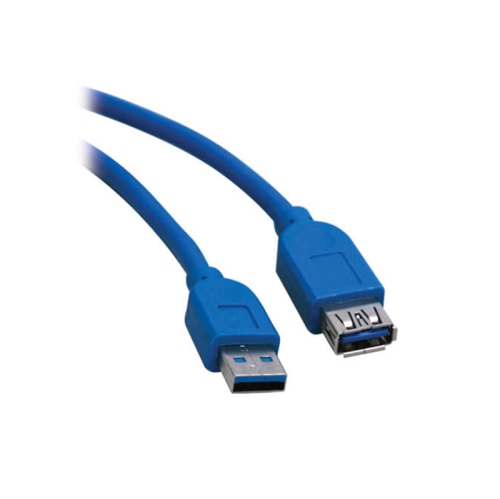
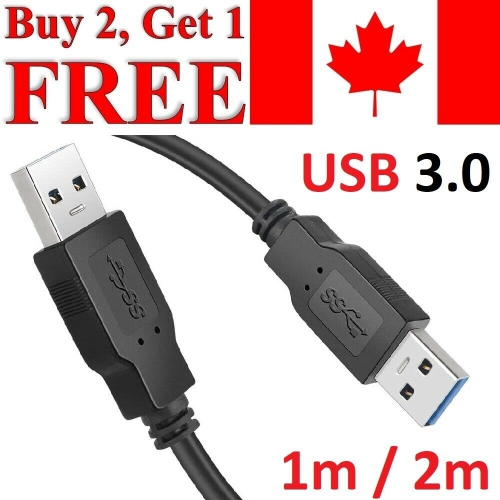
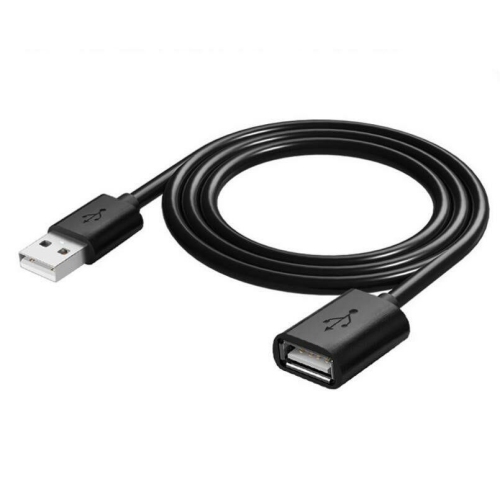
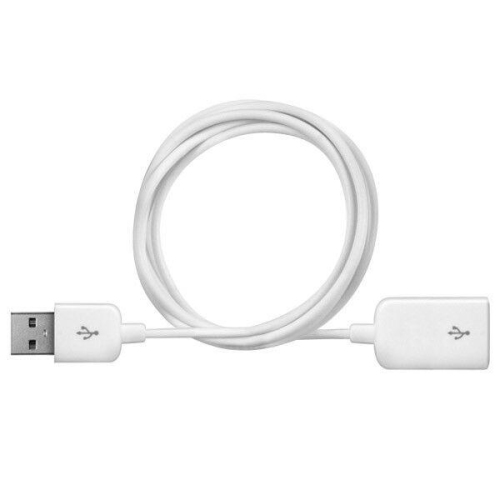
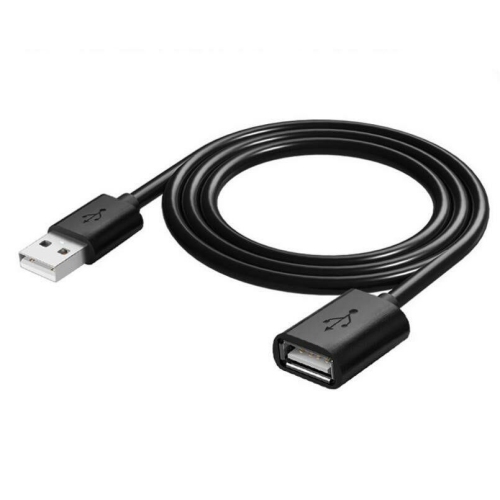
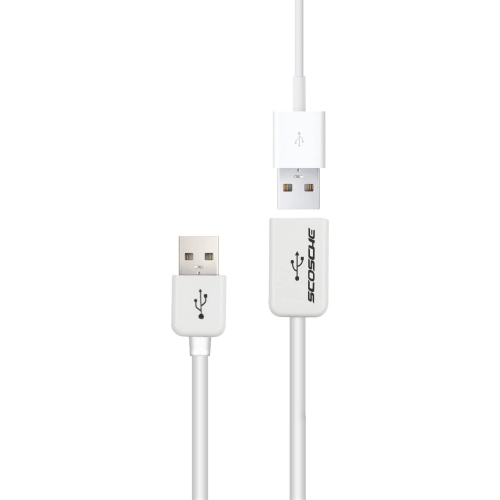
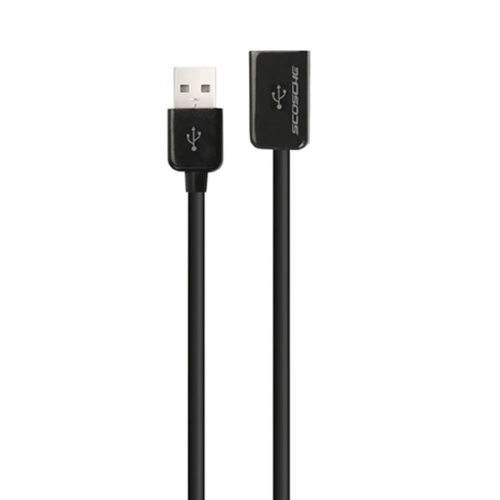
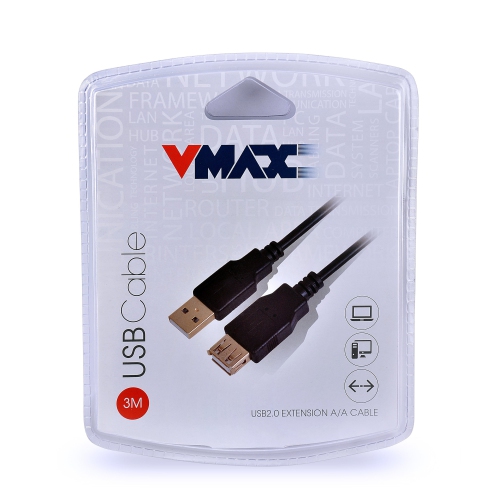
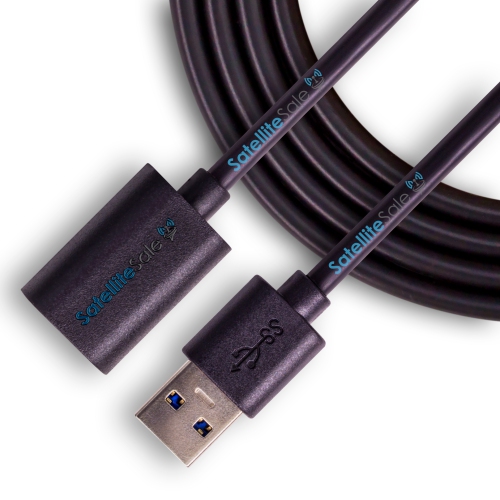
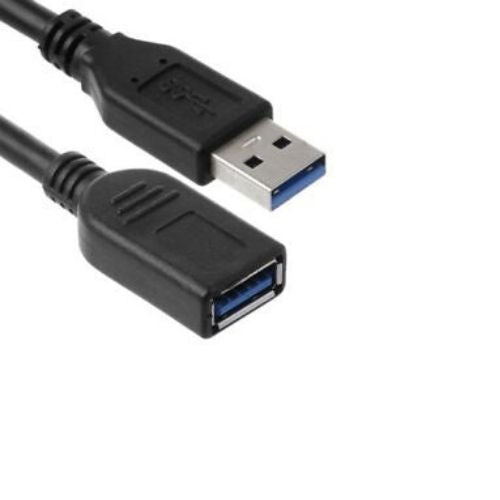
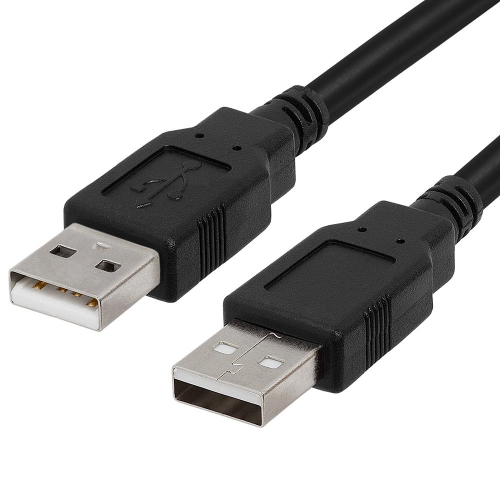
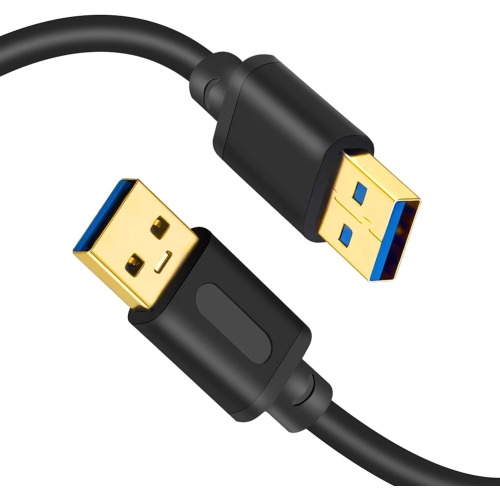
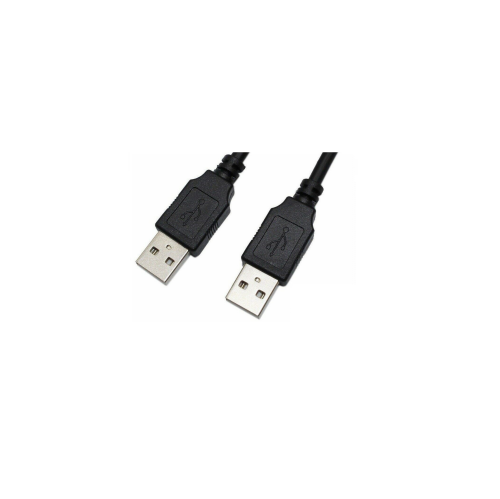
![UNKNOWN USB 3.0 Extension Cable, [2Pack] 2Ft High Speed Extension Cable USB A Male to Female Extension Cord Golden Plated](https://multimedia.bbycastatic.ca/multimedia/products/500x500/181/18144/18144572.jpeg)
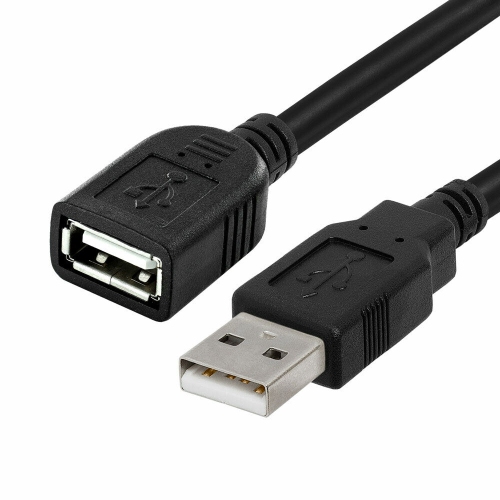
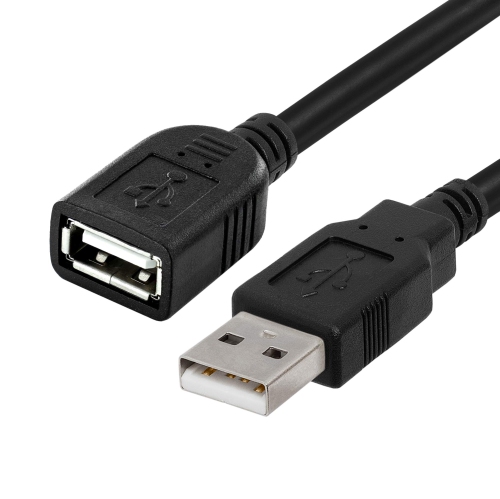
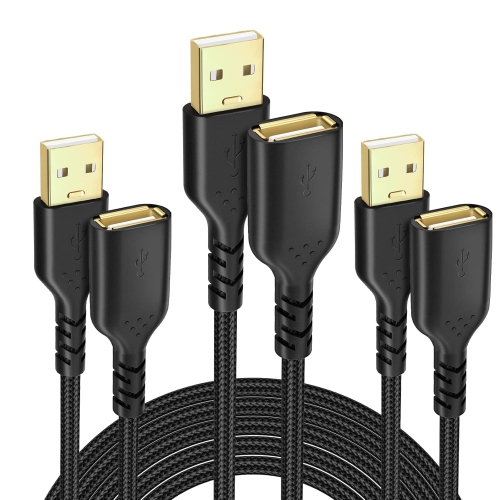
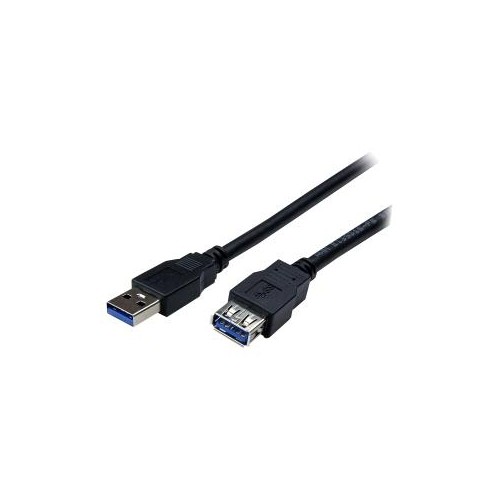
![UNKNOWN USB 3.0 Extension Cable, [2Pack] 2Ft High Speed Extension Cable USB A Male to Female Extension Cord Golden Plated](https://multimedia.bbycastatic.ca/multimedia/products/500x500/181/18143/18143417.jpeg)
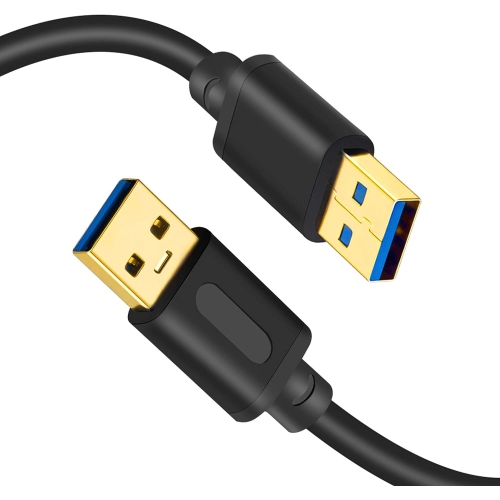
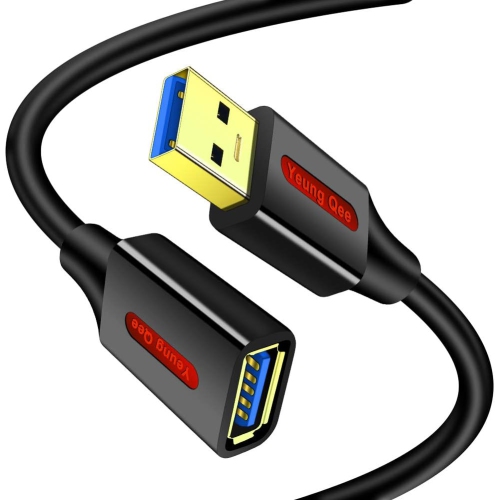
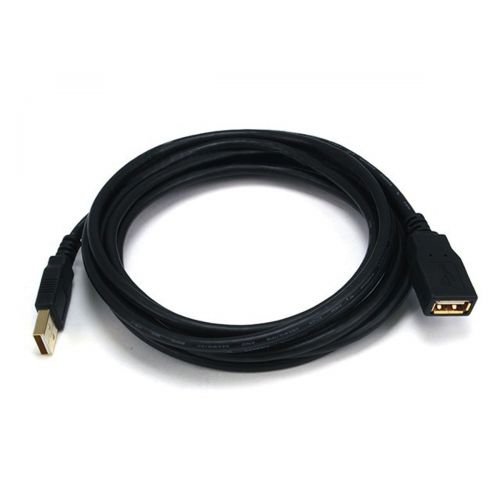
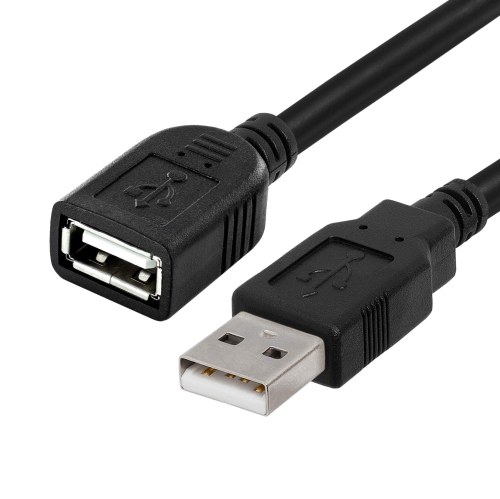
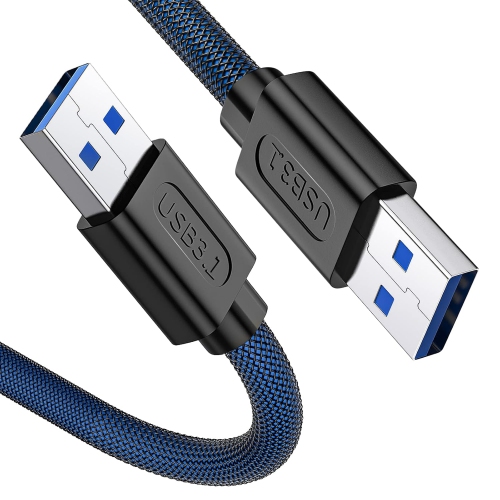
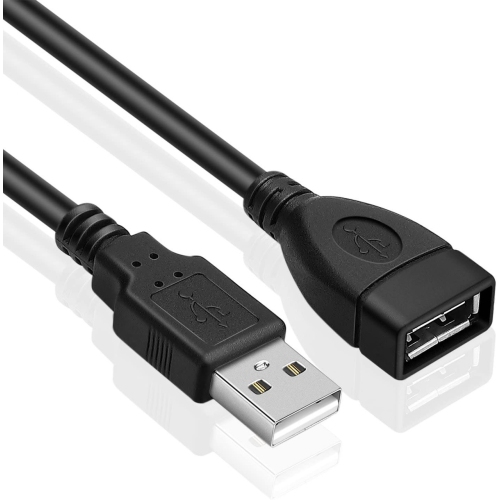
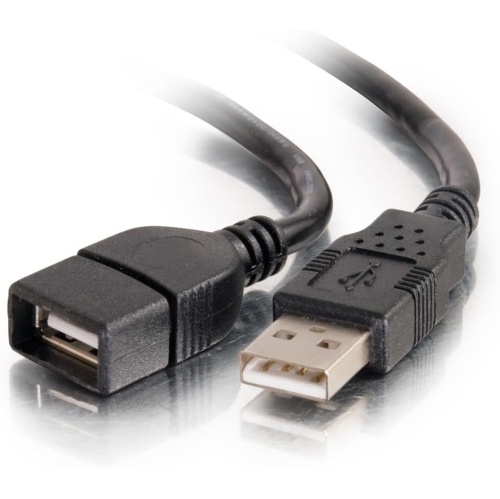
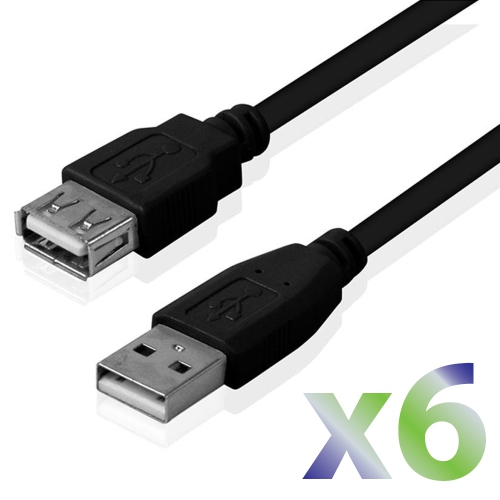
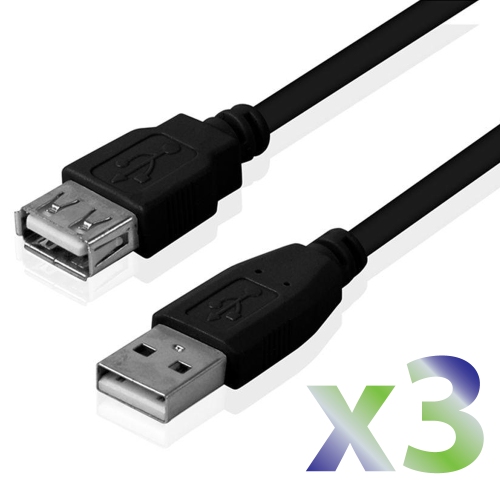
![UNKNOWN USB 3.0 Extension Cable, [2Pack] 5Ft High Speed Extension Cable USB A Male to Female Extension Cord Golden Plated](https://multimedia.bbycastatic.ca/multimedia/products/500x500/181/18143/18143506.jpeg)

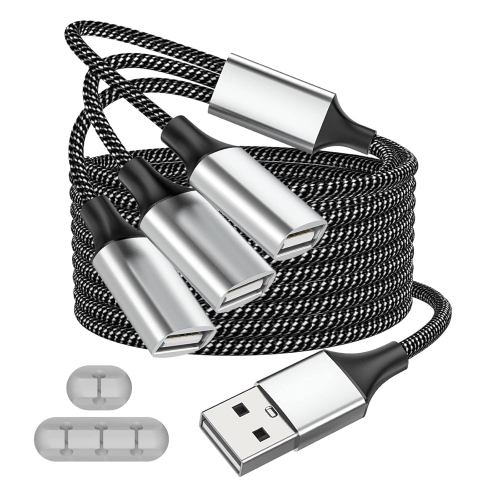
How USB-A extensions improve reach and connection flexibility
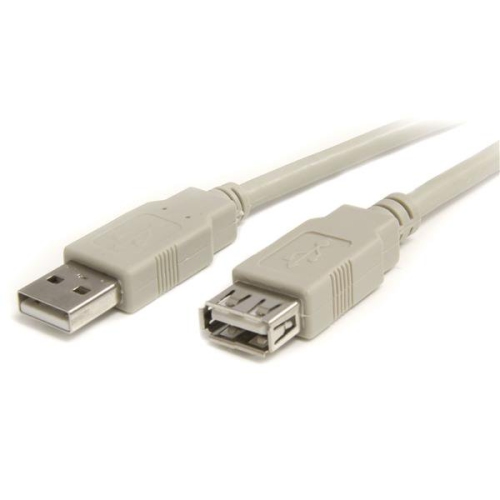
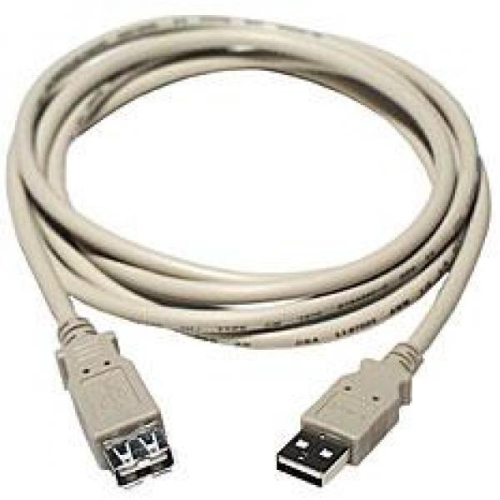
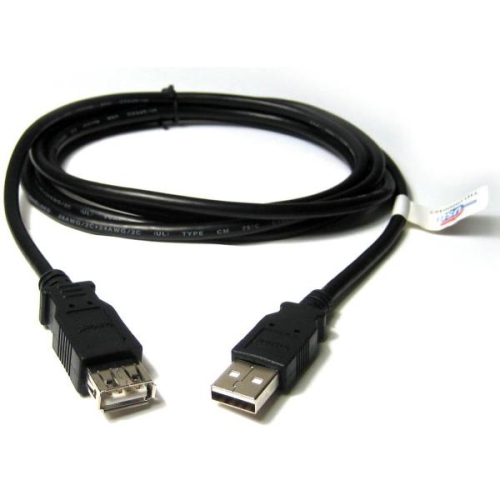
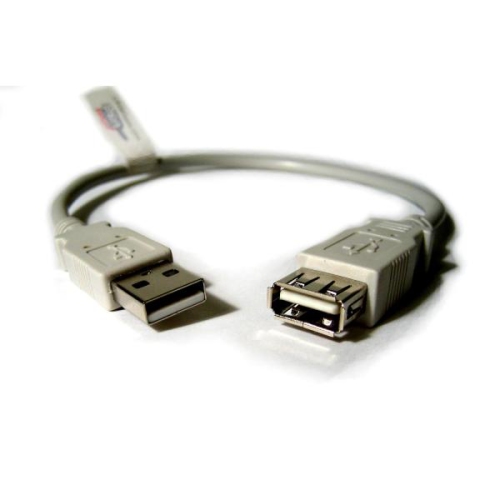
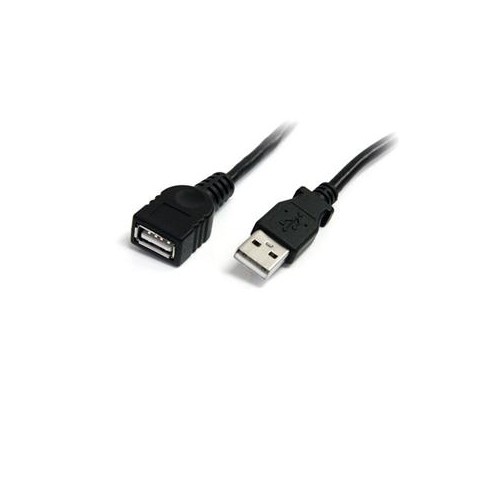
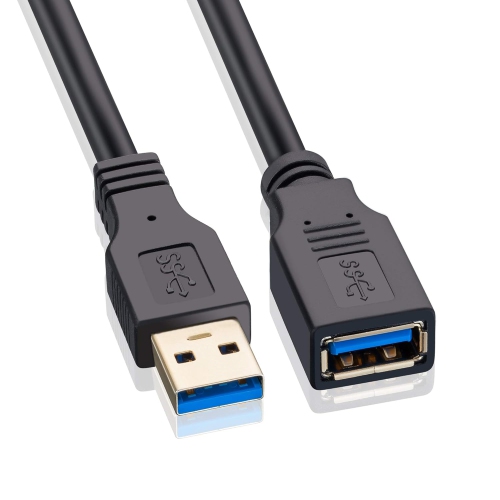
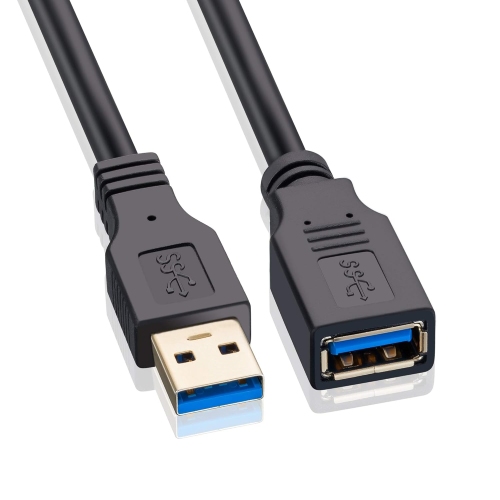
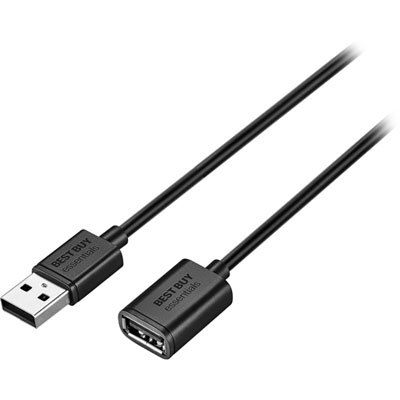
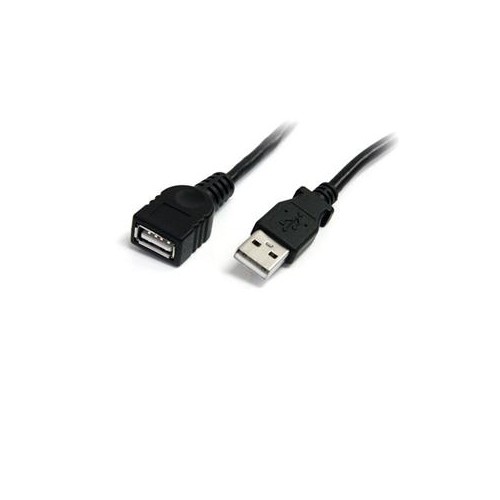
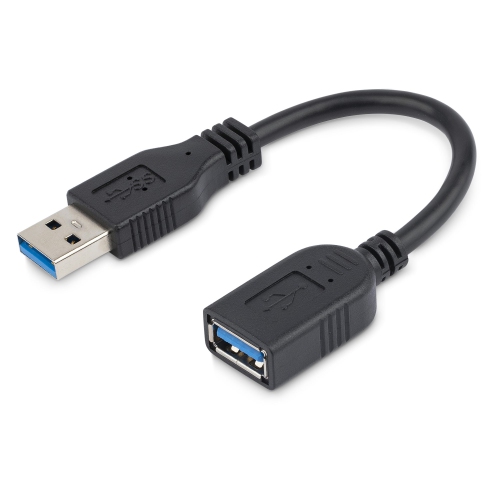
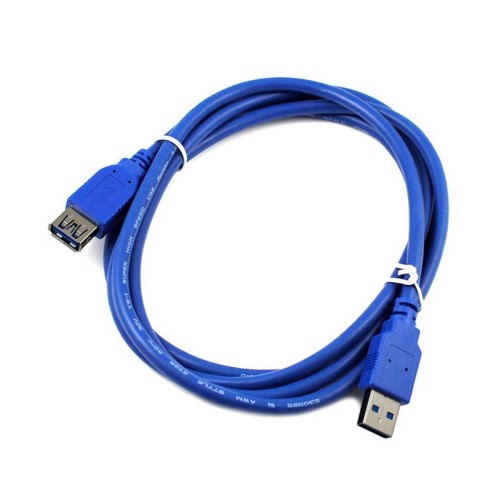
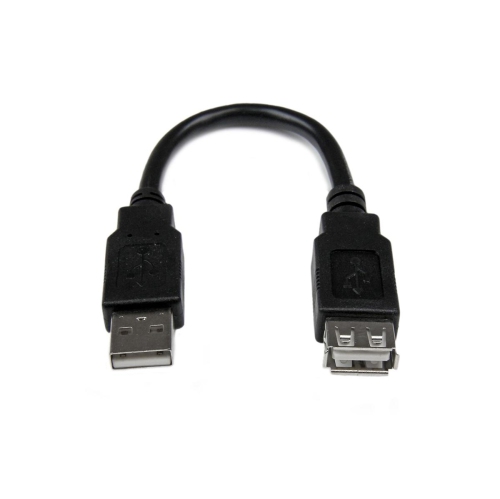
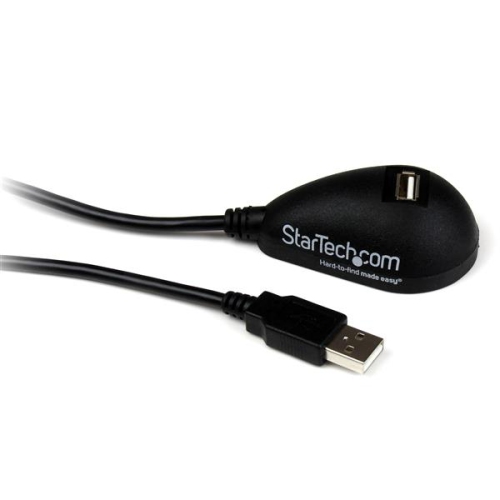
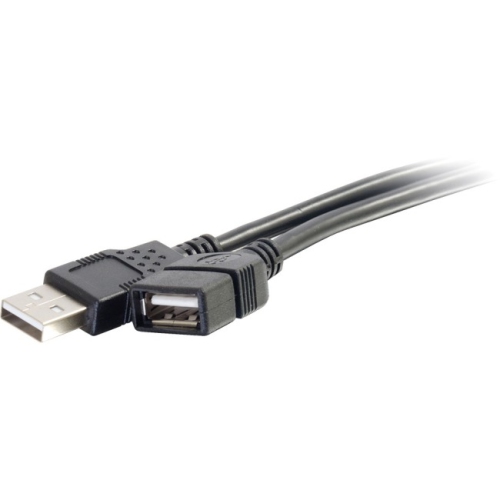
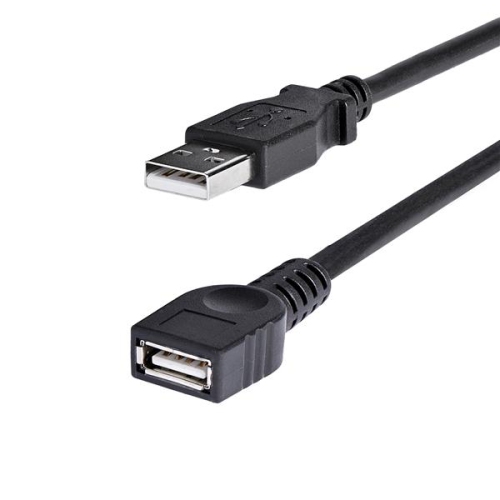
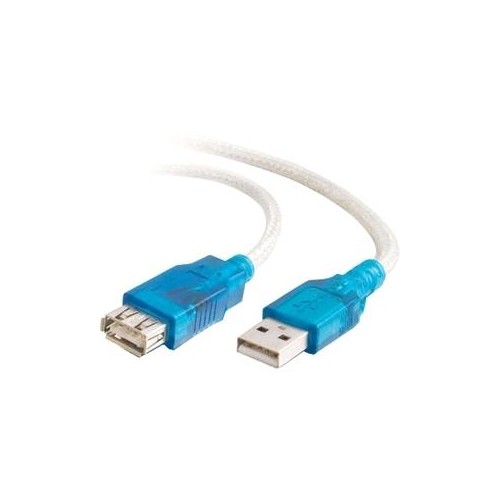
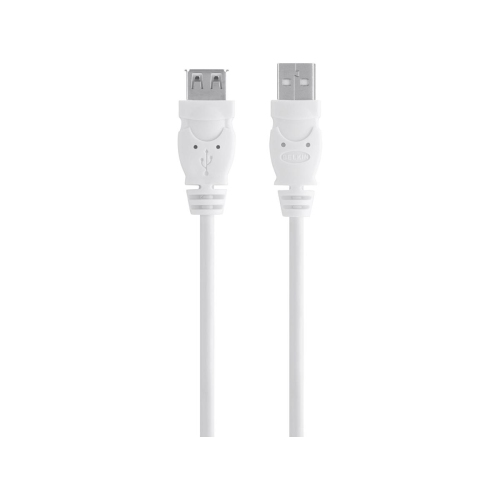
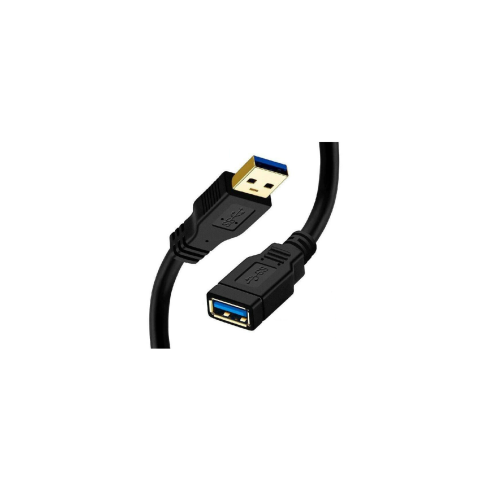
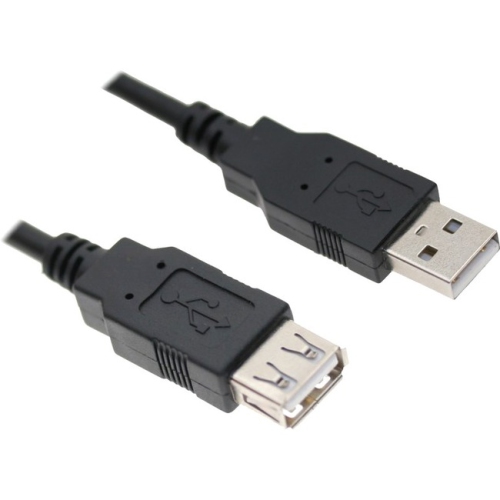
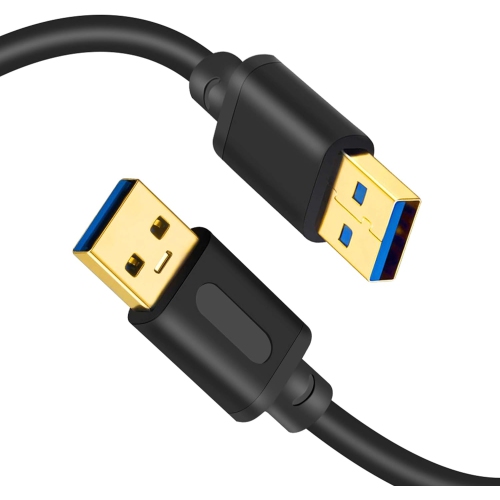
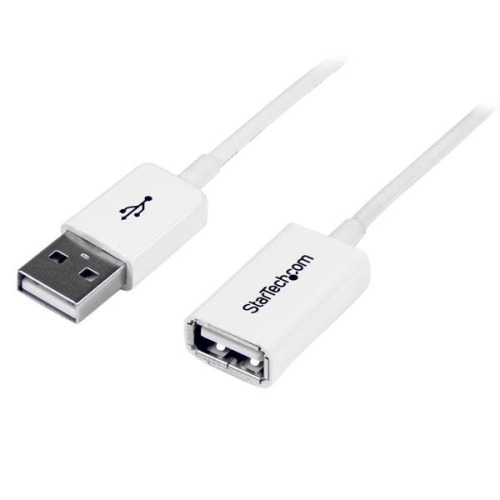
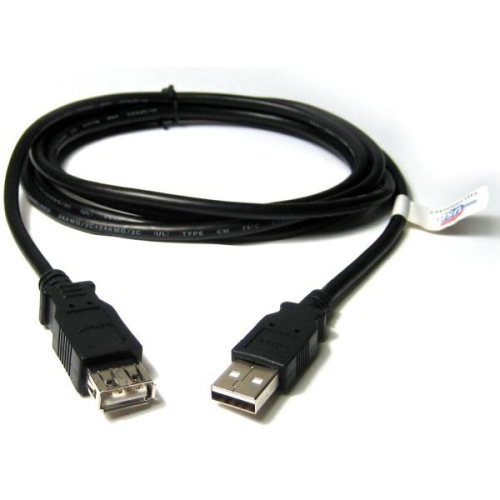
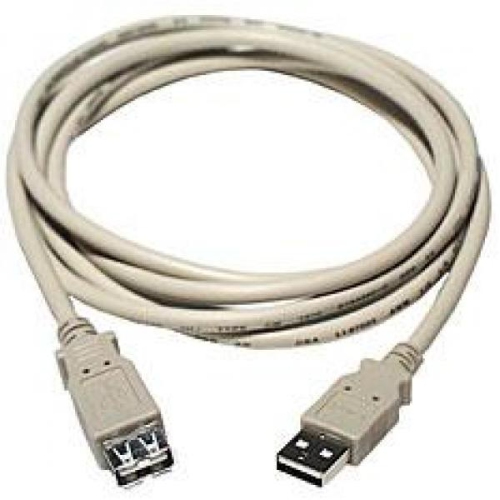
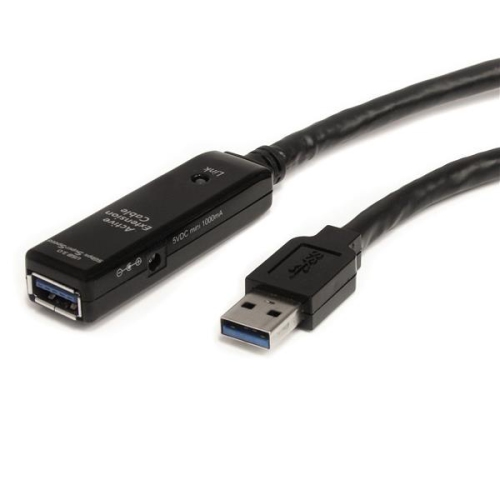
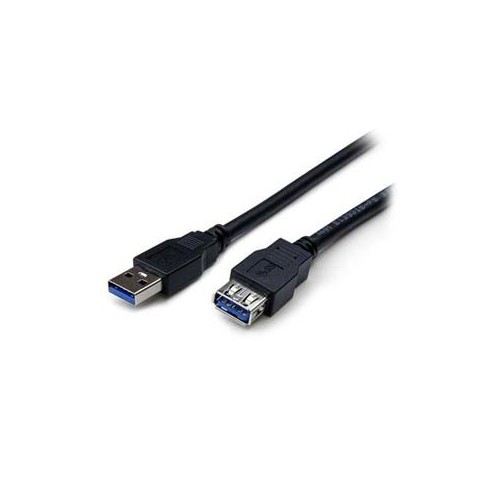
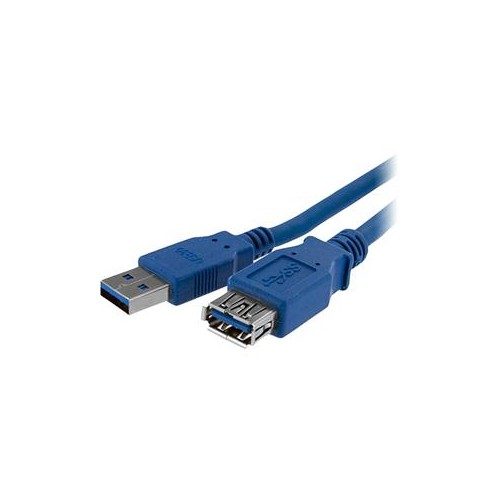
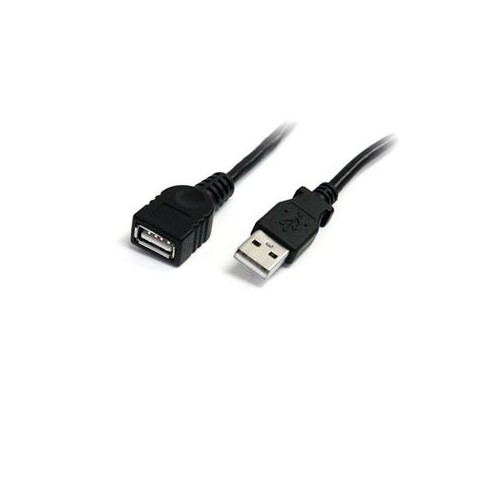
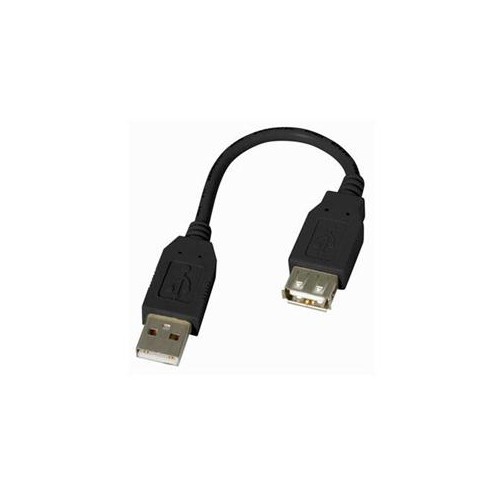
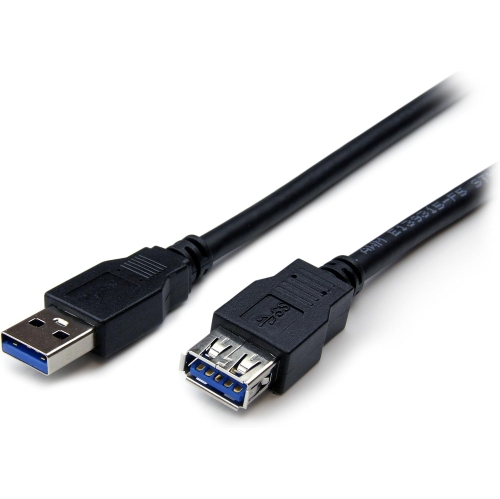
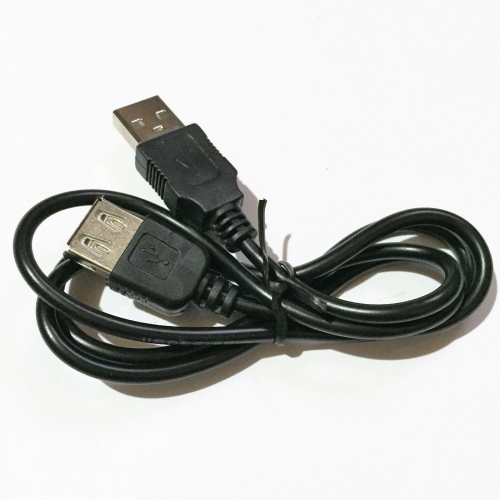
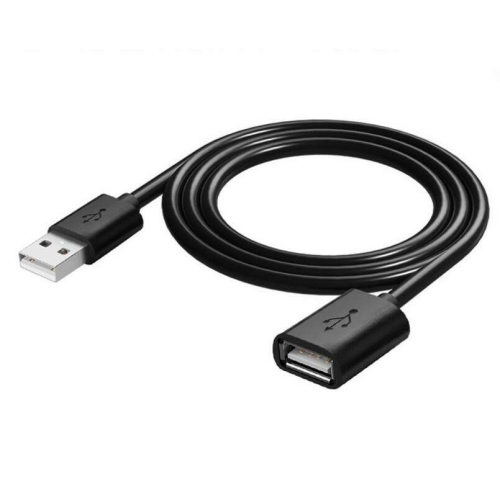
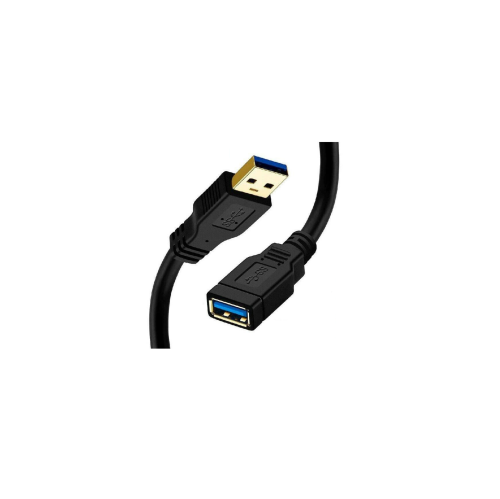
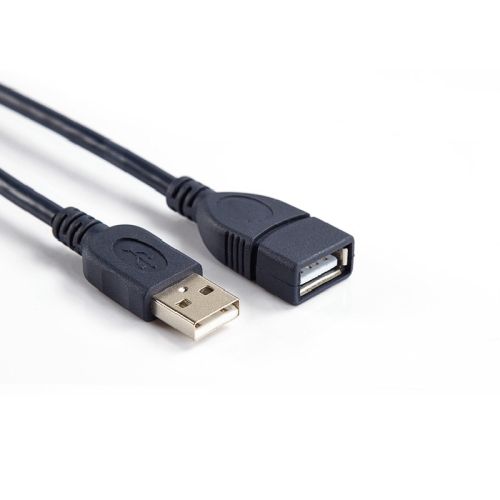
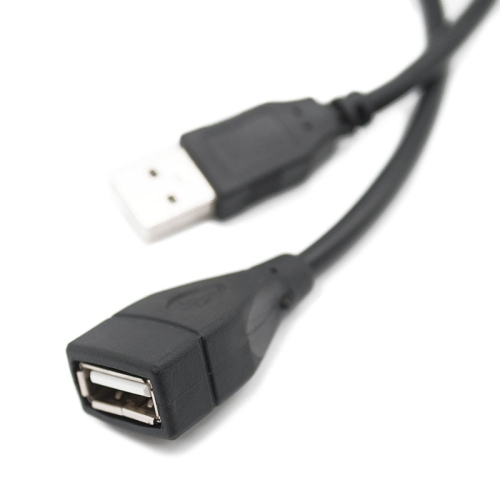
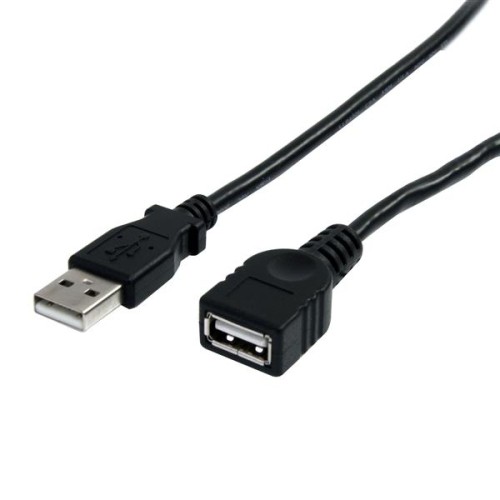
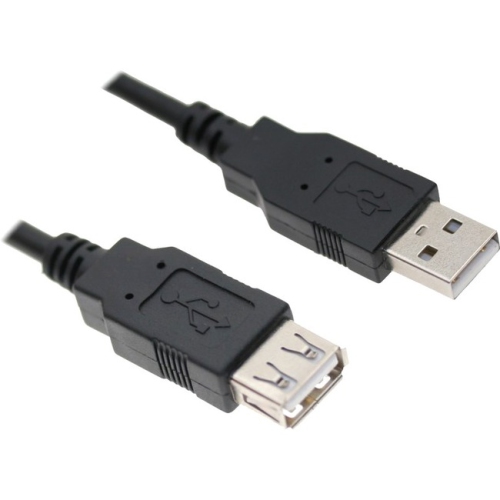
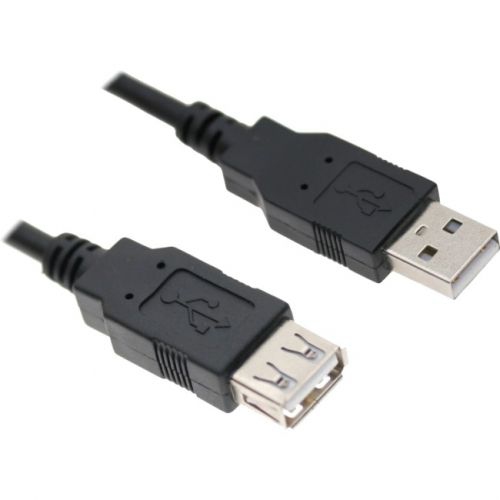
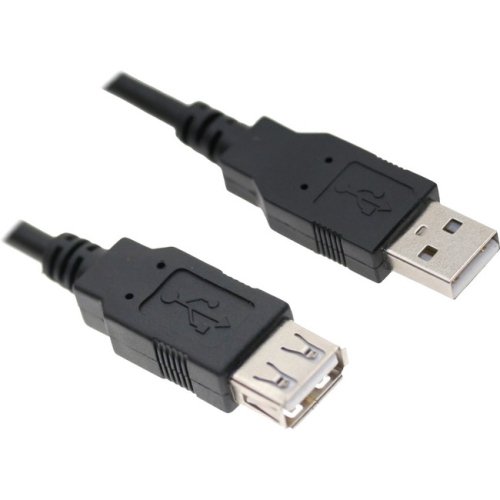
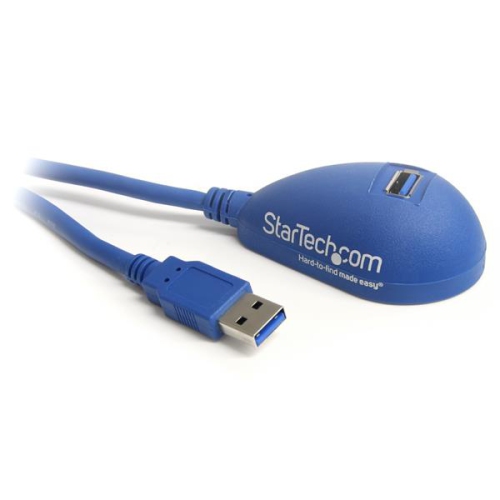
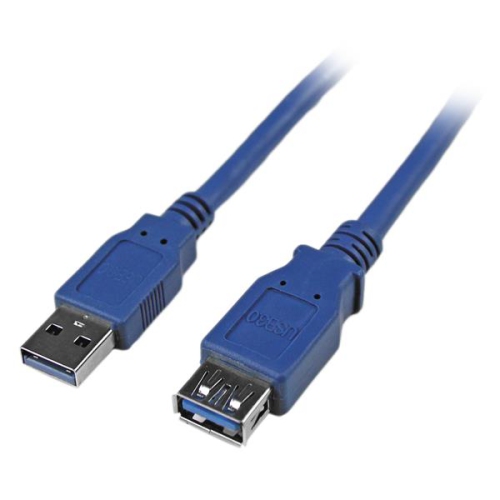
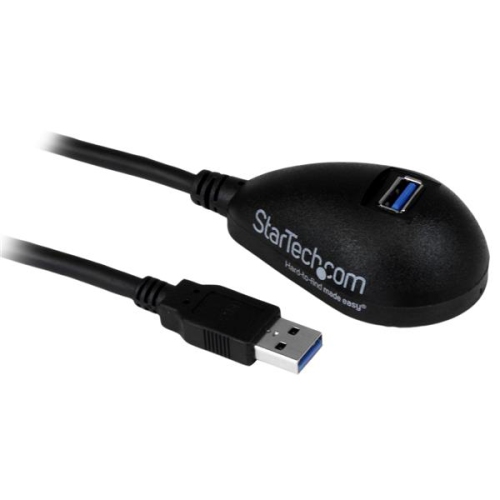
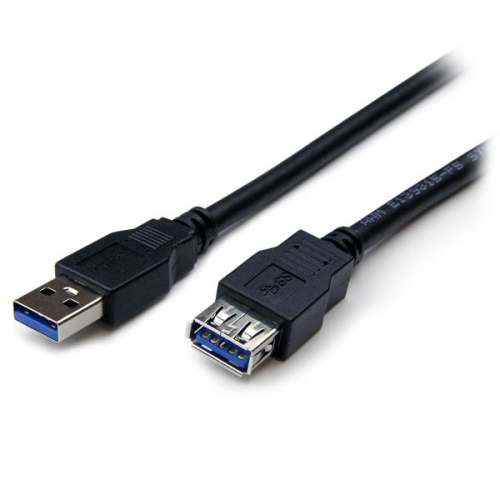
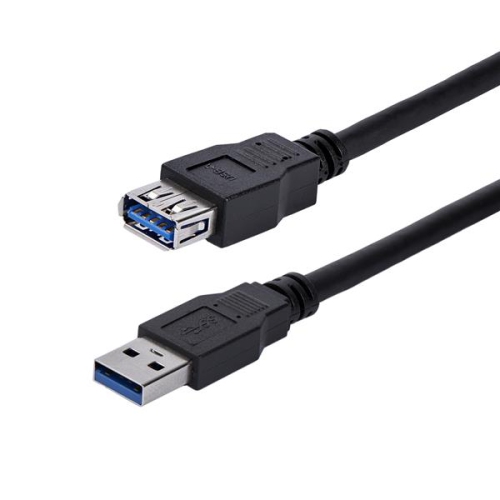
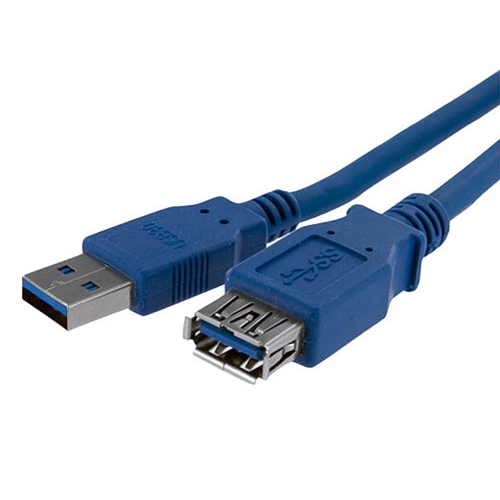
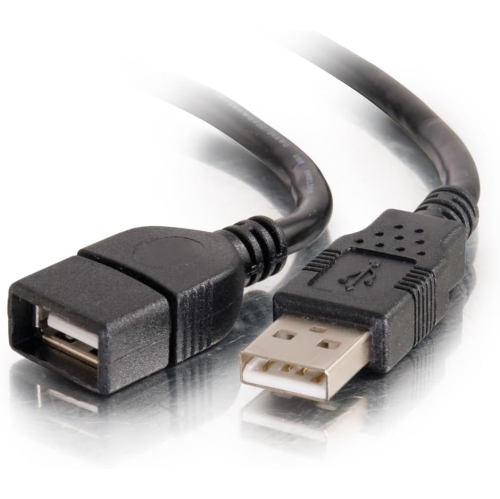
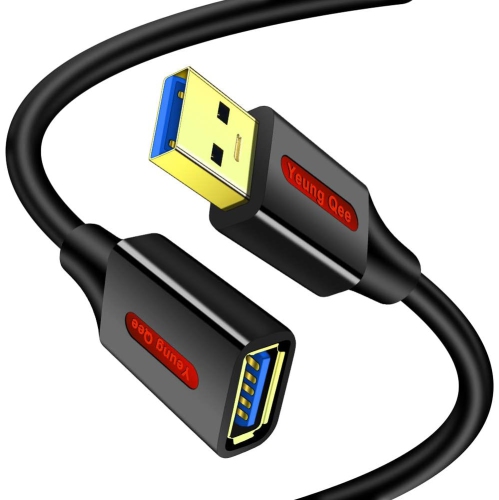
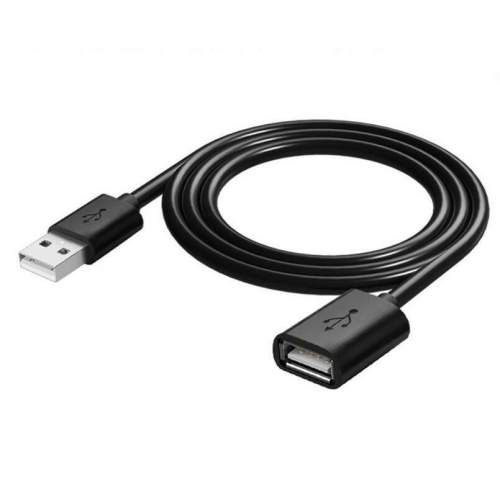
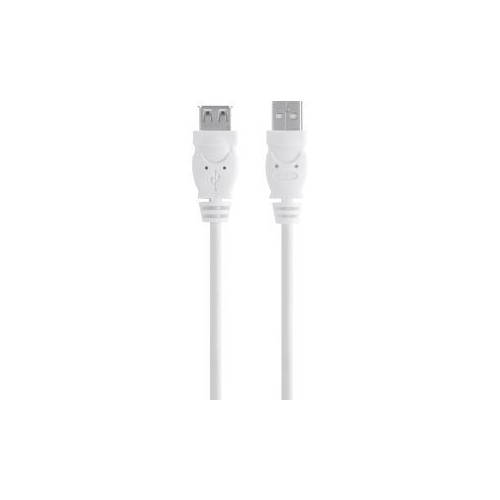
USB-A to USB-A extension cables provide a practical way to add reach to an existing USB-A connection without replacing the original cable. Typically designed with a USB-A male connector on one end and a USB-A female port on the other, they can help connect a computer to a printer, keyboard, mouse, webcam, USB hub, flash drive, card reader, or other compatible peripheral positioned farther away. They are especially useful when a desktop computer sits under a desk, a printer is placed on a nearby shelf, or a webcam needs to be positioned at a more comfortable distance for video calls. An extension cable can also make a frequently used USB port easier to access, reducing the need to reach behind a computer or move equipment whenever a device needs to be connected. Before choosing one, check that the existing cable and the device both use standard USB-A connectors and confirm whether the connection is intended for data, power, or both. A USB-A extension cable does not change the connector type at either end, so it will not directly connect USB-C, Micro USB, or other connector formats without the appropriate cable or adapter. For a wider range of connection options, explore USB Extension Cables and compare the available lengths, USB standards, and connector configurations.
The USB version is an important consideration because it affects data-transfer performance and compatibility. USB 2.0 extension cables support speeds of up to 480 Mbps and are generally well suited to basic peripherals such as keyboards, mice, older printers, barcode scanners, and some low-bandwidth accessories. They can also be a sensible choice when the main goal is to place a device within easier reach rather than move large files quickly. USB 3.0 or newer SuperSpeed-compatible extension cables can support data transfer rates of up to 5 Gbps when the computer, original cable, and connected device all support the same standard. This makes a higher-speed extension more suitable for external hard drives, fast flash drives, card readers, and high-definition webcams, although the slowest component in the connection determines the actual performance. A faster-rated cable will not make an older USB 2.0 device transfer data at USB 3.0 speeds. It is also worth checking the cable’s construction, shielding, connector fit, and intended use. A well-made cable should fit securely without excessive looseness, while a flexible jacket can be helpful when routing it around a desk leg, monitor stand, or entertainment unit. Measure the path between the computer and peripheral rather than choosing a length based only on the straight-line distance. A little extra reach can make setup easier, but excessive slack may become tangled around chair wheels or collect behind furniture.
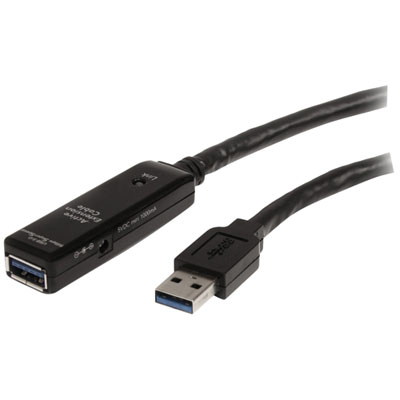
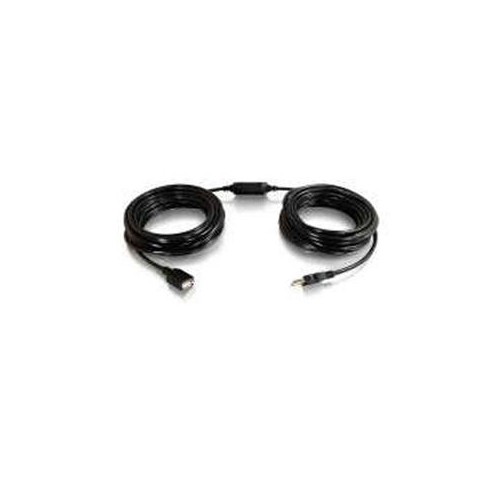
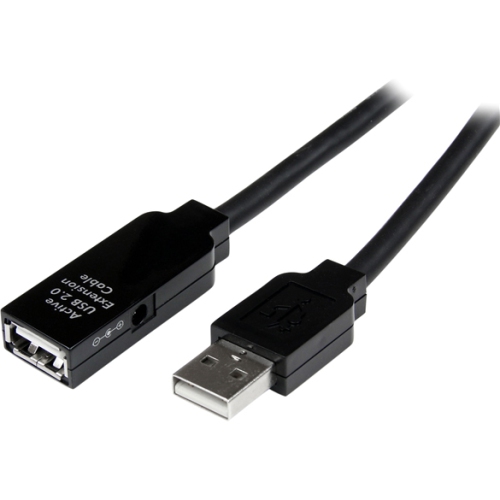
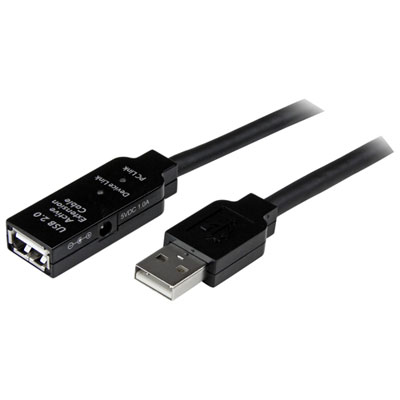
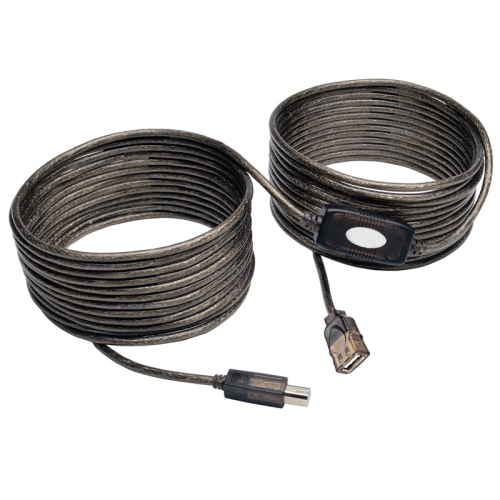
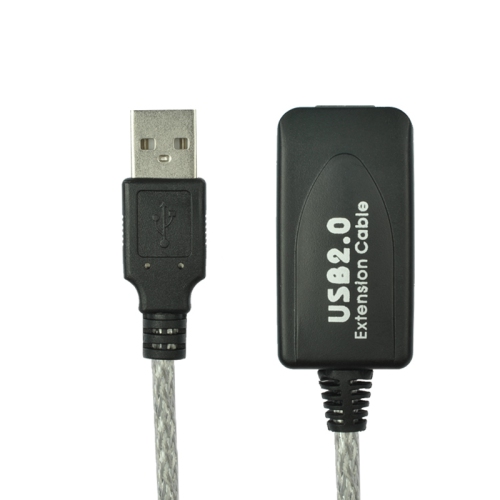
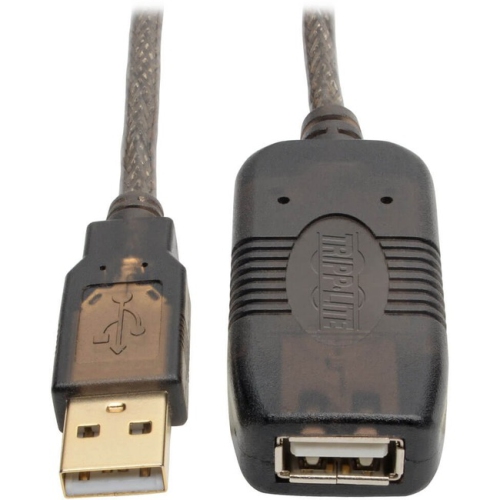
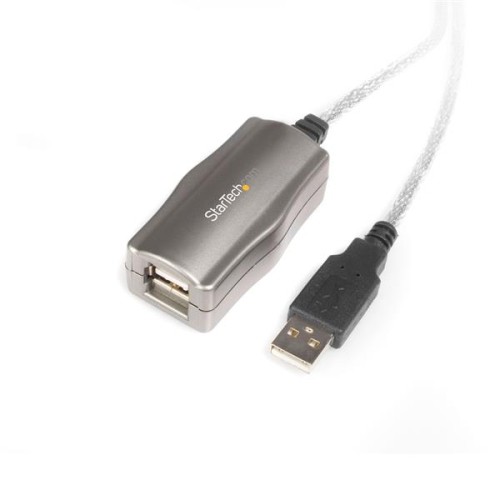
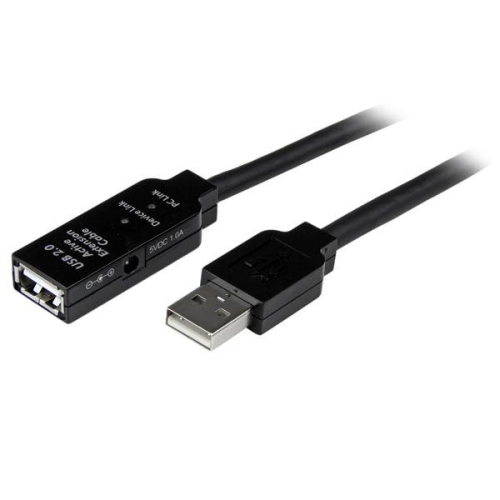
Cable length can influence signal reliability, particularly when a USB connection is extended through several components. Passive USB extension cables generally work best at shorter distances, often under 15 feet, or approximately 5 metres, depending on the USB standard, connected equipment, and cable quality. As the total cable run becomes longer, the signal may become less reliable, which can lead to intermittent disconnections, slower transfers, devices that are not recognized, or webcams that freeze during use. For longer runs beyond roughly 15 feet or 5 metres, an active extension or repeater cable with a built-in signal booster may be more appropriate. Keep in mind that the total distance includes the original USB cable as well as the extension, not just the length of the new cable. Power requirements matter too: USB-A ports provide limited power, and an extension cable is not a substitute for a powered hub or the correct power supply when a device draws more power than the computer can safely provide. Devices such as portable hard drives, multiple accessories connected through a hub, and some high-resolution webcams may perform more consistently with a powered solution. These cables are useful additions for home offices, study areas, gaming desks, craft rooms, media centres, and workspaces where equipment changes position over time. They can be kept in a drawer as a convenient spare, packed with a laptop bag for presentations or temporary workstations, or used to tidy a setup during the cooler months when more people spend time indoors. Selecting the shortest suitable length, matching the USB speed to the connected devices, and choosing an active design for longer distances can help create a dependable connection with less clutter and fewer setup frustrations.
The USB version is an important consideration because it affects data-transfer performance and compatibility. USB 2.0 extension cables support speeds of up to 480 Mbps and are generally well suited to basic peripherals such as keyboards, mice, older printers, barcode scanners, and some low-bandwidth accessories. They can also be a sensible choice when the main goal is to place a device within easier reach rather than move large files quickly. USB 3.0 or newer SuperSpeed-compatible extension cables can support data transfer rates of up to 5 Gbps when the computer, original cable, and connected device all support the same standard. This makes a higher-speed extension more suitable for external hard drives, fast flash drives, card readers, and high-definition webcams, although the slowest component in the connection determines the actual performance. A faster-rated cable will not make an older USB 2.0 device transfer data at USB 3.0 speeds. It is also worth checking the cable’s construction, shielding, connector fit, and intended use. A well-made cable should fit securely without excessive looseness, while a flexible jacket can be helpful when routing it around a desk leg, monitor stand, or entertainment unit. Measure the path between the computer and peripheral rather than choosing a length based only on the straight-line distance. A little extra reach can make setup easier, but excessive slack may become tangled around chair wheels or collect behind furniture.
Cable length can influence signal reliability, particularly when a USB connection is extended through several components. Passive USB extension cables generally work best at shorter distances, often under 15 feet, or approximately 5 metres, depending on the USB standard, connected equipment, and cable quality. As the total cable run becomes longer, the signal may become less reliable, which can lead to intermittent disconnections, slower transfers, devices that are not recognized, or webcams that freeze during use. For longer runs beyond roughly 15 feet or 5 metres, an active extension or repeater cable with a built-in signal booster may be more appropriate. Keep in mind that the total distance includes the original USB cable as well as the extension, not just the length of the new cable. Power requirements matter too: USB-A ports provide limited power, and an extension cable is not a substitute for a powered hub or the correct power supply when a device draws more power than the computer can safely provide. Devices such as portable hard drives, multiple accessories connected through a hub, and some high-resolution webcams may perform more consistently with a powered solution. These cables are useful additions for home offices, study areas, gaming desks, craft rooms, media centres, and workspaces where equipment changes position over time. They can be kept in a drawer as a convenient spare, packed with a laptop bag for presentations or temporary workstations, or used to tidy a setup during the cooler months when more people spend time indoors. Selecting the shortest suitable length, matching the USB speed to the connected devices, and choosing an active design for longer distances can help create a dependable connection with less clutter and fewer setup frustrations.
Top selling and popular products
-
 Your price for this item is $39.99
 -
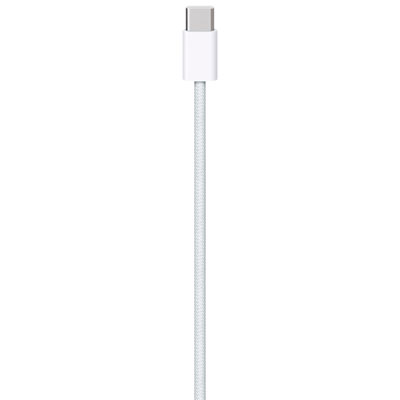 Your price for this item is $24.99
 -
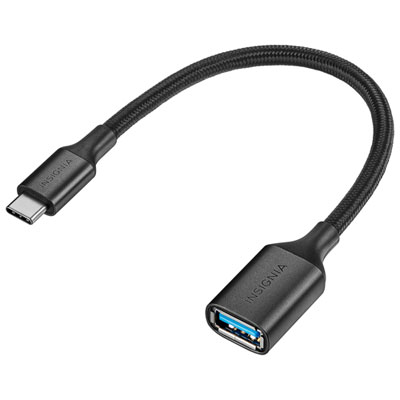 Your price for this item is $19.99
 -
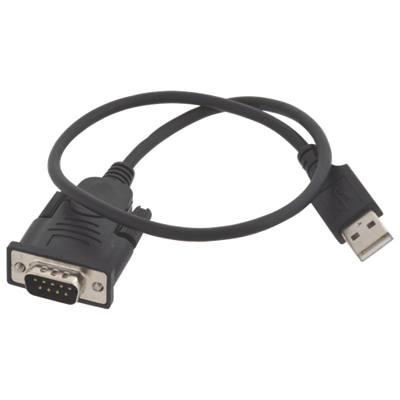 Your price for this item is $29.99
 -
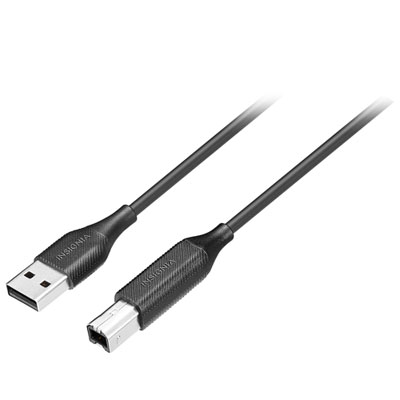 Your price for this item is $29.99
 -
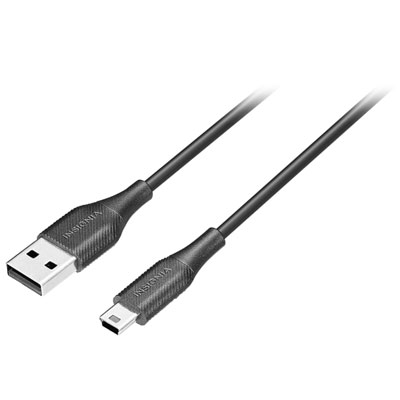 Your price for this item is $19.99
 -
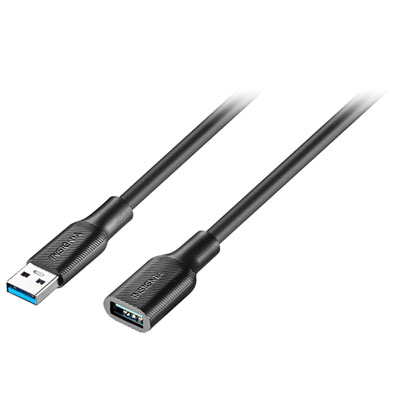 Your price for this item is $24.99
 -
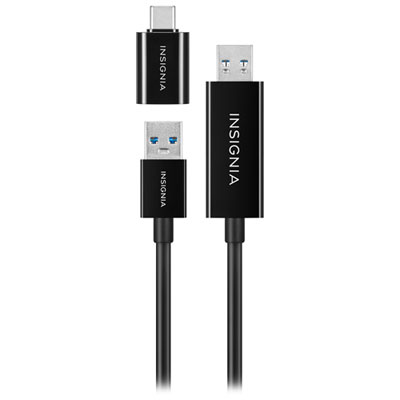 Your price for this item is $44.97
Discover more categories related to USB A To A Extension Cables
Top Collections:
Pokemon Centers, Budget 4K TVs, Best Budget Office Chairs, Kindle Devices, Canon G7X Cameras, Apple iPhones 16, iPhone 15 Apple, Laptops for Business Work, Xiaomi Phones, Flip Phones
Some products may be subject to Environmental Handling Fees
(EHF) depending on your province.
Learn more about EHFs.