USB Adapters for IPad
Enhance the functionality of your iPad with our selection of USB adapters designed to expand its capabilities. Whether you need to connect external devices, transfer files, or charge your device efficiently, these versatile adapters are here to simplify your digital experience. With a range of options to choose from, you can easily find the perfect USB adapter to meet your specific needs and enhance the performance of your iPad. Discover how these innovative accessories can elevate your productivity and convenience in a tech-savvy world.
Sort

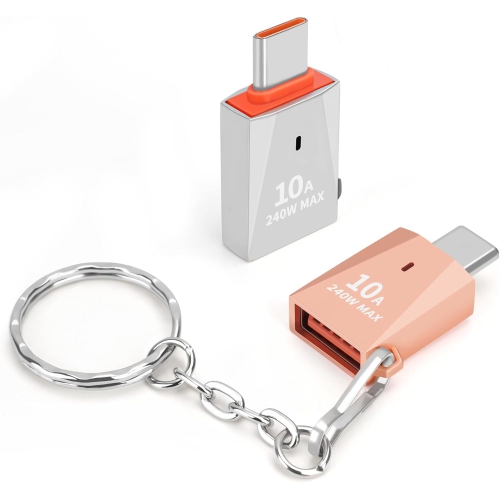
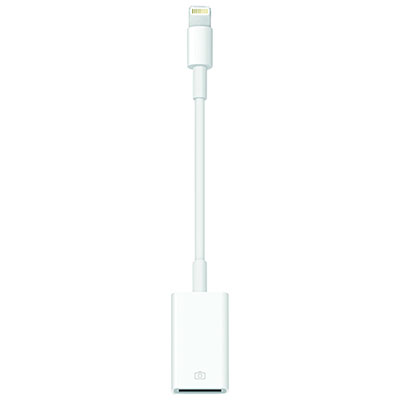
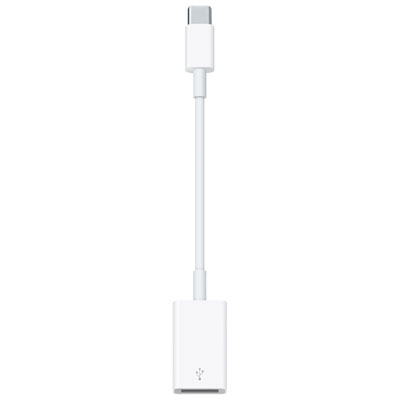
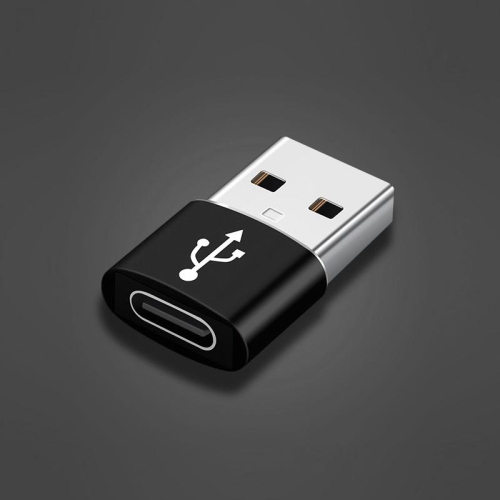
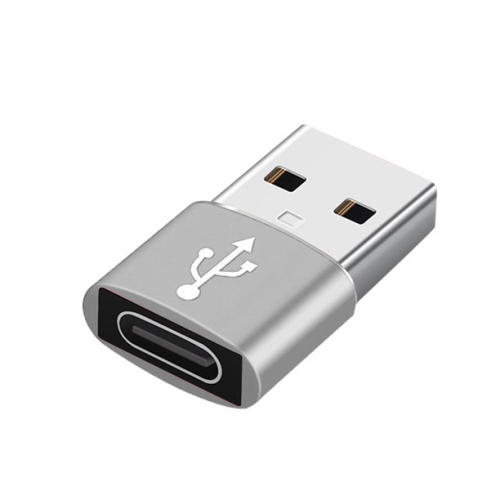
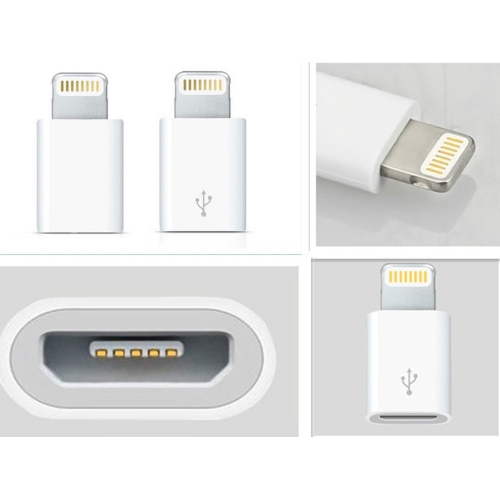
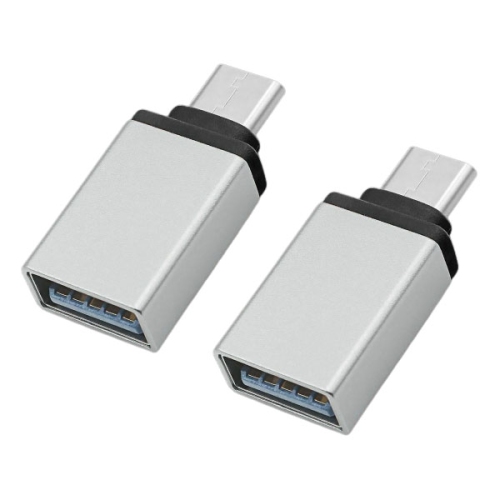
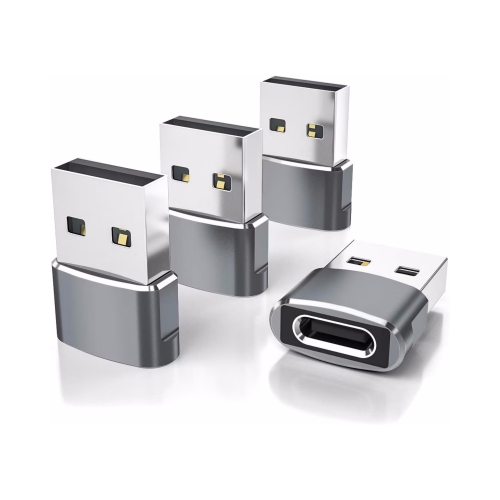
![CSMART [2 Packs] Lightning Female to USB Type C Male Adapter Connector Converter (Only for Charging) In Silver](https://multimedia.bbycastatic.ca/multimedia/products/500x500/143/14348/14348839.jpeg)
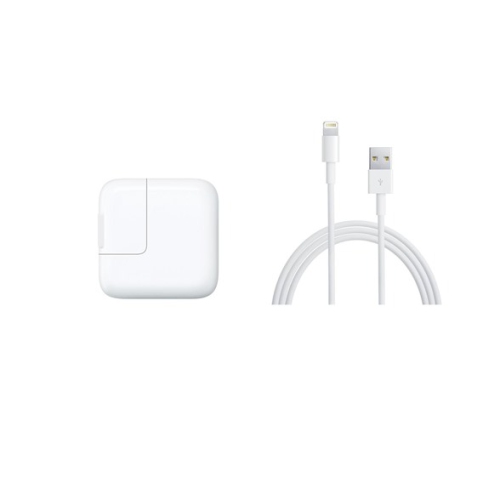
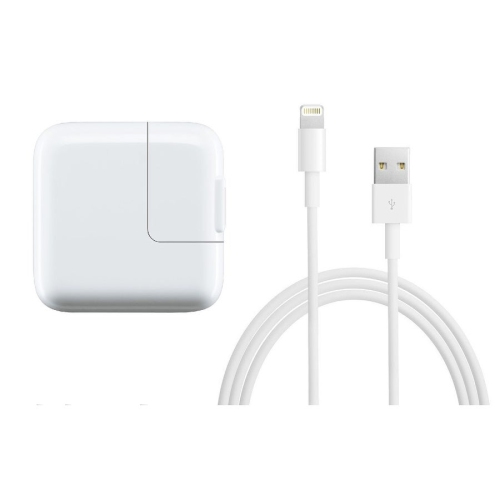

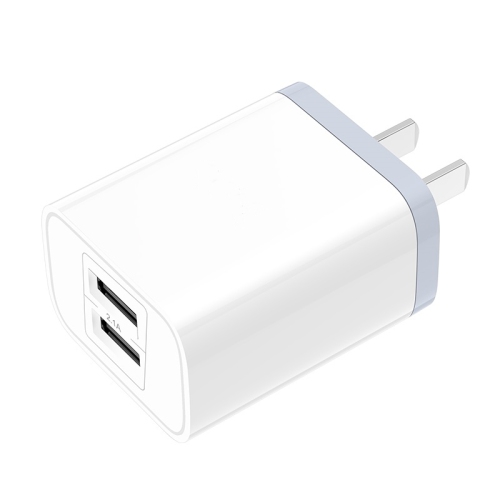

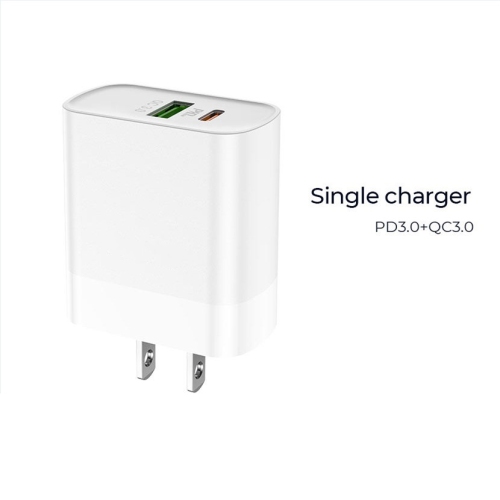
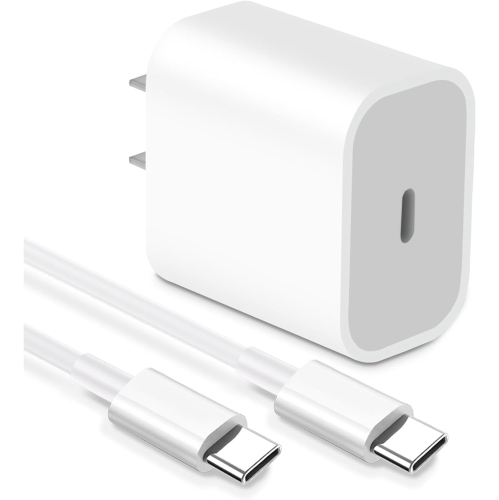
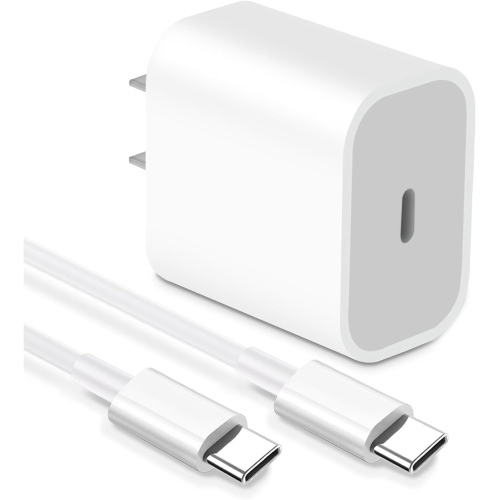
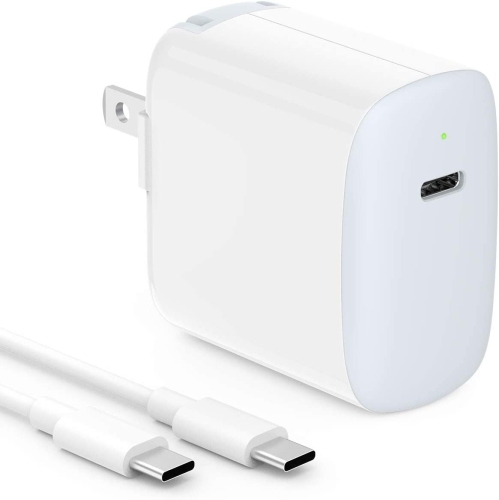
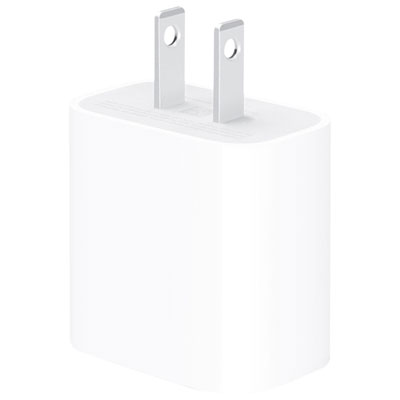
![CSMART [Cs] 35W Type USB C Fast Wall Charger Power Adapter + 3.3Ft USB-C to Lightning Cable for Iphone Ipad Air Mini Pro](https://multimedia.bbycastatic.ca/multimedia/products/500x500/143/14359/14359606.jpeg)
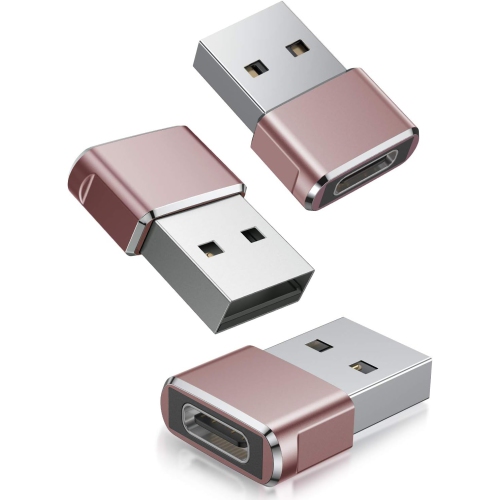
![CSMART [2 Packs] Lightning Female to USB Type C Male Adapter Connector Converter (Only for Charging), Rose In Gold](https://multimedia.bbycastatic.ca/multimedia/products/500x500/193/19349/19349104.jpeg)
![CSMART [Cs] 35W Super Fast Charging Dual Port USB C Wall Charger Adapter for Samsung Iphone Ipad Tablet](https://multimedia.bbycastatic.ca/multimedia/products/500x500/177/17742/17742042.jpeg)
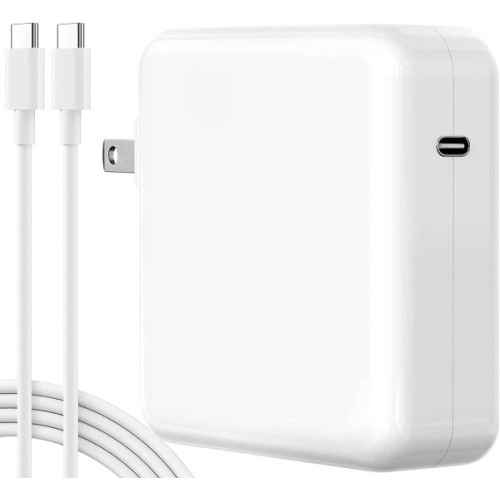
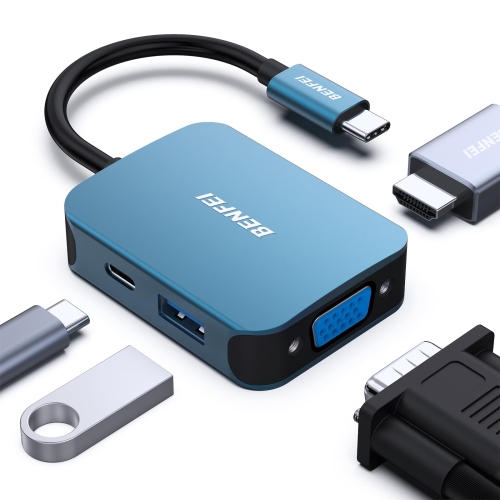
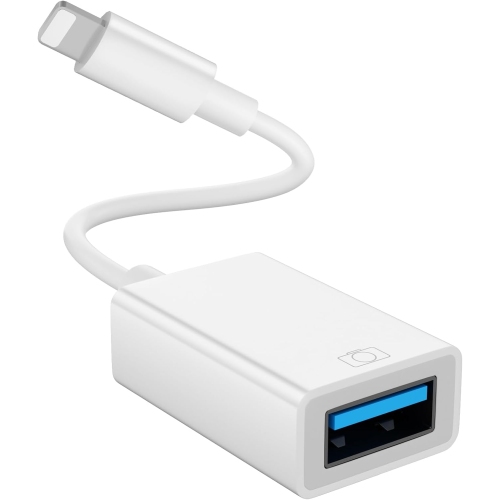
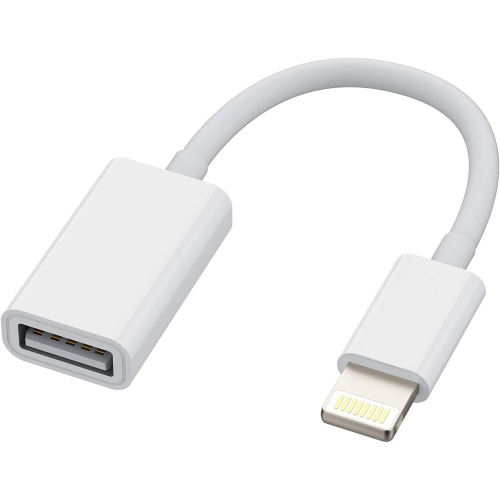
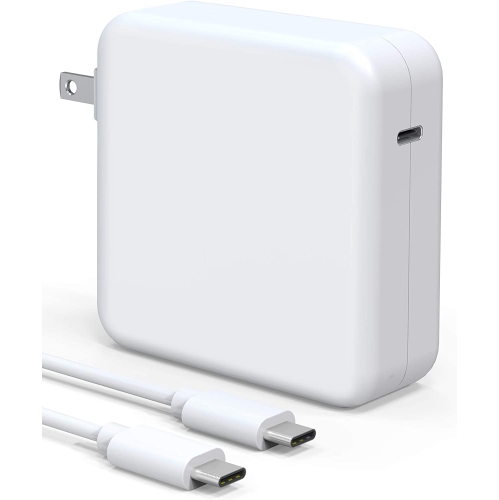
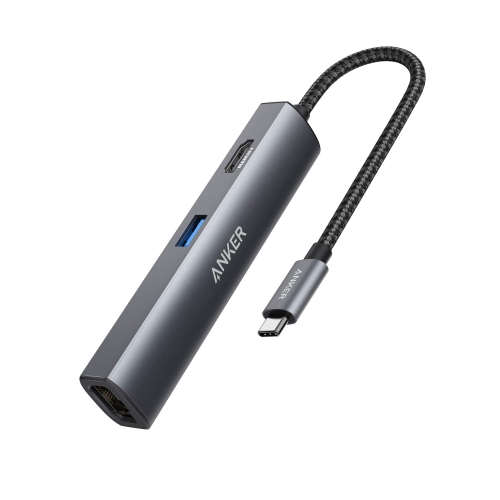

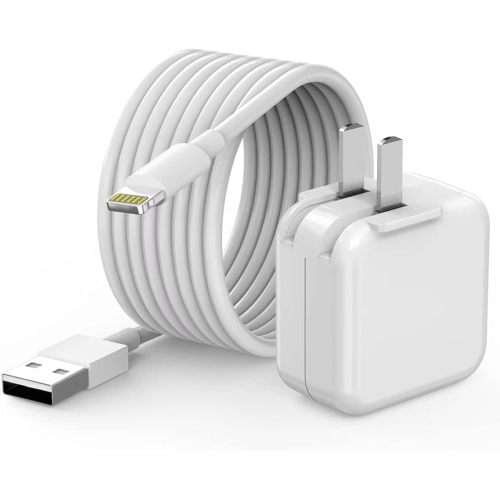
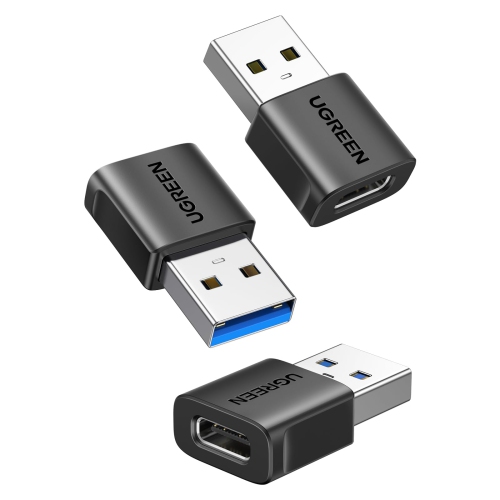
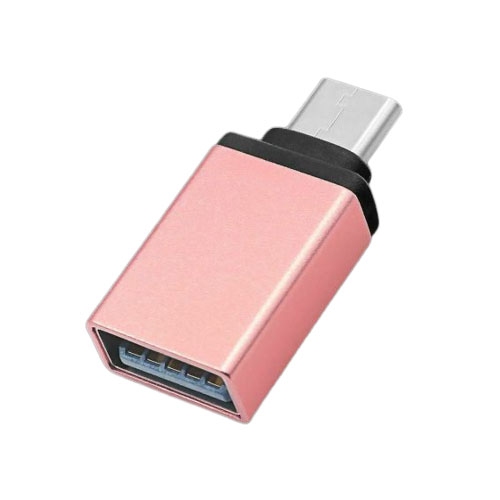

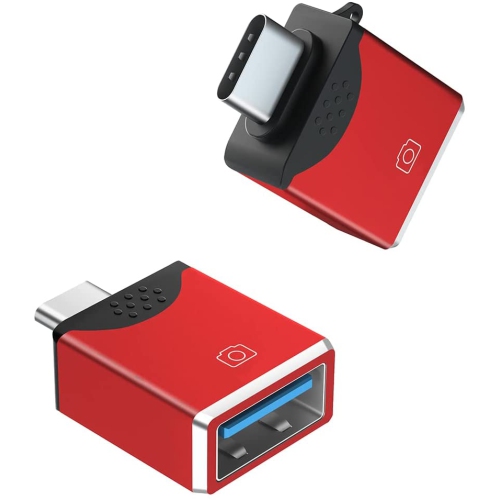
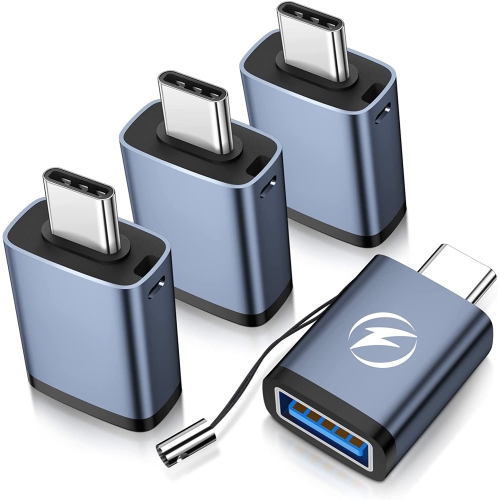
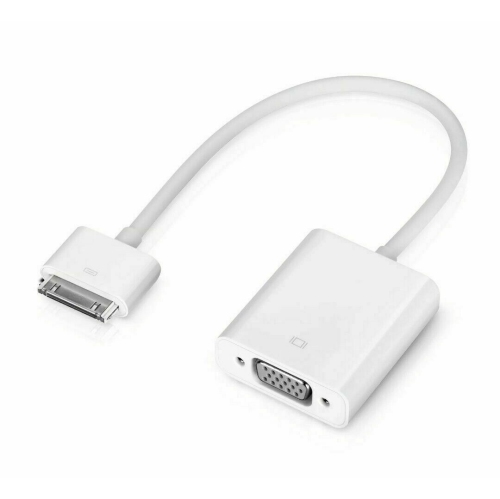
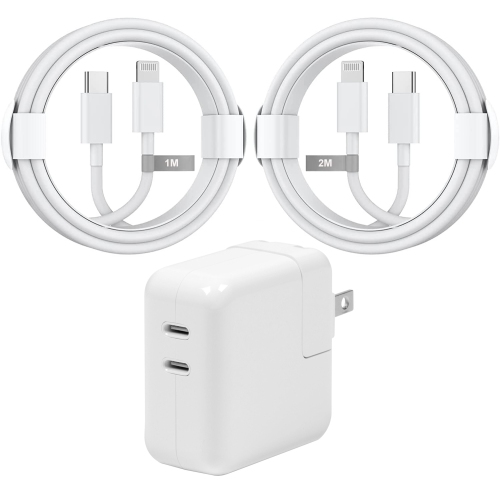
![CSMART [Cs] 35W Dual USB C Pd 3.0 Fast Wall Charger Power Adapter + USB C & Lightning Cable for Iphone 15 Ipad Samsung Google](https://multimedia.bbycastatic.ca/multimedia/products/500x500/166/16663/16663862.jpeg)
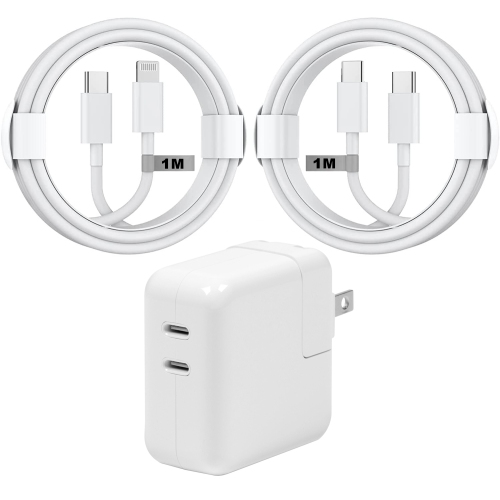
![CSMART [Cs] 35W Dual USB C Pd 3.0 Fast Wall Charger Power Adapter + 2X USB C to Lightning Cable for Macbook Iphone Ipad](https://multimedia.bbycastatic.ca/multimedia/products/500x500/166/16663/16663863.jpeg)

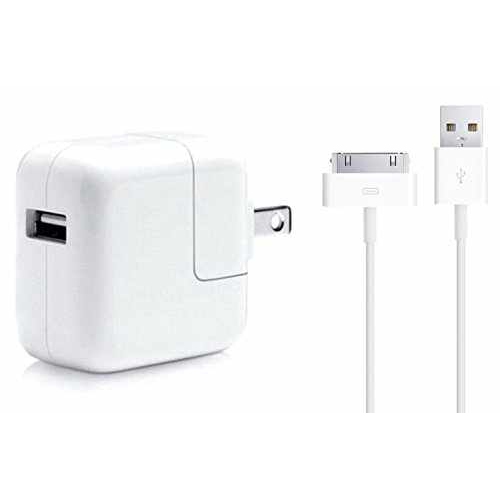
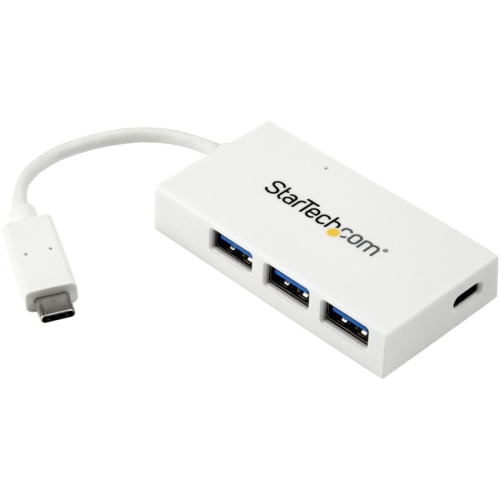
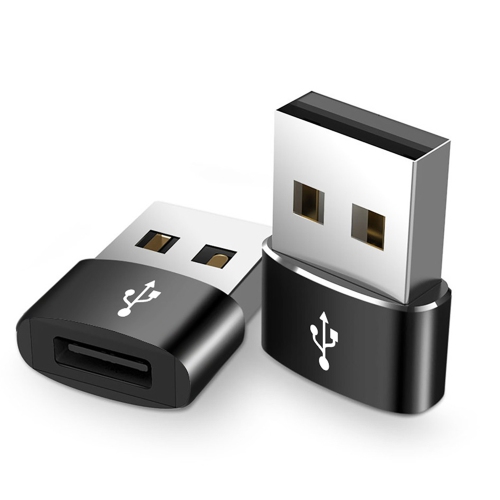

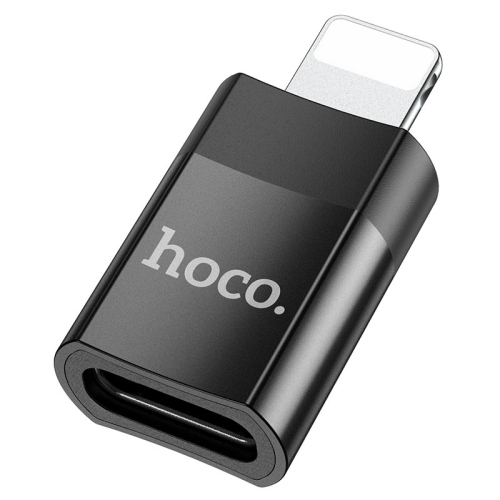
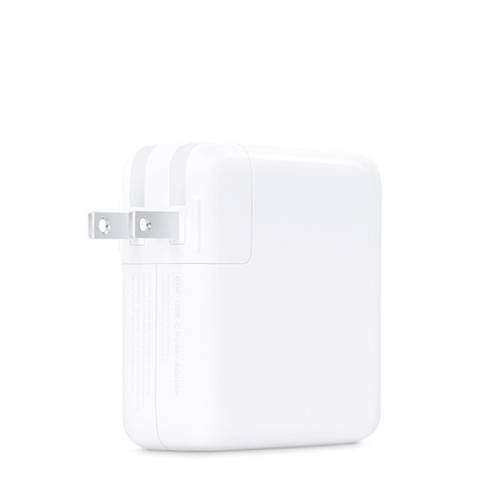
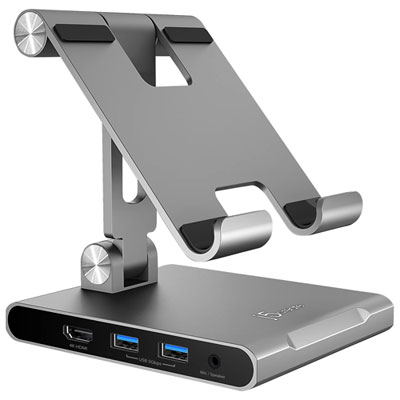
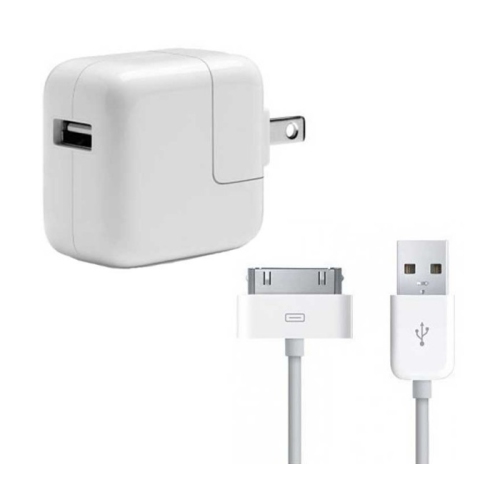
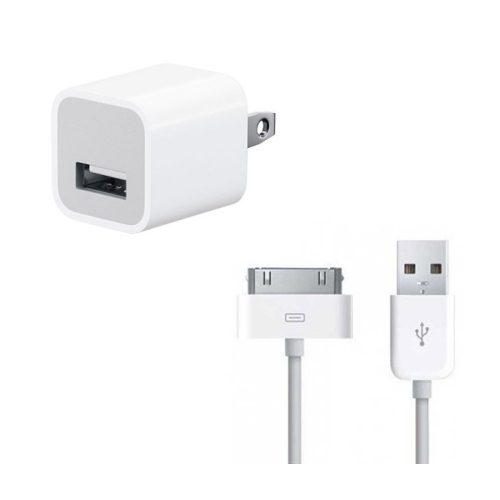
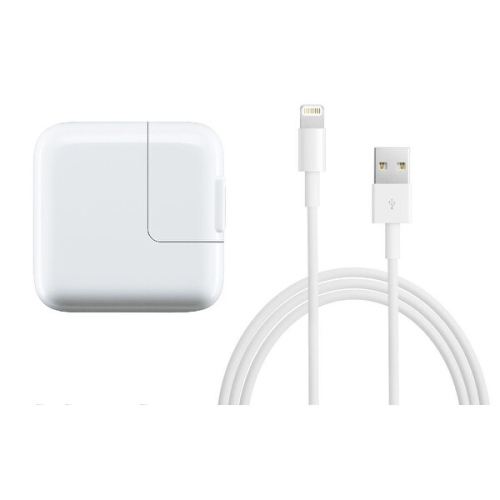
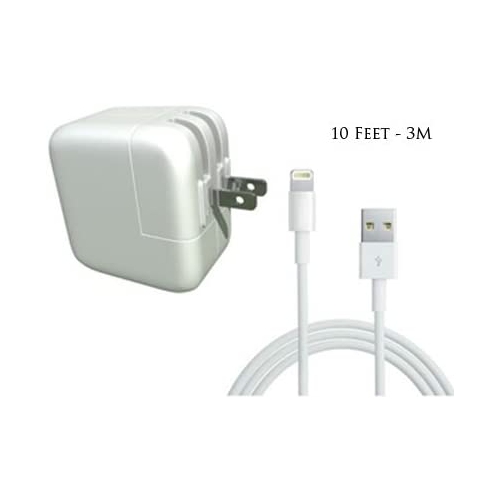
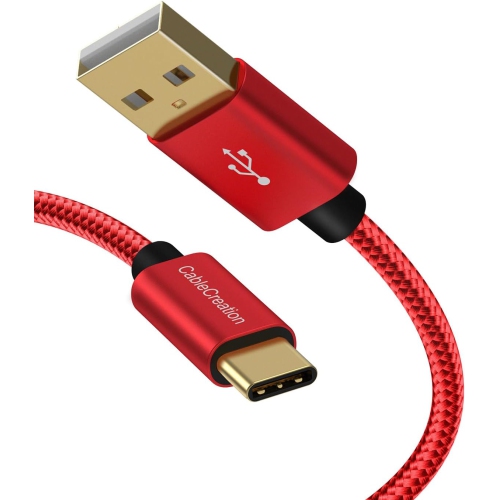
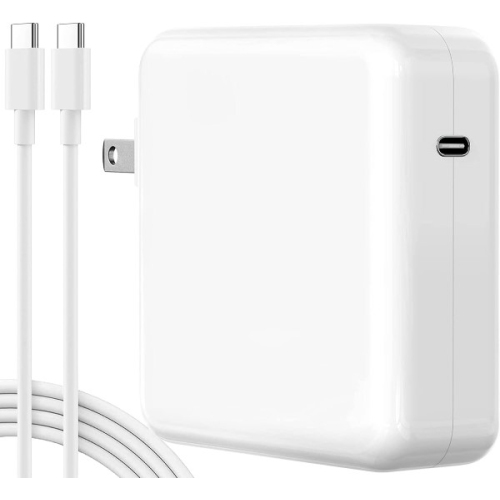
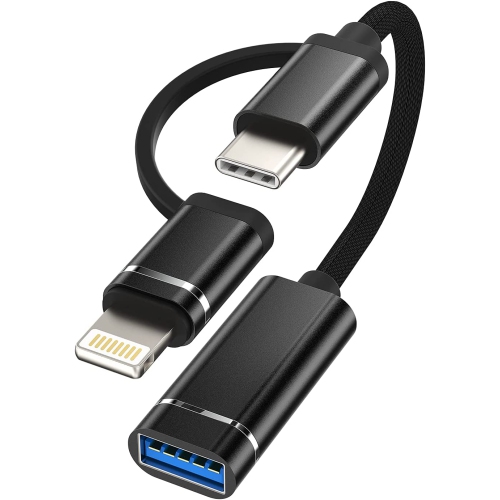
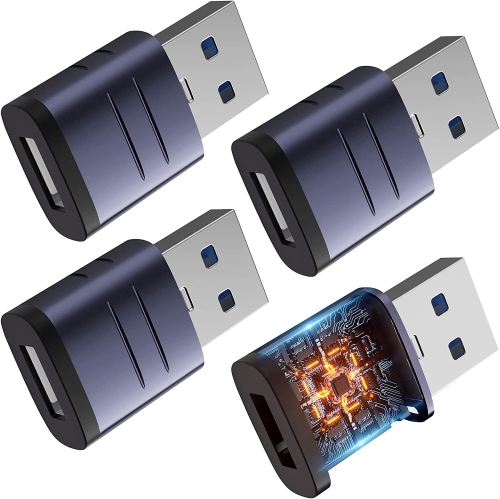
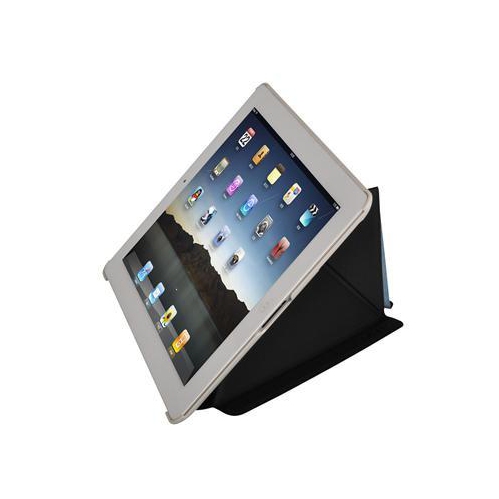
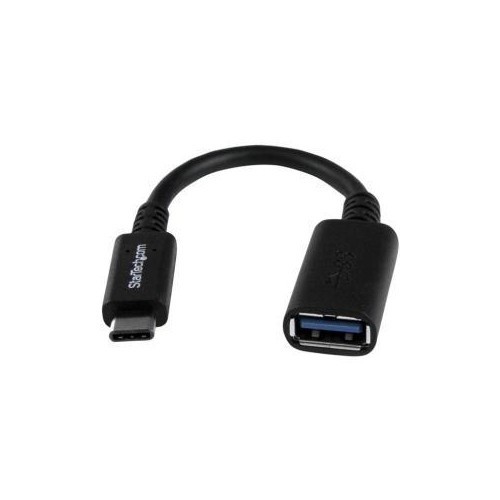
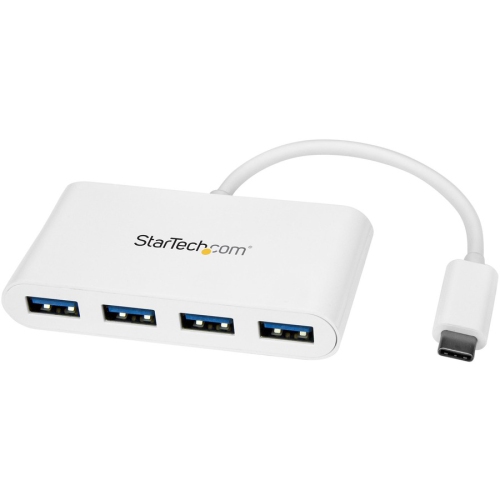

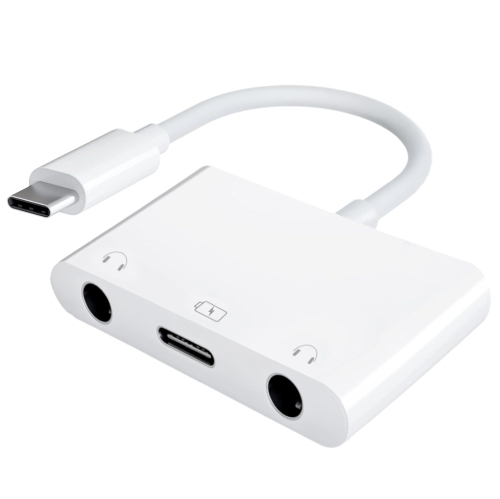
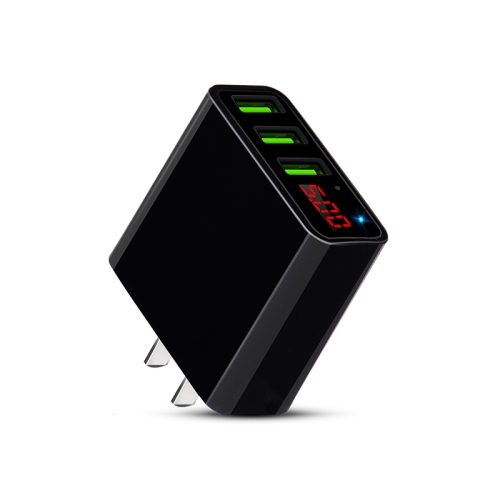
![GESPEEED (Wingomart) [Apple Mfi Certified] Iphone/ipad Charging/charger Cord Lightening to USB Cable Fast Charging And Syncing for Ipads, Ipods And](https://multimedia.bbycastatic.ca/multimedia/products/500x500/149/14902/14902030.jpg)
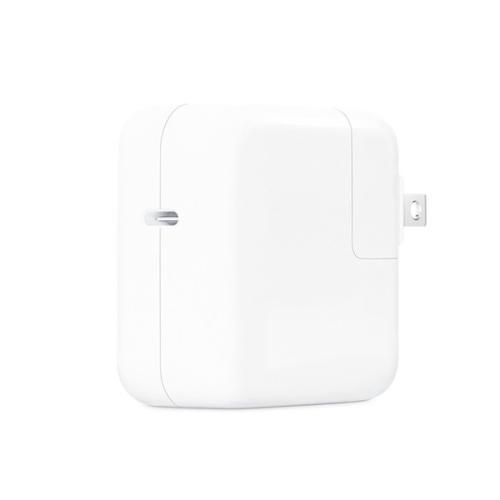
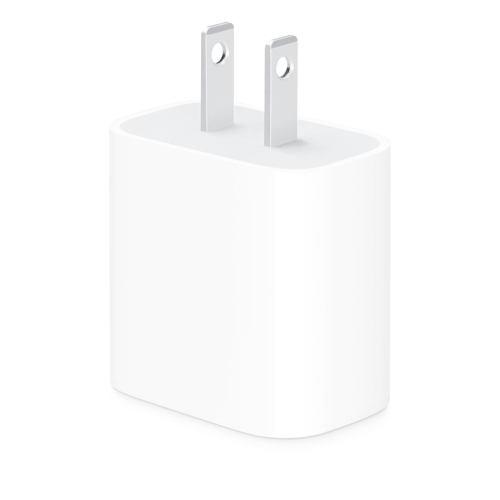

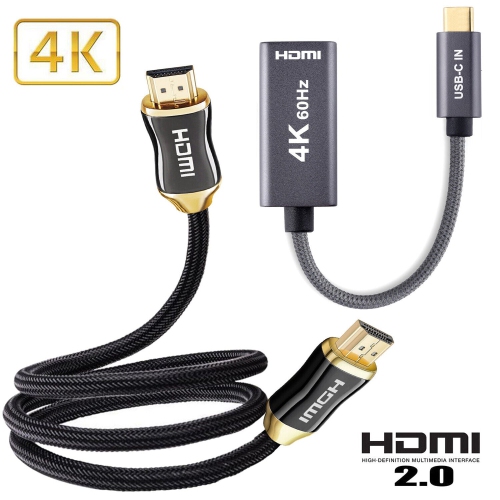
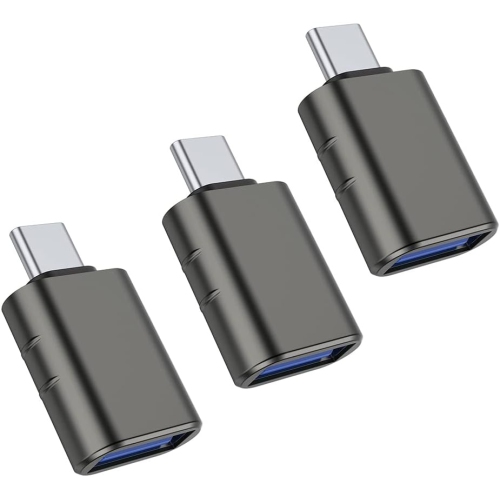
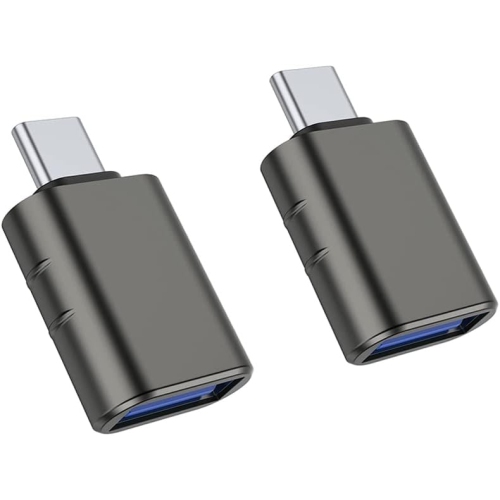
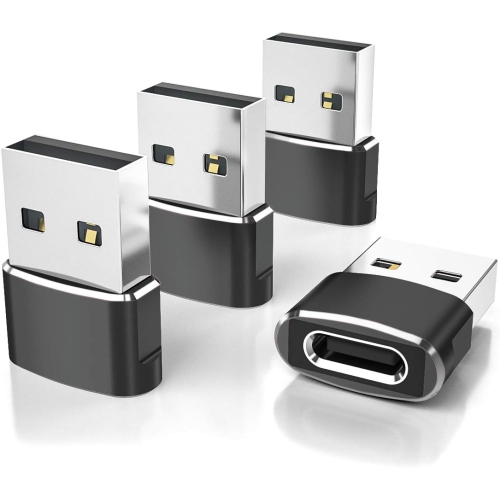
The right port unlocks more from your iPad
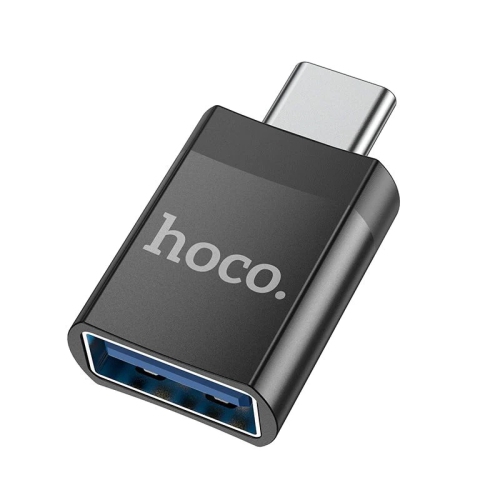
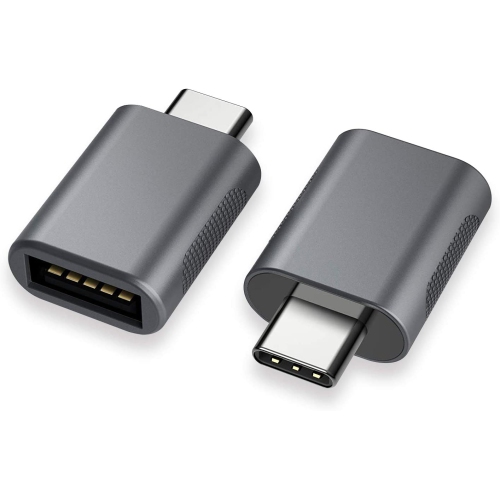
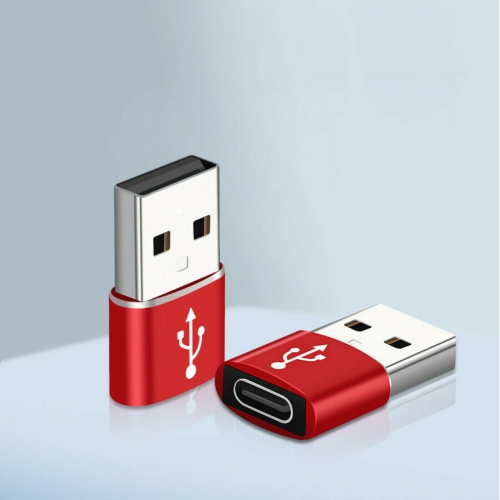
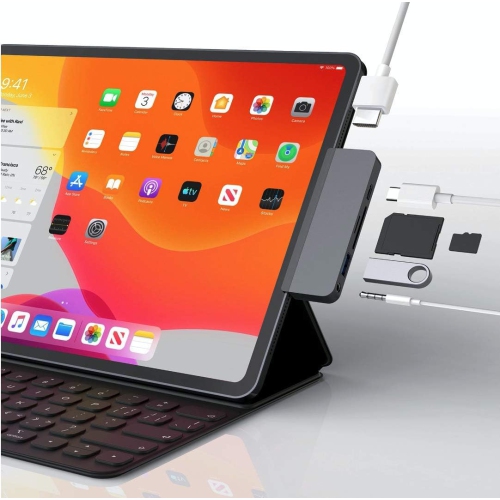
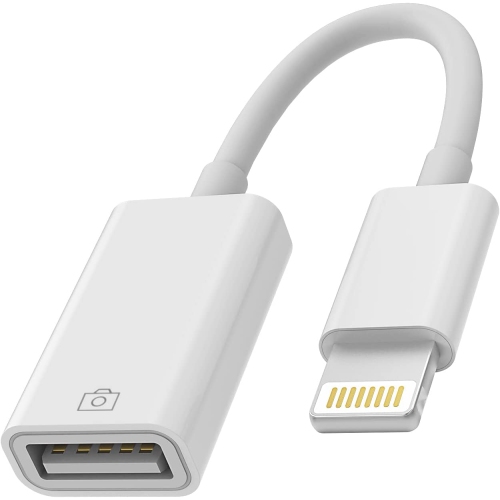
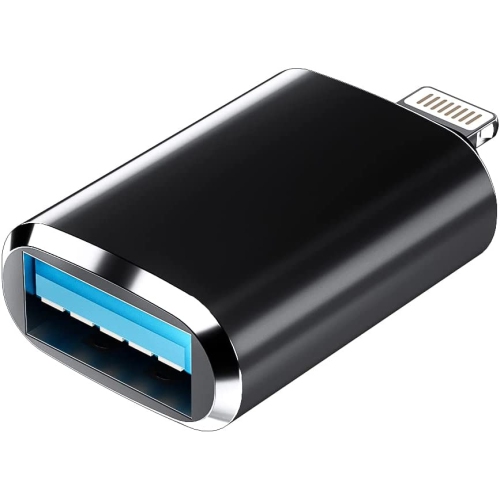
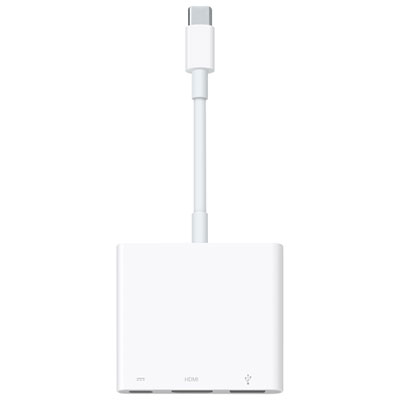
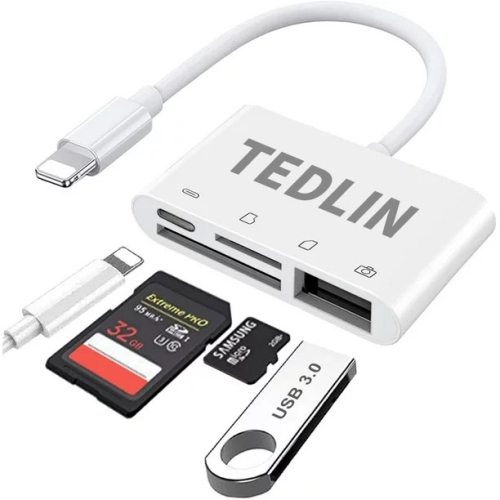
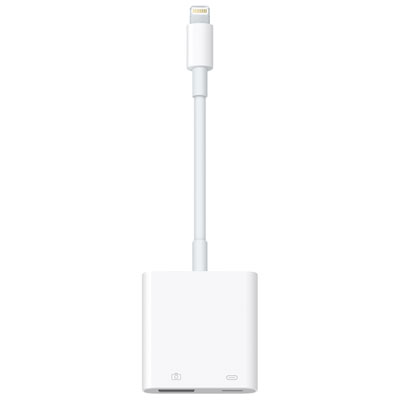
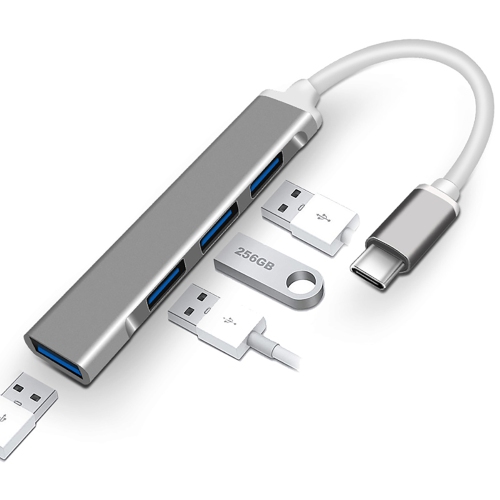
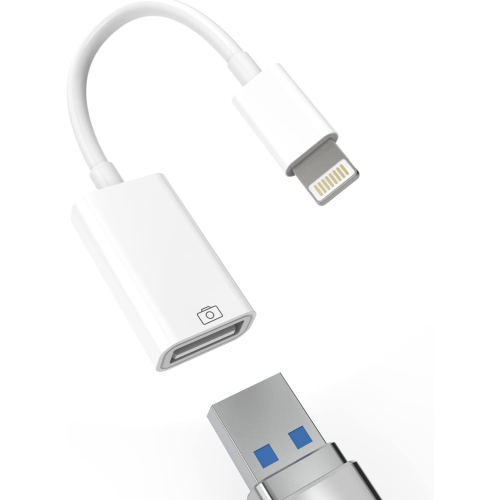
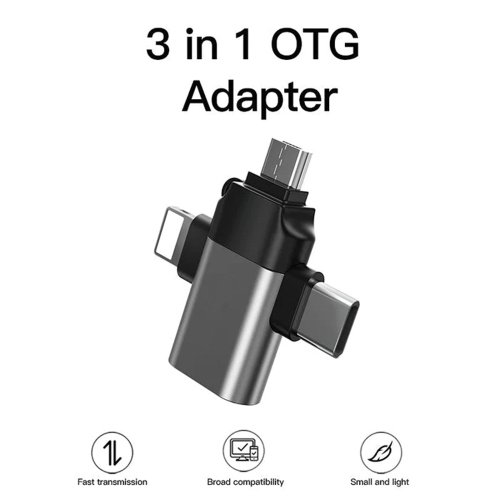
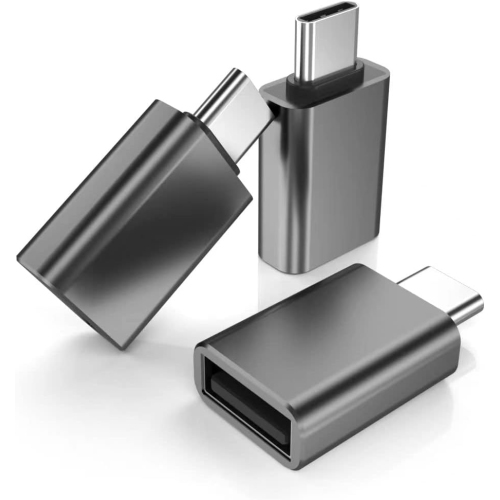
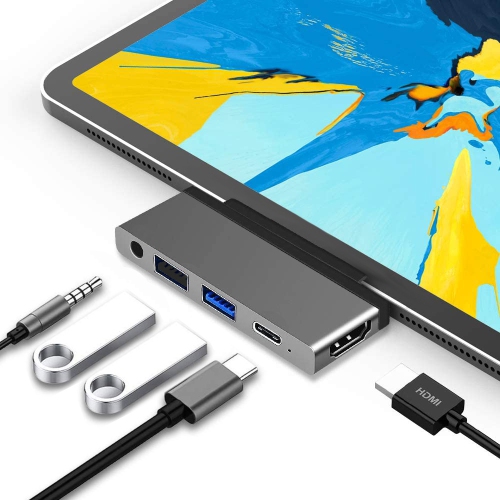
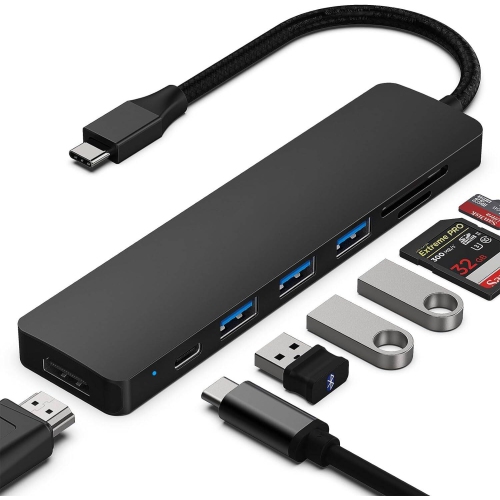
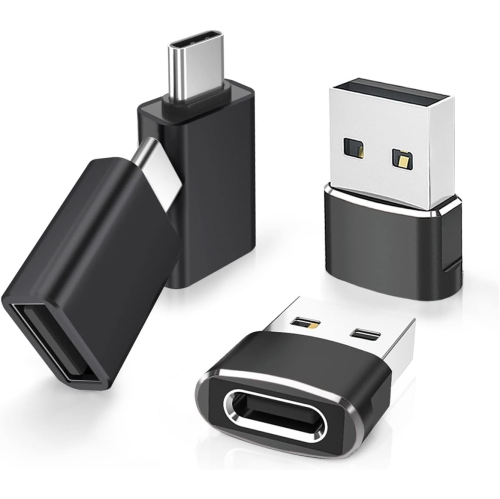
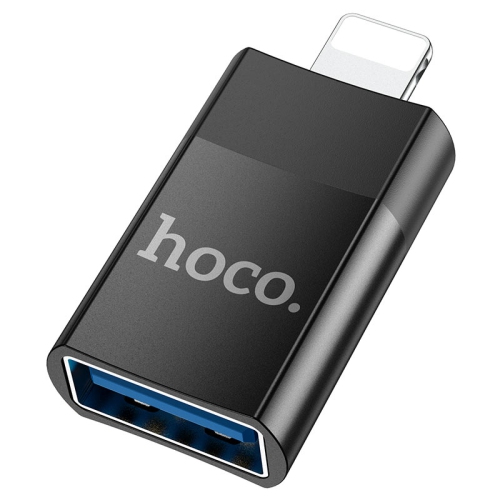
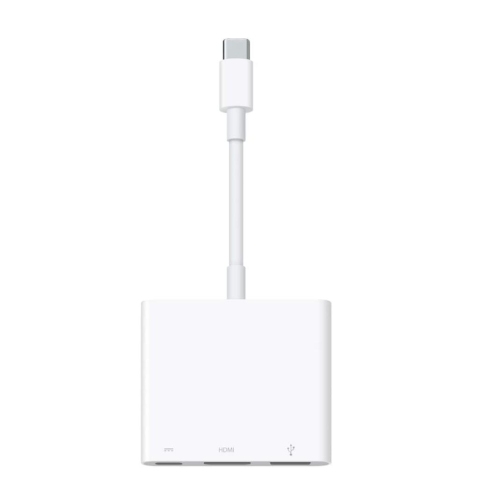
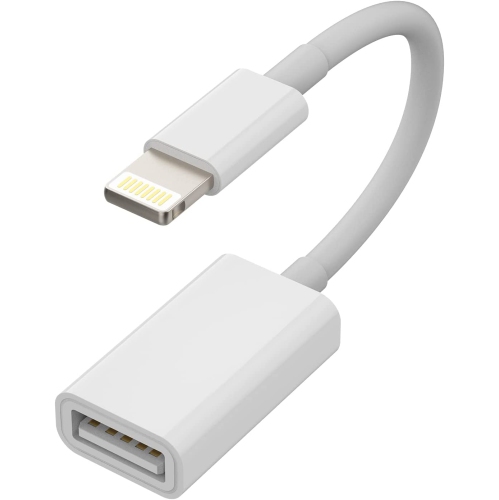
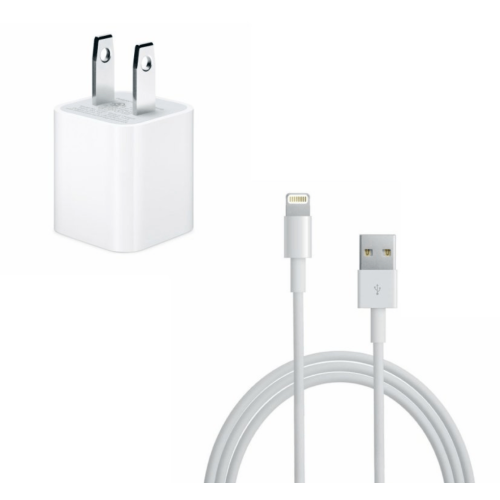
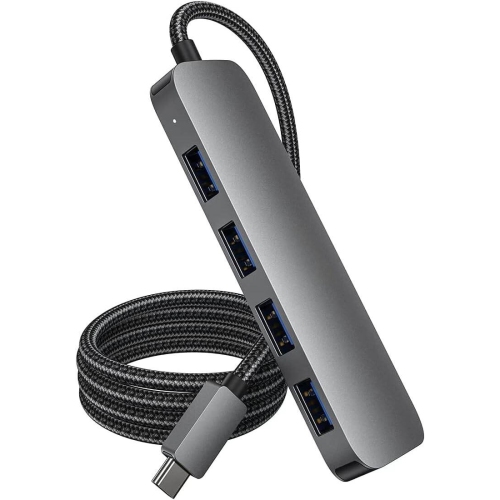
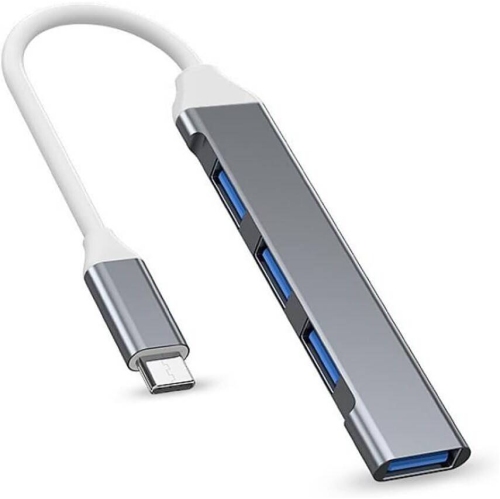
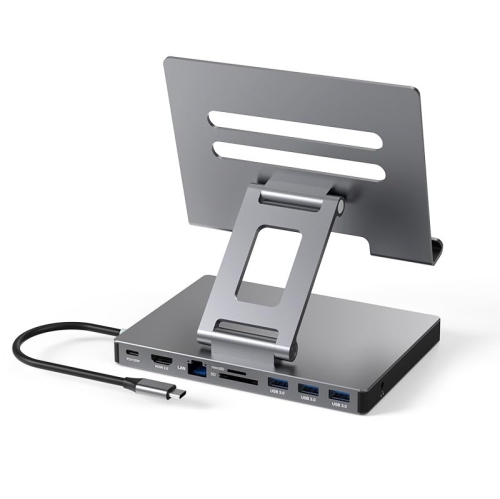
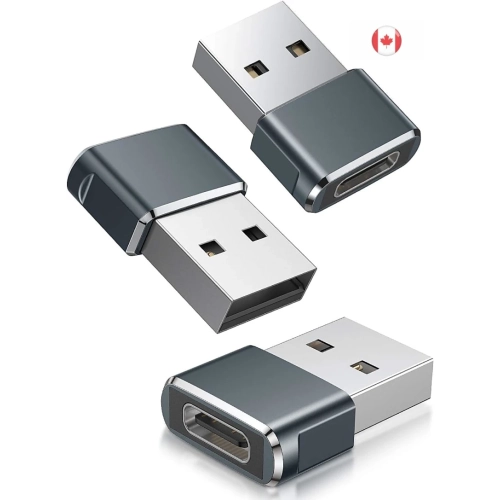
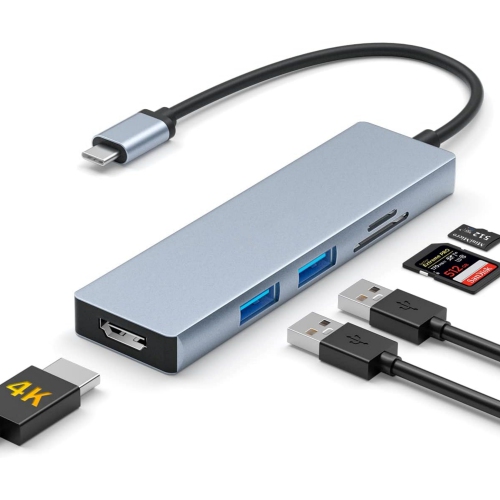
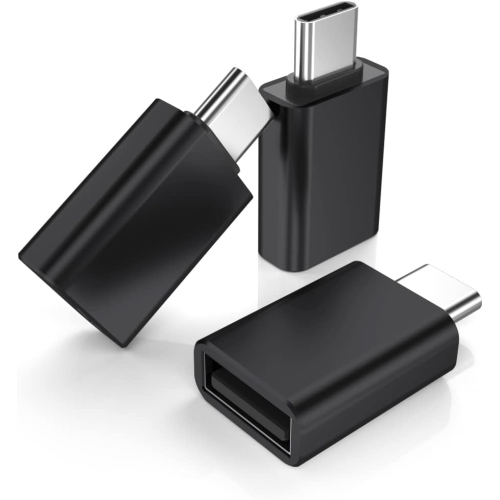
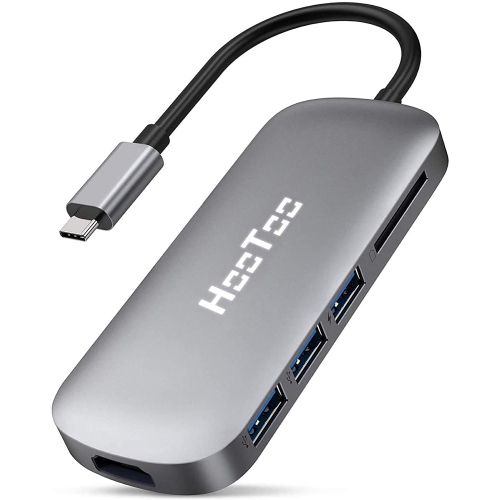
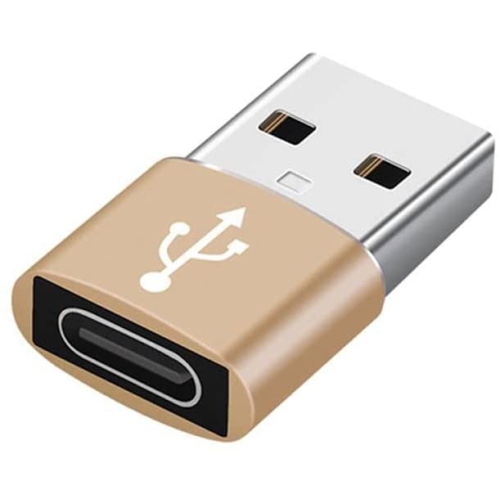
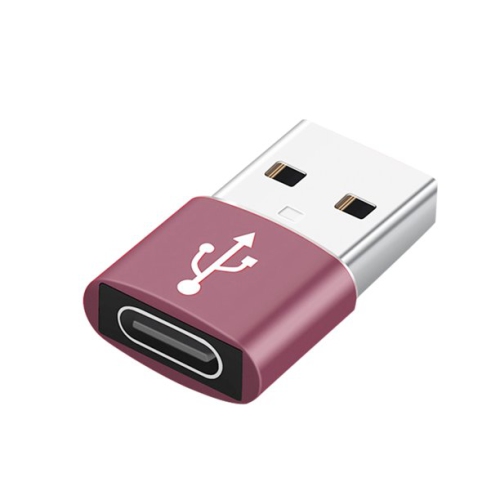
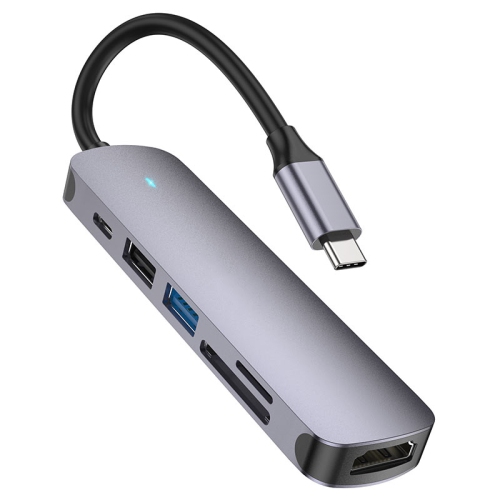
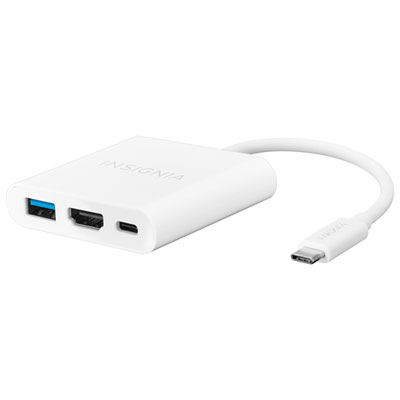
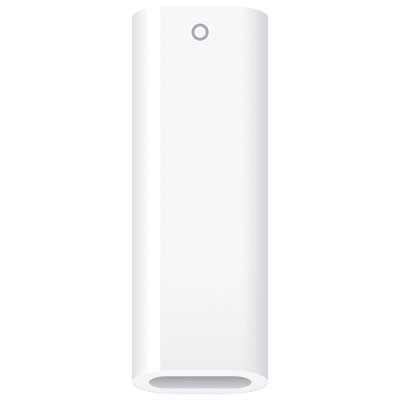
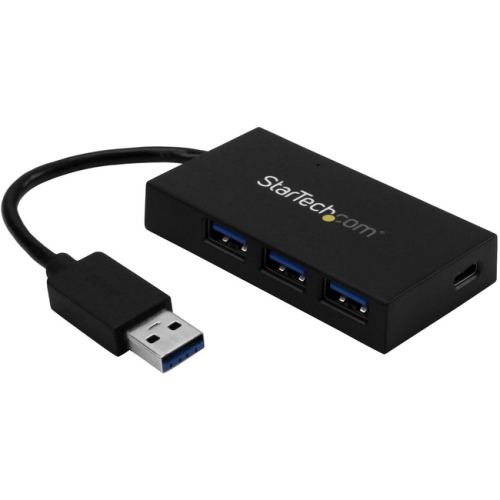
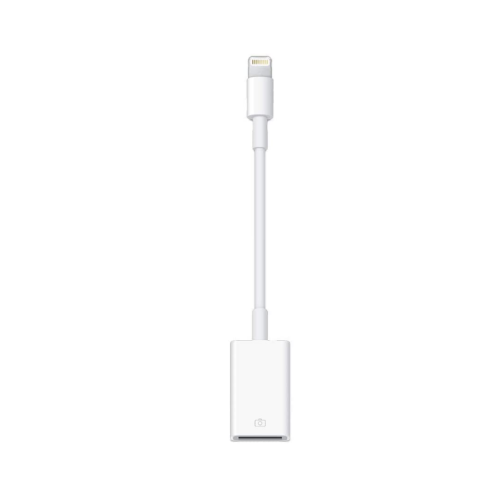
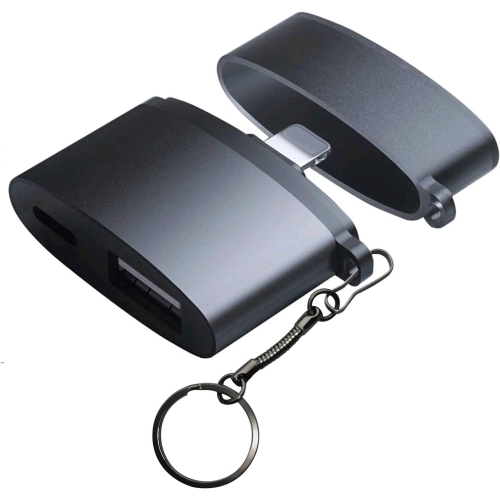
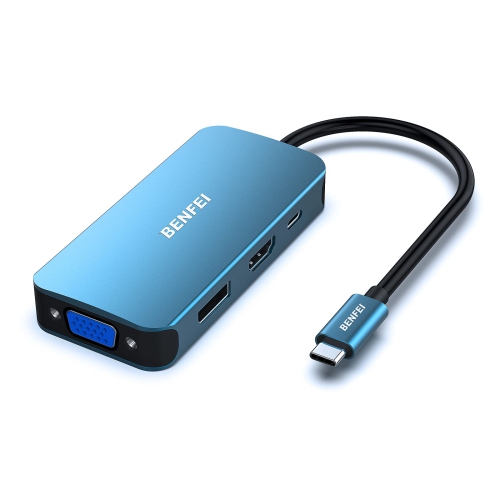
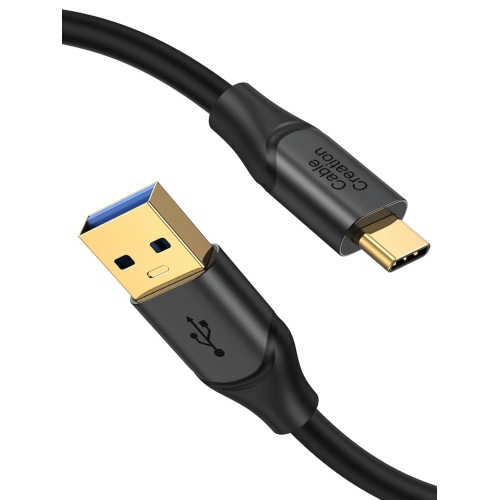
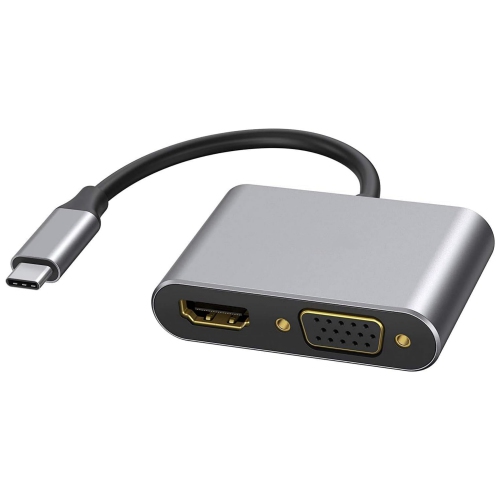
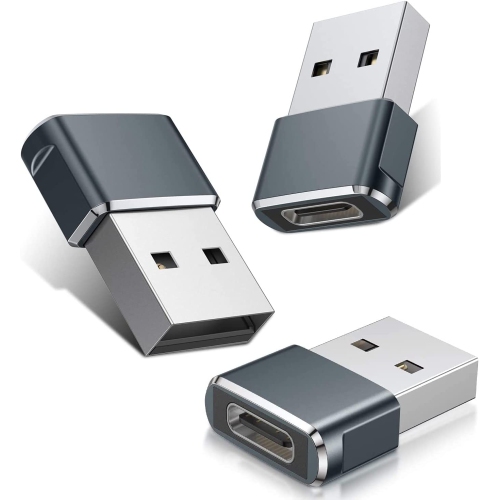
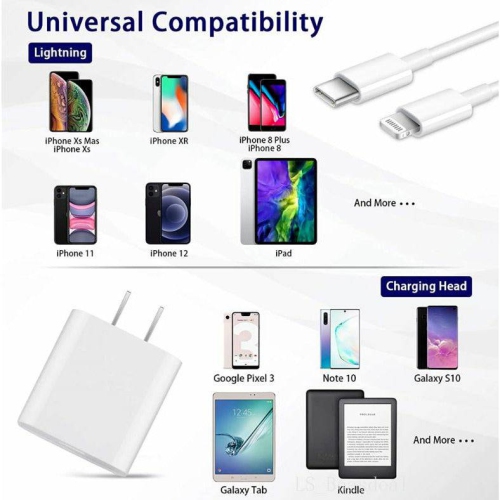
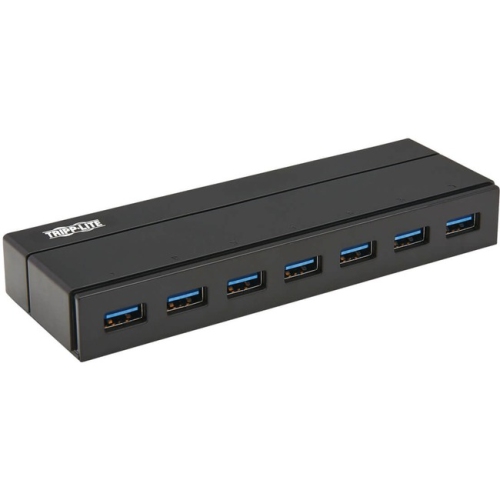
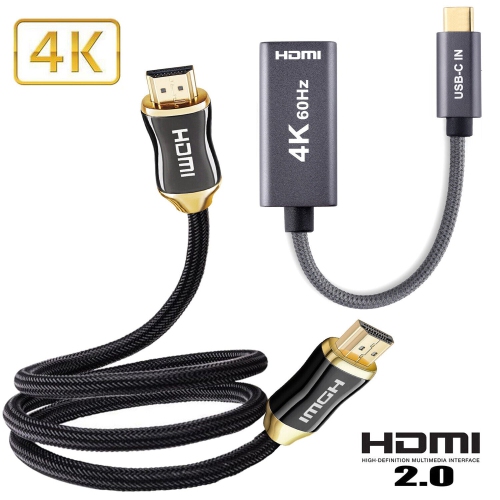
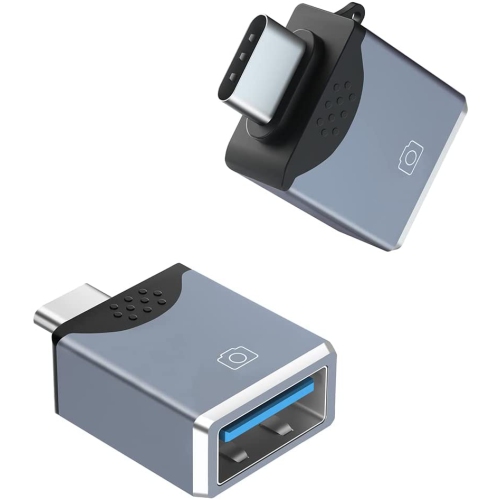
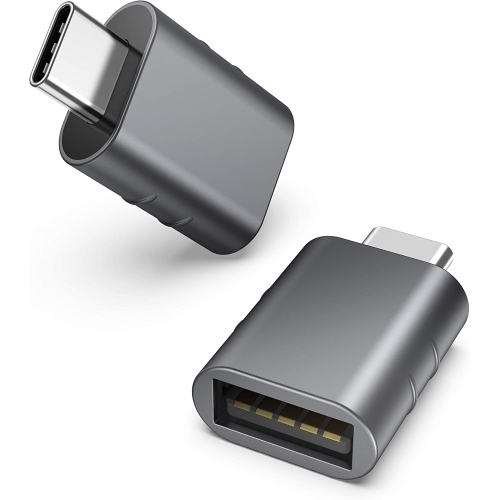
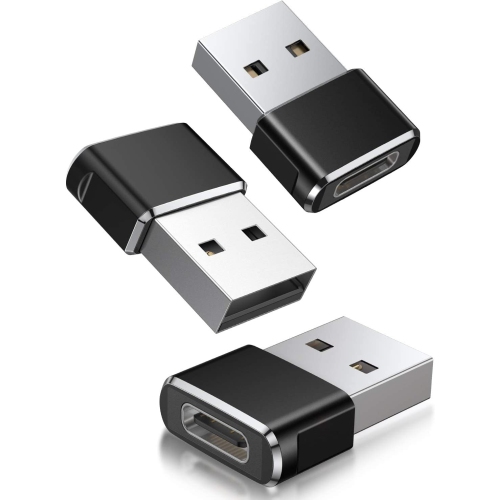
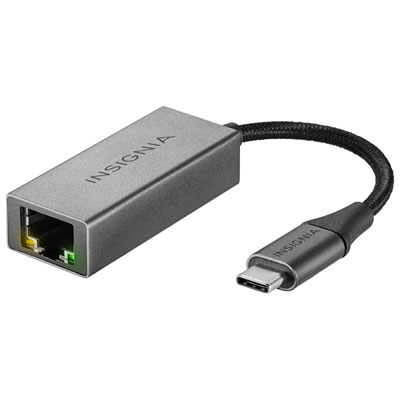
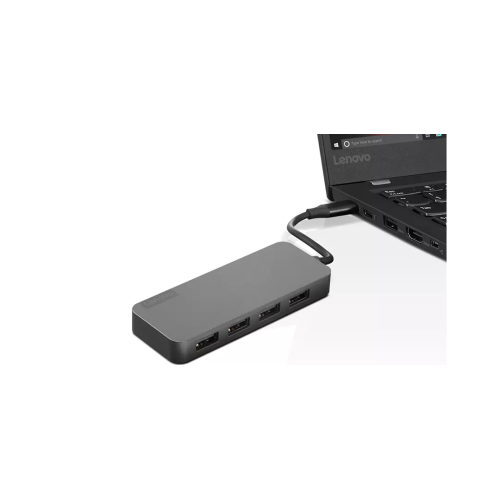
USB adapters for iPad make it easier to connect familiar accessories to a tablet, whether you are moving files, importing photos, adding a keyboard, recording music or presenting content on a larger display. The right adapter starts with the port on your iPad. Newer models typically use USB-C, while earlier models use a Lightning connector, and these two connection types are not interchangeable without the appropriate adapter. A USB-C iPad can often connect directly to standard USB-A accessories through a compact USB-C to USB adapter, making it possible to use a thumb drive, wired keyboard, mouse, card reader, camera cable or other compatible device. An iPad with a Lightning port requires a Lightning-to-USB adapter designed for that connection. Checking the exact iPad model and port before buying is one of the simplest ways to avoid compatibility problems. The port is usually visible along the bottom edge, but model details in the iPad settings or original packaging can provide a more reliable confirmation when several versions look similar. It is also worth checking the type of USB connection on the accessory. USB-A is the familiar wide, rectangular connector found on many older peripherals, while USB-C is smaller, reversible and increasingly common on newer devices. Some adapters support only basic data connections, whereas others include additional ports for charging, HDMI video, memory cards or wired networking. A simple adapter can be ideal for occasional file transfers and everyday accessories, while a multiport hub may be a better fit for a desk, classroom, studio or home office where several devices need to remain connected. Since iPad accessories can vary in power requirements, confirm whether the adapter supports the connected device and whether charging passthrough is available. A low-power keyboard or flash drive may work from the iPad alone, while a portable hard drive, audio interface or other demanding peripheral may need power from a wall charger or a powered adapter.
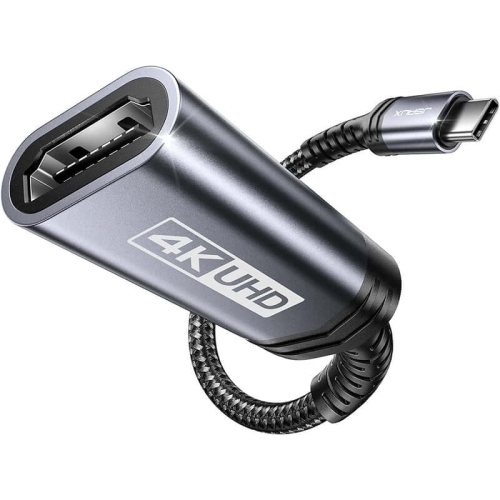
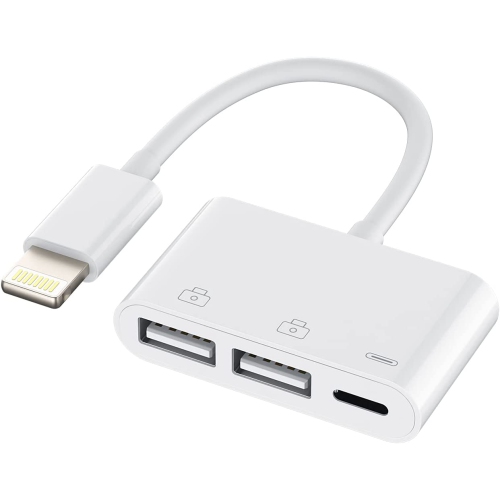
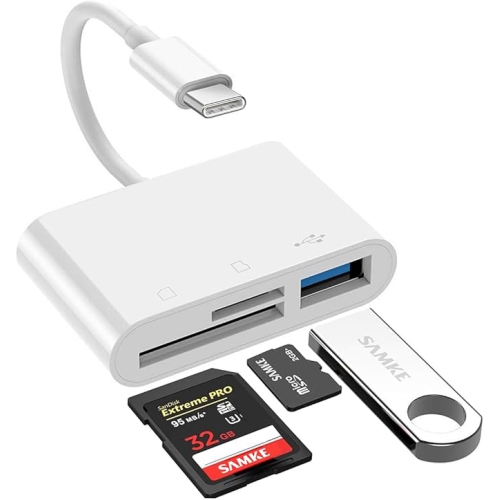
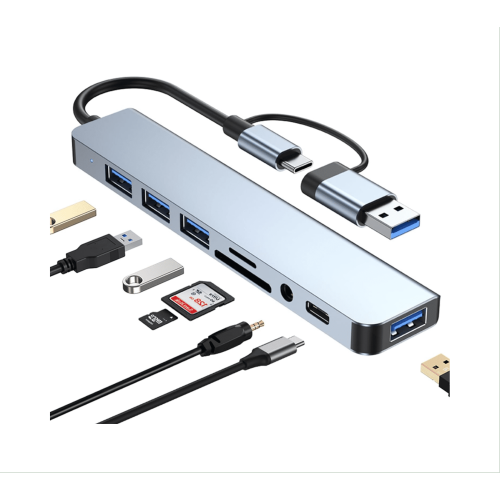
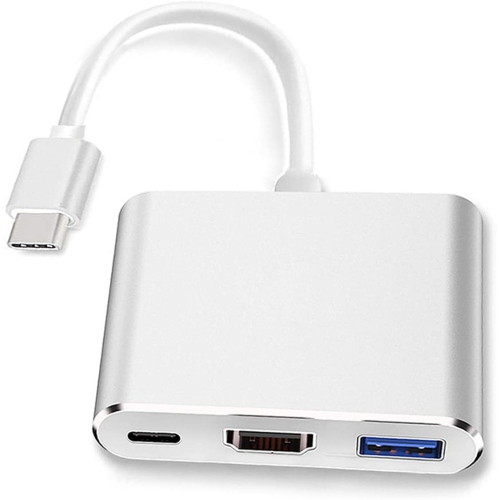
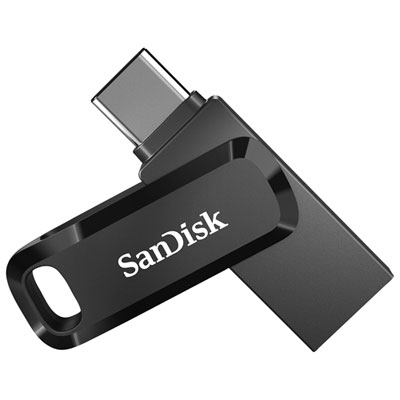
The way an adapter will be used can help narrow the selection. For moving documents, photos and video clips, an adapter with a standard USB port can connect compatible storage directly to the iPad, after which files can be viewed and organized through the Files app. A compact drive can be useful for a student carrying coursework between home and school, a photographer reviewing images after a day outdoors, or a traveller backing up important documents without bringing a full computer. For additional storage ideas, browse Flash Drives for IPad. When connecting a camera, check the camera’s cable or memory card format and make sure the adapter supports the intended transfer method. Some users prefer a card reader for quickly reviewing photos, while others connect the camera directly with its charging or data cable. Musicians can use compatible adapters with MIDI keyboards, digital instruments and audio equipment, although power and app compatibility should be confirmed before purchase. A wired keyboard can turn an iPad into a comfortable writing station for notes, reports and messages, while a mouse or other pointing device can make spreadsheet and desktop-style tasks feel more natural. For presentations, a multiport adapter with HDMI output can send the iPad display to a television, monitor or projector, allowing slides, videos and photographs to be shared with a group. Look for the video resolution and refresh-rate specifications that match the display, and remember that some setups may require the iPad to be connected to power during a longer presentation. Charging passthrough is also helpful at a desk because it allows the iPad to charge while a storage device, display or other accessory is in use. Cable length matters as well: a short adapter keeps a travel kit tidy, while a hub with a flexible cable can be easier to position behind a monitor or beside a keyboard. If the adapter will be carried in a backpack, consider a small, lightweight design with a secure fit and a connector that does not put unnecessary strain on the iPad port.
These adapters can be practical gifts for students, remote workers, creative professionals, frequent travellers and anyone who uses an iPad as their main portable computer. A first-year student may appreciate the ability to plug in a USB keyboard or access assignments on a drive, while a family member who enjoys taking photos may use an adapter to review images on a larger screen soon after a day out. They can also be useful for a new iPad owner who is still building an accessory collection and wants to keep using existing USB devices instead of replacing every cable and peripheral. Before giving one as a gift, identify the recipient’s iPad generation and connector type whenever possible. It is equally important to consider the accessories they already own, including whether they use USB-A or USB-C cables, an external display, a camera, a MIDI instrument or a storage device. Compatibility can also depend on the iPad operating system, the app being used and the power available through the port, so product specifications should be reviewed for support details rather than relying on the connector shape alone. If several accessories need to be connected at once, count the required ports and consider whether charging, video output or memory card access should be included. For occasional use at home, a straightforward single-port adapter may offer all the functionality needed. For a work area or creative setup, a multiport option can reduce cable swapping and keep the iPad connected to the tools used most often. During travel, an adapter can take the place of several separate accessories, helping connect hotel displays, portable storage and familiar input devices from one compact kit. Keeping the adapter, required cables and charger together in a small pouch also makes it easier to move from a kitchen table to a classroom, office or cottage without leaving an essential connection behind.
The way an adapter will be used can help narrow the selection. For moving documents, photos and video clips, an adapter with a standard USB port can connect compatible storage directly to the iPad, after which files can be viewed and organized through the Files app. A compact drive can be useful for a student carrying coursework between home and school, a photographer reviewing images after a day outdoors, or a traveller backing up important documents without bringing a full computer. For additional storage ideas, browse Flash Drives for IPad. When connecting a camera, check the camera’s cable or memory card format and make sure the adapter supports the intended transfer method. Some users prefer a card reader for quickly reviewing photos, while others connect the camera directly with its charging or data cable. Musicians can use compatible adapters with MIDI keyboards, digital instruments and audio equipment, although power and app compatibility should be confirmed before purchase. A wired keyboard can turn an iPad into a comfortable writing station for notes, reports and messages, while a mouse or other pointing device can make spreadsheet and desktop-style tasks feel more natural. For presentations, a multiport adapter with HDMI output can send the iPad display to a television, monitor or projector, allowing slides, videos and photographs to be shared with a group. Look for the video resolution and refresh-rate specifications that match the display, and remember that some setups may require the iPad to be connected to power during a longer presentation. Charging passthrough is also helpful at a desk because it allows the iPad to charge while a storage device, display or other accessory is in use. Cable length matters as well: a short adapter keeps a travel kit tidy, while a hub with a flexible cable can be easier to position behind a monitor or beside a keyboard. If the adapter will be carried in a backpack, consider a small, lightweight design with a secure fit and a connector that does not put unnecessary strain on the iPad port.
These adapters can be practical gifts for students, remote workers, creative professionals, frequent travellers and anyone who uses an iPad as their main portable computer. A first-year student may appreciate the ability to plug in a USB keyboard or access assignments on a drive, while a family member who enjoys taking photos may use an adapter to review images on a larger screen soon after a day out. They can also be useful for a new iPad owner who is still building an accessory collection and wants to keep using existing USB devices instead of replacing every cable and peripheral. Before giving one as a gift, identify the recipient’s iPad generation and connector type whenever possible. It is equally important to consider the accessories they already own, including whether they use USB-A or USB-C cables, an external display, a camera, a MIDI instrument or a storage device. Compatibility can also depend on the iPad operating system, the app being used and the power available through the port, so product specifications should be reviewed for support details rather than relying on the connector shape alone. If several accessories need to be connected at once, count the required ports and consider whether charging, video output or memory card access should be included. For occasional use at home, a straightforward single-port adapter may offer all the functionality needed. For a work area or creative setup, a multiport option can reduce cable swapping and keep the iPad connected to the tools used most often. During travel, an adapter can take the place of several separate accessories, helping connect hotel displays, portable storage and familiar input devices from one compact kit. Keeping the adapter, required cables and charger together in a small pouch also makes it easier to move from a kitchen table to a classroom, office or cottage without leaving an essential connection behind.
Top selling and popular products
-
 Your price for this item is $19.99
 -
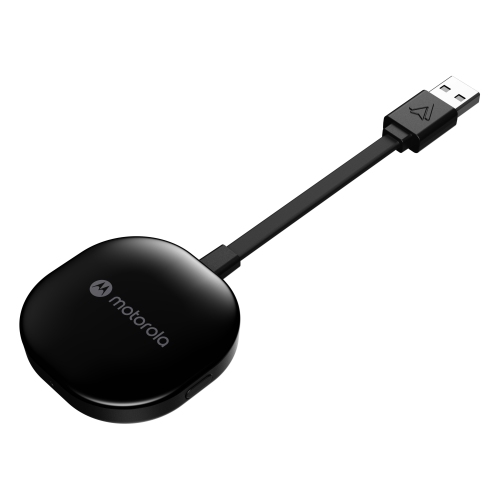 Your price for this item is $94.99
 -
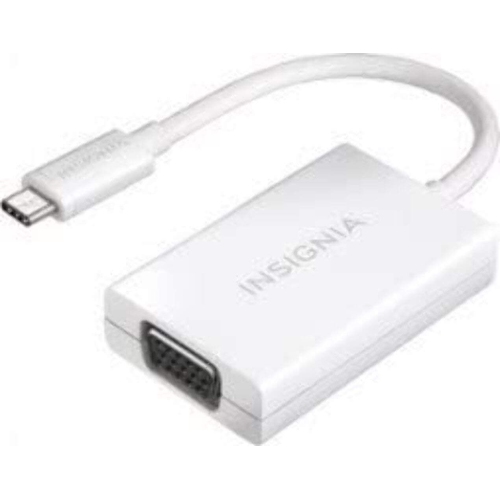 Your price for this item is $13.99
 -
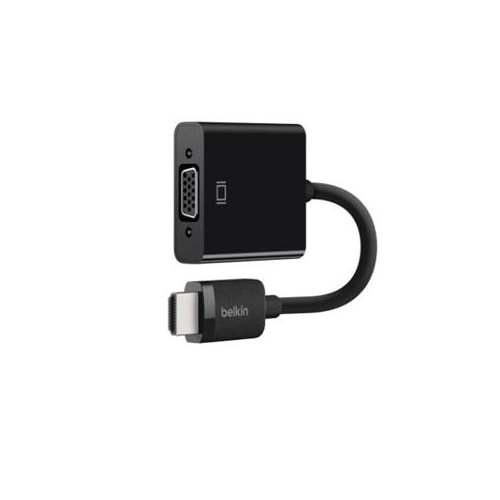 Your price for this item is $48.68
 -
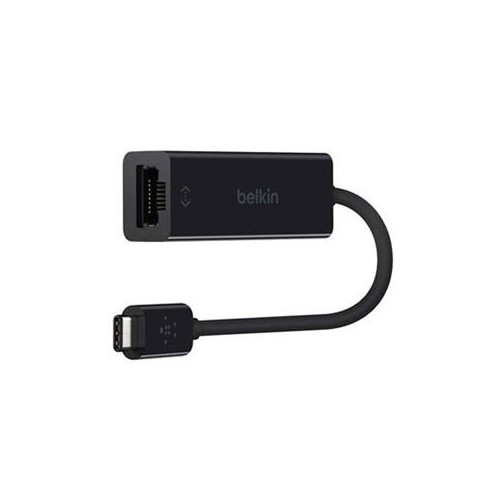 Your price for this item is $49.68
 -
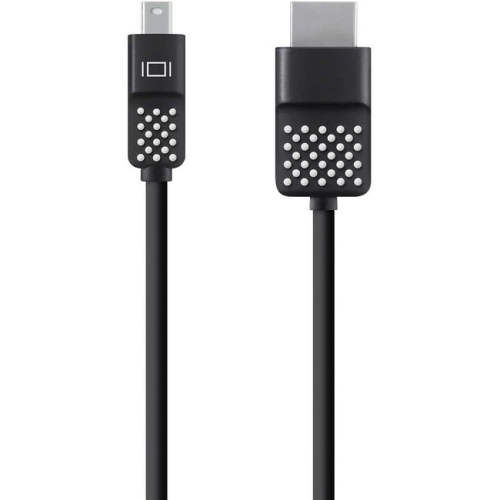 Your price for this item is $29.68
 -
 Your price for this item is $29.95
 -
 Your price for this item is $49.99
Discover more categories related to USB Adapters for IPad
Top Collections:
Pokemon Centers, Kindle Devices, Best Budget Office Chairs, Apple iPhones 16, Best Laptops for Writers, iPhone 15 Apple, Canon G7X Cameras, Refurbished Apple Laptops, Alarm Clock, Motorola Razr Phones
Some products may be subject to Environmental Handling Fees
(EHF) depending on your province.
Learn more about EHFs.