USB Headphone Dongle
Upgrade your audio experience with a USB Headphone Dongle, the perfect solution for connecting your favorite headphones to a wide range of devices. Whether you're working, gaming, or enjoying music, these compact adapters make it easy to enjoy clear sound through any compatible device. Explore options that offer simple plug-and-play convenience and reliable performance, making it effortless to enhance your setup with a USB Headphone Dongle.
Sort
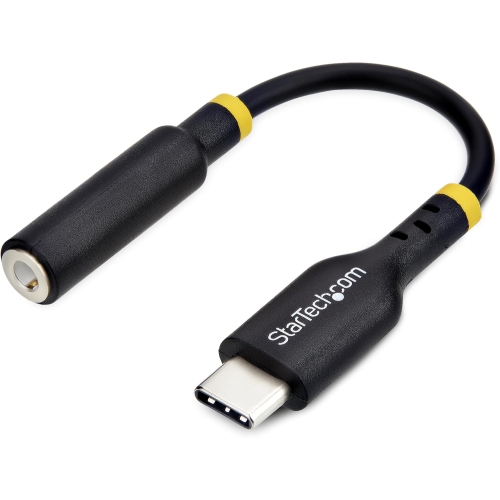
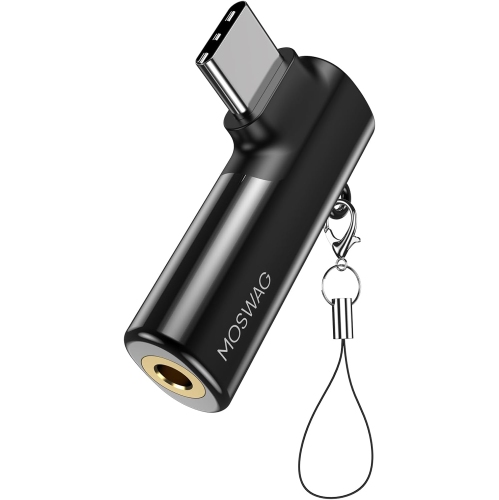
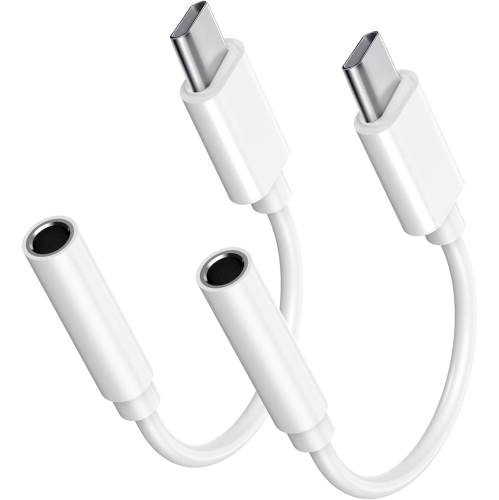
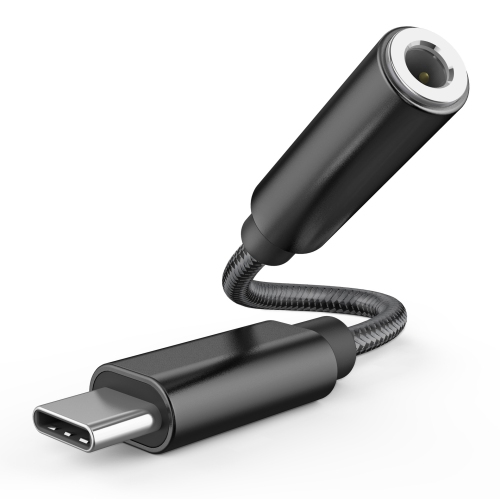
Headset compatibility goes beyond a matching USB connector
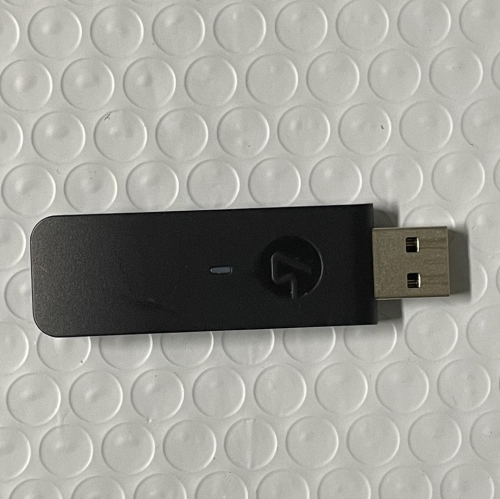
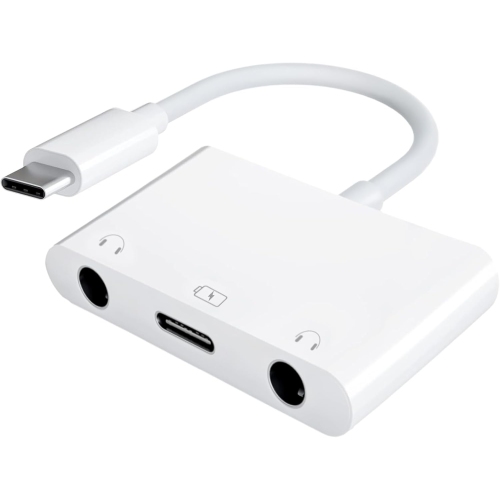
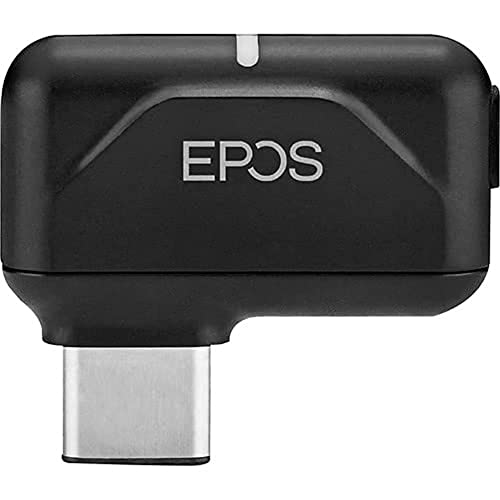
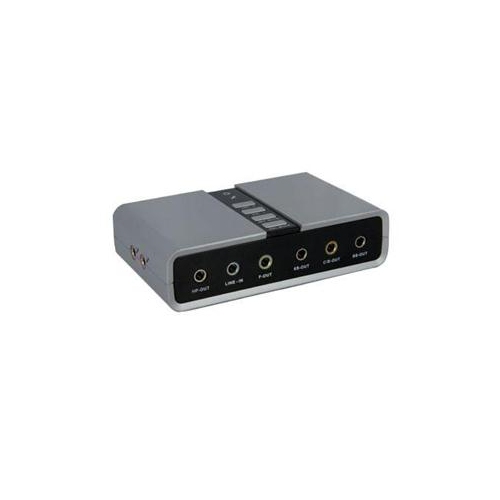
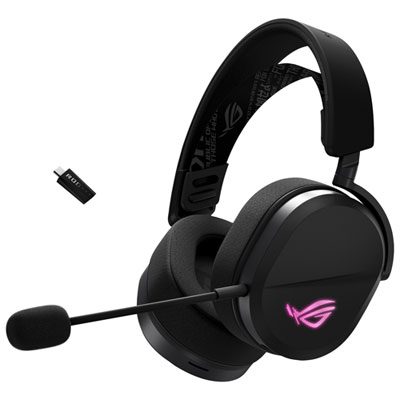
A USB headphone dongle is a small adapter that connects headphones or a headset to a compatible device through a USB port. The term covers two main types: wireless adapters that send audio to a compatible headset, and wired audio adapters that provide a headphone socket. A wireless USB headphone dongle typically uses either a dedicated wireless connection or Bluetooth, depending on the headset and adapter. For gaming, a dedicated wireless connection can offer lower audio delay than a standard Bluetooth connection, helping footsteps, dialogue, and on-screen action stay closely aligned. For calls, it can provide a consistent connection for both listening and speaking without relying on a computer’s built-in wireless hardware. These benefits depend on the equipment, however, and a dongle does not automatically improve every headset or work with every pair of wireless headphones. Many dedicated wireless receivers are designed for a particular headset family, while Bluetooth audio adapters vary in the profiles and features they support. That distinction is especially important when replacing a lost receiver: a matching USB connector is not enough to establish compatibility, and a replacement may require a pairing procedure. Wireless range also varies with the headset, adapter, room layout, and nearby radio traffic. A connection that works clearly across an open room may behave differently through walls or beneath a metal desk. Keeping the adapter away from obstructions, where practical, can help maintain a dependable link. At a crowded desktop, a compatible USB extension cable can place the receiver in a clearer position rather than leaving it tucked behind the computer. For someone moving between a desk chair and a nearby shelf during a conversation, that placement can matter more than an advertised maximum range. A compact receiver is convenient for a laptop, while an adapter with a larger housing or an extension base may be better suited to a workstation where connection stability takes priority over pocket-sized portability. Neither format guarantees stronger performance on its own.
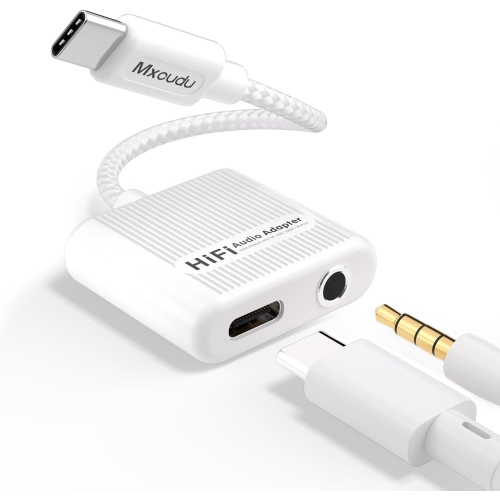
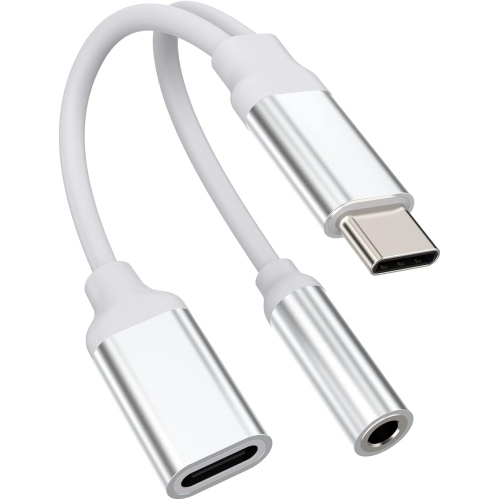
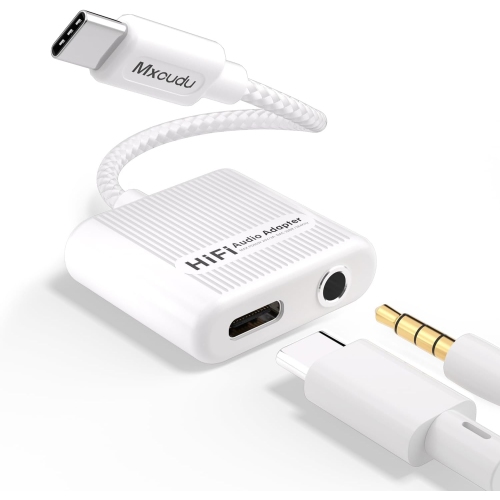
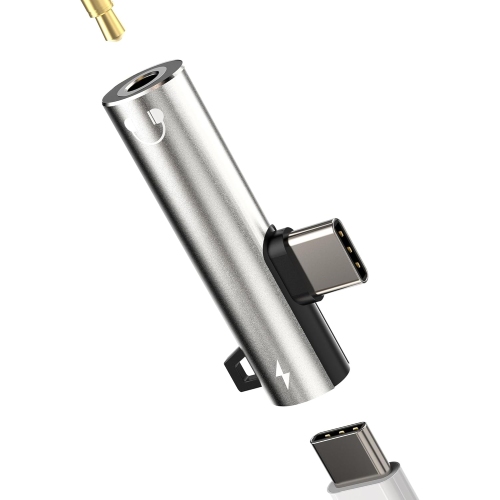
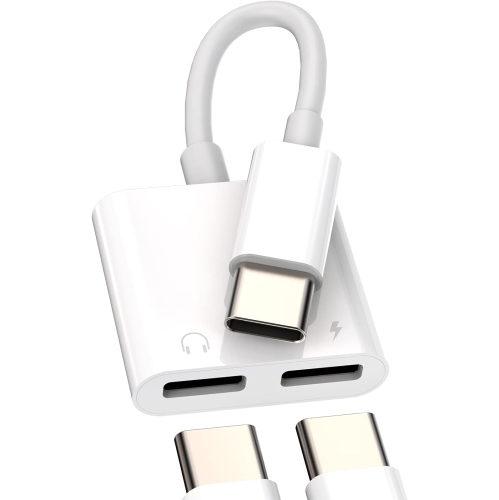
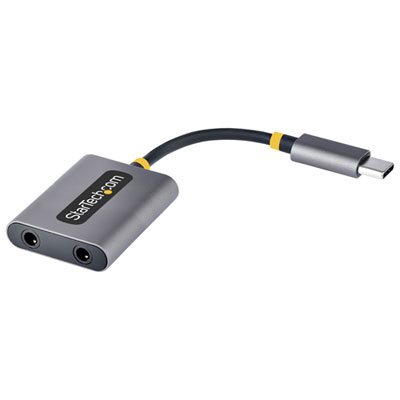
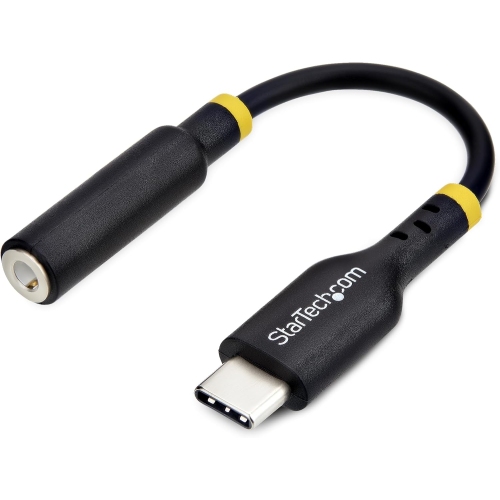
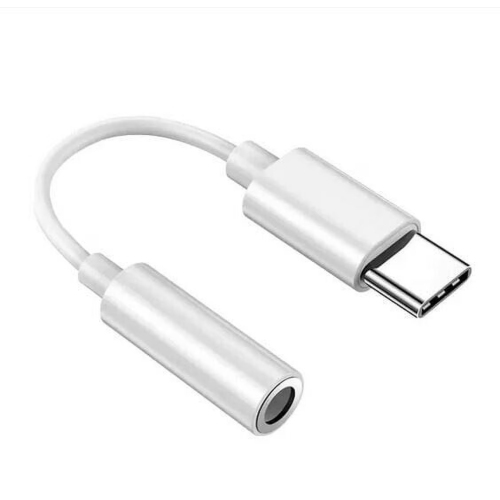
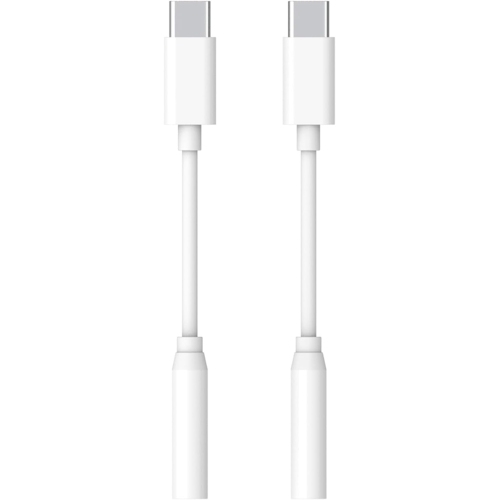
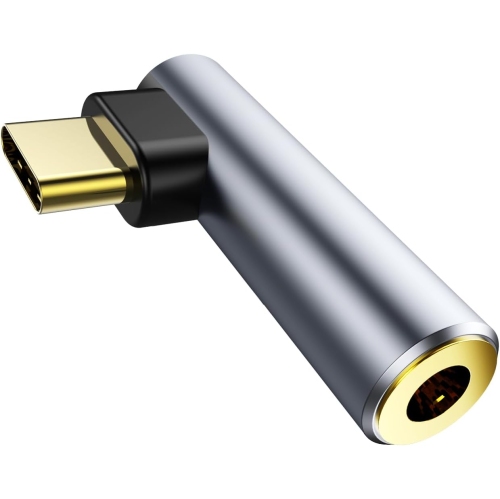
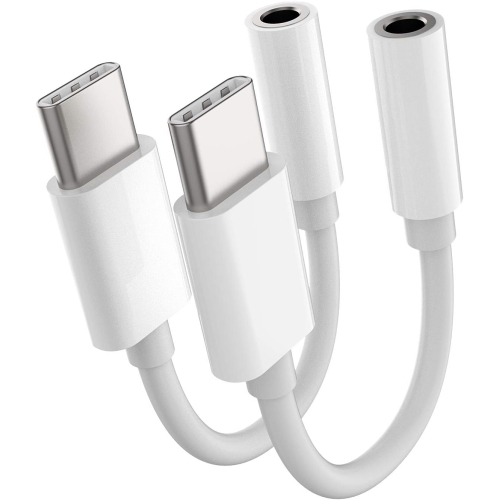
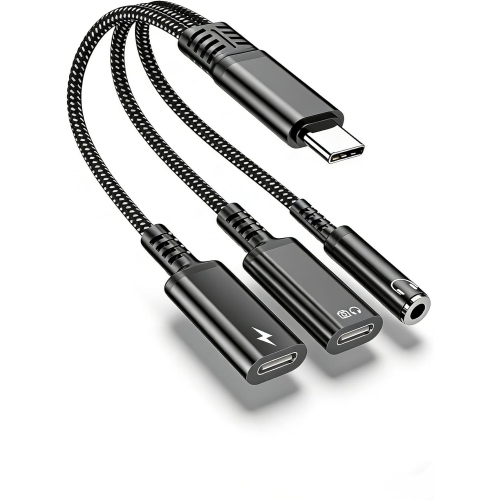
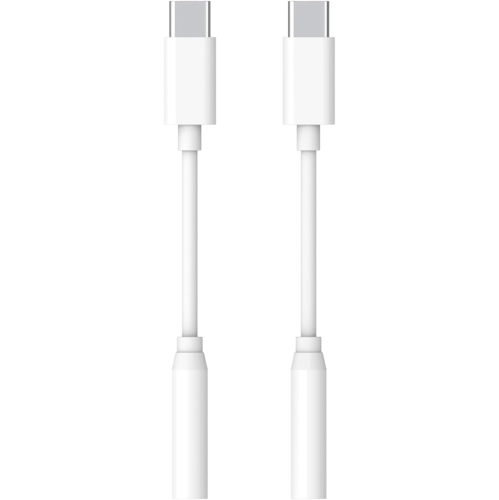
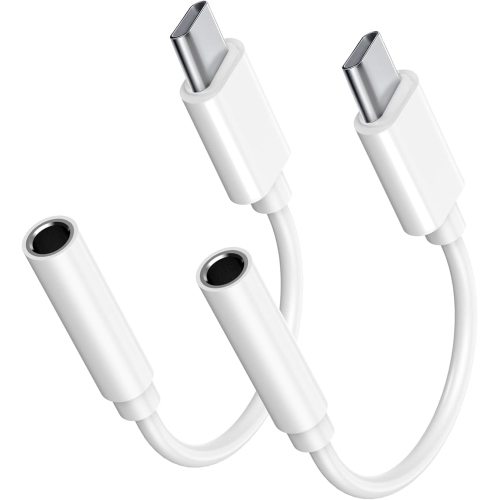
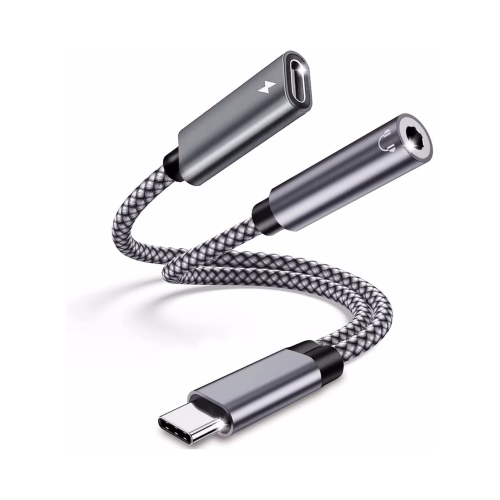
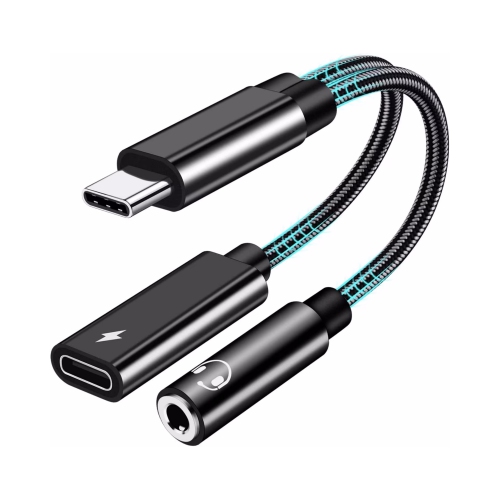
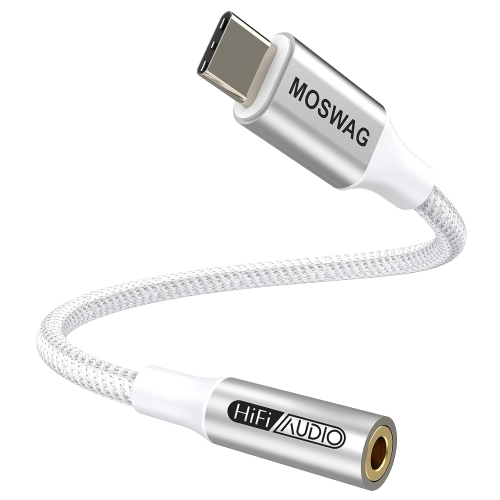
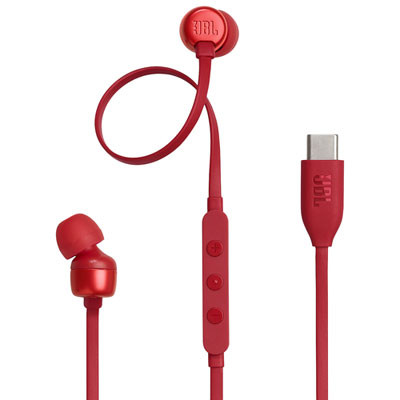
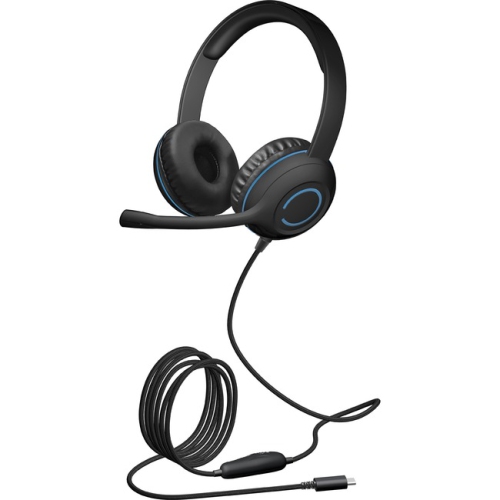
Compatibility starts with the device, USB port, and headphones working together. USB-A has the familiar rectangular connector, while USB-C has a smaller, reversible shape, but connector shape alone does not confirm audio support. Computers, phones, tablets, and gaming consoles can handle USB audio differently, and some wireless dongles support only certain platforms or operating modes. Console support deserves particular attention because an adapter that works on a computer may not be recognized by a console. For work calls, microphone support is just as important as sound output. Some adapters carry both incoming audio and microphone audio, while others are intended primarily for listening. With Bluetooth connections, activating the microphone can change the audio mode and reduce playback quality, depending on the hardware and supported technology. A compatible dedicated headset connection may offer a different balance of voice clarity, playback quality, and delay. Call-answer buttons, mute synchronization, and indicator lights are also conditional features rather than universal USB functions; the headset, dongle, software, and calling application must all support the intended controls. A physical mute button can be particularly useful when a conversation is interrupted, but its relationship with the application’s on-screen mute indicator should be clear. Wired USB headphone adapters serve a different purpose. An active USB audio adapter includes a digital-to-analogue converter, often called a DAC, to turn digital audio into a signal for wired headphones. Some also include microphone input for a compatible headset. Passive USB-C adapters rely on support from the connected device and are not interchangeable with active adapters in every situation. Socket size, headset plug configuration, and microphone compatibility all deserve attention, especially when connecting a headset with a single combined audio-and-microphone plug. For a direct wired connection without a separate headphone-socket adapter, USB-C Headphones are another category to consider. The practical choice depends on whether the goal is to keep using existing wired headphones, add a wireless headset connection, or connect headphones directly to a USB-C device.
Everyday durability comes down to how a USB headphone dongle fits into the setup and how it is handled between uses. Plastic and metal housings are both common, but a secure connector, well-supported joints, and sensible placement matter more than appearance alone. A short, flexible cable on a wired adapter can reduce the leverage placed on a phone or laptop port, while a rigid adapter keeps the connection compact but may project farther from the device. On a laptop with closely spaced ports, the width of a dongle can determine whether a neighbouring charging cable or accessory still fits. A low-profile wireless receiver is less likely to catch on a sleeve, although even a small receiver can put pressure on a port if the laptop is packed tightly in a bag. Removing it before transport and keeping it in a small accessory pouch helps protect both the connector and the device. Adapters with cables should be unplugged by their housings rather than pulled by the cord, and loosely coiled storage helps avoid repeated sharp bends near the ends. Keep connectors dry and clear of lint, and use a soft, dry cloth for exterior cleaning rather than applying liquid to the plug or socket. Intended use also shapes which details matter most. A student carrying a laptop between study spaces may value a small adapter that stays with the headset case. Someone using a desktop for multiplayer games may place greater importance on low delay and dependable microphone performance. A person taking frequent calls may prioritize supported call controls and an easy transition between compatible computers. For longer sessions, the dongle is only one part of the experience: headset weight, ear cushion fit, microphone positioning, and battery life still affect comfort and convenience. As a practical gift, a headphone dongle makes the most sense when the recipient’s device, headset compatibility, and connection needs are already known. A clearly compatible adapter is more useful than an apparently universal accessory that cannot carry the required audio or microphone signal.
Top selling and popular products
-
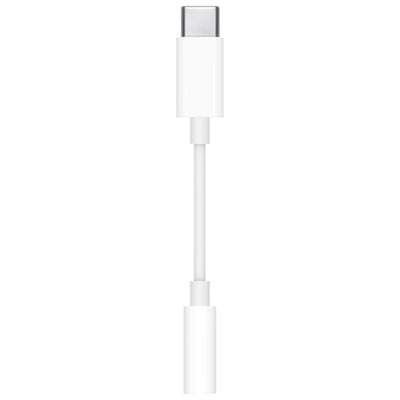 Your price for this item is $10
-
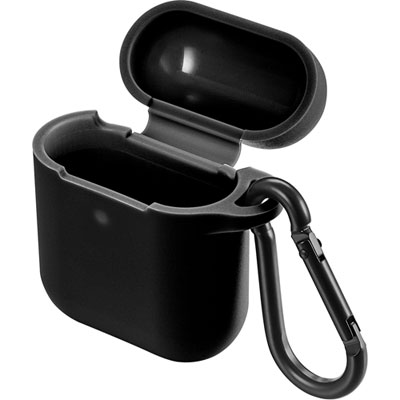 Your price for this item is $19.97
-
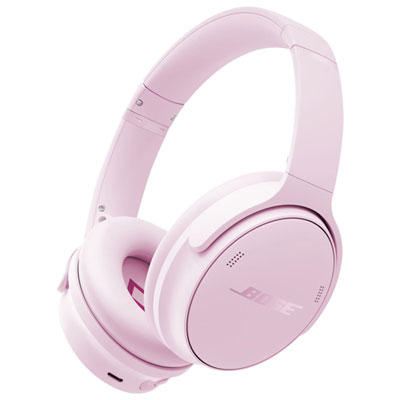 Your price for this item is $249
-
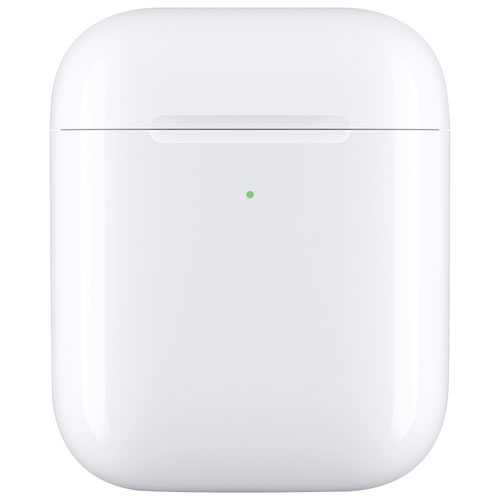 Your price for this item is $59.99
-
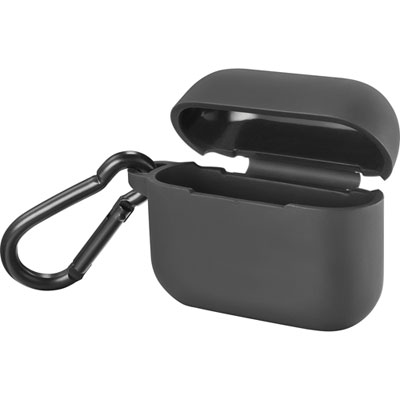 Your price for this item is $4.99
-
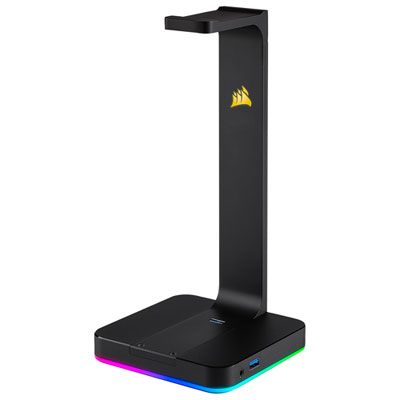 Your price for this item is $124.95
-
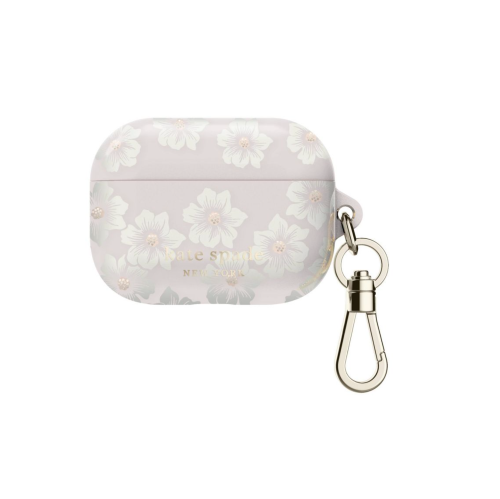 Your price for this item is $98.99
-
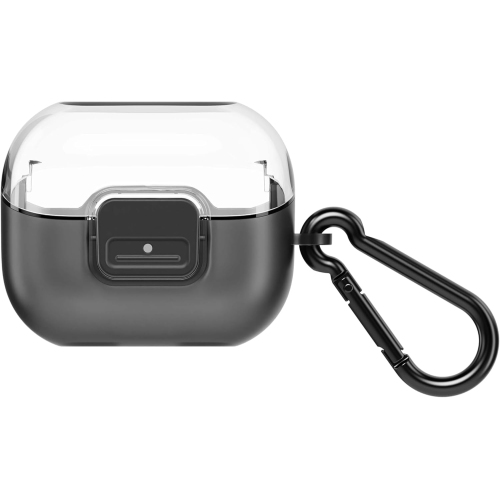 Your price for this item is $49.99
Discover more categories related to USB Headphone Dongle
Top Collections:
Best Black Friday Deals This Year, Best Black Friday Deals On Electronics, Kindle Devices, Pokemon Centers, Best Black Friday Deals On Apple Products, Best Cameras for Sports Photography, Dyson Airwrap, Pokémon 30th Celebration Cards, Apple iPhone 17 Pro, Canon G7X Cameras
Some products may be subject to Environmental Handling Fees
(EHF) depending on your province.
Learn more about EHFs.