USB Audio Adapters
Upgrade your audio experience with USB audio adapters, the perfect solution for enhancing the sound quality of your devices. Whether you're a music enthusiast, a gamer looking for immersive audio, or simply seeking to improve communication clarity during virtual meetings, these compact and versatile adapters provide a seamless way to connect headphones, microphones, and other audio peripherals to your computer or laptop. Say goodbye to low-quality built-in sound cards and hello to crystal-clear audio output with USB audio adapters that offer convenience and superior performance in one sleek package.
Sort

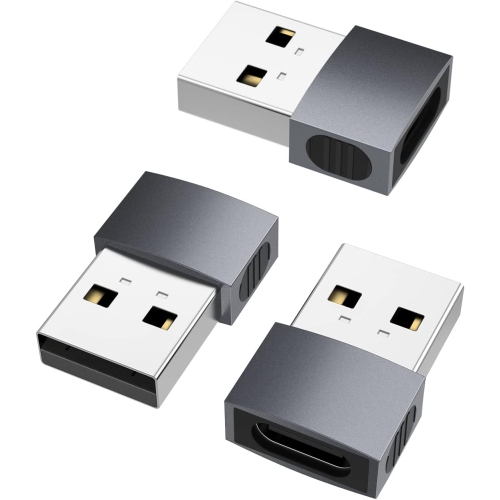
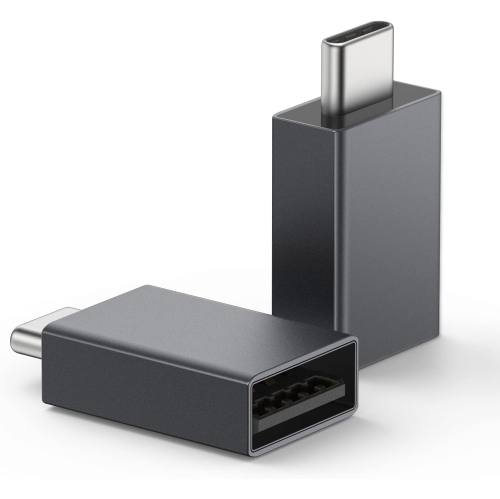
![DOLAER USB C to USB Adapter (4 Pack)& USB to USB C Adapter (4 Pack) [Aluminum Shell] Superspeed Data Transfer & Fast Charging Otg Converter](https://multimedia.bbycastatic.ca/multimedia/products/500x500/174/17466/17466263.jpeg)
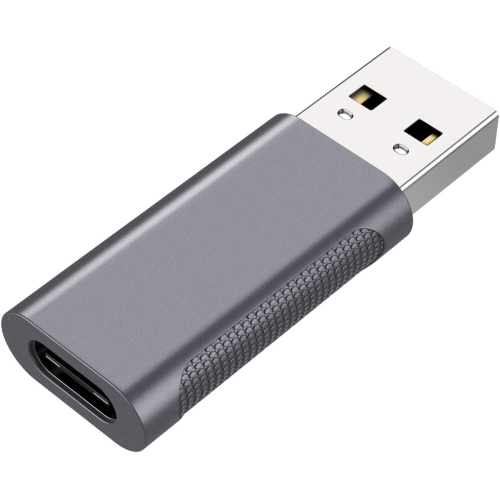
![DOLAER USB C Male to USB A Male Adapter[2 Pack], Maximum 100W Quick Charge And 10GB High-Speed Data Transmission, Type C Adapter For](https://multimedia.bbycastatic.ca/multimedia/products/500x500/174/17466/17466471.jpeg)
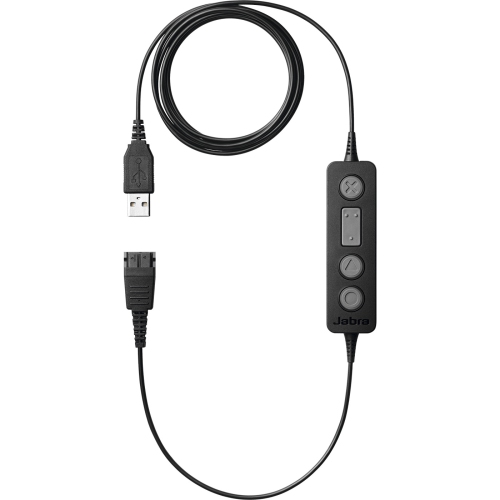
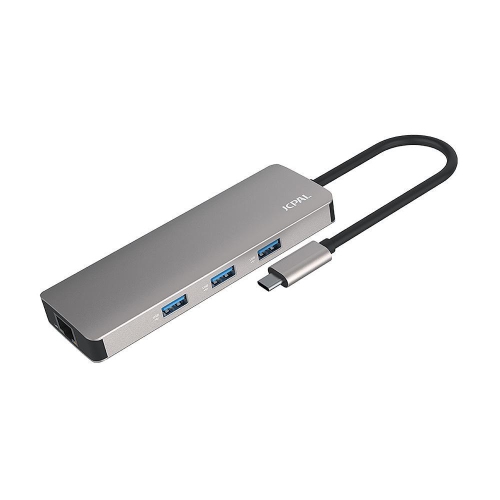
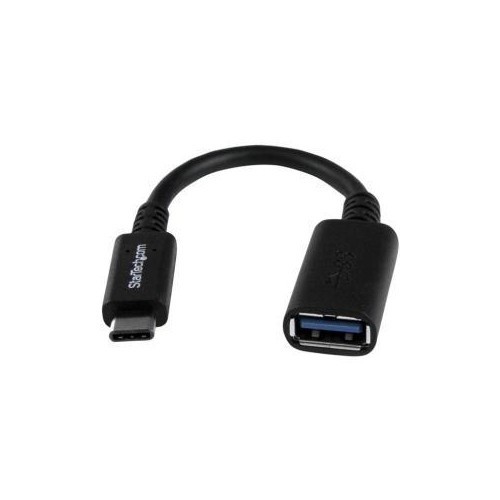
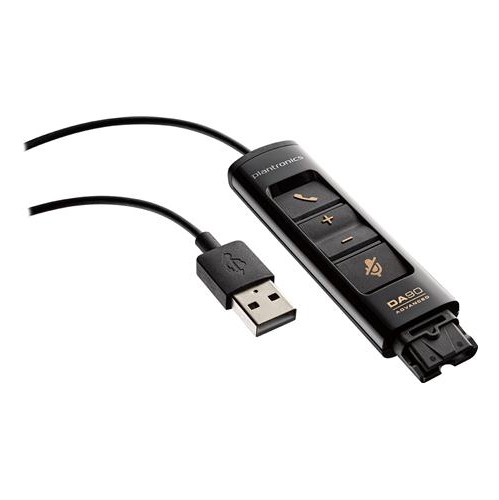
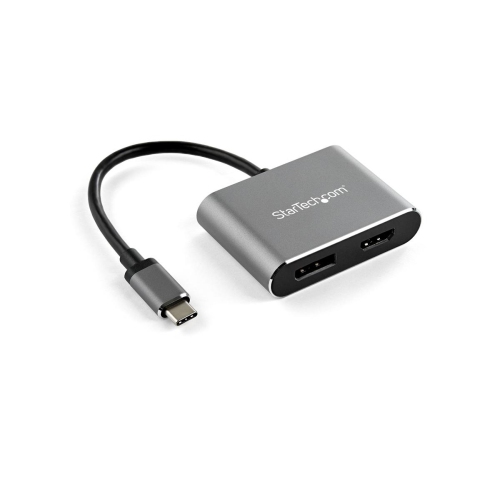
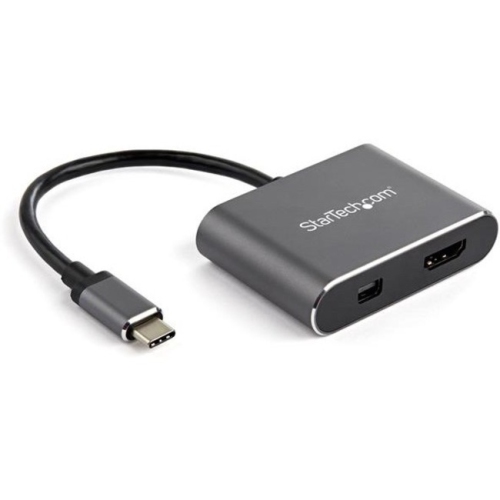
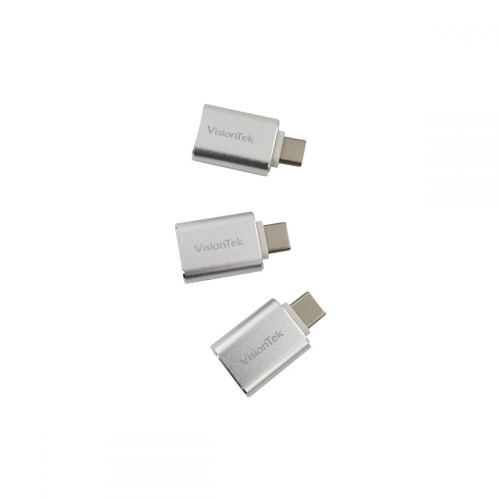
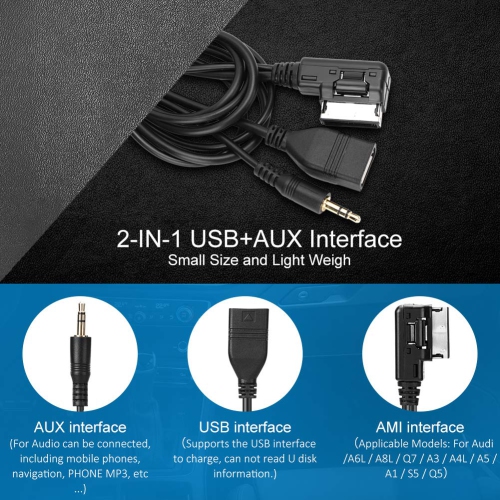
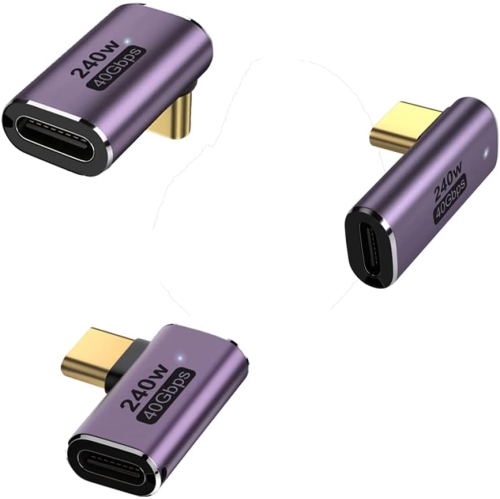
A simple way to connect headsets to more devices
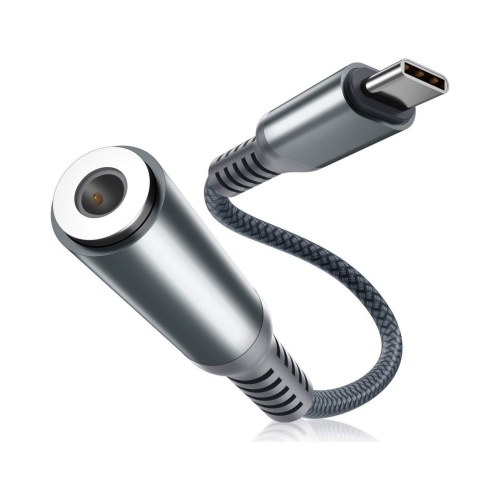
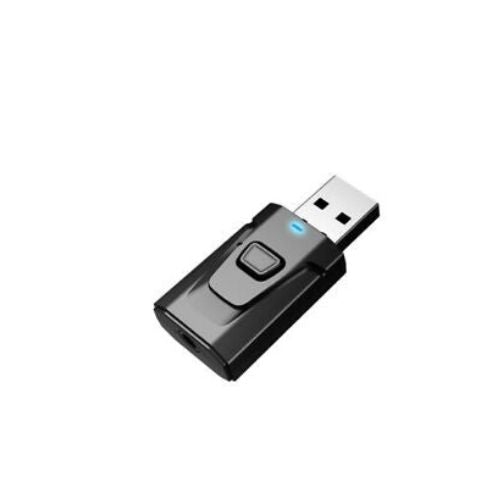
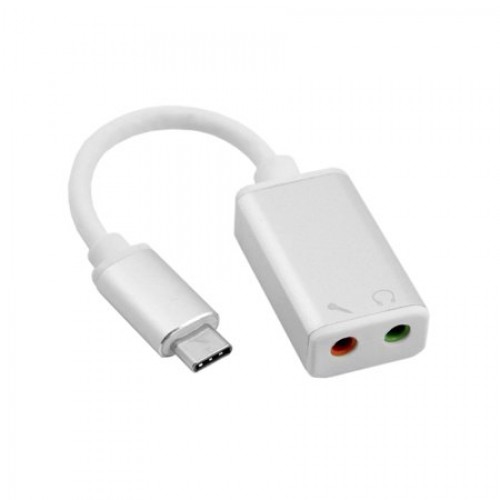
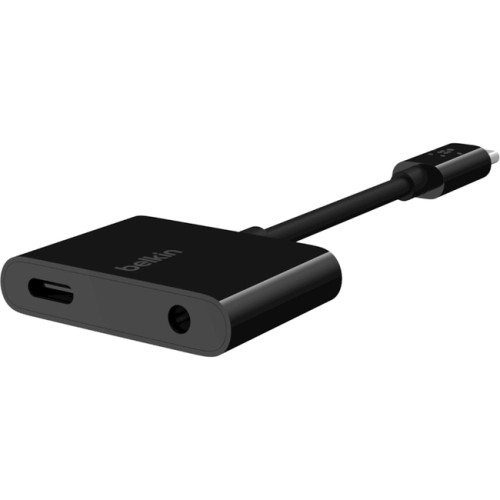
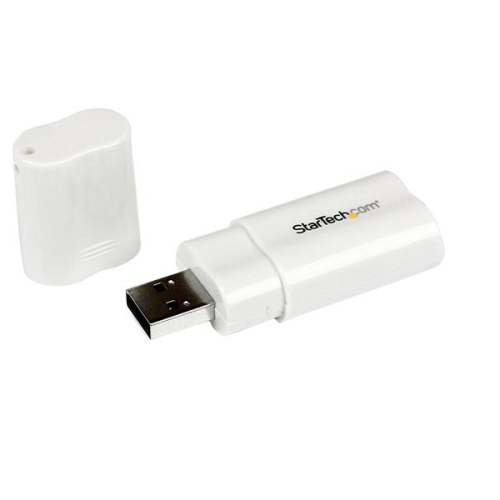
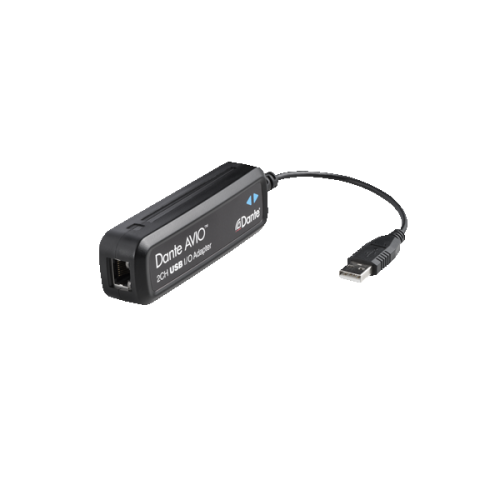
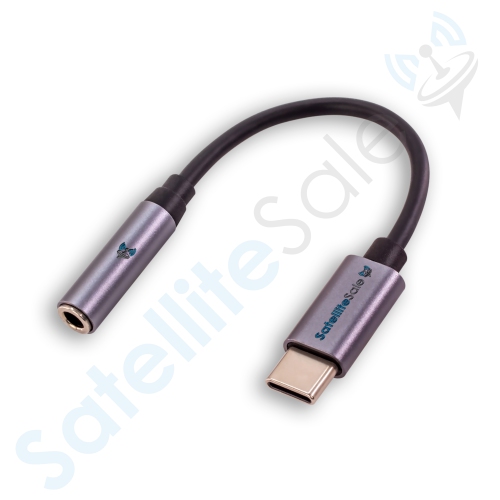
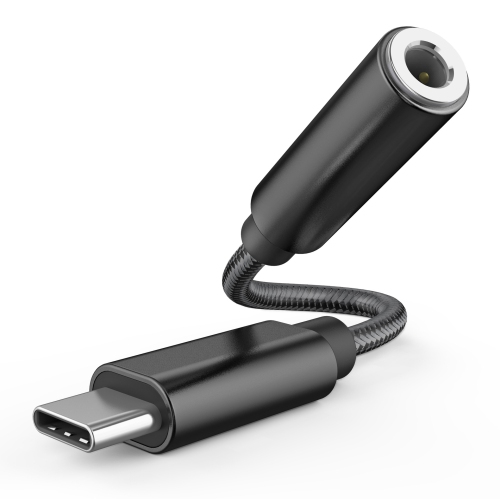
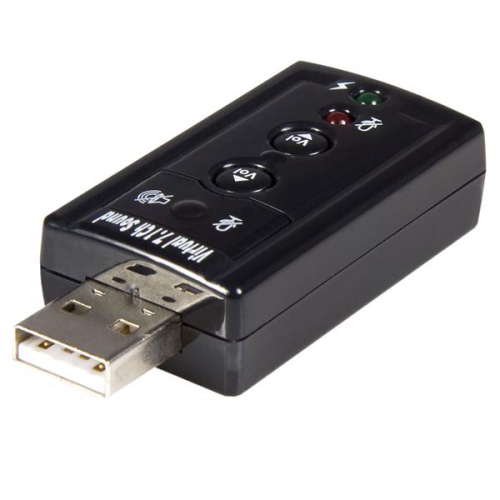
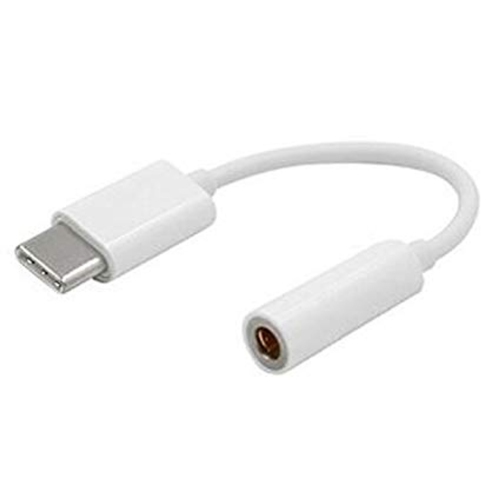
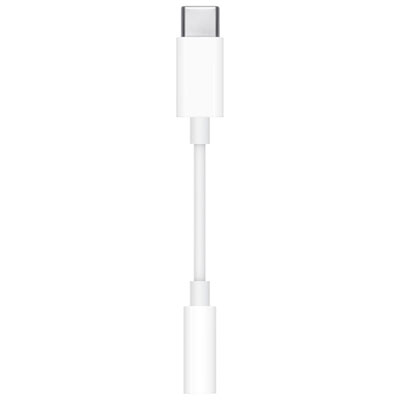
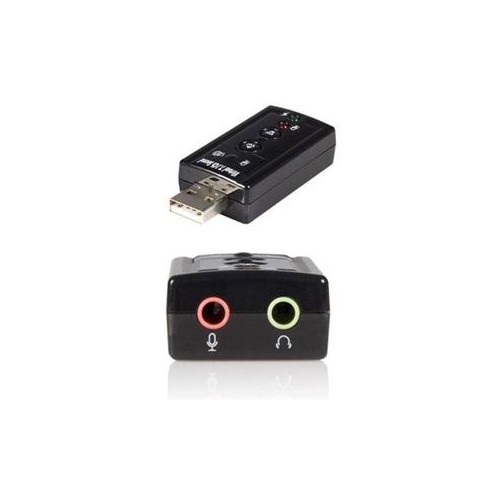
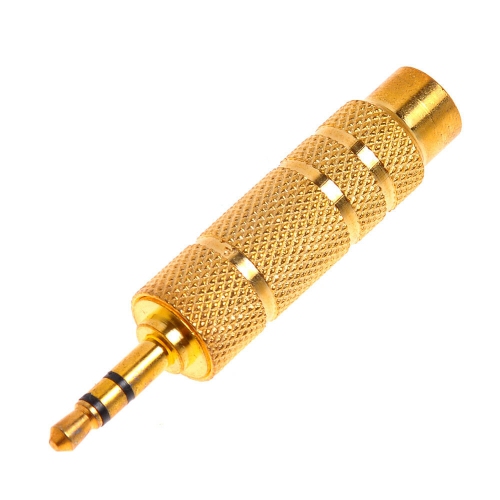
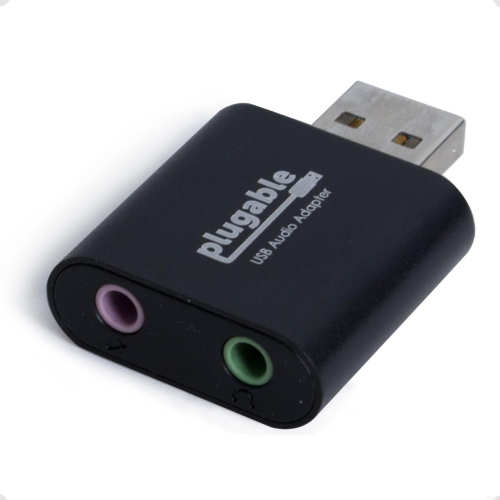
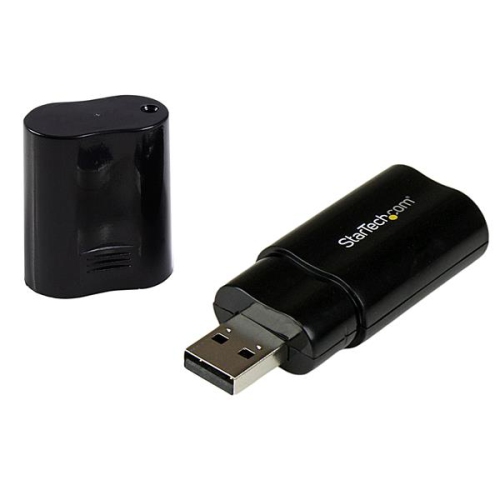
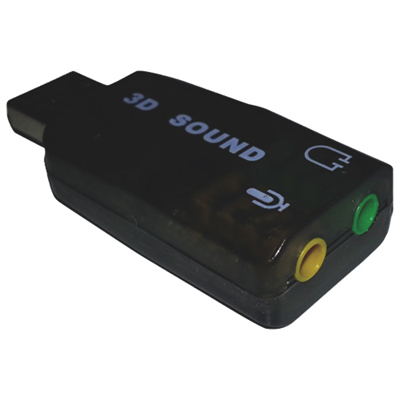
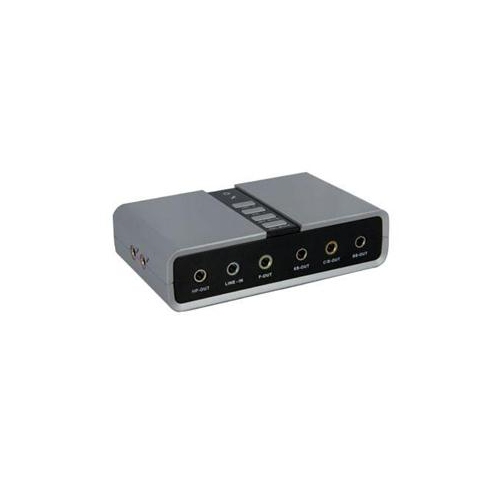
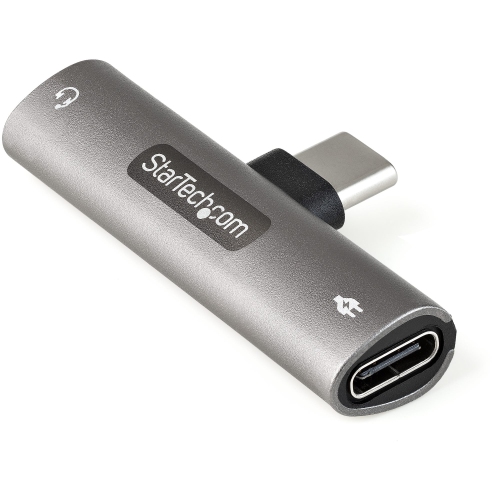
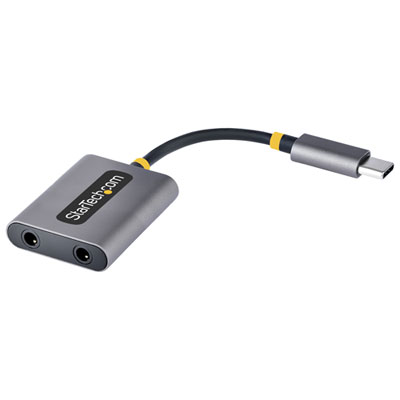
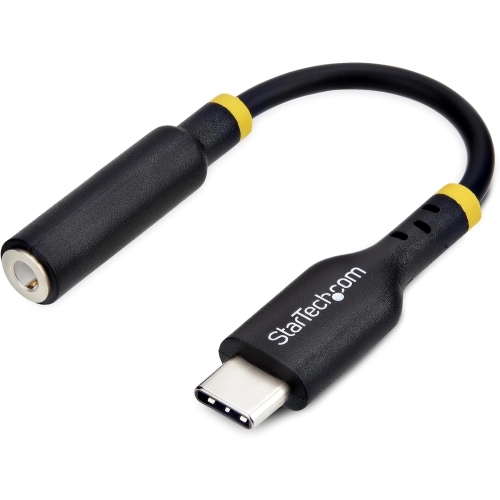
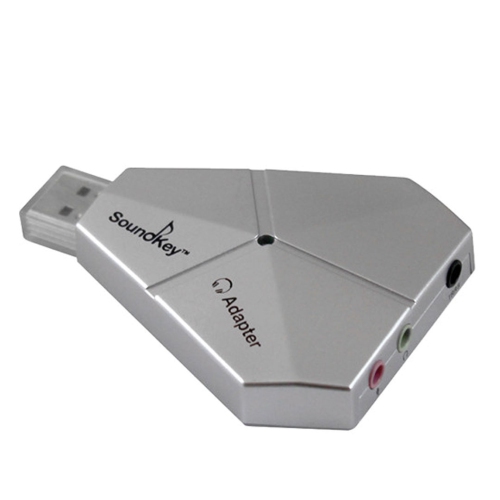
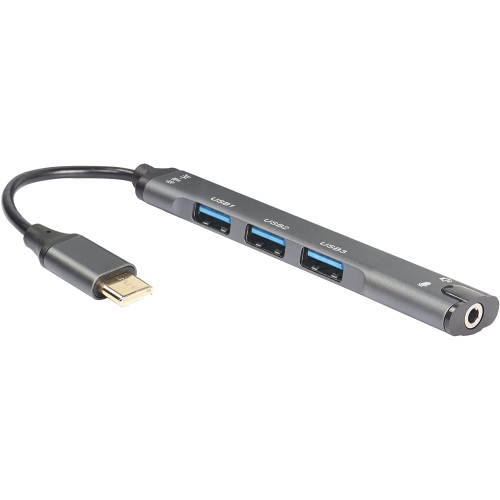
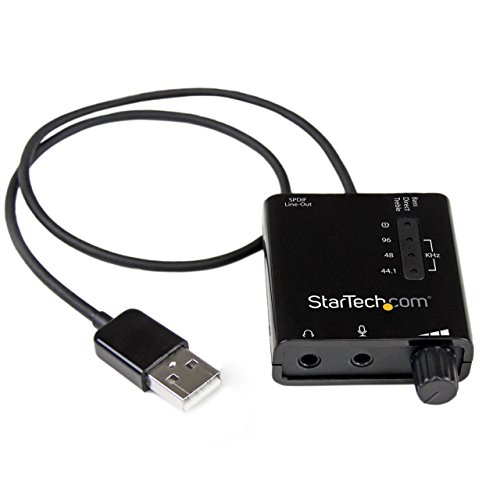
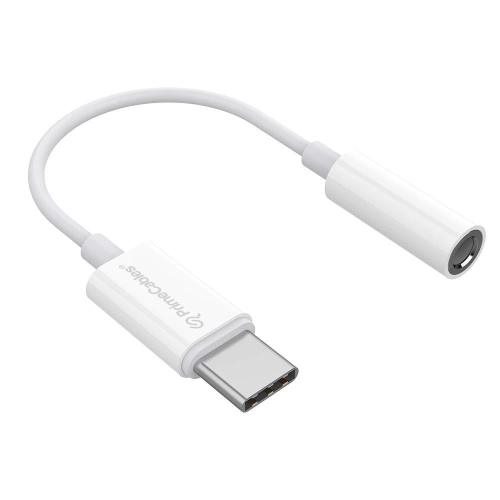
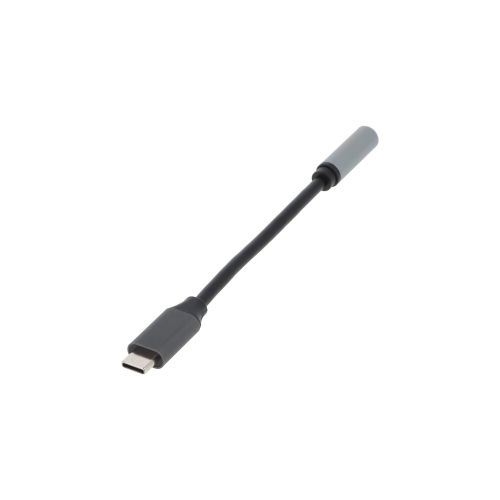
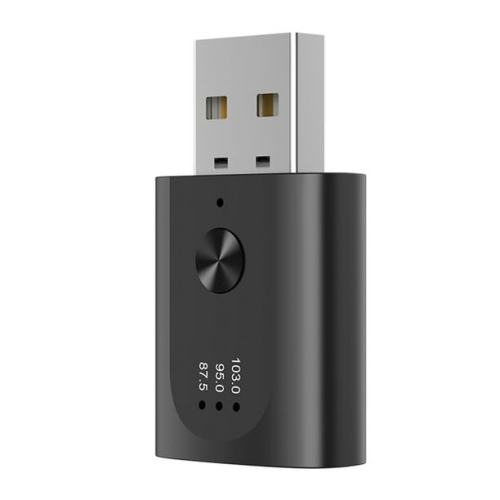
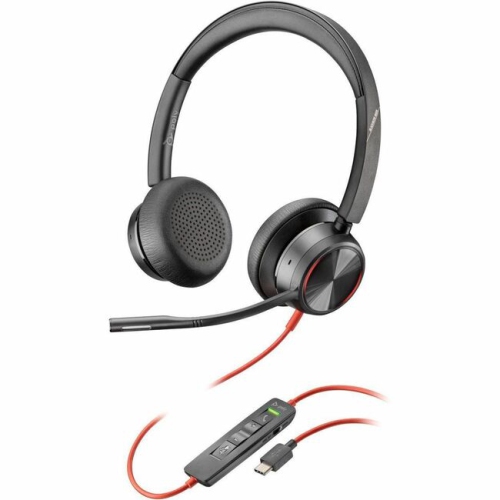
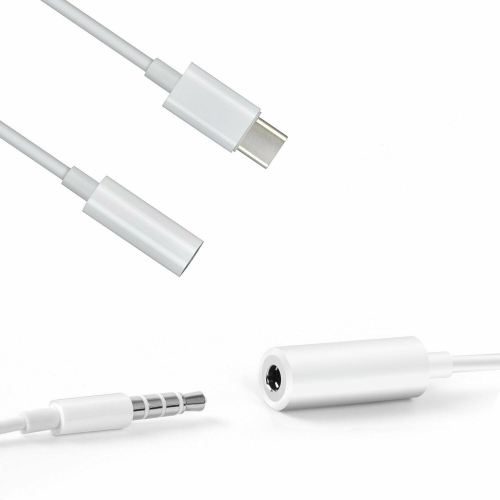
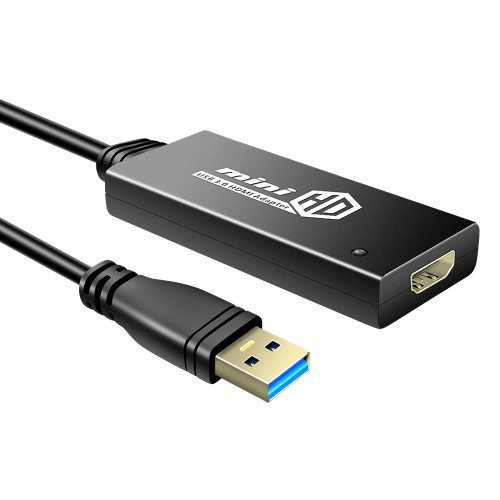
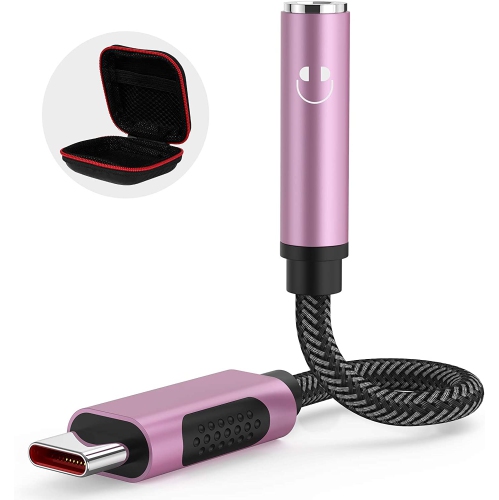
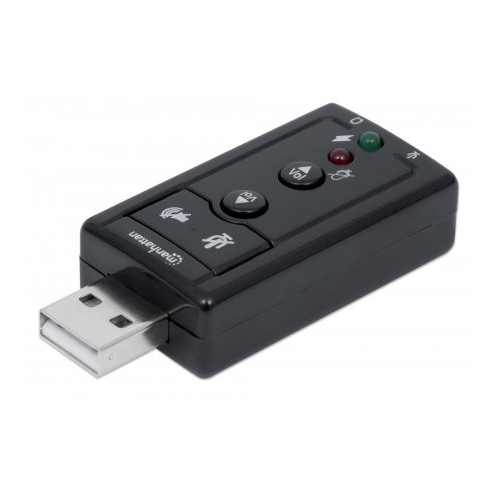
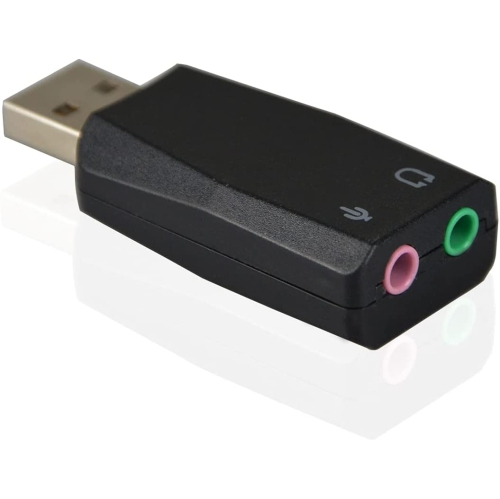
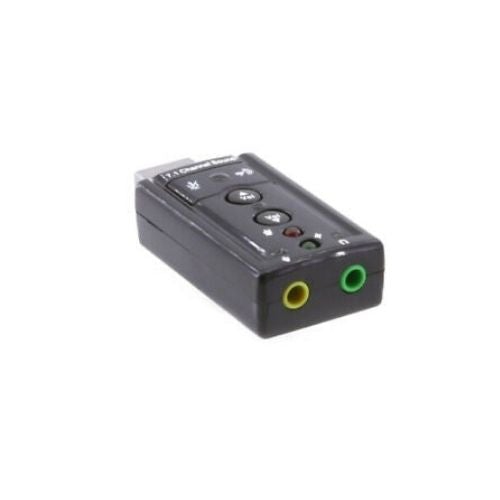
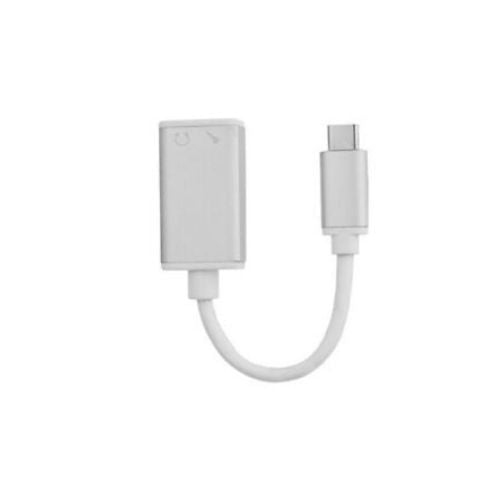
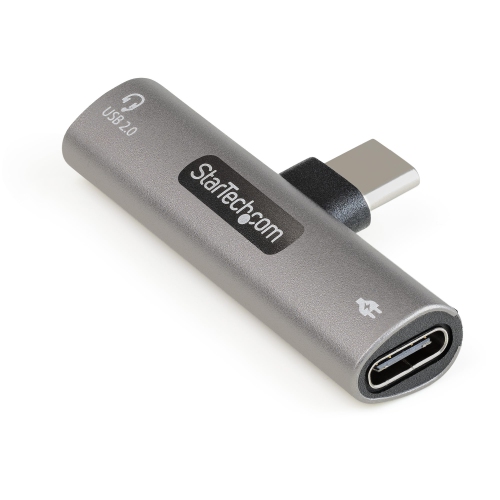
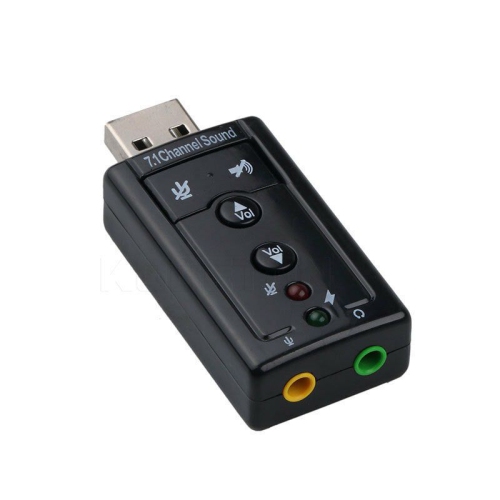
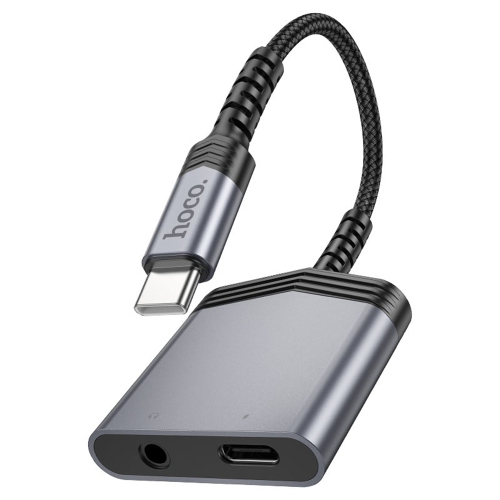
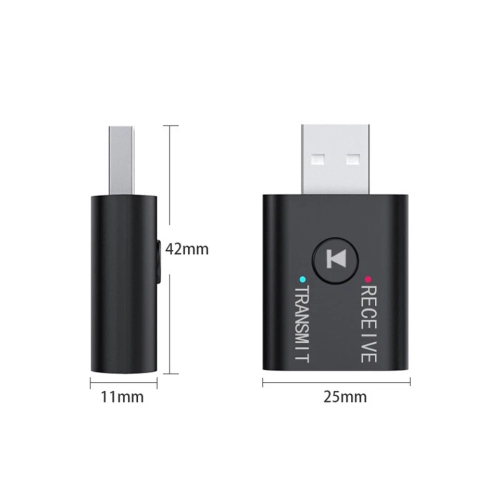
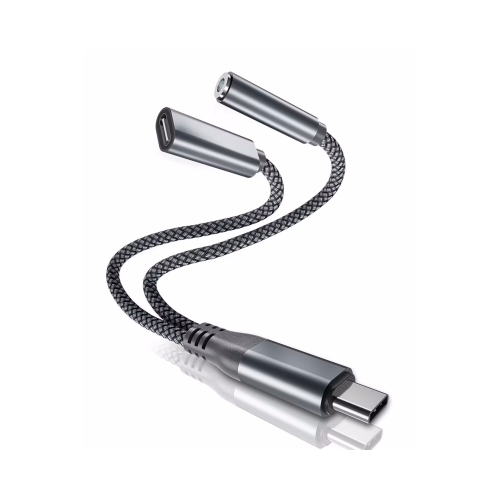
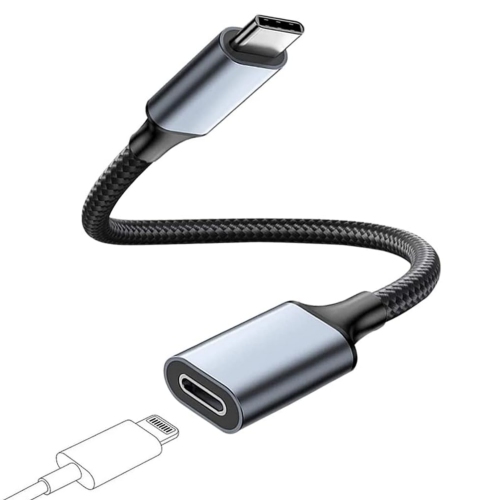
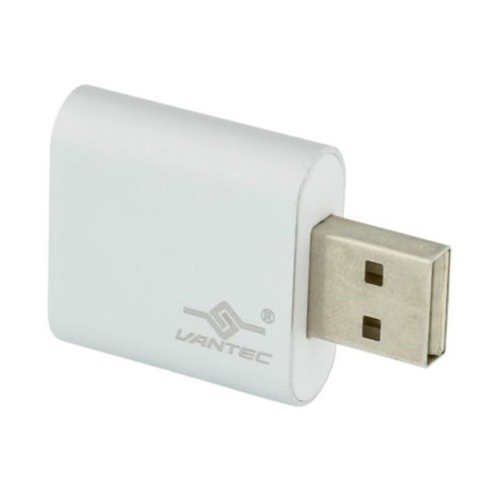
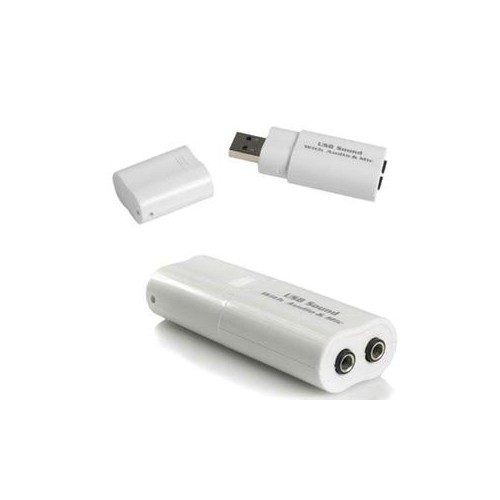
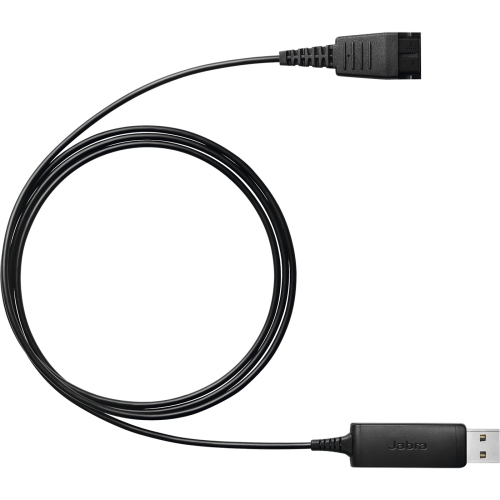
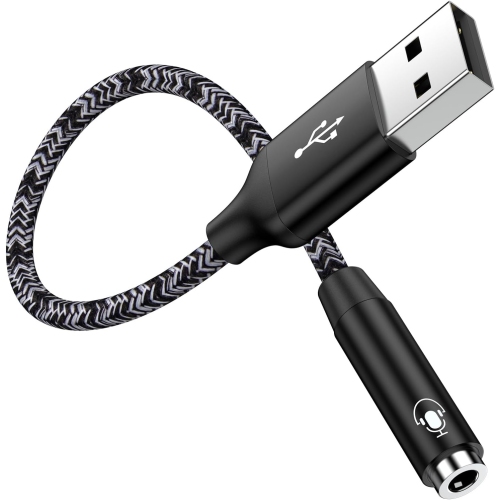
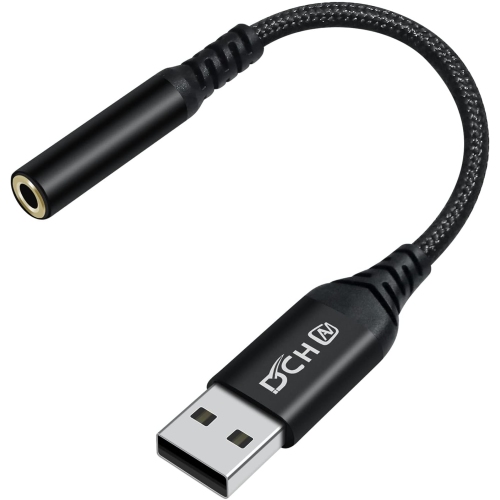
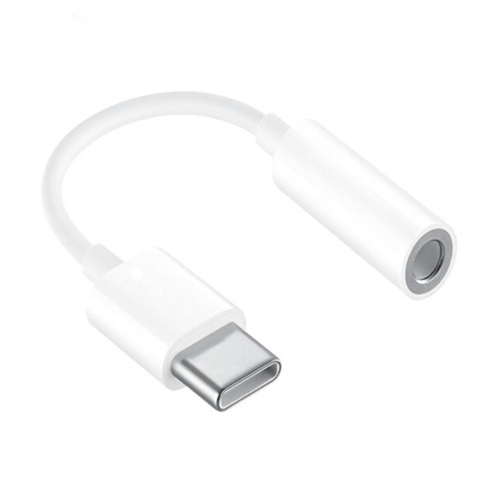
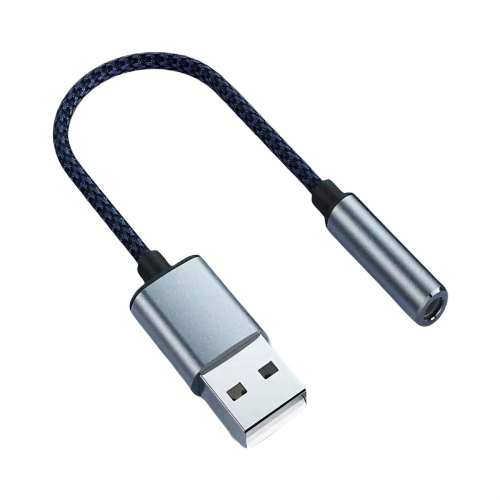
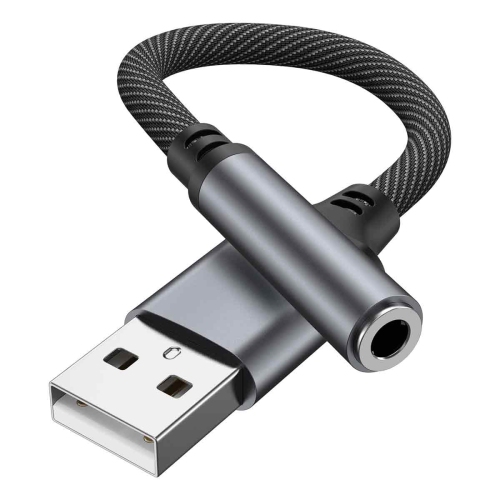
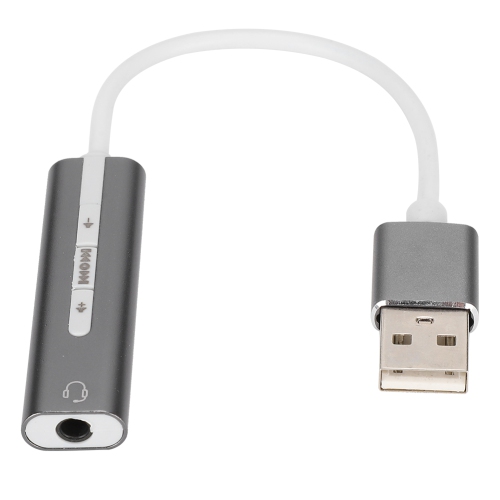
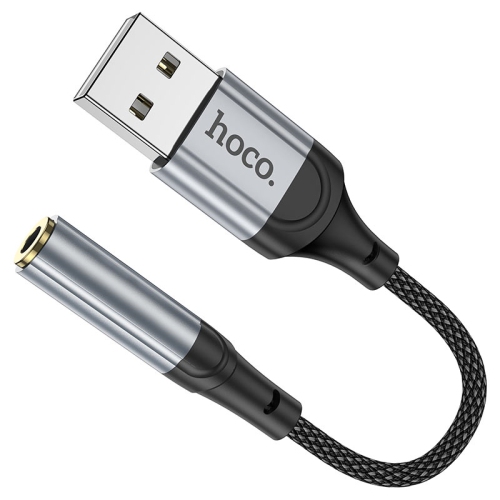
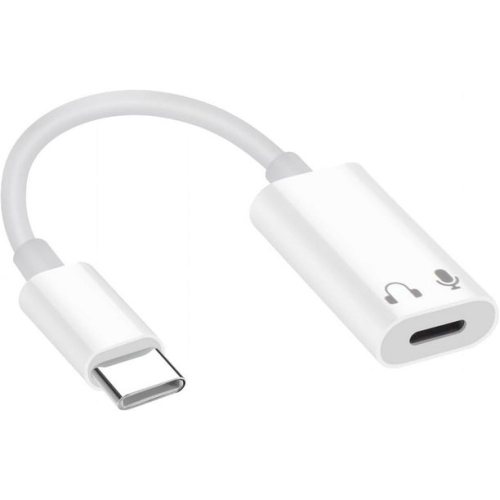
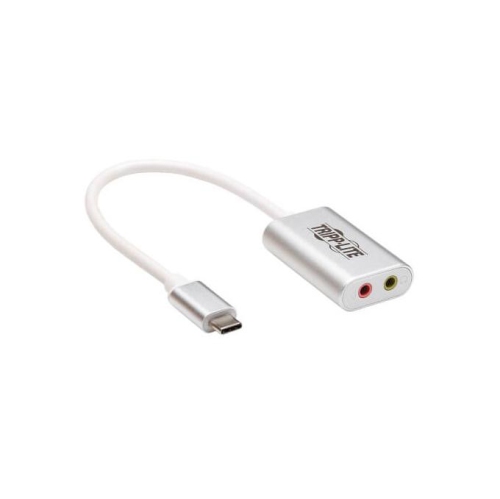
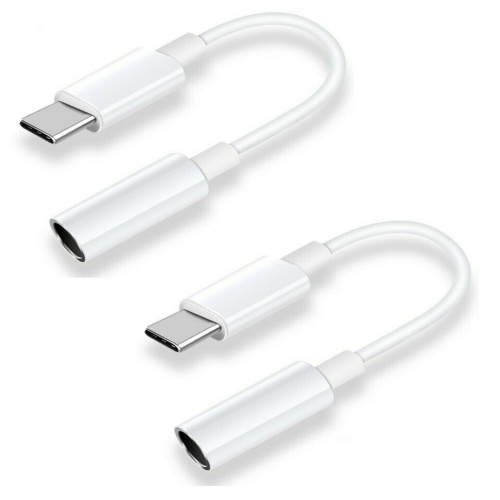
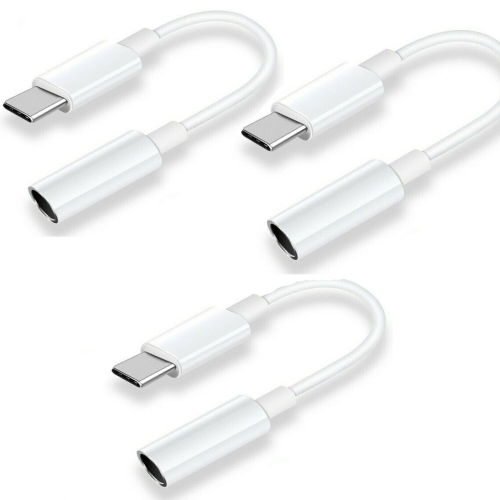
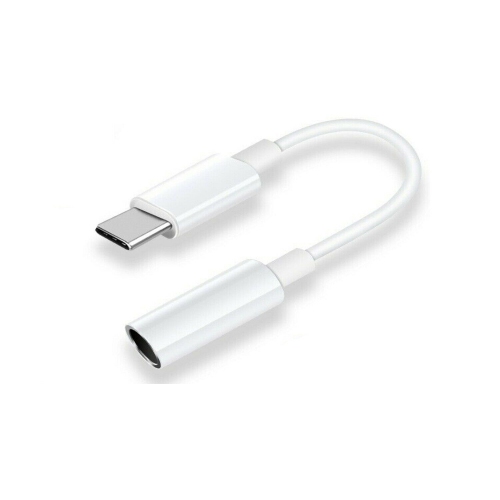
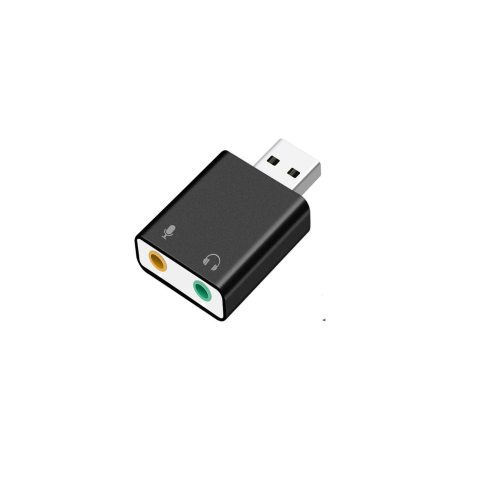
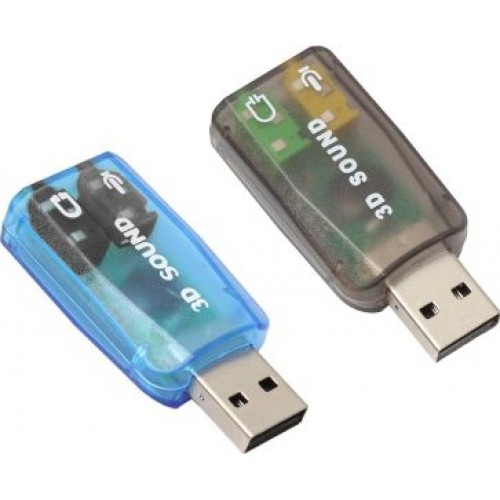
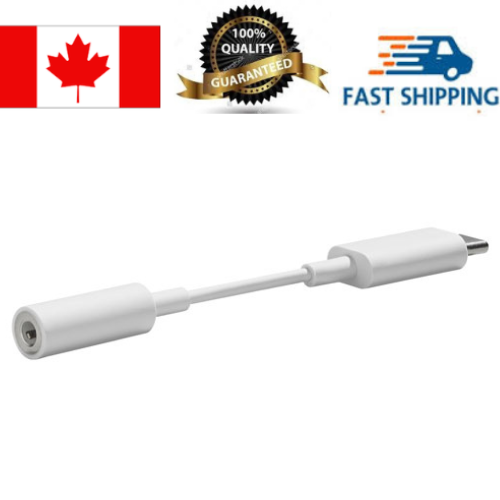
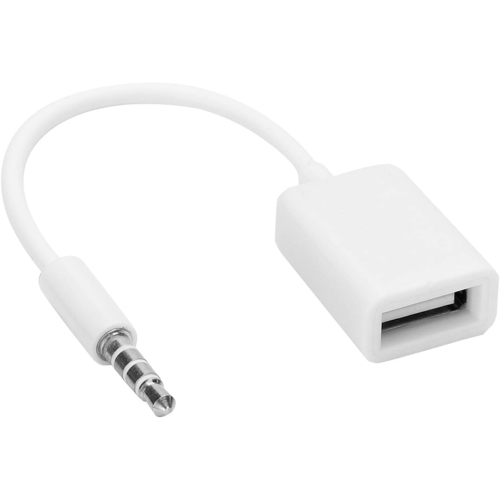
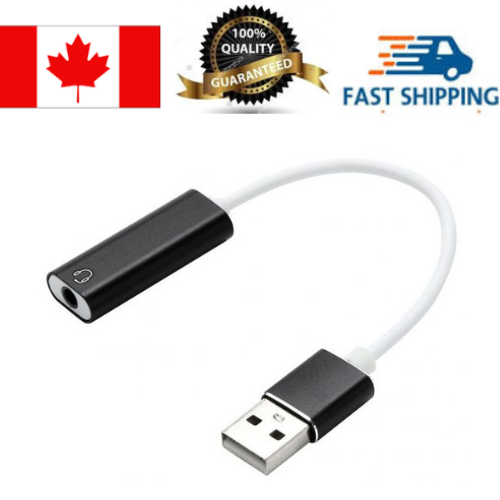
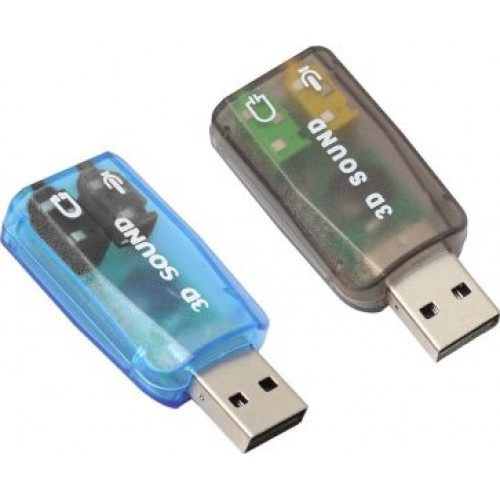
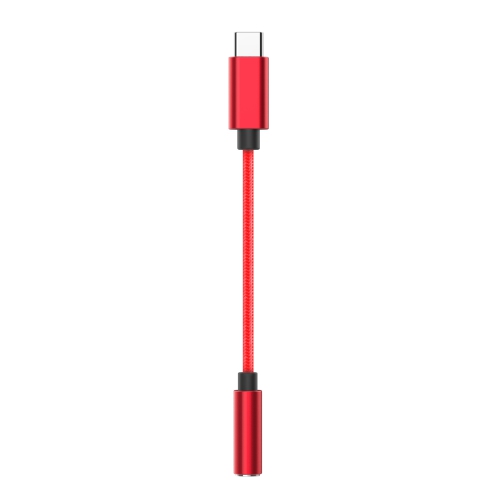
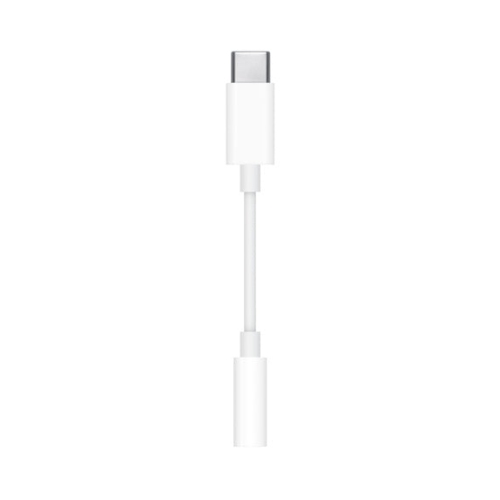
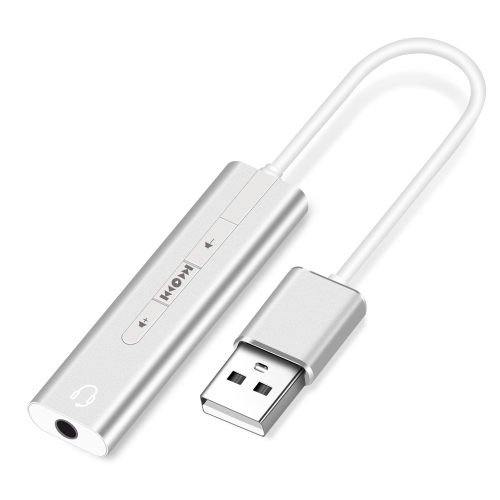
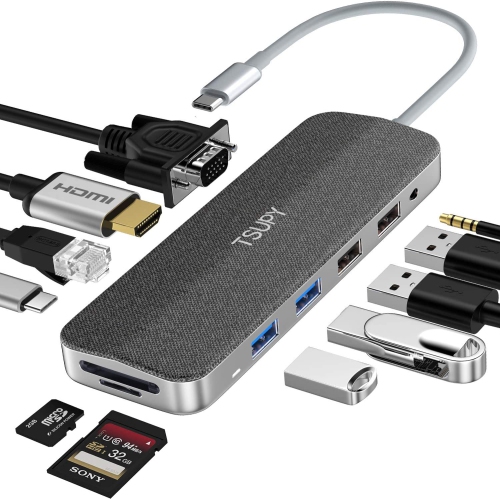
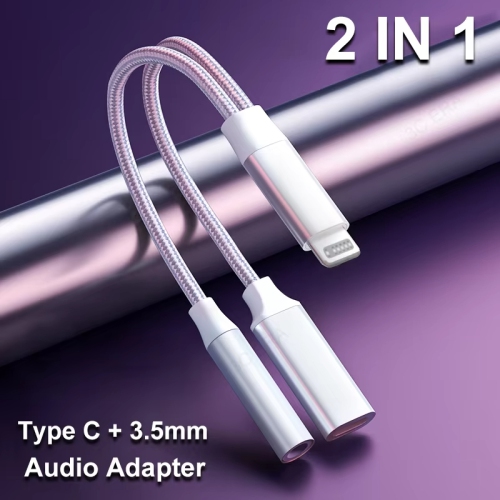
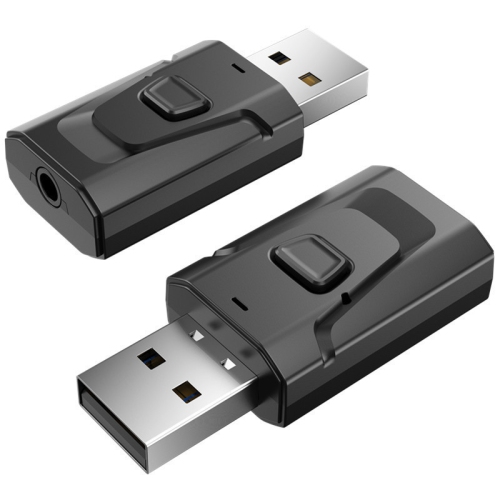
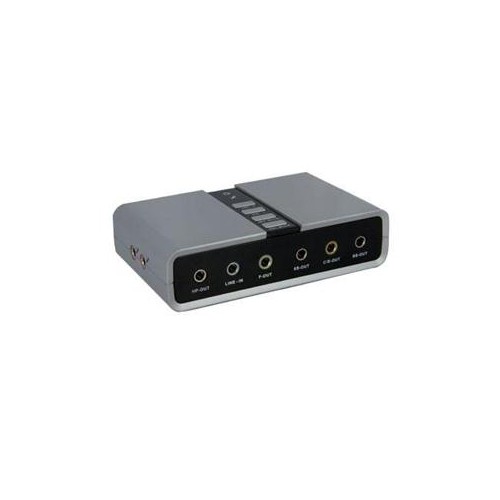
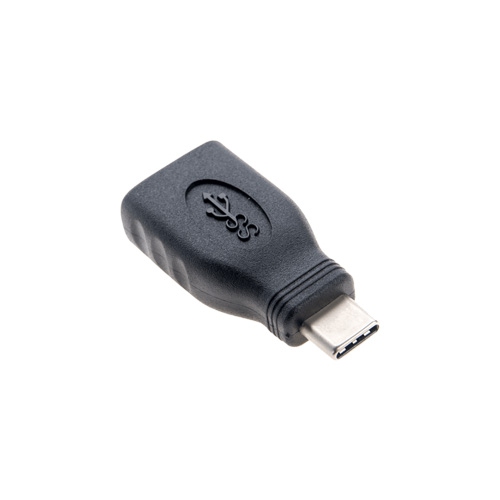
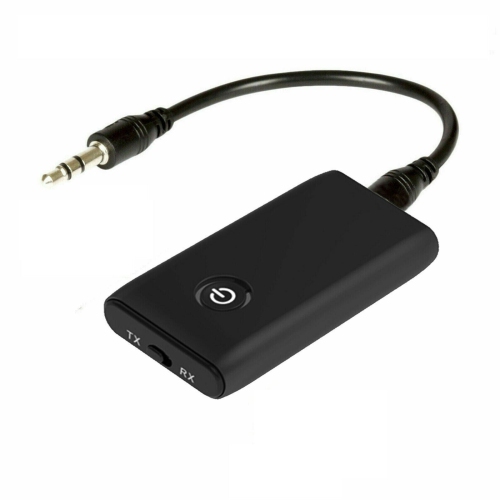
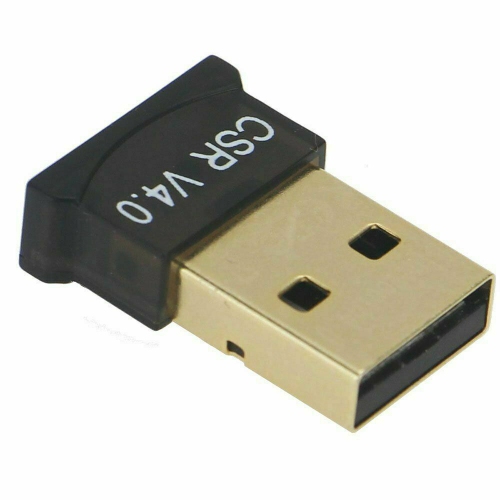
USB Audio Adapters are compact, practical accessories that add or replace audio connections on a computer, gaming console, laptop, or other compatible device. A typical adapter plugs into a USB-A or USB-C port and provides one or more 3.5 mm audio jacks for headphones, headsets, microphones, or speakers. This can be especially useful when a computer’s built-in sound card is not working properly, when a laptop has limited ports, or when a desktop setup does not include a convenient headphone and microphone connection. Instead of reaching behind a tower or disconnecting speakers every time a headset is needed, an external adapter can place the connection within easy reach on a desk. It can also offer a straightforward way to bypass noisy, damaged, or inconsistent internal audio hardware. Many standard adapters are designed for plug-and-play use with Windows, Mac, and Linux computers, while selected models also support gaming consoles such as PS4 and PS5. Compatibility still depends on the device, operating system, available USB port, and the type of headset being connected, so checking these details before purchase is worthwhile. USB-A remains common on desktop computers, older laptops, docking stations, and consoles, while USB-C is increasingly found on newer laptops, tablets, and compact computers. Some adapters are built for a single 4-position TRRS headset plug, allowing headphones and a microphone to share one connection. Others provide separate 3-position TRS headphone and microphone jacks, often identified by familiar headphone and microphone symbols. This distinction matters when moving between a modern gaming headset, a pair of headphones with an in-line microphone, and a traditional computer headset with separate plugs. A small adapter can make an older pair of headphones useful again, provide a convenient replacement for a missing port, or help a student, remote worker, traveller, or gamer connect familiar audio equipment to a new device.
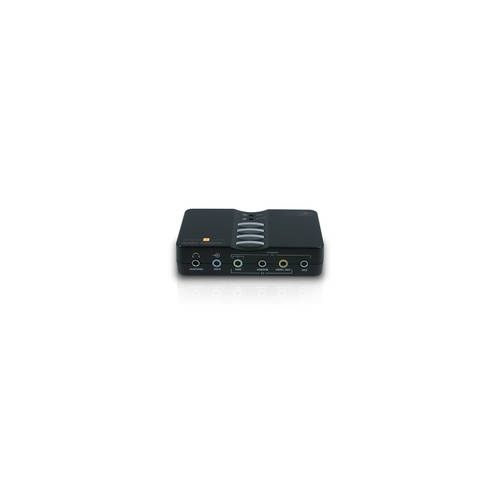
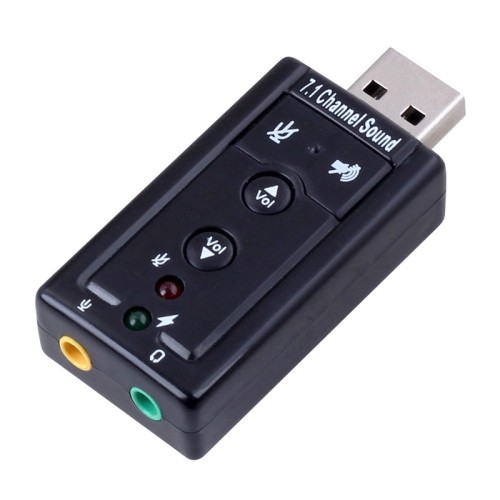
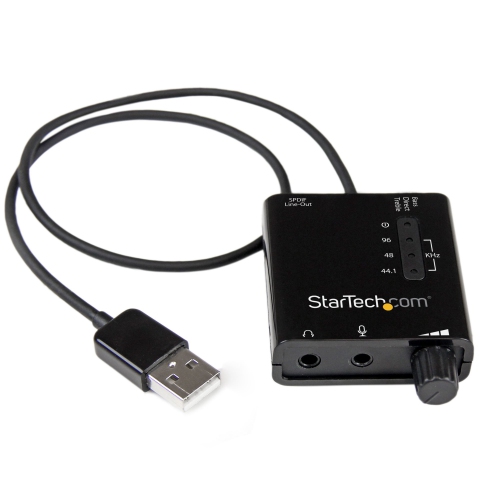
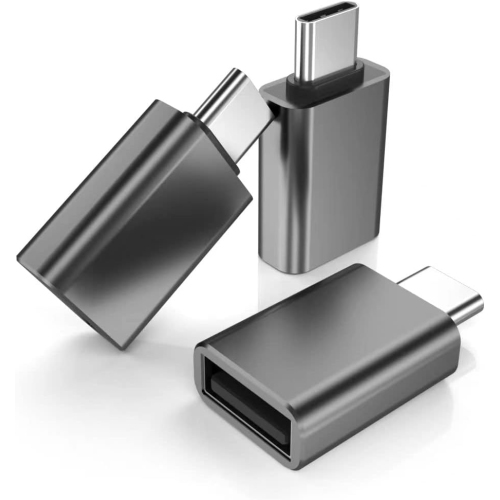
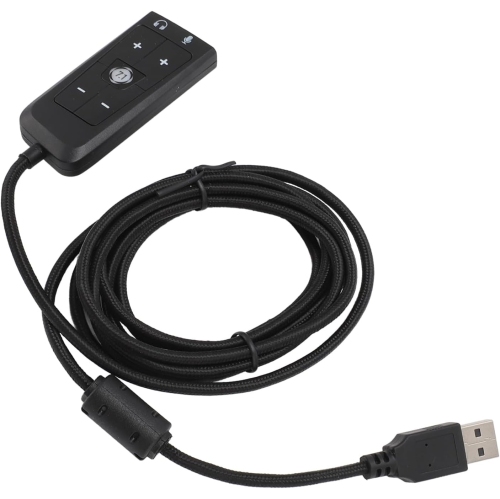
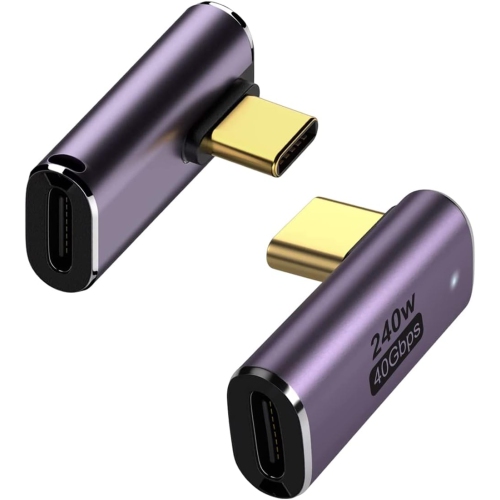
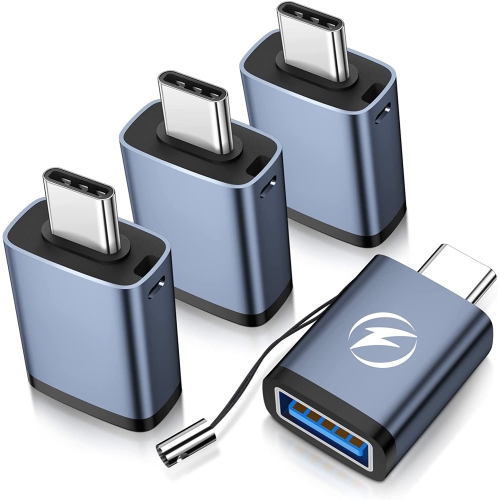
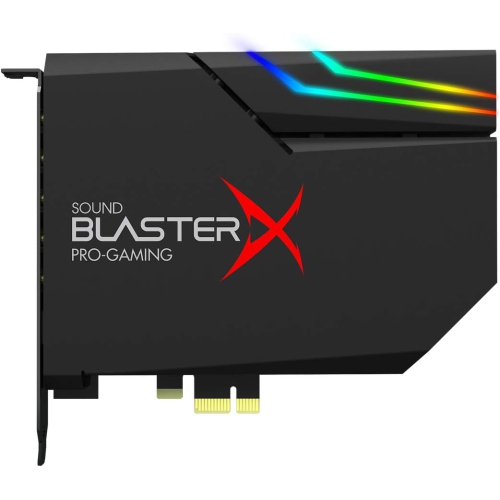
When choosing among USB Audio Adapters, start with the connection you have available and the equipment you want to use. A USB-A adapter will not fit directly into a USB-C-only device without an additional conversion solution, and the reverse is also true, so matching the connector can prevent an inconvenient surprise when the package arrives. Next, consider the jack layout and the way your headset carries audio. A combo jack is often the simplest choice for a single-plug headset, particularly for video calls, online classes, voice chat, and gaming. Separate headphone and microphone jacks may be preferable for a desktop arrangement with dedicated audio equipment or a headset that uses two plugs. Basic stereo adapters are well suited to music, films, spoken audio, calls, and everyday computer use. If you are building a more immersive entertainment or gaming setup, a multi-channel external sound card may support 5.1 or 7.1 surround sound, and some units include optical S/PDIF output for compatible home theatre equipment. Audio specifications can help distinguish a simple replacement adapter from a more advanced model. Many everyday units support 16-bit/48 kHz playback, which is suitable for common streaming, gaming, conferencing, and video content. Models that support up to 24-bit/96 kHz may appeal to listeners using higher-resolution music files or more capable headphones, provided the rest of the system can take advantage of those specifications. Volume controls, microphone mute buttons, independent level controls, and indicator lights can add convenience, especially when the adapter sits beside a keyboard. A sturdy cable and a compact enclosure may also be helpful for a travel bag, shared workspace, or busy gaming desk where equipment is connected and disconnected often. Before buying, confirm whether the adapter supports microphone input, stereo output, surround channels, digital output, or headset controls as needed. Some devices may require a driver or software configuration, although many are recognized automatically. If recording, streaming, podcasting, or live performance is part of the setup, a dedicated USB Audio Mixers page may be a better match for multiple microphones and more hands-on control.
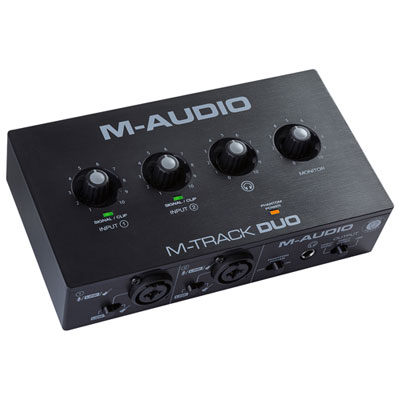
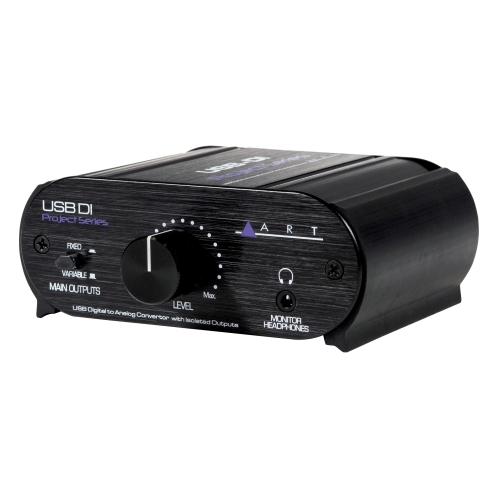
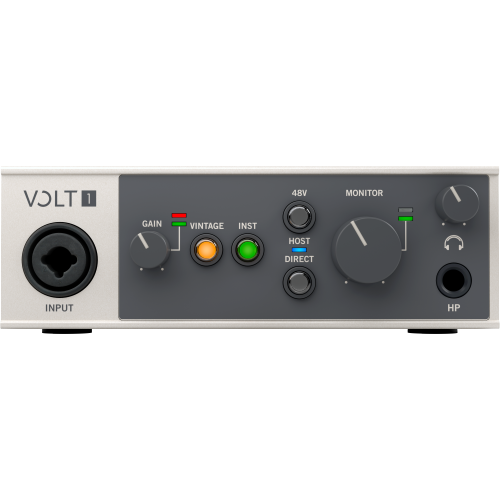
USB Audio Adapters can be useful for a wide range of people because they solve small audio problems without requiring a complete equipment replacement. A university student may use one to connect a headset for lectures and group projects in a residence room, while a remote worker may keep one at the edge of a desk for quick meetings between music sessions. Gamers can use an adapter to connect a headset for team communication, adjust sound without opening system menus, or add a microphone connection to a console or computer that lacks the right jack. Families may appreciate having a simple way to connect headphones for late-night films, shared living spaces, or car travel with a compatible laptop. They can also make thoughtful practical gifts for someone setting up a first computer, updating a home office, or assembling a gaming station during the cooler months when more time is spent indoors. For musicians, teachers, streamers, and hobbyist creators, an adapter may be useful for monitoring audio or adding a microphone input to a basic computer setup, although more demanding recording work may call for an interface with dedicated preamps and controls. In a real-world setup, the difference can be as simple as moving a headset from a loose front-panel jack to a small adapter resting beside the monitor, where the connection feels firm and the microphone is ready for the next call. Portable adapters are easy to keep in a laptop sleeve or accessory pouch, making them useful when working between home, school, an office, or a shared studio. They can also serve as an affordable backup if a built-in audio port stops working unexpectedly. To find the best fit, compare the USB connector, headset jack configuration, microphone support, sound channels, sample rate, controls, and device compatibility rather than choosing based on size alone. With the right combination of connections and features, a USB audio adapter can provide cleaner organization, more flexible listening, and a dependable way to connect familiar audio equipment to the devices used every day.
When choosing among USB Audio Adapters, start with the connection you have available and the equipment you want to use. A USB-A adapter will not fit directly into a USB-C-only device without an additional conversion solution, and the reverse is also true, so matching the connector can prevent an inconvenient surprise when the package arrives. Next, consider the jack layout and the way your headset carries audio. A combo jack is often the simplest choice for a single-plug headset, particularly for video calls, online classes, voice chat, and gaming. Separate headphone and microphone jacks may be preferable for a desktop arrangement with dedicated audio equipment or a headset that uses two plugs. Basic stereo adapters are well suited to music, films, spoken audio, calls, and everyday computer use. If you are building a more immersive entertainment or gaming setup, a multi-channel external sound card may support 5.1 or 7.1 surround sound, and some units include optical S/PDIF output for compatible home theatre equipment. Audio specifications can help distinguish a simple replacement adapter from a more advanced model. Many everyday units support 16-bit/48 kHz playback, which is suitable for common streaming, gaming, conferencing, and video content. Models that support up to 24-bit/96 kHz may appeal to listeners using higher-resolution music files or more capable headphones, provided the rest of the system can take advantage of those specifications. Volume controls, microphone mute buttons, independent level controls, and indicator lights can add convenience, especially when the adapter sits beside a keyboard. A sturdy cable and a compact enclosure may also be helpful for a travel bag, shared workspace, or busy gaming desk where equipment is connected and disconnected often. Before buying, confirm whether the adapter supports microphone input, stereo output, surround channels, digital output, or headset controls as needed. Some devices may require a driver or software configuration, although many are recognized automatically. If recording, streaming, podcasting, or live performance is part of the setup, a dedicated USB Audio Mixers page may be a better match for multiple microphones and more hands-on control.
USB Audio Adapters can be useful for a wide range of people because they solve small audio problems without requiring a complete equipment replacement. A university student may use one to connect a headset for lectures and group projects in a residence room, while a remote worker may keep one at the edge of a desk for quick meetings between music sessions. Gamers can use an adapter to connect a headset for team communication, adjust sound without opening system menus, or add a microphone connection to a console or computer that lacks the right jack. Families may appreciate having a simple way to connect headphones for late-night films, shared living spaces, or car travel with a compatible laptop. They can also make thoughtful practical gifts for someone setting up a first computer, updating a home office, or assembling a gaming station during the cooler months when more time is spent indoors. For musicians, teachers, streamers, and hobbyist creators, an adapter may be useful for monitoring audio or adding a microphone input to a basic computer setup, although more demanding recording work may call for an interface with dedicated preamps and controls. In a real-world setup, the difference can be as simple as moving a headset from a loose front-panel jack to a small adapter resting beside the monitor, where the connection feels firm and the microphone is ready for the next call. Portable adapters are easy to keep in a laptop sleeve or accessory pouch, making them useful when working between home, school, an office, or a shared studio. They can also serve as an affordable backup if a built-in audio port stops working unexpectedly. To find the best fit, compare the USB connector, headset jack configuration, microphone support, sound channels, sample rate, controls, and device compatibility rather than choosing based on size alone. With the right combination of connections and features, a USB audio adapter can provide cleaner organization, more flexible listening, and a dependable way to connect familiar audio equipment to the devices used every day.
Top selling and popular products
-
 Your price for this item is $19.99
 -
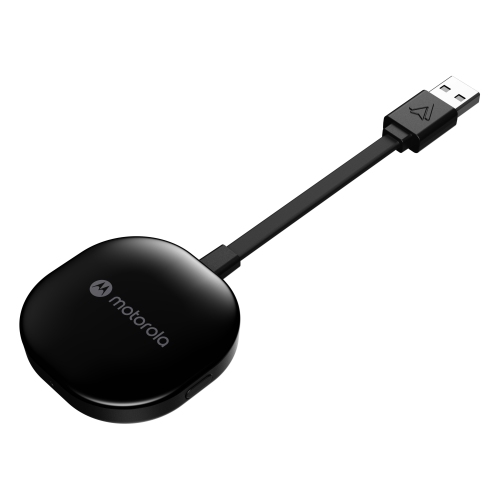 Your price for this item is $94.99
 -
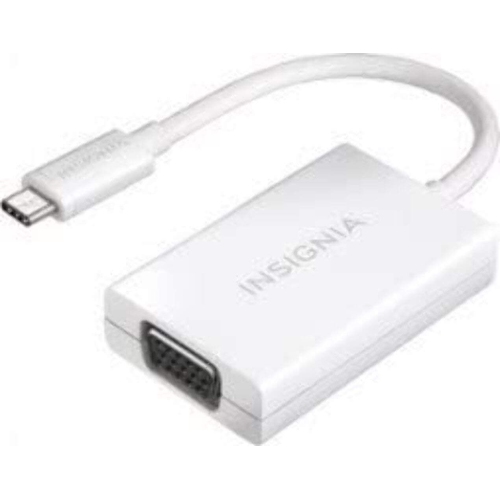 Your price for this item is $13.99
 -
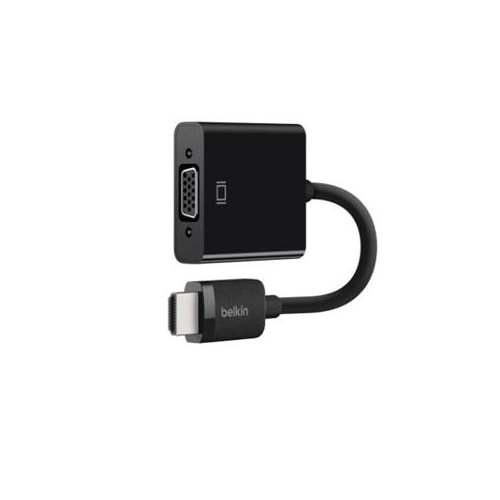 Your price for this item is $48.68
 -
 Your price for this item is $49.68
 -
 Your price for this item is $29.68
 -
 Your price for this item is $29.95
 -
 Your price for this item is $49.99
Discover more categories related to USB Audio Adapters
Top Collections:
Pokemon Centers, Kindle Devices, Best Budget Office Chairs, Apple iPhones 16, Best Laptops for Writers, iPhone 15 Apple, Canon G7X Cameras, Refurbished Apple Laptops, Alarm Clock, Motorola Razr Phones
Some products may be subject to Environmental Handling Fees
(EHF) depending on your province.
Learn more about EHFs.