USB Type C Laptops
Looking for a laptop that offers lightning-fast data transfer speeds and seamless connectivity? Look no further than the USB-type C laptops. With their versatile and reversible design, these laptops allow you to connect multiple devices, charge your laptop, and transfer data all through a single USB-C port. Whether you're a student, professional, or someone who simply loves staying connected on the go, USB Type C laptops have got you covered. Here are some great options available.
Sort



![BATTDEPOT New Lenovo Thinkpad T480S 65W USB C Type C Laptop Ac Adapter Charger [Sq Shape]](https://multimedia.bbycastatic.ca/multimedia/products/500x500/172/17278/17278123.jpeg)

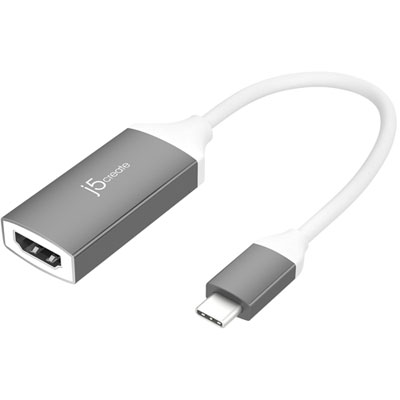
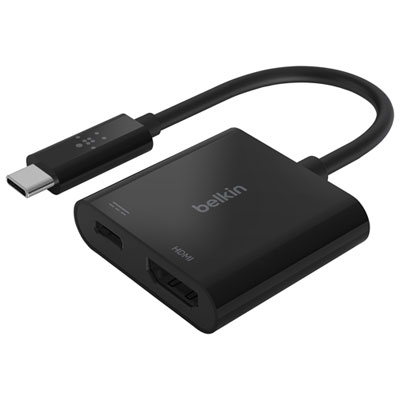
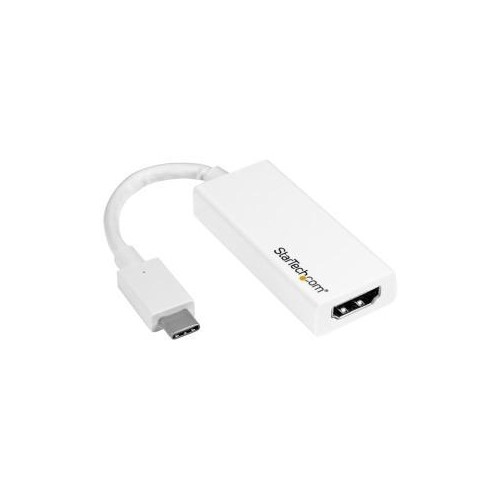

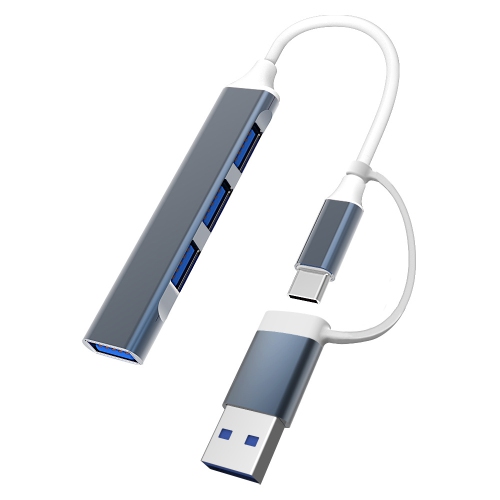
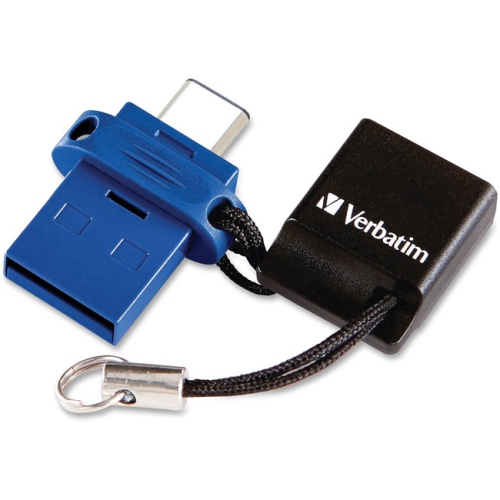
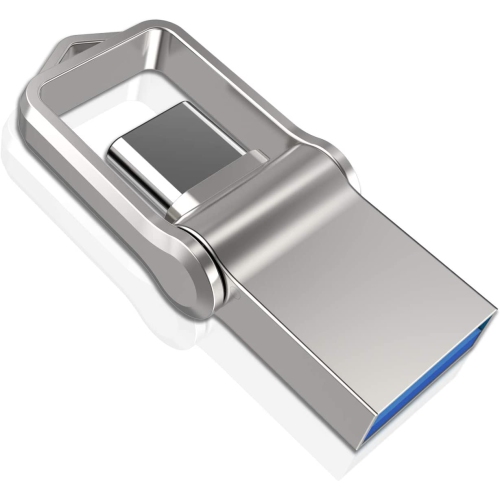
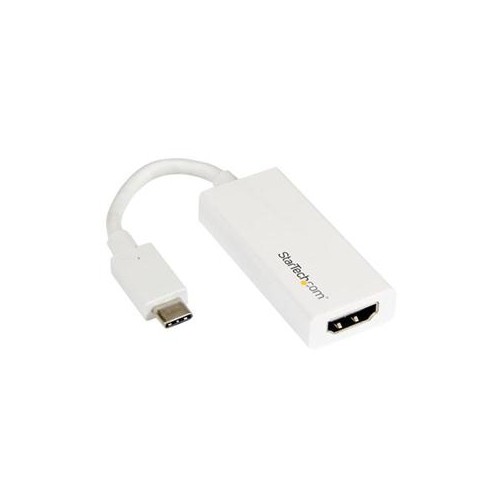
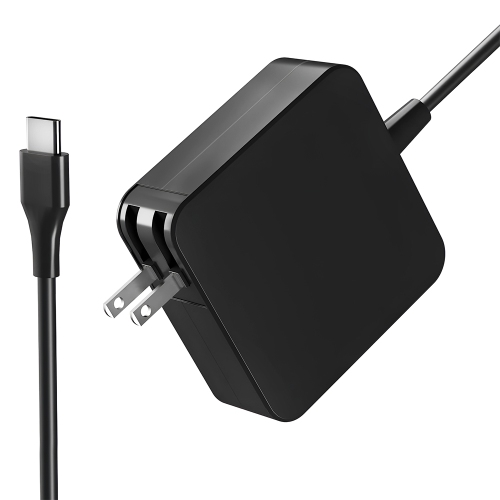

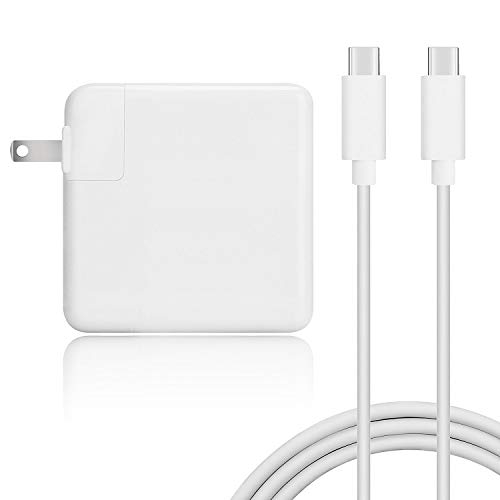
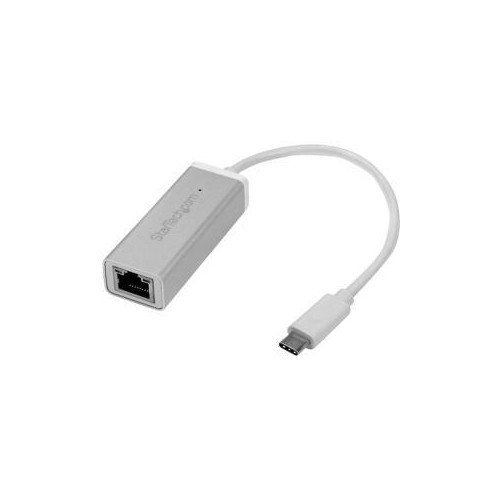
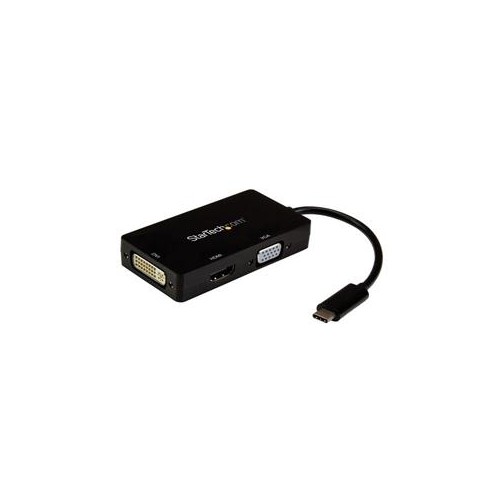
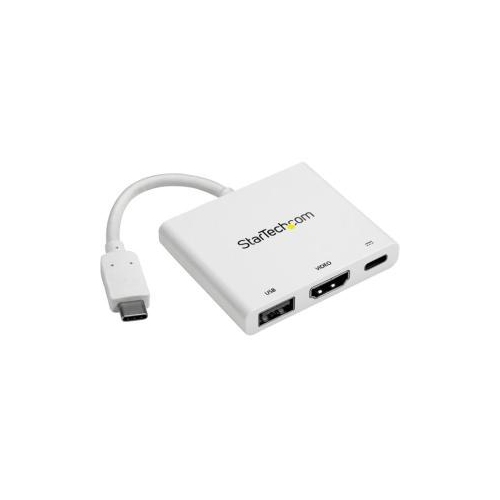

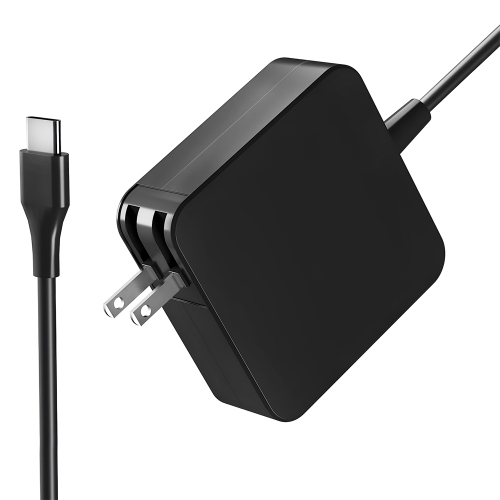
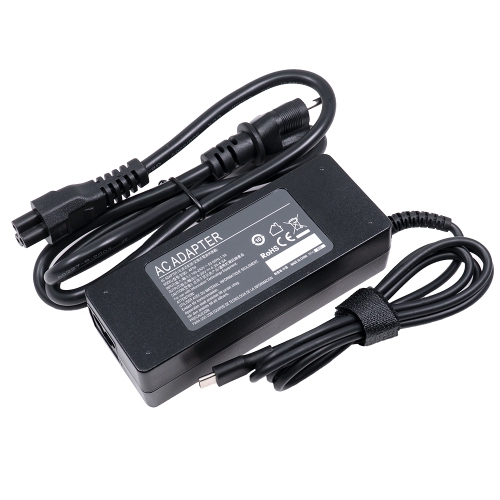
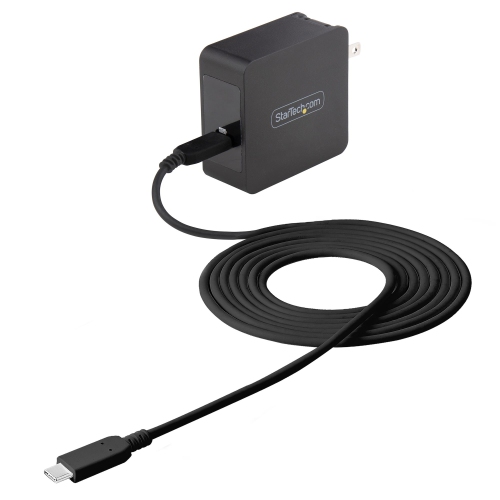
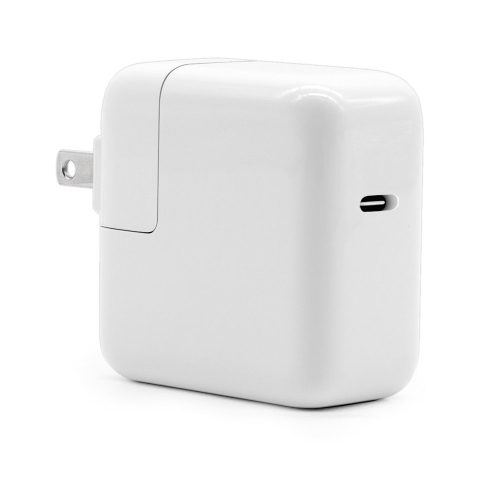
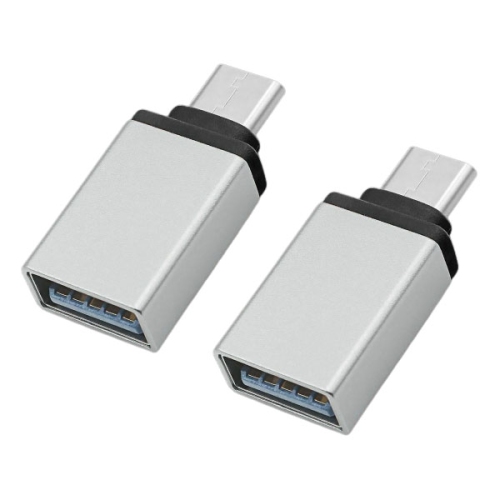
One port can power work, displays, and accessories
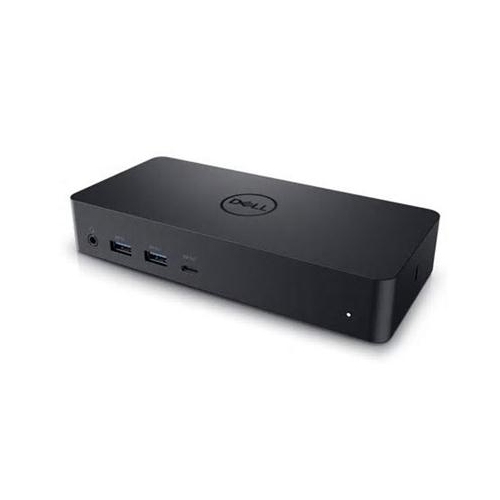
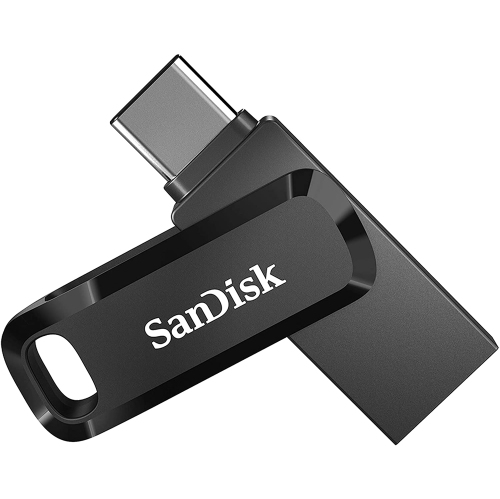
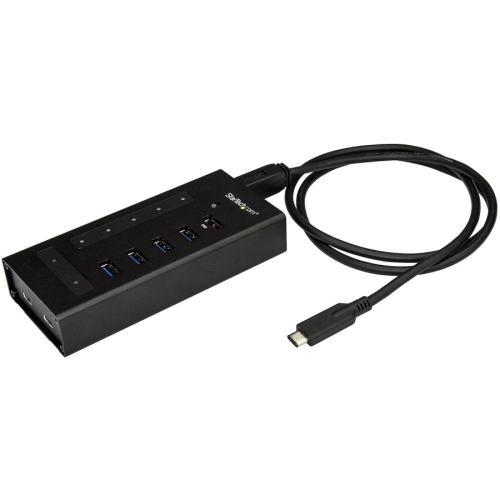
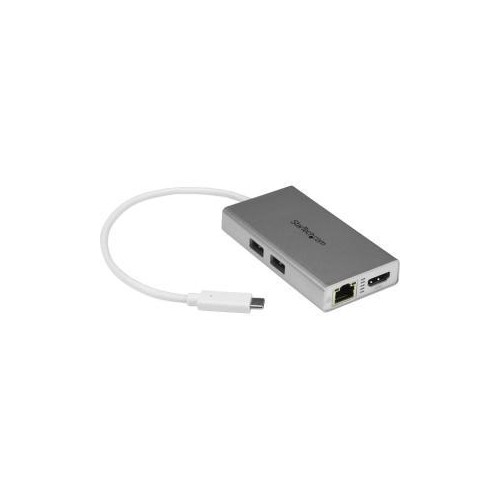
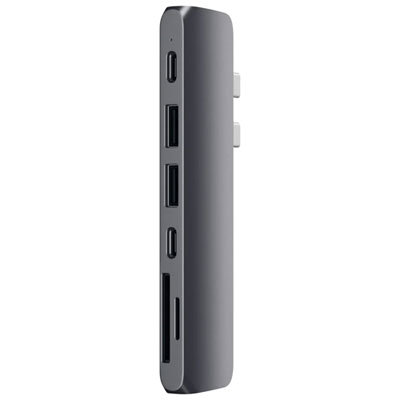
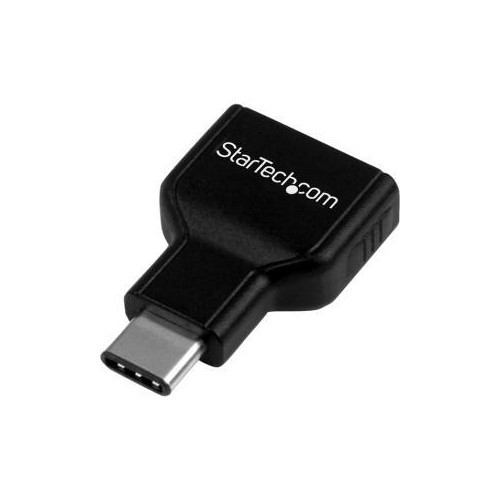
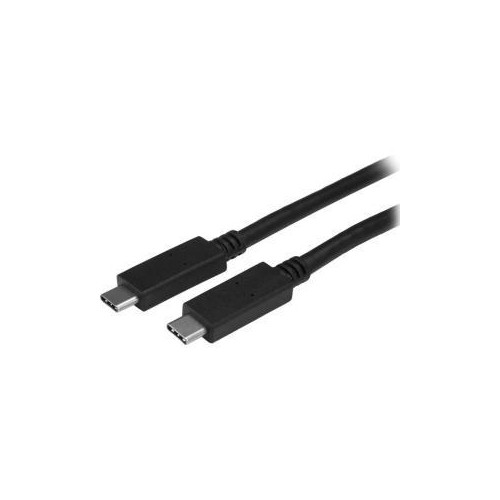
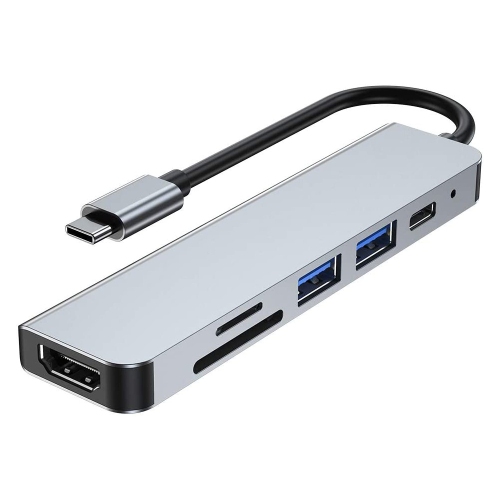
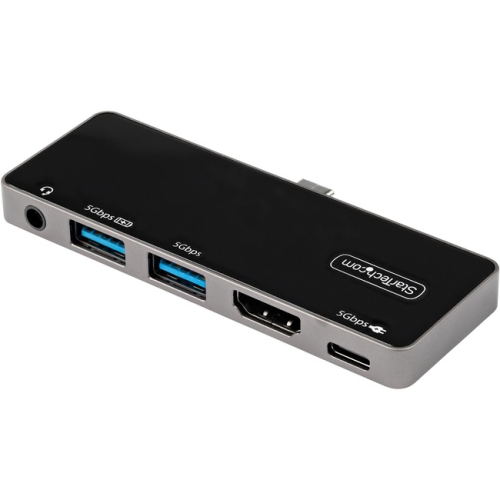
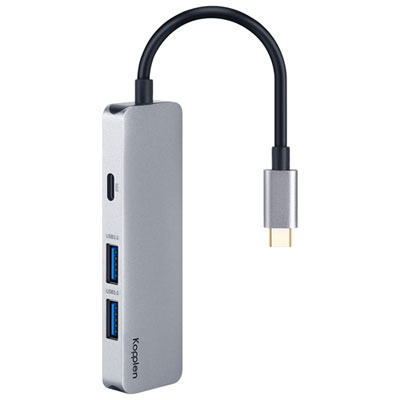
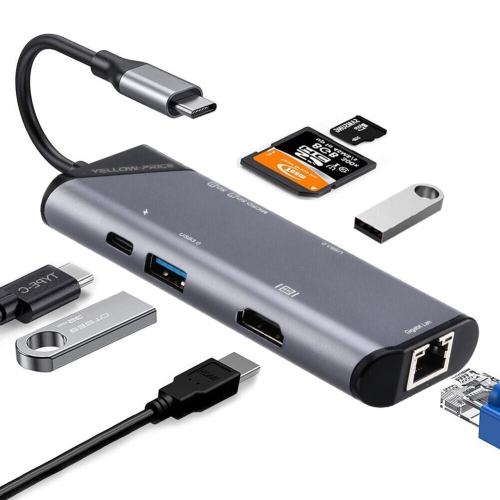
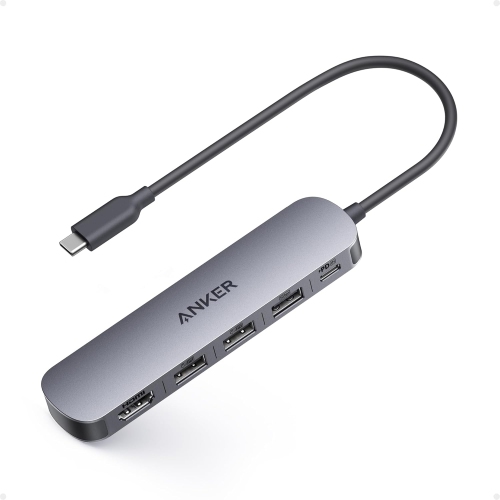
USB Type-C laptops are designed around a compact, reversible port that can handle more than traditional USB connections, although the exact capabilities vary from one laptop to another. Depending on the model, a USB Type-C port may support charging, file transfers, connection to an external display, audio accessories, docking stations, or high-speed peripherals. The connector can be inserted either way up, which is especially convenient when plugging in a laptop beside a sofa, on a crowded desk, or in a dimly lit lecture hall. For many people, the biggest advantage is having one modern connection for several everyday tasks: charging the laptop, transferring photos from a phone, connecting a portable storage drive, or sending a picture to a larger screen. When comparing USB Type-C laptops, look beyond the shape of the port and check the specifications for the functions you need. Some USB-C ports are limited to data, while others support USB Power Delivery, DisplayPort Alt Mode, Thunderbolt, or another high-speed standard. A small charging symbol or lightning-bolt icon beside the port can indicate power input or advanced connectivity, but the manufacturer’s specifications remain the most reliable source of information. A laptop with several USB-C ports may also offer greater flexibility, particularly if one port is used for charging while another connects to a display or accessory. It is also worth checking whether older USB-A devices can be used with the laptop, either through a built-in port, a hub, or an adapter. This matters if your home office still includes a full-size keyboard, printer, wired mouse, camera, or external drive with a traditional USB connector.
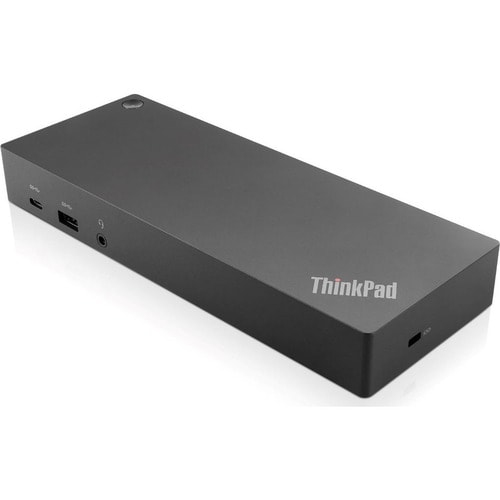
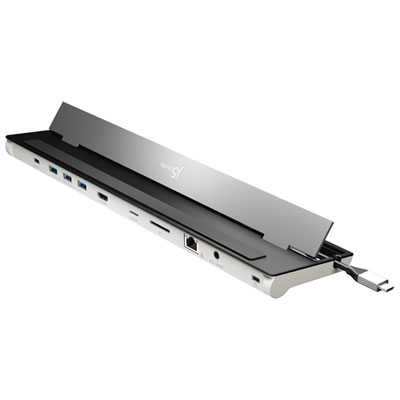
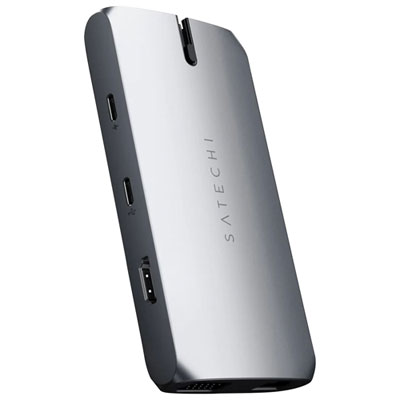
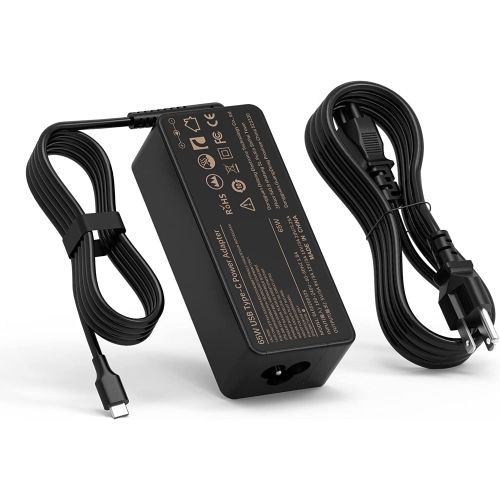
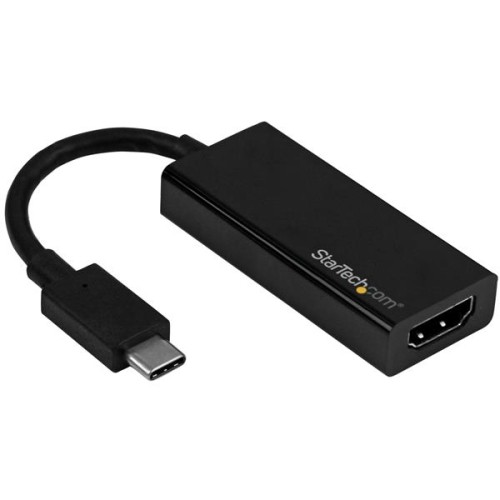
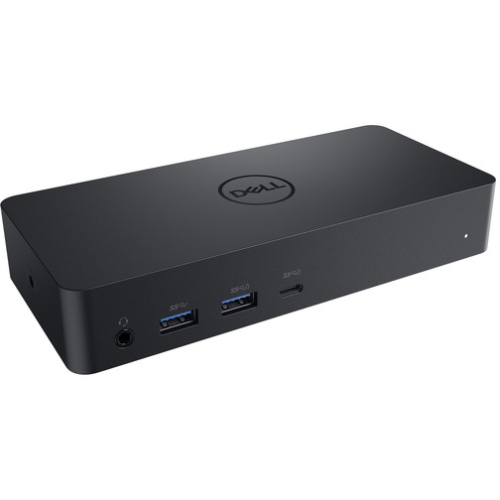
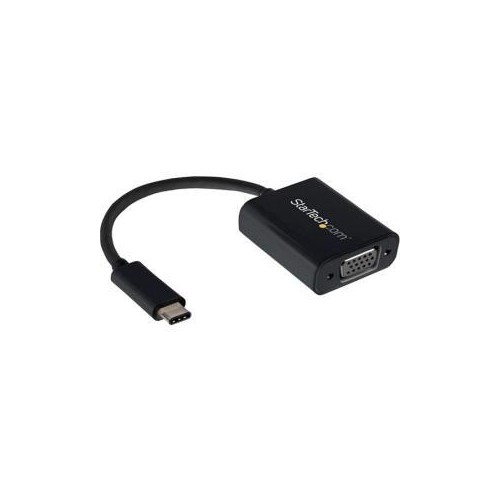
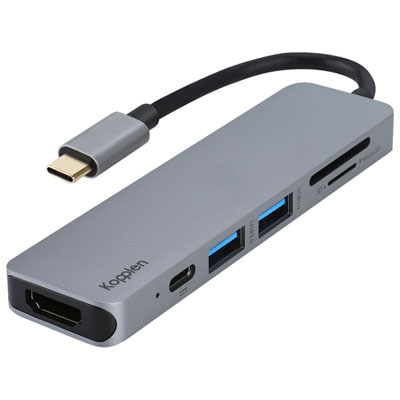
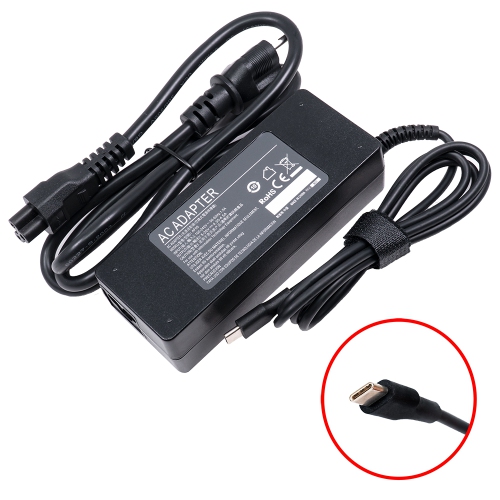
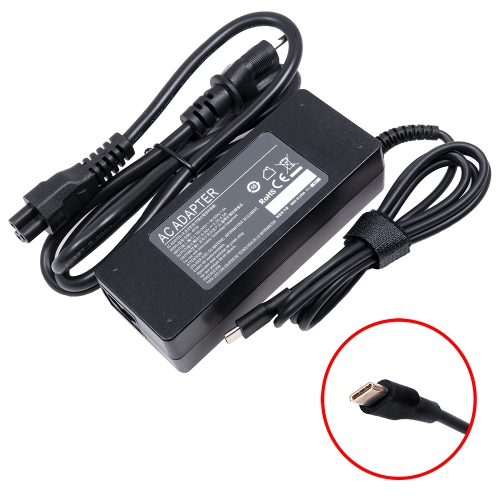
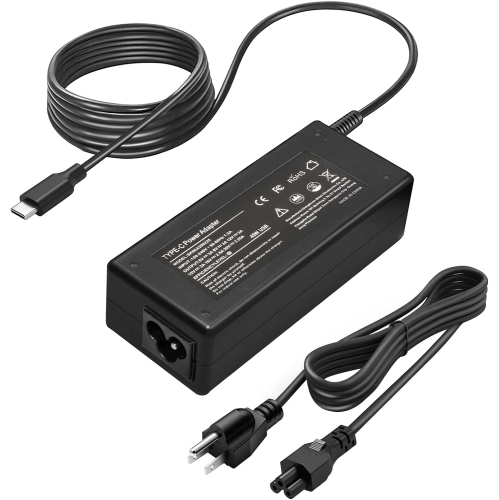
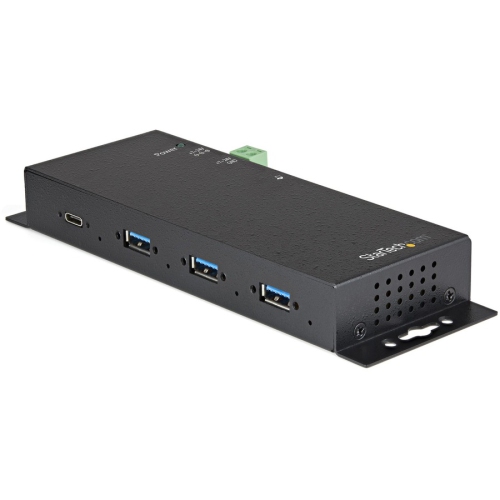
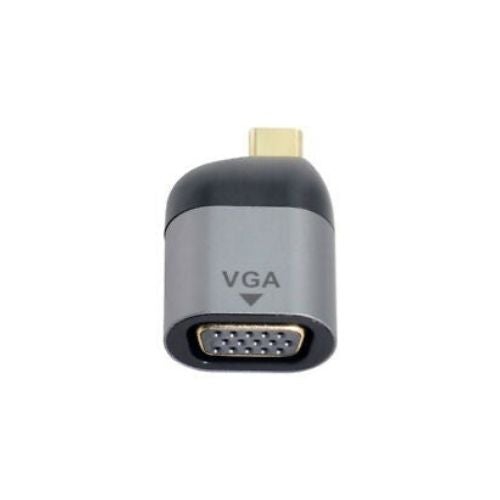
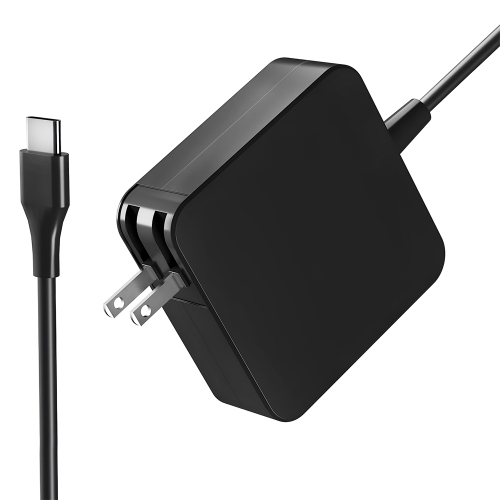
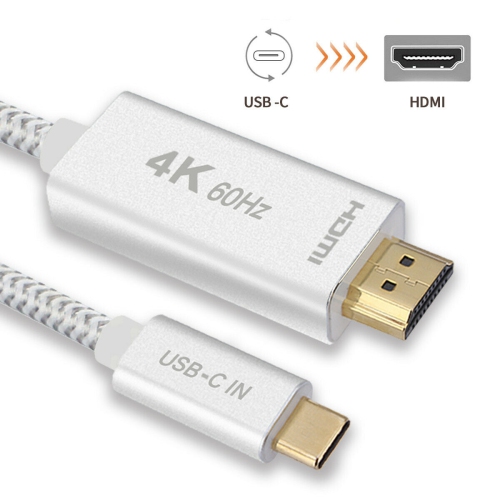
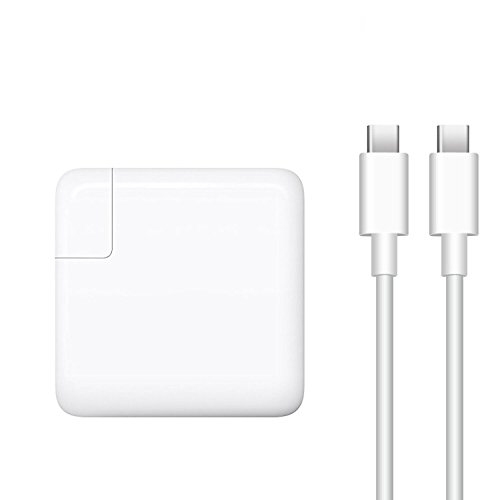
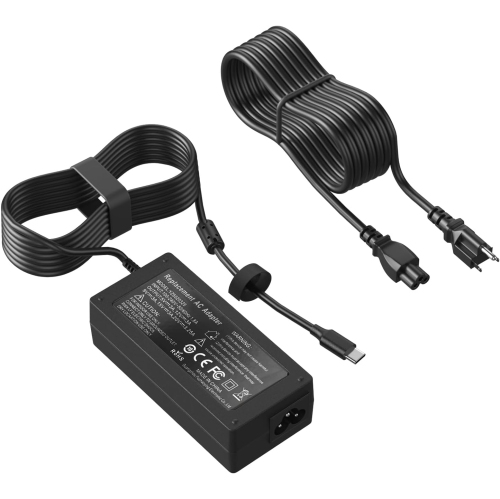
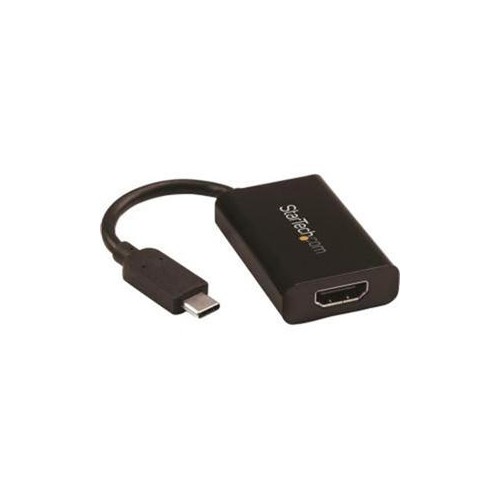
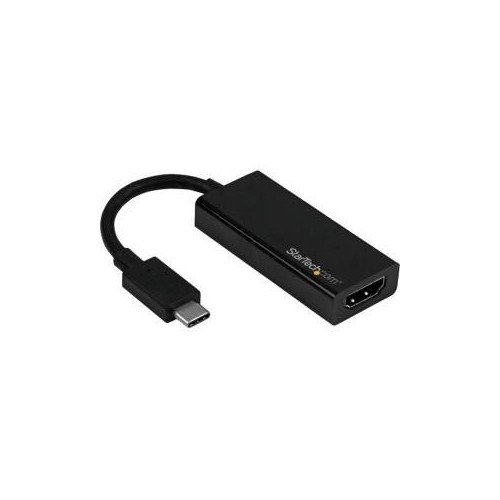
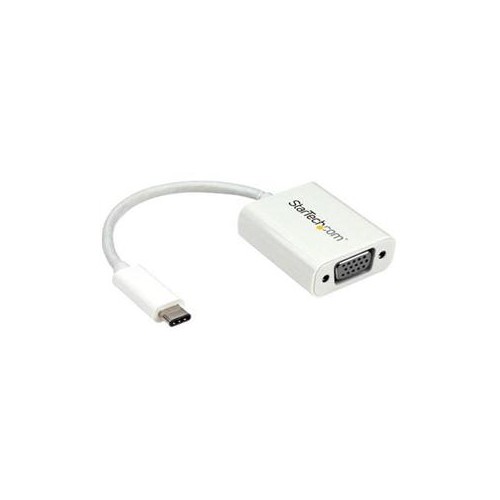
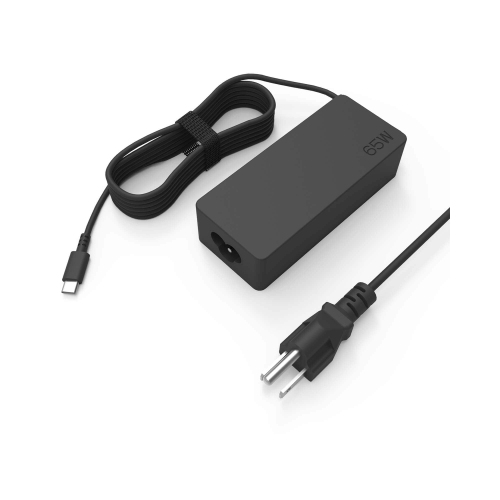
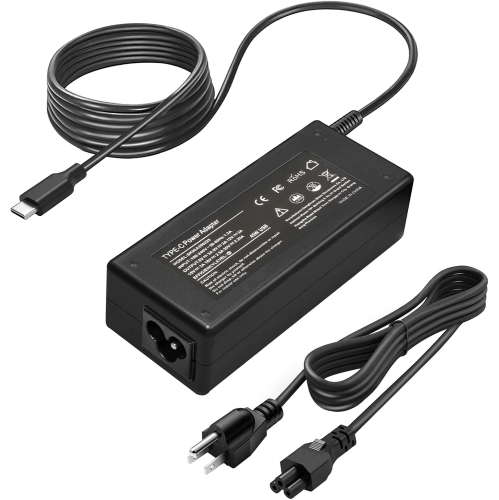
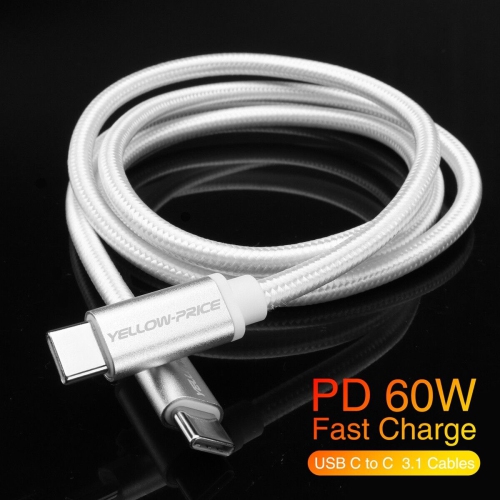
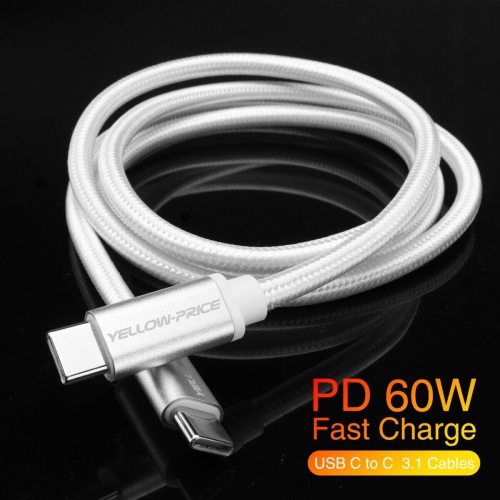
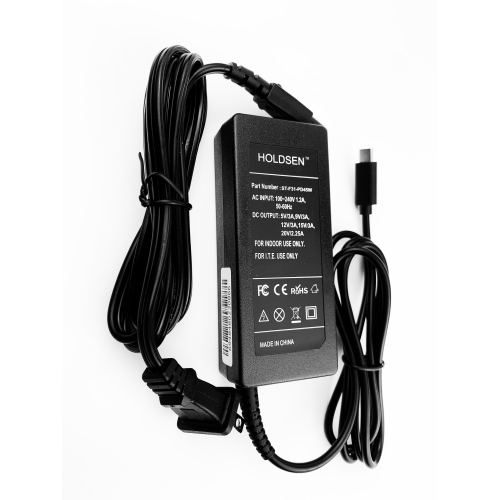
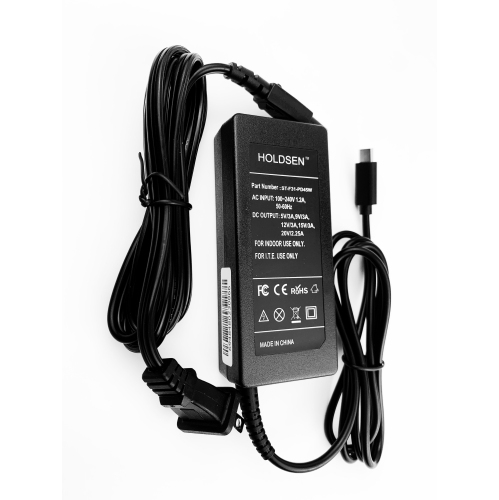
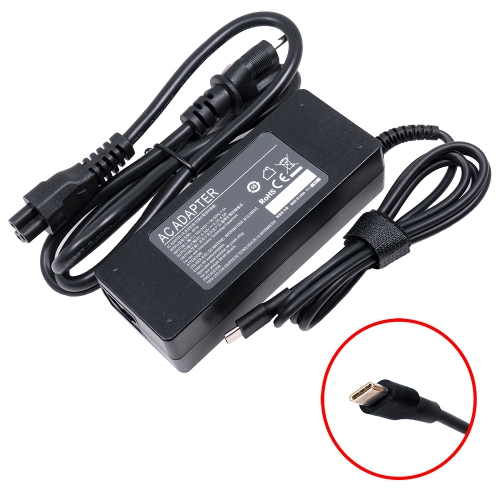
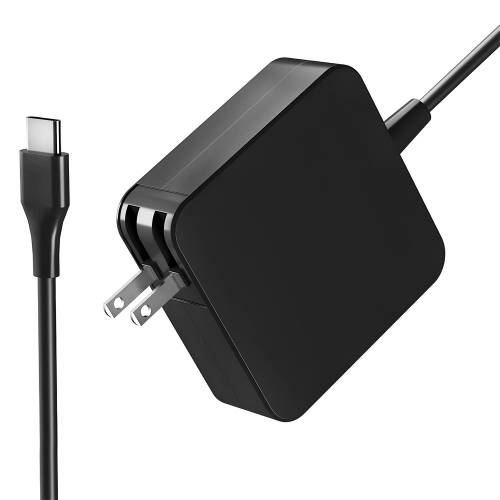
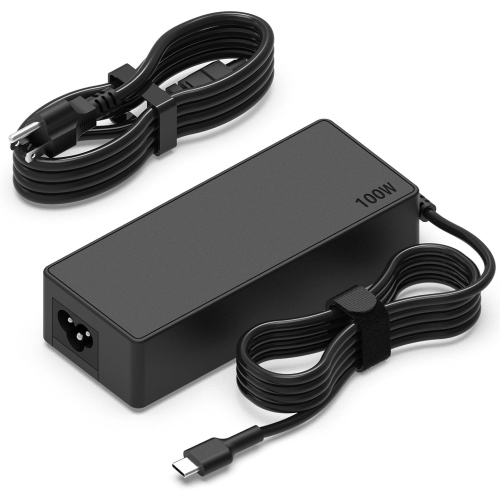
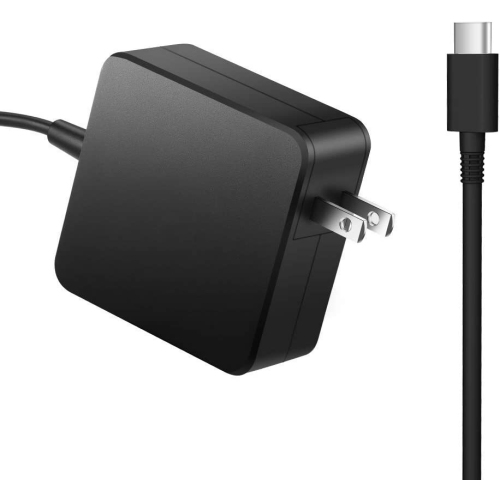
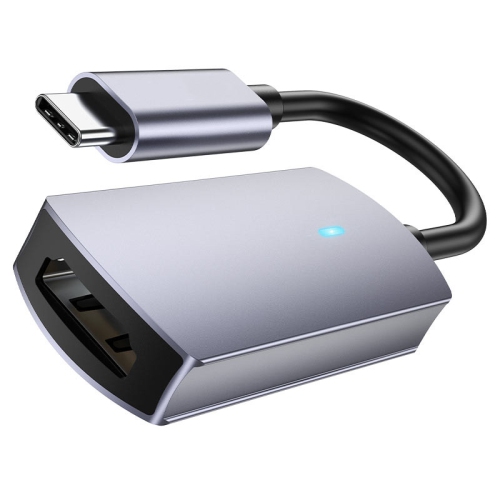
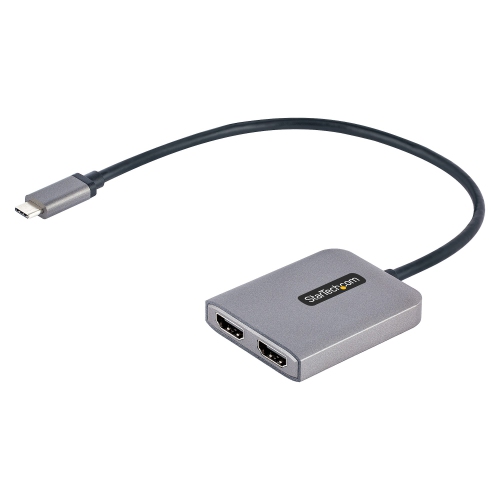
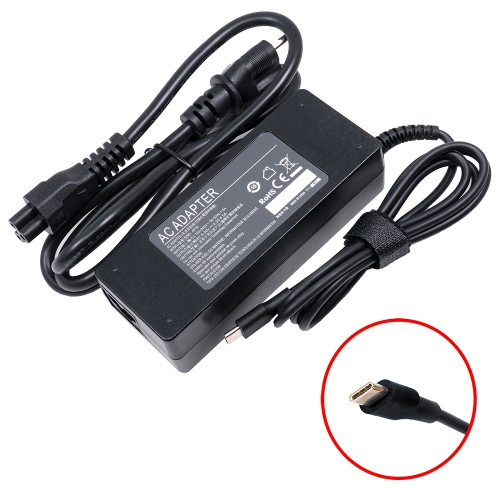
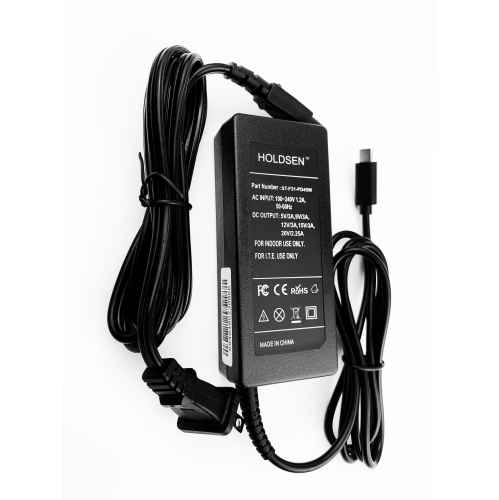
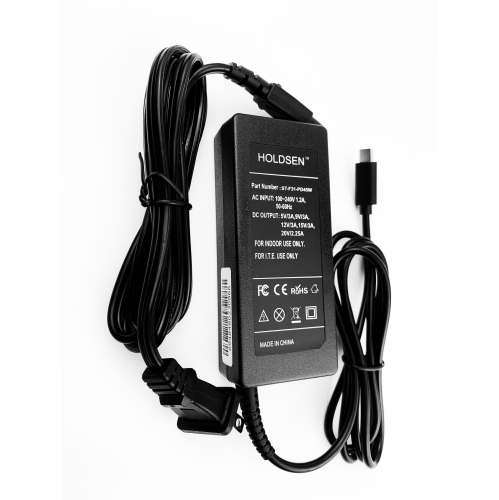
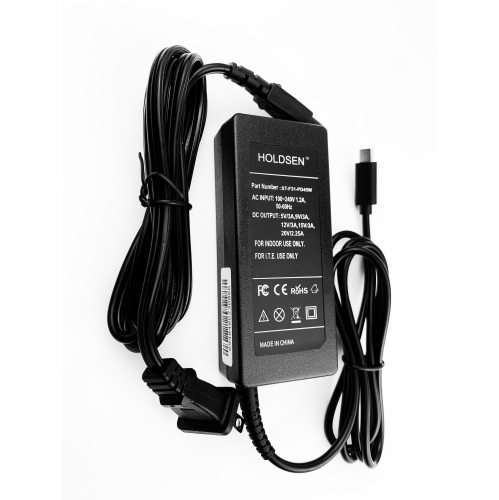
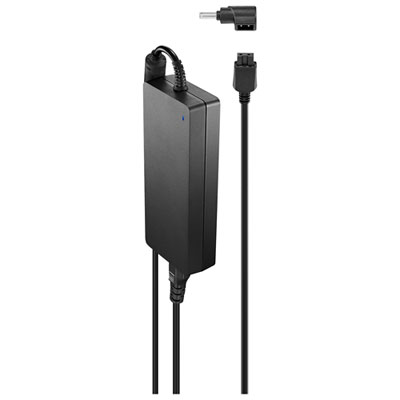
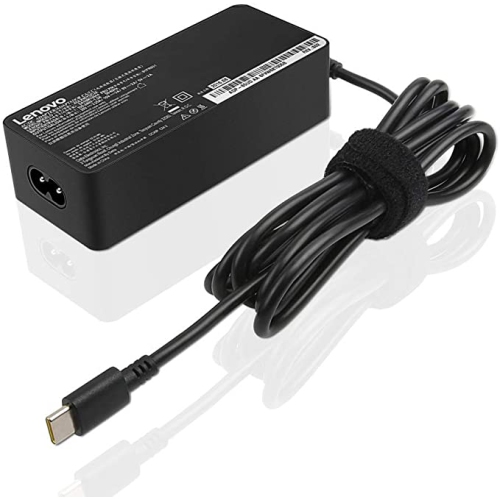
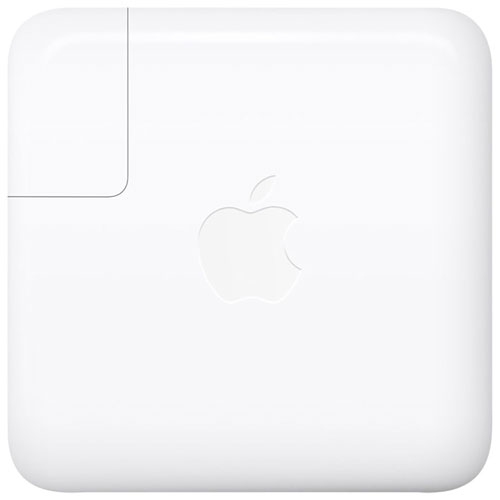
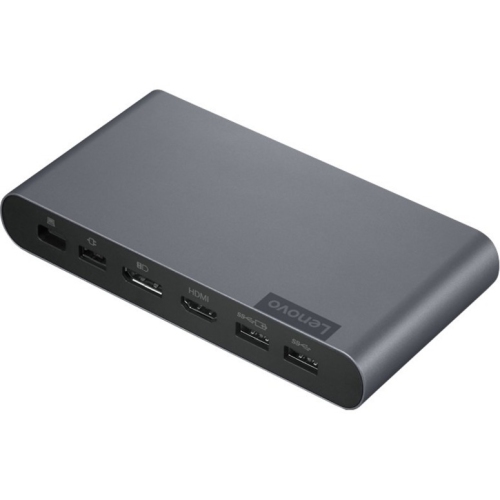
Charging compatibility deserves careful attention before choosing a USB Type-C laptop or replacing its charger. USB-C describes the connector, not the amount of power a cable or adapter can provide. A phone charger may fit the port but may not deliver enough power to run a laptop, particularly during demanding work such as video editing, gaming, large file transfers, or multitasking with several applications. Many laptops require a USB-C Power Delivery charger rated at 60 W, 65 W, or more, while performance-focused systems may need a higher-wattage adapter. The laptop’s recommended charger rating should be matched with a suitable power brick and cable; using an underpowered charger can result in slow charging, a battery that continues to drain during use, or a message indicating that the device is receiving limited power. A cable also has its own data and power limits, so a cable that works well with a phone may not support the charging speed, display resolution, or transfer rate expected from a laptop. Check for details such as wattage, USB generation, transfer speed, and display support when building a charging or desk setup. For an office with a monitor, keyboard, mouse, network connection, and other accessories, a compatible USB-C dock can reduce cable clutter by allowing several devices to connect through one laptop port. Some laptops can send video through USB-C to a compatible display using DisplayPort Alt Mode, while others may require a dock or an adapter. A USB-C monitor can be a particularly tidy option because one cable may carry video, data, and power when both the laptop and display support those functions. Browse USB Type C Monitors when planning a workstation with fewer cables and a larger viewing area.
These laptops can suit students moving between classrooms, professionals working from a home office and a workplace, travellers who want a single compact charging setup, and families sharing a versatile computer for school, communication, entertainment, and everyday tasks. A student might use USB-C to connect a laptop to a classroom display, transfer assignments from a portable drive, or charge from a compatible power bank during a long day away from an outlet. Someone working from home may connect a single cable to a desk setup in the morning, then unplug and take the laptop to another room without disconnecting every accessory individually. Travellers can appreciate the reversible connector and the possibility of carrying fewer types of cables, though each device should still be checked for its charging requirements. USB Type-C laptops can also make practical gifts for a student starting a new programme, a family member replacing an older computer, or a remote worker setting up a more flexible workspace. Before selecting one, consider the screen size and resolution, keyboard comfort, battery expectations, operating system, processor performance, memory, storage, weight, and the number and type of available ports. A lightweight laptop may be easier to carry throughout the day, while a larger screen can make spreadsheets, creative projects, and split-screen work more comfortable. More memory and a faster processor can help with demanding applications, but everyday browsing and document work may not require the same level of performance. Think about where the laptop will be used most often: a bright room may call for a display with good brightness and comfortable viewing, while frequent travel makes a sturdy build, long battery life, and a manageable weight more important. Also check compatibility with existing accessories, including chargers, docks, headphones, printers, displays, and storage devices. USB Type-C laptops offer a convenient foundation for modern connectivity, but the best choice is the one whose port specifications and overall design match the way the computer will be used.
Charging compatibility deserves careful attention before choosing a USB Type-C laptop or replacing its charger. USB-C describes the connector, not the amount of power a cable or adapter can provide. A phone charger may fit the port but may not deliver enough power to run a laptop, particularly during demanding work such as video editing, gaming, large file transfers, or multitasking with several applications. Many laptops require a USB-C Power Delivery charger rated at 60 W, 65 W, or more, while performance-focused systems may need a higher-wattage adapter. The laptop’s recommended charger rating should be matched with a suitable power brick and cable; using an underpowered charger can result in slow charging, a battery that continues to drain during use, or a message indicating that the device is receiving limited power. A cable also has its own data and power limits, so a cable that works well with a phone may not support the charging speed, display resolution, or transfer rate expected from a laptop. Check for details such as wattage, USB generation, transfer speed, and display support when building a charging or desk setup. For an office with a monitor, keyboard, mouse, network connection, and other accessories, a compatible USB-C dock can reduce cable clutter by allowing several devices to connect through one laptop port. Some laptops can send video through USB-C to a compatible display using DisplayPort Alt Mode, while others may require a dock or an adapter. A USB-C monitor can be a particularly tidy option because one cable may carry video, data, and power when both the laptop and display support those functions. Browse USB Type C Monitors when planning a workstation with fewer cables and a larger viewing area.
These laptops can suit students moving between classrooms, professionals working from a home office and a workplace, travellers who want a single compact charging setup, and families sharing a versatile computer for school, communication, entertainment, and everyday tasks. A student might use USB-C to connect a laptop to a classroom display, transfer assignments from a portable drive, or charge from a compatible power bank during a long day away from an outlet. Someone working from home may connect a single cable to a desk setup in the morning, then unplug and take the laptop to another room without disconnecting every accessory individually. Travellers can appreciate the reversible connector and the possibility of carrying fewer types of cables, though each device should still be checked for its charging requirements. USB Type-C laptops can also make practical gifts for a student starting a new programme, a family member replacing an older computer, or a remote worker setting up a more flexible workspace. Before selecting one, consider the screen size and resolution, keyboard comfort, battery expectations, operating system, processor performance, memory, storage, weight, and the number and type of available ports. A lightweight laptop may be easier to carry throughout the day, while a larger screen can make spreadsheets, creative projects, and split-screen work more comfortable. More memory and a faster processor can help with demanding applications, but everyday browsing and document work may not require the same level of performance. Think about where the laptop will be used most often: a bright room may call for a display with good brightness and comfortable viewing, while frequent travel makes a sturdy build, long battery life, and a manageable weight more important. Also check compatibility with existing accessories, including chargers, docks, headphones, printers, displays, and storage devices. USB Type-C laptops offer a convenient foundation for modern connectivity, but the best choice is the one whose port specifications and overall design match the way the computer will be used.
Top selling and popular products
-
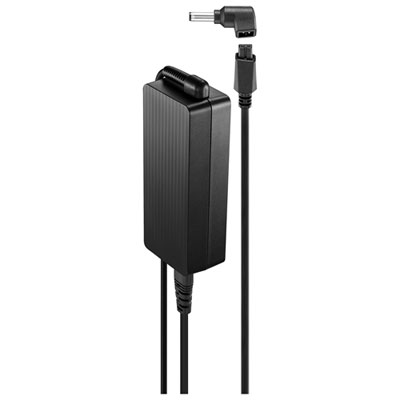 Your price for this item is $69.99
 -
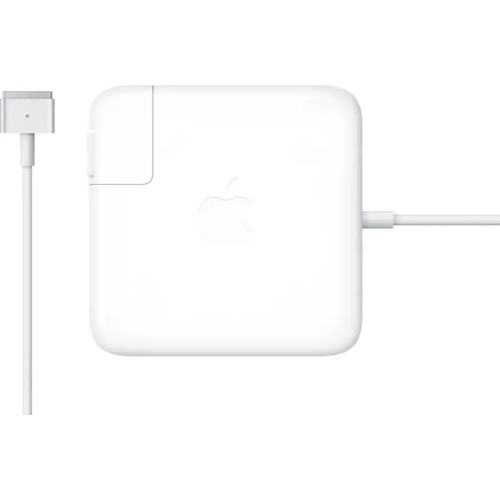 Your price for this item is $135.39
 -
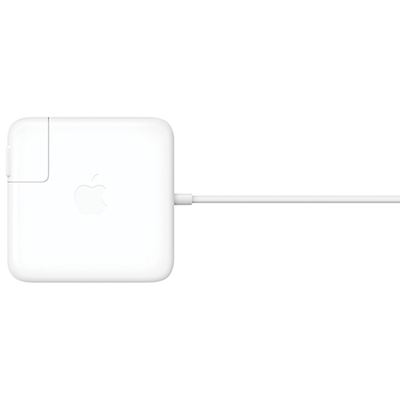 Your price for this item is $95
 -
 Your price for this item is $109.99
 -
 Your price for this item is $49.99
 -
 Your price for this item is $67
 -
 Your price for this item is $71
 -
 Your price for this item is $51.99
Discover more categories related to USB Type C Laptops

Top Collections:
Pokemon Centers, Kindle Devices, Best Budget Office Chairs, Apple iPhones 16, Best Laptops for Writers, iPhone 15 Apple, Canon G7X Cameras, Refurbished Apple Laptops, Alarm Clock, Motorola Razr Phones
Some products may be subject to Environmental Handling Fees
(EHF) depending on your province.
Learn more about EHFs.