USB C Laptop Docking Stations
Upgrade your workspace and streamline connectivity with a USB C Laptop Docking Station. Designed to simplify your setup, these docking stations offer an easy way to connect multiple devices and accessories through a single USB C port. Whether you’re working from home or in the office, a USB C Laptop Docking Station helps keep your desk organized and efficient, making it easier to transition between tasks. Explore a variety of options to find the right fit for your needs and enjoy seamless integration with your laptop and peripherals.
Sort
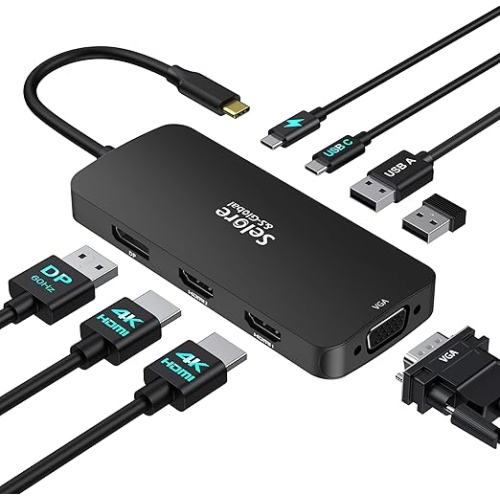
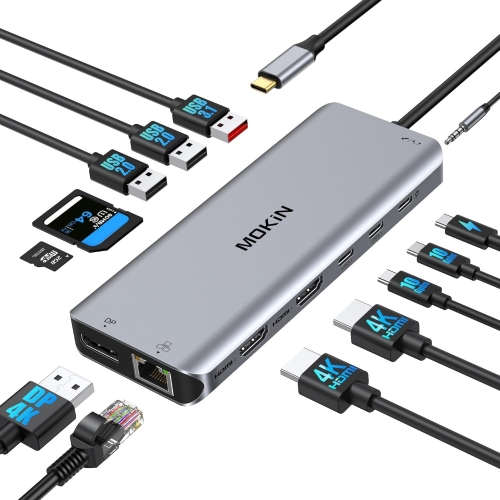
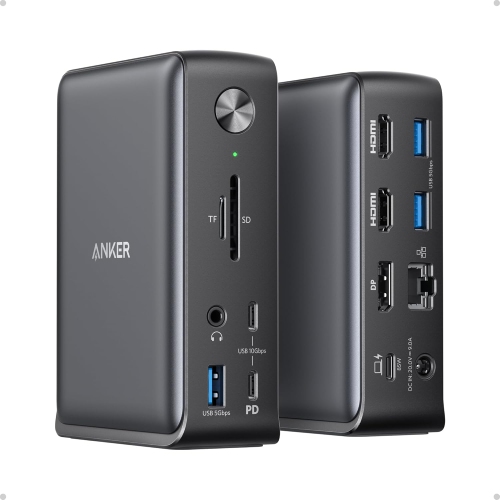
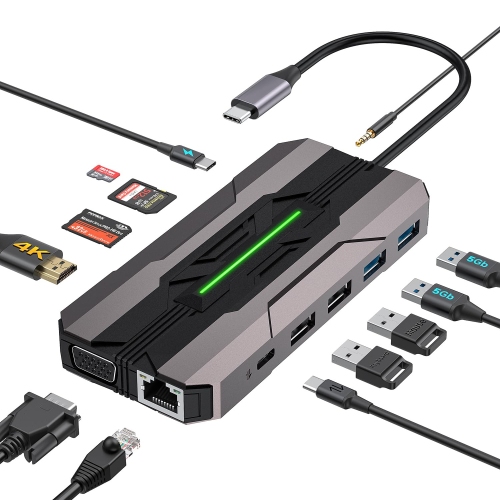
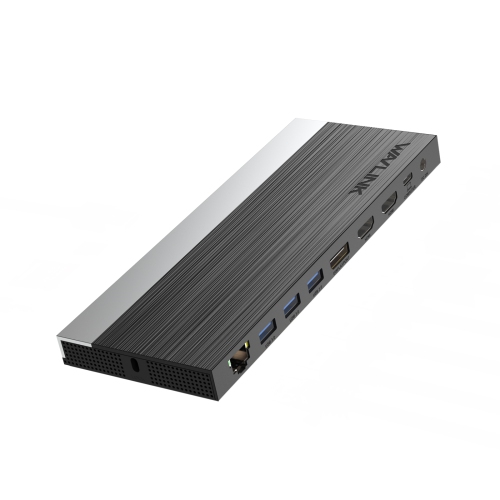
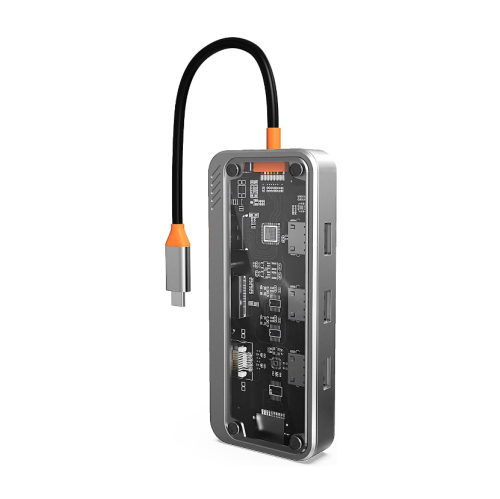
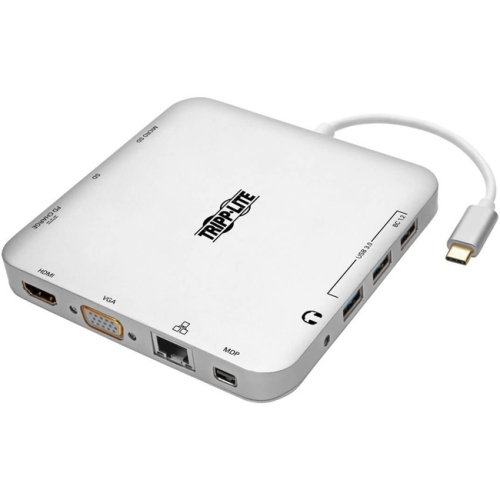
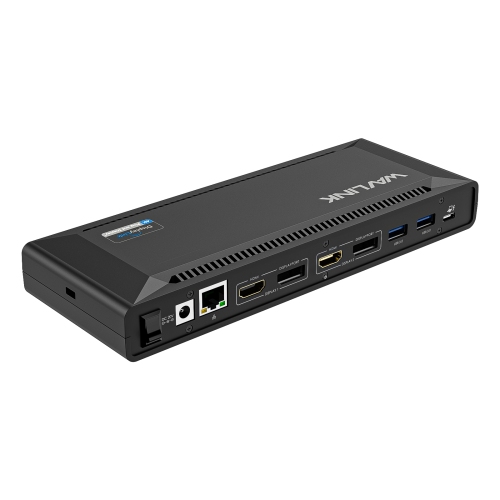
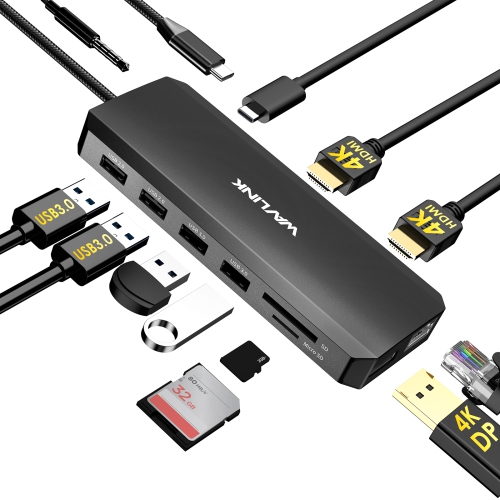
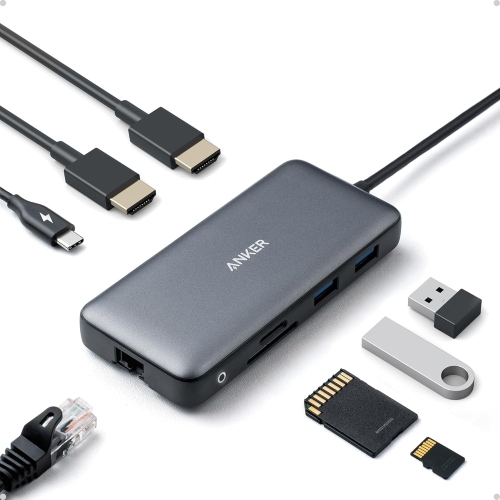
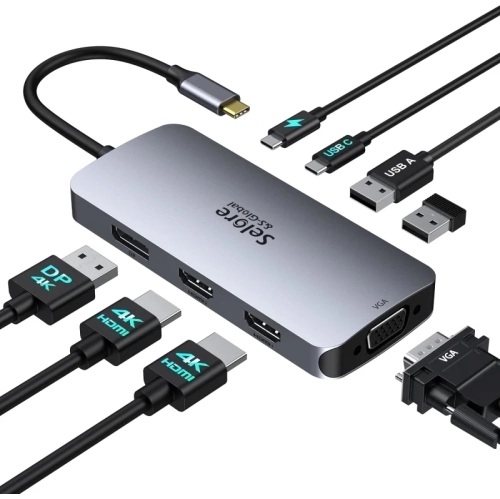
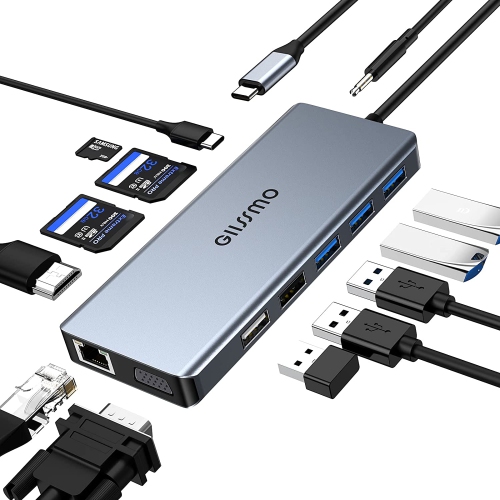
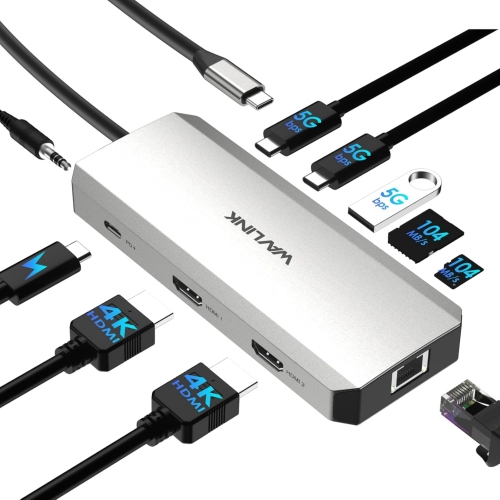
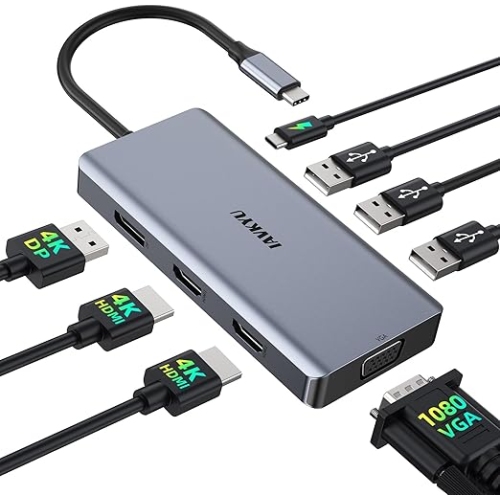
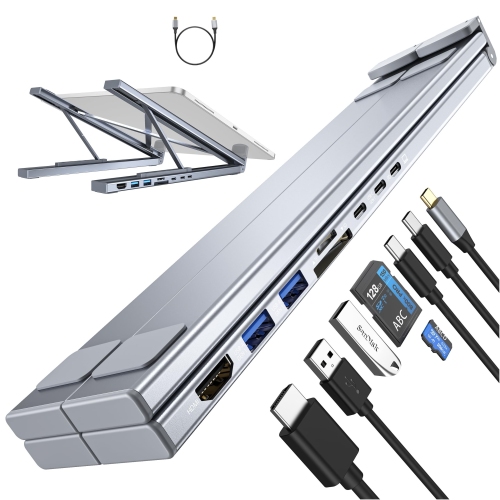
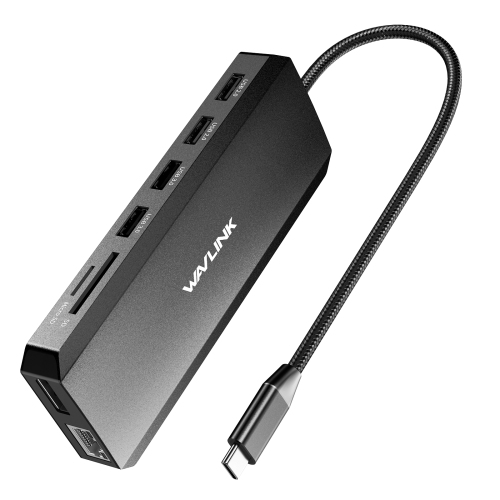
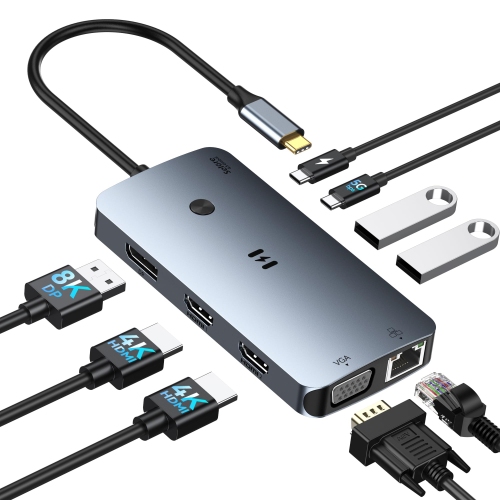
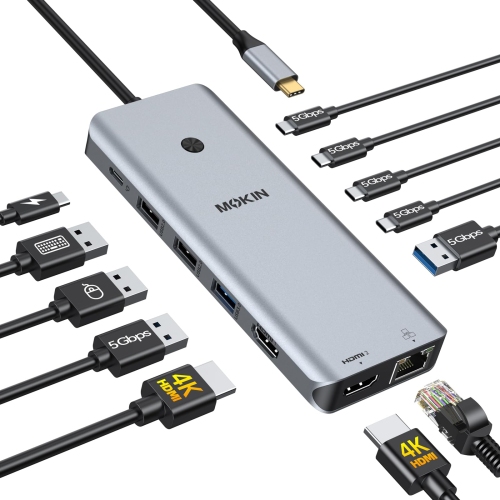
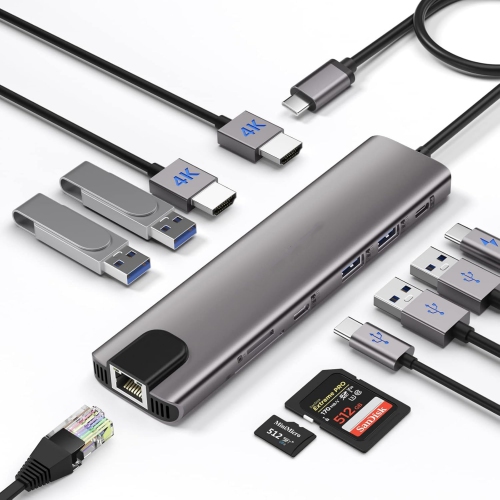
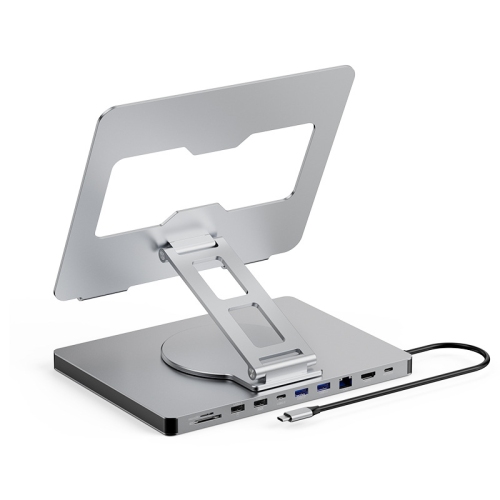
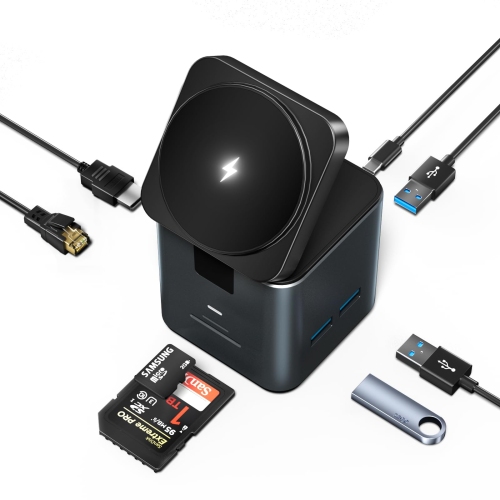
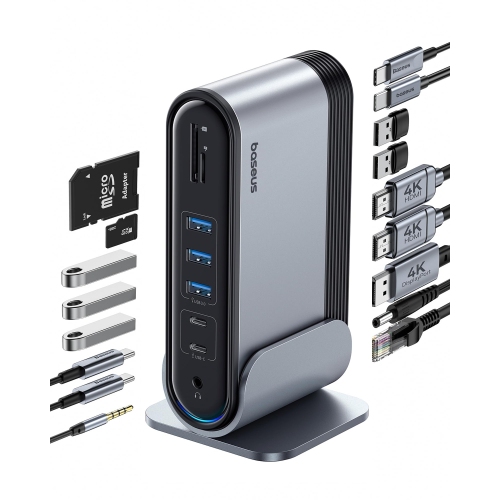
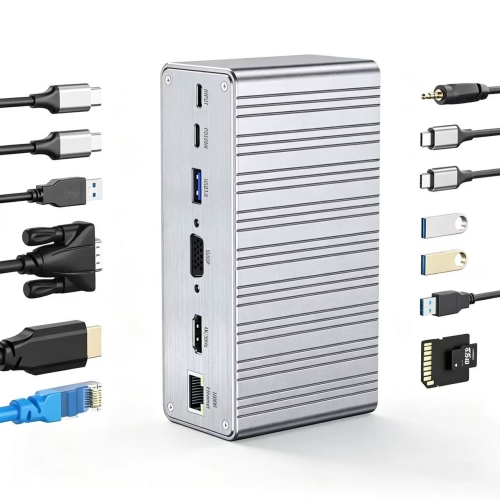
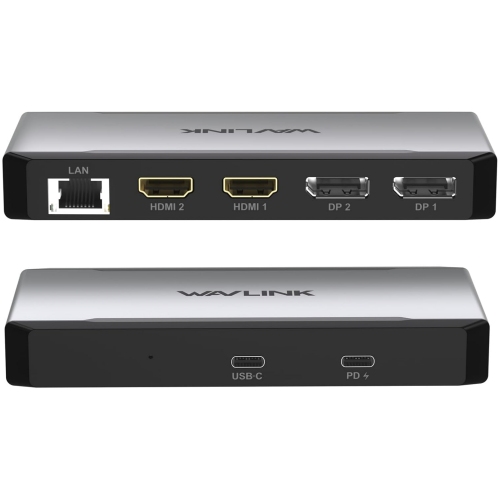
A single-cable desk setup starts with laptop compatibility
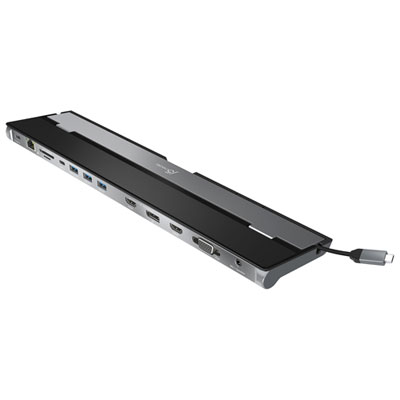
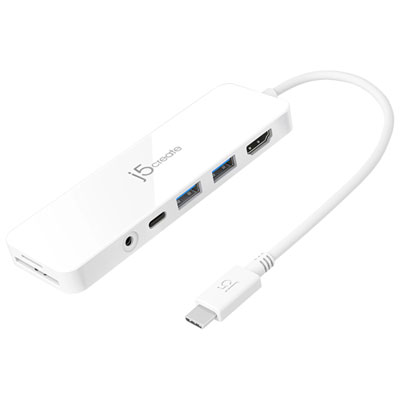
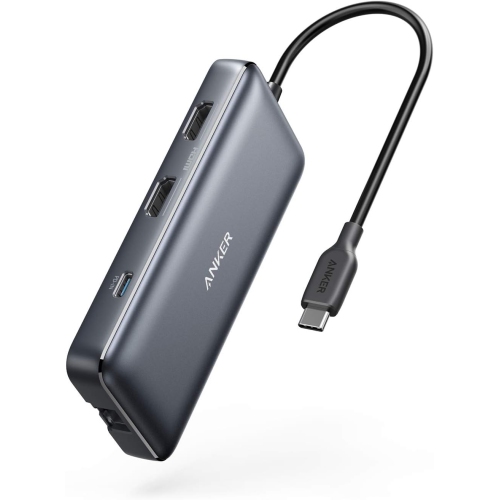
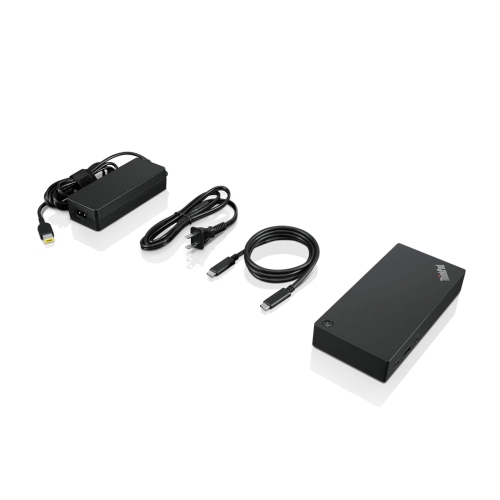
A USB-C laptop docking station connects a compatible laptop to several peripherals through one USB-C cable, bringing connections for displays, a keyboard, a mouse, external storage, and other accessories together in a single device. Models that support USB Power Delivery can also charge a compatible laptop through that cable when connected to a suitable power source. This creates a convenient transition between working on a laptop alone and settling into a desk with a larger screen and full-size input devices. At a home office desk, the monitor, Ethernet cable, and keyboard can remain attached to the dock while the laptop travels between rooms or leaves for work. In a shared workspace, a compatible docking setup can make it easier to connect without reaching behind a monitor or repeatedly plugging accessories into separate laptop ports. USB-C laptop docking stations range from compact units with a handful of connections to larger desktop designs built around multiple displays and a wider selection of peripherals. Their usefulness depends on the match between the laptop, the dock, and the equipment connected to it, rather than the number of sockets alone. USB-C describes the connector shape; it does not guarantee that a laptop port supports video output, laptop charging, or every data speed. A port that handles file transfers may not support a monitor through a dock that requires DisplayPort Alt Mode. Similarly, a dock with charging support cannot add USB-C charging to a laptop that does not accept it. The laptop’s technical specifications and the dock’s stated requirements establish which functions can work together. For students moving between lectures and a study desk, professionals alternating between office and home, or anyone using a laptop as their main computer, that compatibility is what makes the single-cable setup practical. A detachable host cable can offer flexibility in positioning and replacement, although any replacement needs to support the data, video, and power capabilities required by the dock.
Display connections are often central to how a docking station fits into a workspace. One external monitor can provide room for a document beside a browser window, while two displays can separate a spreadsheet from email or keep reference material visible during a video call. HDMI and DisplayPort connections are common, but the supported resolution, refresh rate, and number of independent displays vary with the dock and the host computer. Two video sockets do not automatically mean that every laptop can run two separate extended desktops. Some combinations support mirroring instead, and operating system limitations can affect the result. A specification for one display at 4K and 60 Hz also does not necessarily apply when several displays are connected at once. Some docking stations use USB graphics technology that requires additional software, which matters on a work-managed laptop where installation permissions may be restricted. Beyond displays, a useful port arrangement reflects everyday tasks. USB-A ports can accommodate an existing keyboard, mouse receiver, or webcam, while USB-C data ports can connect compatible storage and accessories. Not every USB-C socket on a dock has the same purpose: the host connection, power input, and downstream accessory ports may have different capabilities. Photographers may find built-in memory card readers convenient, provided the reader supports their card format. Wired Ethernet can provide a steady network connection at a fixed desk, although actual speeds still depend on the dock, network equipment, cabling, and internet service. Audio connections can keep a headset or speakers connected, with support for microphones depending on the socket design. Charging specifications deserve similar attention. The power delivered to the laptop may be lower than the wattage of the dock’s power adapter because the dock and attached devices use some of that power. A laptop with demanding performance requirements may still need its original charger, particularly during intensive tasks. External monitors generally need their own power connections, even when their video signal passes through the dock. These details help distinguish a tidy desk connection from an assumption that one cable powers everything on the desk.
The physical design of a USB-C laptop docking station affects how comfortably it fits into daily use. A low-profile desktop dock can sit beneath a monitor stand, while a vertical design may leave more room beside a keyboard and notebook. Compact designs suit smaller desks and travel bags, though they may trade a broad port selection for easier transport. Metal housings can feel sturdy and help dissipate heat, while plastic housings can keep weight down; durability also depends on connector quality, cable support, and how the dock is handled. Port placement matters when several accessories stay connected. Rear-facing connections can keep permanent cables out of the way, while accessible front or side ports make temporary storage devices and headsets easier to attach. The host cable needs enough reach to sit comfortably beside the laptop without pulling sideways on its USB-C port. A dock resting securely on the desk, with slack in its cables, is less likely to shift when the laptop is moved. During use, ventilation openings need clear space, and the housing should not be covered by papers or tucked into a tightly packed drawer. Routine care is straightforward: disconnecting power before cleaning, wiping the exterior with a soft, dry cloth, and keeping liquids away from ports help protect the connections. Dust or debris around sockets can interfere with a firm connection, while tightly wrapping cables around the housing can place unnecessary strain on cable ends. Sleep, wake, charging, and display behaviour can also vary between laptop and dock combinations, making documented operating system support and applicable firmware updates relevant to long-term use. A docking station can be a practical gift for someone building a study area or home office when their laptop’s connection requirements are known. For workspaces built around a tower or mini PC, USB C Docking Stations for Desktops provide a related category, with functionality likewise dependent on the computer’s supported connections. For laptop users, a well-matched dock brings the most-used accessories within reach while preserving the freedom to disconnect and take the computer along.
Top selling and popular products
-
 Your price for this item is $129.99
-
 Your price for this item is $59.99
-
 Your price for this item is $44.99
-
 Your price for this item is $59.99
-
 Your price for this item is $96.61
-
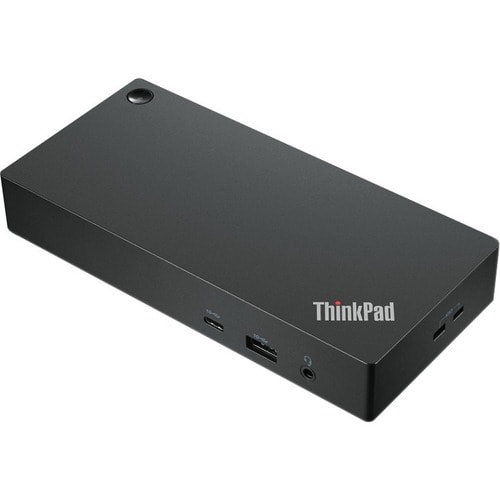 Your price for this item is $179.99
-
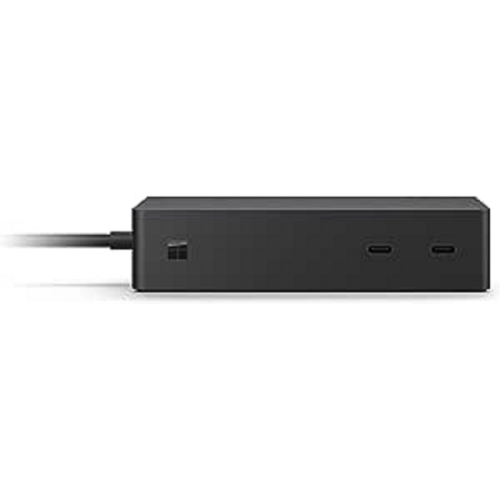 Your price for this item is $209.99
-
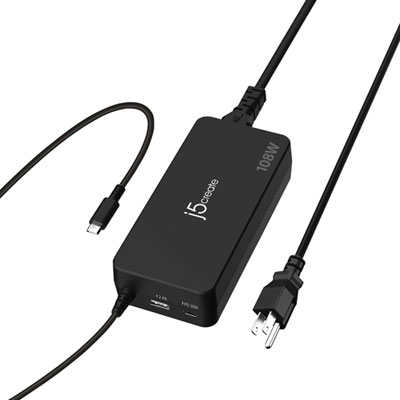 Your price for this item is $59.99
Discover more categories related to USB C Laptop Docking Stations
Top Collections:
Best Black Friday Deals This Year, Best Black Friday Deals On Electronics, Kindle Devices, Dyson Airwrap, Best Cameras for Sports Photography, Best Budget Office Chairs, Canon G7X Cameras, PS5 Pro Consoles, Best Black Friday Deals On Apple Products, XBOX One S Consoles
Some products may be subject to Environmental Handling Fees
(EHF) depending on your province.
Learn more about EHFs.