Vantec Nexstar
Vantec Nexstar offers a versatile range of solutions designed to enhance your data storage and connectivity needs. Whether you're upgrading your setup at home or optimizing your workspace, explore options that provide reliable performance and convenience. Discover how Vantec Nexstar can help streamline your workflow and support your digital lifestyle with ease. Find the right fit for your requirements and enjoy seamless integration with your existing devices.
Sort
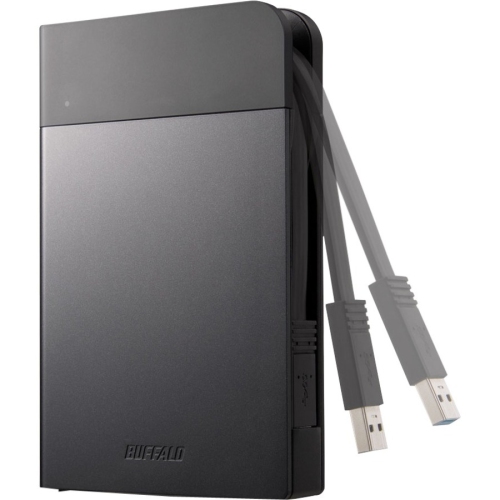
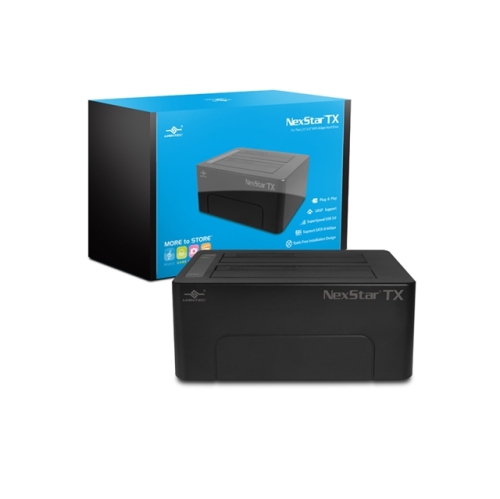
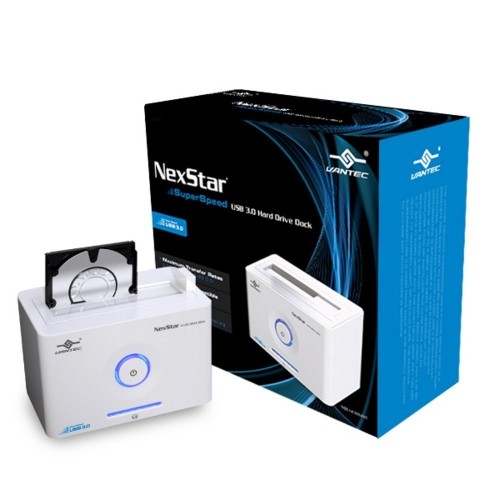
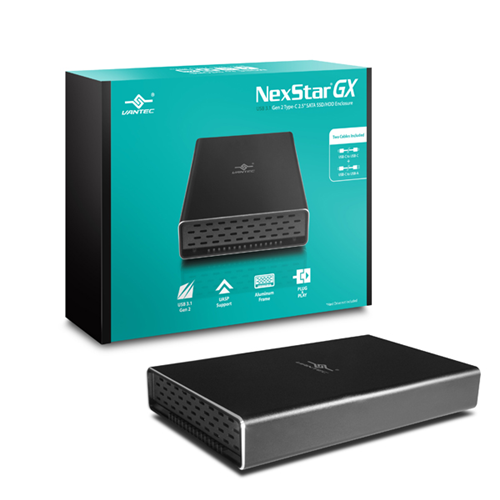




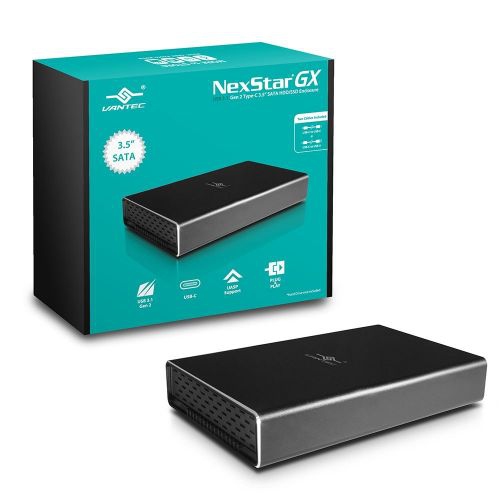
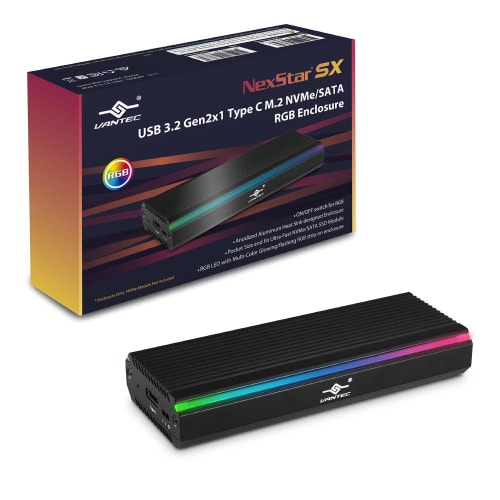
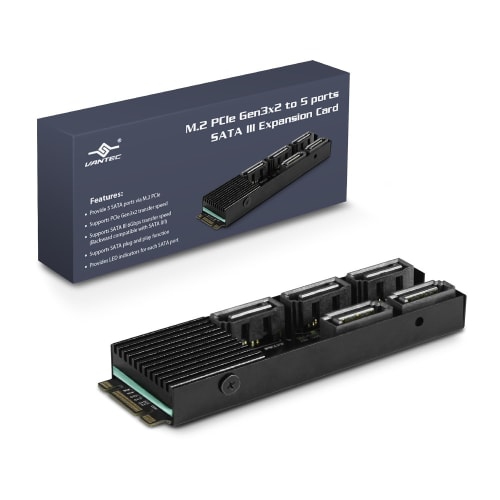
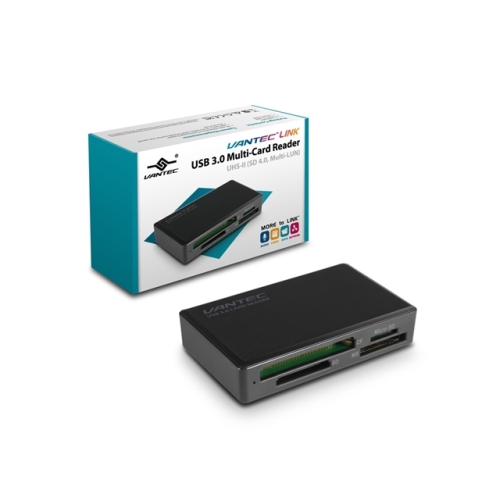

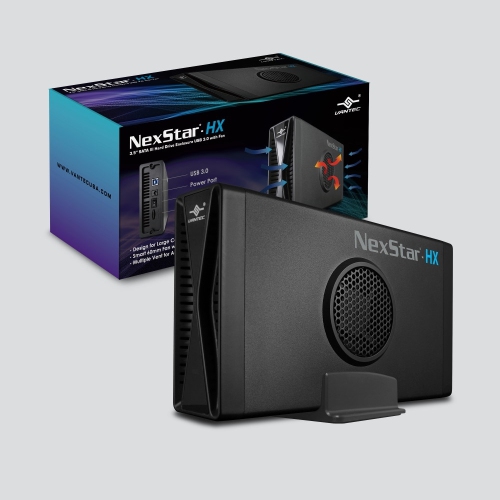
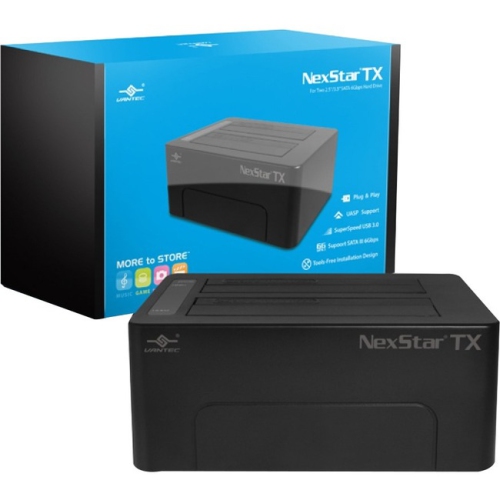
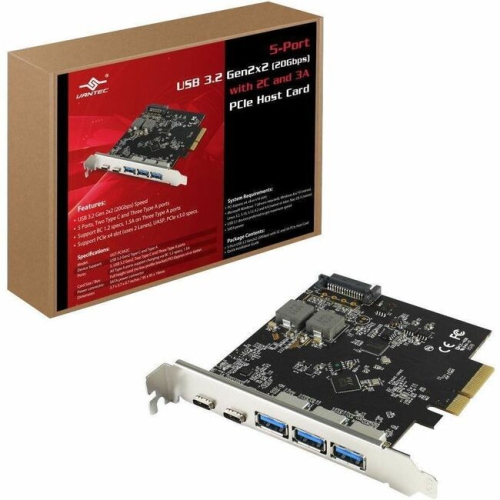
Vantec Nexstar
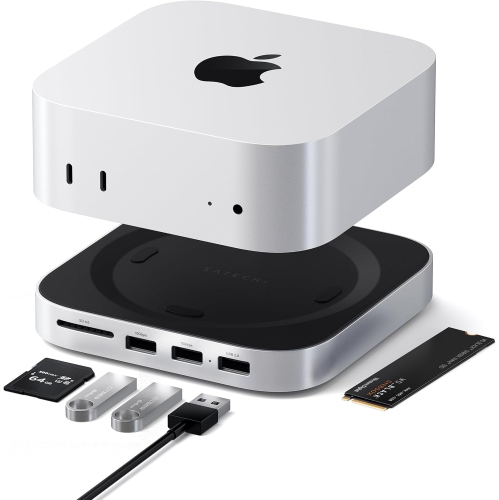
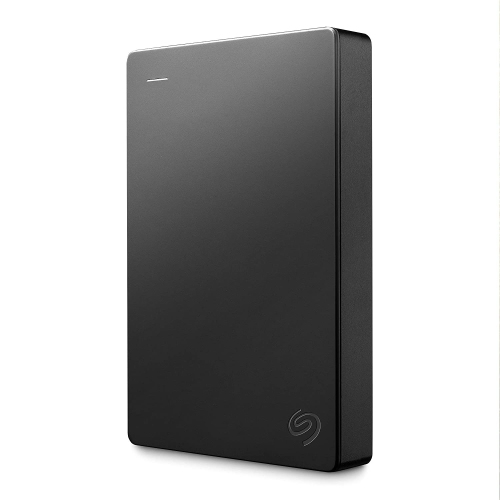
When it comes to managing and expanding your digital storage, few solutions offer the flexibility and convenience of external enclosures and docking stations. These devices are designed to help you make the most of your hard drives and solid-state drives, whether you’re a creative professional working with large media files, a student backing up class projects, or a tech enthusiast looking to streamline your home office setup. In the heart of winter, as many Canadians hunker down indoors and tackle everything from organizing family photo libraries to prepping for tax season, having reliable, high-speed access to your data can make a world of difference. External enclosures allow you to transform internal drives into portable storage, making it easy to transfer files between devices or safely archive important documents. Docking stations, on the other hand, provide a seamless way to swap drives in and out, which is especially useful for IT professionals, photographers, or anyone who needs to manage multiple drives without the hassle of opening up a computer case.
Choosing the right enclosure or dock involves considering several important factors. Compatibility is key—make sure the device supports the size and type of drive you plan to use, whether it’s a 2.5-inch SSD, a 3.5-inch HDD, or the increasingly popular M.2 NVMe format. Connection speed is another major consideration, especially if you’re moving large files such as 4K videos or extensive music libraries. Look for options with USB 3.1 or USB-C interfaces to take advantage of faster transfer rates and improved reliability. For those who travel frequently or work in multiple locations, a compact, durable enclosure can be a lifesaver, allowing you to carry terabytes of data in a jacket pocket. Meanwhile, a multi-bay dock can be a game-changer for anyone managing backups or cloning drives at home or in the office. These tools also make thoughtful gifts for students gearing up for a new semester, remote workers setting up efficient workflows, or hobbyists digitizing old family memories during the long January evenings. For an even faster storage solution, consider exploring the benefits of an NVMe External SSD, which can offer lightning-fast transfer speeds in a compact form factor.
No matter your level of technical expertise, using an external enclosure or dock is typically straightforward, with most models featuring plug-and-play functionality and intuitive setup. Many users find these tools invaluable for upgrading older computers, rescuing data from aging drives, or simply keeping important files secure and accessible. In professional environments, they can help streamline workflows by enabling quick backups and easy drive swaps, while at home, they offer peace of mind when it comes to safeguarding irreplaceable photos, videos, and documents. As the new year gets underway and you turn your attention to digital organization or creative projects, having the right storage accessories on hand can help you stay productive and prepared—whether you’re editing a winter photo shoot, archiving work files, or sharing memories with family and friends. With a wide range of options available, it’s easy to find a solution that fits your unique needs and lifestyle, ensuring your important data is always within reach.
Choosing the right enclosure or dock involves considering several important factors. Compatibility is key—make sure the device supports the size and type of drive you plan to use, whether it’s a 2.5-inch SSD, a 3.5-inch HDD, or the increasingly popular M.2 NVMe format. Connection speed is another major consideration, especially if you’re moving large files such as 4K videos or extensive music libraries. Look for options with USB 3.1 or USB-C interfaces to take advantage of faster transfer rates and improved reliability. For those who travel frequently or work in multiple locations, a compact, durable enclosure can be a lifesaver, allowing you to carry terabytes of data in a jacket pocket. Meanwhile, a multi-bay dock can be a game-changer for anyone managing backups or cloning drives at home or in the office. These tools also make thoughtful gifts for students gearing up for a new semester, remote workers setting up efficient workflows, or hobbyists digitizing old family memories during the long January evenings. For an even faster storage solution, consider exploring the benefits of an NVMe External SSD, which can offer lightning-fast transfer speeds in a compact form factor.
No matter your level of technical expertise, using an external enclosure or dock is typically straightforward, with most models featuring plug-and-play functionality and intuitive setup. Many users find these tools invaluable for upgrading older computers, rescuing data from aging drives, or simply keeping important files secure and accessible. In professional environments, they can help streamline workflows by enabling quick backups and easy drive swaps, while at home, they offer peace of mind when it comes to safeguarding irreplaceable photos, videos, and documents. As the new year gets underway and you turn your attention to digital organization or creative projects, having the right storage accessories on hand can help you stay productive and prepared—whether you’re editing a winter photo shoot, archiving work files, or sharing memories with family and friends. With a wide range of options available, it’s easy to find a solution that fits your unique needs and lifestyle, ensuring your important data is always within reach.
Top selling and popular products
-
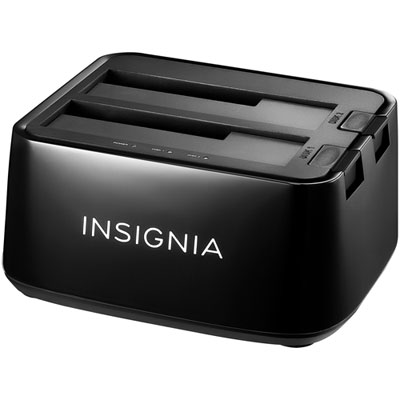 Your price for this item is $54.99
 -
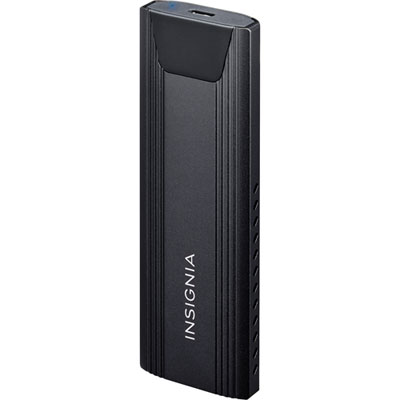 Your price for this item is $39.99
 -
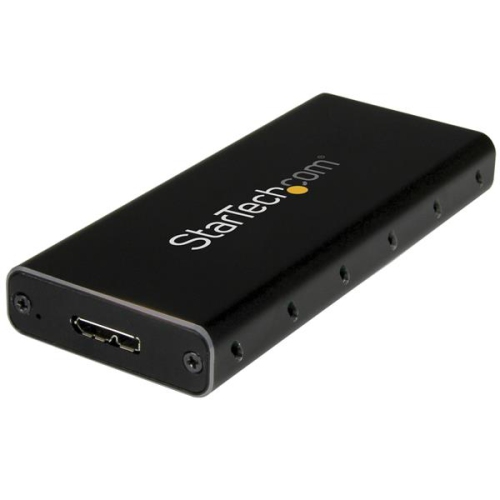 Your price for this item is $61.99
 -
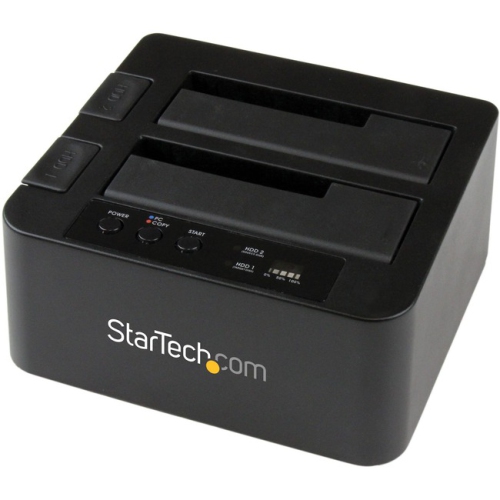 Your price for this item is $142.68
 -
 Your price for this item is $138.68
 -
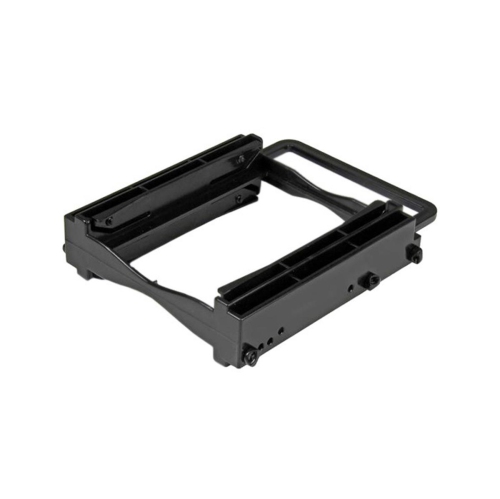 Your price for this item is $20.99
 -
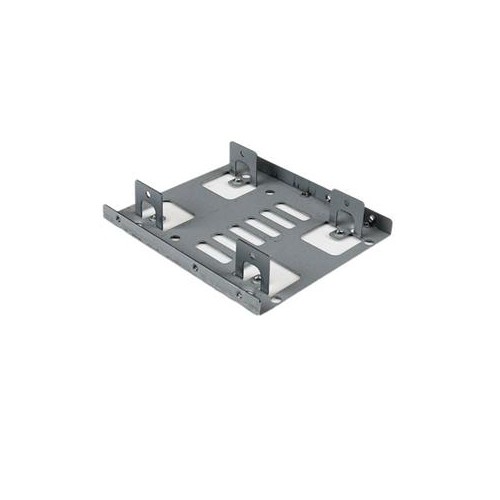 Your price for this item is $17.68
 -
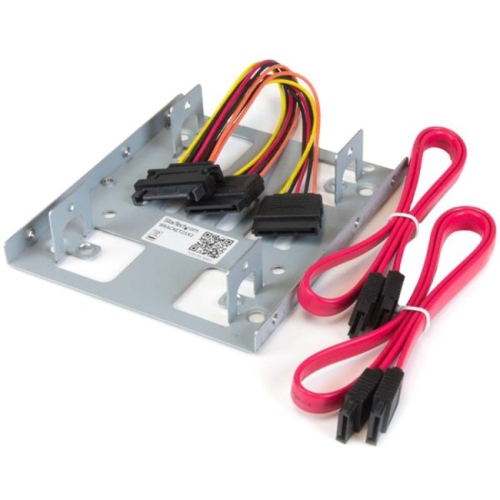 Your price for this item is $22.99
Discover more categories related to Vantec Nexstar
Top Collections:
RAM Upgrades for PC, Kindle Devices, Best Laptops for Home Use, Best Cell Phones Under $500, Best Laptops for Writers, Best Earbuds for Phone Calls, Best Wi-Fi Routers, Best Quality Dishwashers, Best Fridges, Apple iPhones 16
Some products may be subject to Environmental Handling Fees
(EHF) depending on your province.
Learn more about EHFs.