Lacie Portable Hard Drives
Lacie Portable Hard Drive options offer a convenient solution for storing and transferring your important files, photos, videos, and more. Whether you need extra space for work projects or want to keep your digital memories safe on the go, these portable hard drives are designed to fit seamlessly into your busy lifestyle. Explore a range of capacities and styles to find the right Lacie Portable Hard Drive that matches your storage needs and helps you stay organized wherever you are.
Sort

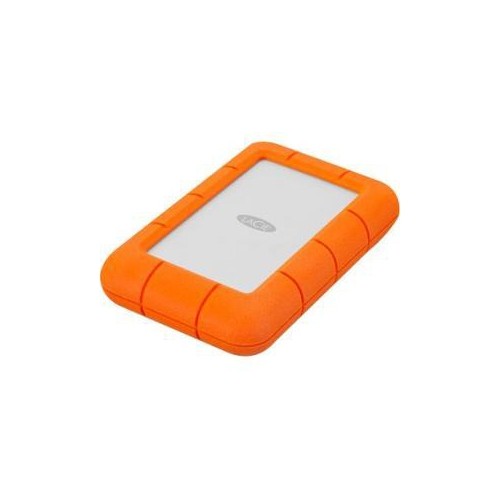

Why extra storage is not always a backup
Portable hard drives provide external file storage in a compact format that can travel between a desk, a classroom, and a work bag. They connect to a compatible computer through a cable and offer space for documents, photographs, video footage, music, and backups without requiring files to stay on the computer’s internal drive. For photographers, that can mean keeping full-resolution images together after a shoot; for students, it can mean carrying research, presentations, and large project folders between study spaces. Video creators may use a portable drive to hold original footage and completed exports, while home users may want a dedicated place for family photos and scanned records. The right capacity depends on both the size of individual files and how quickly a collection grows. Text documents take relatively little space, while high-resolution photos, uncompressed audio, and lengthy video recordings can fill a drive much faster. A useful capacity assessment accounts for existing files, expected additions, and room for backup versions rather than looking only at the size of a single folder. Advertised capacity also differs from the space shown by a computer because of measurement conventions, formatting, and system requirements. When comparing Portable Hard Drives, capacity, connection type, dimensions, and intended workload provide a more useful picture than any one specification alone. A drive used mainly for occasional document backups has different demands from one that receives hundreds of large image files after every assignment. Portable storage is also useful for separating completed work from active projects, leaving internal storage free for applications and everyday tasks. That distinction matters: moving the only copy of a file onto an external drive creates extra storage, but it does not create a backup. A separate copy is what protects against losing the original. For shared households, separate folders can keep school assignments, household paperwork, and personal media easier to find, although folders alone do not restrict access to sensitive information.
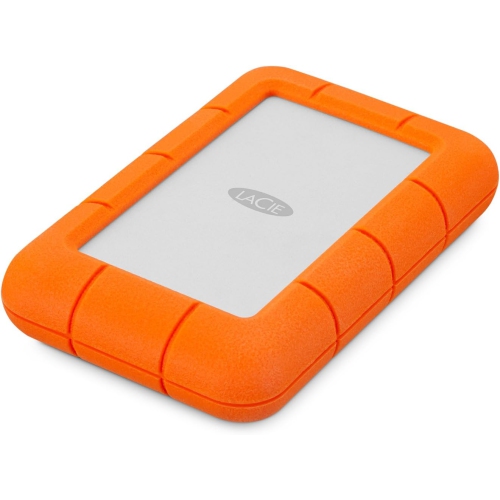
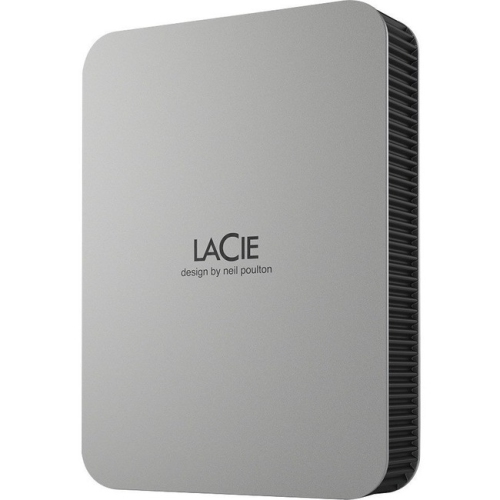
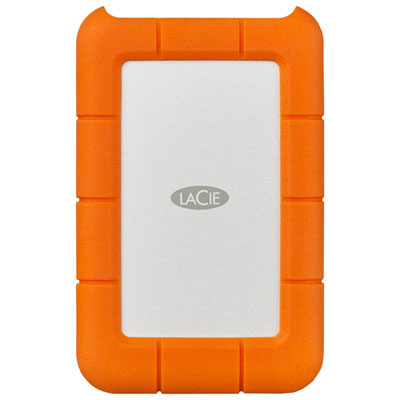
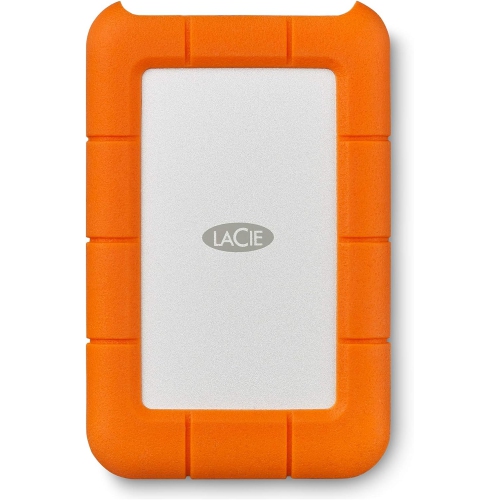
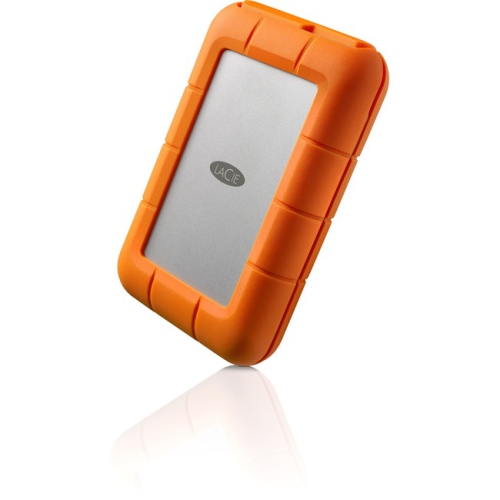
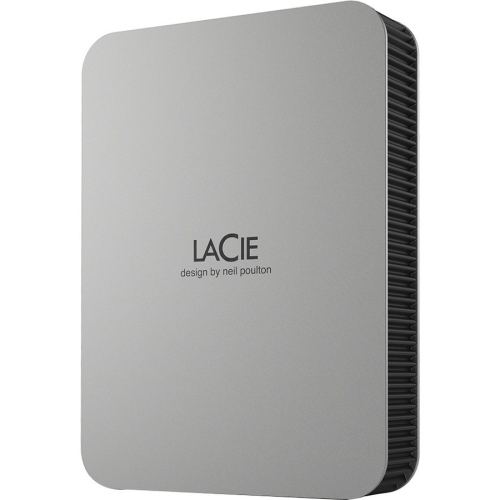
Physical design affects how a portable hard drive fits into everyday routines. A slim enclosure is easier to slip into a laptop sleeve, while a larger protective exterior may take up more room in exchange for added cushioning. Housings may use metal, plastic, or a combination of materials, with textured surfaces or rubberized surrounds on some designs. These details influence grip, weight, and how the drive sits beside a computer, but appearance alone does not establish durability. Drop resistance and resistance to dust or liquids depend on the stated specifications and test conditions; a padded exterior does not automatically make a drive waterproof. Unlike solid-state storage, a hard disk drive uses spinning platters and moving components, so a stable surface and careful handling remain important even with a protective enclosure. A zipped compartment or padded pouch helps keep the drive and cable together while reducing contact with loose objects inside a bag. During use, a little slack in the cable helps prevent a shifting laptop from pulling the drive off a desk. Connection details deserve equal attention. A connector’s shape does not, by itself, identify its transfer speed, and a compatible cable must support both the physical connection and the required data standard. Actual transfer performance depends on the drive, cable, computer port, and workload; copying thousands of small files can behave differently from transferring one large video. Many portable hard drives draw power through their data cable, though power requirements vary, and some hubs or mobile devices may not supply enough power. Compatibility also includes the drive’s file system. A format that works well with one computer platform may have limits on another, and reformatting normally erases existing contents. Tablets and phones can have additional requirements involving power, adapters, and supported file systems. For care, a soft, dry cloth can remove surface marks without introducing moisture into the connector. Following the computer’s safe-removal process before unplugging helps ensure pending writes have finished, especially after a long transfer.
A portable hard drive becomes most useful when its role is clear. A working drive might hold current photo sessions and design files, an archive might contain finished projects, and a backup drive might maintain additional copies of important folders. Those roles can overlap, but keeping them distinct makes it easier to understand what is protected and what exists in only one place. For a freelance photographer returning from an event, copying images from a memory card to a computer and a separate drive provides more protection than immediately clearing the card after a single transfer. For a student finishing a major assignment, retaining dated versions can help recover an earlier draft rather than only the most recent saved file. A straightforward folder structure, with meaningful project names and consistent dates, makes a growing archive easier to search. Automatic backup software can reduce reliance on memory, but its usefulness depends on correct setup, regular connections, and occasional checks that files can actually be restored. Backup software compatibility varies, and any included tools should be assessed separately from the storage hardware. Sensitive documents may also call for encryption or password protection where supported; keeping recovery information somewhere separate from the drive is important because lost credentials can prevent access. No single portable drive should be the sole home for irreplaceable photographs, business records, or creative work. An additional copy stored separately provides another layer of protection if a drive is lost, damaged, or fails. As a practical gift, portable storage can suit a student managing coursework, a relative organizing family photographs, or a creator whose projects regularly outgrow a laptop. The most thoughtful match considers the recipient’s computer connections, typical file sizes, and comfort with backup software rather than capacity alone. A manageable size, a suitable cable, and a clear purpose can turn an external drive into a dependable part of an everyday routine, whether it stays beside a home computer or travels between workspaces.
Top selling and popular products
-
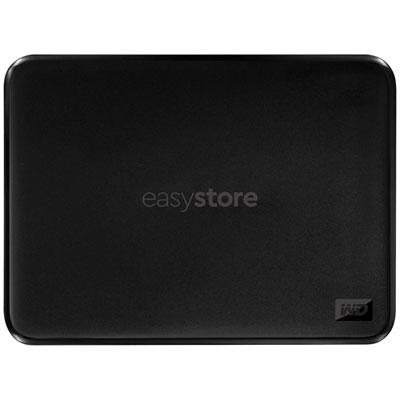 Your price for this item is $234.99
-
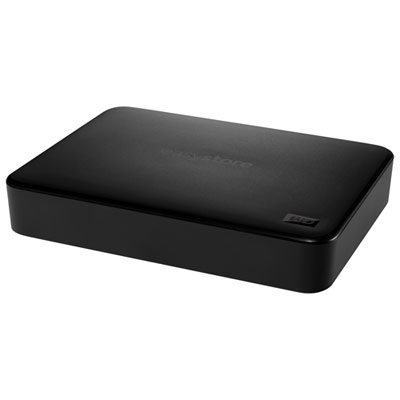 Your price for this item is $394.99
-
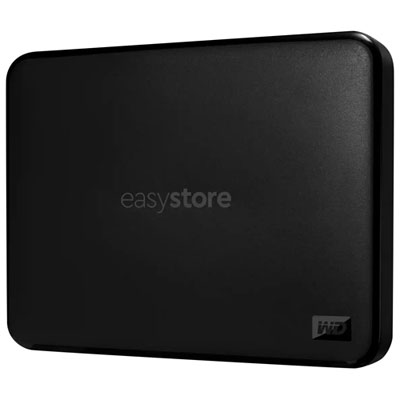 Your price for this item is $154.99
-
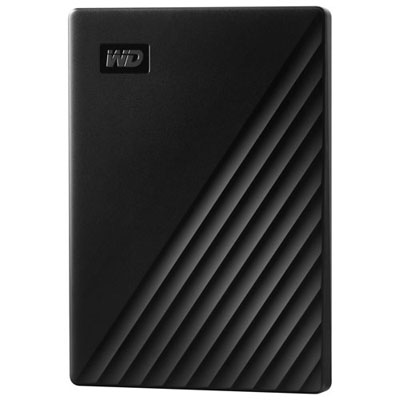 Your price for this item is $244.99
-
 Your price for this item is $539.68
-
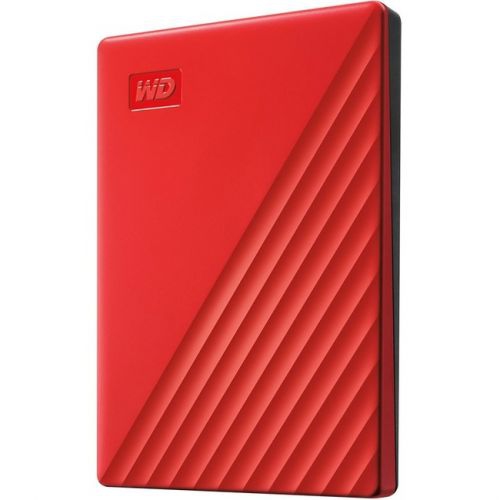 Your price for this item is $270.68
-
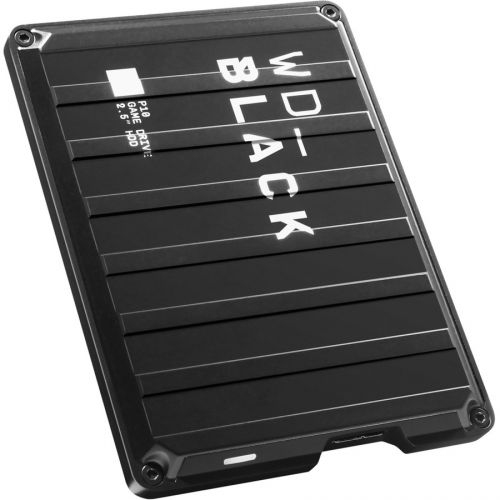 Your price for this item is $458.68
-
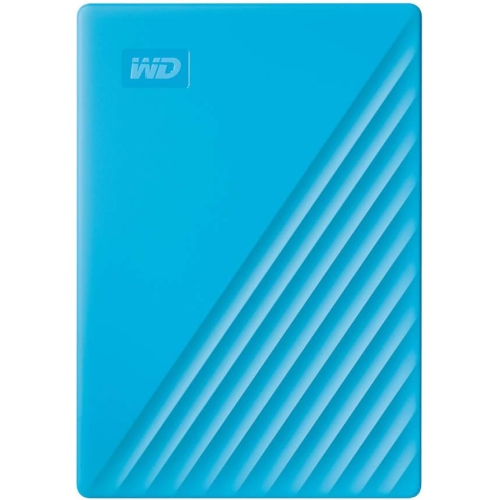 Your price for this item is $280.68
Discover more categories related to Lacie Portable Hard Drives
Top Collections:
Best Black Friday Deals This Year, Best Black Friday Deals On Electronics, Kindle Devices, Pokemon Centers, Best Black Friday Deals On Apple Products, Best Cameras for Sports Photography, Dyson Airwrap, Pokémon 30th Celebration Cards, Apple iPhone 17 Pro, Canon G7X Cameras
Some products may be subject to Environmental Handling Fees
(EHF) depending on your province.
Learn more about EHFs.