Vivobook 16 Intel Core
Discover the perfect blend of performance and style with the Vivobook 16 Intel Core selection. Designed to support your everyday tasks, these laptops offer a reliable computing experience whether you're working, studying, or streaming your favorite content. With a sleek design and user-friendly interface, the Vivobook 16 Intel Core lineup makes it easy to stay productive and connected. Explore options that fit your needs and enjoy seamless multitasking for both work and play.
Sort
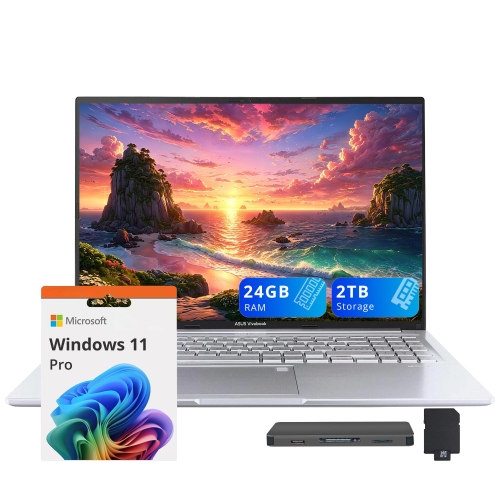
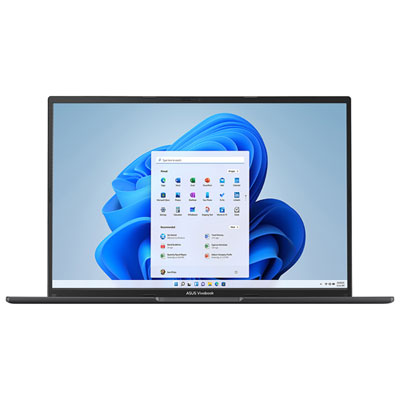
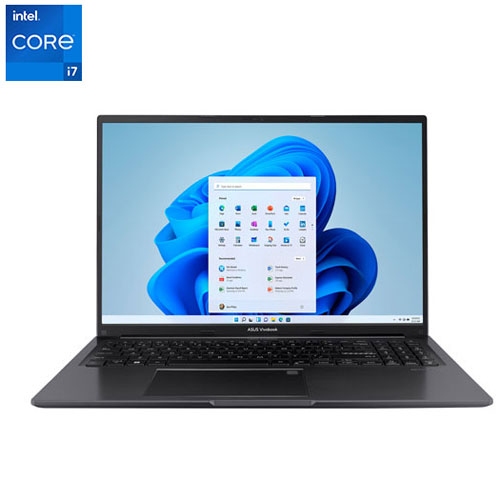
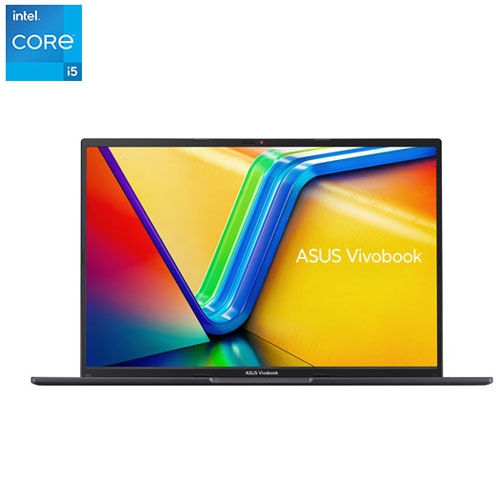
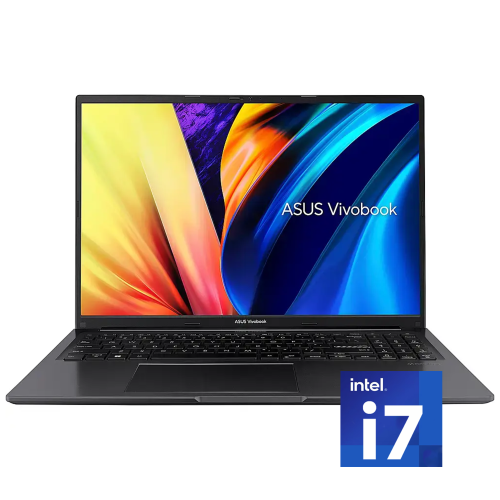
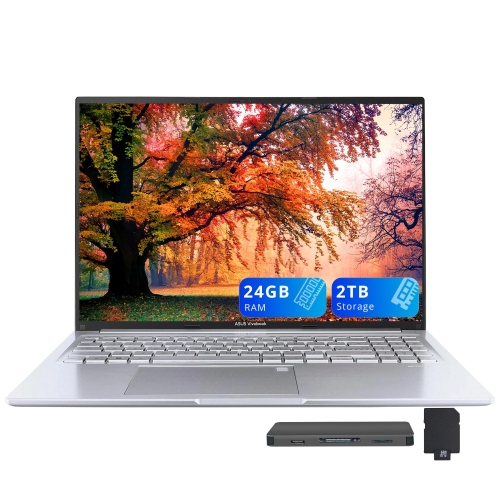
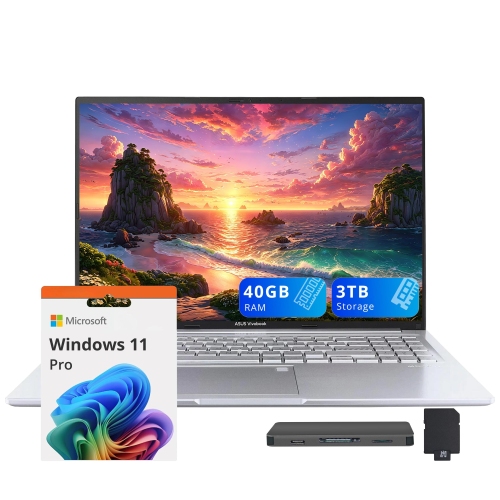
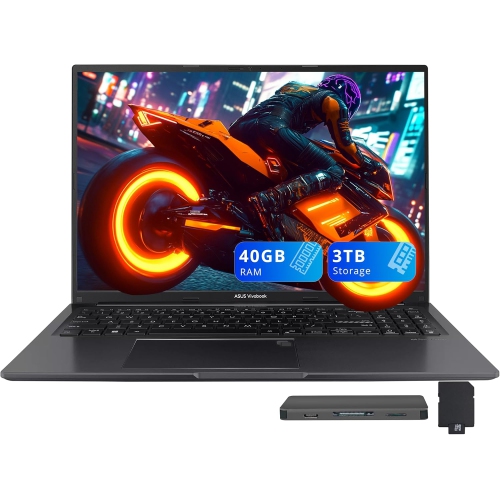
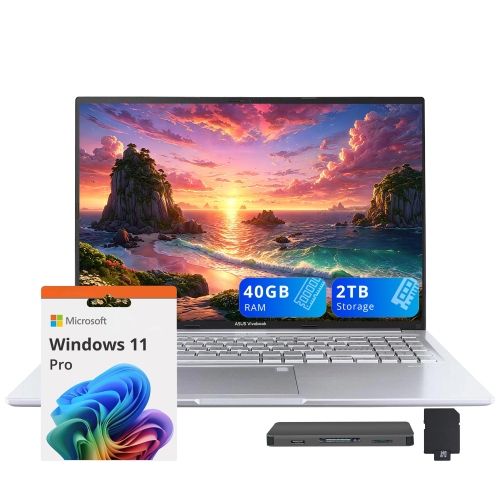
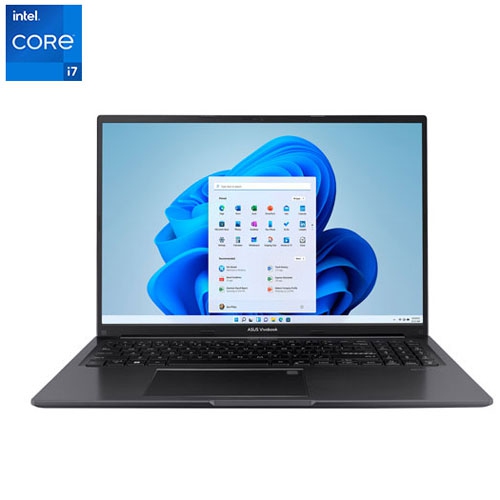
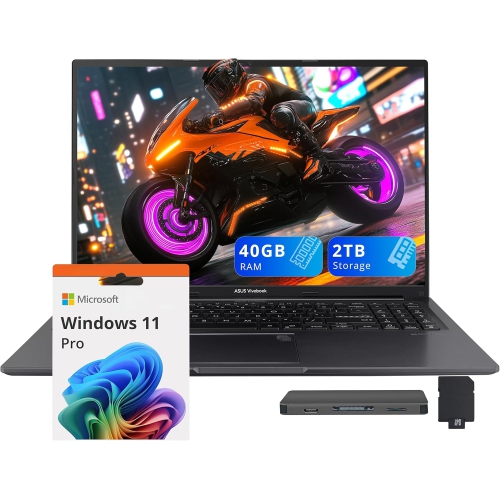
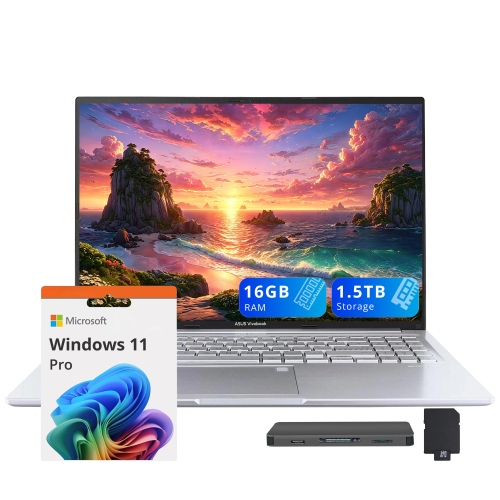
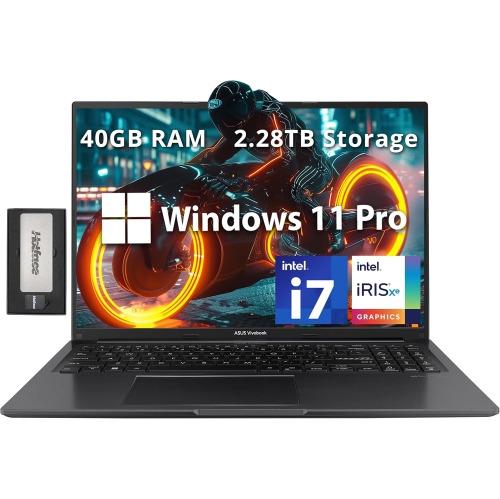
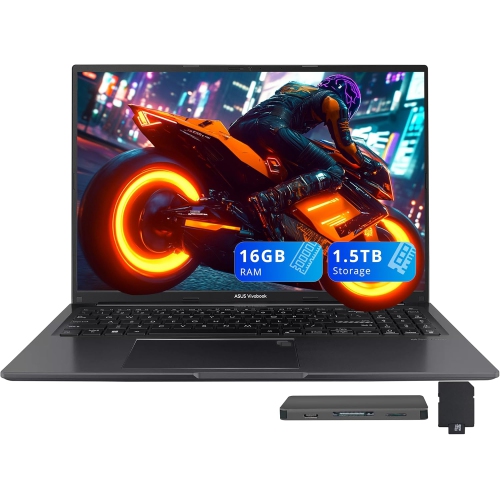
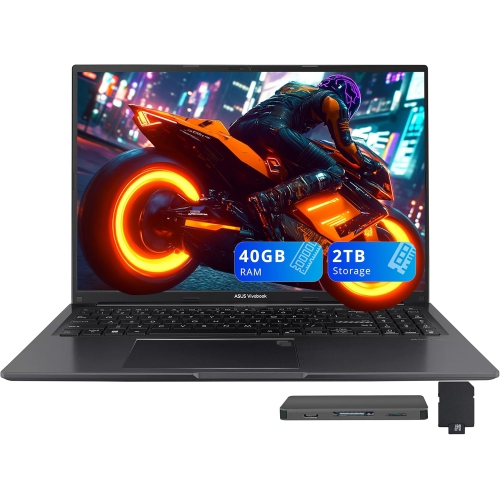
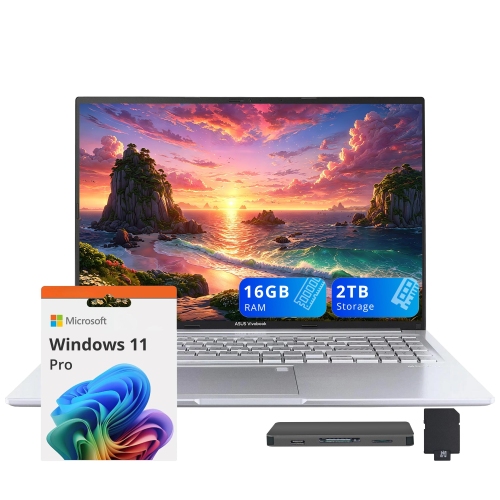
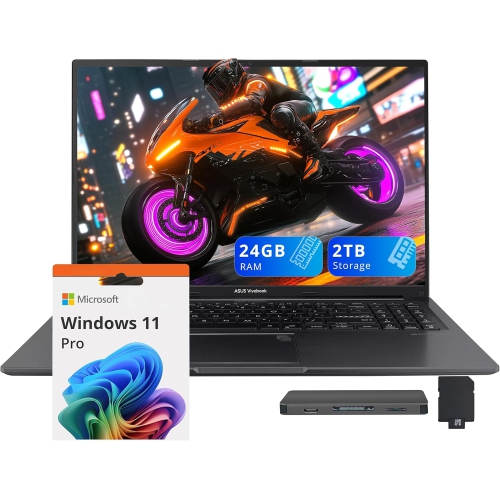
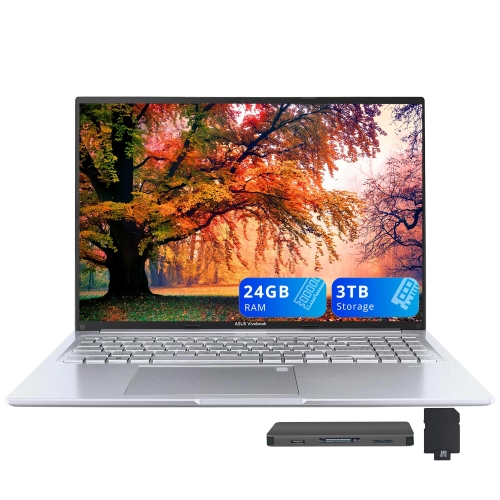
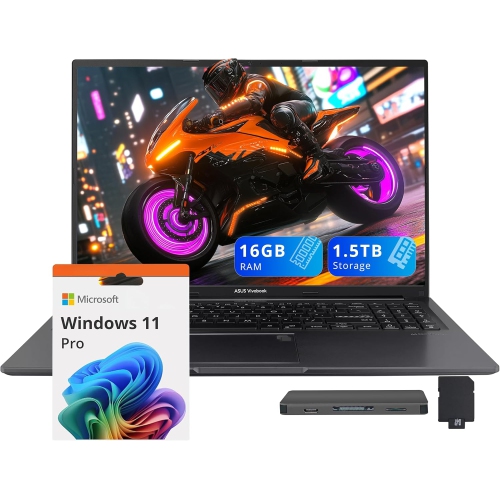
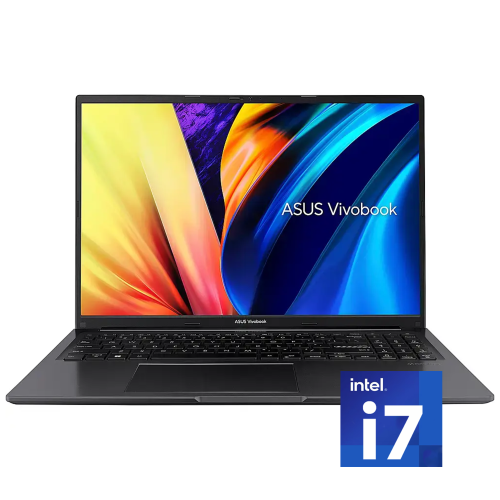
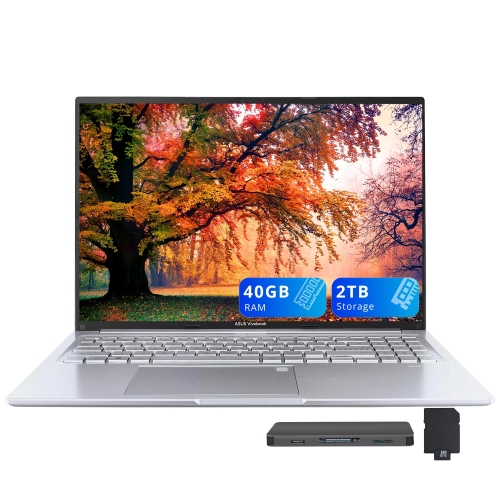
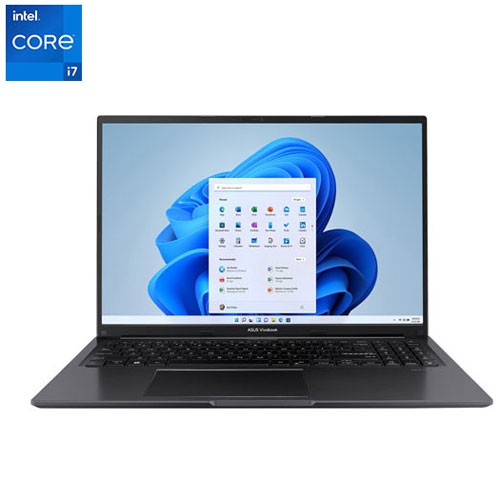
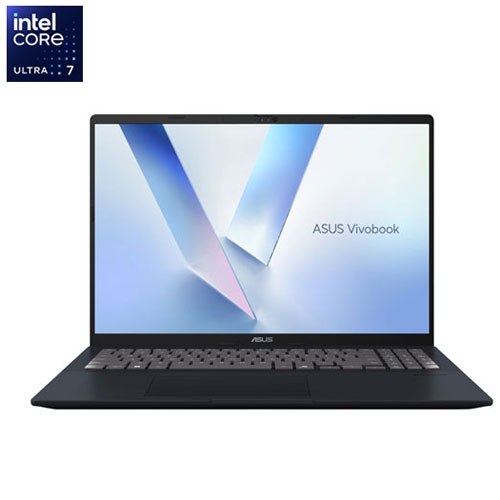
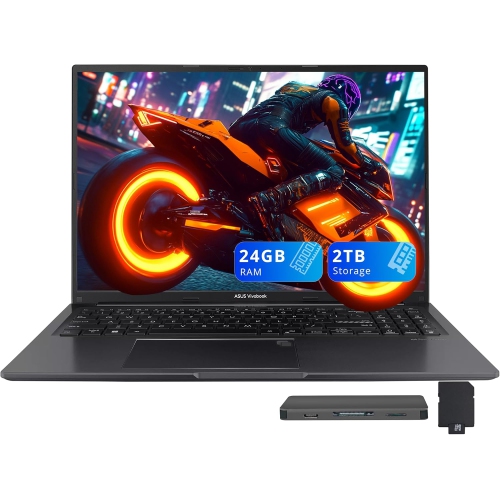
More room for notes and spreadsheets without a separate monitor
A 16-inch laptop gives schoolwork, spreadsheets and everyday browsing more room without tying the setup to a separate monitor. The extra space is easy to appreciate with a lecture open on one side of the screen and a page of notes on the other, or with a spreadsheet open beside the invoice that needs checking. A 16:10 display is taller than a 16:9 display of the same diagonal size, so more rows of a table or lines of a document can stay in view. Narrow borders around the panel can help keep the lid compact, but a 16-inch screen size describes the panel, not the outside dimensions of the laptop. The screen finish matters as much as the panel type in some settings. An OLED panel can deliver deep blacks and strong contrast for films and photos, while an IPS panel with a matte finish can be a practical choice at a desk where overhead lights reflect off a glossy screen. For photo work, check how much of the intended colour range the panel can display rather than judging by panel type alone. The wider chassis can also leave room for a number pad, which comes in handy when entering expenses or working through a statistics assignment. A number pad can shift the main typing area to the left of the chassis, so keyboard and touchpad placement are worth a look for anyone who spends hours drafting reports. For video calls, microphone noise reduction can help dial down the sound of typing, while a physical webcam shutter offers a simple way to cover the lens between meetings. A fingerprint reader or infrared camera, where fitted, can make signing back in quicker after stepping away.
The processor, memory and storage shape how a 16-inch laptop feels once the workday gets busy. Processor names that look similar can belong to different generations or power classes, so compare the full processor designation when looking at different configurations. Browsing, streaming and writing documents generally place lighter demands on the processor than compiling code or exporting a long video. Memory comes into play when several things are open at once: 16 GB of RAM is a practical amount for a video meeting alongside a reference document and a browser full of tabs. Larger creative projects or virtual machines can benefit from more memory, and it helps to check whether the RAM is fixed in place or can be upgraded. A 512 GB solid-state drive offers fast access to local files and room for everyday programs, schoolwork and photos, though raw footage and large game libraries can fill it quickly. Integrated graphics are generally suited to streaming, everyday photo adjustments and some light gaming, but demanding games and 3D work call for a closer look at graphics requirements. Connections deserve the same attention as the internal specs, especially when the laptop doubles as a desktop setup. USB-C describes the connector shape, not everything the port can do. Anyone planning to run a monitor and charge through a single cable should check that the laptop, dock and cable all support the necessary functions. A direct HDMI connection can be useful for a presentation, while a built-in card reader or a compatible adapter makes it easier to move photos from a camera. For days spent away from an outlet, compare battery estimates with the intended workload in mind. A quiet stretch of document editing is different from an afternoon of video calls with the display turned up.
The right fit depends on where the laptop spends most of its time. At a permanent desk, a wider screen and full keyboard can matter more than shaving weight from the bag. For a student moving between class and the library or someone carrying a laptop to work several days a week, the weight of the charger and the size of the padded compartment are part of the equation. Check sleeve dimensions against the width, depth and thickness of the chassis rather than relying on the screen measurement alone. For another take on the 16-inch format, the Asus Vivobook S16 is a useful point of comparison for chassis dimensions, keyboard layout and connections. Construction can vary across configurations: a metal lid does not necessarily mean the entire chassis is metal, and either metal or plastic can pick up scratches when carried next to keys or a loose charger. A padded sleeve helps protect the corners, and lifting the laptop by its base instead of the display avoids putting unnecessary strain on the hinges. At home, a hard, flat surface keeps the vents clear during long calls or file exports. A clean microfibre cloth is suitable for removing dust and fingerprints from the screen, and any cleaning solution should follow the care directions for that panel rather than being sprayed directly onto it. As a graduation gift or a practical upgrade for someone setting up a home office, a large-screen laptop can make sense when the recipient needs room to read, type and keep several windows open. Checking the requirements for school or work software first is especially useful for a gift: a generous display makes the work easier to see, but the laptop still needs to run the programs the recipient relies on.
Top selling and popular products
-
 Your price for this item is $449
-
 Your price for this item is $3099
-
 Your price for this item is $1800.68
-
 Your price for this item is $664.05
-
 Your price for this item is $869.99
-
 Your price for this item is $2960.48
-
 Your price for this item is $489.7
-
 Your price for this item is $1199
Discover more categories related to Vivobook 16 Intel Core
Top Collections:
Best Black Friday Deals This Year, Best Black Friday Deals On Electronics, Kindle Devices, Best Black Friday Deals On Apple Products, Best Budget Office Chairs, Best Cameras for Sports Photography, Dyson Airwrap, Canon G7X Cameras, Best Laptops for Writers, Samsung Galaxy Phones
Some products may be subject to Environmental Handling Fees
(EHF) depending on your province.
Learn more about EHFs.