Vivobook 15 Core I5
Explore a range of powerful options with the Vivobook 15 Core I5, designed to keep up with your everyday tasks and entertainment needs. Whether you’re working from home, streaming your favorite shows, or managing school assignments, the Vivobook 15 Core I5 delivers reliable performance in a sleek, modern design. Find the perfect balance of style and functionality to suit your lifestyle and elevate your productivity.
Sort

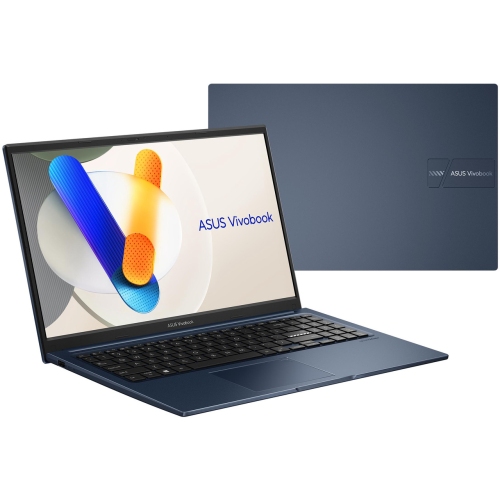
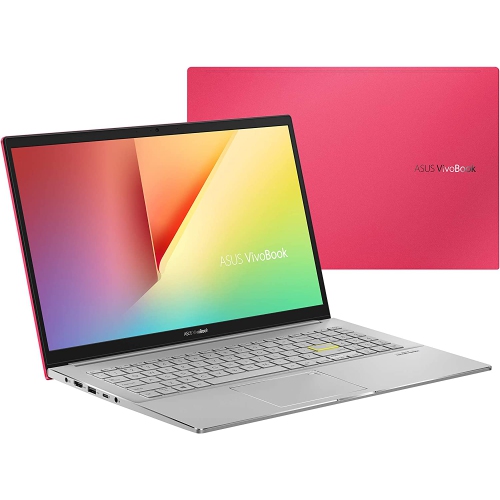

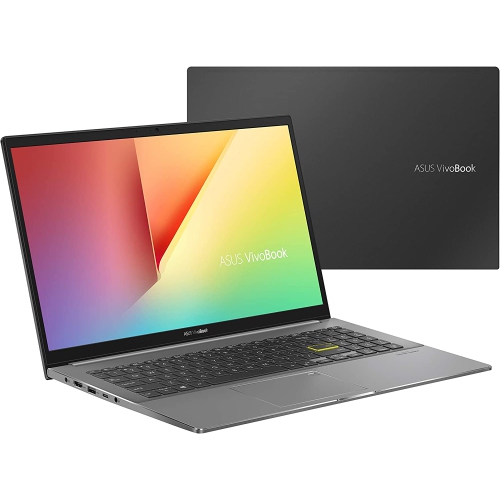
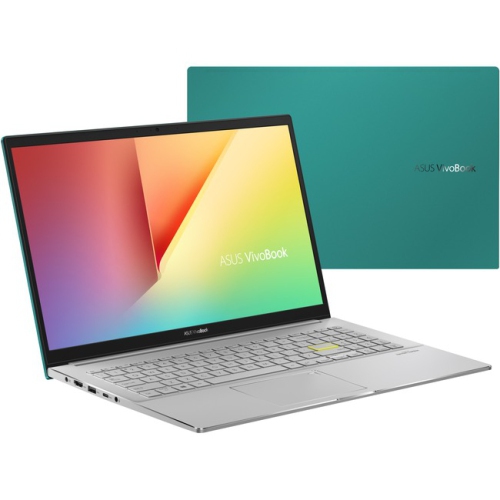

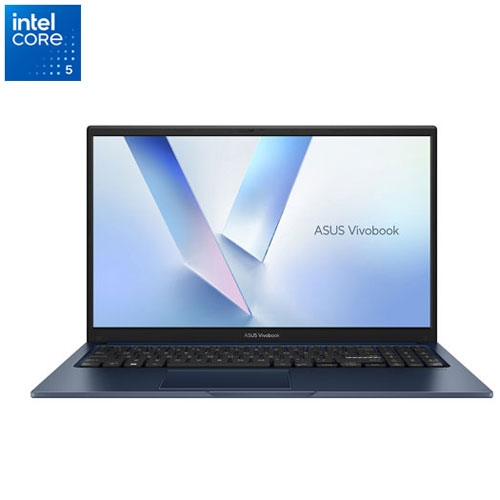
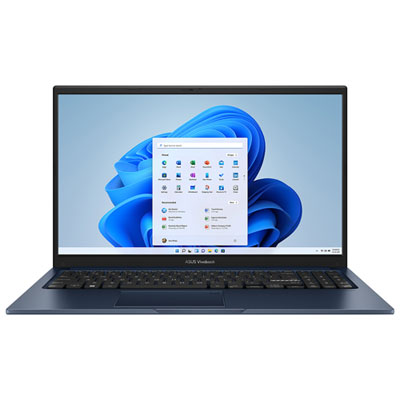
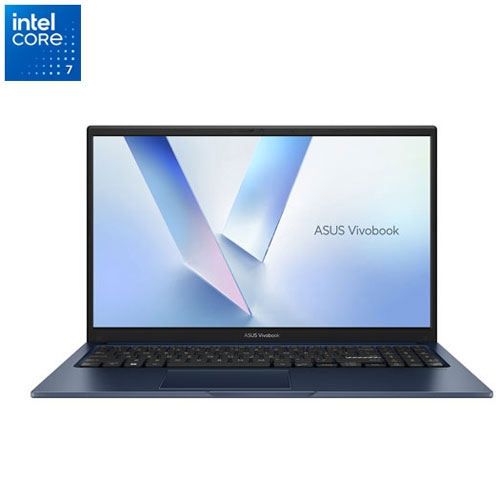
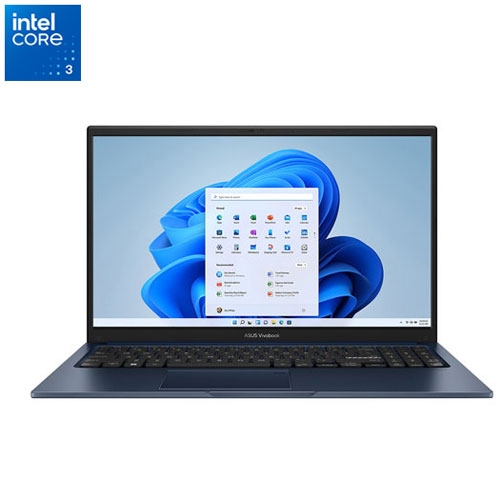
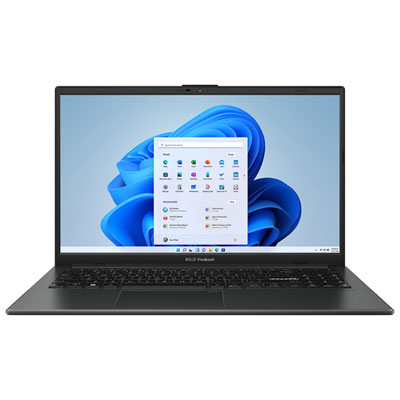
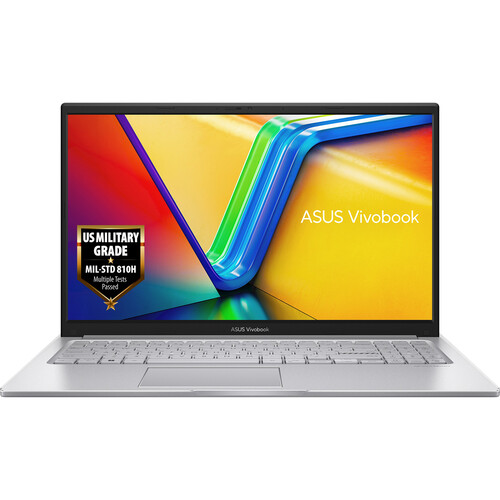
A roomy screen for work beyond the desk
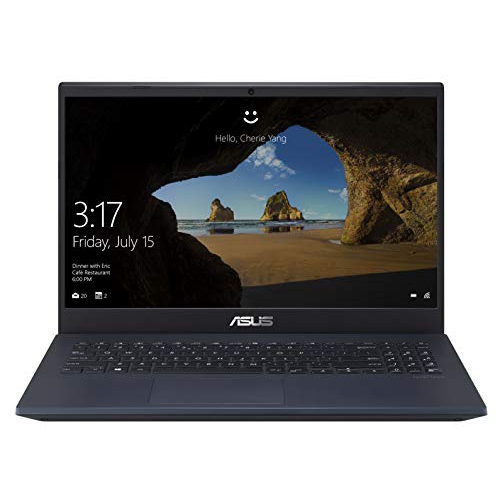
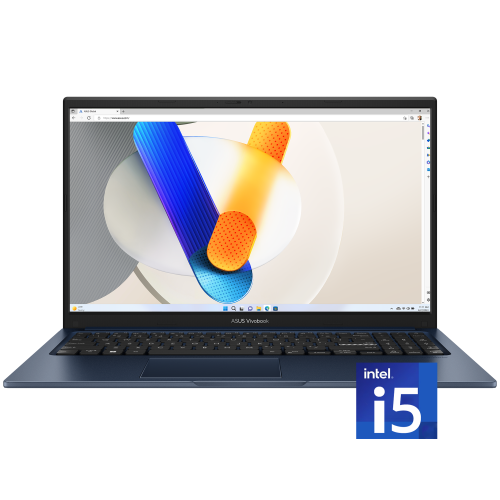
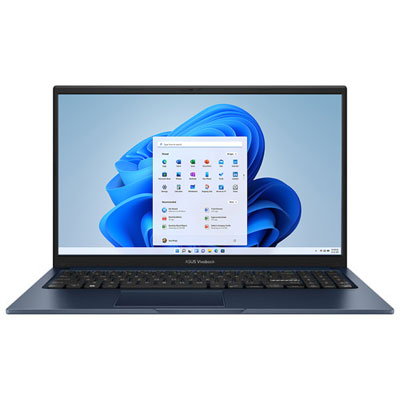
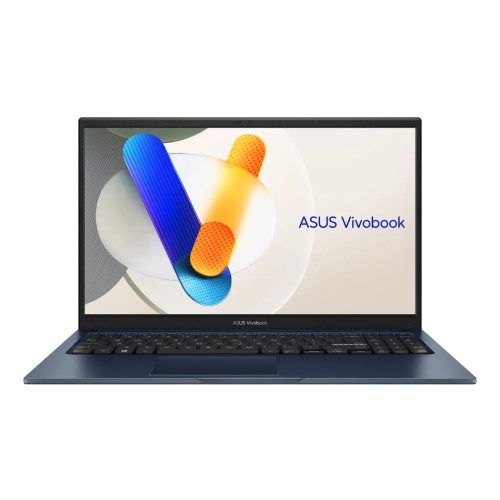
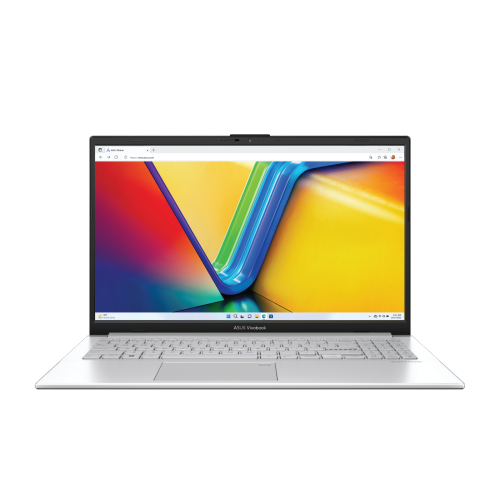
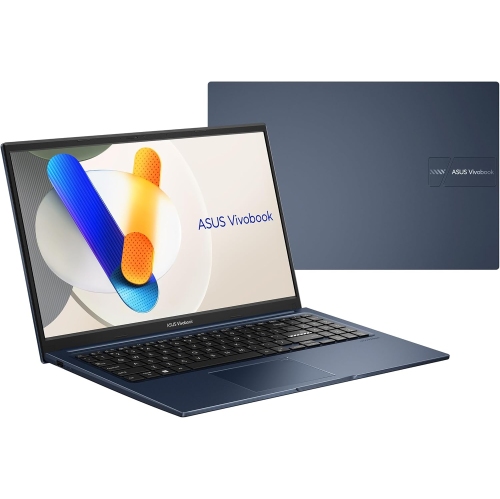
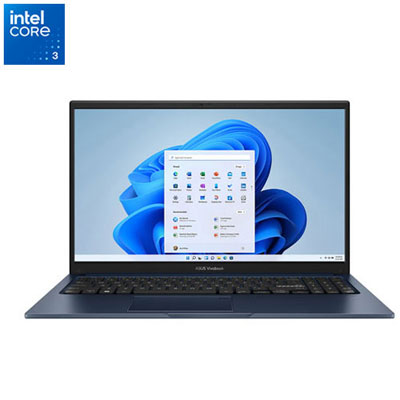
A 15.6-inch laptop with a mid-range processor combines a roomy display with the flexibility to move between a desk, a classroom and a kitchen table. This format suits everyday productivity, schoolwork and home-office multitasking, especially when the day involves documents, spreadsheets, web research and video calls rather than demanding graphics work. The screen provides space to keep a reference document beside an assignment or review a household budget without constantly switching between windows. It also offers a comfortable viewing area for streaming, browsing photographs and catching up with family online. Display characteristics make a noticeable difference to these routines: Full HD resolution can keep text and interface elements clear, while brightness and an anti-glare finish affect readability near a window or under overhead lighting. Colour reproduction and viewing angles matter for sharing a presentation across a table, although detailed photo editing may call for more specialized display capabilities. A larger screen does not necessarily mean a heavier computer, so chassis dimensions and weight remain useful distinctions within this size category. Keyboard layouts also vary. Some include a numeric keypad that suits spreadsheet entry, bookkeeping and coursework involving frequent calculations; others leave more space around the main typing area. Key spacing, a clearly defined touchpad and a stable palm rest contribute to comfort during longer writing sessions. Backlighting, where included, helps make keyboard markings easier to see in dimly lit rooms. Webcam resolution, microphone quality and speaker placement are equally relevant for remote lessons, interviews and meetings. A built-in camera shutter can provide a visible way to cover the lens between calls, while headphone support offers a quieter option in shared spaces. Together, these features shape how naturally a laptop fits into ordinary routines, from preparing a presentation at the dining table to reviewing lecture notes before class. The most useful configuration is one whose screen, input layout and communication features match the tasks that happen repeatedly throughout the day.
Performance depends on more than a processor tier alone. Processor generation, core configuration, memory capacity and cooling all influence how a laptop responds when several applications are open. Writing an essay with research tabs, a video call and a reference PDF running at the same time places different demands on a computer than simply reading email. More memory gives active applications additional working room, while a solid-state drive helps with starting the computer, opening programs and loading saved files. Storage capacity serves a different purpose: it determines how much space is available for documents, applications, photographs and downloaded media. Cloud storage can complement local storage, but access depends on the service and connection, and important files still benefit from a separate backup. Integrated graphics are commonly suited to everyday visuals, video playback and some lighter creative tasks; demanding games, complex 3D projects and intensive video production may require a different hardware class. For a related performance category, Vivobook I7 offers another point of comparison, with processor generation, memory and cooling still important to interpreting the specifications. Battery life also varies with workload, screen brightness, wireless activity and power settings, so a figure measured under light use may not reflect an afternoon of video meetings. Charging connections matter when moving between locations, particularly because a USB-C port does not automatically support charging or external displays. The supported functions determine whether a single connection can handle power, accessories and a monitor. HDMI, USB-A and audio connections can remain useful for an existing desk setup, classroom projector or wired headset, depending on what is included. Wi-Fi capability affects wireless connectivity, although connection quality also depends on the router, distance and surrounding interference. For someone who works at a desk most days, support for an external monitor, keyboard and mouse can make this portable format part of a more spacious workstation without changing the computer used for travel or meetings.
Materials, construction and everyday handling influence how well a laptop holds up to regular use. Plastic and metal chassis designs can both serve daily computing needs, with durability depending on panel rigidity, hinge construction, assembly and protection during transport rather than the exterior material alone. A lid that closes evenly, a hinge that holds the screen steadily and a base that feels stable during typing all contribute to a reassuring feel. Portability also involves more than the laptop’s weight: the charger, mouse and other accessories add to what goes into a bag. A padded sleeve or compartment should fit the computer’s actual dimensions, since two laptops with the same screen size can have different widths and depths. Keeping the charger separate from the display surface helps prevent concentrated pressure inside a packed bag. At home or school, a firm, flat surface keeps ventilation openings clearer than a blanket or cushion, and leaving space around the vents helps the cooling system work as intended. Routine care is straightforward: the computer should be powered down and unplugged before cleaning, with a soft, lint-free cloth used according to the manufacturer’s directions. Liquids should not be sprayed directly onto the screen or keyboard. Food and drinks kept away from the work area reduce the chance of spills and debris, while gentle handling of charging plugs and other connectors helps avoid unnecessary strain. Software updates, sensible file organization and regular backups support reliable day-to-day use alongside physical care. This type of laptop can suit secondary and post-secondary students, household administrators, remote workers and anyone who needs a general-purpose computer for writing, browsing and staying connected. As a gift, it is most useful when the recipient’s course requirements, preferred software and accessibility needs are understood, particularly where specialized applications are involved. A comfortable keyboard, readable screen and suitable connections often have a lasting effect on satisfaction because they are used every day, whether the task is completing an assignment, managing appointments or sharing photographs with family.
Top selling and popular products
-
 Your price for this item is $449
-
 Your price for this item is $3099
-
 Your price for this item is $1800.68
-
 Your price for this item is $664.05
-
 Your price for this item is $3400.68
-
 Your price for this item is $489.7
-
 Your price for this item is $1199
-
 Your price for this item is $1951.79
Discover more categories related to Vivobook 15 Core I5
Top Collections:
Best Black Friday Deals This Year, Best Black Friday Deals On Electronics, Kindle Devices, Dyson Airwrap, Best Cameras for Sports Photography, Best Budget Office Chairs, Canon G7X Cameras, PS5 Pro Consoles, Best Black Friday Deals On Apple Products, XBOX One S Consoles
Some products may be subject to Environmental Handling Fees
(EHF) depending on your province.
Learn more about EHFs.