Vivobook Go E1504FA
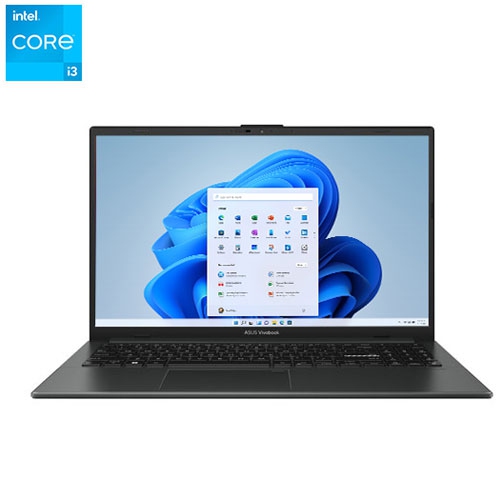
Discover the perfect blend of portability and performance with the Vivobook Go E1504FA. Designed to keep up with your daily tasks, this laptop offers a sleek profile that fits seamlessly into any lifestyle. Whether you're working, studying, or relaxing at home, the Vivobook Go E1504FA delivers reliable computing power in a compact design. Explore options that suit your needs and enjoy a smooth experience wherever you go.
Sort
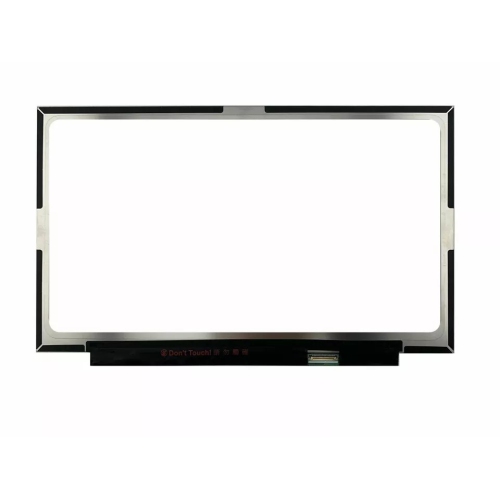
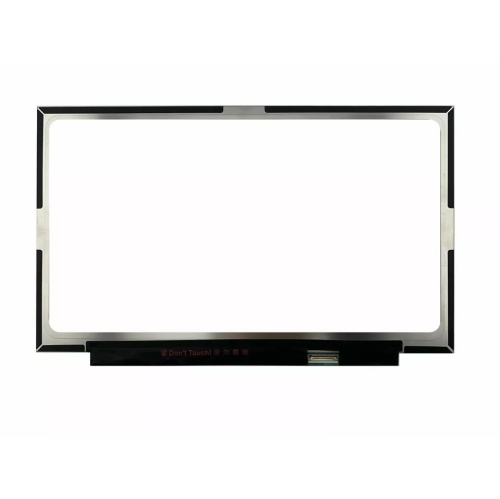
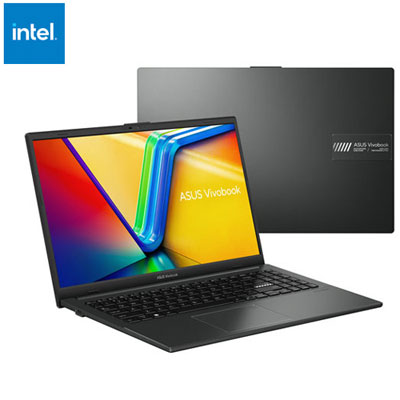
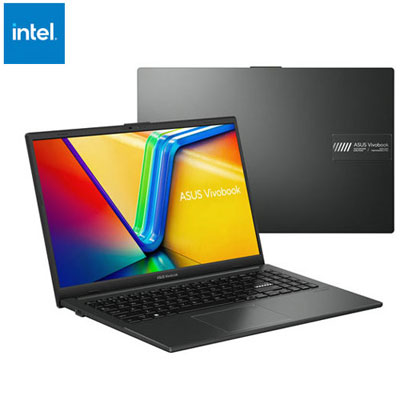
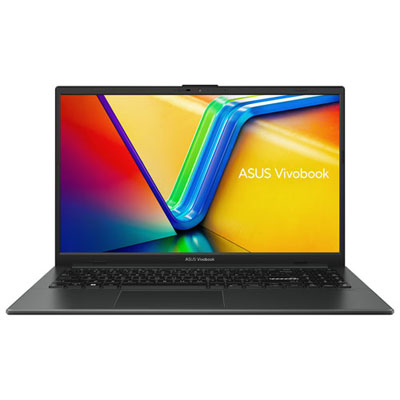
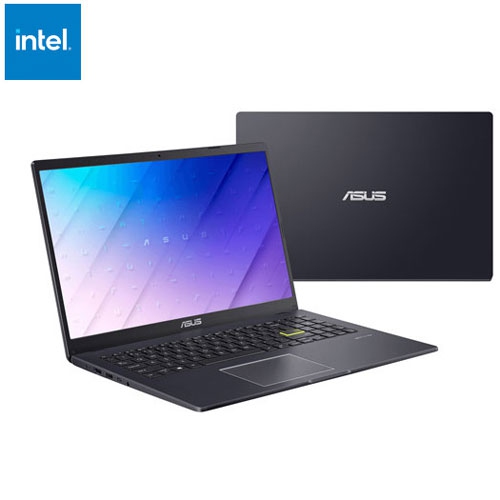
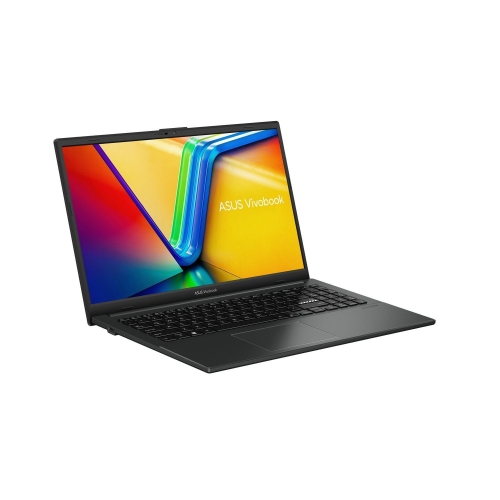
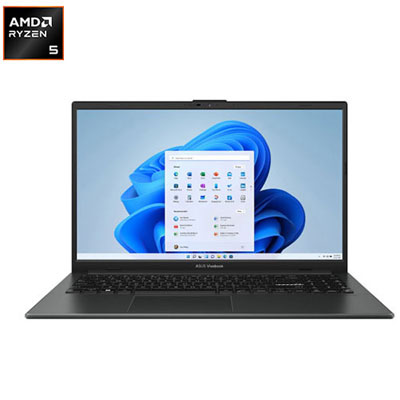
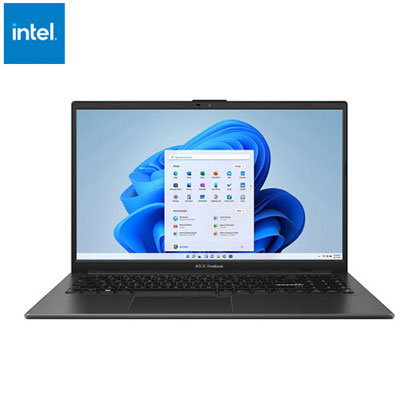
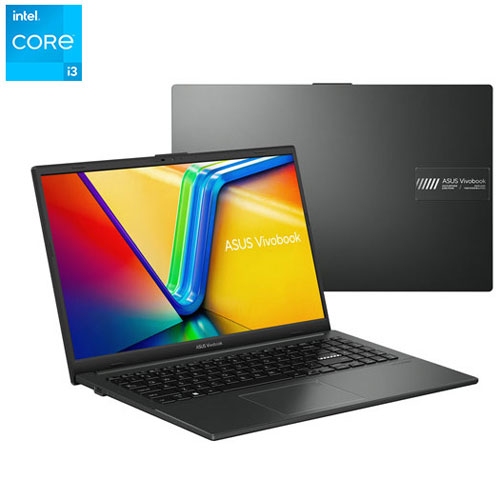
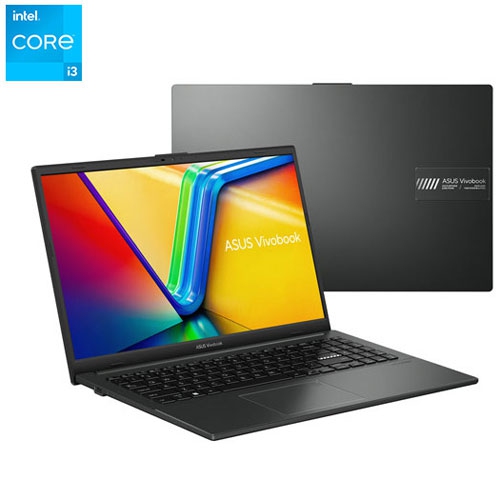
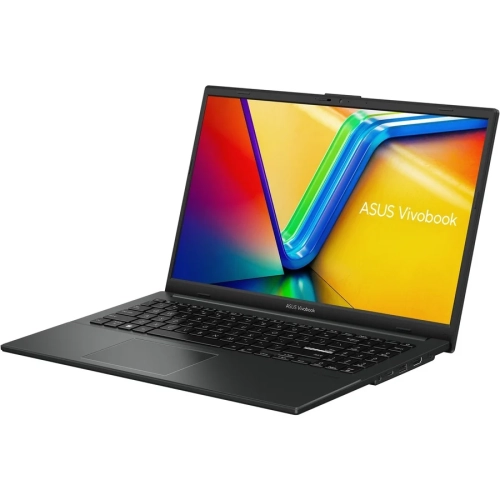
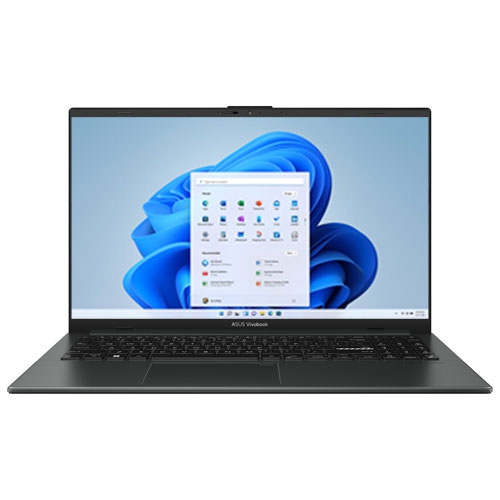
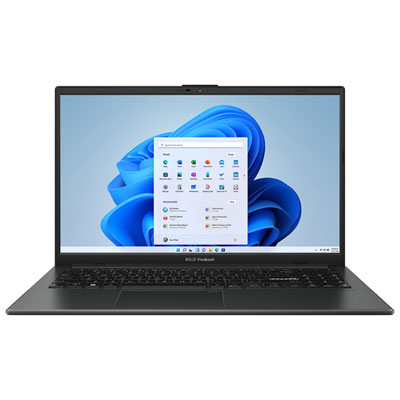
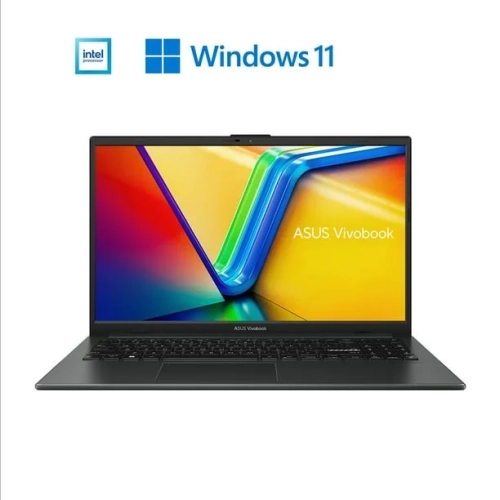
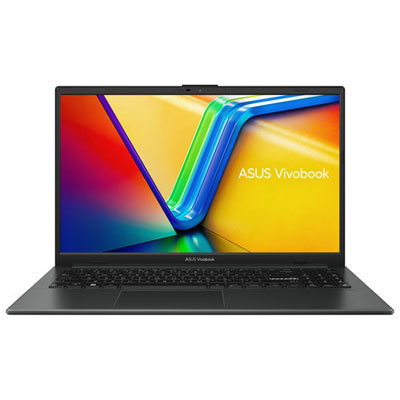
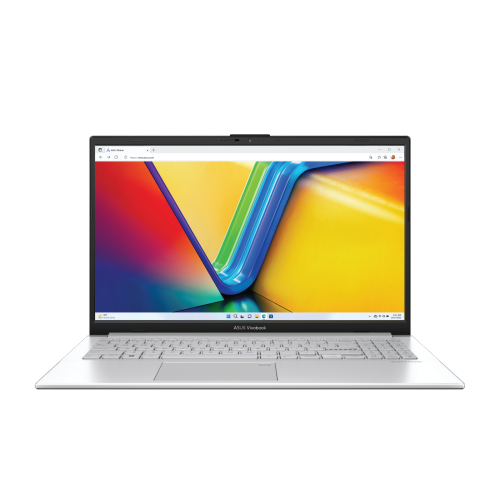
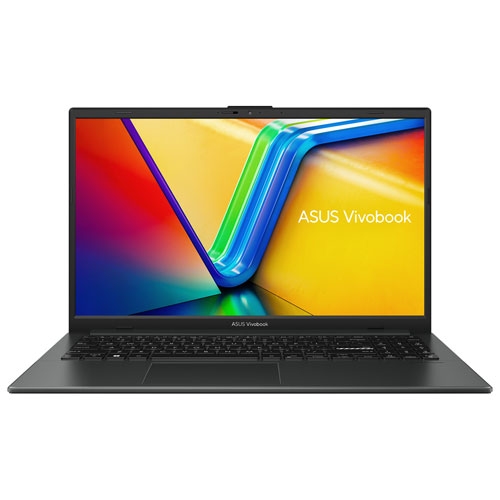
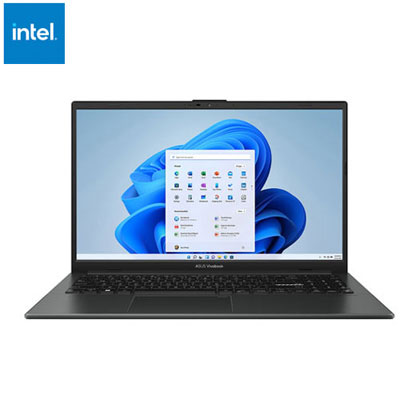
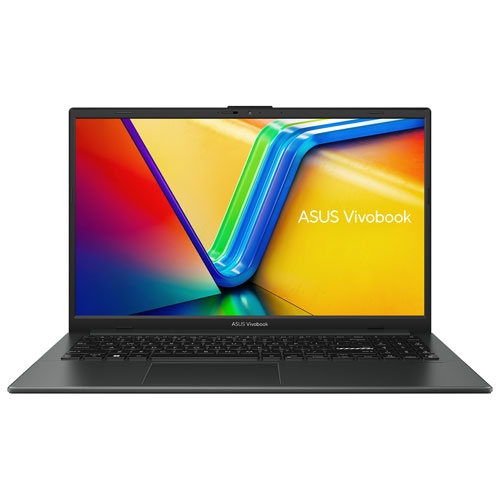
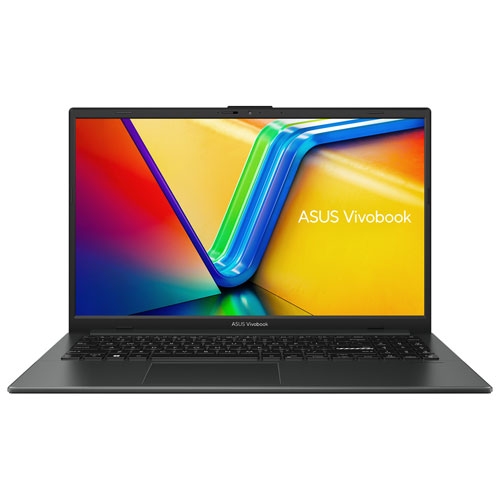
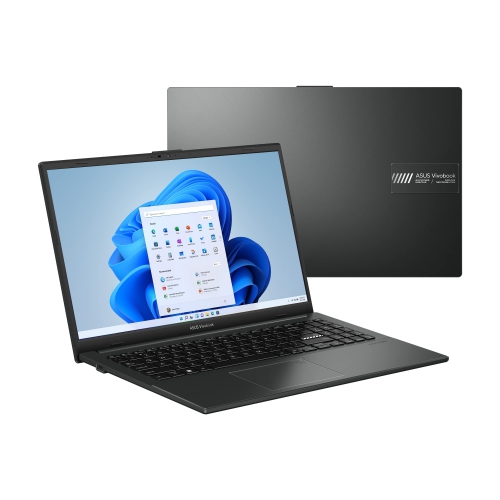
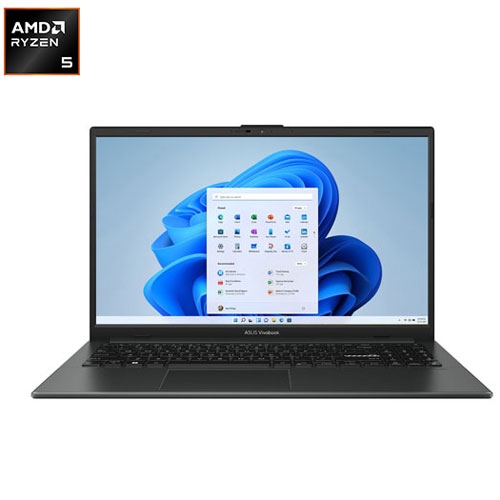
A roomy laptop workspace that travels with you
Lightweight 15.6-inch laptops bring together a roomy screen, a built-in keyboard, and the flexibility to work away from a desk. This type of everyday notebook suits school assignments, email, online forms, video calls, and streaming, with enough screen space to make longer reading and writing sessions feel less cramped than they can on a smaller device. A student can keep research beside a draft essay, while someone managing household tasks can move between a spreadsheet, appointment details, and a browser without relying on a phone screen. The larger display also gives shared viewing a more comfortable feel, whether two people are reviewing travel plans or watching an episode together. Screen size alone does not determine picture quality: resolution, brightness, surface finish, and viewing angles all affect how text and images appear. A matte finish can help reduce distracting reflections, while clear text and comfortable scaling matter for reading documents over several hours. For writing-heavy tasks, keyboard layout deserves just as much attention as the display. Well-spaced keys, an easy-to-locate touchpad, and a palm rest that feels comfortable during sustained typing can make a noticeable difference to daily use. A numeric keypad, where fitted, is useful for entering expenses or working through calculations, although its presence and layout vary. The overall footprint matters, too. A 15.6-inch screen offers useful workspace, but the surrounding bezels and chassis determine whether the notebook fits neatly into a backpack, desk drawer, or narrow study area. Published dimensions are more reliable than screen size when matching a laptop to a sleeve. For people who move between a kitchen table, classroom, and library, a manageable carrying weight and a charger that fits easily into the same bag help make the computer practical beyond a permanent desk setup. The appeal is a familiar, self-contained workspace that can move with the day, rather than a device built around one specialist task.
Everyday laptop performance depends on how the processor, memory, and storage work together, not simply on one headline specification. Writing documents and watching videos place different demands on a computer than running a video meeting while keeping several browser tabs and a large presentation open. Enough memory for that mix helps applications remain responsive, especially when switching repeatedly between research, notes, and calls. Solid-state storage supports quick access to files and applications, while storage capacity determines how much room remains for downloaded lectures, photographs, documents, and offline entertainment. People who save most of their work online may have different needs from those who keep extensive local files, but either approach benefits from a dependable backup routine. Built-in graphics generally suit routine desktop work and media playback; demanding games, complex 3D projects, and intensive video editing call for a different level of hardware. Software compatibility is equally important for students or anyone using specialist workplace applications, since a comfortable keyboard cannot compensate for a program that does not meet its required specifications. Connections shape the experience around the laptop as well. USB ports can accommodate a mouse or external storage, a compatible display connection can support a larger monitor, and a headset connection may be useful for lessons or meetings. A USB-C port does not automatically support charging or video output, so its stated capabilities matter when choosing docks and accessories. Wireless performance depends partly on the laptop and partly on the network serving it; a reliable Wi-Fi connection is particularly helpful for live calls and cloud-based coursework. Battery life varies with screen brightness, workload, wireless activity, and power settings, making advertised figures a reference rather than a promise for every routine. Memory and storage upgrade options also differ between configurations. Soldered memory may not be replaceable, while storage expansion or replacement depends on the internal design. Those details matter most when the computer is expected to handle growing workloads over several years.
Practical construction and considerate handling help an everyday notebook remain comfortable to use over time. Chassis materials influence weight, surface feel, and resistance to everyday scuffs, but material alone does not establish durability. The fit of the panels, the steadiness of the keyboard deck, and the way the hinges support the screen also contribute to how solid a laptop feels during ordinary use. A display that opens smoothly and stays in position is useful when moving from typing at a table to reading on a lap, although ventilation openings still need clear space. A firm, flat surface allows airflow more reliably than a cushion or blanket, and keeping drinks away from the keyboard reduces the chance of an avoidable spill. For carrying, a padded sleeve with suitable internal dimensions helps separate the computer from loose keys, pens, and charging accessories. Closing the lid before packing it away and avoiding pressure against the screen are small habits that can help protect the display and hinges. Routine cleaning is straightforward: with the laptop powered off and unplugged, a soft microfibre cloth can lift fingerprints and dust, while any cleaning solution should follow the manufacturer's care directions and never be sprayed directly onto the device. Backups and software updates support long-term use alongside physical care. These notebooks can make thoughtful gifts for students, family members who want a larger screen for everyday tasks, or someone setting up a simple home workspace. The best fit depends on the recipient's actual routine, including required applications, preferred keyboard layout, accessibility needs, and whether the computer will travel regularly. The Asus Laptop VivoBook collection offers a related selection for comparing everyday notebook designs and configurations. Matching screen comfort, carrying size, connections, and performance to the tasks that happen most often keeps the focus on a laptop that feels useful from the first document to the last video call of the day.
Top selling and popular products
-
 Your price for this item is $449
-
 Your price for this item is $3099
-
 Your price for this item is $1800.68
-
 Your price for this item is $664.05
-
 Your price for this item is $3400.68
-
 Your price for this item is $489.7
-
 Your price for this item is $1199
-
 Your price for this item is $1951.79
Discover more categories related to Vivobook Go E1504FA

Top Collections:
Best Black Friday Deals This Year, Best Black Friday Deals On Electronics, Kindle Devices, Dyson Airwrap, Best Cameras for Sports Photography, Best Budget Office Chairs, Canon G7X Cameras, PS5 Pro Consoles, Best Black Friday Deals On Apple Products, XBOX One S Consoles
Some products may be subject to Environmental Handling Fees
(EHF) depending on your province.
Learn more about EHFs.