Ways To Improve Laptop Performance
Unlock your device’s full potential with smart solutions for Ways To Improve Laptop Performance. Whether you’re looking to boost speed for work, gaming, or everyday tasks, the right upgrades and accessories can make a noticeable difference. Explore options that help optimize your laptop’s capabilities, ensuring smoother multitasking and a more responsive experience. Discover practical tools and enhancements designed to elevate your productivity and keep your laptop running efficiently.
Sort


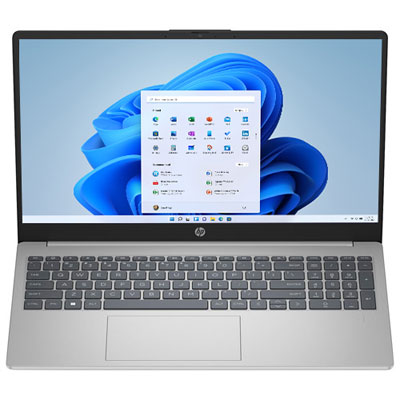
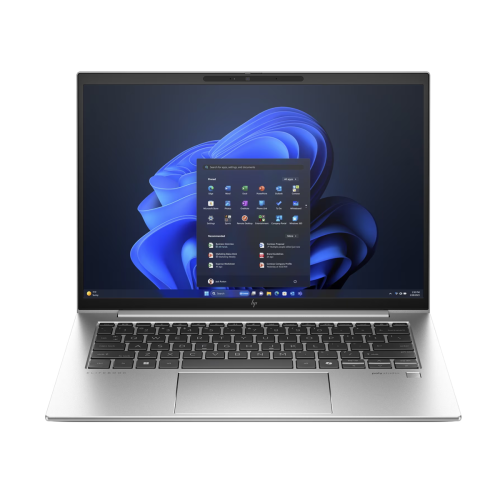
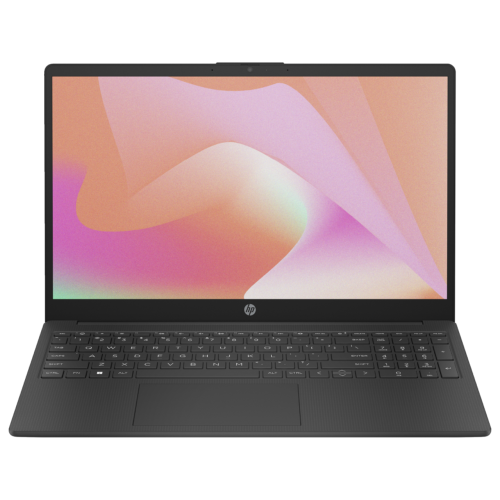
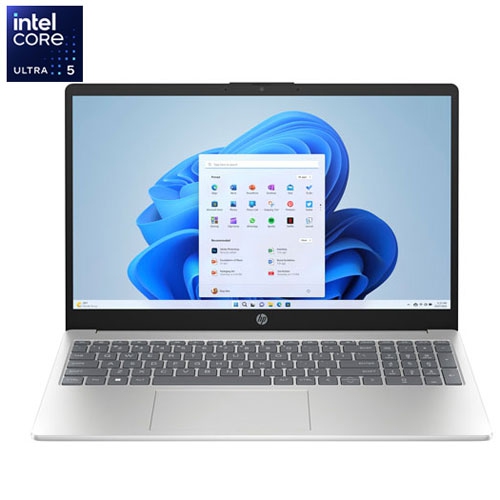
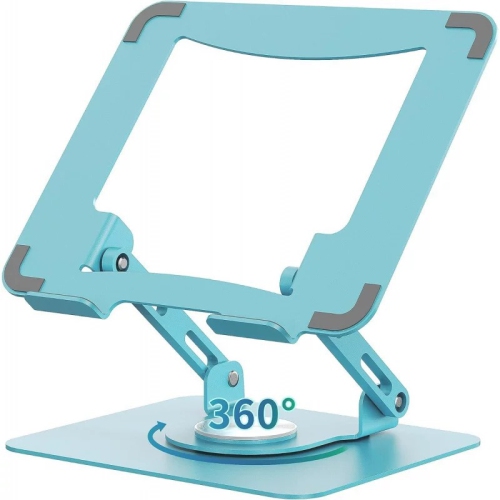

Ways To Improve Laptop Performance
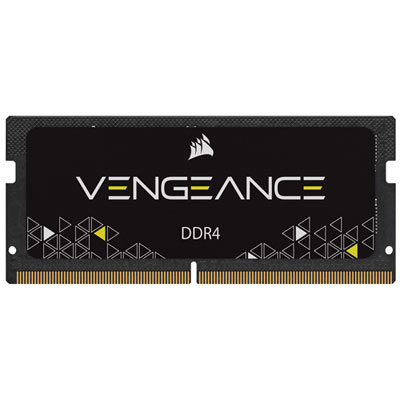
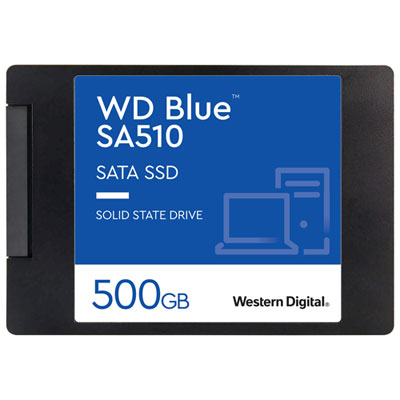
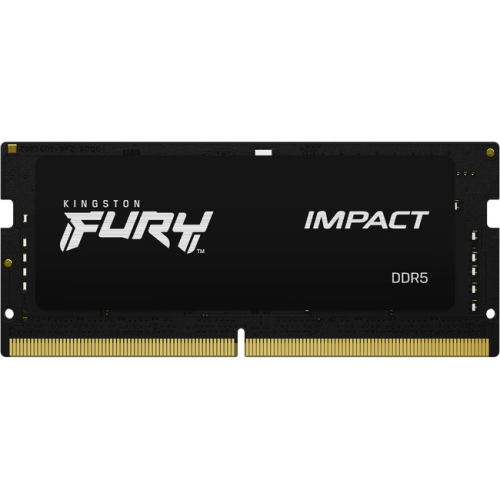
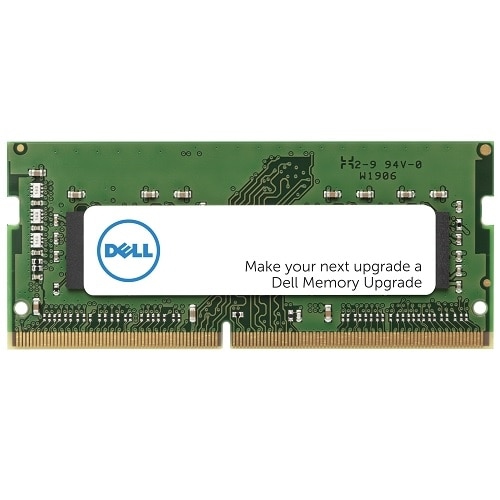
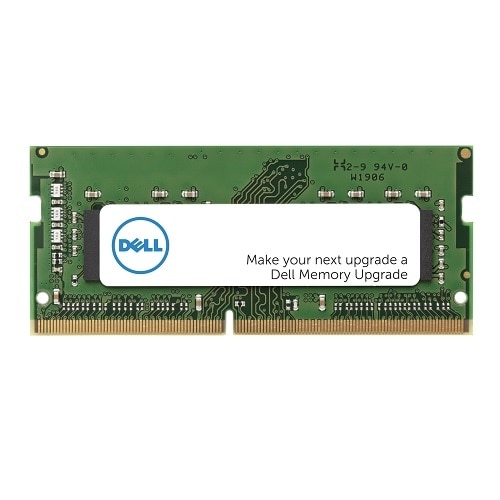
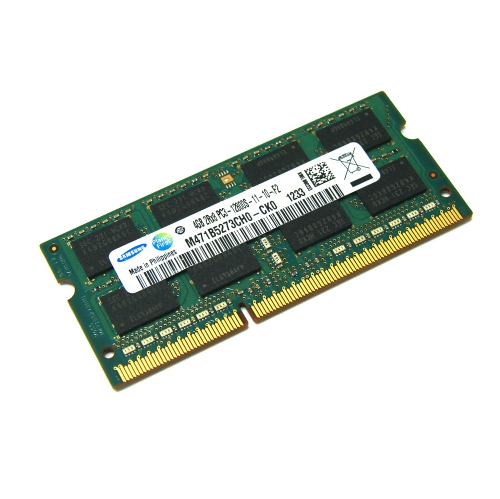
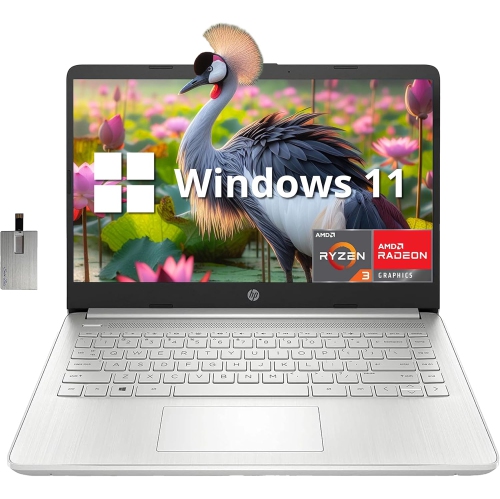
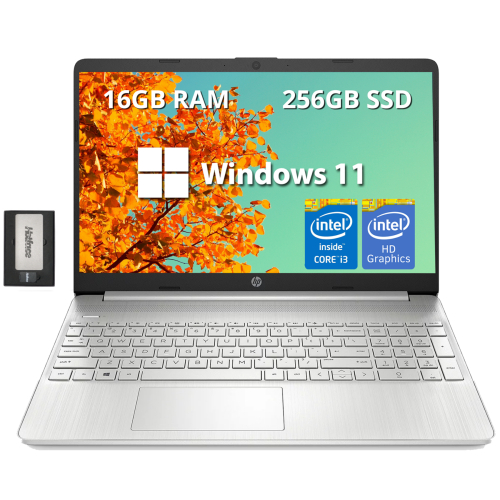
Enhancing laptop performance is an essential consideration for students, professionals, gamers, and anyone who relies on their device for daily productivity or entertainment. As laptops age or workloads increase, you might notice slower boot times, lagging applications, or overheating—especially during the colder months when indoor usage spikes and devices run for longer periods without a break. Whether you're preparing for a new semester, tackling work-from-home tasks, or simply want a smoother streaming and browsing experience, understanding how to improve laptop performance can make a significant difference in your day-to-day routine. Upgrading hardware components, such as adding more RAM or switching to a solid-state drive (SSD), delivers a tangible boost in speed and responsiveness. These upgrades are particularly valuable for those who multitask with multiple browser tabs, run demanding software, or enjoy PC gaming. They also make thoughtful gifts for tech enthusiasts, students heading back to class, or anyone whose laptop feels sluggish and could use a refresh.
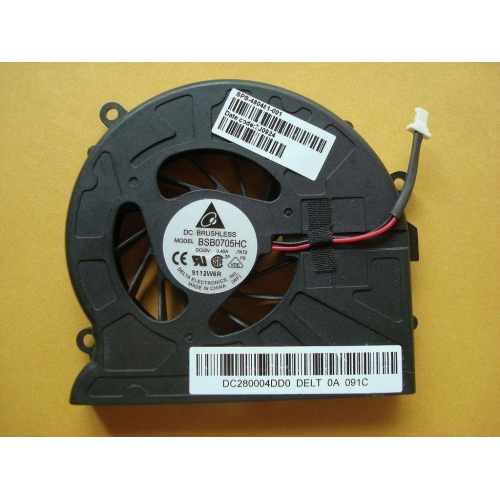
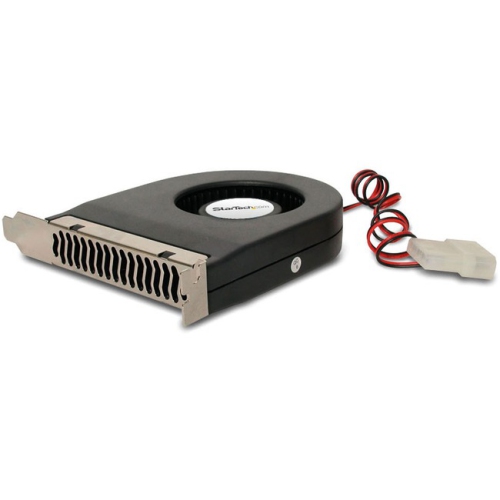
Beyond hardware, a range of accessories and software solutions can help maintain and extend your laptop’s peak performance. External cooling pads, for example, are popular during the winter months when laptops are used on blankets or soft surfaces, which can block vents and cause overheating. Investing in the right cooling solution not only prevents thermal slowdowns but also prolongs the lifespan of your device. Cleaning kits, compressed air, and screen wipes are practical tools for keeping your laptop dust-free, ensuring that fans and vents remain unobstructed. Software utilities designed for disk cleanup, malware protection, and driver updates are invaluable for keeping your system running smoothly. They’re easy to use and can be a great addition to any laptop owner’s toolkit, whether you’re a student managing assignments, a professional handling large files, or a parent helping your child with online learning. For those seeking even more advanced ways to improve laptop performance, options such as external storage drives, docking stations, and ergonomic stands can transform your setup into a more efficient workspace, supporting both productivity and comfort during long Canadian winters.
No matter your needs or experience level, there’s a solution to help you get the most from your laptop. If overheating is a recurring issue, especially when using your device on soft surfaces or in warm rooms, it’s worth exploring dedicated Solutions for Laptop Overheating to protect your investment and ensure consistent performance. Whether you’re upgrading hardware, investing in maintenance tools, or optimizing your software, these products can help you keep your laptop running at its best, making everyday tasks faster and more enjoyable. With a few thoughtful additions or upgrades, you can extend the life of your device and enjoy a smoother, more responsive experience for work, school, or play.
Beyond hardware, a range of accessories and software solutions can help maintain and extend your laptop’s peak performance. External cooling pads, for example, are popular during the winter months when laptops are used on blankets or soft surfaces, which can block vents and cause overheating. Investing in the right cooling solution not only prevents thermal slowdowns but also prolongs the lifespan of your device. Cleaning kits, compressed air, and screen wipes are practical tools for keeping your laptop dust-free, ensuring that fans and vents remain unobstructed. Software utilities designed for disk cleanup, malware protection, and driver updates are invaluable for keeping your system running smoothly. They’re easy to use and can be a great addition to any laptop owner’s toolkit, whether you’re a student managing assignments, a professional handling large files, or a parent helping your child with online learning. For those seeking even more advanced ways to improve laptop performance, options such as external storage drives, docking stations, and ergonomic stands can transform your setup into a more efficient workspace, supporting both productivity and comfort during long Canadian winters.
No matter your needs or experience level, there’s a solution to help you get the most from your laptop. If overheating is a recurring issue, especially when using your device on soft surfaces or in warm rooms, it’s worth exploring dedicated Solutions for Laptop Overheating to protect your investment and ensure consistent performance. Whether you’re upgrading hardware, investing in maintenance tools, or optimizing your software, these products can help you keep your laptop running at its best, making everyday tasks faster and more enjoyable. With a few thoughtful additions or upgrades, you can extend the life of your device and enjoy a smoother, more responsive experience for work, school, or play.
Discover more categories related to Ways To Improve Laptop Performance
-
How To Improve PC Airflow
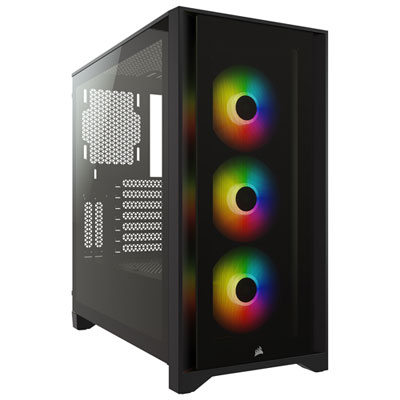
"It’s just the bus literally the bus mean nothing else just above the best of the best of the best of"
-
Laptop Software
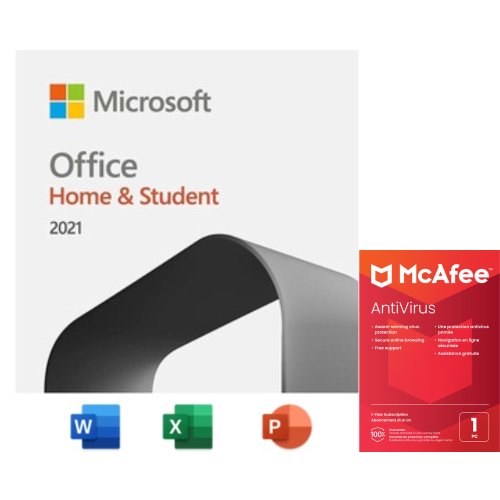
"Easy to install great comb for my kids school work"
-
Advanced Laptops
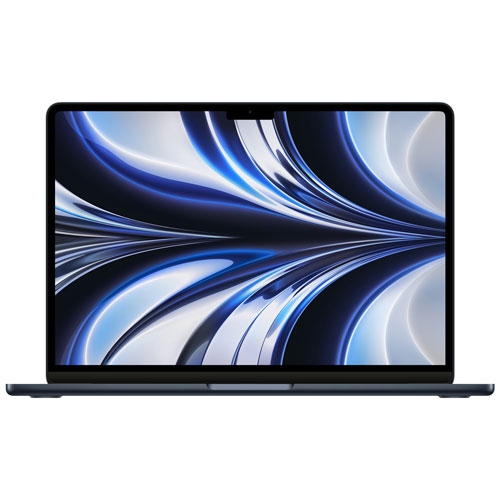
"Love this Macbook! Needed a new one and Best Buy had the best price"
-
HD Laptops
Top Collections:
Affordable Laptops For Students, Best Cell Phone Under $500, Best Laptops Under $1000, Laptop Computers Under $200, Budget Smartphones, Best Laptop For Video Editing, Kindle Devices, Dyson Airwrap, Top Laptops for University Students, Canon G7X Camera
Some products may be subject to Environmental Handling Fees
(EHF) depending on your province.
Learn more about EHFs.